Скачать презентацию RPG Programming with Printer Files Week 10
4bf0654c105e2aa49f281b3f913d6680.ppt
- Количество слайдов: 21
 RPG Programming with Printer Files Week 10
 Agenda • RPG Programming with Printer Files • Test 2 today!!
 SQL and RPG • When defining a table, SQL doesn’t follow the rules that the record format name must be different than the table name. • RPG needs the two to be different
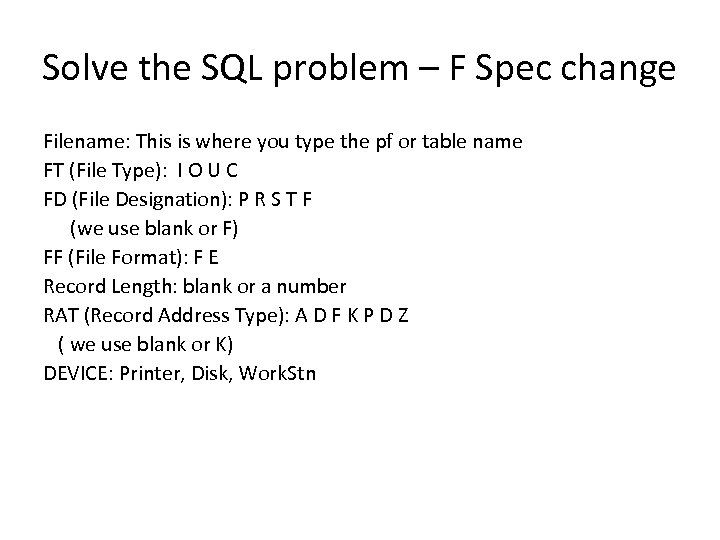 Solve the SQL problem – F Spec change Filename: This is where you type the pf or table name FT (File Type): I O U C FD (File Designation): P R S T F (we use blank or F) FF (File Format): F E Record Length: blank or a number RAT (Record Address Type): A D F K P D Z ( we use blank or K) DEVICE: Printer, Disk, Work. Stn
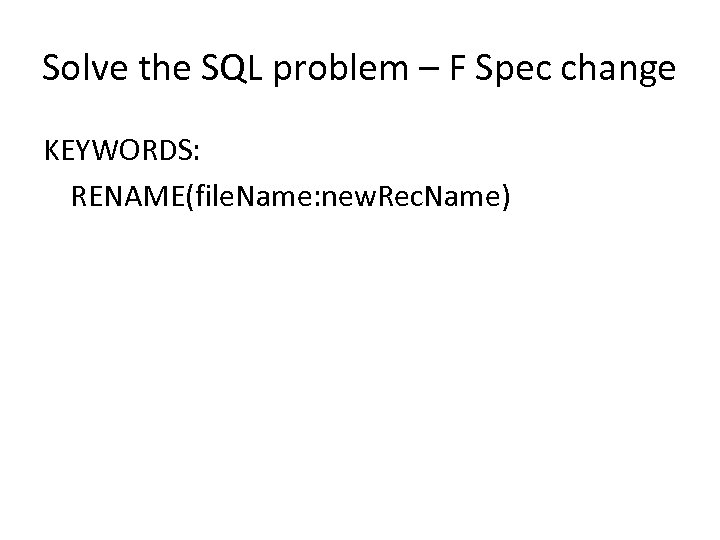 Solve the SQL problem – F Spec change KEYWORDS: RENAME(file. Name: new. Rec. Name)
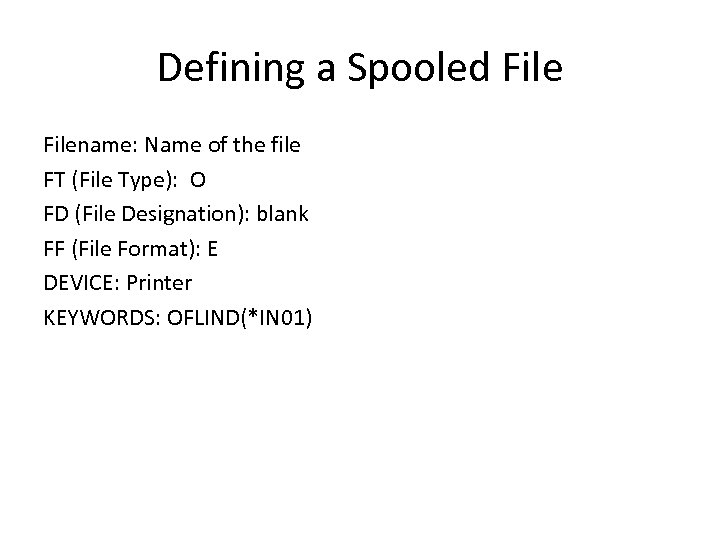 Defining a Spooled Filename: Name of the file FT (File Type): O FD (File Designation): blank FF (File Format): E DEVICE: Printer KEYWORDS: OFLIND(*IN 01)
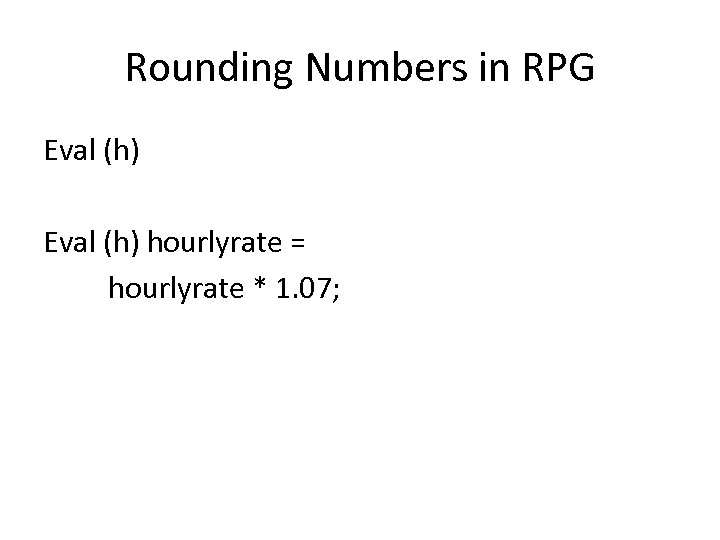 Rounding Numbers in RPG Eval (h) hourlyrate = hourlyrate * 1. 07;
 Logic for an RPG program that creates a report for all of the records in a file
 To print lines on the Report… • Write recordname
 Report Logic Initialize Variables
 Report Logic Initialize Variables Print the report heading
 Report Logic Initialize Variables Print the report heading Read the first record and check for EOF
 Report Logic Initialize Variables Print the report heading Read the first record and check for EOF Loop until EOF
 Report Logic Initialize Variables Print the report heading Read the first record and check for EOF Loop until EOF format the detail line
 Report Logic Initialize Variables Print the report heading Read the first record and check for EOF Loop until EOF format the detail line update the totals
 Report Logic Initialize Variables Print the report heading Read the first record and check for EOF Loop until EOF format the detail line update the totals print the detail line
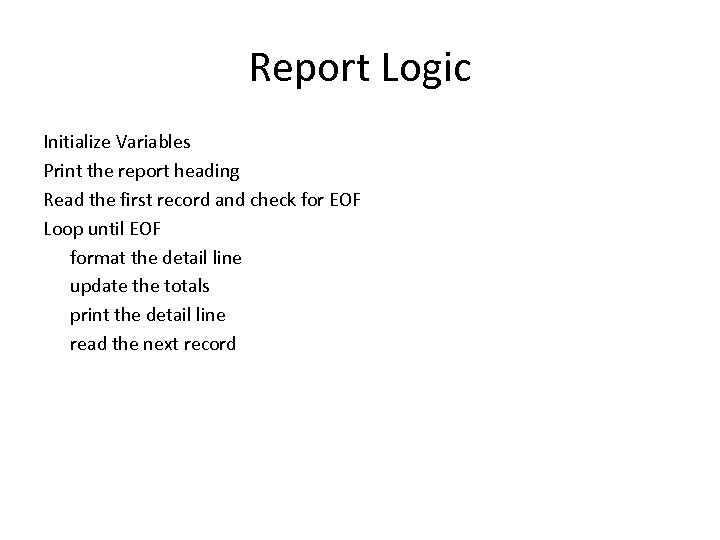 Report Logic Initialize Variables Print the report heading Read the first record and check for EOF Loop until EOF format the detail line update the totals print the detail line read the next record
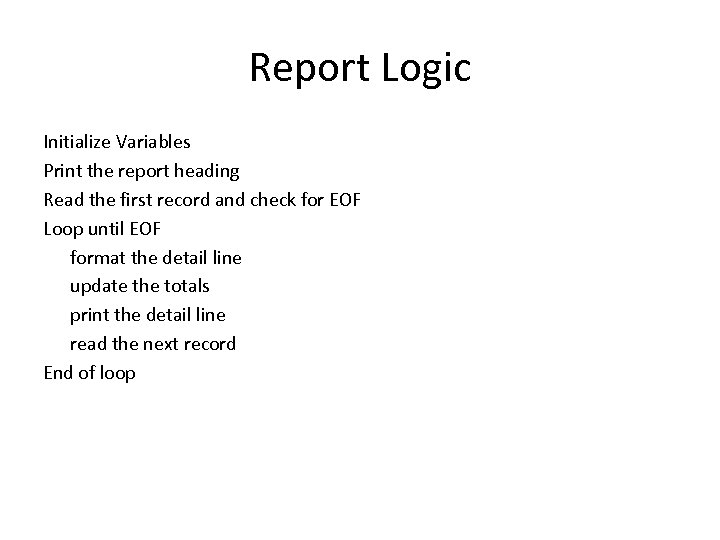 Report Logic Initialize Variables Print the report heading Read the first record and check for EOF Loop until EOF format the detail line update the totals print the detail line read the next record End of loop
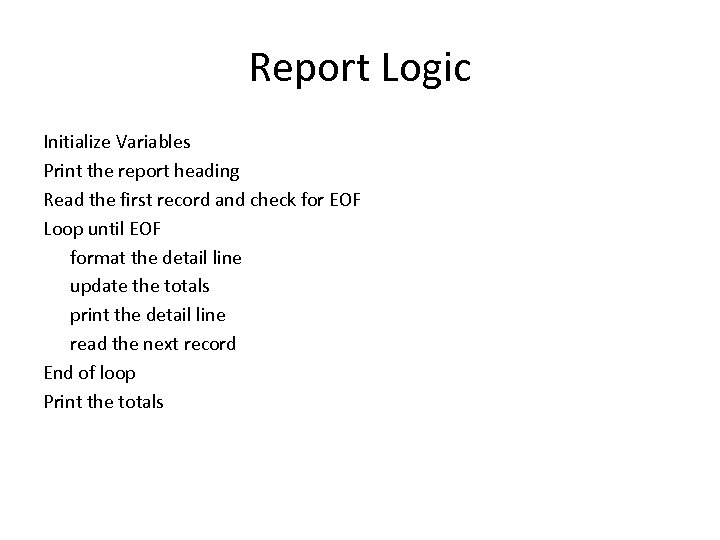 Report Logic Initialize Variables Print the report heading Read the first record and check for EOF Loop until EOF format the detail line update the totals print the detail line read the next record End of loop Print the totals
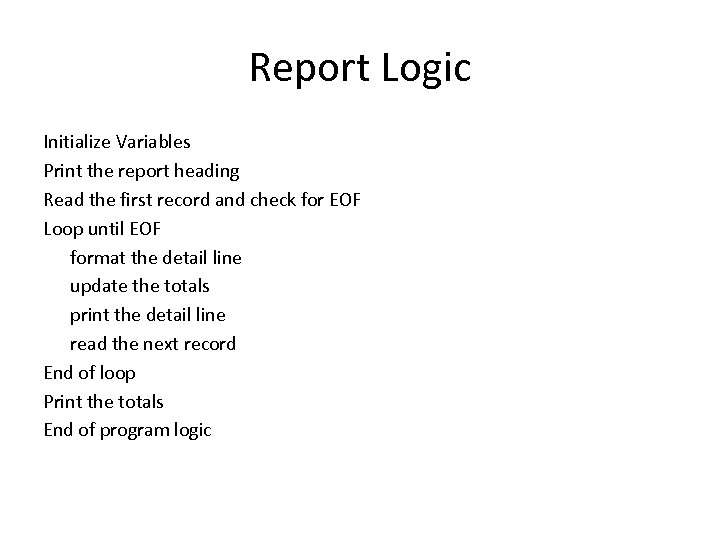 Report Logic Initialize Variables Print the report heading Read the first record and check for EOF Loop until EOF format the detail line update the totals print the detail line read the next record End of loop Print the totals End of program logic