


 Скачать презентацию root the super user 4 The UNIX semigod
55d8b3cdc7e9c84999f005cce3cd7e6c.ppt
- Количество слайдов: 23
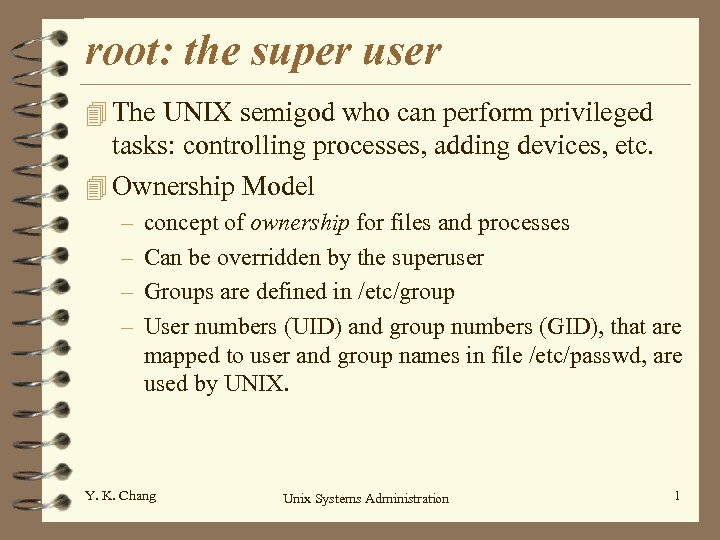 root: the super user 4 The UNIX semigod who can perform privileged tasks: controlling processes, adding devices, etc. 4 Ownership Model – – concept of ownership for files and processes Can be overridden by the superuser Groups are defined in /etc/group User numbers (UID) and group numbers (GID), that are mapped to user and group names in file /etc/passwd, are used by UNIX. Y. K. Chang Unix Systems Administration 1
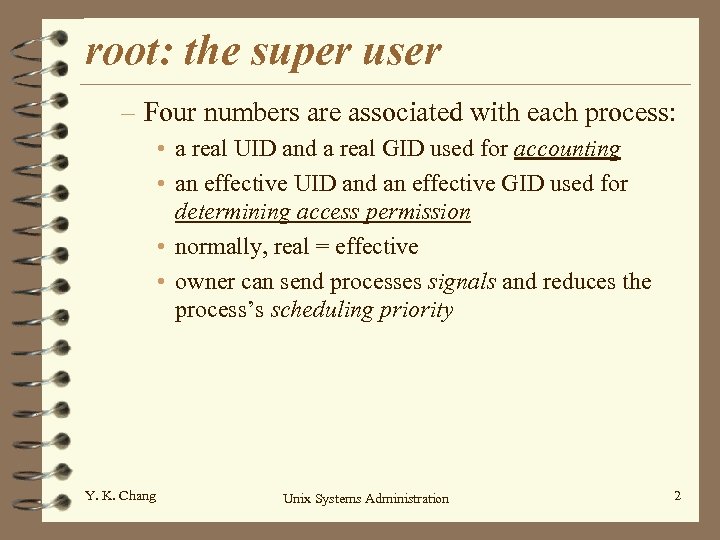 root: the super user – Four numbers are associated with each process: • a real UID and a real GID used for accounting • an effective UID and an effective GID used for determining access permission • normally, real = effective • owner can send processes signals and reduces the process’s scheduling priority Y. K. Chang Unix Systems Administration 2
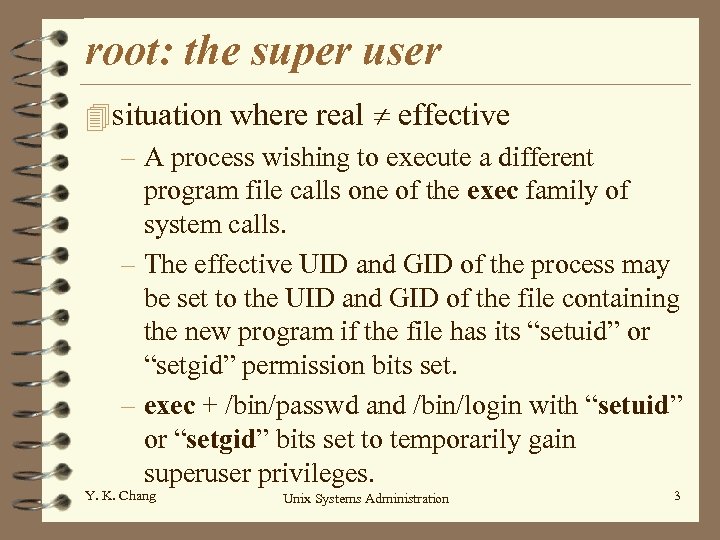 root: the super user 4 situation where real effective – A process wishing to execute a different program file calls one of the exec family of system calls. – The effective UID and GID of the process may be set to the UID and GID of the file containing the new program if the file has its “setuid” or “setgid” permission bits set. – exec + /bin/passwd and /bin/login with “setuid” or “setgid” bits set to temporarily gain superuser privileges. Y. K. Chang Unix Systems Administration 3
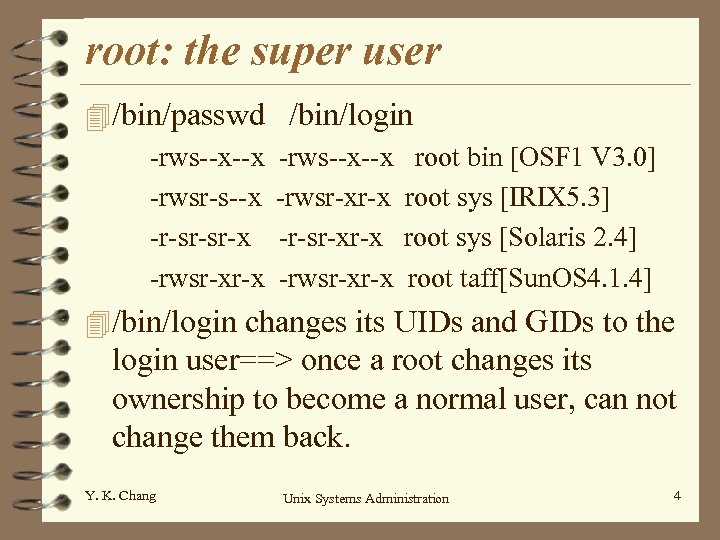 root: the super user 4 /bin/passwd -rws--x--x -rwsr-s--x -r-sr-sr-x -rwsr-xr-x /bin/login -rws--x--x -rwsr-xr-x -r-sr-xr-x -rwsr-xr-x root bin [OSF 1 V 3. 0] root sys [IRIX 5. 3] root sys [Solaris 2. 4] root taff[Sun. OS 4. 1. 4] 4 /bin/login changes its UIDs and GIDs to the login user==> once a root changes its ownership to become a normal user, can not change them back. Y. K. Chang Unix Systems Administration 4
 root: the super user 4 Choosing a root password – randomly generated 8 characters – change the root password • at least every months or so • every time someone who knows the password leaves your site • whenever you think security may have been compromised • not a day before party Y. K. Chang Unix Systems Administration 5
 root: the super user 4 Becoming root – First step is to become a superuser (administrator) – using /bin/su is better than simply su command. Why? – On some systems, you must be a member of the group “wheel” or “system” in order to use su command other restriction for remote login see p. 121 and p. 548. Y. K. Chang Unix Systems Administration 6
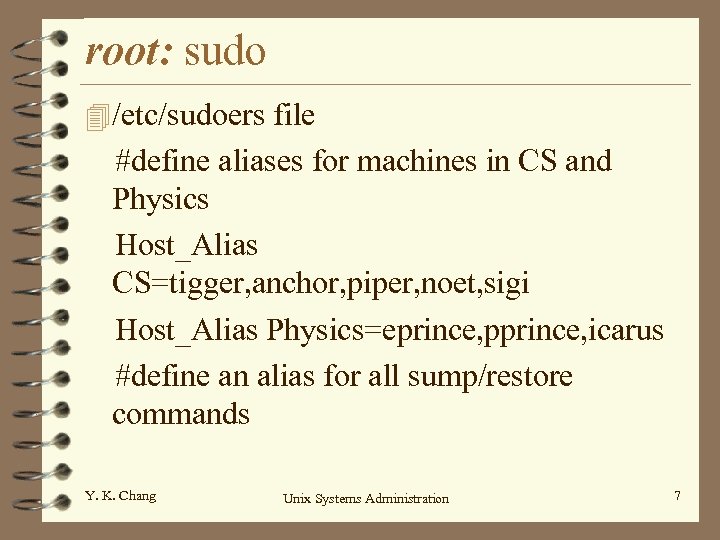 root: sudo 4 /etc/sudoers file #define aliases for machines in CS and Physics Host_Alias CS=tigger, anchor, piper, noet, sigi Host_Alias Physics=eprince, pprince, icarus #define an alias for all sump/restore commands Y. K. Chang Unix Systems Administration 7
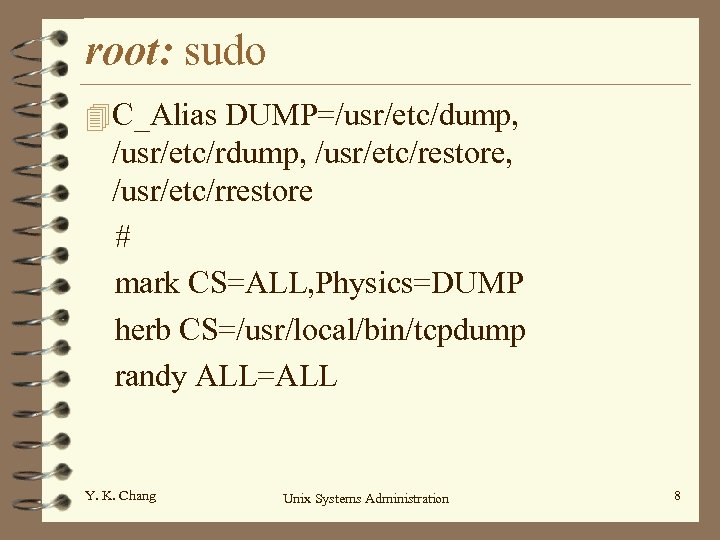 root: sudo 4 C_Alias DUMP=/usr/etc/dump, /usr/etc/rdump, /usr/etc/restore, /usr/etc/rrestore # mark CS=ALL, Physics=DUMP herb CS=/usr/local/bin/tcpdump randy ALL=ALL Y. K. Chang Unix Systems Administration 8
 root: sudo 4 Sudo logs: – command lines executed – who – directory form where they were run – time 4 Advantages: – accounting – operators do chores without unlimited power – root password known by only one/two person Y. K. Chang Unix Systems Administration 9
 root: sudo 4 Advantages (cont. ): – faster to use sudo than su or login as root – privileges my be revoked without changing the root password – A list of all users with root power is maintained – less chance of a root shell being left unattended – Since access restrictions are host-dependent, a single file controls access for an entire network 4 Disadvantages: mostly security if it has a hole Y. K. Chang Unix Systems Administration 10
 root: sudo 4 Other important users – daemon: UID 1 • files not belong to a particular user are often given to daemon, rather than root, to avoid security hazard. – bin: UID 2 or 3 • directories that contain the system’s commands and most of the executables. Y. K. Chang Unix Systems Administration 11
 root: sudo – sys: UID 2 or 4 • /dev/kmem: kernel address space • /dev/mem: physical memory of the system • /dev/swap|/dev/drum: image of swap space – nobody: UID -1 or -2 • -1 means 32767 for short integers • owner of software that doesnot need or shouldnot have special permissions. • NSF uses it • fingerd daemon Y. K. Chang Unix Systems Administration 12
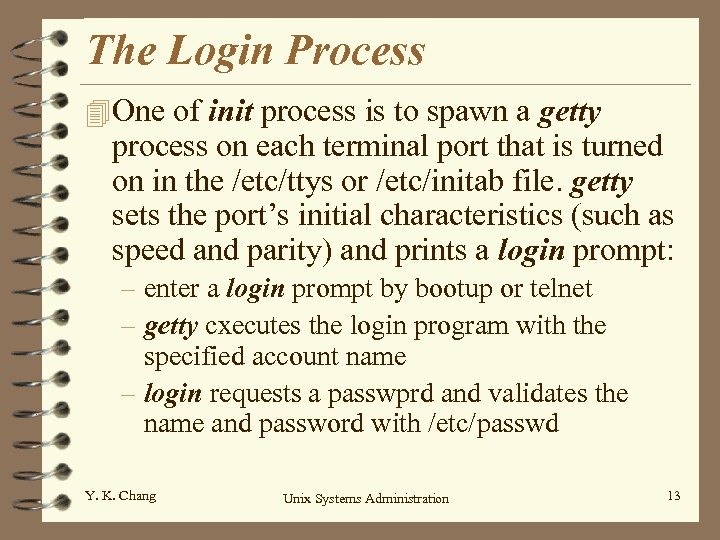 The Login Process 4 One of init process is to spawn a getty process on each terminal port that is turned on in the /etc/ttys or /etc/initab file. getty sets the port’s initial characteristics (such as speed and parity) and prints a login prompt: – enter a login prompt by bootup or telnet – getty cxecutes the login program with the specified account name – login requests a passwprd and validates the name and password with /etc/passwd Y. K. Chang Unix Systems Administration 13
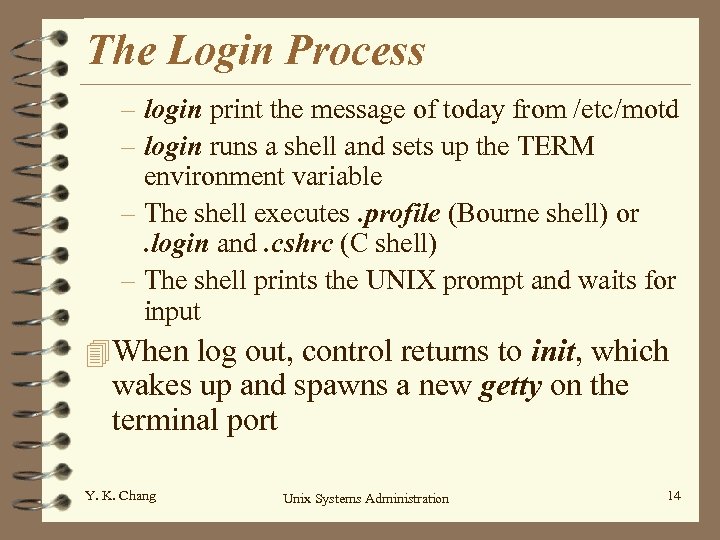 The Login Process – login print the message of today from /etc/motd – login runs a shell and sets up the TERM environment variable – The shell executes. profile (Bourne shell) or. login and. cshrc (C shell) – The shell prints the UNIX prompt and waits for input 4 When log out, control returns to init, which wakes up and spawns a new getty on the terminal port Y. K. Chang Unix Systems Administration 14
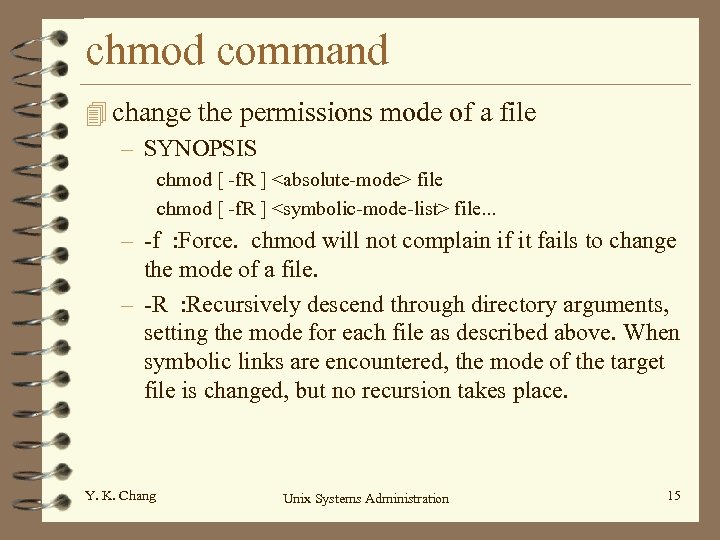 chmod command 4 change the permissions mode of a file – SYNOPSIS chmod [ -f. R ]
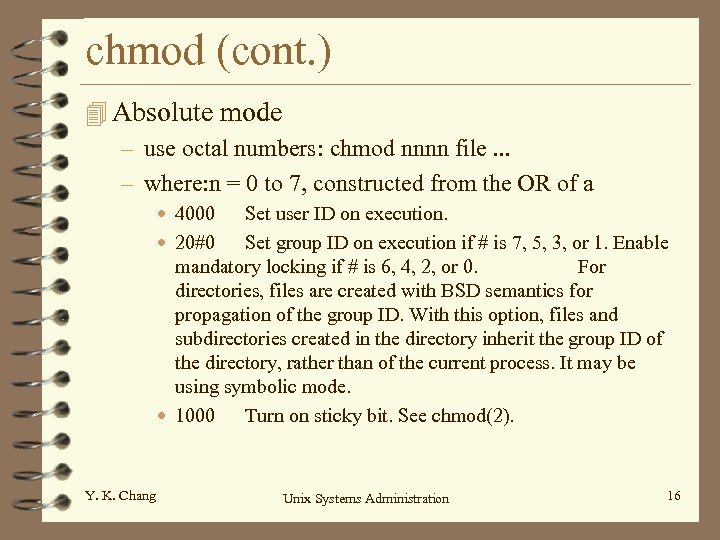 chmod (cont. ) 4 Absolute mode – use octal numbers: chmod nnnn file. . . – where: n = 0 to 7, constructed from the OR of a • 4000 Set user ID on execution. • 20#0 Set group ID on execution if # is 7, 5, 3, or 1. Enable mandatory locking if # is 6, 4, 2, or 0. For directories, files are created with BSD semantics for propagation of the group ID. With this option, files and subdirectories created in the directory inherit the group ID of the directory, rather than of the current process. It may be using symbolic mode. • 1000 Turn on sticky bit. See chmod(2). Y. K. Chang Unix Systems Administration 16
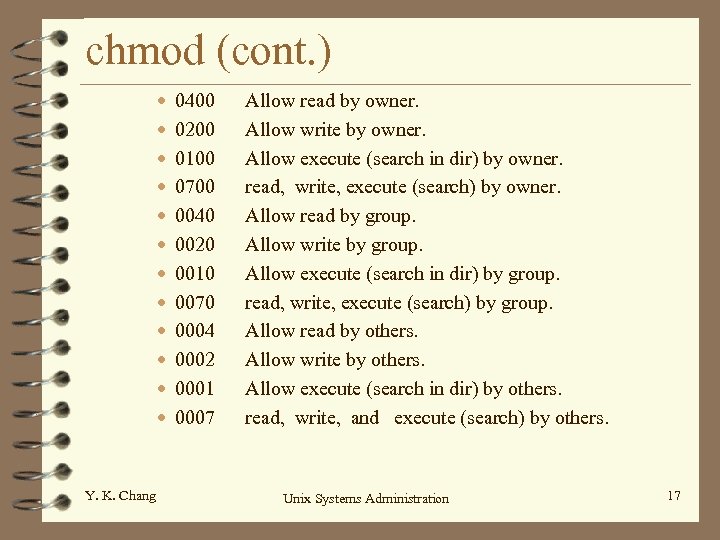 chmod (cont. ) • • • Y. K. Chang 0400 0200 0100 0700 0040 0020 0010 0070 0004 0002 0001 0007 Allow read by owner. Allow write by owner. Allow execute (search in dir) by owner. read, write, execute (search) by owner. Allow read by group. Allow write by group. Allow execute (search in dir) by group. read, write, execute (search) by group. Allow read by others. Allow write by others. Allow execute (search in dir) by others. read, write, and execute (search) by others. Unix Systems Administration 17
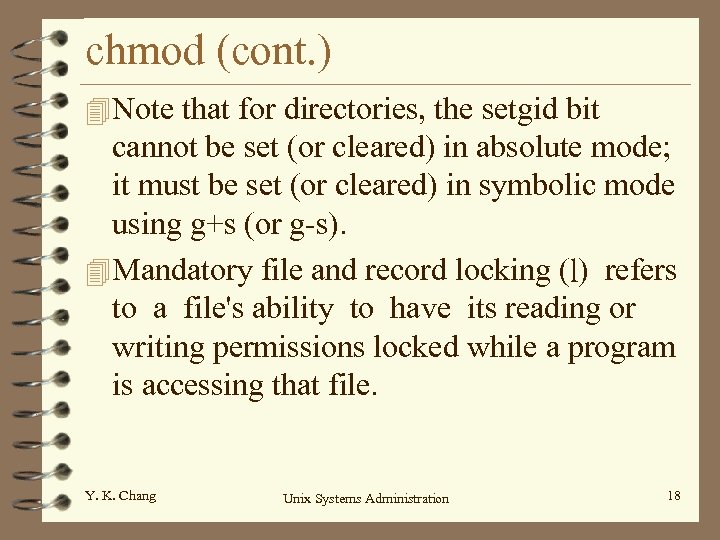 chmod (cont. ) 4 Note that for directories, the setgid bit cannot be set (or cleared) in absolute mode; it must be set (or cleared) in symbolic mode using g+s (or g-s). 4 Mandatory file and record locking (l) refers to a file's ability to have its reading or writing permissions locked while a program is accessing that file. Y. K. Chang Unix Systems Administration 18
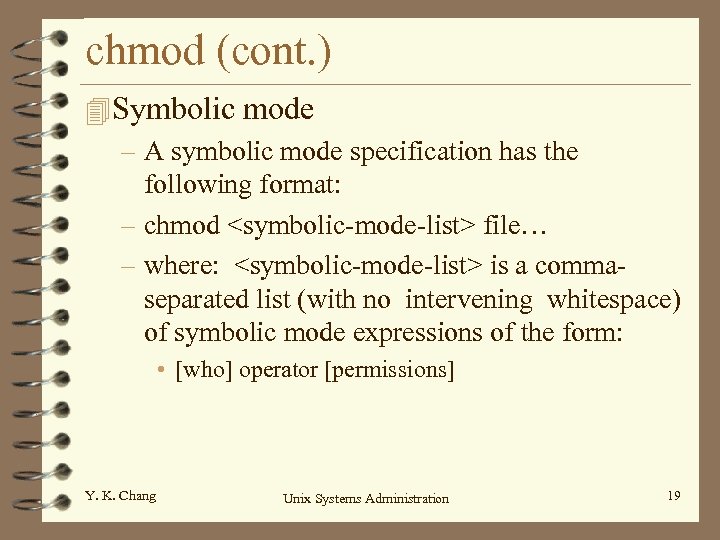 chmod (cont. ) 4 Symbolic mode – A symbolic mode specification has the following format: – chmod
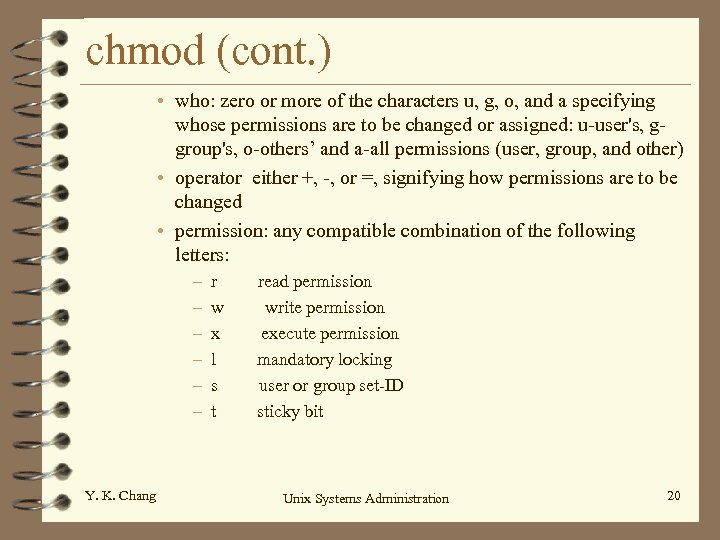 chmod (cont. ) • who: zero or more of the characters u, g, o, and a specifying whose permissions are to be changed or assigned: u-user's, ggroup's, o-others’ and a-all permissions (user, group, and other) • operator either +, -, or =, signifying how permissions are to be changed • permission: any compatible combination of the following letters: – – – Y. K. Chang r w x l s t read permission write permission execute permission mandatory locking user or group set-ID sticky bit Unix Systems Administration 20
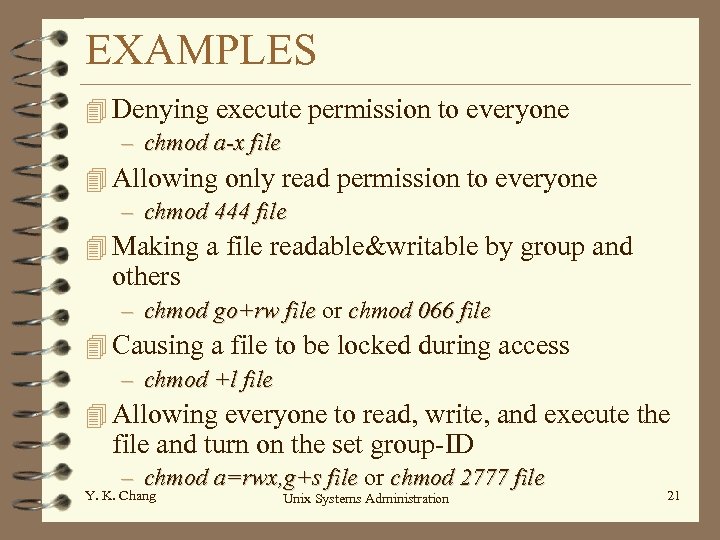 EXAMPLES 4 Denying execute permission to everyone – chmod a-x file 4 Allowing only read permission to everyone – chmod 444 file 4 Making a file readable&writable by group and others – chmod go+rw file or chmod 066 file 4 Causing a file to be locked during access – chmod +l file 4 Allowing everyone to read, write, and execute the file and turn on the set group-ID – chmod a=rwx, g+s file or chmod 2777 file Y. K. Chang Unix Systems Administration 21
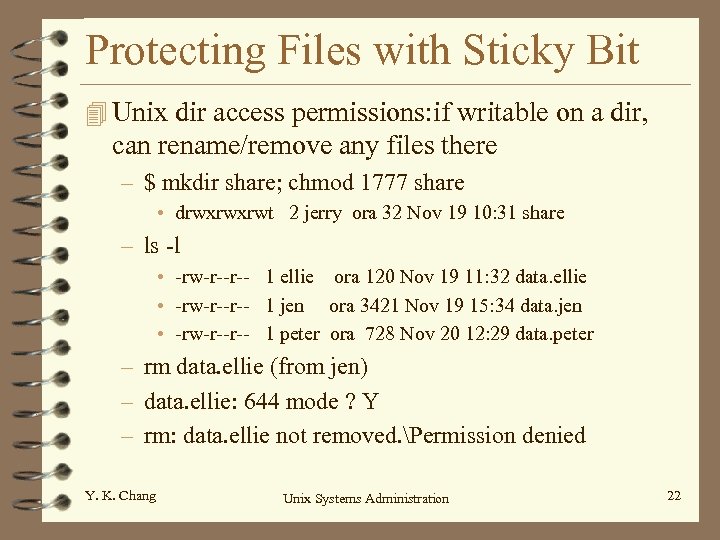 Protecting Files with Sticky Bit 4 Unix dir access permissions: if writable on a dir, can rename/remove any files there – $ mkdir share; chmod 1777 share • drwxrwxrwt 2 jerry ora 32 Nov 19 10: 31 share – ls -l • -rw-r--r-- 1 ellie ora 120 Nov 19 11: 32 data. ellie • -rw-r--r-- 1 jen ora 3421 Nov 19 15: 34 data. jen • -rw-r--r-- 1 peter ora 728 Nov 20 12: 29 data. peter – rm data. ellie (from jen) – data. ellie: 644 mode ? Y – rm: data. ellie not removed. Permission denied Y. K. Chang Unix Systems Administration 22
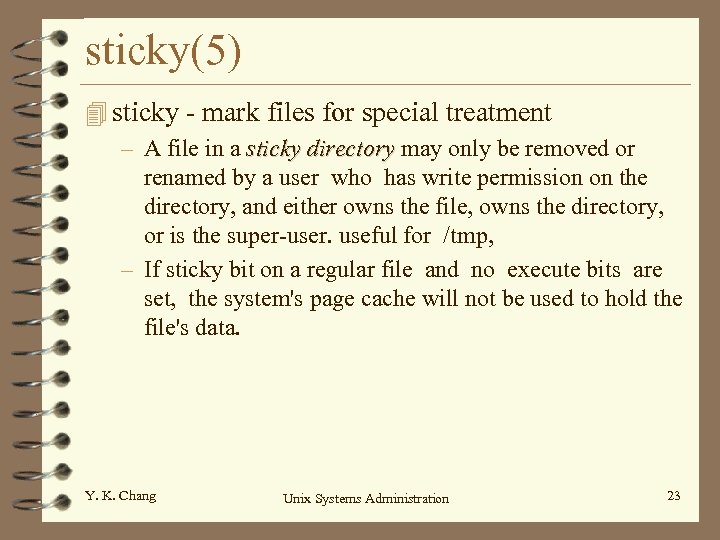 sticky(5) 4 sticky - mark files for special treatment – A file in a sticky directory may only be removed or renamed by a user who has write permission on the directory, and either owns the file, owns the directory, or is the super-user. useful for /tmp, – If sticky bit on a regular file and no execute bits are set, the system's page cache will not be used to hold the file's data. Y. K. Chang Unix Systems Administration 23