


 Скачать презентацию RFID A Customer Service Perspective Holly Heitman Kay
fa0e09ccff7fe0d6917ab65223af2fbd.ppt
- Количество слайдов: 42
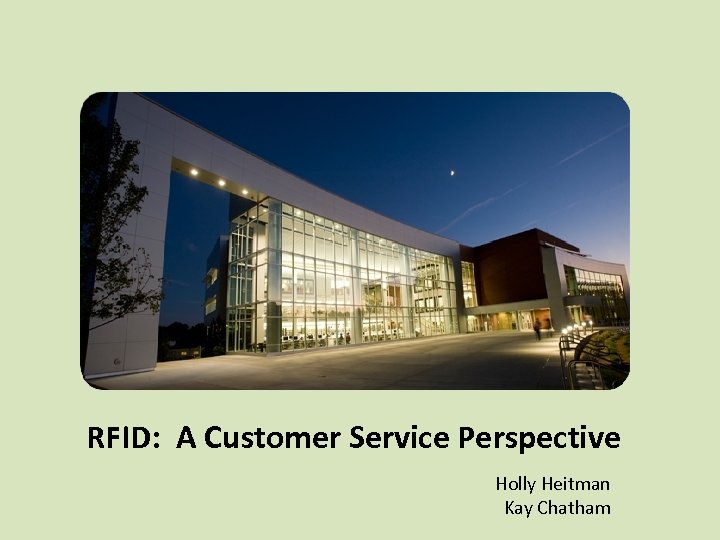 RFID: A Customer Service Perspective Holly Heitman Kay Chatham
 About GGC • The nation’s first 4 -year public college in the 21 st century • First 4 -year college created in Georgia in more than 100 years • Opened its doors as GGC in 2006 • Received accreditation in 2009 • http: //www. ggc. edu
 GGC Library and Learning Center • Former location in B Building – 12, 000 sq. feet – Approximately 30, 000 volumes • New location in L Building – Over 90, 000 sq. feet – 60, 000 volumes and growing (room for 300, 000) – Information Commons and 37 study rooms – Academic Enhancement Center – Center for Teaching Excellence
 What is RFID? • Radio Frequency Identification • Uses radio waves and electronic tags to help machines identify objects • RFID tags contain an antenna and a chip for storing information • Used extensively in retail and other venues; use in libraries is growing
 Why RFID? • Streamline workflow and improve efficiency • Offer convenience and save time for patrons and staff • Enhance security and facilitate inventory • Timing – New building, fresh start
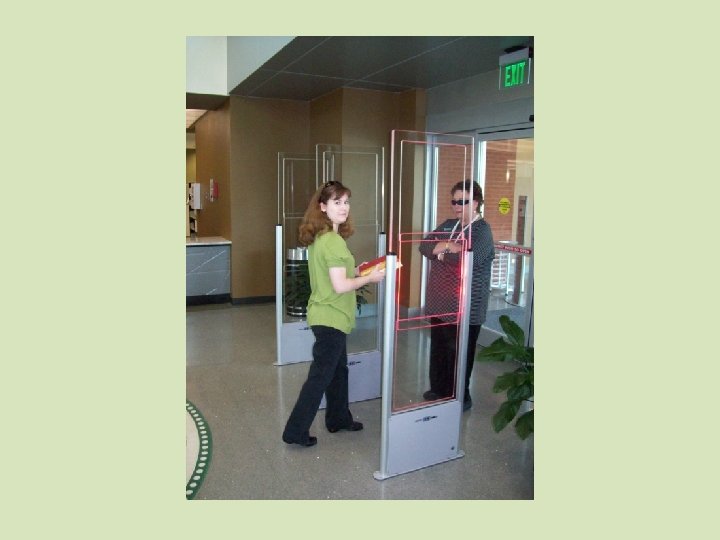
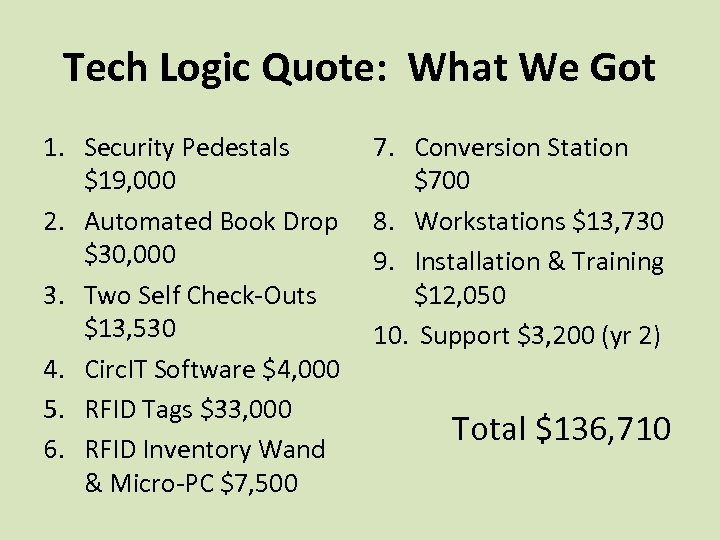 Tech Logic Quote: What We Got 1. Security Pedestals $19, 000 2. Automated Book Drop $30, 000 3. Two Self Check-Outs $13, 530 4. Circ. IT Software $4, 000 5. RFID Tags $33, 000 6. RFID Inventory Wand & Micro-PC $7, 500 7. Conversion Station $700 8. Workstations $13, 730 9. Installation & Training $12, 050 10. Support $3, 200 (yr 2) Total $136, 710
 How Did We Prepare? • Retrofitted existing collection with RFID tags, primarily over Spring Break, 2010 – As items were returned, RFID tags were applied • Tech Logic provided training on the Circ. IT software, Self Check-Out, and Book Drop – Full-time staff trained the student assistants – Practice! • RFID tags were supplied to Baker & Taylor and applied to Opening Day Collection materials before delivery
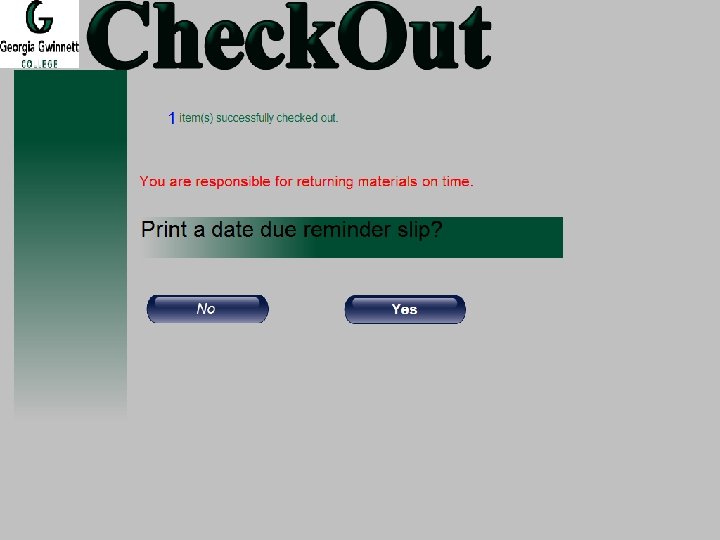
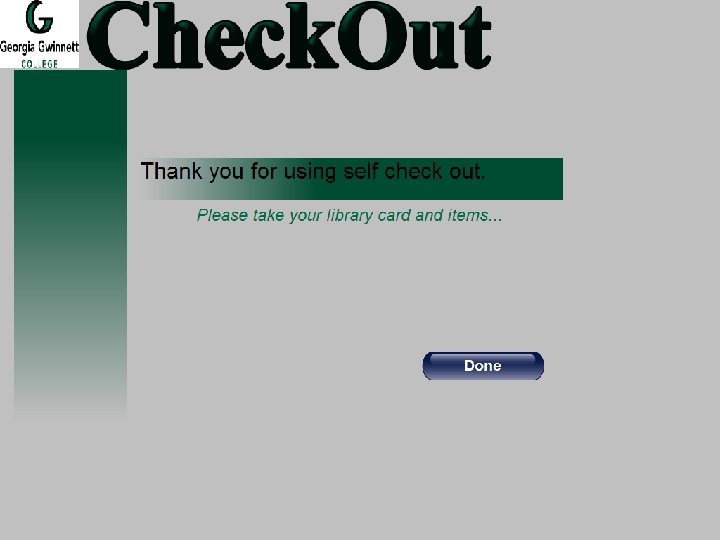
 How does RFID work in Circulation? • Patron comes to Self Check-Out station or Circulation Desk • Patron or staff places item on antenna pad • Radio waves in antenna read barcode number on information chip inside RFID tag • Item is checked out in Voyager via Circ. IT software and theft bit is deactivated
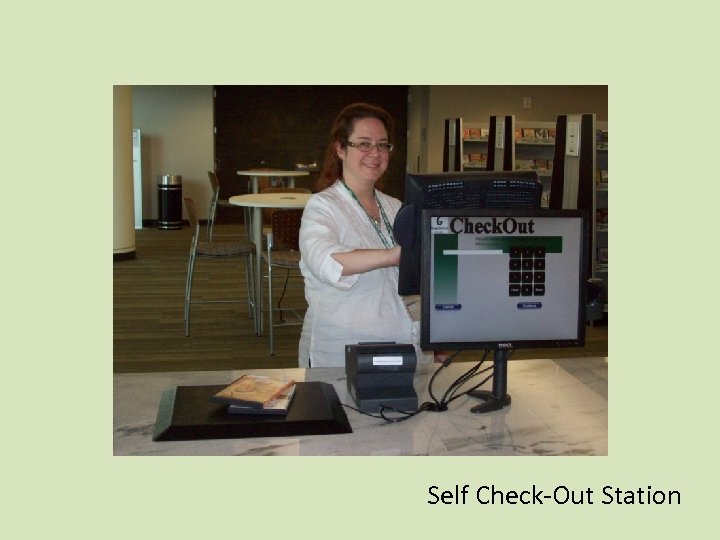 Self Check-Out Station
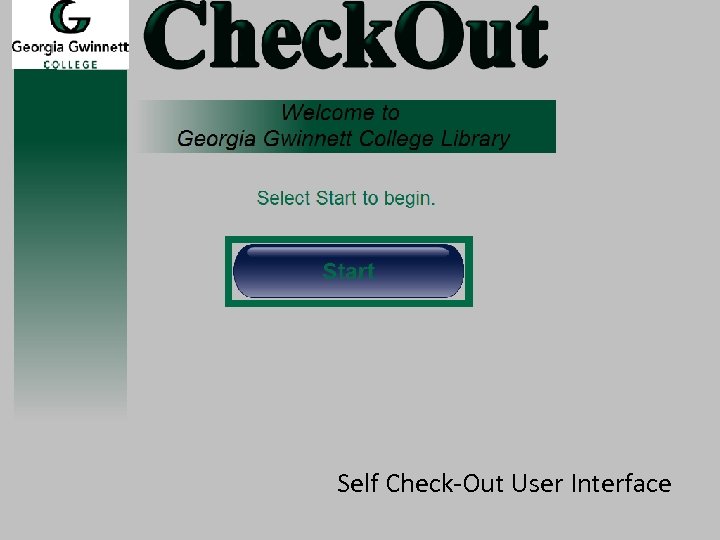 Self Check-Out User Interface
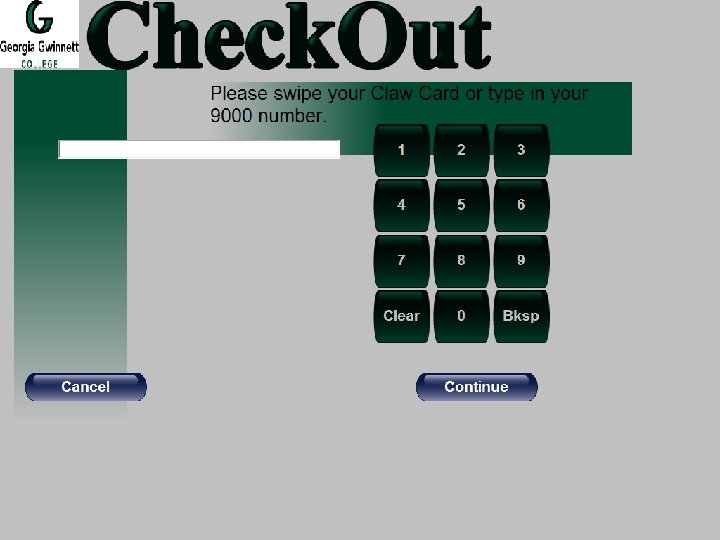
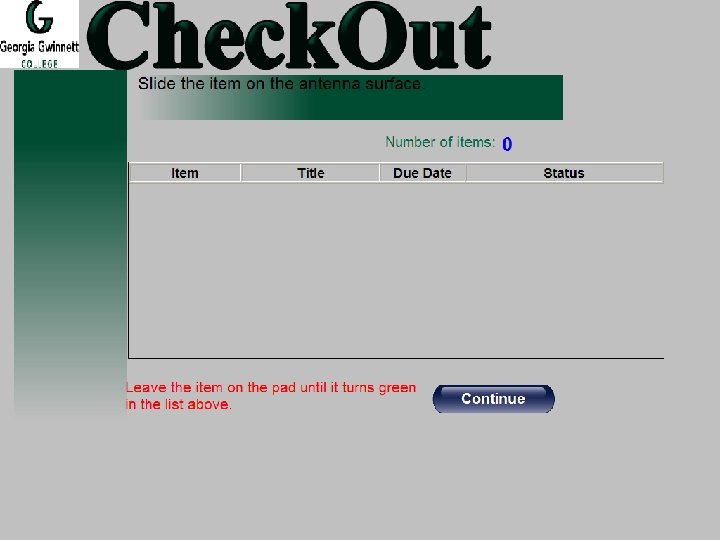
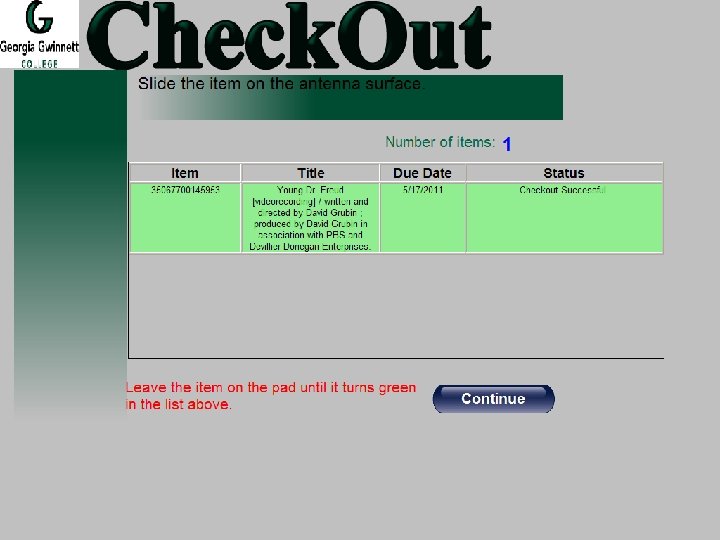
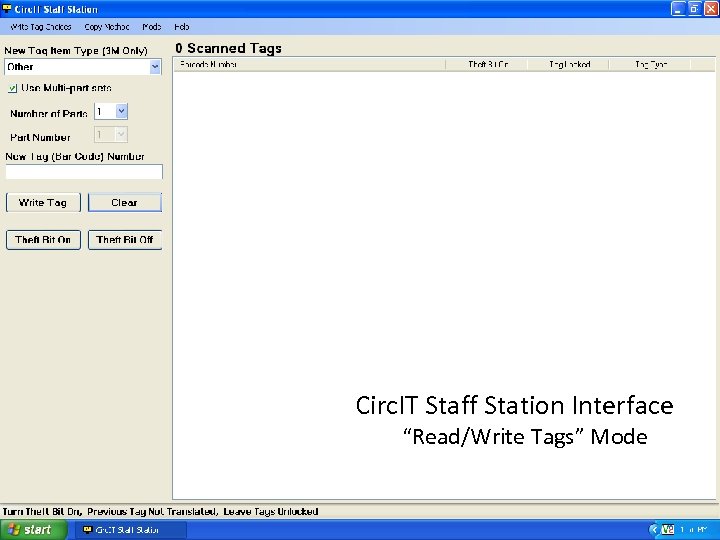 Circ. IT Staff Station Interface “Read/Write Tags” Mode
 RFID in Circulation: What’s Great, What’s Not • Self Check-Out – Patrons love it! – Fast, easy, convenient, more private – Requires only minimal training of patrons and staff – Computers or receipt printers may stop working on occasion, requiring a re-boot
 • Circulation Desk – Circ. IT runs smoothly in tandem with Voyager, in the background – Staff can check out 2 -4 books or DVDs at once – Staff must be in the correct mode to turn theft bit on or off in the RFID tag – The antenna may check out an item twice, reducing two eligible renewals to one – The antenna pad occasionally fails to read a tag – Receipt printers at Circulation Desk can’t be used at this time due to unforeseen printing limitations
 • GIL Express – GGC materials can be checked in faster via the antenna pad – Materials from other institutions must still have each barcode scanned individually • Collections – Circ. IT continues to help Collections staff tag library materials quickly and get them on the shelf faster for circulation
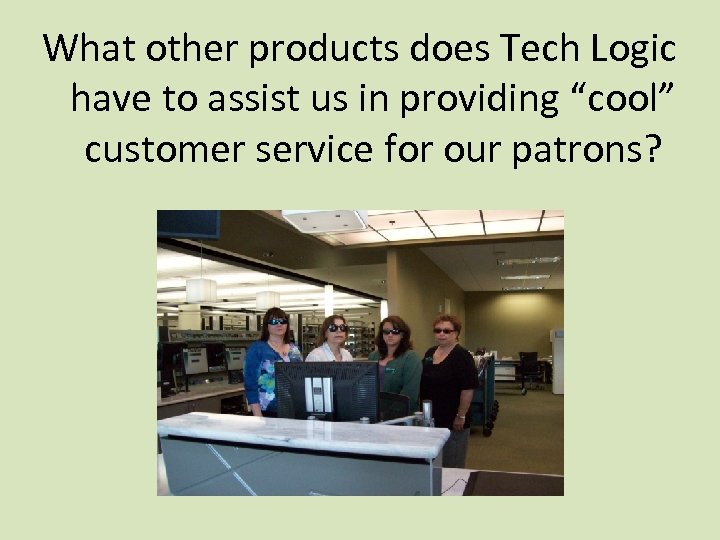 What other products does Tech Logic have to assist us in providing “cool” customer service for our patrons?
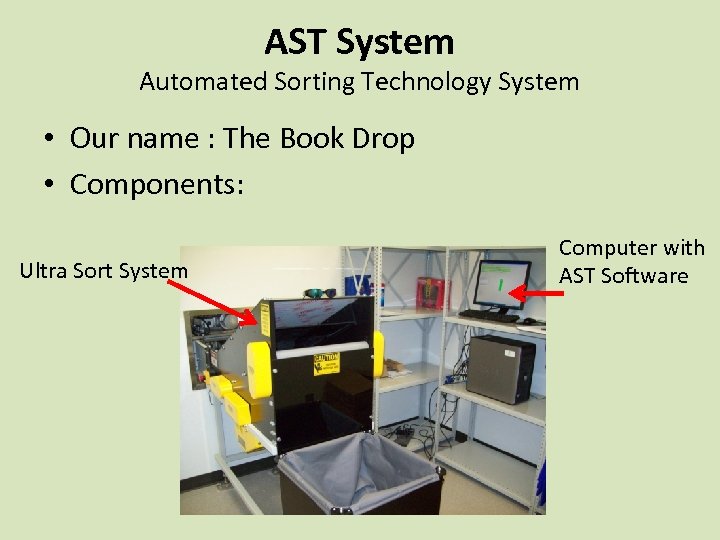 AST System Automated Sorting Technology System • Our name : The Book Drop • Components: Ultra Sort System Computer with AST Software
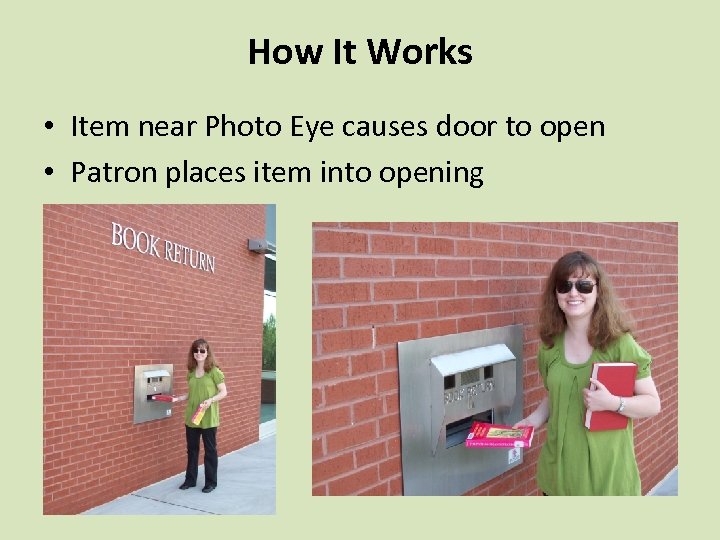 How It Works • Item near Photo Eye causes door to open • Patron places item into opening
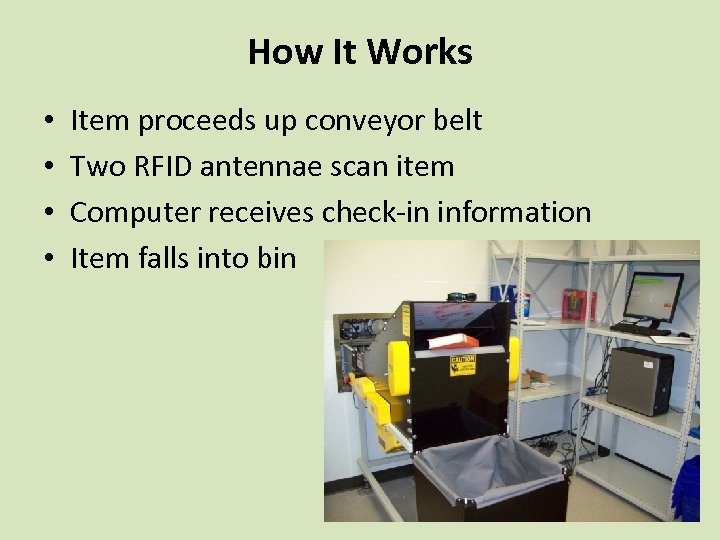 How It Works • • Item proceeds up conveyor belt Two RFID antennae scan item Computer receives check-in information Item falls into bin
 AST Software • • Displays information about last item checked in View state of system Review logs and statistics Establish sorting rules if needed From Oct. 19, 2010 to April 21, 2011 # of items in bin - 343 # of items check in - 148 (43%)
 AST System • Advantages – Checks in items when library is not open • Disadvantages – Works when power is on – Only checks in approximately 50% of items
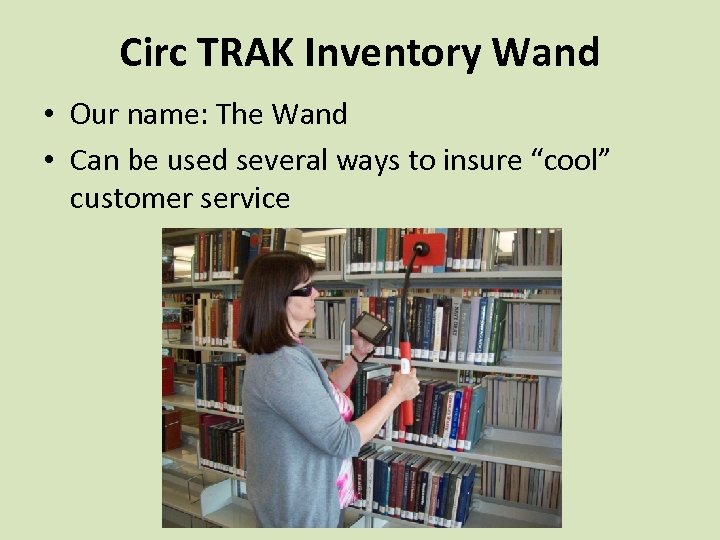 Circ TRAK Inventory Wand • Our name: The Wand • Can be used several ways to insure “cool” customer service
 Uses of the Inventory Wand • Check security – Scan RFID tags in stacks – Finds books without theft bit activated • Inventory – Insure catalog information is correct – Insure books are shelved correctly
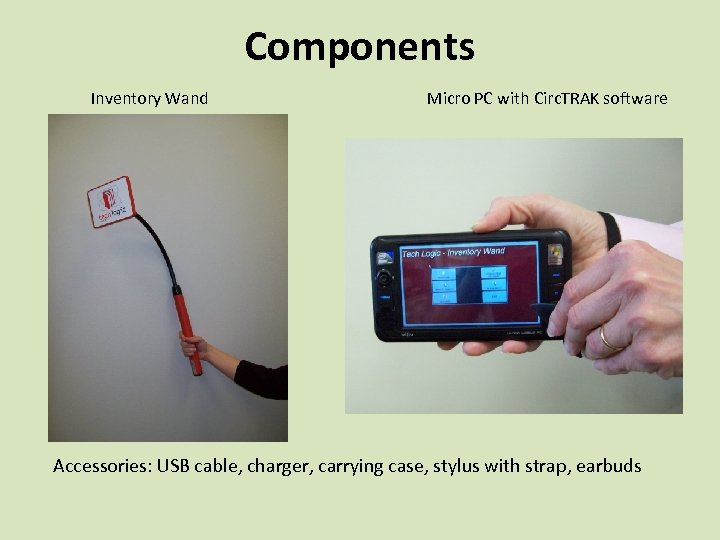 Components Inventory Wand Micro PC with Circ. TRAK software Accessories: USB cable, charger, carrying case, stylus with strap, earbuds
 How It Works • Charge computer and wand • Turn on computer – Bluetooth activated – Access Circ. Trak Software • Turn on the wand – Bluetooth activated
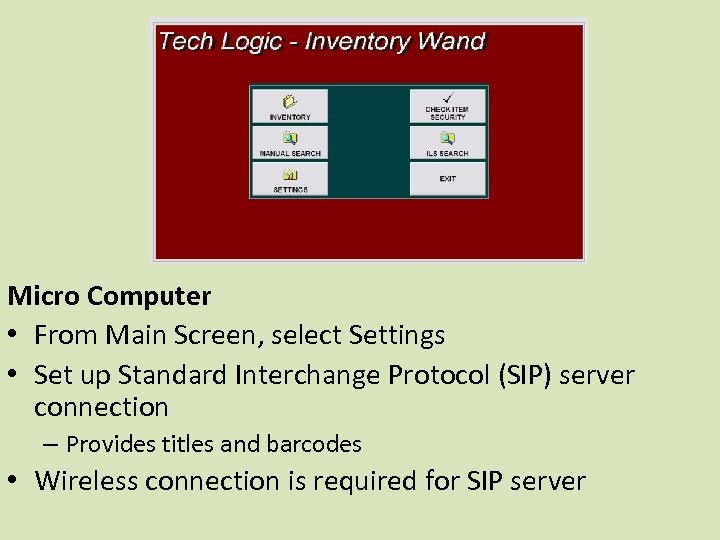 Micro Computer • From Main Screen, select Settings • Set up Standard Interchange Protocol (SIP) server connection – Provides titles and barcodes • Wireless connection is required for SIP server
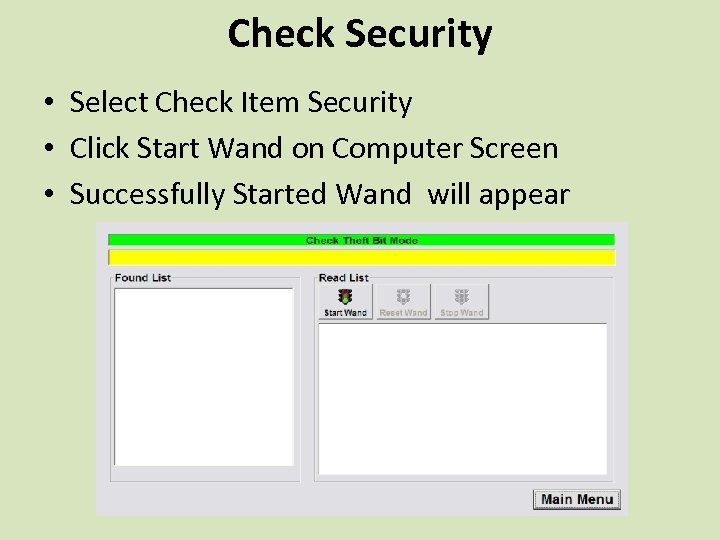 Check Security • Select Check Item Security • Click Start Wand on Computer Screen • Successfully Started Wand will appear
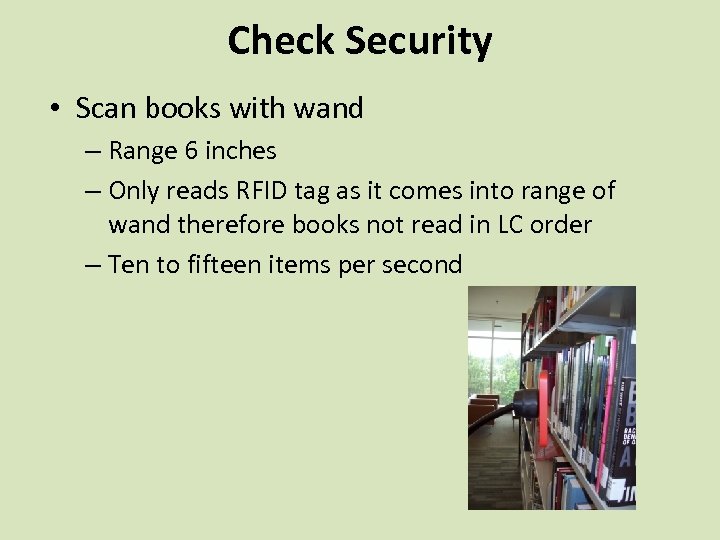 Check Security • Scan books with wand – Range 6 inches – Only reads RFID tag as it comes into range of wand therefore books not read in LC order – Ten to fifteen items per second
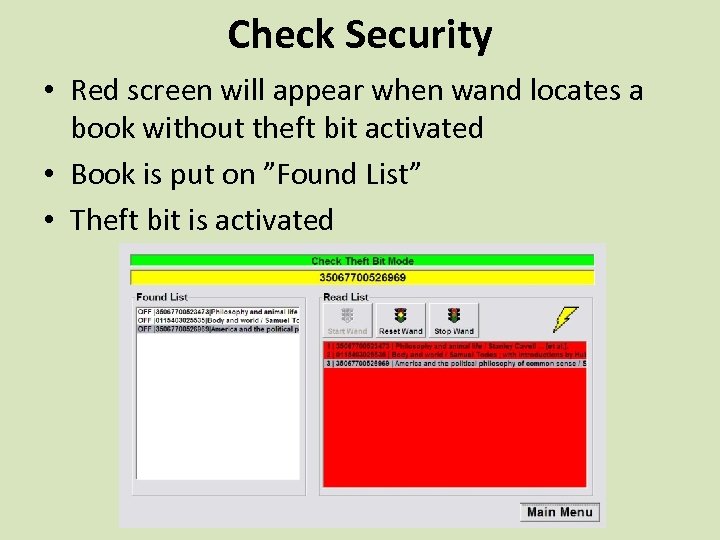 Check Security • Red screen will appear when wand locates a book without theft bit activated • Book is put on ”Found List” • Theft bit is activated
 Check Security • Select Stop Wand on screen • Turn off wand • Save barcodes and titles to text file 107 books not activated out of approximately 35, 000 books (0. 3%)
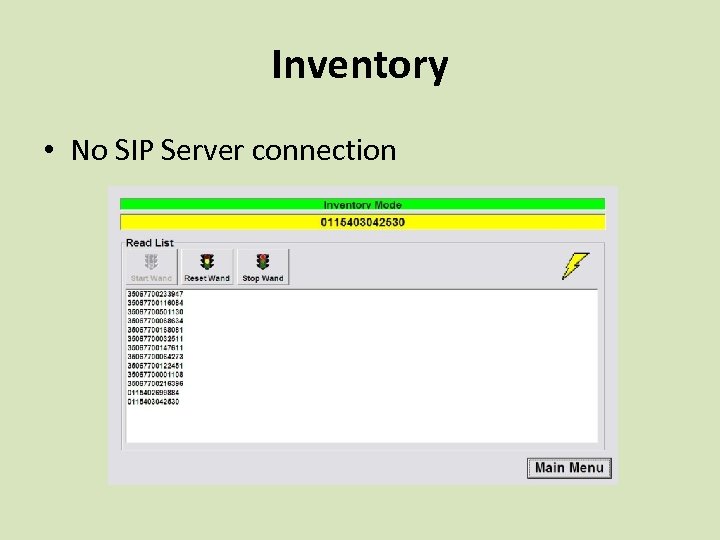 Inventory • No SIP Server connection
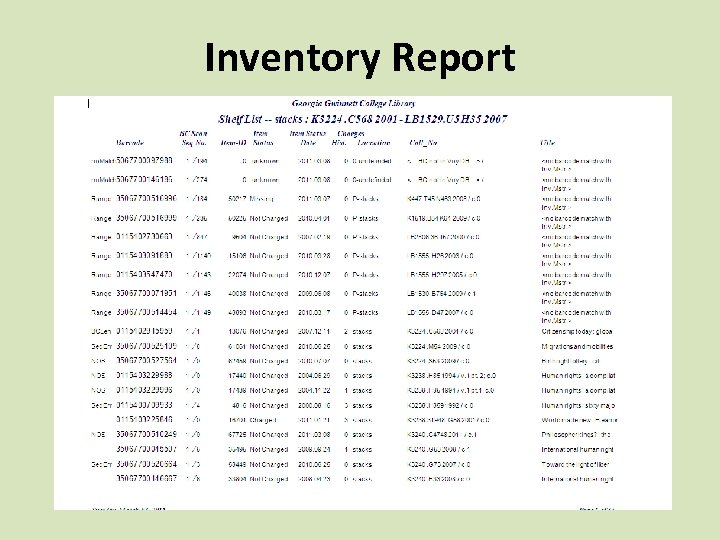
 Inventory • Save barcodes to text file on Micro PC • Transfer text file to flash drive • Download file into Voyager Reporting System (VRS) – Inventory Control Processing Screen • VRS will build an Inventory Master Report
 Inventory • Wand only scans about 75% of books in stacks – Metal shelves distort signal • Check Not on Shelf (NOS) books and problem books • Help locate books shelved incorrectly – Reports show what order books are read in
 Inventory Report
 Other Uses • Manual searches – Weeded items – Find items incorrectly shelved • Integrated Library System (ILS) searches – Find items that are missing, lost, in transit, checked out – Must have a SIP connection • Search for Multiple Criteria • Build a Specific Search
 Lessons Learned • There’s always an adjustment period with new technology – for both patrons and staff • Workarounds for problems may be necessary • Preparation and training are crucial • Implementing RFID is easier for small and/or new collections • Patrons love Self Check-Out, but most will stand in line for interaction with a human
 Questions? http: //www. ggc. edu/library