


 Скачать презентацию Revit Technology Conference 2007 Documentation in Revit Chris
2a0544bf1c7c3a5058bb6bcc3bc5f1e0.ppt
- Количество слайдов: 24
 Revit Technology Conference 2007 Documentation in Revit Chris Needham - C 3 Consulting Solutions
 Introduction Documentation in Revit • Who am I? • What do I do? • What do you do? Introduction RTC 2006 Overview Control Hybrid Revit Other Views Worksets 2 D vs 3 D Annotations Aesthetics Standards Templates Family Creation Production Summary chris. n@c 3 consulting. com. au CAD/BIM Strategic Consulting • What you may expect – Leverage and efficiencies – Tips and tricks, traps, best practice, workarounds • What I may expect – Learning and sharing Chris Needham - C 3 Consulting Solutions
 RTC 2006 Recap: RTC 2006 - Documentation in Revit • Introduction RTC 2006 Overview Control Hybrid Revit Other Views Worksets 2 D vs 3 D Annotations Aesthetics Standards Templates Family Creation Production Summary Basic Documentation Glen Cunnington – Monumentum Documentation Management - Prepare you plan of attack! Review - Audit the design model Standards - Establish your practice standards Views - Prepare the views you intend to document Sheets - Setting up drawings Annotation - Annotating your views Detailing - Adding detail to your views Production - Printing, exporting and revising • Advanced Documentation Gary Kleyn & Daniel Smith, Glanville Architects – Download the PDF of the talk from the RUGS website http: //www. rugsyd. com. au Chris Needham - C 3 Consulting Solutions
 Documentation in Revit Overview Introduction RTC 2006 Overview Control Hybrid Revit Other Views Worksets 2 D vs 3 D Annotations Aesthetics Standards Templates Family Creation Production Summary • • • Control Hybrid Revit Other Views Worksets 2 D vs 3 D Annotations Information Aesthetics (Look & Feel) Establishing Standards Templates Family Creation Production Summary Chris Needham - C 3 Consulting Solutions
 Control • First you must control your model Documentation in Revit – Design Philosophy – Placeholder vs. elements Introduction RTC 2006 Overview Control Hybrid Revit Other Views Worksets 2 D vs 3 D Annotations Aesthetics Standards Templates Family Creation Production Summary • Revit 2 D views are live representations of 3 D models • Sometimes too alive! • Need to protect and lock various elements: Invisible objects, reference planes, placeholders • Must be disciplined and communicate • Harder to hide laziness or lack of knowledge • Direct impact on team members • Benefits: Improved teamwork and workflow Chris Needham - C 3 Consulting Solutions
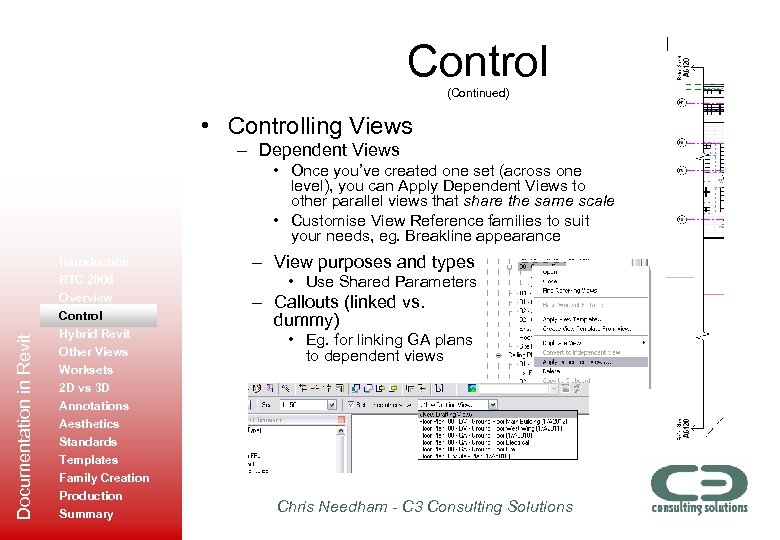 Control (Continued) • Controlling Views – Dependent Views Documentation in Revit • Once you’ve created one set (across one level), you can Apply Dependent Views to other parallel views that share the same scale • Customise View Reference families to suit your needs, eg. Breakline appearance Introduction RTC 2006 Overview Control Hybrid Revit Other Views Worksets 2 D vs 3 D Annotations Aesthetics Standards Templates Family Creation Production Summary – View purposes and types • Use Shared Parameters – Callouts (linked vs. dummy) • Eg. for linking GA plans to dependent views Chris Needham - C 3 Consulting Solutions
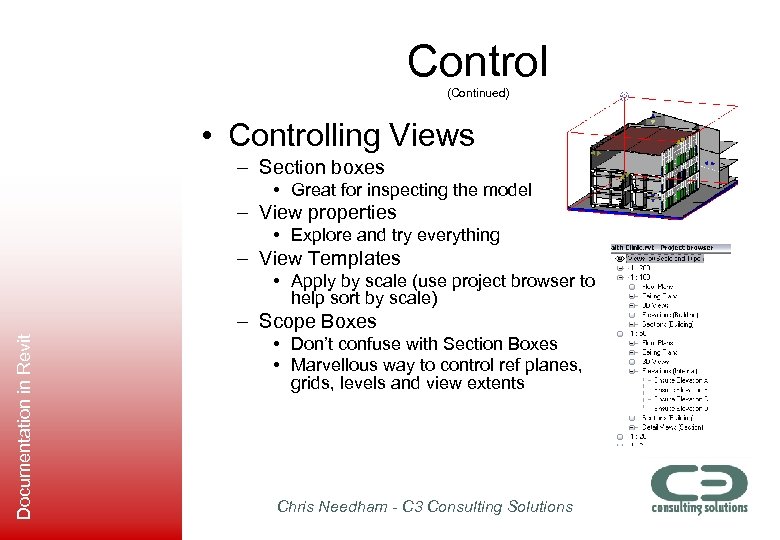 Control (Continued) • Controlling Views – Section boxes • Great for inspecting the model – View properties • Explore and try everything – View Templates • Apply by scale (use project browser to help sort by scale) Documentation in Revit – Scope Boxes • Don’t confuse with Section Boxes • Marvellous way to control ref planes, grids, levels and view extents Chris Needham - C 3 Consulting Solutions
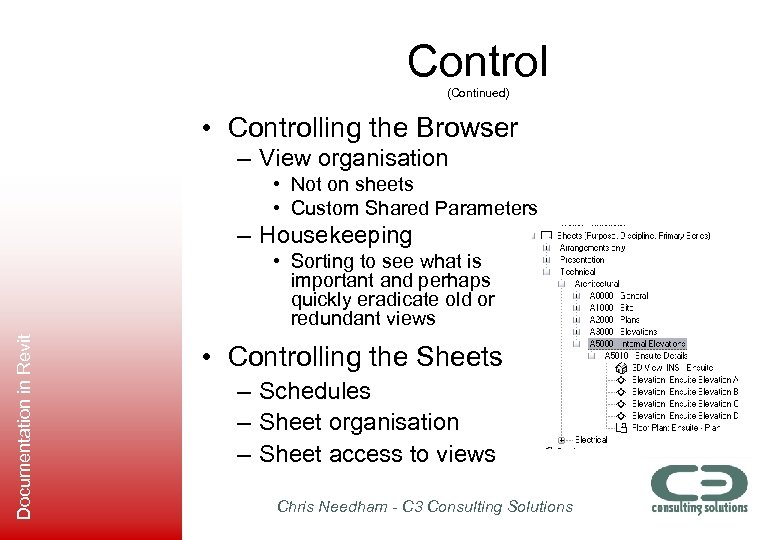 Control (Continued) • Controlling the Browser – View organisation • Not on sheets • Custom Shared Parameters – Housekeeping Documentation in Revit • Sorting to see what is important and perhaps quickly eradicate old or redundant views • Controlling the Sheets – Schedules – Sheet organisation – Sheet access to views Chris Needham - C 3 Consulting Solutions
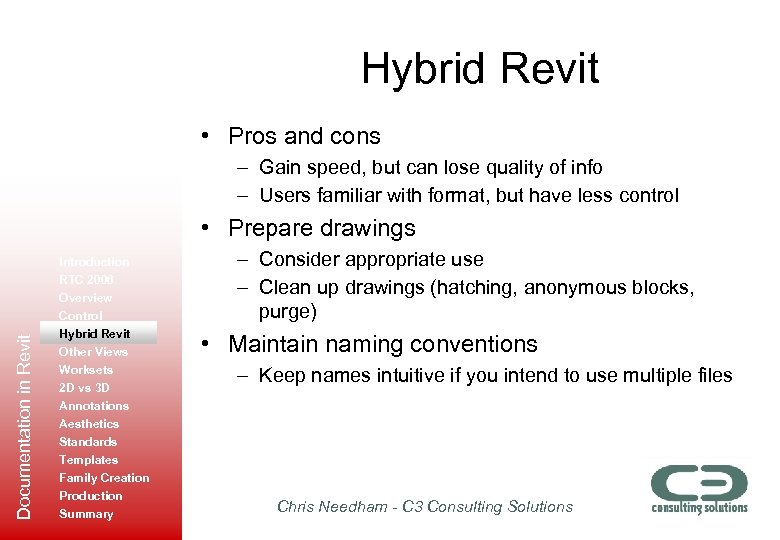 Hybrid Revit • Pros and cons – Gain speed, but can lose quality of info – Users familiar with format, but have less control Documentation in Revit • Prepare drawings Introduction RTC 2006 Overview Control Hybrid Revit Other Views Worksets 2 D vs 3 D Annotations Aesthetics Standards Templates Family Creation Production Summary – Consider appropriate use – Clean up drawings (hatching, anonymous blocks, purge) • Maintain naming conventions – Keep names intuitive if you intend to use multiple files Chris Needham - C 3 Consulting Solutions
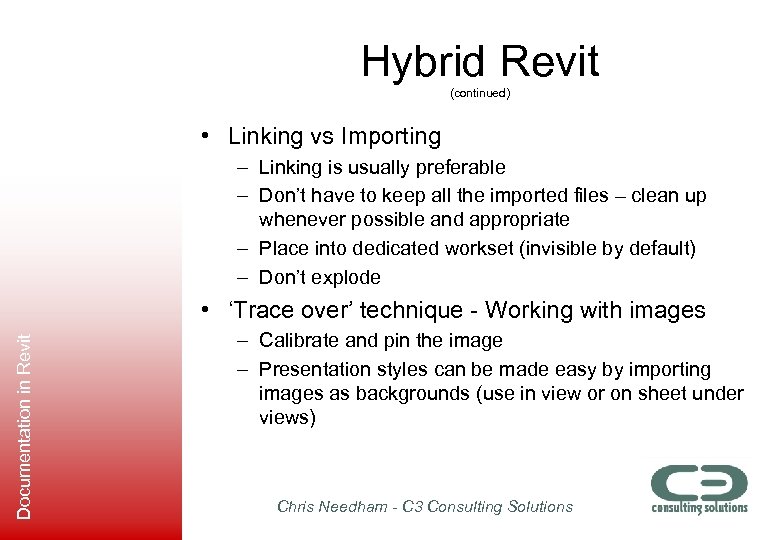 Hybrid Revit (continued) • Linking vs Importing – Linking is usually preferable – Don’t have to keep all the imported files – clean up whenever possible and appropriate – Place into dedicated workset (invisible by default) – Don’t explode Documentation in Revit • ‘Trace over’ technique - Working with images – Calibrate and pin the image – Presentation styles can be made easy by importing images as backgrounds (use in view or on sheet under views) Chris Needham - C 3 Consulting Solutions
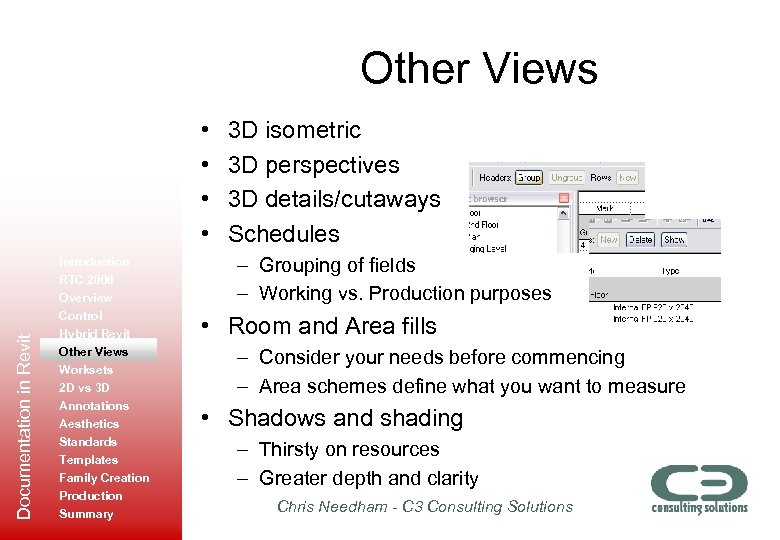 Other Views Documentation in Revit • • Introduction RTC 2006 Overview Control Hybrid Revit Other Views Worksets 2 D vs 3 D Annotations Aesthetics Standards Templates Family Creation Production Summary 3 D isometric 3 D perspectives 3 D details/cutaways Schedules – Grouping of fields – Working vs. Production purposes • Room and Area fills – Consider your needs before commencing – Area schemes define what you want to measure • Shadows and shading – Thirsty on resources – Greater depth and clarity Chris Needham - C 3 Consulting Solutions
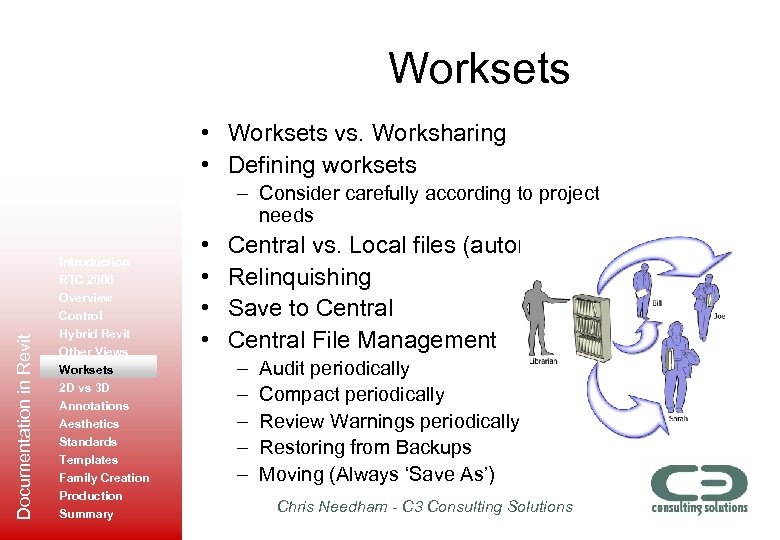 Worksets • Worksets vs. Worksharing • Defining worksets Documentation in Revit – Consider carefully according to project needs Introduction RTC 2006 Overview Control Hybrid Revit Other Views Worksets 2 D vs 3 D Annotations Aesthetics Standards Templates Family Creation Production Summary • • Central vs. Local files (automation) Relinquishing Save to Central File Management – – – Audit periodically Compact periodically Review Warnings periodically Restoring from Backups Moving (Always ‘Save As’) Chris Needham - C 3 Consulting Solutions
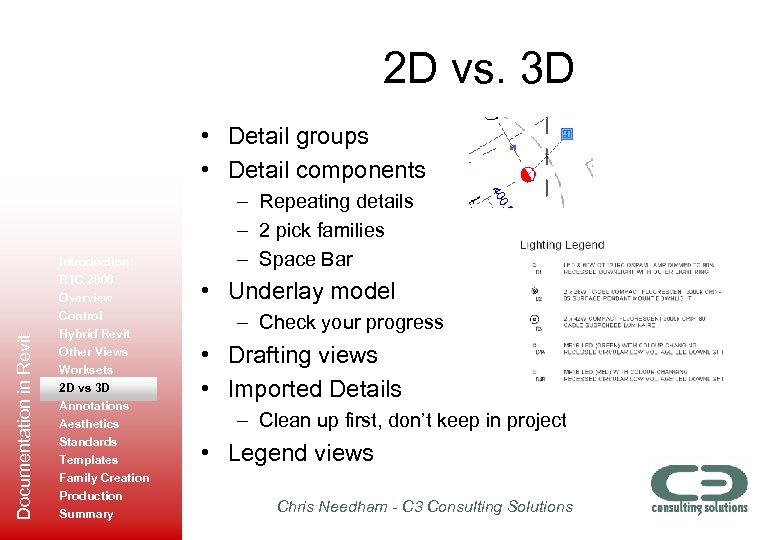 2 D vs. 3 D Documentation in Revit • Detail groups • Detail components Introduction RTC 2006 Overview Control Hybrid Revit Other Views Worksets 2 D vs 3 D Annotations Aesthetics Standards Templates Family Creation Production Summary – Repeating details – 2 pick families – Space Bar • Underlay model – Check your progress • Drafting views • Imported Details – Clean up first, don’t keep in project • Legend views Chris Needham - C 3 Consulting Solutions
 Annotations • Tags • Text – Leaders • Arrowheads (limitations) Documentation in Revit • Dimensions Introduction RTC 2006 Overview Control Hybrid Revit Other Views Worksets 2 D vs 3 D Annotations Aesthetics Standards Templates Family Creation Production Summary – Rounding – Define styles by purpose • Note Block – Keynoting • • Grid types Detail Components Symbols Spot Levels Chris Needham - C 3 Consulting Solutions
 Information Aesthetics • Line Styles – Be clear and consistent with naming – Consider naming by purpose or object type (eg. ‘Fence’) Documentation in Revit • Introduction RTC 2006 Overview Control Hybrid Revit Other Views Worksets 2 D vs 3 D Annotations Aesthetics Standards Templates Family Creation Production Summary Lineweights – Vanilla (OOTB) lineweights not appropriate – Customise only once (in template) – Transfer if required via Transfer Project Standards • Line patterns – Not difficult, but still no support for complex line patterns • • Linework tool View visibility – Filters – Halftones – Underlays • Composite views – 3 D over 2 D elevations – All topography vs. crop region • Filled Regions Chris Needham - C 3 Consulting Solutions
 Establishing Standards • Required for – Graphics – Processes – Best Practice Documentation in Revit • Naming Conventions Introduction RTC 2006 Overview Control Hybrid Revit Other Views Worksets 2 D vs 3 D Annotations Aesthetics Standards Templates Family Creation Production Summary – Views – Families • Object Styles – Subcategories (similarity to layers) • Details – Save as views – Utilities to save model items and views • Presentation of standards – Knowledgebase vs. manual format Chris Needham - C 3 Consulting Solutions
 Templates • Use appropriate numbers of preloaded components – ‘Shopping trolley’ approach using sample projects Documentation in Revit • Easy platform for establishing BIM standards • Multiple templates Introduction RTC 2006 Overview Control Hybrid Revit Other Views Worksets 2 D vs 3 D Annotations Aesthetics Standards Templates Family Creation Production Summary – Base (office-specific) – Project Type – Client • Sample files – System Families – Materials – Environment settings Chris Needham - C 3 Consulting Solutions
 Family Creation Documentation in Revit • • Introduction RTC 2006 Overview Control Hybrid Revit Other Views Worksets 2 D vs 3 D Annotations Aesthetics Standards Templates Family Creation Production Summary Library structure Library management and distribution Importing images into workspace Content philosophy – Generic – Manufacturer specific • 2 D vs. 3 D geometry • Masking Regions • Type Catalogs (*. csv files) Chris Needham - C 3 Consulting Solutions
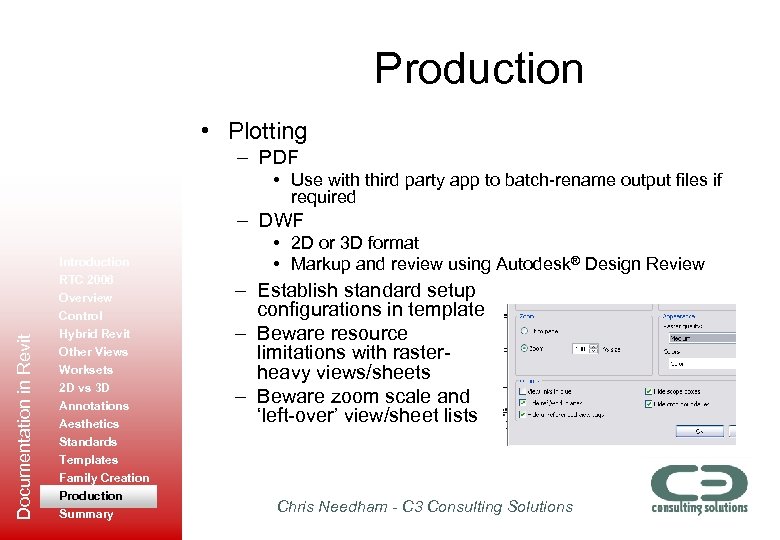 Production • Plotting – PDF • Use with third party app to batch-rename output files if required Documentation in Revit – DWF Introduction RTC 2006 Overview Control Hybrid Revit Other Views Worksets 2 D vs 3 D Annotations Aesthetics Standards Templates Family Creation Production Summary • 2 D or 3 D format • Markup and review using Autodesk® Design Review – Establish standard setup configurations in template – Beware resource limitations with rasterheavy views/sheets – Beware zoom scale and ‘left-over’ view/sheet lists Chris Needham - C 3 Consulting Solutions
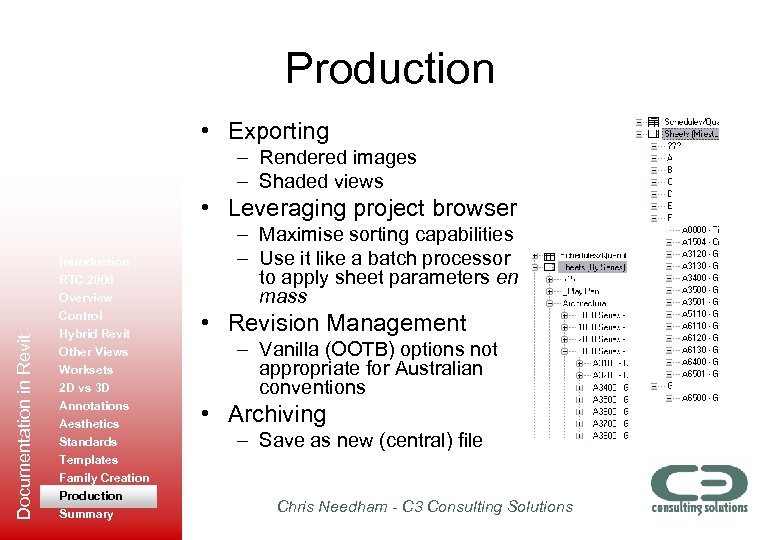 Production • Exporting – Rendered images – Shaded views Documentation in Revit • Leveraging project browser Introduction RTC 2006 Overview Control Hybrid Revit Other Views Worksets 2 D vs 3 D Annotations Aesthetics Standards Templates Family Creation Production Summary – Maximise sorting capabilities – Use it like a batch processor to apply sheet parameters en mass • Revision Management – Vanilla (OOTB) options not appropriate for Australian conventions • Archiving – Save as new (central) file Chris Needham - C 3 Consulting Solutions
 Documentation in Revit Summary Introduction RTC 2006 Overview Control Hybrid Revit Other Views Worksets 2 D vs 3 D Annotations Aesthetics Standards Templates Family Creation Production Summary • • • Be disciplined and consistent Communicate with your colleagues Think outside the square Try new ideas Always strive for better methods and information • CCC - ‘Conveying the Correct information Clearly’ • New technology – where to from here? – Sidenote: Uncanny Valley Chris Needham - C 3 Consulting Solutions
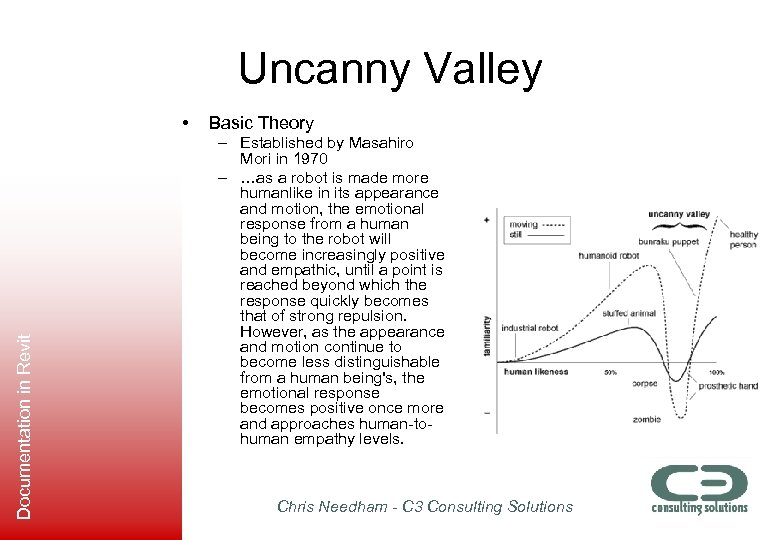 Uncanny Valley Documentation in Revit • Basic Theory – Established by Masahiro Mori in 1970 – …as a robot is made more humanlike in its appearance and motion, the emotional response from a human being to the robot will become increasingly positive and empathic, until a point is reached beyond which the response quickly becomes that of strong repulsion. However, as the appearance and motion continue to become less distinguishable from a human being's, the emotional response becomes positive once more and approaches human-tohuman empathy levels. Chris Needham - C 3 Consulting Solutions
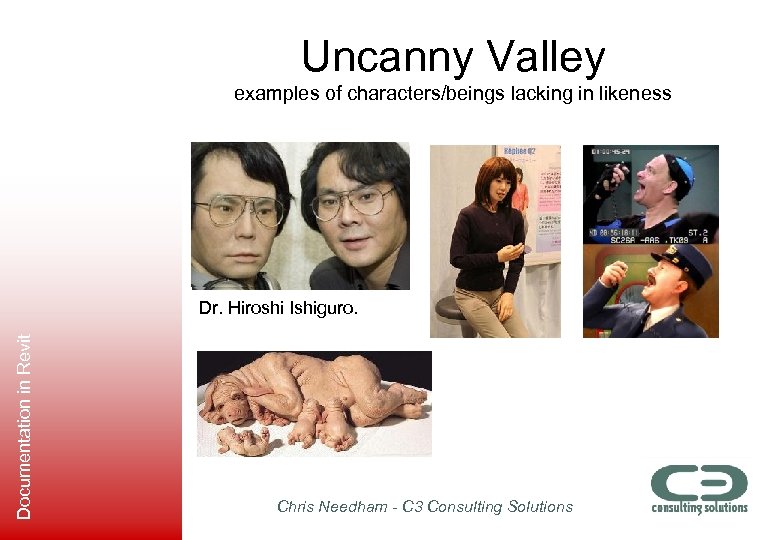 Uncanny Valley examples of characters/beings lacking in likeness Documentation in Revit Dr. Hiroshi Ishiguro. Chris Needham - C 3 Consulting Solutions
 Summary Documentation in Revit To ponder: Our building images can be like this, where the client (or other viewer) doesn’t buy into an image if it falls into the valley. Sometimes it’s safer to use a heavily stylized image, suggestive of a concept. The equivalent of this in a character analogy could be the Simpson – poor (human) likeness, but we still relate strongly… Chris Needham - C 3 Consulting Solutions