


 Скачать презентацию Research Data Protection An Overview of the VCUe
4e41c0832300e40fbb34c727ffdd62aa.ppt
- Количество слайдов: 18
 Research Data Protection: An Overview of the VCUe. RA System Jim Ward Director of Research Information Systems Office of Research
 What Types of Data Protection? • Physical Protection • Physical access and environmental controls • Network Protection • Network attacks and threats • Application Protection • Authentication and Authorization • Hardware Protection • Hardware failures, backups and redundancy
 Current Configuration • Office of Research currently manages eleven servers • Windows 2003 Server • The VCUe. RA production system consists of four servers • Two Web servers • IIS (Internet Information Services) 6. 0 • Two Database servers • SQL Server 2000 • Database size: 95 GB (24 DVDs or 132 CDs)
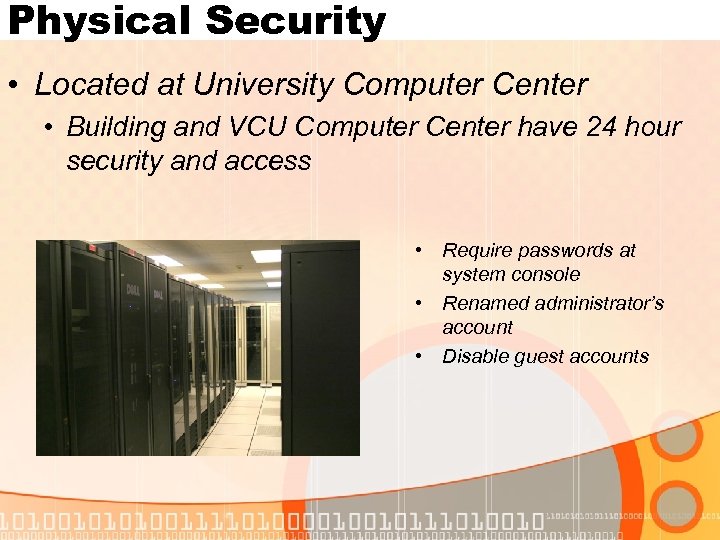 Physical Security • Located at University Computer Center • Building and VCU Computer Center have 24 hour security and access • Require passwords at system console • Renamed administrator’s account • Disable guest accounts
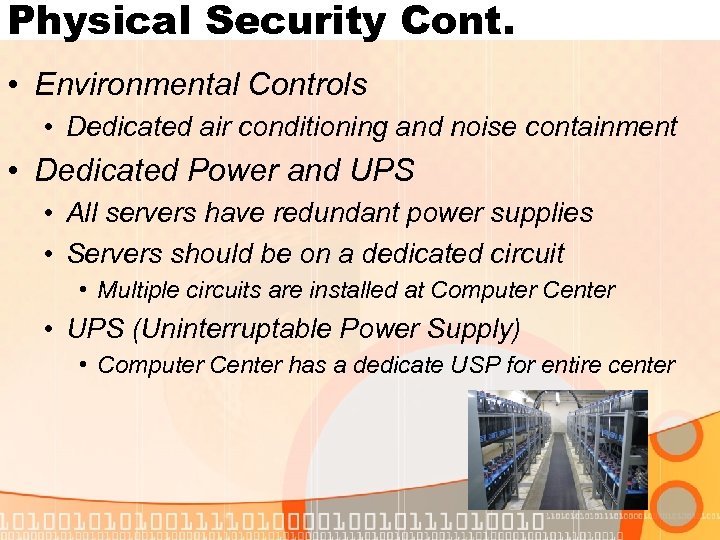 Physical Security Cont. • Environmental Controls • Dedicated air conditioning and noise containment • Dedicated Power and UPS • All servers have redundant power supplies • Servers should be on a dedicated circuit • Multiple circuits are installed at Computer Center • UPS (Uninterruptable Power Supply) • Computer Center has a dedicate USP for entire center
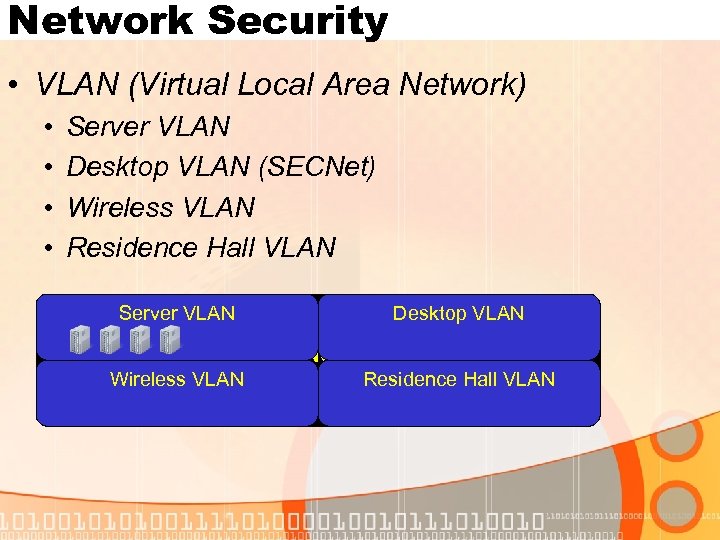 Network Security • VLAN (Virtual Local Area Network) • • Server VLAN Desktop VLAN (SECNet) Wireless VLAN Residence Hall VLAN Server VLAN Desktop VLAN VCU Network Wireless VLAN Residence Hall VLAN
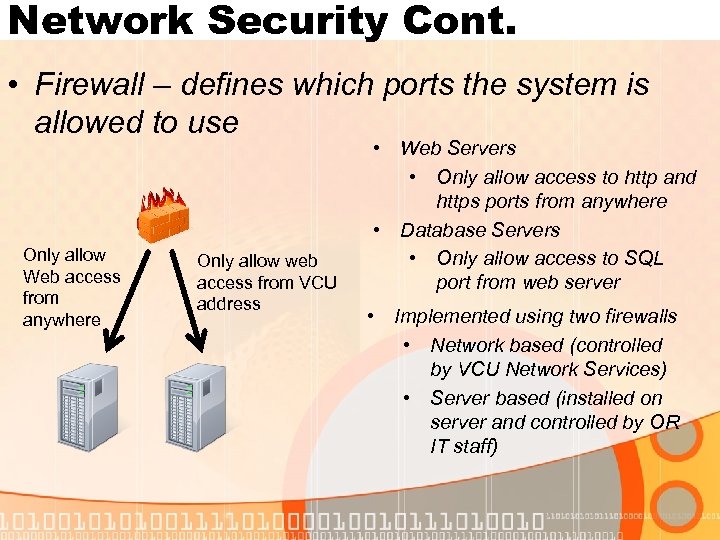 Network Security Cont. • Firewall – defines which ports the system is allowed to use Only allow Web access from anywhere Only allow web access from VCU address • Web Servers • Only allow access to http and https ports from anywhere • Database Servers • Only allow access to SQL port from web server • Implemented using two firewalls • Network based (controlled by VCU Network Services) • Server based (installed on server and controlled by OR IT staff)
 Application Security • Secure HTTP (HTTPS) • A secure method for viewing web pages • Same technology as used by banks and other online commercial retailers • At VCU, a certificate must be issued and installed on each server yearly • A certificate is issued for https: //vcuera. research. vcu. edu • Application Authentication • Process for determining user identity • VCUe. RA uses VCU e. ID
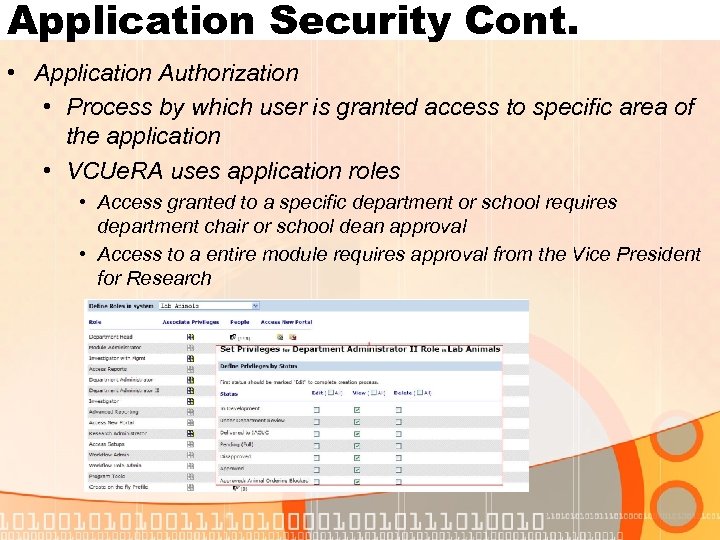 Application Security Cont. • Application Authorization • Process by which user is granted access to specific area of the application • VCUe. RA uses application roles • Access granted to a specific department or school requires department chair or school dean approval • Access to a entire module requires approval from the Vice President for Research
 Hardware Failures • Disk Failures • RAID • Web servers use RAID 1 • Database servers use RAID 5 with hot spare • Sever Log Monitoring • Software installed to monitor servers log (application, security, system log) • Sends e-mail notification when an error or warning is written to any server log • DELL Open Manage • Monitors server for dell specific hardware issues and writes error to server logs when error occurs
 Backups • Backups of Servers • VCU has a dedicated VLAN for backups and requires using a second dedicated network card • Perform nightly incremental backups using Computer Center’s Tivoli Storage Management • Additional Database Backups • A full copy of the database is created each night on the server (takes about 15 minutes) • Every 20 minutes a copy of any database changes are copied to disk • These are backed up using Tivoli
 Redundancy • Website • Two servers acting as one • If one fails, we can continue to function on other • Database • The files created from the changes backup are also copied to the second database server. • If a manual restore of the production database was required, it would take 8 -10 hours. • 4 -5 hours to restore the backup file from tape, plus • 4 -5 hours to restore the database • Can restore in a little as 20 minutes
 Additional Protections • Security Patches • Security patches are manually installed within 1 week of release from Microsoft • Usually installed after hours • Remote Access • On campus, use Remote Desktop for remote administration of servers • Off campus, a VPN (Virtual Private Network) session is required for all administrative functions
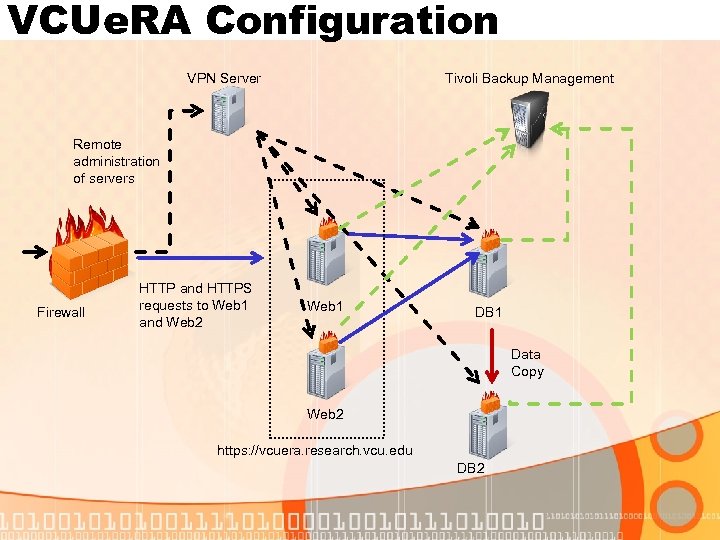 VCUe. RA Configuration VPN Server Tivoli Backup Management Remote administration of servers Firewall HTTP and HTTPS requests to Web 1 and Web 2 Web 1 DB 1 Data Copy Web 2 https: //vcuera. research. vcu. edu DB 2
 Future Plans • Perform yearly vulnerability scans by Technology Services • System Logs sent to Technology Services MARS system (Technology Services’ Monitoring, Analysis and Response System) • Move two servers to Computer Center’s hot site • Second web server • Backup database server
 What does this mean for me? • Data needs to be protected with numerous layers of security • Make backups of your data and secure them • If you require a server or storage space, you should contact Technology Services at http: //www. ucc. vcu. edu/ • Provide storage space • Provide server support, maintenance, and security for dedicated servers at a cost of $100 per server per month • DO NOT install a server in your office
 Inquisite • Accounts are distributed to departments • Annual fee of $800 per year per account • Department assigns an account administrator • Manage all surveys for account • Serve as primary contact for department regarding Inquisite • Investigators can request an account separate • Still need to designate an account administrator • Still required to pay $800 per year per account • More information can be found at http: //www. ts. vcu. edu/faq/inquisite/
 QUESTIONS?