 Скачать презентацию Redefining the Desktop Stu Baker AUL for Library
6fd93411e8d3d8d69208e823fa7ce121.ppt
- Количество слайдов: 17



Redefining the Desktop Stu Baker AUL for Library Technology stubaker@northwestern. edu
Overview • • • Current environment Advantages and Challenges Desktop Virtualization technologies Use Case Scenarios NUL Virtual Desktop Strategy
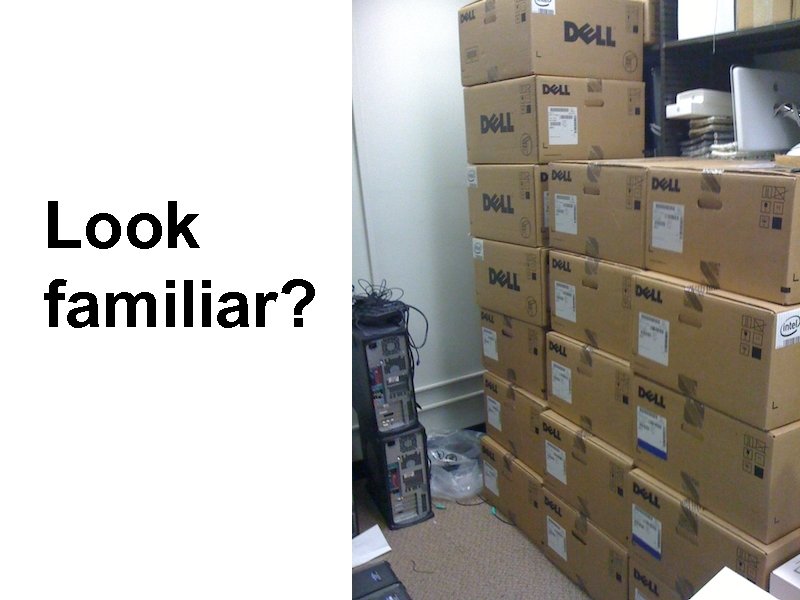
Look familiar?
Current In-House Environment • • • 800 workstations Windows and Macintosh Desktops, Laptops, Netbooks 40 servers in-house 7 TB of SAN storage
Time is Money, Money is Time • Manage apps and OS on every device • Changes, additions are time consuming • Dealing with security and data recovery is more complex • Hardware replacement cycles expensive
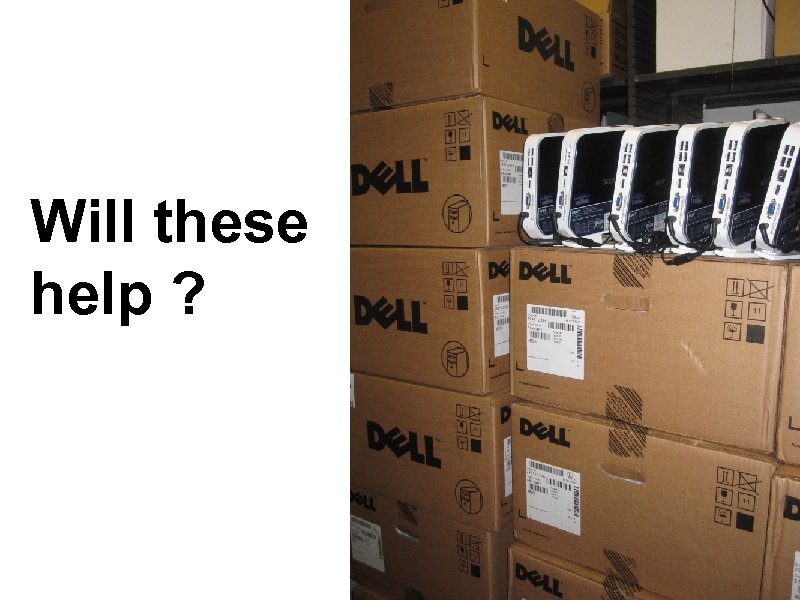
Will these help ?
Advantages of Virtual Desktops • • Flexibility for Users and IT staff Any device anywhere and anytime Multiple desktops from a single device Data recovery, business continuity Security Space Green
The Challenges • Not a one-size-fits all solution – It may not work for some users – IT staff need to match the users with the right technical solution • • Performance Peripherals Scalability Cost
Common setups • Client Hypervisors • Terminal Services • Application Virtualization
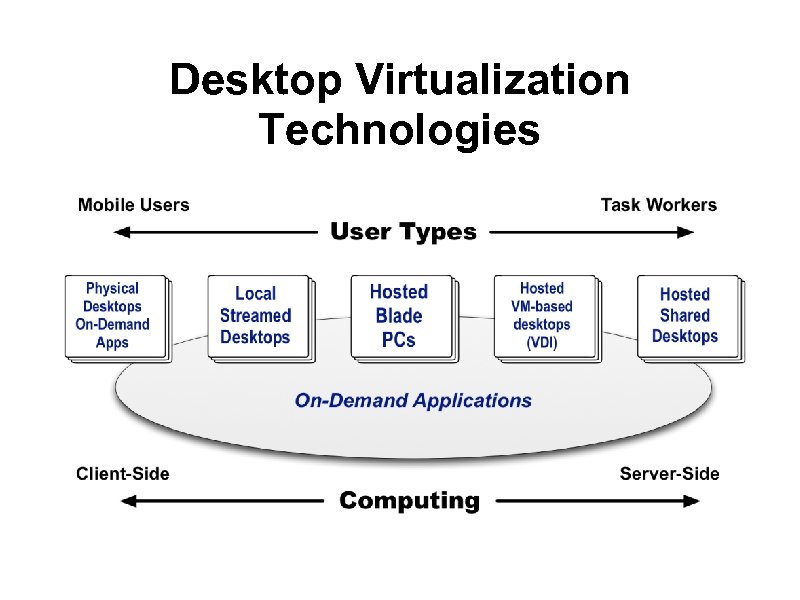
Desktop Virtualization Technologies
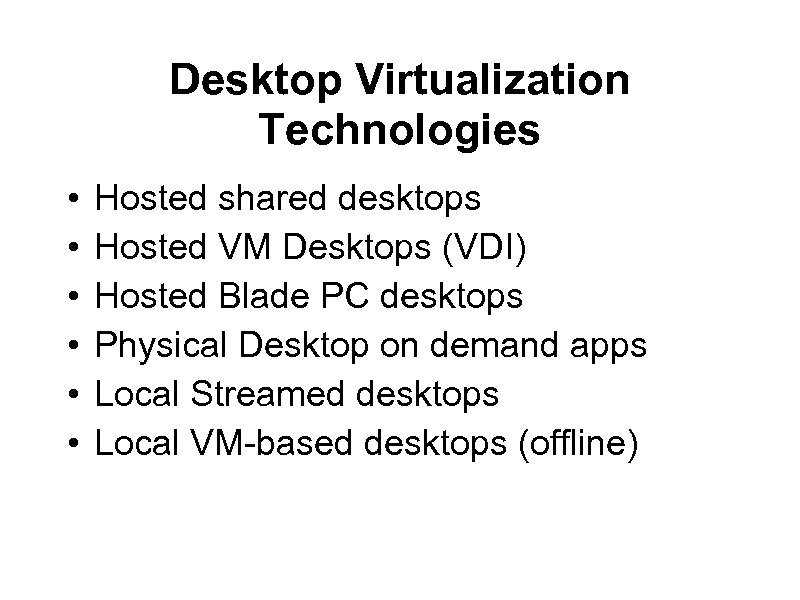
Desktop Virtualization Technologies • • • Hosted shared desktops Hosted VM Desktops (VDI) Hosted Blade PC desktops Physical Desktop on demand apps Local Streamed desktops Local VM-based desktops (offline)
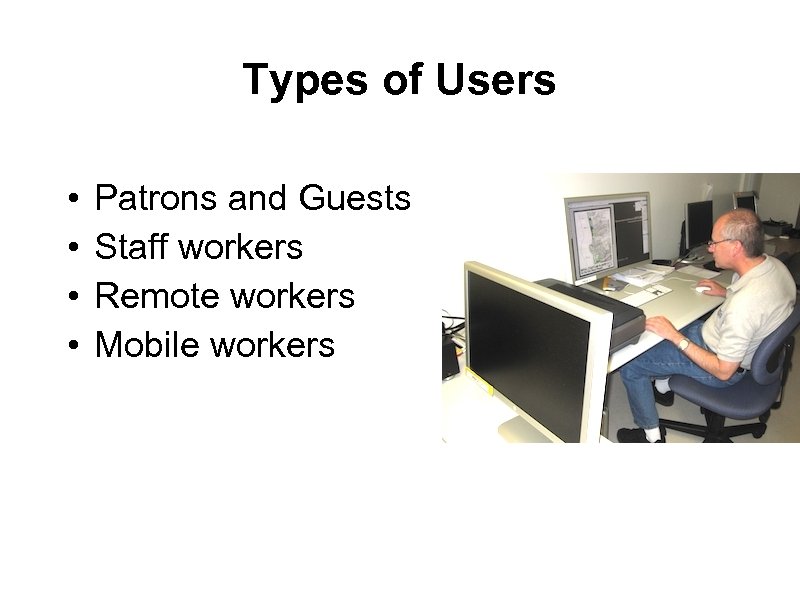
Types of Users • • Patrons and Guests Staff workers Remote workers Mobile workers
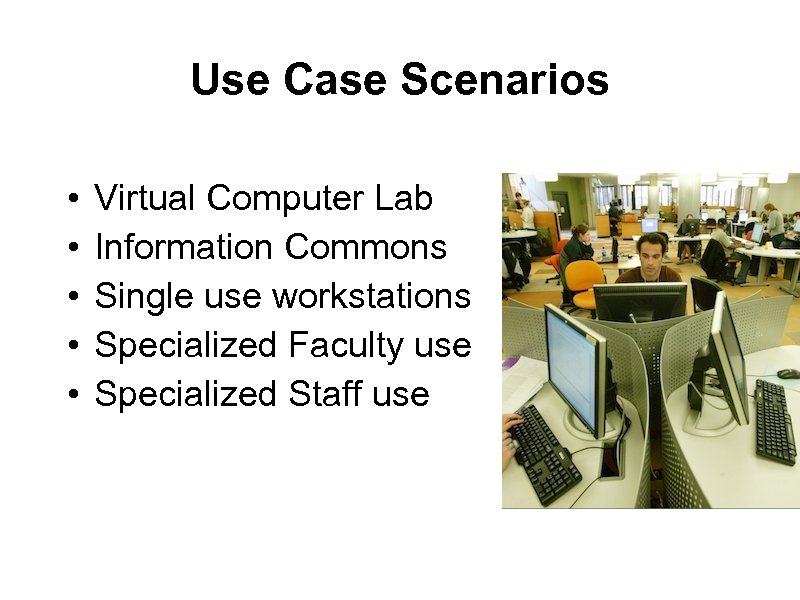
Use Case Scenarios • • • Virtual Computer Lab Information Commons Single use workstations Specialized Faculty use Specialized Staff use
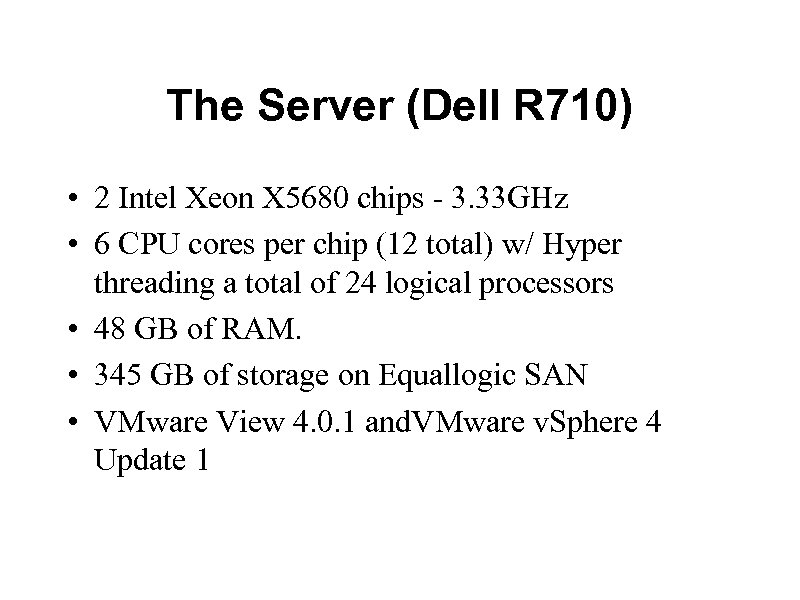
The Server (Dell R 710) • 2 Intel Xeon X 5680 chips - 3. 33 GHz • 6 CPU cores per chip (12 total) w/ Hyper threading a total of 24 logical processors • 48 GB of RAM. • 345 GB of storage on Equallogic SAN • VMware View 4. 0. 1 and. VMware v. Sphere 4 Update 1
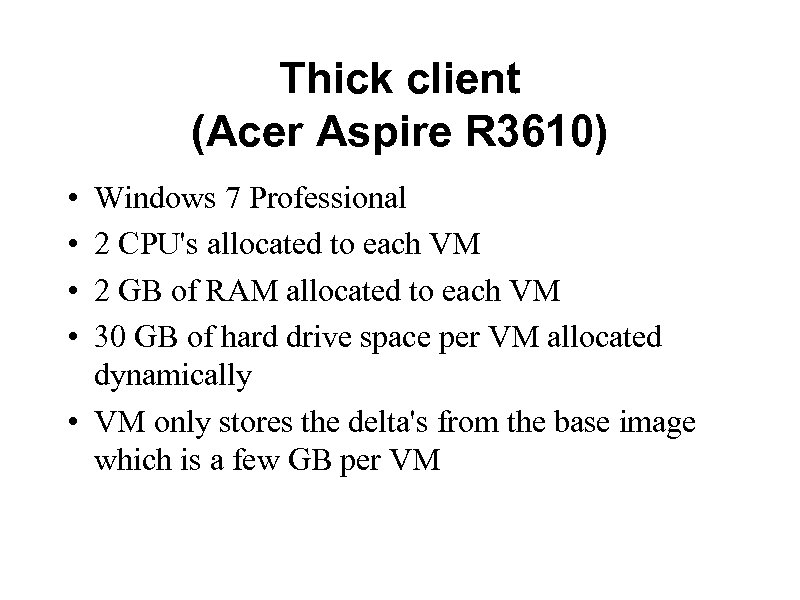
Thick client (Acer Aspire R 3610) • • Windows 7 Professional 2 CPU's allocated to each VM 2 GB of RAM allocated to each VM 30 GB of hard drive space per VM allocated dynamically • VM only stores the delta's from the base image which is a few GB per VM
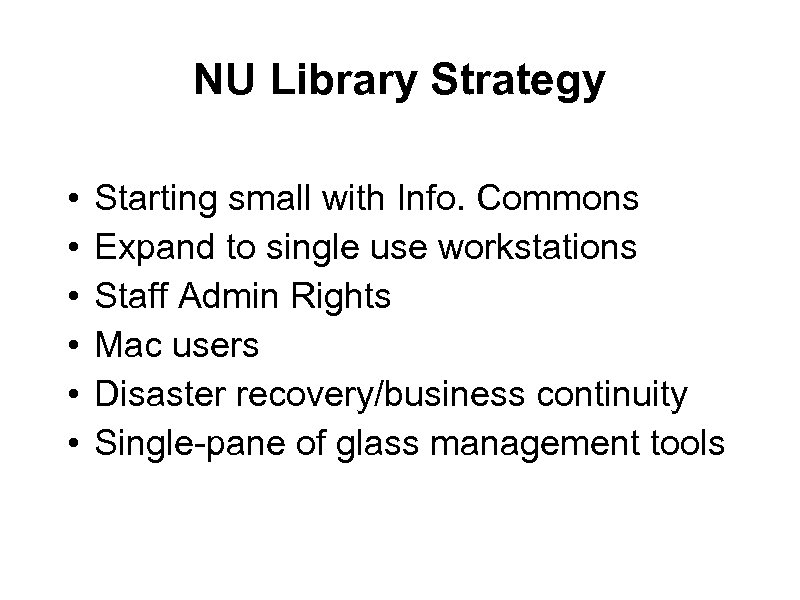
NU Library Strategy • • • Starting small with Info. Commons Expand to single use workstations Staff Admin Rights Mac users Disaster recovery/business continuity Single-pane of glass management tools
Recommendations • Take-Aways • Define service models & gather requirements • Assume you will have a mixed environment • Align use cases/requirements to the appropriate technology • The User/Patron experience is the most important driver of success
Скачать презентацию Redefining the Desktop Stu Baker AUL for Library
6fd93411e8d3d8d69208e823fa7ce121.ppt