


 Скачать презентацию Records Management Overview Why n n n
d3340f980086f338ec8d26c5d7424753.ppt
- Количество слайдов: 53
 Records Management Overview
 Why? n n n It’s the Law It’s University Policy Fiscal and Legal Compliance Reduced Costs and Increased Efficiency Preserve the Institutional Memory
 What’s in it for me? n n n More organized and efficient Easily find and retrieve records Less work for supervisors
 What is Records Management? n Systematic control of recorded information, regardless of format, from the time a record is created until its ultimate disposition.
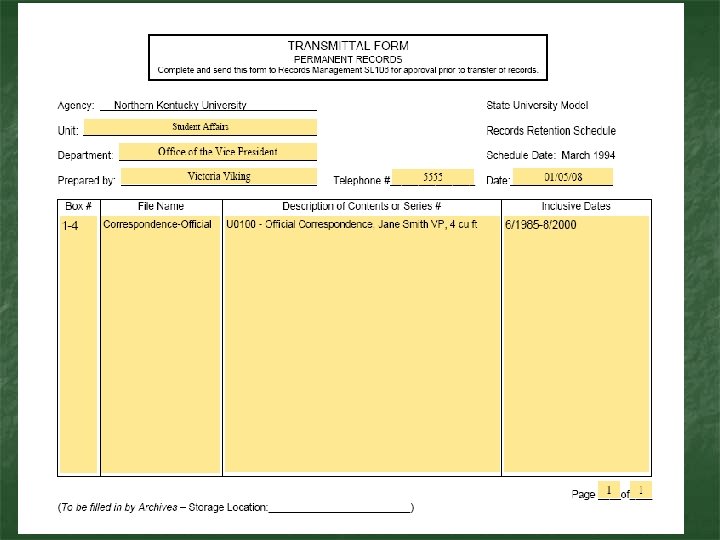
 Terms and Forms n n Retention Schedule Record Series Transmittal Form Records Destruction Certificate
 Retention Schedule n n n Different types of public records. How long records must be kept. When or if records may be destroyed.
 Record Series n …Basic unit for organizing and controlling files. It is a group of files or documents kept together (either physically or intellectually) because they relate to a particular subject or function, result from the same activity, document a specific type of transaction, take a particular physical form, or have some other relationship arising out of their creation, receipt, maintenance, or use (36 CFR 1220. 14). National Archives http: //www. archives. gov/records-mgmt/faqs/federal. html#series
 Schedules used by NKU n State University Model Records Retention Schedule n General Schedule for Electronic and Related Records
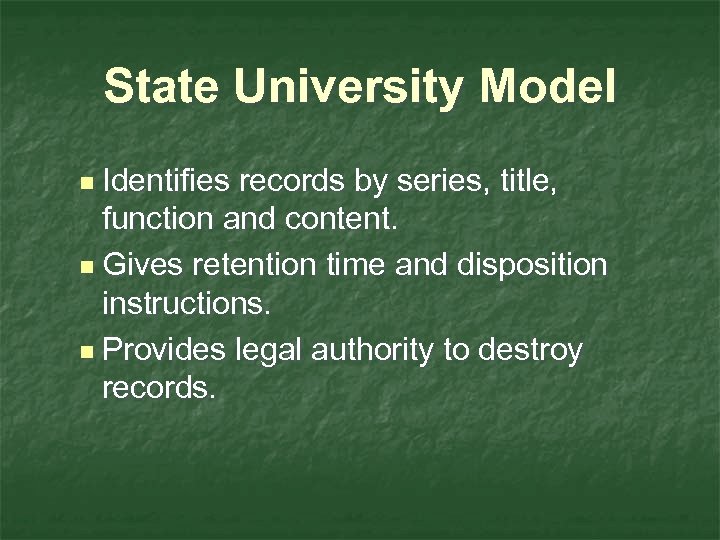 State University Model n Identifies records by series, title, function and content. n Gives retention time and disposition instructions. n Provides legal authority to destroy records.
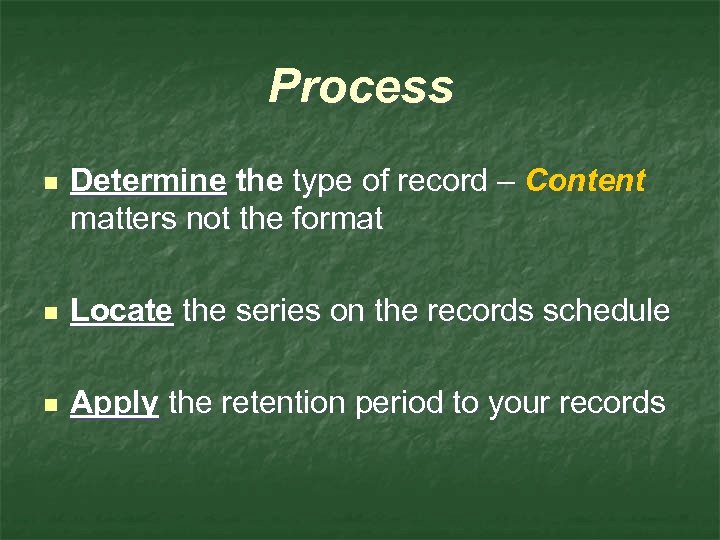 Process n Determine the type of record – Content matters not the format n Locate the series on the records schedule n Apply the retention period to your records
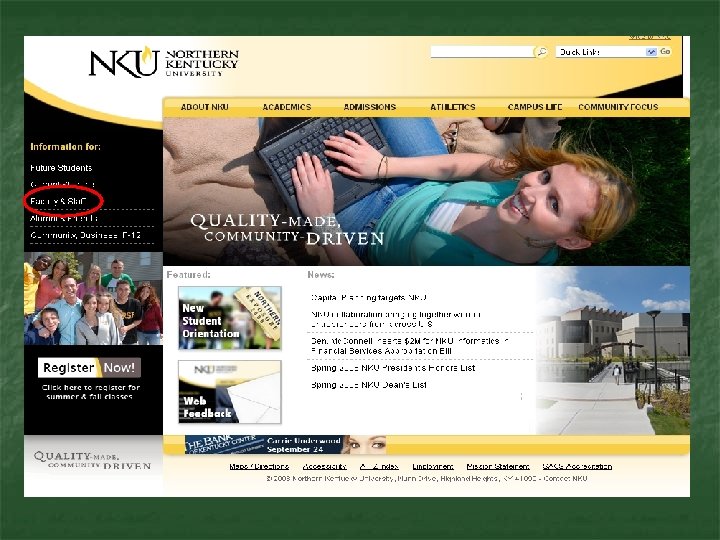
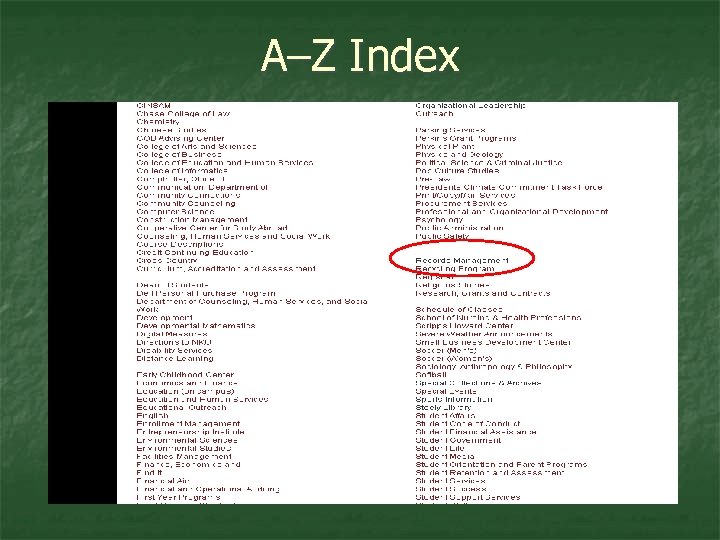 A–Z Index
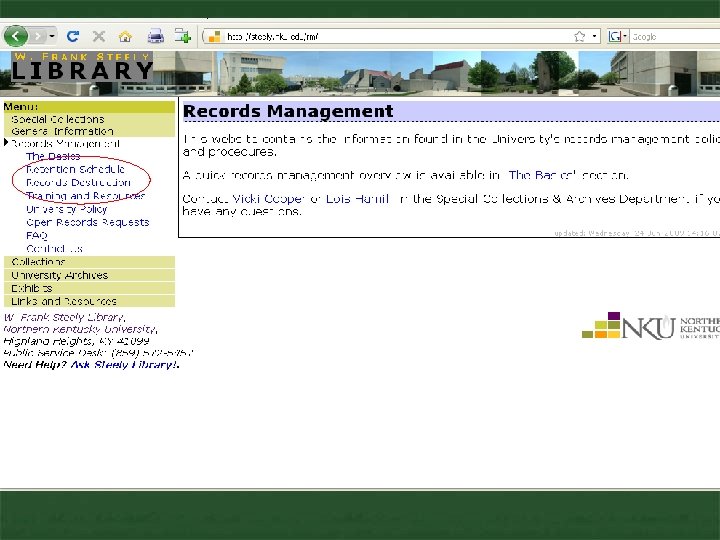
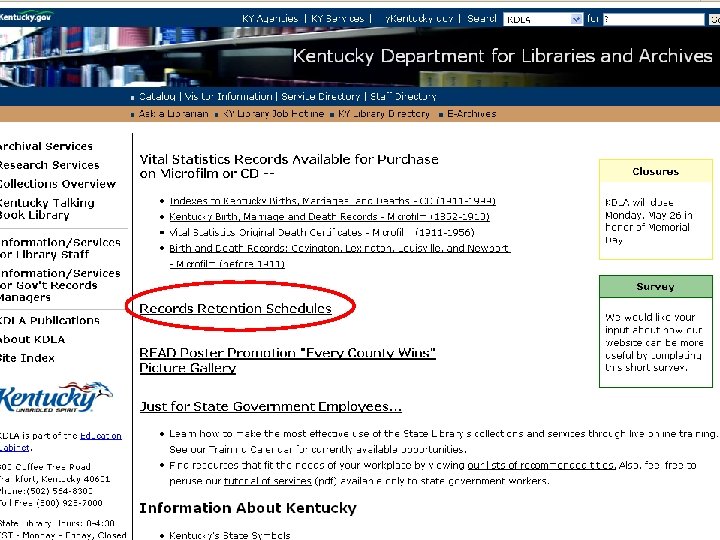
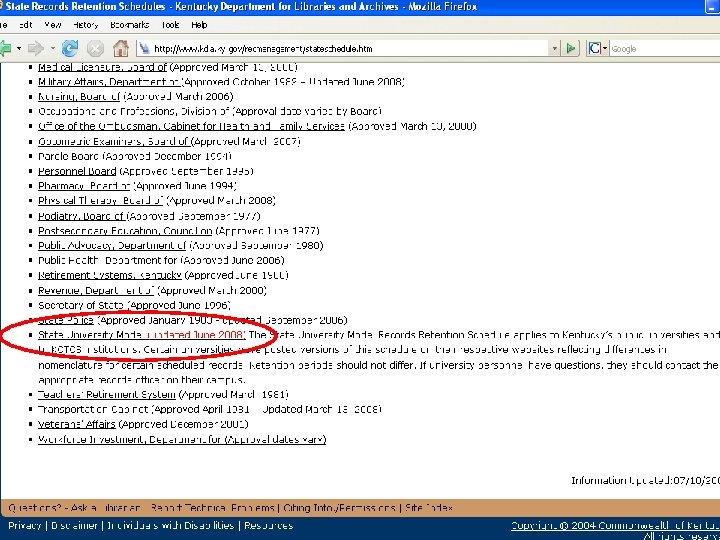
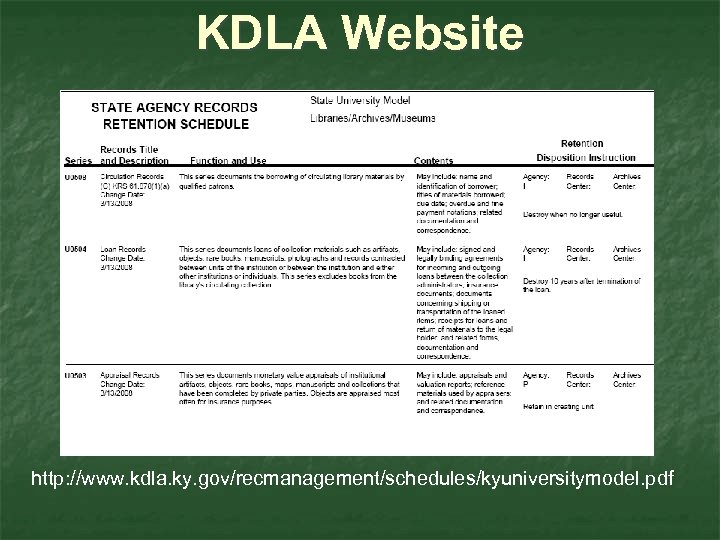 KDLA Website http: //www. kdla. ky. gov/recmanagement/schedules/kyuniversitymodel. pdf
 University Records Formats Paper Files Electronic Records Video Tapes Audio Tapes Printed Publications Web Pages Photographs CD, DVD, Flash drive
 Records Recommendations GOOD vs. BAD
 Bad Records n Documents with: No title No author No date, draft or version status n Multiple copies of a report, but missing the signed, authorized copy. n Emails with subject lines that bear no relation to the current content (fw: fw)
 Good Records n n n Titled Dated Labeled
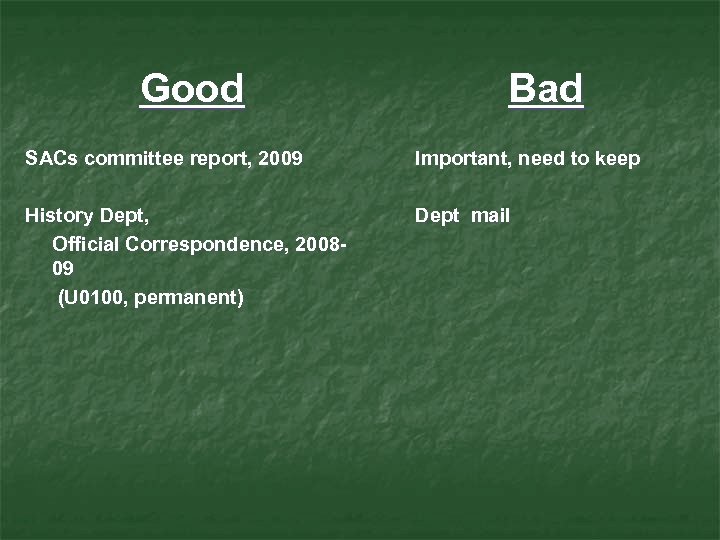 Good Bad SACs committee report, 2009 Important, need to keep History Dept, Official Correspondence, 200809 (U 0100, permanent) Dept mail
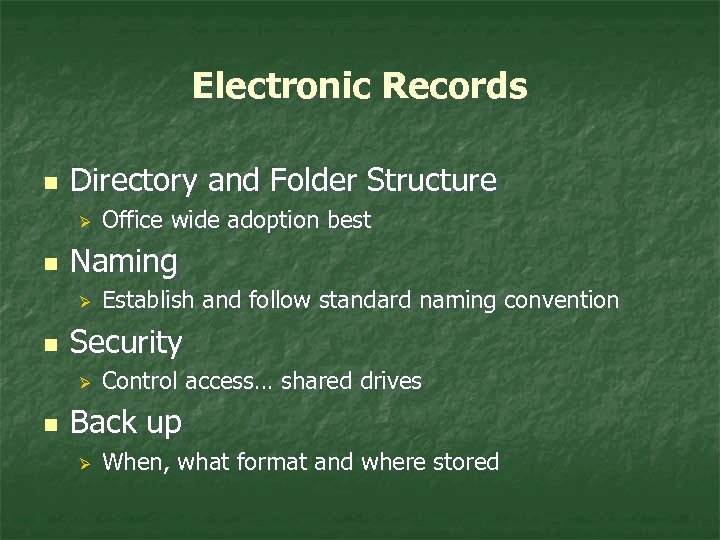 Electronic Records n Directory and Folder Structure Ø n Naming Ø n Establish and follow standard naming convention Security Ø n Office wide adoption best Control access… shared drives Back up Ø When, what format and where stored
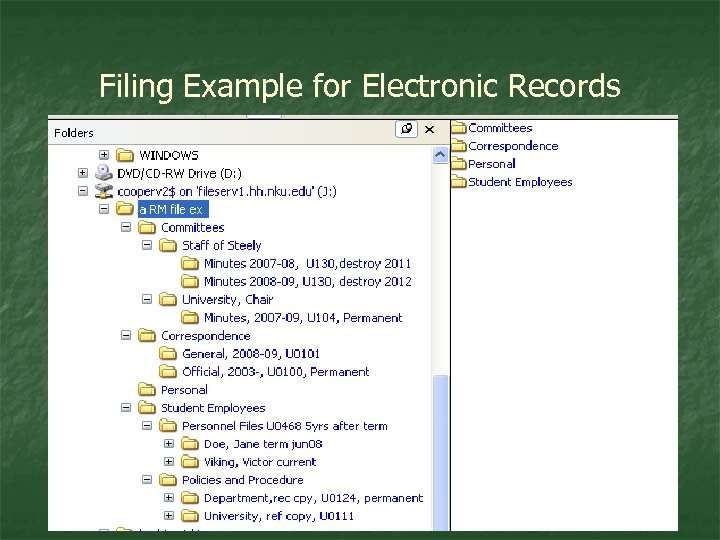 Filing Example for Electronic Records
 Best Advice n n Start immediately, even if only small steps. Don’t create unnecessary records. Reduce duplicate copies. Create and use a file structure for all records, no matter what format. The Result:
 Records that are EASY to: Organize n Retrieve n Preserve n Delete or Transfer n
 When your office no longer uses or needs a set of records… 4 Possibilities n n Inactive Temporary Storage Permanently Stored by Original Office Transferred to University Archives Records Destruction
 Office Maintains n n Records not actively used … but not at end of retention time. Permanent Records
 Record Transfers n Permanent Retention – those permanent records with historical significance are transferred to Special Collections and Archives
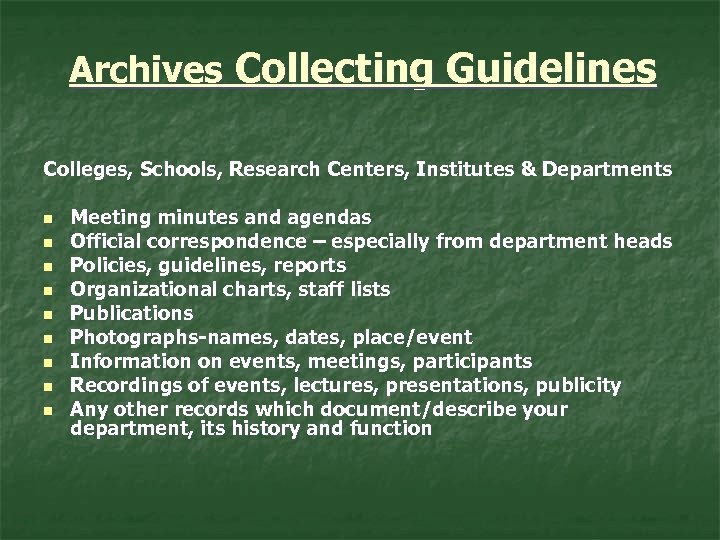 Archives Collecting Guidelines Colleges, Schools, Research Centers, Institutes & Departments n n n n n Meeting minutes and agendas Official correspondence – especially from department heads Policies, guidelines, reports Organizational charts, staff lists Publications Photographs-names, dates, place/event Information on events, meetings, participants Recordings of events, lectures, presentations, publicity Any other records which document/describe your department, its history and function
 Records Destruction Procedures
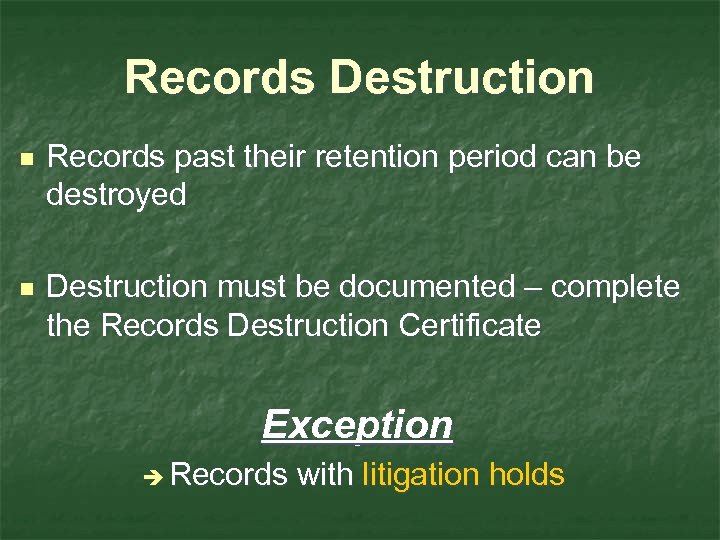 Records Destruction n Records past their retention period can be destroyed n Destruction must be documented – complete the Records Destruction Certificate Exception è Records with litigation holds
 Records Destruction Certificate n Legal proof of authorized destruction. n Form is on the Records Management website
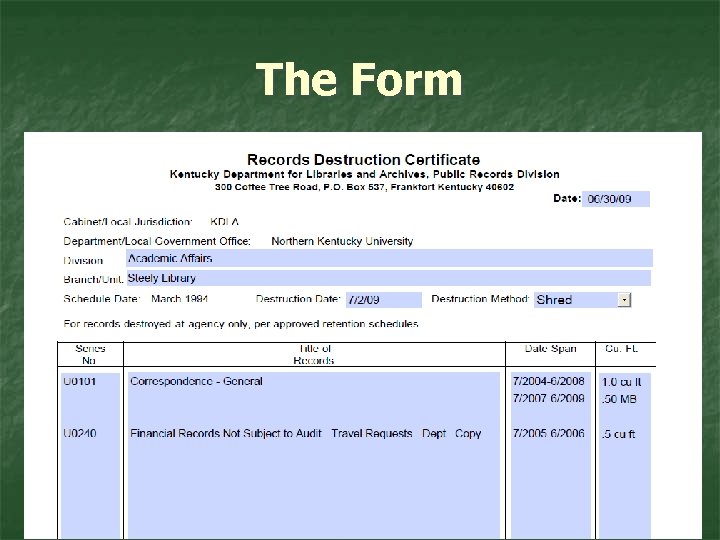 The Form
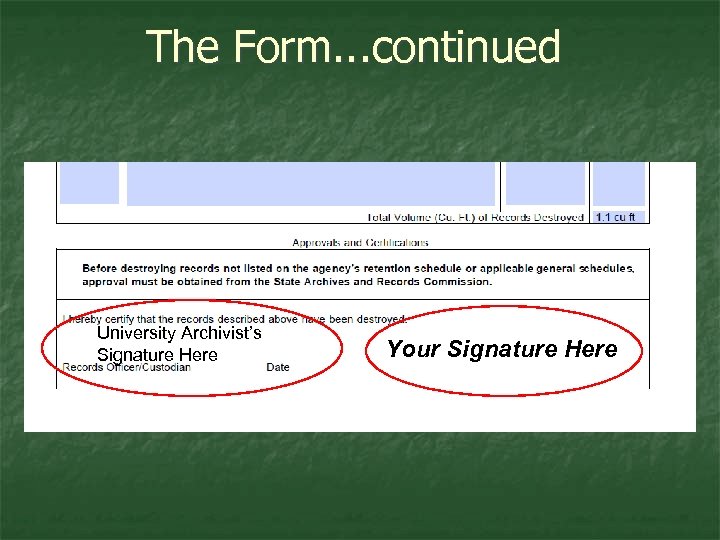 The Form. . . continued University Archivist’s Signature Here Your Signature Here
 Email
Email
 Email: What’s the Retention? n n n Email is a format Records retention is based on content Evaluate the content of each email to determine retention period
 Email Most common types of email records n n n Official Correspondence General Correspondence Informational and Reference Material
 Non-business Related Email n n n Spam Personal Messages Unsolicited email
 Email Delete messages that are not needed n n Spam and other non-business messages General Announcements-NKU All, Midweek Transitory messages Informational and Reference material
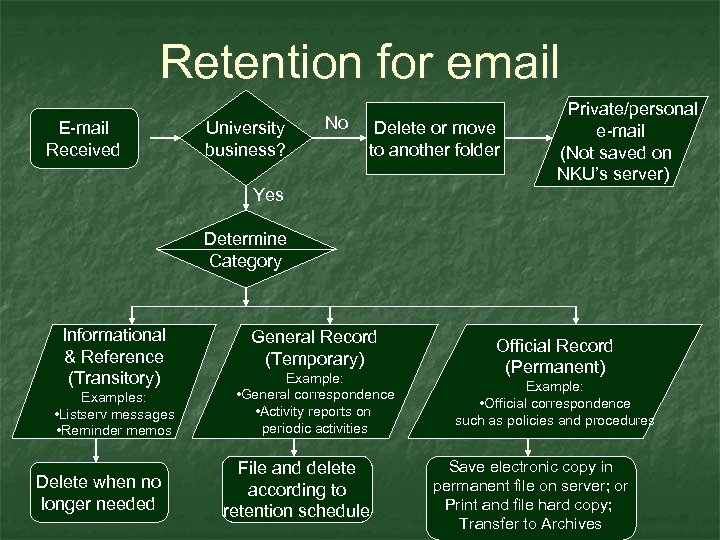 Retention for email E-mail Received University business? No Delete or move to another folder Private/personal e-mail (Not saved on NKU’s server) Yes Determine Category Informational & Reference (Transitory) Examples: • Listserv messages • Reminder memos Delete when no longer needed General Record (Temporary) Example: • General correspondence • Activity reports on periodic activities File and delete according to retention schedule Official Record (Permanent) Example: • Official correspondence such as policies and procedures Save electronic copy in permanent file on server; or Print and file hard copy; Transfer to Archives
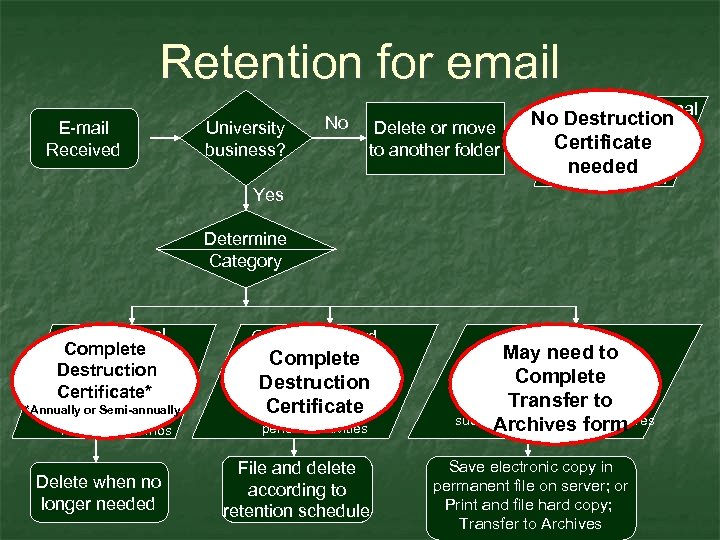 Retention for email E-mail Received University business? No Delete or move to another folder Private/personal No Destruction e-mail Certificateon (Not saved needed NKU’s server) Yes Determine Category Informational Complete & Reference Destruction (Transitory) Certificate* Examples: *Annually or Semi-annually • Listserv messages • Reminder memos Delete when no longer needed General Record (Temporary) Complete Example: Destruction • General correspondence Certificate • Activity reports on periodic activities File and delete according to retention schedule Official Record May need to (Permanent) Complete Example: Transfer to • Official correspondence such as policies and form Archives procedures Save electronic copy in permanent file on server; or Print and file hard copy; Transfer to Archives
 Email Folders Filing formats examples
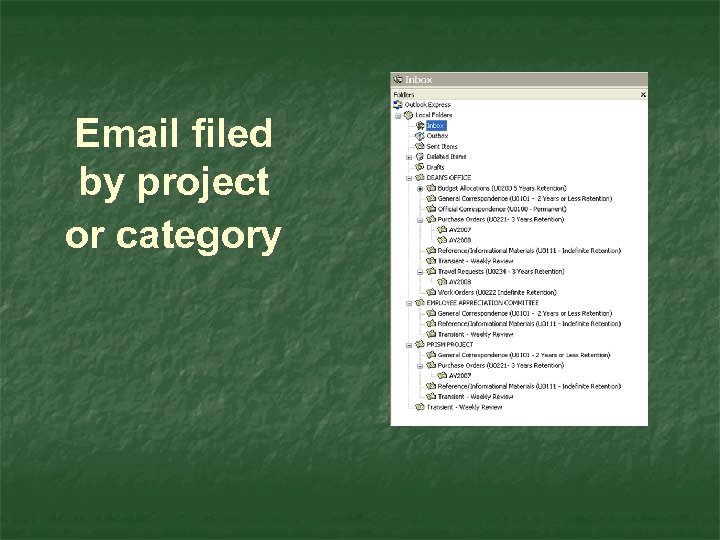 Email filed by project or category
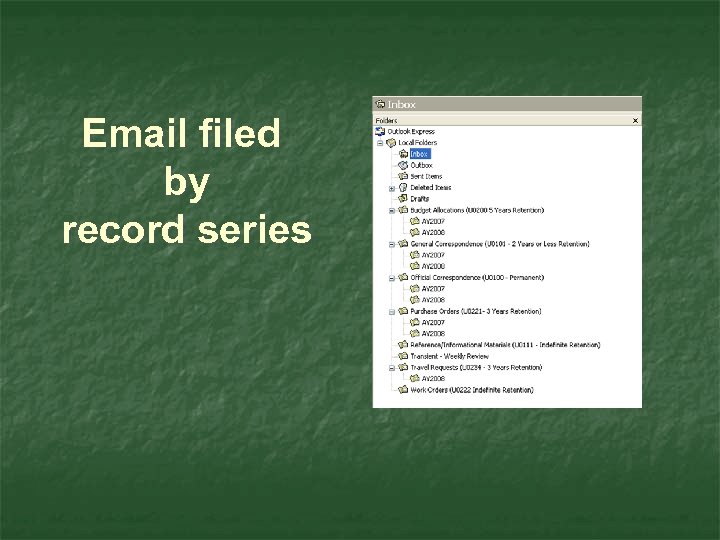 Email filed by record series
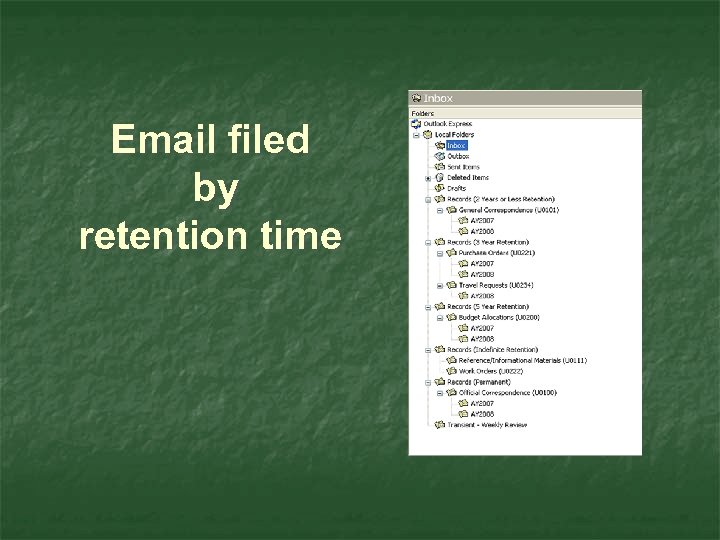 Email filed by retention time
 Most Importantly n n Find a method that works for you Use it consistently
 Email: CAUTION n n Auto Archiving Replies to listserv/___ All’s
 Email Management Tips Be Proactive – Email does not manage itself! n Effective email management = effective time management. n Is email the right tool? n Set up and use rules and filters. n Slow the Flow. n Use specific and descriptive subject lines n Restrict messages to one topic or subject.
 Remember to… n Manage email on content, not space quotas. n Use folders and sub-folders; sort & categorize by record type or series and retention. n Keep only the last message in a chain; clear out sent messages once a reply is received. n Schedule time to review, move and delete files and stick to it! Do not use your inbox for long- term storage. n Empty your deleted files and junk mail folders.
 And n Email is a searchable record. n Scary thought, ……. . E-Discovery. n Keep email professional, limit personal. Would you want to see it on the evening news?
 And finally….
 #1 Records Management Hint AVOID BECOMING A FELON! Ignorance is not a valid excuse!! Tampering with public records without the authority to do so is a Class D felony KRS 519. 060 (1) (b)