


 Скачать презентацию Realty Enterprise Resource Planning ERP Relgo Networks Inc
b019658ed6ba24187b79e9c7e0dabb51.ppt
- Количество слайдов: 32
 Realty Enterprise Resource Planning (ERP) Relgo Networks, Inc. Jubilee Hills, Hyderabad info@relgo. com www. relgo. com
 Realty ERP - Highlights Land Acquisition Integrated Internet, mobile Marketing Lead and Sales Automation Property Development Facility Management Construction Planning and Progress Customer Relationship Management Customer Portal Executive Dashboards Role based Tasks and Dashboards
 Relgo ERP - Benefits Intuitive web based application Streamline, simplify the sales and business operations Enhance the employee efficiency & productivity Improves customer satisfaction and Loyalty 360 degrees view of the business operations Reduce enterprise cost of operations Secure and Privacy protected database Customized for you and build on SOA framework
 Agenda Venture and Unit management Sales and lead management Lead generation & acquisition Finance Resources utilization CRM and customer portal Executive View Return on investment Administrator controlled tasks and permissions
 Our Approach to Realty Sales operations • Segregating the Work Flow into appropriate functional groups • Centralized customer and sales data • Role based data access and tasks • Automatically aggregated real-time sales reports • Fully Menu driven and highly user friendly. • Design your own format for receipts and reminders. • All Reports available for any flexible duration, User, Payment mode, Department, etc. • Bird's Eye view of availability status and Reports.
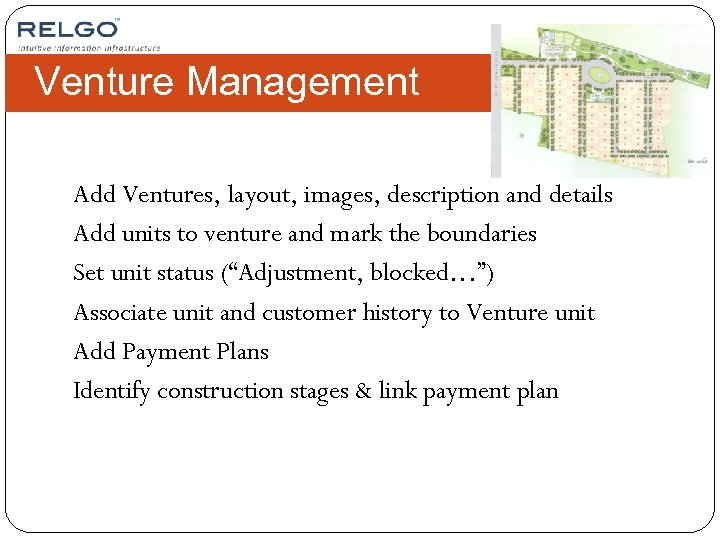 Venture Management Add Ventures, layout, images, description and details Add units to venture and mark the boundaries Set unit status (“Adjustment, blocked…”) Associate unit and customer history to Venture unit Add Payment Plans Identify construction stages & link payment plan
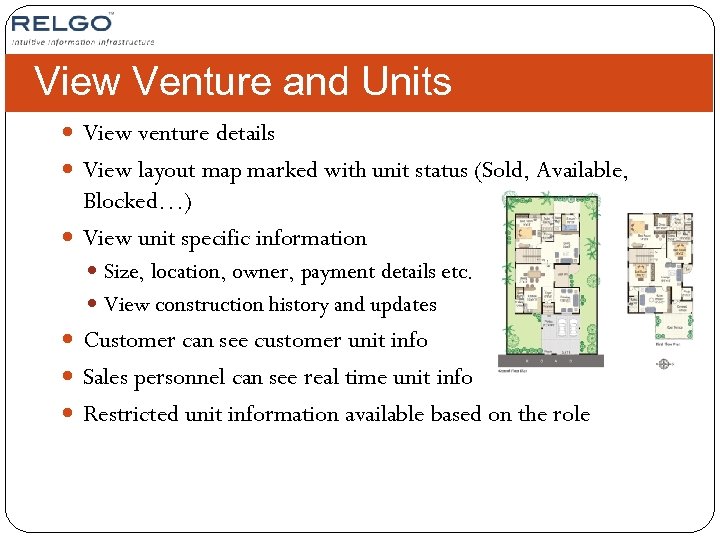 View Venture and Units View venture details View layout map marked with unit status (Sold, Available, Blocked…) View unit specific information Size, location, owner, payment details etc. View construction history and updates Customer can see customer unit info Sales personnel can see real time unit info Restricted unit information available based on the role
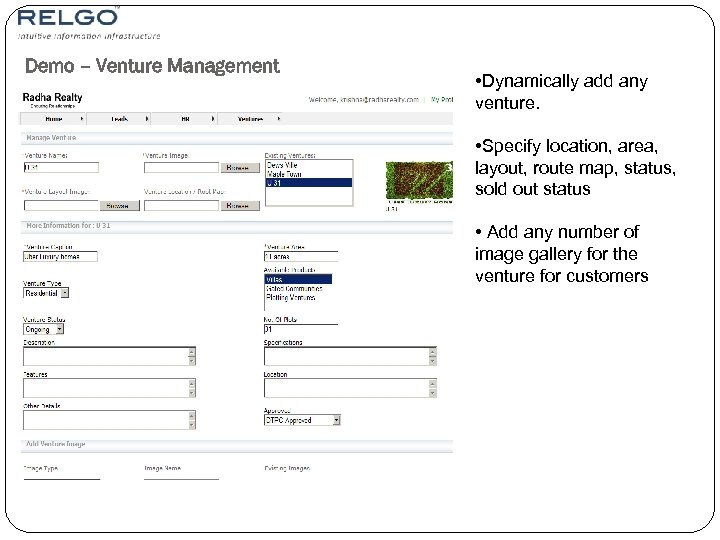 Demo – Venture Management • Dynamically add any venture. • Specify location, area, layout, route map, status, sold out status • Add any number of image gallery for the venture for customers
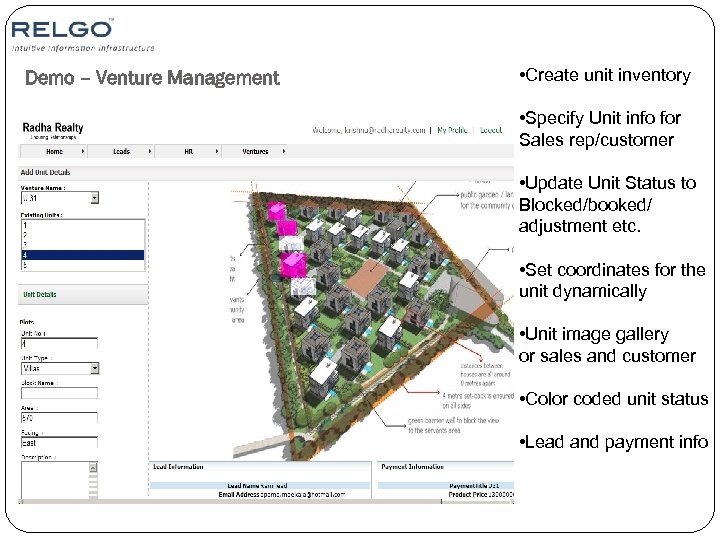 Demo – Venture Management • Create unit inventory • Specify Unit info for Sales rep/customer • Update Unit Status to Blocked/booked/ adjustment etc. • Set coordinates for the unit dynamically • Unit image gallery or sales and customer • Color coded unit status • Lead and payment info
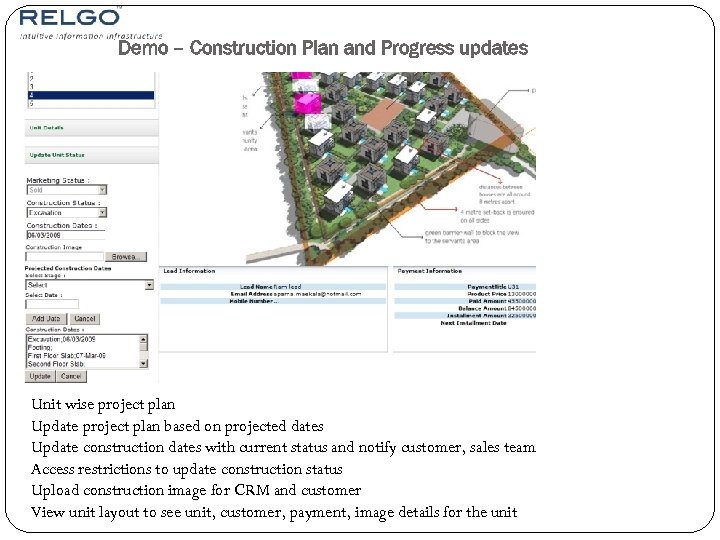 Demo – Construction Plan and Progress updates Unit wise project plan Update project plan based on projected dates Update construction dates with current status and notify customer, sales team Access restrictions to update construction status Upload construction image for CRM and customer View unit layout to see unit, customer, payment, image details for the unit
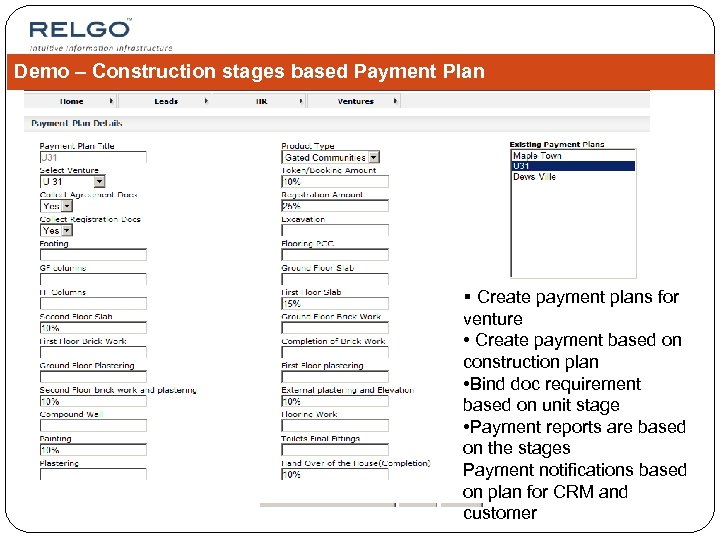 Demo – Construction stages based Payment Plan § Create payment plans for venture • Create payment based on construction plan • Bind doc requirement based on unit stage • Payment reports are based on the stages Payment notifications based on plan for CRM and customer
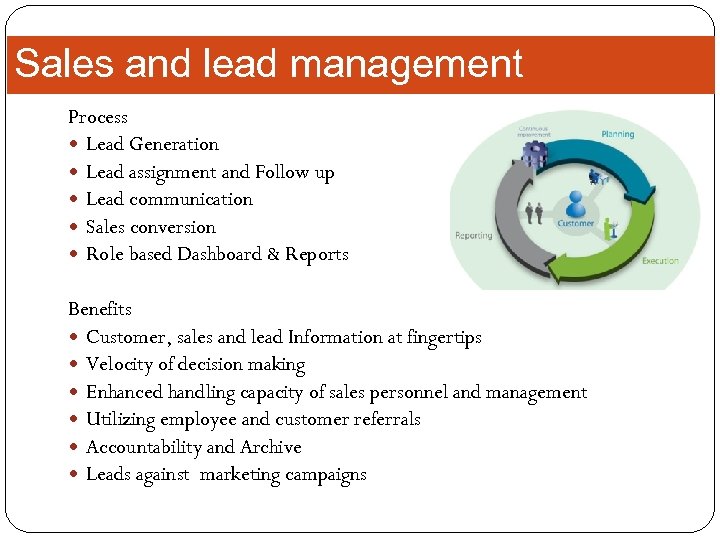 Sales and lead management Process Lead Generation Lead assignment and Follow up Lead communication Sales conversion Role based Dashboard & Reports Benefits Customer, sales and lead Information at fingertips Velocity of decision making Enhanced handling capacity of sales personnel and management Utilizing employee and customer referrals Accountability and Archive Leads against marketing campaigns
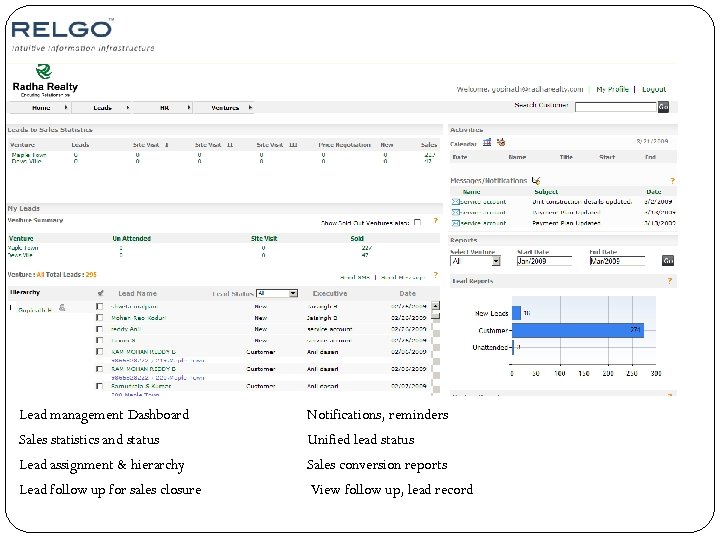 Lead management Dashboard Notifications, reminders Sales statistics and status Unified lead status Lead assignment & hierarchy Sales conversion reports Lead follow up for sales closure View follow up, lead record
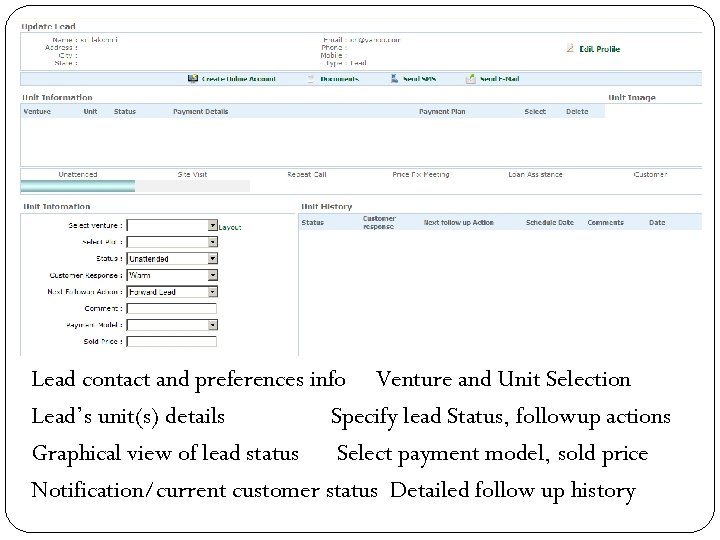 Lead contact and preferences info Venture and Unit Selection Lead’s unit(s) details Specify lead Status, followup actions Graphical view of lead status Select payment model, sold price Notification/current customer status Detailed follow up history
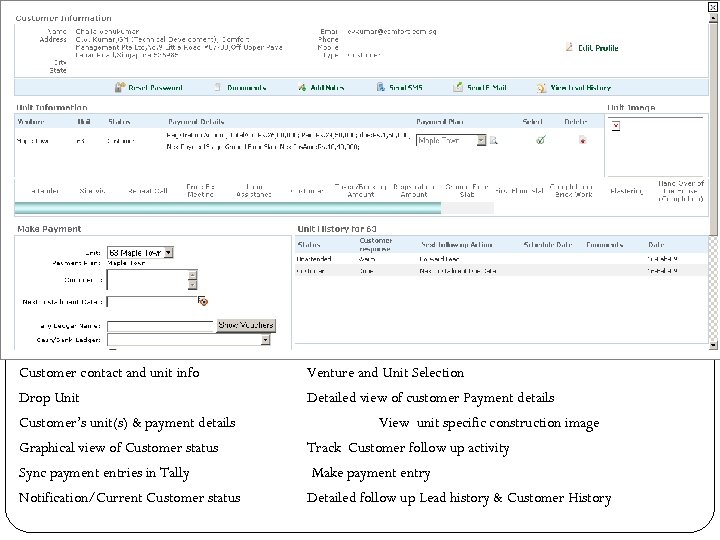 Customer contact and unit info Venture and Unit Selection Drop Unit Detailed view of customer Payment details Customer’s unit(s) & payment details View unit specific construction image Graphical view of Customer status Track Customer follow up activity Sync payment entries in Tally Make payment entry Notification/Current Customer status Detailed follow up Lead history & Customer History
 Lead Generation Leads collected from Web and SMS In house referrals Banner ads Referral Emailers Campaigns Easy management of leads Lead statistics Benefits Consolidated leads and tracked by Management
 Construction Plan updates Unit Assignment & tag payment plan Unit Specific Projected Construction Plan /Dates Actual Unit construction status updates Upload construction progress photos Automated Notification to Customers & Concerned personnel Venture report (availability, payment etc) Customer view on construction status, and project dates for Customer ‘s units
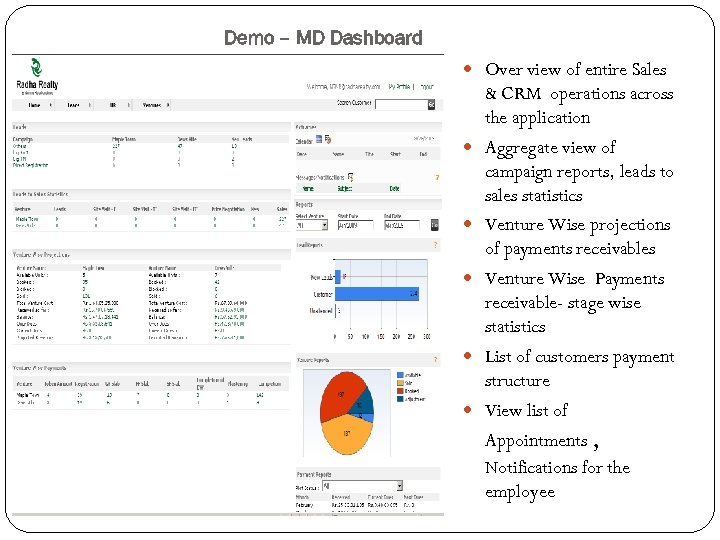 Demo – MD Dashboard Over view of entire Sales & CRM operations across the application Aggregate view of campaign reports, leads to sales statistics Venture Wise projections of payments receivables Venture Wise Payments receivable- stage wise statistics List of customers payment structure View list of Appointments , Notifications for the employee
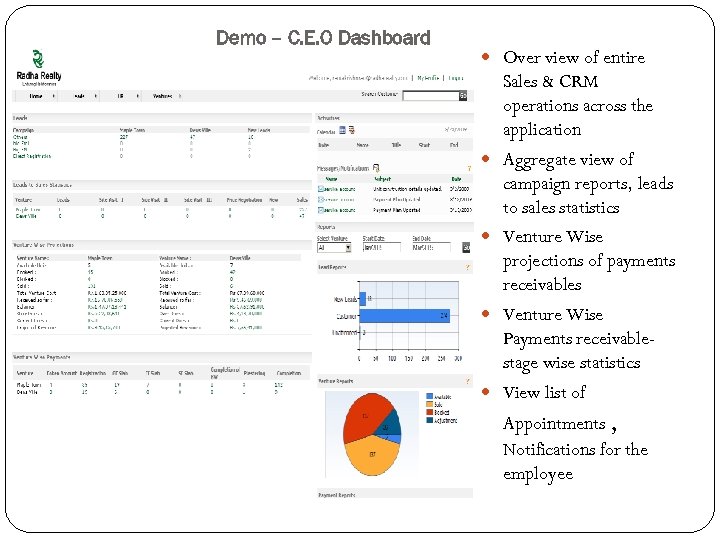 Demo – C. E. O Dashboard Over view of entire Sales & CRM operations across the application Aggregate view of campaign reports, leads to sales statistics Venture Wise projections of payments receivables Venture Wise Payments receivablestage wise statistics View list of Appointments , Notifications for the employee
 Finance Customer payments Payment History Tally Synchronization Payment reminders Benefits Receivables information Revenue reports Customer accounts access to relevant people Payment reminders based on status
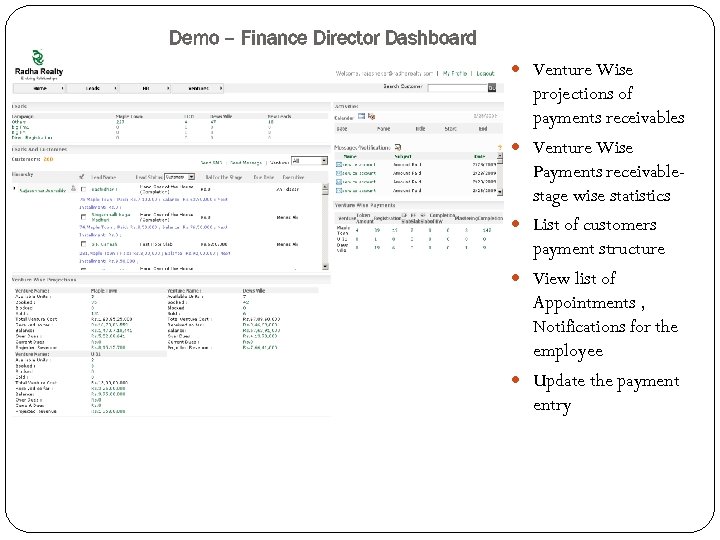 Demo – Finance Director Dashboard Venture Wise projections of payments receivables Venture Wise Payments receivablestage wise statistics List of customers payment structure View list of Appointments , Notifications for the employee Update the payment entry
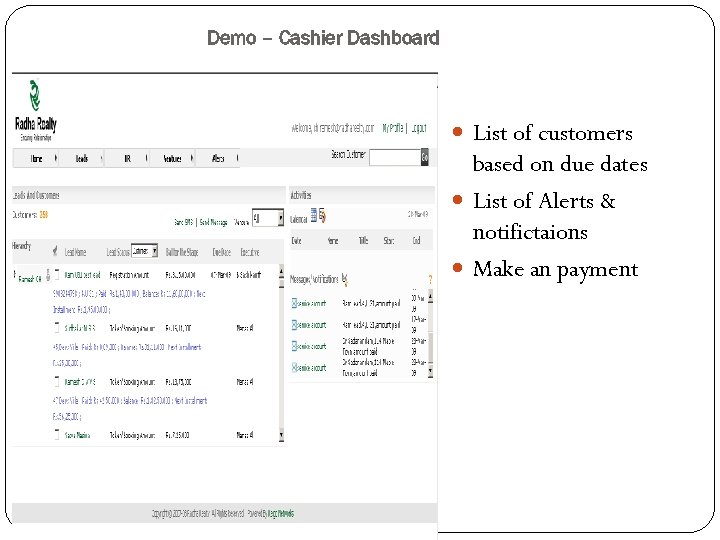 Demo – Cashier Dashboard List of customers based on due dates List of Alerts & notifictaions Make an payment
![Demo –Make payment [Cashier ] Make payment entry](https://present5.com/presentation/b019658ed6ba24187b79e9c7e0dabb51/image-23.jpg "Demo –Make payment [Cashier ] Make payment entry") Demo –Make payment [Cashier ] Make payment entry
Demo –Make payment [Cashier ] Make payment entry
 Resources Utilization Personalized dashboard with info and tasks Lead statistics assigned, converted Leads assignments Leads to sales conversion RFID attendance Benefits Productivity increase Target vs. Performance Analysis of sales Improved customer handling capacity and efficiency Operations transparency and efficiency Operations view for executives
 Customer Relationship Management Access to Customer history Customer communication Follow-up and Payment reminders Group email and SMS Alerts on customer unit updates Benefits Customer data at one place Timely updates on customer activity Enhance customer satisfaction Use CRM to keep customers updated and improve corporate standings
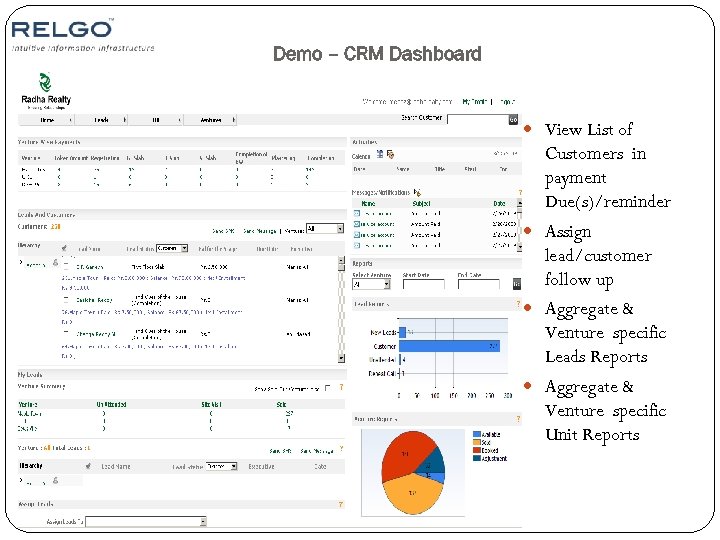 Demo – CRM Dashboard View List of Customers in payment Due(s)/reminder Assign lead/customer follow up Aggregate & Venture specific Leads Reports Aggregate & Venture specific Unit Reports
 Customer Portal Self service portal for all customers Updated customer data at fingertips Customer payments and collaboration history Photos, neighbors and corporate events easily updated Benefits Reduce customer query phone calls Customer is always in touch Customer have up to date progress information Bulk and automatic notifications to customers
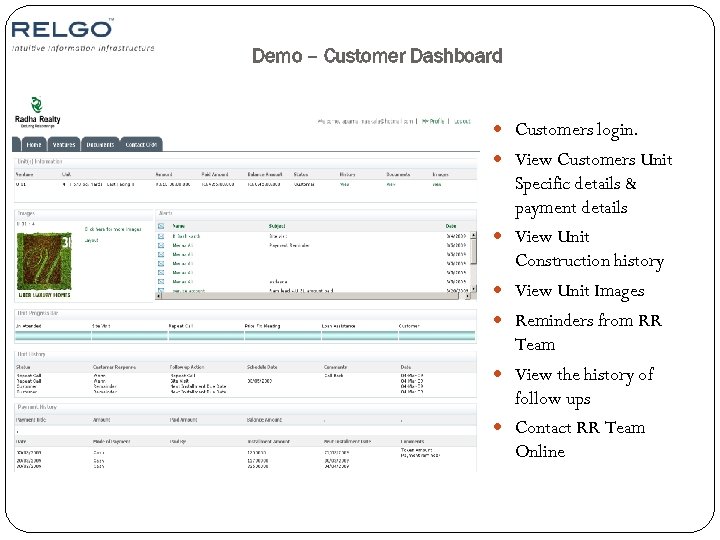 Demo – Customer Dashboard Customers login. View Customers Unit Specific details & payment details View Unit Construction history View Unit Images Reminders from RR Team View the history of follow ups Contact RR Team Online
 Executive View Consolidated operations dashboard Drill down the details Real time statistics & operation Information Campaigns and leads statistics Search customer and history Block & move units Benefits Bird view of Organization operations Quick identification of problem areas. Optimize the operations infrastructure Reduce communication charges
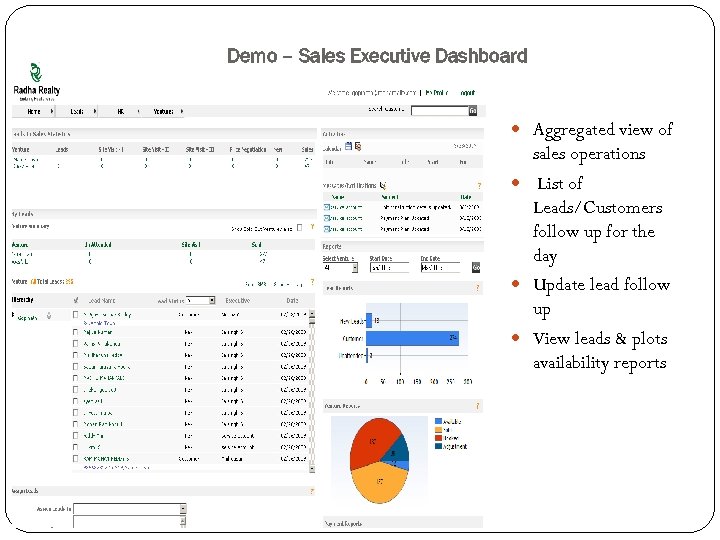 Demo – Sales Executive Dashboard Aggregated view of sales operations List of Leads/Customers follow up for the day Update lead follow up View leads & plots availability reports
 Return on Investment
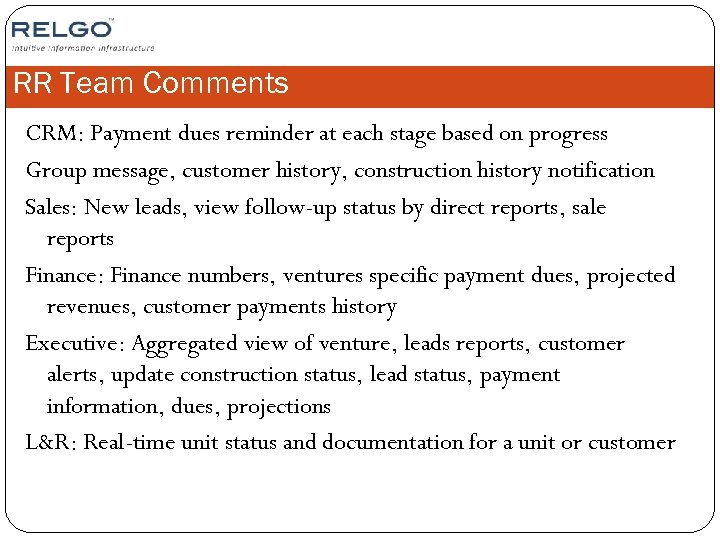 RR Team Comments CRM: Payment dues reminder at each stage based on progress Group message, customer history, construction history notification Sales: New leads, view follow-up status by direct reports, sale reports Finance: Finance numbers, ventures specific payment dues, projected revenues, customer payments history Executive: Aggregated view of venture, leads reports, customer alerts, update construction status, lead status, payment information, dues, projections L&R: Real-time unit status and documentation for a unit or customer