 Скачать презентацию Reading 3 D and DIBELS 2014 -2015 Items
54220bbfc92f178b8c0d9731ffc1c93b.ppt
- Количество слайдов: 13




Reading 3 D and DIBELS 2014 -2015 Items on the Agenda: • Benchmark windows • FAQ Document • Testing guidelines per the state • Adding new students, staff, classes • Adding assessment link to homescreen • Home Connect Letter • Progress Monitoring • Running Records, MAP, Compass Learning • DAZE and PM books


Please bookmark/save…. Amplify North Carolina Site: http: //www. amplify. com/north-carolina Amplify Representative for 3 D licenses/kits: Adam Ulrich, aulrich@amplify. com CMS Literacy Wiki: http: //literacy. cmswikispaces. net/ Amplify Customer Support: 800 -823 -1969 ext. 3

Amplify North Carolina FAQ Document On the NC Amplify website under Resources tab • Share with your staff key parts that you think they need • Please open this document so we may go over key points together. 1. www. amplify. com/north-carolina/resources 2. Resources tab 3. Click Frequently Asked Questions

Benchmarks -Teachers of record (the classroom teacher) may test during BOY and MOY but not EOY. Teachers of record MAY NOT test their own students for EOY. -ONLY certified staff members may administer DIBELS and Reading 3 D tests during any benchmark window.

NEW STUDENTS New students from within CMS schools must be transferred within the mclasshome site. Please contact the LF at the school from which the student came from to have them transfer the student to your school. New students from outside of CMS and North Carolina will need a new student account created from the Admin tab at the top right of the home screen. If students come outside of the most recent window, you can use a demo log in to test the student to find out where they are.

NEW Staff Members Add new staff members through the Admin tab on the top right of m. CLASShome screen. New Classes Go through the admin tab to create new classes.

Using the i. Pad for m. CLASS assessments: 1. Open Safari 2. Enter www. mclasshome. com/assessment 3. Log in 4. When the dialogue box appears asking if you would like the site to appear on your homepage, click yes. This will be your hotlink to open the testing link. It is not an app

Parent Communication Per House Bill 230 (Read to Achieve), parents must be notified of Student progress after each benchmark window. The Home Connect Letter should be sent home with report cards or shared during a parent-teacher conference. You can find this letter under the Support tab on the top right corner of mclasshome. com
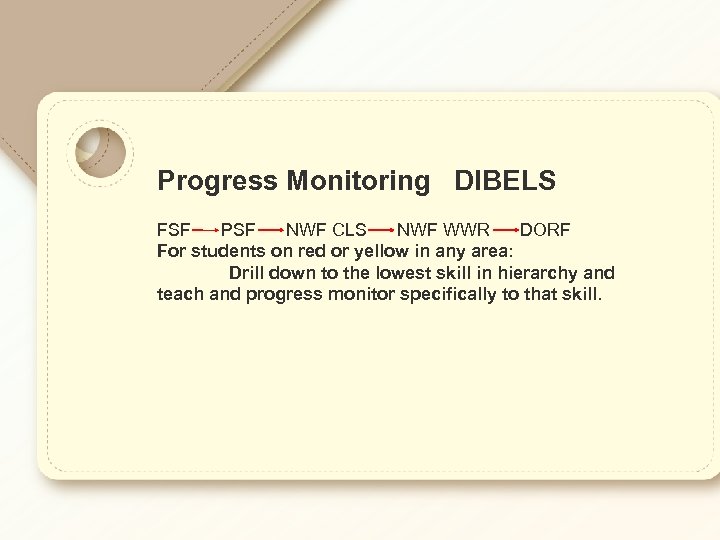
Progress Monitoring DIBELS FSF PSF NWF CLS NWF WWR DORF For students on red or yellow in any area: Drill down to the lowest skill in hierarchy and teach and progress monitor specifically to that skill.

Progress Monitoring TRC • There is no written comprehension for TRC progress monitoring. • You only have to do one read with a student. While the device may tell you to move up or down, you do not have to. ONE AND DONE. • TRC is not to be used for MTSS (Rt. I) comprehension monitoring as it is not a sensitive enough instrument for weekly measurement of growth.
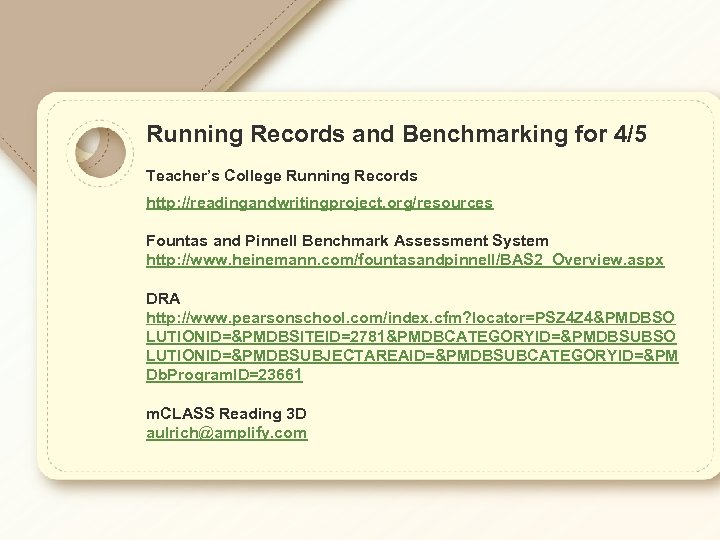
Running Records and Benchmarking for 4/5 Teacher’s College Running Records http: //readingandwritingproject. org/resources Fountas and Pinnell Benchmark Assessment System http: //www. heinemann. com/fountasandpinnell/BAS 2_Overview. aspx DRA http: //www. pearsonschool. com/index. cfm? locator=PSZ 4 Z 4&PMDBSO LUTIONID=&PMDBSITEID=2781&PMDBCATEGORYID=&PMDBSUBSO LUTIONID=&PMDBSUBJECTAREAID=&PMDBSUBCATEGORYID=&PM Db. Program. ID=23661 m. CLASS Reading 3 D aulrich@amplify. com

Other topics: • MAP data • Compass Learning • Progress Monitoring books • Licenses for Retained 4 th graders • Using TRC to form LLI groups • 4/5 graders showing up in m. CLASS list • Progress monitoring for 4/5—Aims. Web • Valeriel. davis • DAZE consumables arrived? • Training log in: teach 260 1234
Скачать презентацию Reading 3 D and DIBELS 2014 -2015 Items
54220bbfc92f178b8c0d9731ffc1c93b.ppt