 Скачать презентацию Re-Architecting The Windows Display Process Bill Powell
c0cae9d44ecd753b7347e84b31234f83.ppt
- Количество слайдов: 92



Re-Architecting The ® Windows Display Process Bill Powell Technical Evangelist Microsoft Corporation billpow@microsoft. com
Graphics And Display On Windows Is Evolving l l l High-DPI LCD displays DVI digital connectors UGA Pixel Shaders in Direct 3 D® s. RGB and sc. RGB New Windows graphics infrastructure
New OS Infrastructure l Minimize parallel efforts Ø Ø l l Direct. X®, GDI, and GDI+ Trident and User New OS organization for post-Windows XP work Enable a new user experience Ø Ø Ø Excitement for consumers Effectiveness for businesses Goal: Motivate Windows and PC sales!!
Agenda 9: 30 - 9: 35 Introduction 9: 35 - 10: 05 Re-inventing the Windows Experience 10: 05 - 10: 20 New Hardware for a New Windows Graphics Arch 10: 20 - 10: 30 Break 10: 30 - 11: 10 High-DPI Displays 11: 10 - 12: 10 Color Management 12: 10 - 12: 30 UGA
Reinventing The Windows User Experience Christopher Evans Development Lead Windows User Experience Team Microsoft Corporation
Elements Of The Windows XP Visual Style l l l l Richer use of color Textured controls and window frame elements Anti-aliased icons Significant use of alpha blending Rounded window frames Animations in webview and logon screen Subtle gradients in dialog windows
Windows XP Visual Style
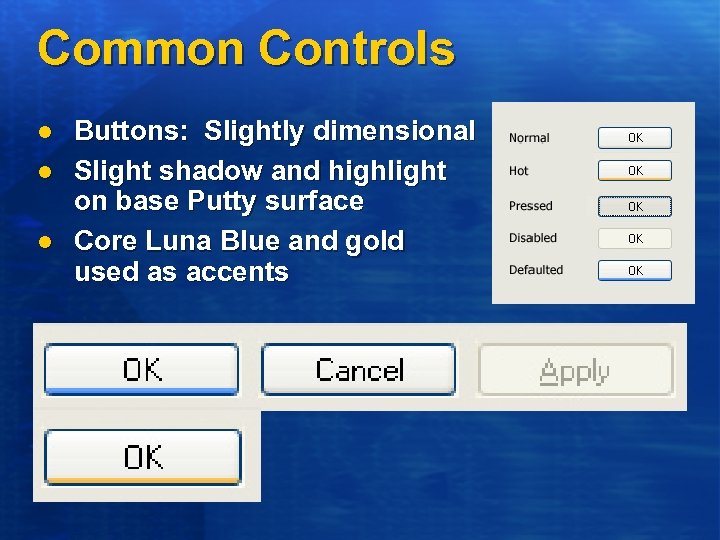
Common Controls l l l Buttons: Slightly dimensional Slight shadow and highlight on base Putty surface Core Luna Blue and gold used as accents
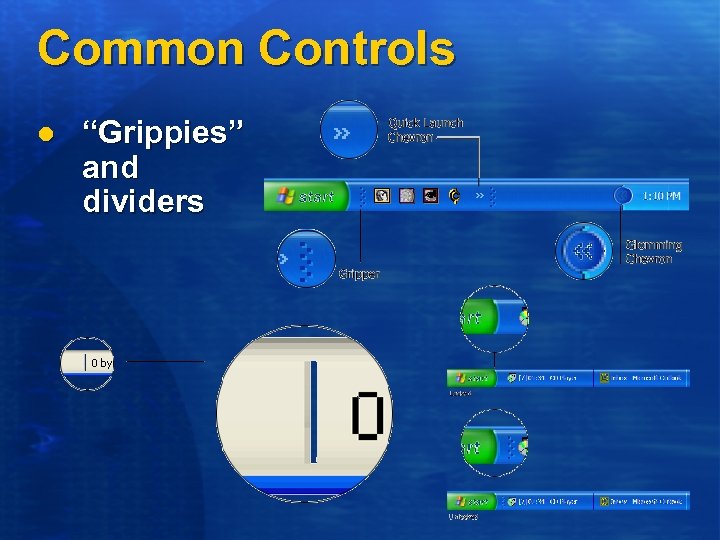
Common Controls l “Grippies” and dividers
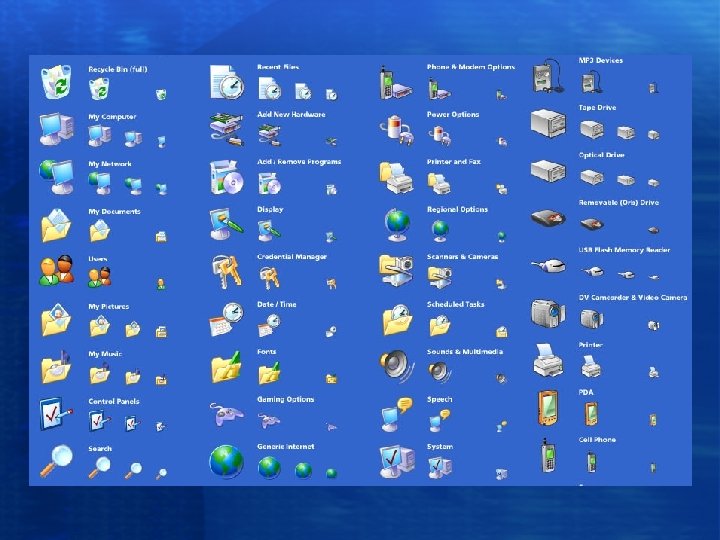
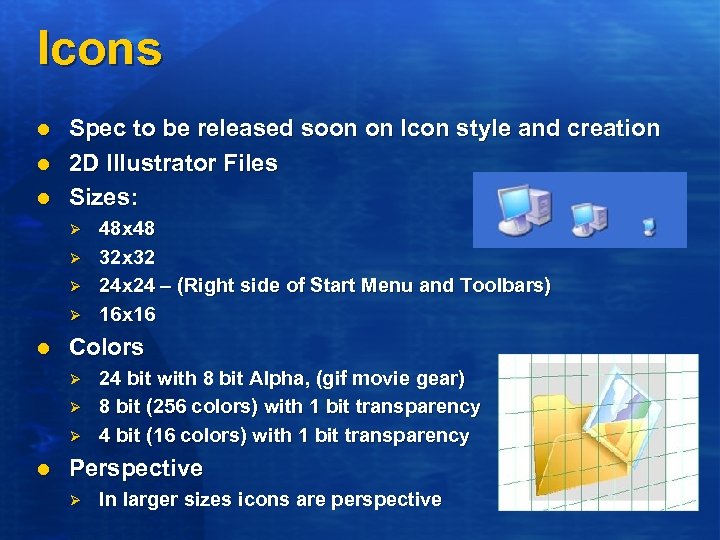
Icons l l l Spec to be released soon on Icon style and creation 2 D Illustrator Files Sizes: Ø Ø l Colors Ø Ø Ø l 48 x 48 32 x 32 24 x 24 – (Right side of Start Menu and Toolbars) 16 x 16 24 bit with 8 bit Alpha, (gif movie gear) 8 bit (256 colors) with 1 bit transparency 4 bit (16 colors) with 1 bit transparency Perspective Ø In larger sizes icons are perspective
Luna Performance Barriers Initial implementation l Initial Luna performance was slow Ø Ø Control rendering up to 1700% slower than non-themed controls Window frame resizing and painting were 240% slower
Sacrifices For Performance l Unrealized elements of the designers’ vision: Ø Ø Ø Full screen alpha blended effects Shadows behind active windows Common control animations Full window animations High DPI display limitations
New Challenges For GDI l l Large amount of source content Content accessible across all processes Need to pattern using very large number of patterns Need to pattern alpha and transparent sources
GDI Limitations l l No support for alpha/transparent brushes No support for sharing source content across processes Bad perf when attempting to manual tile content Spotty support in drivers for Alpha and Transparency
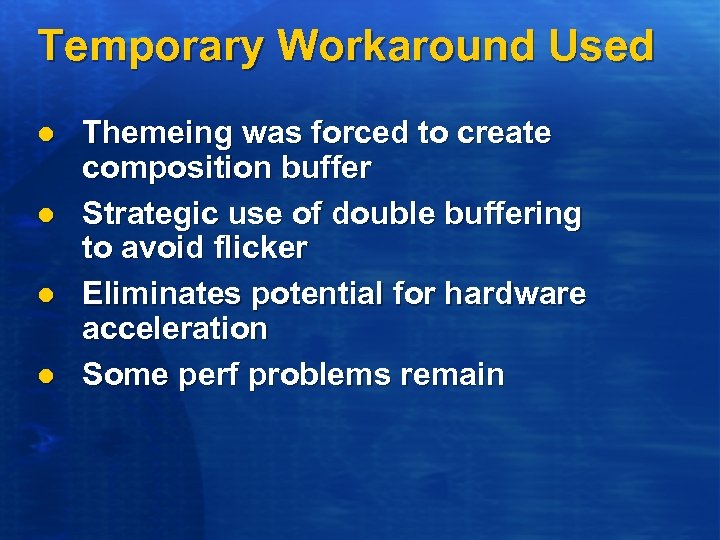
Temporary Workaround Used l l Themeing was forced to create composition buffer Strategic use of double buffering to avoid flicker Eliminates potential for hardware acceleration Some perf problems remain
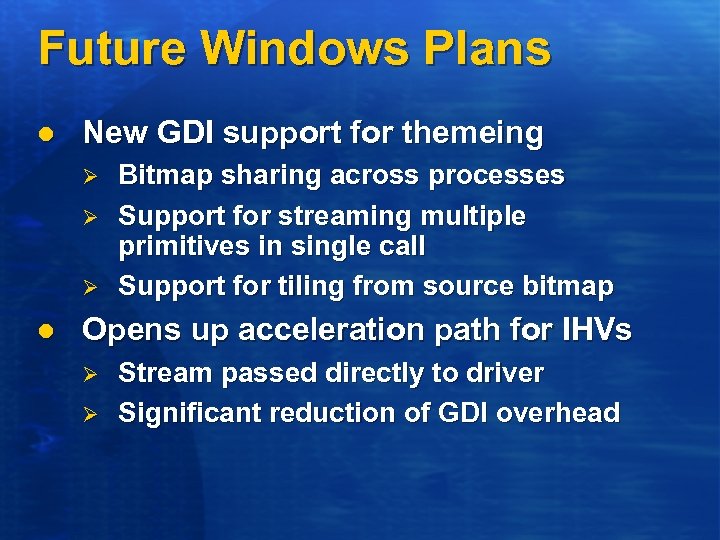
Future Windows Plans l New GDI support for themeing Ø Ø Ø l Bitmap sharing across processes Support for streaming multiple primitives in single call Support for tiling from source bitmap Opens up acceleration path for IHVs Ø Ø Stream passed directly to driver Significant reduction of GDI overhead
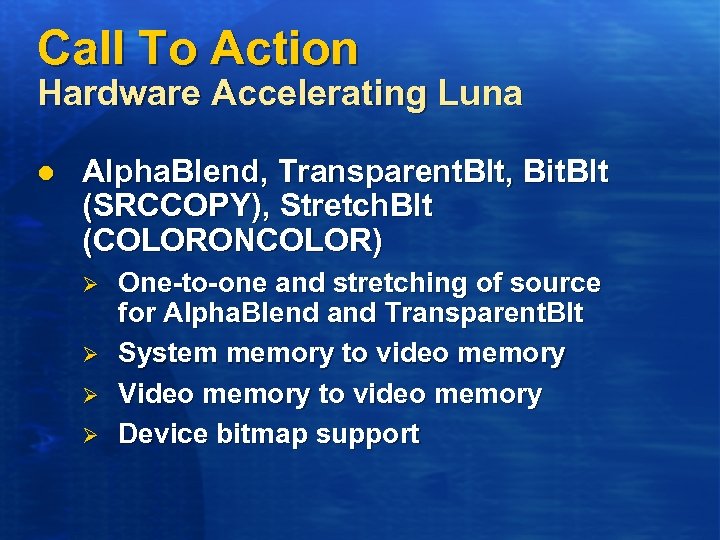
Call To Action Hardware Accelerating Luna l Alpha. Blend, Transparent. Blt, Bit. Blt (SRCCOPY), Stretch. Blt (COLORONCOLOR) Ø Ø One-to-one and stretching of source for Alpha. Blend and Transparent. Blt System memory to video memory Video memory to video memory Device bitmap support

Future Directions Where do we want to go tomorrow?
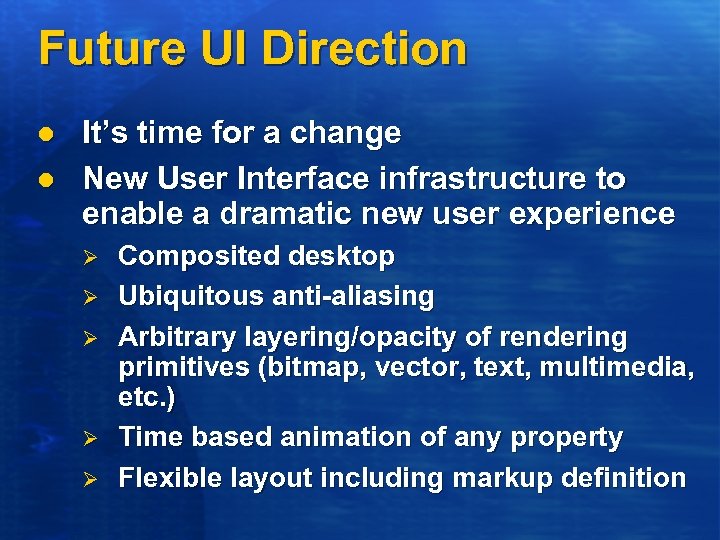
Future UI Direction l l It’s time for a change New User Interface infrastructure to enable a dramatic new user experience Ø Ø Ø Composited desktop Ubiquitous anti-aliasing Arbitrary layering/opacity of rendering primitives (bitmap, vector, text, multimedia, etc. ) Time based animation of any property Flexible layout including markup definition
Demo Futuristic User Interface
Summary l l l New Windows XP visual styles are a dramatic departure from Windows 95 experience Significant performance improvements have been made More can be done in hardware to improve the experience
New Hardware For A New Windows Graphics Architecture Steve Wright Program Manager Windows Graphics and Gaming Microsoft Corporation swright@microsoft. com
What Do We Need? l A short list of new hardware features will enable a much richer graphics desktop environment Ø Ø Ø l Preemptible graphics engine with high priority command queue Asynchronous readback of device occlusion-test state Bicubic and programmable filter kernels Support deeper pixel formats and more display surface memory Ø See also Michael Stokes’ talk on deep pixel formats
Preemptible Graphics Engine l Our desktop manager and applications need to share access to the GPU Ø Ø Desktop manager will need to preempt the application command data stream Enables the desktop to support for multiple timed-delivery clients
Asynchronous Occlusion. State Readback l l l “Occlusion-culling”: Popular technique for optimizing application performance Desktop manager can leverage occlusion info in cross-process compositing contexts Need asynchronous readback to avoid stalling applications (particularly the desktop manager)
Bicubic And Programmable Kernel Filters l Bicubic is a desktop application quality requirement: Ø Ø l Bilinear is ok for “natural” content and game-authored content But poor for text and “vector” graphics Programmable kernels could be used to accelerate anti-aliased text
Raising The Bar l Deeper pixel formats: Ø Ø l More display memory: Ø Ø l 32 bpp minimum with 8 bpp alpha, 64 bpp desired See Michael Stokes’ color talk for what we can do with 64 bpp! Double buffering a 1200 x 1600 desktop at 32 bpp requires 16 Mb Expect 32 Mb will be minimum given increased densities and app demands for more buffers More texel processing bandwidth Ø Same desktop requires 1 Gbps to composite desktop at refresh rate; Expect we can use well more than that
Call To Action l Work with us as we refine our design and specify DDIs for the new features Ø Ø l Sign up for Direct. X 9 Betas Participate in Direct. X 9 Design Reviews Add new features to graphics HW
Agenda 9: 30 - 9: 35 Introduction 9: 35 - 10: 05 Re-inventing the Windows Experience 10: 05 - 10: 20 New Hardware for a New Windows Graphics Arch 10: 20 - 10: 30 Break 10: 30 - 11: 10 High-DPI Displays 11: 10 - 12: 10 Color Management 12: 10 - 12: 30 UGA
High Pixel Density Displays Joe Curley Multimedia Development Dell Nick Kramer Windows Microsoft Corporation
High DPI Is Real, Now l LCD manufacturing enables: Ø Ø l Market acceptance of high density Ø Ø Ø l Greater pixel densities Same cost per panel LCDs Customer preference in PCs Ideal for Mapping, e. Books, Content creation Enables new device catagories High DPI enables new e-paper applications and more flexible use of screen real estate
Panel Deployment l High density (> 100 dpi) LCDs available today Ø l Greater densities imminent Ø Ø l 15” UXGA (133 dpi) – shipping today 200+ dpi demonstrated for years 15” QXGA (171 dpi) – 2002 Driven by PC and non-PC markets
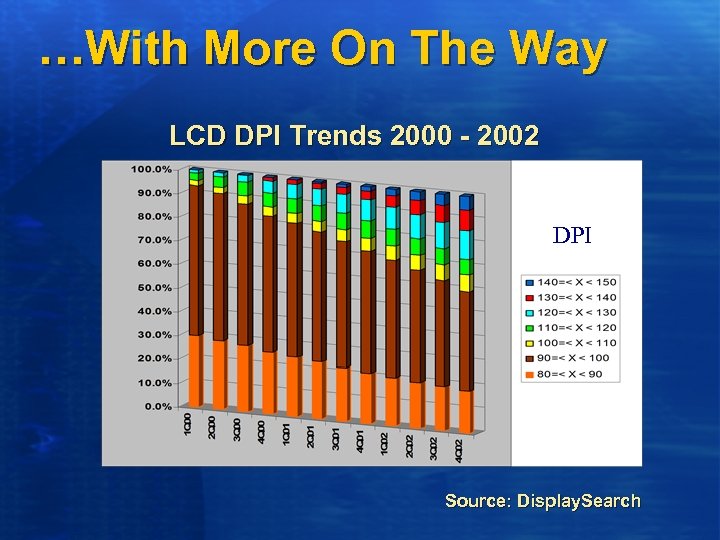
…With More On The Way LCD DPI Trends 2000 - 2002 DPI Source: Display. Search

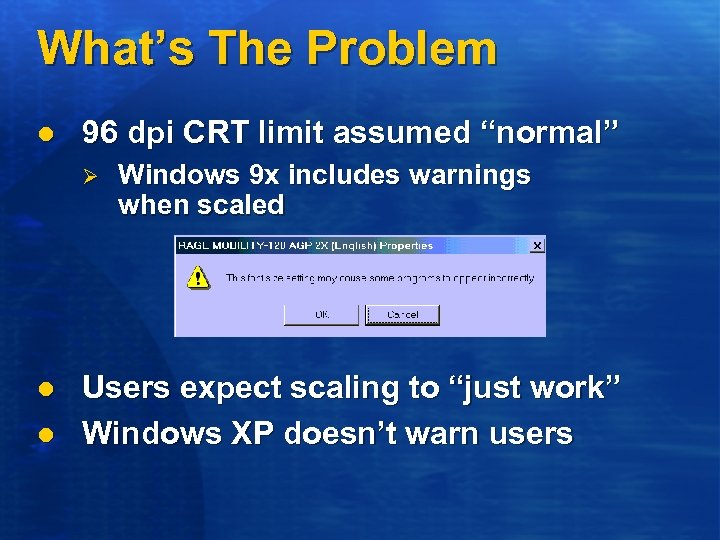
What’s The Problem l 96 dpi CRT limit assumed “normal” Ø l l Windows 9 x includes warnings when scaled Users expect scaling to “just work” Windows XP doesn’t warn users
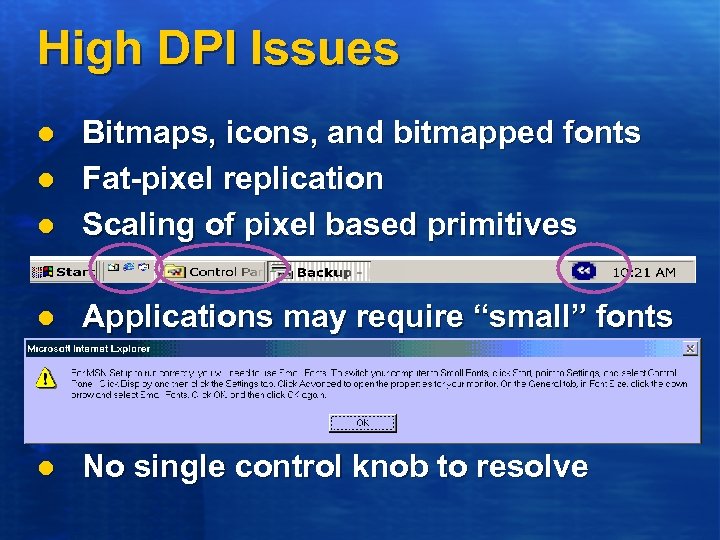
High DPI Issues l Bitmaps, icons, and bitmapped fonts Fat-pixel replication Scaling of pixel based primitives l Applications may require “small” fonts l No single control knob to resolve l l
High DPI in Windows Nick Kramer Program Manager Windows Microsoft Corporation nkramer@microsoft. com
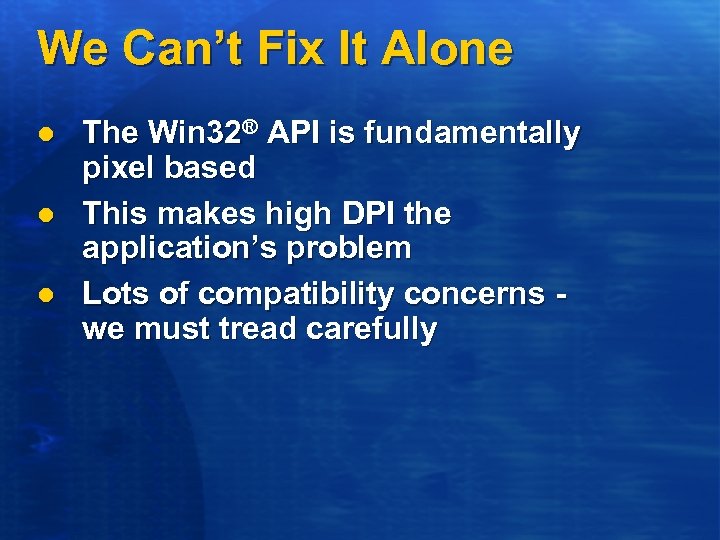
We Can’t Fix It Alone l l l The Win 32® API is fundamentally pixel based This makes high DPI the application’s problem Lots of compatibility concerns we must tread carefully
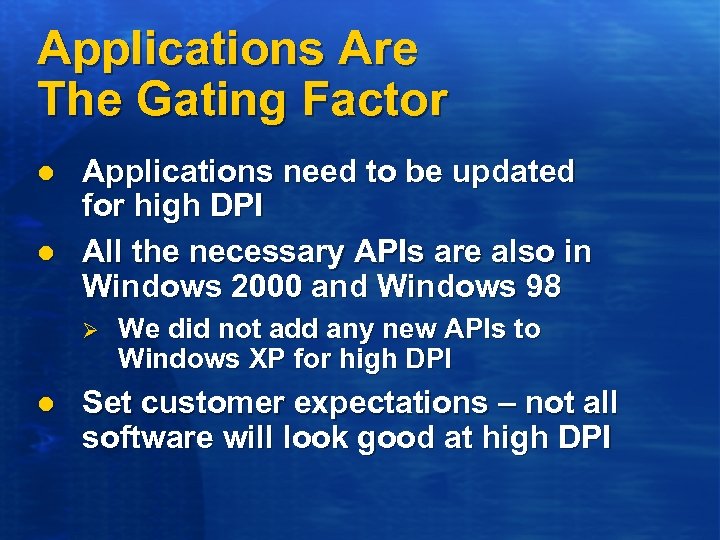
Applications Are The Gating Factor l l Applications need to be updated for high DPI All the necessary APIs are also in Windows 2000 and Windows 98 Ø l We did not add any new APIs to Windows XP for high DPI Set customer expectations – not all software will look good at high DPI
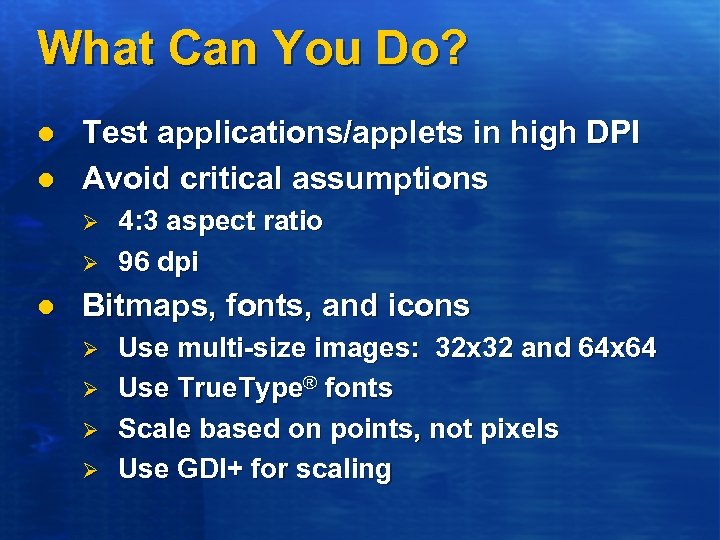
What Can You Do? l l Test applications/applets in high DPI Avoid critical assumptions Ø Ø l 4: 3 aspect ratio 96 dpi Bitmaps, fonts, and icons Ø Ø Use multi-size images: 32 x 32 and 64 x 64 Use True. Type® fonts Scale based on points, not pixels Use GDI+ for scaling
High DPI In Windows XP l l Not perfect at high DPI Usable at 133 dpi Ø l Not always pretty, but usable Some adventurous folks use even higher densities
Future Windows Plans l l l More Shell improvements Graphic design that takes advantage of high DPI New libraries that make it easier to write high DPI software Ø Ø Ø Layout managers that reduce the need to specify control placement Composable controls let you build big controls out of small ones, which reduces the amount of drawing logic written Fewer opportunities to make mistakes
Call To Action l LCD makers Ø Ø Keep pushing up the pixel density Make stand-alone displays § l High DPI is not just for laptops Graphics card makers Ø Ø Ø Support more pixels Find the bandwidth to drive more pixels Fix your bundled apps and applets
Call To Action l PC manufacturers Ø Ø Ø l Ship high DPI machines Push ISVs to support high DPI Set realistic expectations with customers ISVs Ø Ø Fix your software (see white paper) How can you exploit high DPI?
Microsoft Color Management Michael Stokes Program Manager GDI+ Microsoft Corporation Mi. Stokes@microsoft. com
Color Affects Your Business! l Color effected business Ø Ø Ø E-commerce Desktop publishing Desktop presentations Digital photography Computer games
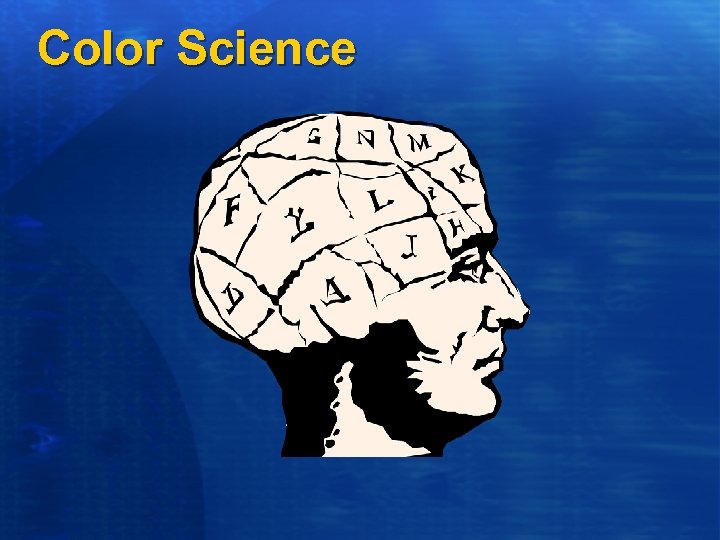
Color Science
Two Basic Color Spaces l Physical based on photons l Perceptual based on Human Visual System
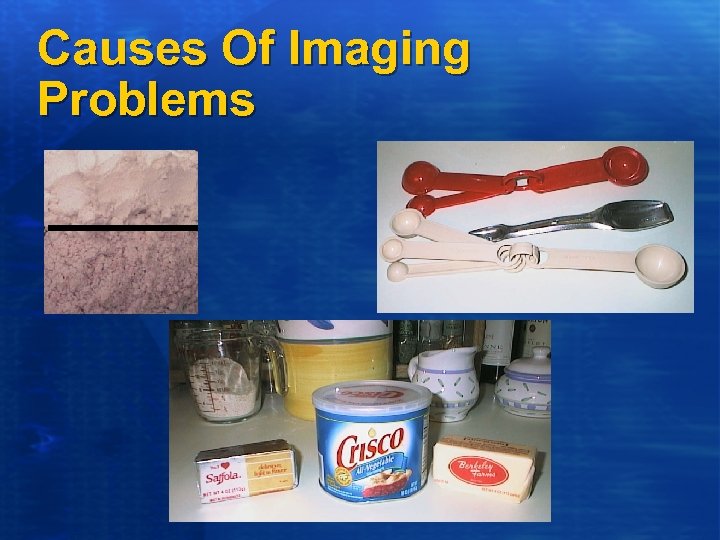
Causes Of Imaging Problems
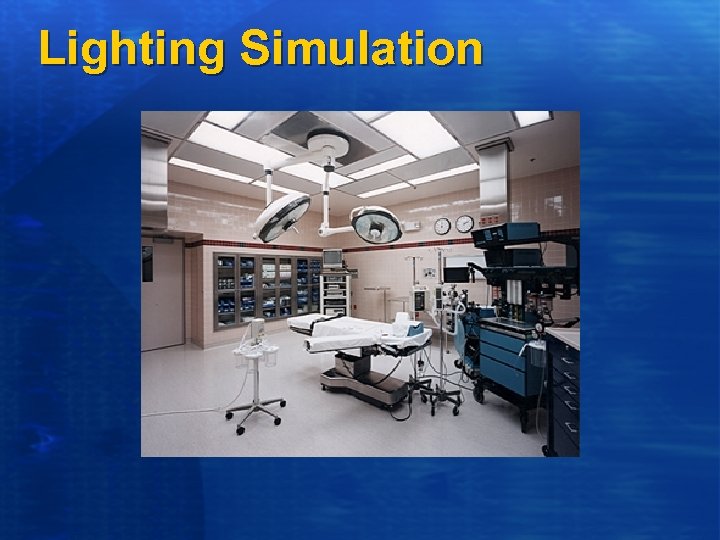
Lighting Simulation
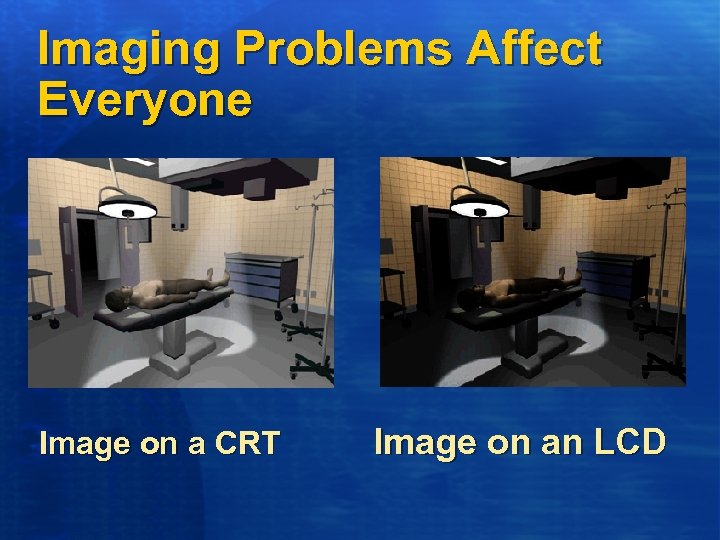
Imaging Problems Affect Everyone Image on a CRT Image on an LCD
Color Management
Current Situation Too Many Color Spaces NTSC SMPTE EBU PAL SONY Konig PHILIPS WINDOWS MACINTOSH IRIX ITU-R 709. BT HTDV
Current Situation Conflicting standards ITU-R VRML JTC 1 IETF IEC ISO ASTM EBU CIE VESA
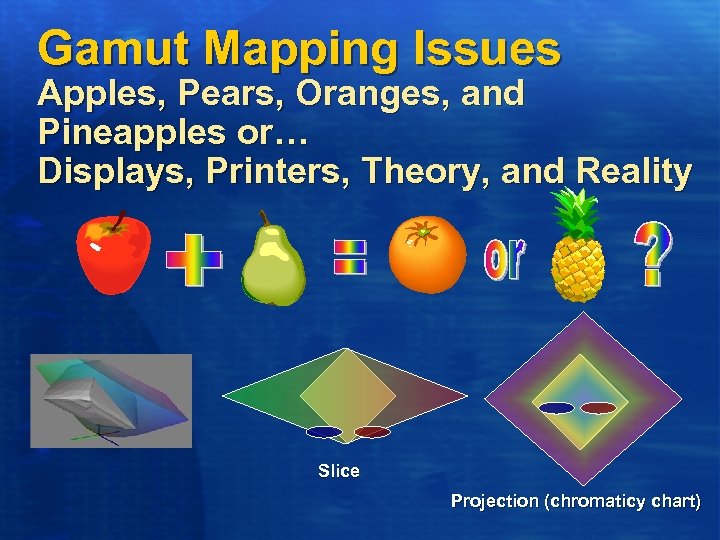
Gamut Mapping Issues Apples, Pears, Oranges, and Pineapples or… Displays, Printers, Theory, and Reality Slice Projection (chromaticy chart)
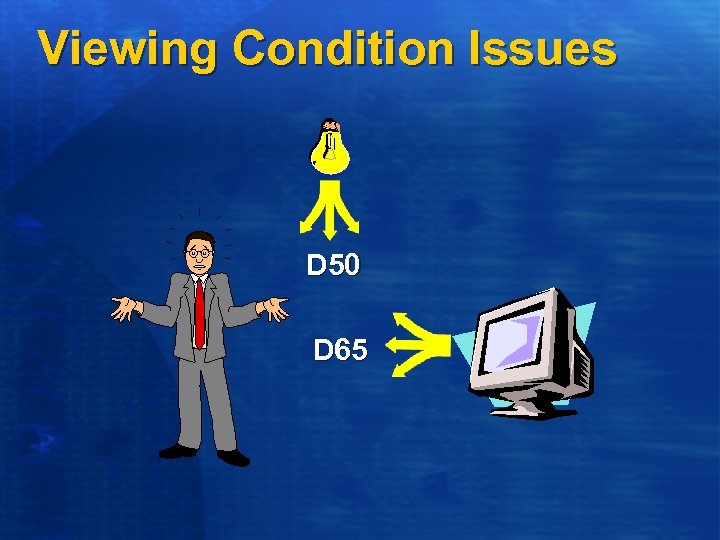
Viewing Condition Issues D 50 D 65
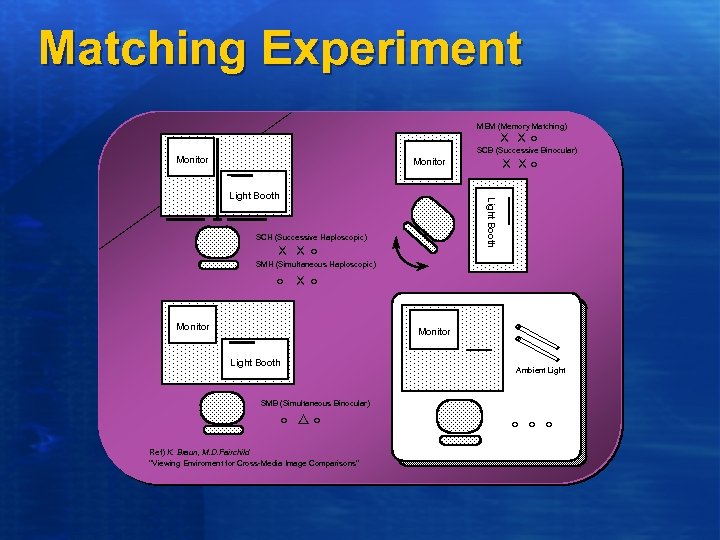
Matching Experiment MEM (Memory Matching) XX○ SCB (Successive Binocular) Monitor X X○ Monitor Light Booth SCH (Successive Haploscopic) X X○ SMH (Simultaneous Haploscopic) ○ X○ Monitor Light Booth Ambient Light SMB (Simultaneous Binocular) ○ △○ Ref) K. Braun, M. D. Fairchild "Viewing Enviroment for Cross-Media Image Comparisons" ○ ○ ○
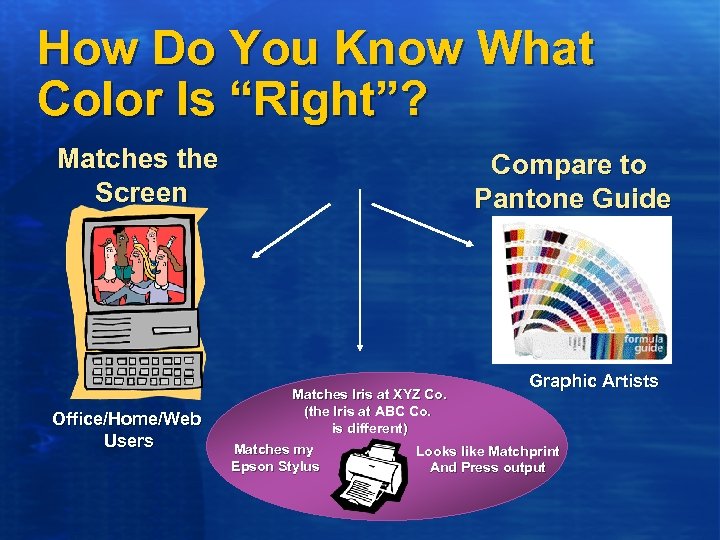
How Do You Know What Color Is “Right”? Matches the Screen Office/Home/Web Users Compare to Pantone Guide Matches Iris at XYZ Co. (the Iris at ABC Co. is different) Matches my Epson Stylus Graphic Artists Looks like Matchprint And Press output

What’s The Solution?
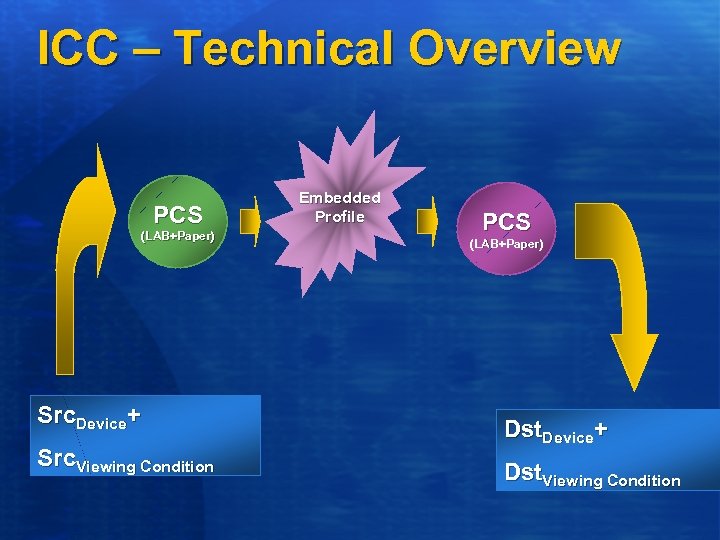
ICC – Technical Overview PCS (LAB+Paper) Src. Device+ Src. Viewing Condition Embedded Profile PCS (LAB+Paper) Dst. Device+ Dst. Viewing Condition
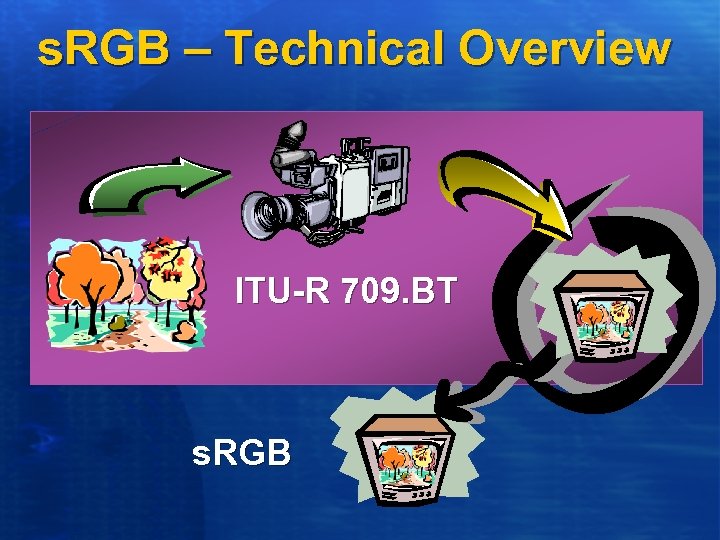
s. RGB – Technical Overview ITU-R 709. BT s. RGB
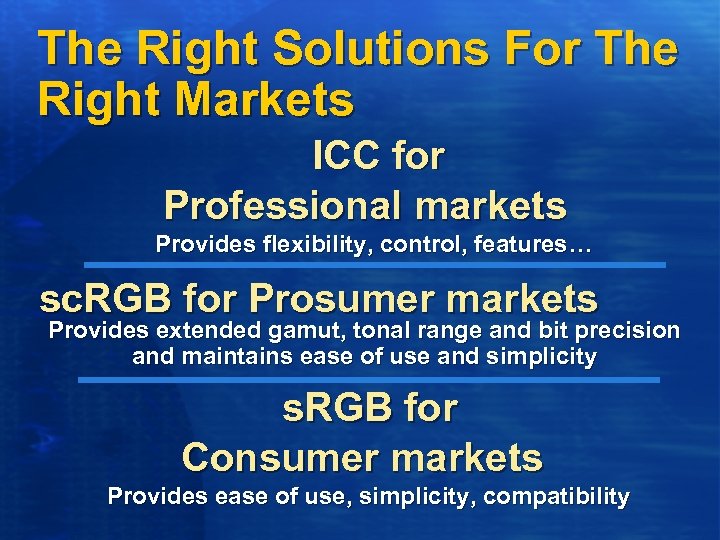
The Right Solutions For The Right Markets ICC for Professional markets Provides flexibility, control, features… sc. RGB for Prosumer markets Provides extended gamut, tonal range and bit precision and maintains ease of use and simplicity s. RGB for Consumer markets Provides ease of use, simplicity, compatibility
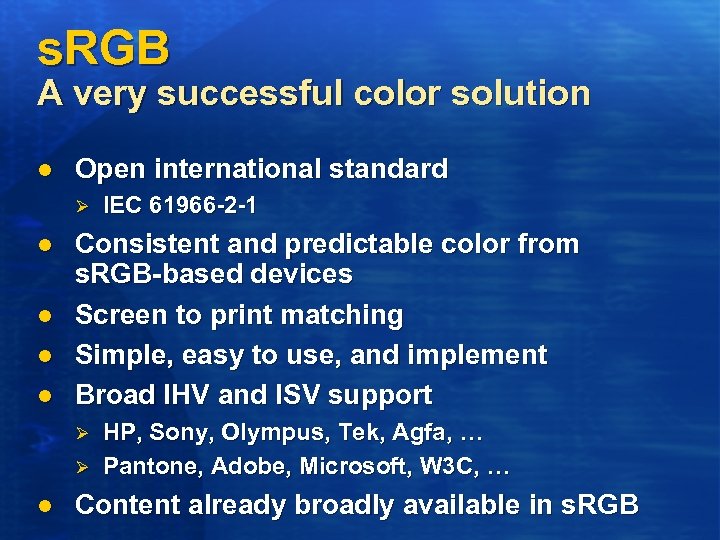
s. RGB A very successful color solution l Open international standard Ø l l Consistent and predictable color from s. RGB-based devices Screen to print matching Simple, easy to use, and implement Broad IHV and ISV support Ø Ø l IEC 61966 -2 -1 HP, Sony, Olympus, Tek, Agfa, … Pantone, Adobe, Microsoft, W 3 C, … Content already broadly available in s. RGB
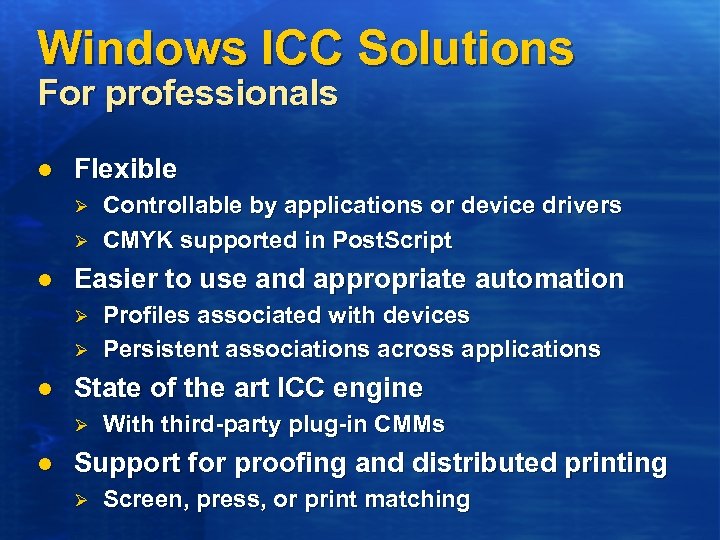
Windows ICC Solutions For professionals l Flexible Ø Ø l Easier to use and appropriate automation Ø Ø l Profiles associated with devices Persistent associations across applications State of the art ICC engine Ø l Controllable by applications or device drivers CMYK supported in Post. Script With third-party plug-in CMMs Support for proofing and distributed printing Ø Screen, press, or print matching
How Critical Is Color Accuracy? “Need images to look good” “Accuracy is not critical – except in our logo” “Color should be right: Blue is blue – not purple Red is red – not orange” “Need good skin tones” “We scrapped a pile of Promotional material because the logo was not close enough” “Need good lightness/contrast”
WHQL Win. Color New for Windows XP l Win. Color Compliance Specification Ø Ø Ø l Metrics for color accuracy tolerance and quality for imaging devices Printers LCDs CRTs Designed for Windows logo program Similar guidelines on the horizon Ø Ø Ø Other display technologies Scanners Cameras
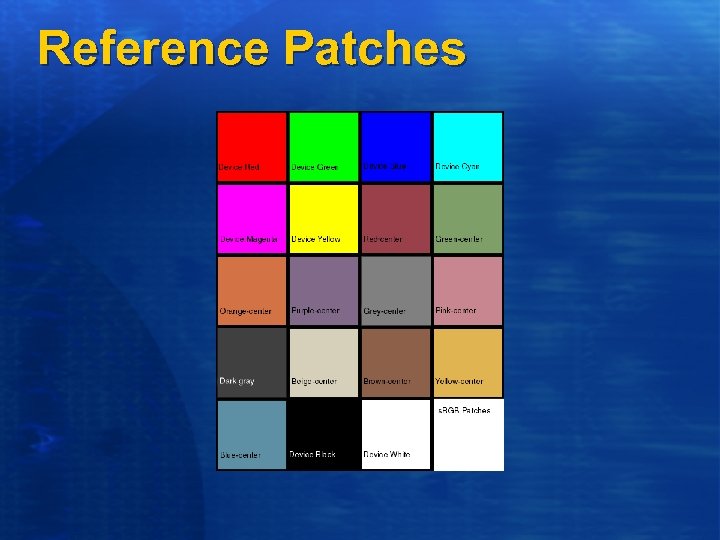
Reference Patches
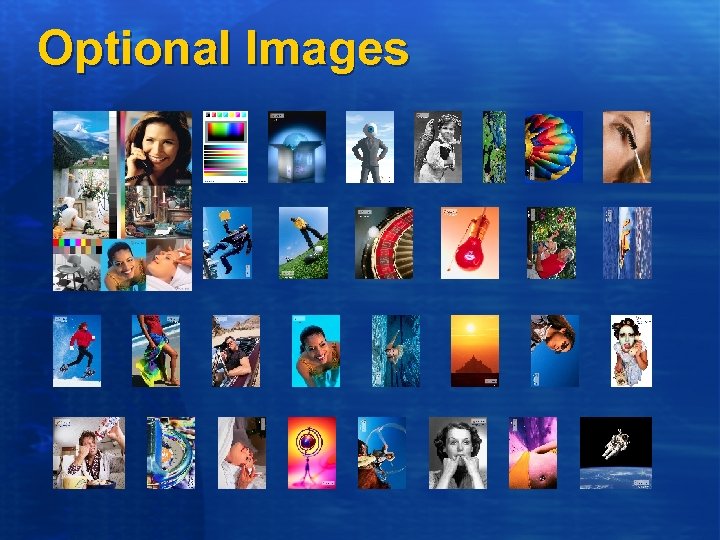
Optional Images
Common History “We’ve been successfully reproducing color in our industry for X years; If you would only do it our way (and use our proprietary product) all of your problems would be solved!”
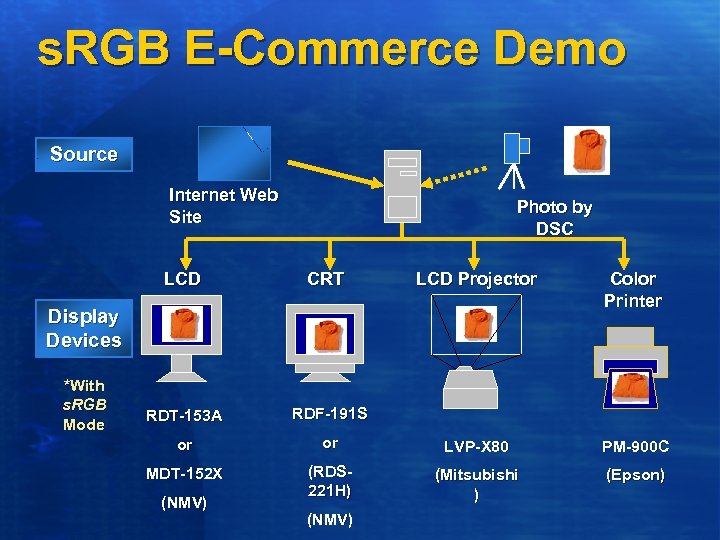
s. RGB E-Commerce Demo Source Internet Web Site Photo by DSC LCD CRT LCD Projector Color Printer RDT-153 A RDF-191 S or or LVP-X 80 PM-900 C MDT-152 X (RDS 221 H) (Mitsubishi ) (Epson) Display Devices *With s. RGB Mode (NMV)

Looking Ahead…
sc. RGB A compatible superset of s. RGB l l l Submitted as open standard to IEC Linear, extended range 64 bit color space Color gamut and tonal range includes all viewable colors Ø l 16 -bit precision per channel for better color quality Ø l 64 bits total with alpha channel Compatible with s. RGB Ø l Print and display Same white point, primaries, viewing conditions Compatible with existing ICC workflows
Call To Action l l Don’t use ICC workflows for Consumer, e. Commerce or Enterprise markets ISVs Ø Ø l Printer and Display IHVs Ø Ø l Save color data as s. RGB (PNG, EXIF, etc. ) Use common ICM 2. 0 user interface dialog for prepress applications Make devices default to s. RGB out of the box Use WQHL Win. Color specifications and tests Capture IHVs Ø Work with Microsoft on developing Win. Color specs
The Universal Graphics Adapter Mike Tricker Technical Program Manager Windows Microsoft Corporation miketri@microsoft. com
Introducing UGA l l A proposal for a new graphics standard To eventually replace VGA Ø l Initially works alongside VGA Ø l Both BIOS and driver changes Firmware for both on the same device Will provide firmware services accessible at runtime Ø Power management
Why Replace VGA? l l Limited display resolutions 16 -bit Real-mode x 86 BIOS code Ø l Legacy I/O and memory Ø l 64 k limit already hit Non-relocateable, hard to program Poor multi monitor support Ø Issues with disabling VGA
UGA Goals l l l Platform independence Work with or without a VGA core Improved basic services Ø Better than 640 x 480 x 16 color § l Highly reliable Ø l Continuous modes Simple, robust, and extensively tested! Firmware to be written in C Ø Quicker development, simpler maintenance
UGA Non-Goals l Defining hardware standards Ø l Or hardware evolution High performance Ø Minimal acceleration § l Support for smooth scrolling Direct. X-aware Ø IHVs still write the high performance drivers
User Benefits l l Improved pre- and post-boot experiences Simplified multi-monitor configuration Ø l High-availability server support Ø l No need to struggle with VGA BIOSs Highly reliable hi-res driver Power-managed minimal driver for upgraded laptops
IHV Benefits l BIOS development in C not assembler Ø l BIOS can grow beyond 64 k Ø l l l Skill and tool availability Support for new features Platform independence Can work without a VGA core Can use UGA base services in the high-performance drivers
OEM Benefits l High resolution graphics from POST onwards Ø Ø Ø l Compelling splash screen/videos, etc. Make a great first impression Configuration tools High-availability system support Ø Ø Hi-res/hi-color but low risk Significant issue with 24 x 7 servers
Costs l Will require additional ROM Ø l l Initial limited availability forces up device costs Will require a new system BIOS Ø Ø l To support VGA and UGA firmware side-by-side That knows how to POST using UGA But not with dual-mode devices However, the target firmware size is less than 32 k…
Operating System Support l Microsoft will ship a UGA driver in the box Ø l O/S will also provide Ø Ø l Targeting Windows XP + 1 for first release UGA kernel services UGA HAL wrapping UGA and VGA devices UGA will be used for Safe Mode Ø And wherever else VGA is used today
Dual Mode Devices l l We won’t change the world overnight… Start out with a UGA BIOS wrapping VGA hardware A single device can appear as both UGA and VGA Can POST using VGA and then run as UGA once the O/S boots
Pure UGA Devices l l Require a new system BIOS that uses UGA to POST Can then to drop VGA support Simplify the GPU core Smaller, cheaper
Schedule For Delivery l l Software-only in Windows XP + 1 Still requires VGA hardware to POST Working with IHVs to produce mixed-mode devices And then UGA-only devices
Where Are We Now? l l l UGA Specification now at v 0. 5 UGA firmware template done UGA to virtual machine binding in progress UGA kernel services in progress Virtual machine emulation in progress

Call To Action l Visit the Web site Ø l Review our design document Ø l l //www. microsoft. com/hwdev/display Available today Join our discussion group Talk to us Work with us Contact us via: uga@microsoft. com
 Скачать презентацию Re-Architecting The Windows Display Process Bill Powell
c0cae9d44ecd753b7347e84b31234f83.ppt