


 Скачать презентацию rd Pan-Galactic 3 The 3 Pan-Galactic Workshop
83dd698596645174604e446f8727956a.ppt
- Количество слайдов: 43
 rd Pan-Galactic 3 The 3 Pan-Galactic Workshop
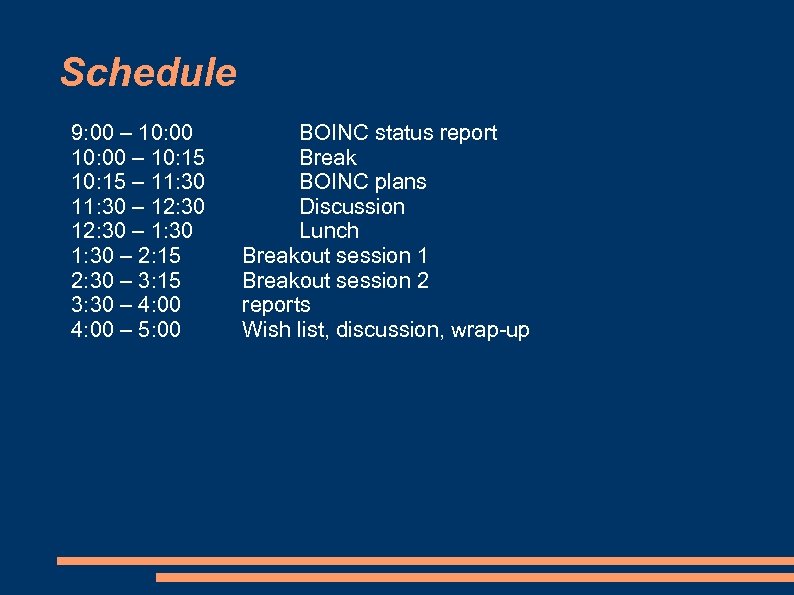 Schedule 9: 00 – 10: 15 – 11: 30 – 12: 30 – 1: 30 – 2: 15 2: 30 – 3: 15 3: 30 – 4: 00 – 5: 00 BOINC status report Break BOINC plans Discussion Lunch Breakout session 1 Breakout session 2 reports Wish list, discussion, wrap-up
 BOINC status report David P. Anderson davea@ssl. berkeley. edu Sept. 6, 2007
 Outline The state of volunteer computing The state of BOINC What’s happened since the last workshop and what hasn’t happened What’s in the works What’s in the future
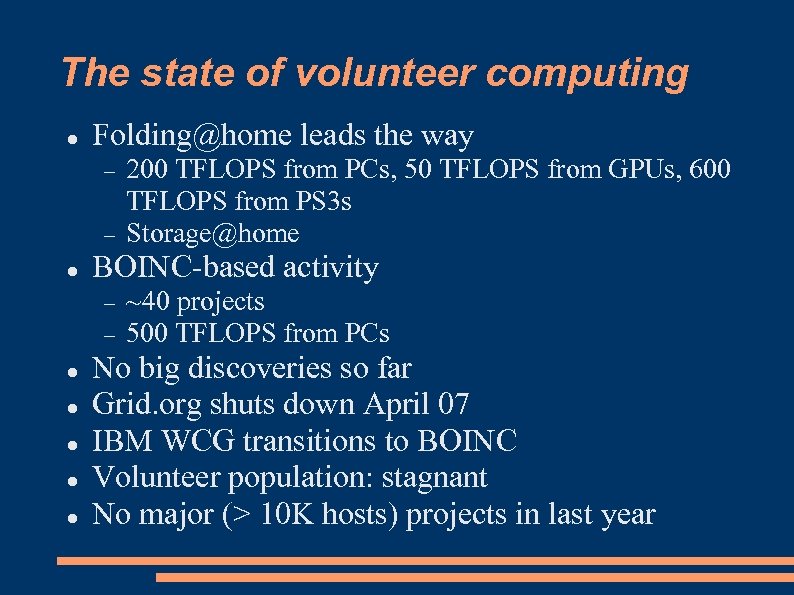 The state of volunteer computing Folding@home leads the way BOINC-based activity 200 TFLOPS from PCs, 50 TFLOPS from GPUs, 600 TFLOPS from PS 3 s Storage@home ~40 projects 500 TFLOPS from PCs No big discoveries so far Grid. org shuts down April 07 IBM WCG transitions to BOINC Volunteer population: stagnant No major (> 10 K hosts) projects in last year
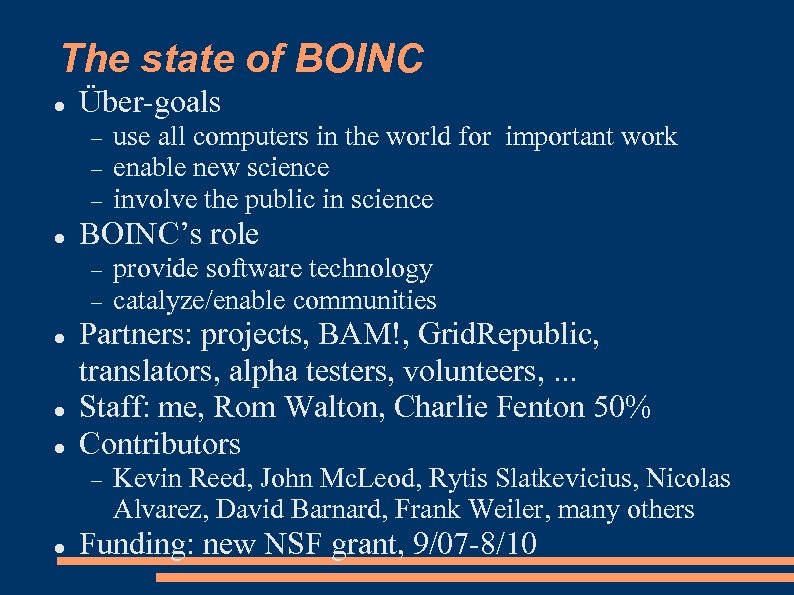 The state of BOINC Über-goals BOINC’s role provide software technology catalyze/enable communities Partners: projects, BAM!, Grid. Republic, translators, alpha testers, volunteers, . . . Staff: me, Rom Walton, Charlie Fenton 50% Contributors use all computers in the world for important work enable new science involve the public in science Kevin Reed, John Mc. Leod, Rytis Slatkevicius, Nicolas Alvarez, David Barnard, Frank Weiler, many others Funding: new NSF grant, 9/07 -8/10
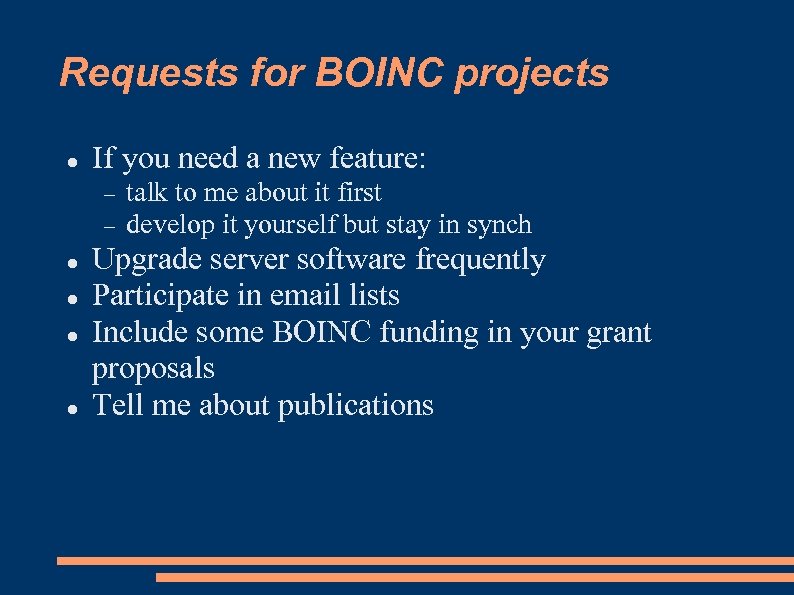 Requests for BOINC projects If you need a new feature: talk to me about it first develop it yourself but stay in synch Upgrade server software frequently Participate in email lists Include some BOINC funding in your grant proposals Tell me about publications
 What’s happened since the last workshop?
 BOINC now uses trac Trac bug-tracking system replaces BOINCzilla Subversion replaces RCS sandboxes Milestones Documentation is Wiki-fied please participate!
 Facilitating project creation VMware BOINC server Wrapper application run on Windows/Mac/Linux all software pre-installed, compiled handles sequence of “legacy” apps, which use stdin/stdout or named files checkpointing at “sub-job” level make_project improvements reasonable config. xml defaults
 Client software releases 5. 6 (Sept 06) 5. 8 (Dec 06) new CPU scheduler Mac sandbox Simple view Snooze button CPU throttling memory usage prefs 5. 10 (May 07) Project selection menu Advanced prefs dialog Grid-based views
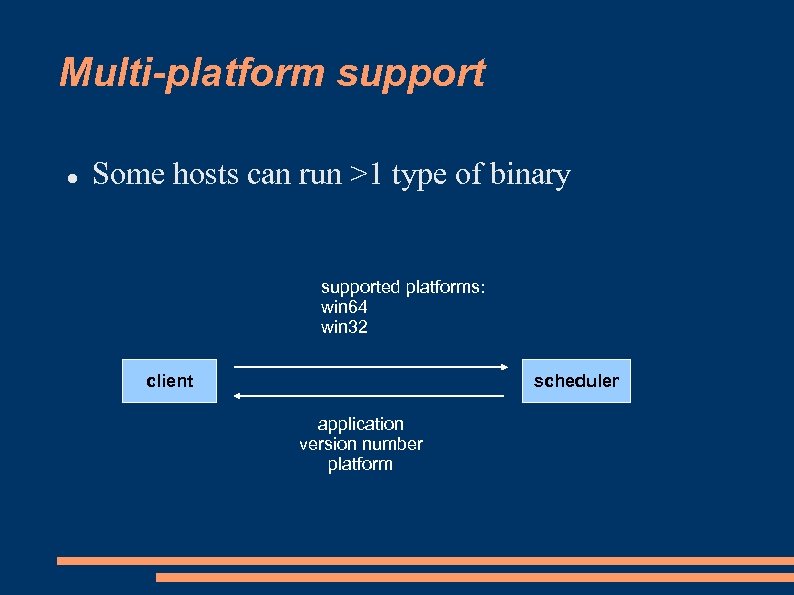 Multi-platform support Some hosts can run >1 type of binary supported platforms: win 64 win 32 client scheduler application version number platform
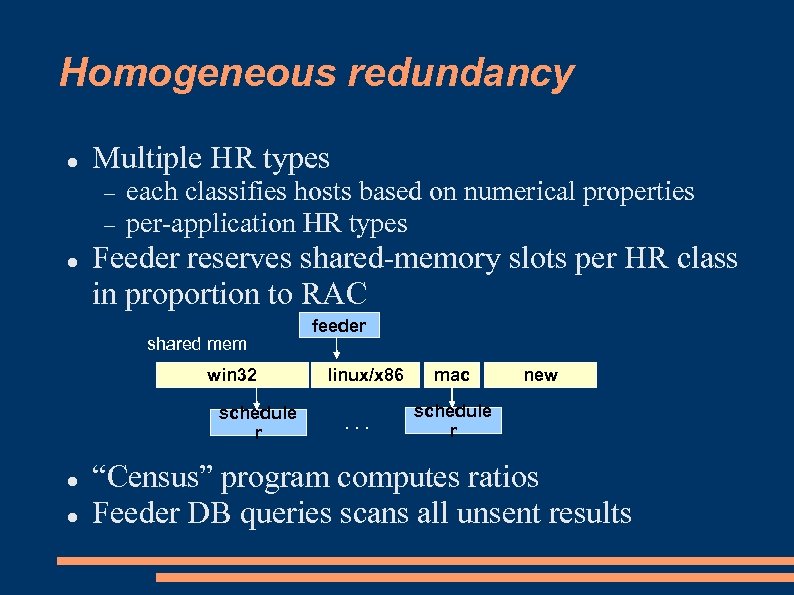 Homogeneous redundancy Multiple HR types each classifies hosts based on numerical properties per-application HR types Feeder reserves shared-memory slots per HR class in proportion to RAC shared mem win 32 schedule r feeder linux/x 86. . . mac new schedule r “Census” program computes ratios Feeder DB queries scans all unsent results
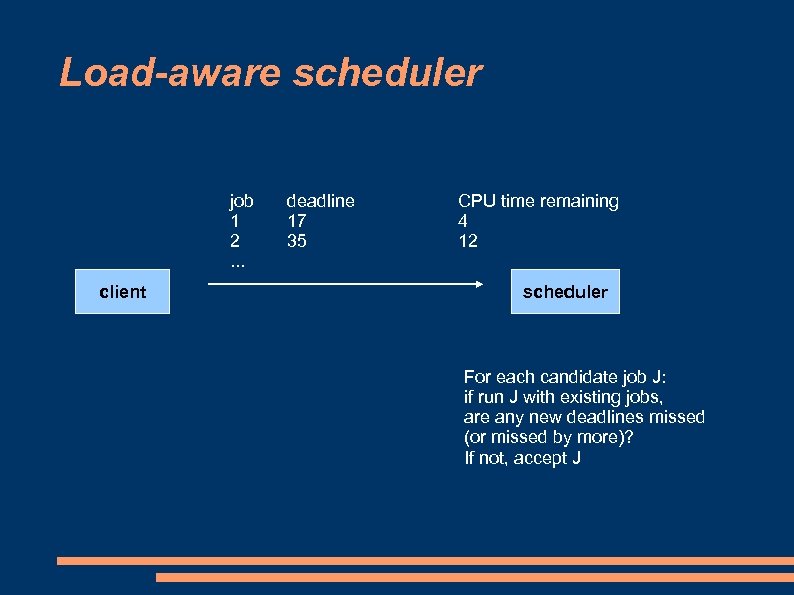 Load-aware scheduler job 1 2. . . client deadline 17 35 CPU time remaining 4 12 scheduler For each candidate job J: if run J with existing jobs, are any new deadlines missed (or missed by more)? If not, accept J
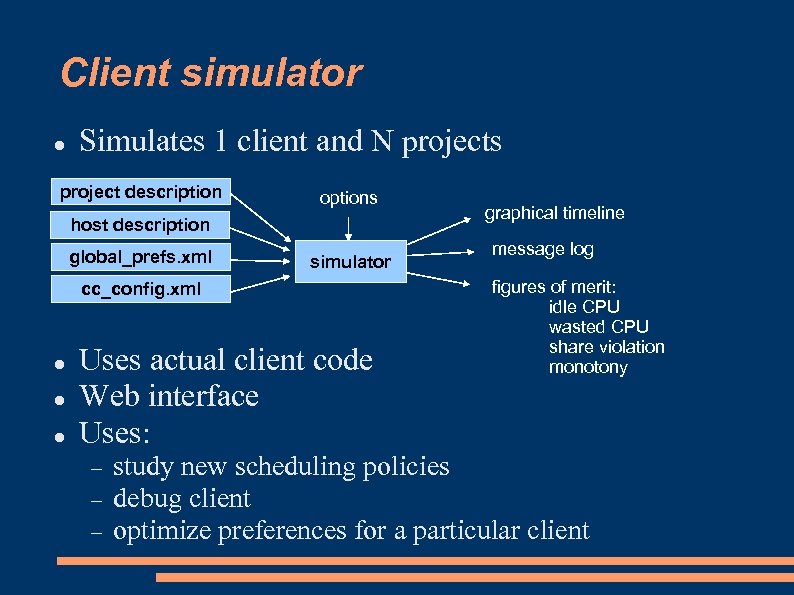 Client simulator Simulates 1 client and N projects project description options host description global_prefs. xml simulator cc_config. xml Uses actual client code Web interface Uses: graphical timeline message log figures of merit: idle CPU wasted CPU share violation monotony study new scheduling policies debug client optimize preferences for a particular client
 Recruitment and retention Newsletter support Reminder email support dropouts initial failures Grass-roots PC magazine publicity campaign http: //boinc. berkeley. edu/trac/wiki/Boinc. Pr
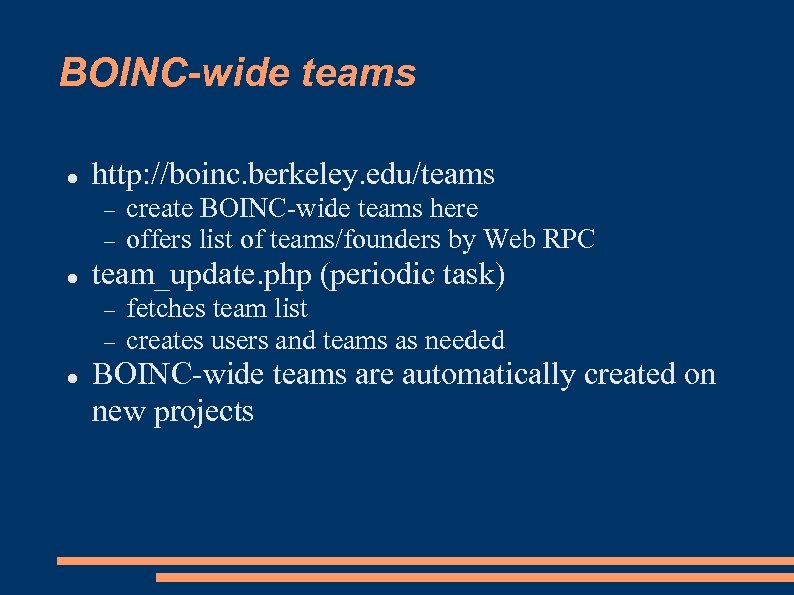 BOINC-wide teams http: //boinc. berkeley. edu/teams team_update. php (periodic task) create BOINC-wide teams here offers list of teams/founders by Web RPC fetches team list creates users and teams as needed BOINC-wide teams are automatically created on new projects
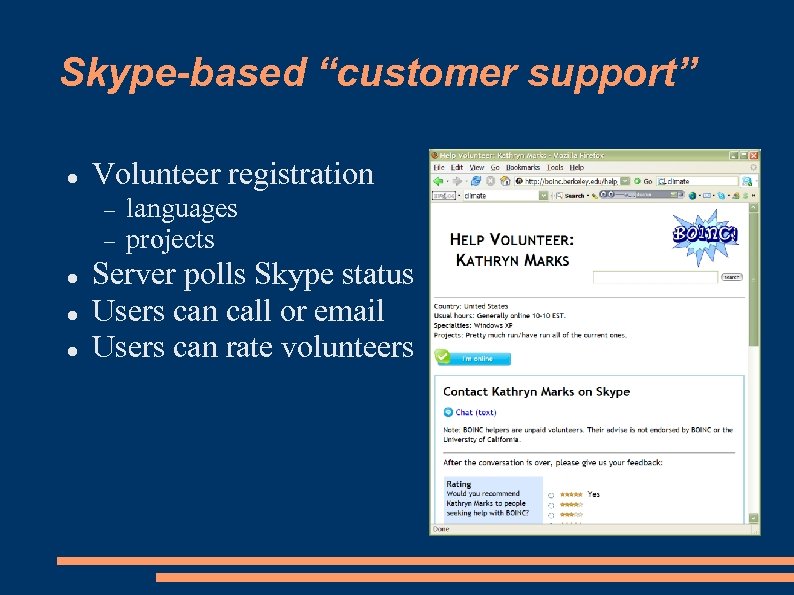 Skype-based “customer support” Volunteer registration languages projects Server polls Skype status Users can call or email Users can rate volunteers
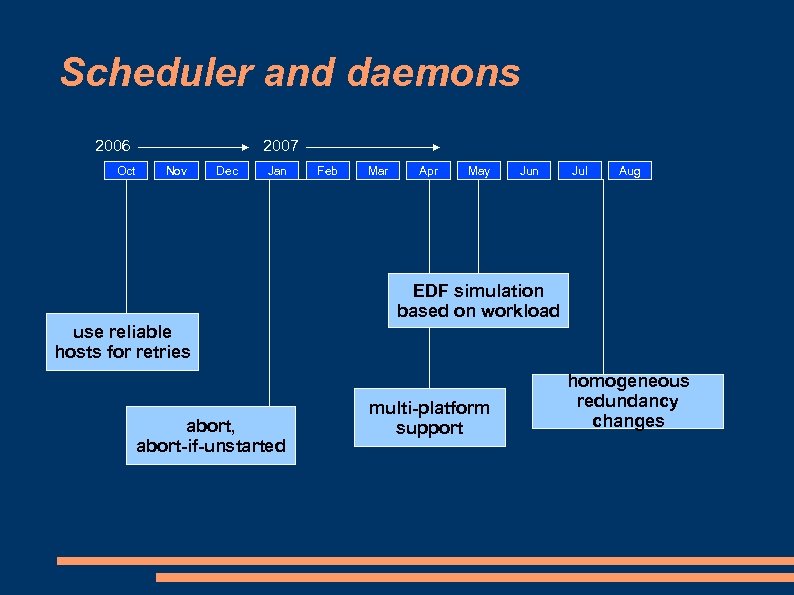 Scheduler and daemons 2006 Oct 2007 Nov Dec Jan Feb Mar Apr May Jun Jul Aug EDF simulation based on workload use reliable hosts for retries abort, abort-if-unstarted multi-platform support homogeneous redundancy changes
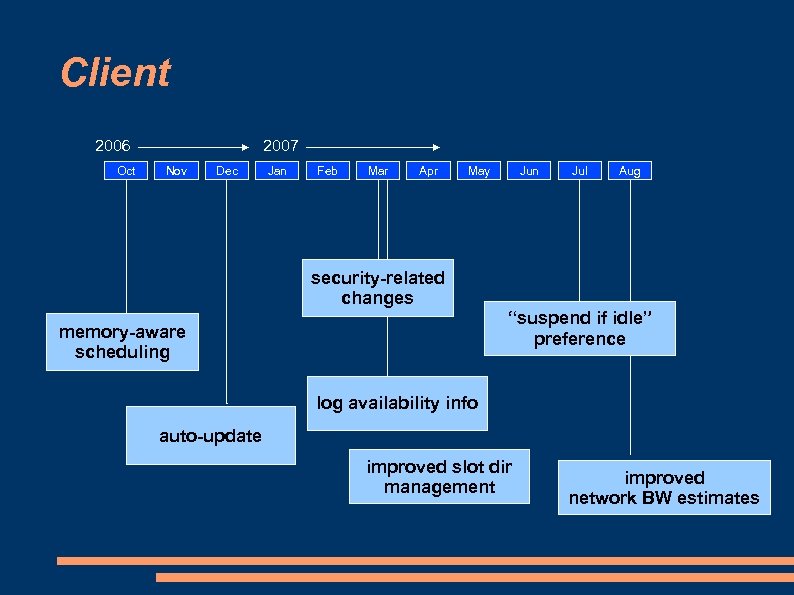 Client 2006 Oct 2007 Nov Dec Jan Feb Mar Apr May Jun Jul Aug security-related changes “suspend if idle” preference memory-aware scheduling log availability info auto-update improved slot dir management improved network BW estimates
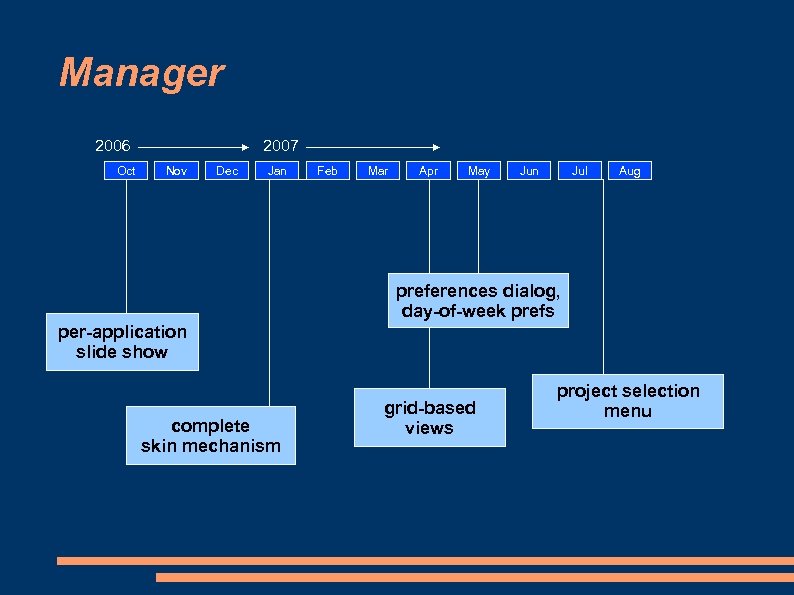 Manager 2006 Oct 2007 Nov Dec Jan Feb Mar Apr May Jun Jul Aug preferences dialog, day-of-week prefs per-application slide show complete skin mechanism grid-based views project selection menu
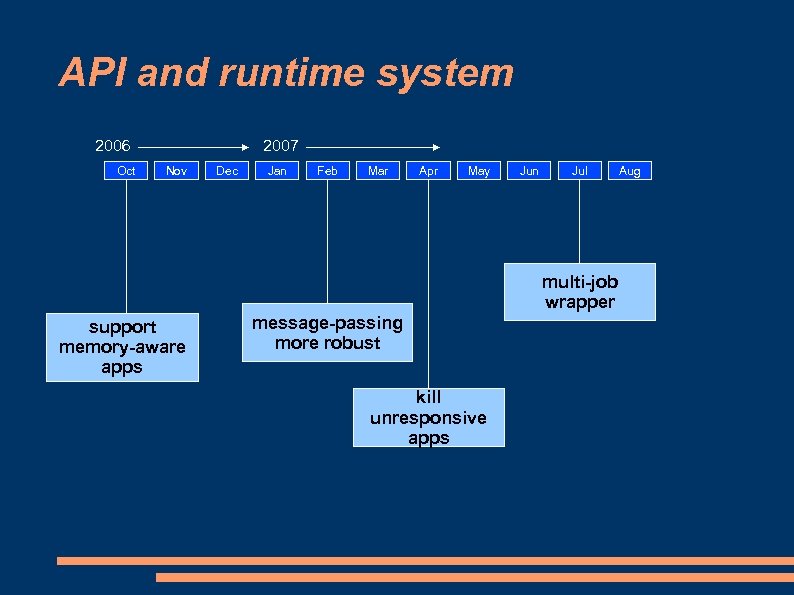 API and runtime system 2006 Oct 2007 Nov Dec Jan Feb Mar Apr May Jun Jul multi-job wrapper support memory-aware apps message-passing more robust kill unresponsive apps Aug
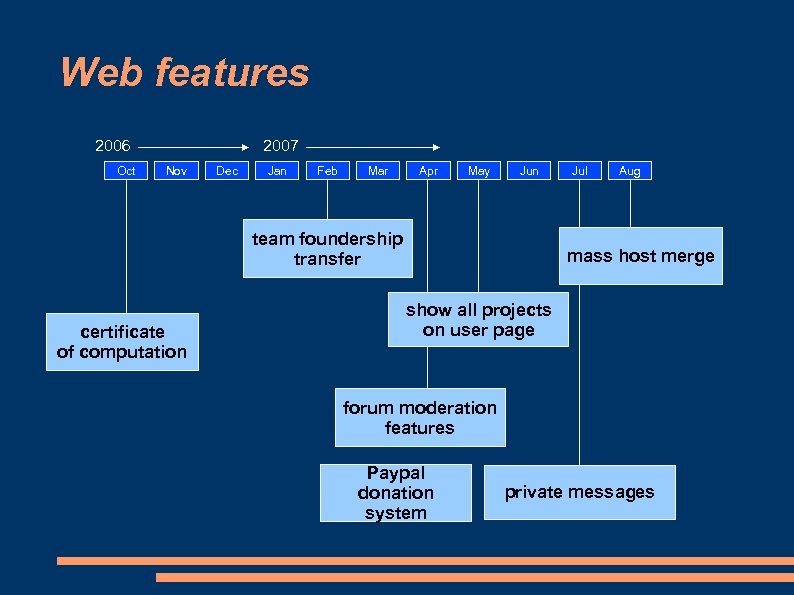 Web features 2006 Oct 2007 Nov Dec Jan Feb Mar Apr May Jun team foundership transfer certificate of computation Jul Aug mass host merge show all projects on user page forum moderation features Paypal donation system private messages
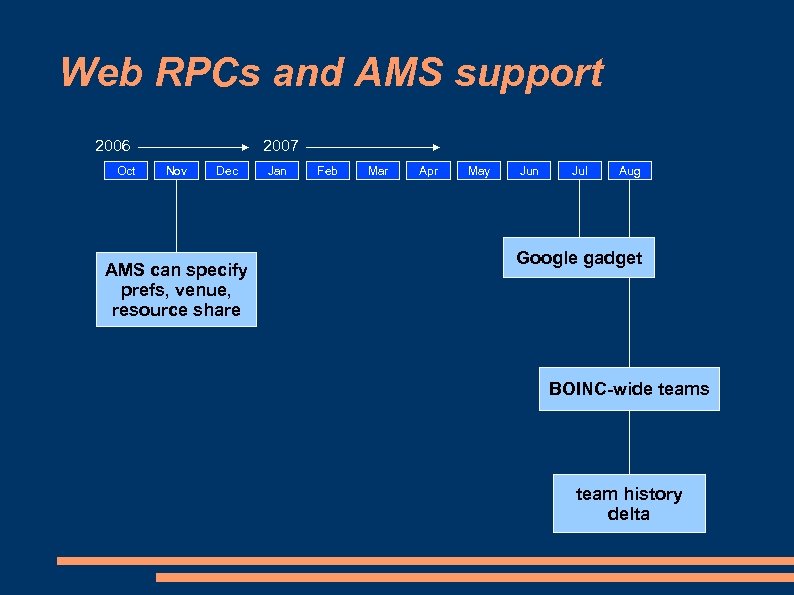 Web RPCs and AMS support 2006 Oct 2007 Nov Dec AMS can specify prefs, venue, resource share Jan Feb Mar Apr May Jun Jul Aug Google gadget BOINC-wide teams team history delta
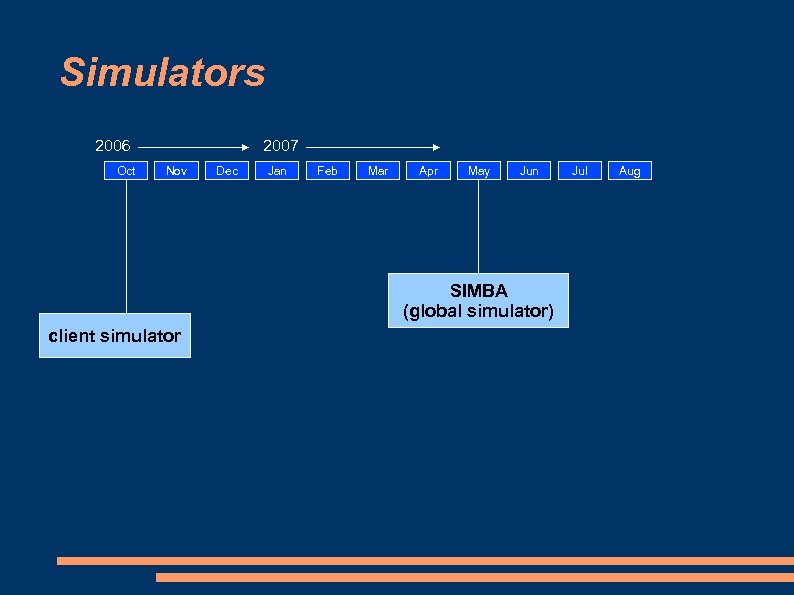 Simulators 2006 Oct 2007 Nov Dec Jan Feb Mar Apr May Jun SIMBA (global simulator) client simulator Jul Aug
 What did we not get around to? Document app development using Cygwin, Min. GW, FORTRAN Disk space management Revised credit system Community features better FLOPS accounting generalized credit system buddy lists cross-project profiles, message boards BOINC protocols as Internet standards
 What’s in the works?
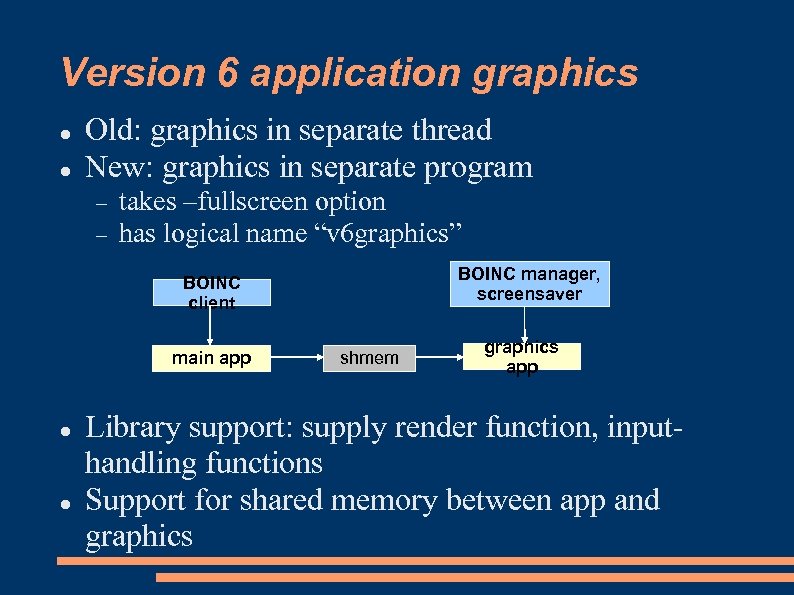 Version 6 application graphics Old: graphics in separate thread New: graphics in separate program takes –fullscreen option has logical name “v 6 graphics” BOINC manager, screensaver BOINC client main app shmem graphics app Library support: supply render function, inputhandling functions Support for shared memory between app and graphics
 Other V 6 changes Windows Sandboxing: create unprivileged account for BOINC Move data directory out of C: Program Files Wix-based installer Mac/Linux Use memory-mapped files instead of shmat()
 V 5/V 6 transition V 6 client is compatible only with V 6 apps Scheduler change: API version is attribute of app version Can have both V 5 and V 6 app versions Scheduler will send only V 5 apps to pre-V 6 clients Projects can maintain backwards compatibility as long as they want
 What’s in the future?
 Berkeley@home Campus-level “meta-project” Applications Volunteers 6 pilot apps: climate, geophysics, nanotechnology, genetics, phylogenomics, scientific decision systems 1, 000 instructional PCs 5, 000 faculty/staff 30, 000 students 400, 000 alumni general public NSF proposal submitted
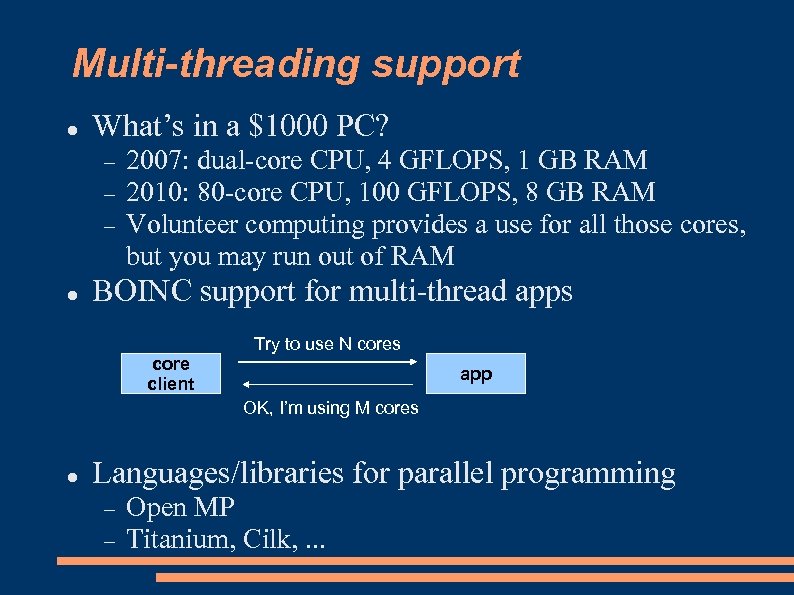 Multi-threading support What’s in a $1000 PC? 2007: dual-core CPU, 4 GFLOPS, 1 GB RAM 2010: 80 -core CPU, 100 GFLOPS, 8 GB RAM Volunteer computing provides a use for all those cores, but you may run out of RAM BOINC support for multi-thread apps core client Try to use N cores app OK, I’m using M cores Languages/libraries for parallel programming Open MP Titanium, Cilk, . . .
 Non-PC platforms Sony Playstation 3 Support from Sony: on hold PS 3 Grid. org Other game consoles TV set-top boxes Hand-held devices not clear if feasible
![Energy and volunteer computing Computing == energy usage [== carbon emission ] Energy-aware computing](https://present5.com/presentation/83dd698596645174604e446f8727956a/image-35.jpg "Energy and volunteer computing Computing == energy usage [== carbon emission ] Energy-aware computing") Energy and volunteer computing Computing == energy usage [== carbon emission ] Energy-aware computing BOINC must be energy-aware friendly dynamic clock rate shut-off when idle disk spin-down “compute while in use” by default allow auto-shutoff don’t assume constant clock rate Make sure volunteers are aware of energy cost Computer as space heater
Energy and volunteer computing Computing == energy usage [== carbon emission ] Energy-aware computing BOINC must be energy-aware friendly dynamic clock rate shut-off when idle disk spin-down “compute while in use” by default allow auto-shutoff don’t assume constant clock rate Make sure volunteers are aware of energy cost Computer as space heater
 How to validate results and credit? Redundancy Non-redundancy (CPDN, Rosetta) homogeneous redundancy: messy heterogeneous: must write fuzzy validator wastes computing power result consistency checking (application-specific) granted credit: constant, or based on project-wide distribution Variable redundancy? hosts start with 2 X redundancy, asymptote to 1 X redundancy as trust increases (doesn’t solve comparison problem)
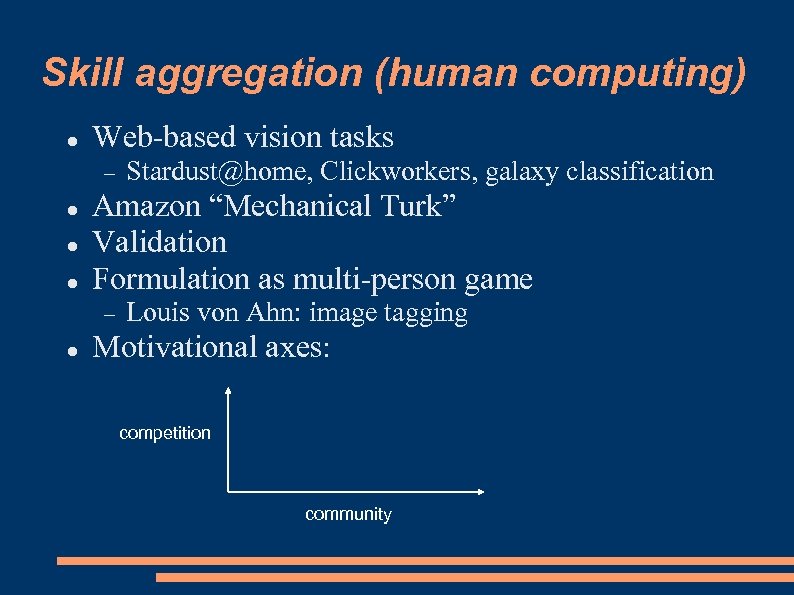 Skill aggregation (human computing) Web-based vision tasks Amazon “Mechanical Turk” Validation Formulation as multi-person game Stardust@home, Clickworkers, galaxy classification Louis von Ahn: image tagging Motivational axes: competition community
 Rosetta@home plan Protein structure prediction low-res: combinatorial, spatial, intuitive; humans do better than computers high-res: computers do better Interactive “protein manipulation” program Teams as management structures tasks are given to (possibly multiple) teams managers organize and schedule sub-groups with particular skills or resources communication paths between sub-groups
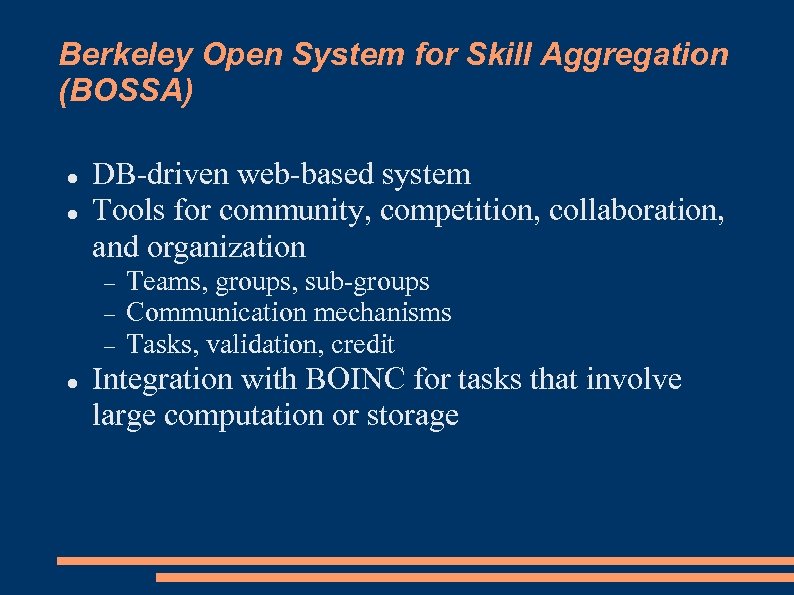 Berkeley Open System for Skill Aggregation (BOSSA) DB-driven web-based system Tools for community, competition, collaboration, and organization Teams, groups, sub-groups Communication mechanisms Tasks, validation, credit Integration with BOINC for tasks that involve large computation or storage
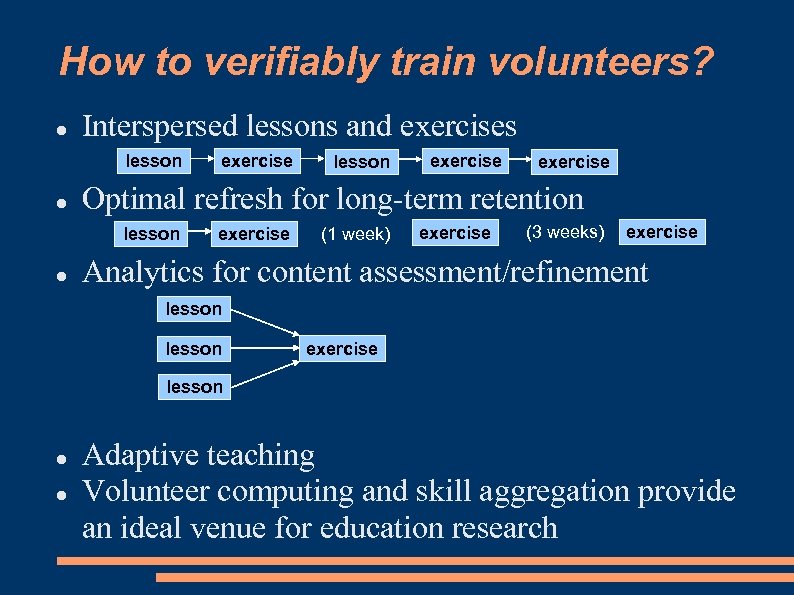 How to verifiably train volunteers? Interspersed lessons and exercises lesson exercise Optimal refresh for long-term retention lesson exercise (1 week) exercise (3 weeks) exercise Analytics for content assessment/refinement lesson exercise lesson Adaptive teaching Volunteer computing and skill aggregation provide an ideal venue for education research
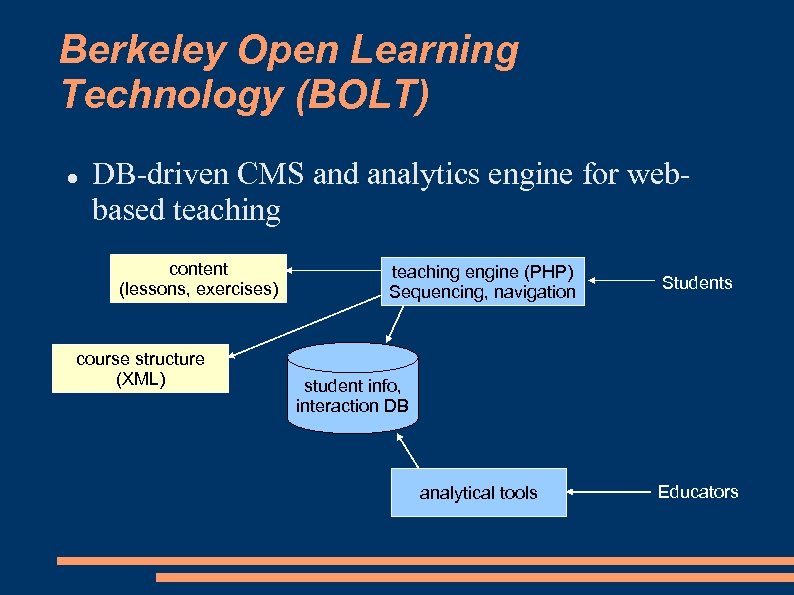 Berkeley Open Learning Technology (BOLT) DB-driven CMS and analytics engine for webbased teaching content (lessons, exercises) course structure (XML) teaching engine (PHP) Sequencing, navigation Students student info, interaction DB analytical tools Educators
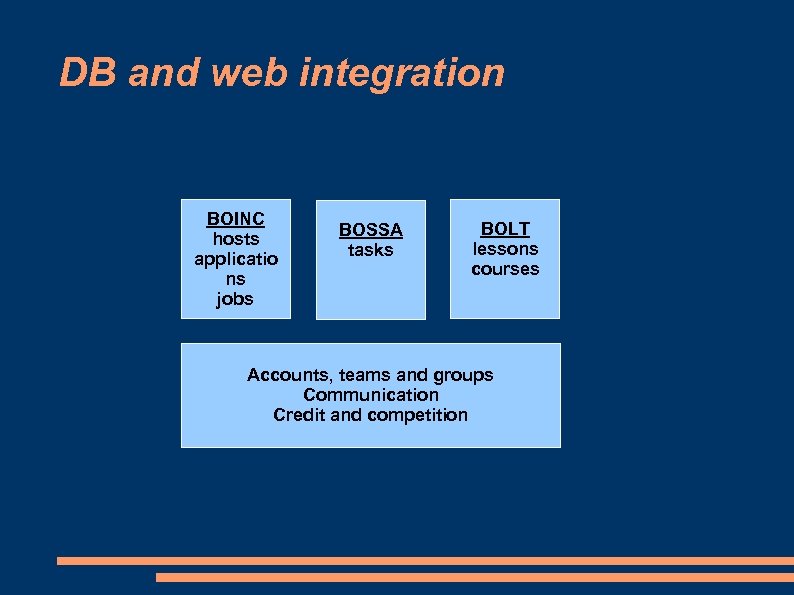 DB and web integration BOINC hosts applicatio ns jobs BOSSA tasks BOLT lessons courses Accounts, teams and groups Communication Credit and competition
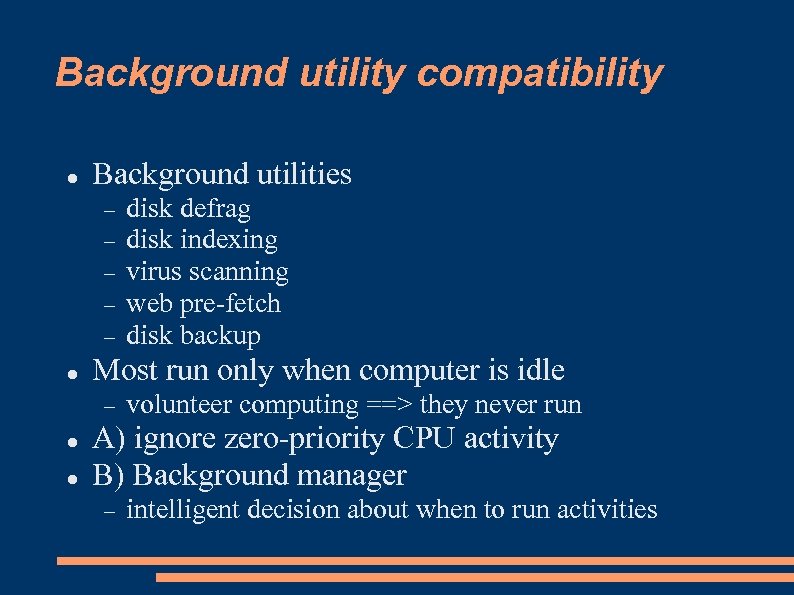 Background utility compatibility Background utilities Most run only when computer is idle disk defrag disk indexing virus scanning web pre-fetch disk backup volunteer computing ==> they never run A) ignore zero-priority CPU activity B) Background manager intelligent decision about when to run activities