


 Скачать презентацию PUPPET configuration management tool Vitaliy Sinyayev
Puppet-2.pptx
- Количество слайдов: 43
 PUPPET – configuration management tool Vitaliy Sinyayev
 CONTENT ü PART I – GETTING STARTED ü PART II – PUPPET INSIDE ü PART III – DEPLOYMENT OF PUPPET ü PART IV - SCENARIO OF DEPLOYMENT WITH HELP OF PUPPET
 PART I GETTING STARTED
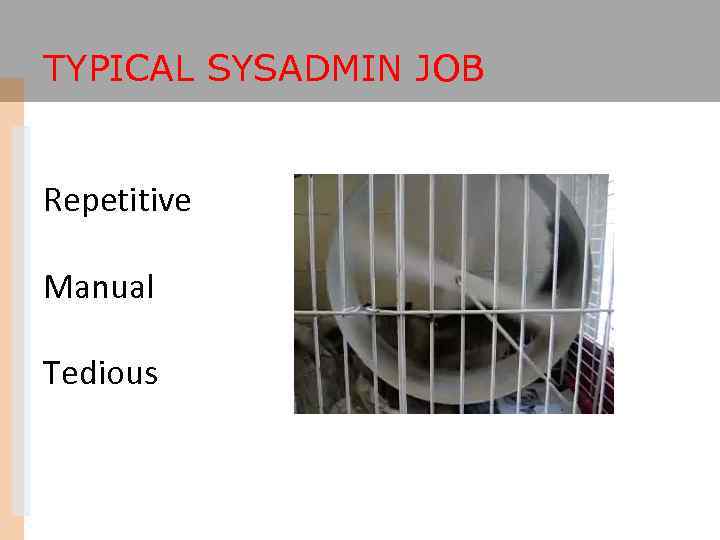 TYPICAL SYSADMIN JOB Repetitive Manual Tedious
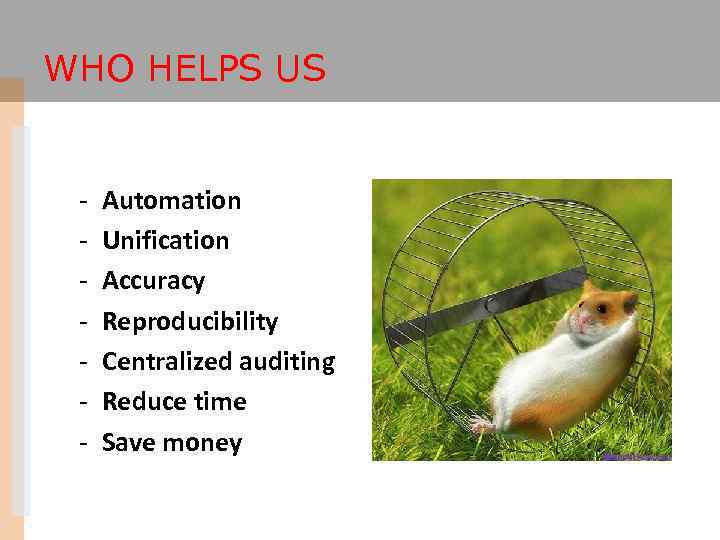 WHO HELPS US - Automation Unification Accuracy Reproducibility Centralized auditing Reduce time Save money
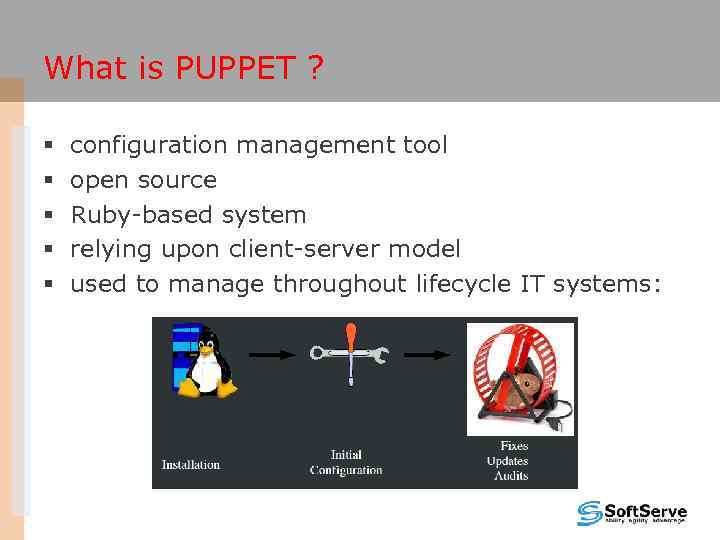 What is PUPPET ? § § § configuration management tool open source Ruby-based system relying upon client-server model used to manage throughout lifecycle IT systems:
 PUPPET’S BENEFITS - Large developer base - Optimized and easier configuration language - Better documentation - Abstracted from underlying OS (more platform support) - Easily scalable and customizable - Large installed base (Google, Siemens, Red Hat, Cisco)
 PART II PUPPET INSIDE
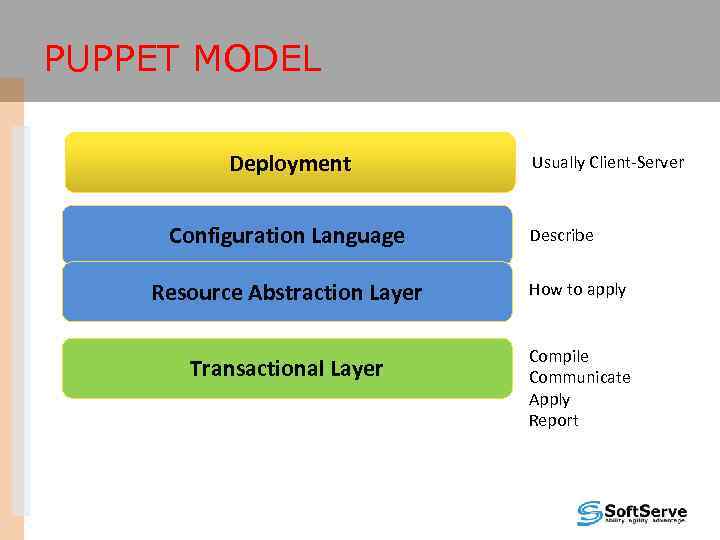 PUPPET MODEL Deployment Configuration Language Usually Client-Server Describe Resource Abstraction Layer How to apply Transactional Layer Compile Communicate Apply Report
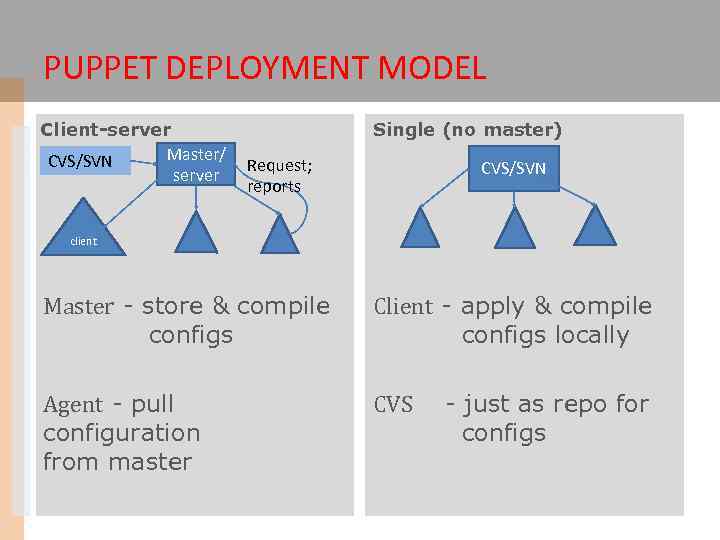 PUPPET DEPLOYMENT MODEL Client-server Master/ CVS/SVN server Single (no master) Request; reports CVS/SVN client Master - store & compile configs Client - apply & compile configs locally Agent - pull configuration from master CVS - just as repo for configs
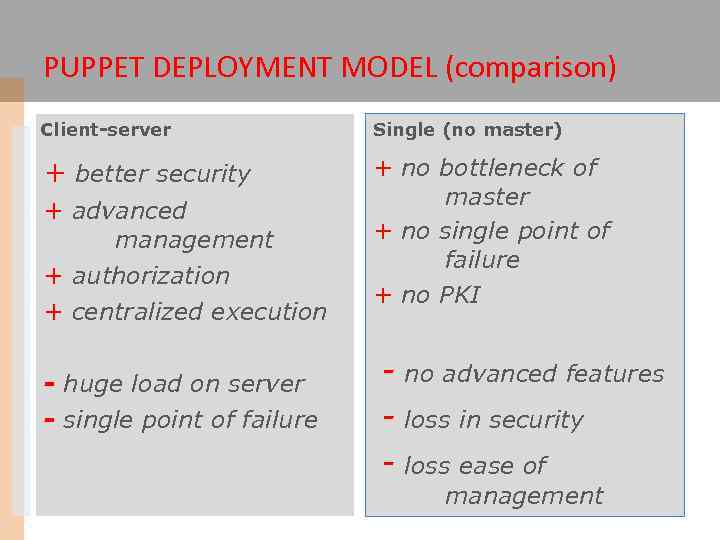 PUPPET DEPLOYMENT MODEL (comparison) Client-server Single (no master) + better security + no bottleneck of master + no single point of failure + no PKI + advanced management + authorization + centralized execution - huge load on server - single point of failure - no advanced features - loss in security - loss ease of management
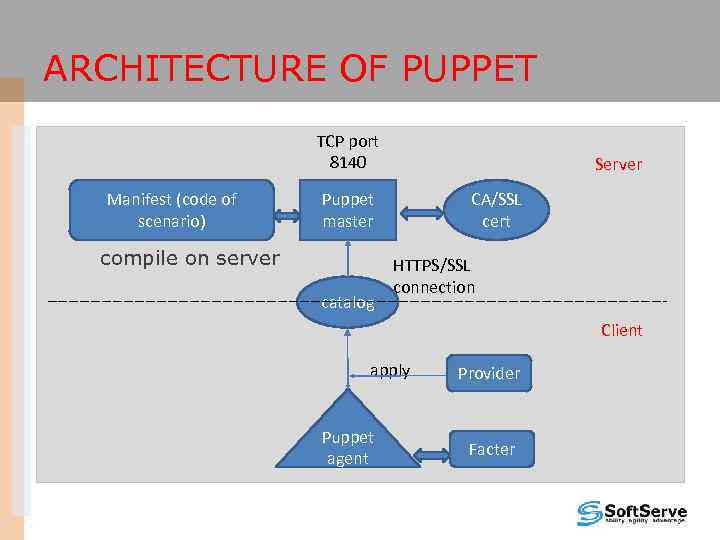 ARCHITECTURE OF PUPPET TCP port 8140 Manifest (code of scenario) Server Puppet master compile on server catalog CA/SSL cert HTTPS/SSL connection Client apply Puppet agent Provider Facter
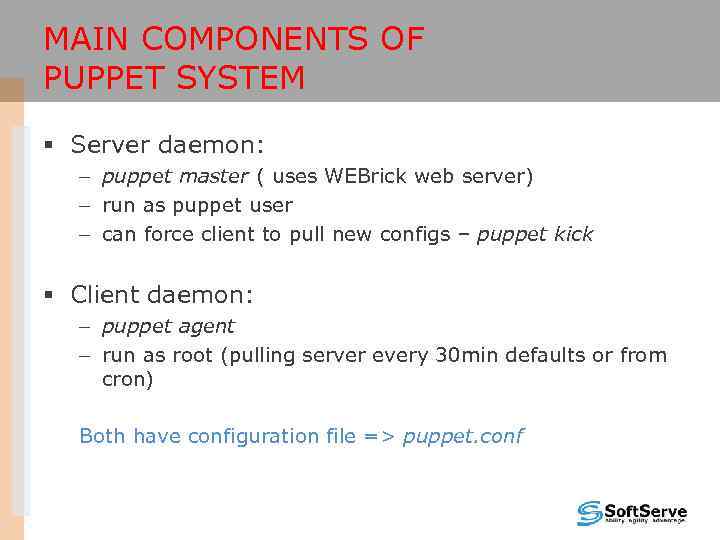 MAIN COMPONENTS OF PUPPET SYSTEM § Server daemon: – puppet master ( uses WEBrick web server) – run as puppet user – can force client to pull new configs – puppet kick § Client daemon: – puppet agent – run as root (pulling server every 30 min defaults or from cron) Both have configuration file => puppet. conf
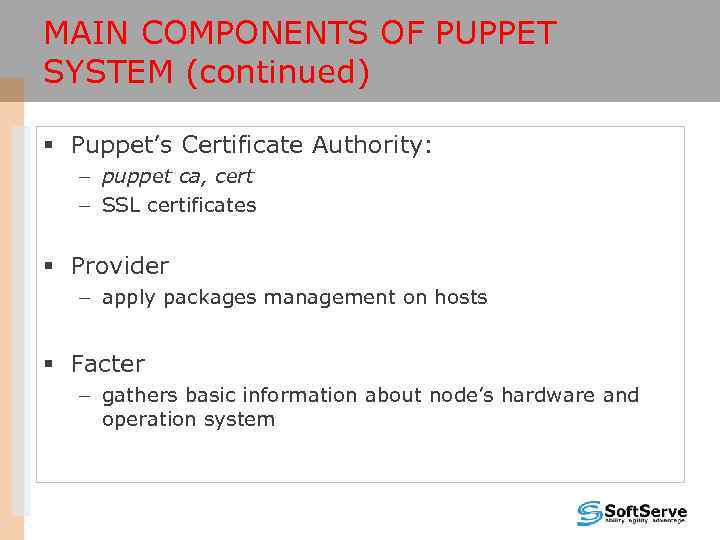 MAIN COMPONENTS OF PUPPET SYSTEM (continued) § Puppet’s Certificate Authority: – puppet ca, cert – SSL certificates § Provider – apply packages management on hosts § Facter – gathers basic information about node’s hardware and operation system
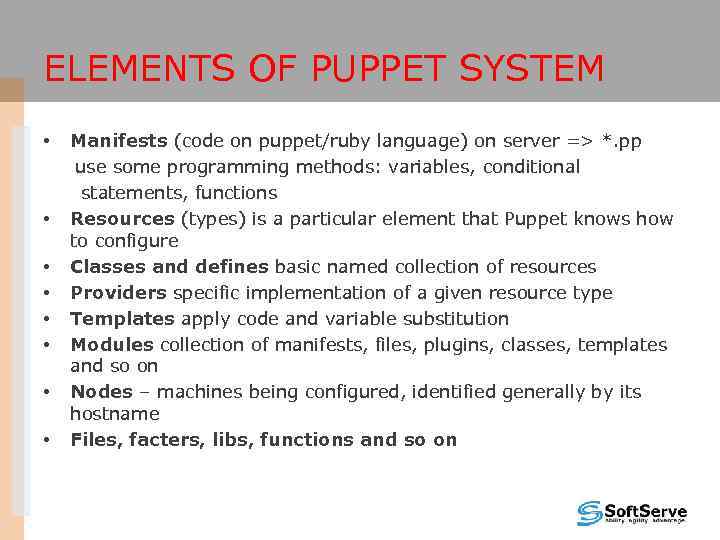 ELEMENTS OF PUPPET SYSTEM • • Manifests (code on puppet/ruby language) on server => *. pp use some programming methods: variables, conditional statements, functions Resources (types) is a particular element that Puppet knows how to configure Classes and defines basic named collection of resources Providers specific implementation of a given resource type Templates apply code and variable substitution Modules collection of manifests, files, plugins, classes, templates and so on Nodes – machines being configured, identified generally by its hostname Files, facters, libs, functions and so on
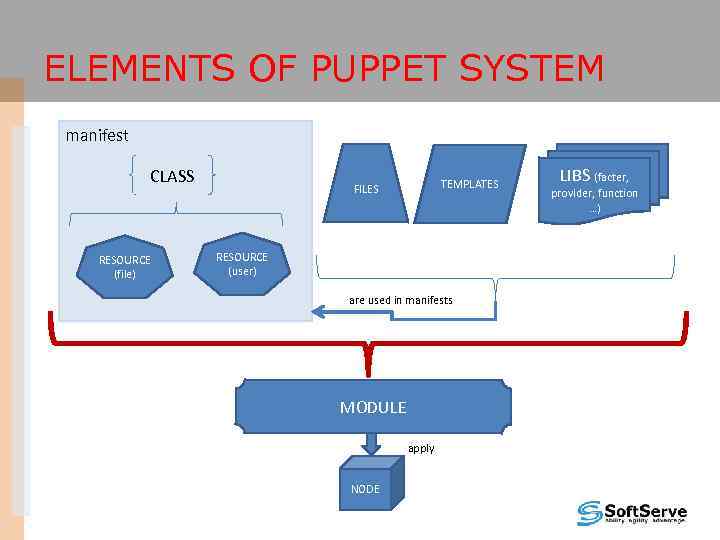 ELEMENTS OF PUPPET SYSTEM manifest CLASS RESOURCE (file) TEMPLATES FILES RESOURCE (user) are used in manifests MODULE apply NODE LIBS (facter, provider, function …)
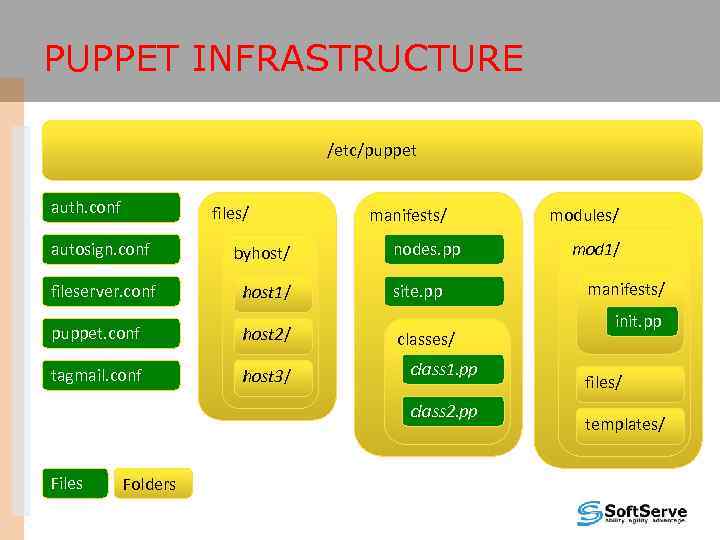 PUPPET INFRASTRUCTURE /etc/puppet auth. conf files/ autosign. conf byhost/ fileserver. conf host 1/ puppet. conf host 2/ tagmail. conf host 3/ manifests/ nodes. pp site. pp classes/ class 1. pp class 2. pp Files Folders modules/ mod 1/ manifests/ init. pp files/ templates/
 PART III DEPLOYMENT OF PUPPET
 PROCEDURE OF DEPLOYMENT • Setup (master and clients) • Set up configuration files • Deploy certificates • Write and deploy manifest and describe nodes
 INSTALLATION OF PUPPET • Most platforms will use the default package manager to install Puppet or from source • Prerequisites: ruby, ruby-libs, facter
![SAMPLE PUPPET CONFIG FILE Can be configured via CLI or configuration file [main] vardir](https://present5.com/presentation/27820827_437096762/image-21.jpg "SAMPLE PUPPET CONFIG FILE Can be configured via CLI or configuration file [main] vardir") SAMPLE PUPPET CONFIG FILE Can be configured via CLI or configuration file [main] vardir = /var/lib/puppet logdir = /var/log/puppet ssldir = $vardir/ssl moduledir = /var/lib/modules [agent] server =
SAMPLE PUPPET CONFIG FILE Can be configured via CLI or configuration file [main] vardir = /var/lib/puppet logdir = /var/log/puppet ssldir = $vardir/ssl moduledir = /var/lib/modules [agent] server =
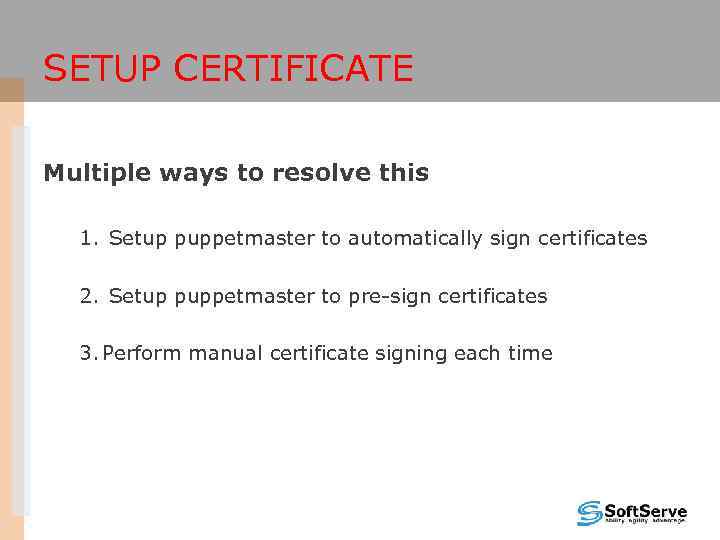 SETUP CERTIFICATE Multiple ways to resolve this 1. Setup puppetmaster to automatically sign certificates 2. Setup puppetmaster to pre-sign certificates 3. Perform manual certificate signing each time
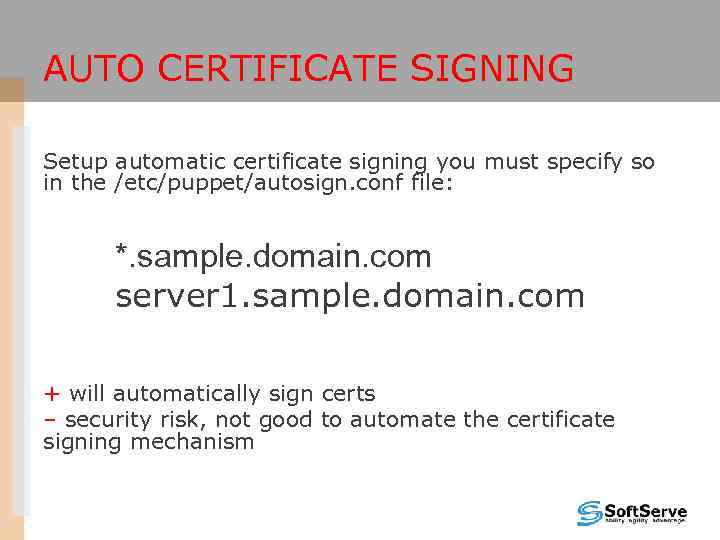 AUTO CERTIFICATE SIGNING Setup automatic certificate signing you must specify so in the /etc/puppet/autosign. conf file: *. sample. domain. com server 1. sample. domain. com + will automatically sign certs – security risk, not good to automate the certificate signing mechanism
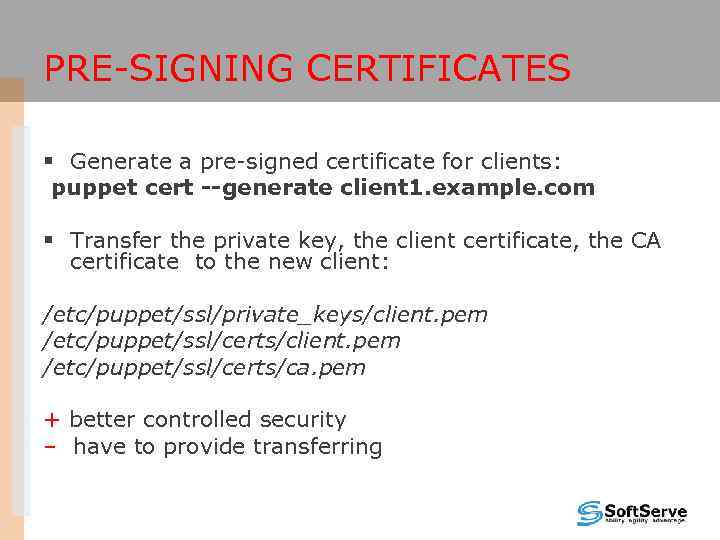 PRE-SIGNING CERTIFICATES § Generate a pre-signed certificate for clients: puppet cert --generate client 1. example. com § Transfer the private key, the client certificate, the CA certificate to the new client: /etc/puppet/ssl/private_keys/client. pem /etc/puppet/ssl/certs/ca. pem + better controlled security – have to provide transferring
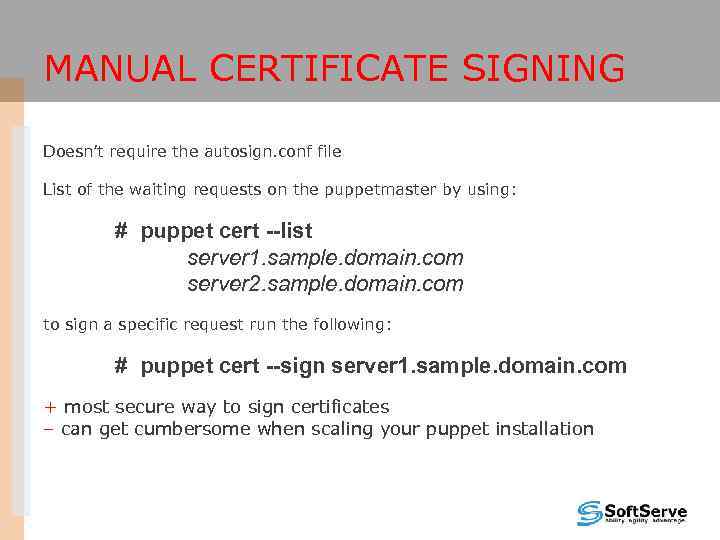 MANUAL CERTIFICATE SIGNING Doesn’t require the autosign. conf file List of the waiting requests on the puppetmaster by using: # puppet cert --list server 1. sample. domain. com server 2. sample. domain. com to sign a specific request run the following: # puppet cert --sign server 1. sample. domain. com + most secure way to sign certificates – can get cumbersome when scaling your puppet installation
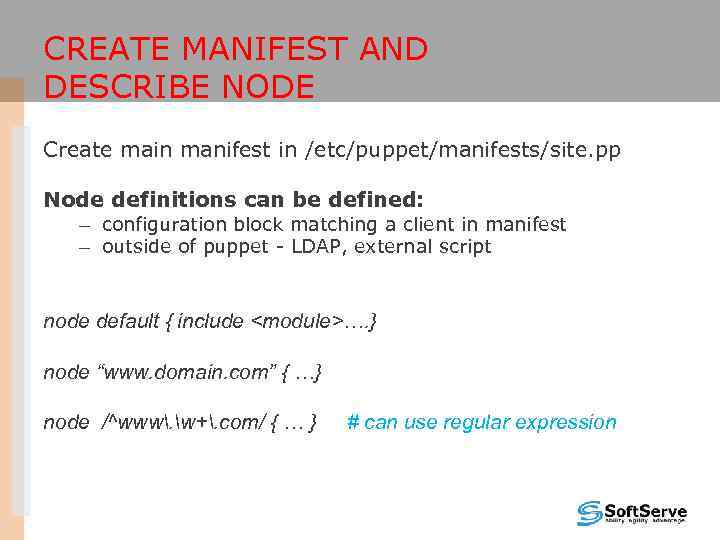 CREATE MANIFEST AND DESCRIBE NODE Create main manifest in /etc/puppet/manifests/site. pp Node definitions can be defined: – configuration block matching a client in manifest – outside of puppet - LDAP, external script node default { include
present," src="https://present5.com/presentation/27820827_437096762/image-27.jpg" alt="CREATE MANIFEST AND DESCRIBE NODE (CONTINUE) node default { user {"testpup": ensure => present," />
CREATE MANIFEST AND DESCRIBE NODE (CONTINUE) node default { user {"testpup": ensure => present, shell => "/sbin/nologin", home => "/nonexistent", password => "test", } }
 PART IV SCENARIO OF DEPLOYMENT WITH HELP OF PUPPET
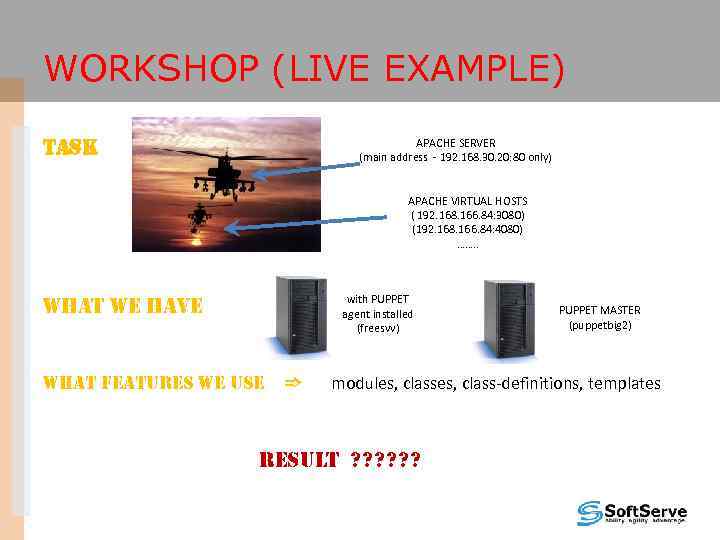 WORKSHOP (LIVE EXAMPLE) TASK APACHE SERVER (main address - 192. 168. 30. 20: 80 only) APACHE VIRTUAL HOSTS ER ( 192. 168. 166. 84: 3080) (192. 168. 166. 84: 4080) ……. . with PUPPET agent installed (freesvv) WHAT WE HAVE WHAT FEATURES WE USE => PUPPET MASTER (puppetbig 2) modules, class-definitions, templates RESULT ? ? ?
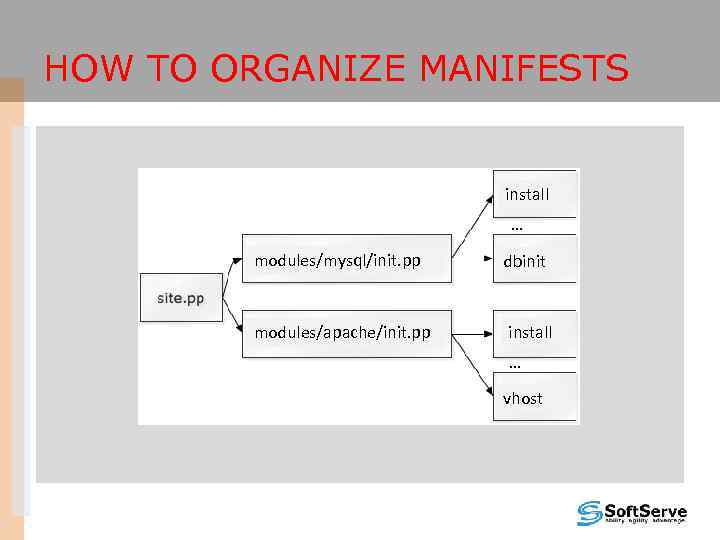 HOW TO ORGANIZE MANIFESTS install … modules/mysql/init. pp dbinit modules/apache/init. pp install … vhost
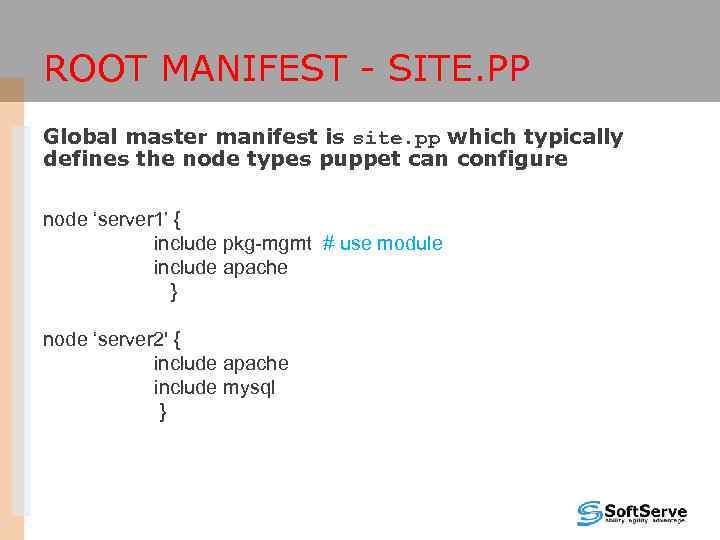 ROOT MANIFEST - SITE. PP Global master manifest is site. pp which typically defines the node types puppet can configure node ‘server 1’ { include pkg-mgmt # use module include apache } node ‘server 2' { include apache include mysql }
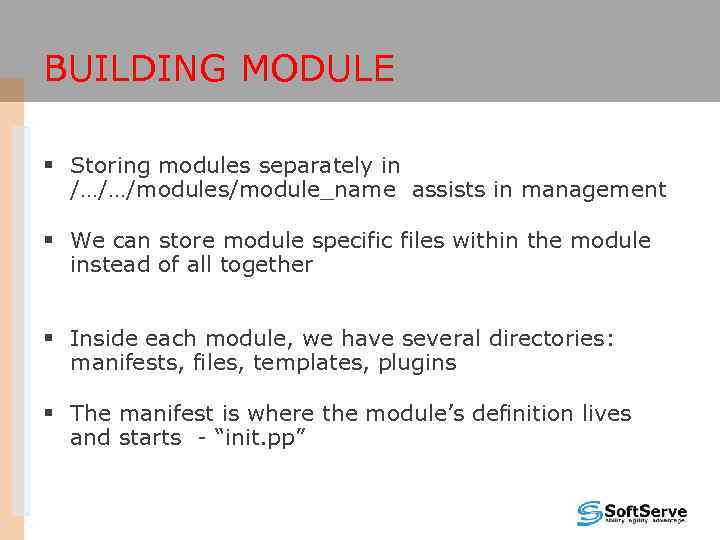 BUILDING MODULE § Storing modules separately in /…/…/modules/module_name assists in management § We can store module specific files within the module instead of all together § Inside each module, we have several directories: manifests, files, templates, plugins § The manifest is where the module’s definition lives and starts - “init. pp”
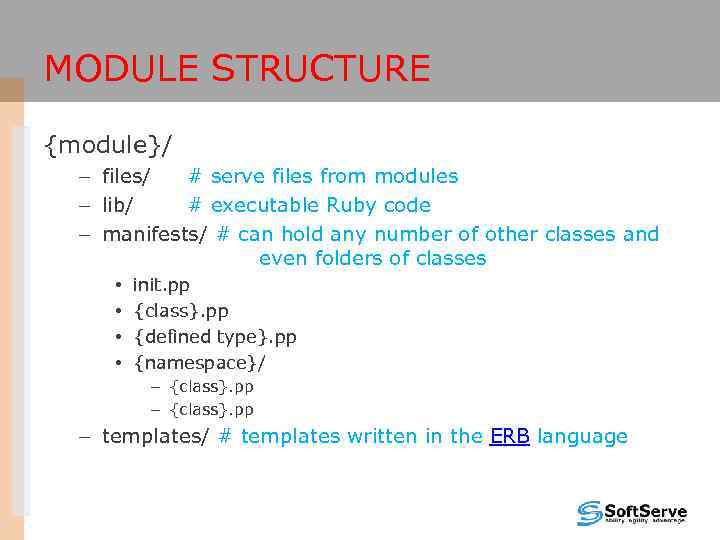 MODULE STRUCTURE {module}/ – files/ # serve files from modules – lib/ # executable Ruby code – manifests/ # can hold any number of other classes and even folders of classes • • init. pp {class}. pp {defined type}. pp {namespace}/ – {class}. pp – templates/ # templates written in the ERB language
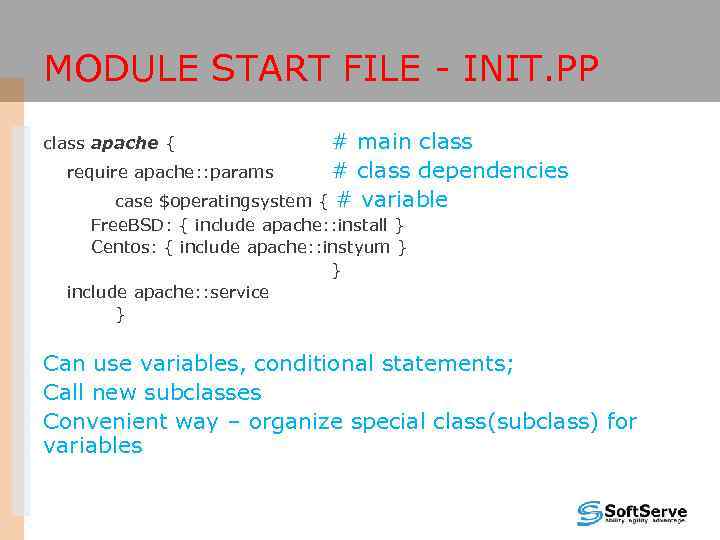 MODULE START FILE - INIT. PP # main class require apache: : params # class dependencies case $operatingsystem { # variable class apache { Free. BSD: { include apache: : install } Centos: { include apache: : instyum } } include apache: : service } Can use variables, conditional statements; Call new subclasses Convenient way – organize special class(subclass) for variables
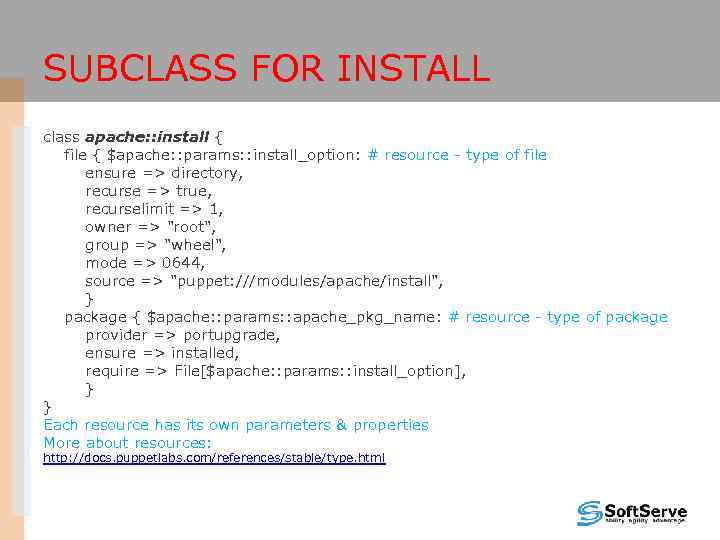 SUBCLASS FOR INSTALL class apache: : install { file { $apache: : params: : install_option: # resource - type of file ensure => directory, recurse => true, recurselimit => 1, owner => "root", group => "wheel", mode => 0644, source => "puppet: ///modules/apache/install", } package { $apache: : params: : apache_pkg_name: # resource - type of package provider => portupgrade, ensure => installed, require => File[$apache: : params: : install_option], } } Each resource has its own parameters & properties More about resources: http: //docs. puppetlabs. com/references/stable/type. html
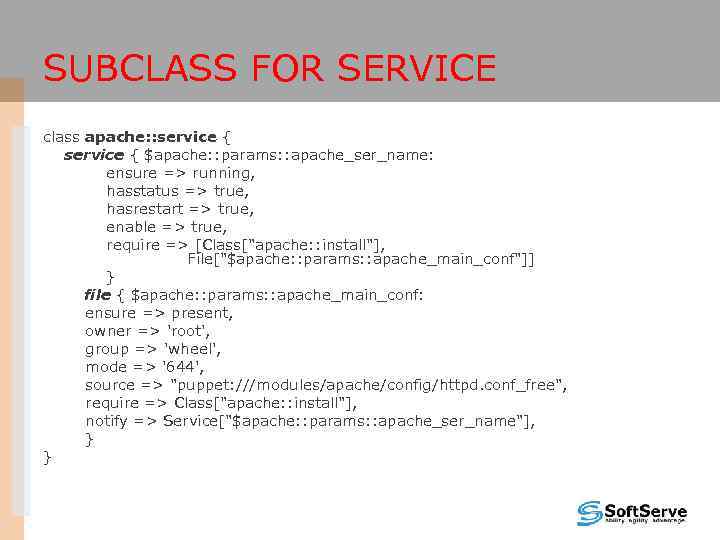 SUBCLASS FOR SERVICE class apache: : service { $apache: : params: : apache_ser_name: ensure => running, hasstatus => true, hasrestart => true, enable => true, require => [Class["apache: : install"], File["$apache: : params: : apache_main_conf"]] } file { $apache: : params: : apache_main_conf: ensure => present, owner => 'root', group => 'wheel', mode => '644', source => "puppet: ///modules/apache/config/httpd. conf_free", require => Class["apache: : install"], notify => Service["$apache: : params: : apache_ser_name"], } }
 MODULE DEPENDENCY • • • Handy when an application needs to have certain files in place before installing the rest The more complex your Puppet environment becomes the greater the need for inter-module dependencies are. inter-, intra-module dependencies require, before - guarantees that the specified object is applied later or before than the specifying object notify, subscribe - causes the dependent object to be refreshed when this object is changed Class[x] -> Class[y] – another form of dependencies Stages - creates a dependency on or from the named milestone
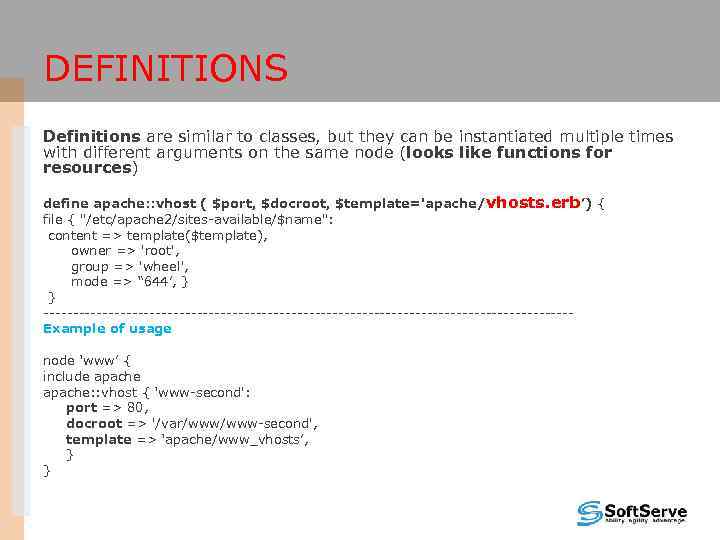 DEFINITIONS Definitions are similar to classes, but they can be instantiated multiple times with different arguments on the same node (looks like functions for resources) define apache: : vhost ( $port, $docroot, $template='apache/vhosts. erb’) { file { "/etc/apache 2/sites-available/$name": content => template($template), owner => 'root', group => 'wheel', mode => “ 644’, } } ---------------------------------------------Example of usage node ‘www’ { include apache: : vhost { ‘www-second': port => 80, docroot => '/var/www-second', template => ‘apache/www_vhosts’, } }
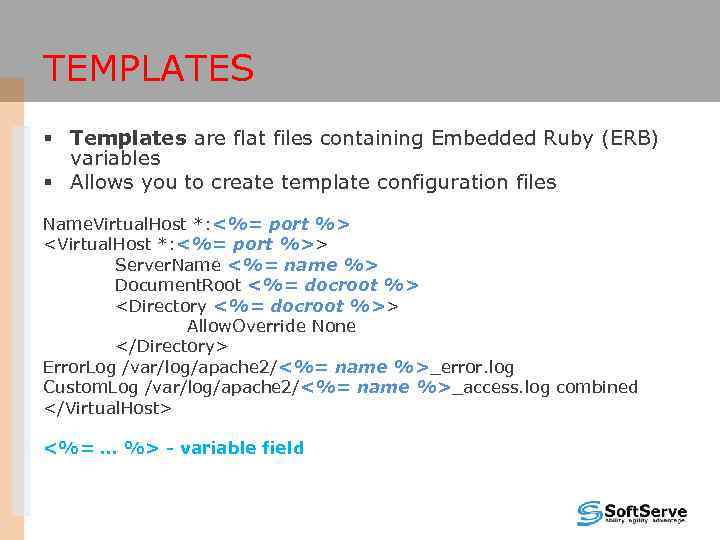 TEMPLATES § Templates are flat files containing Embedded Ruby (ERB) variables § Allows you to create template configuration files Name. Virtual. Host *: <%= port %>
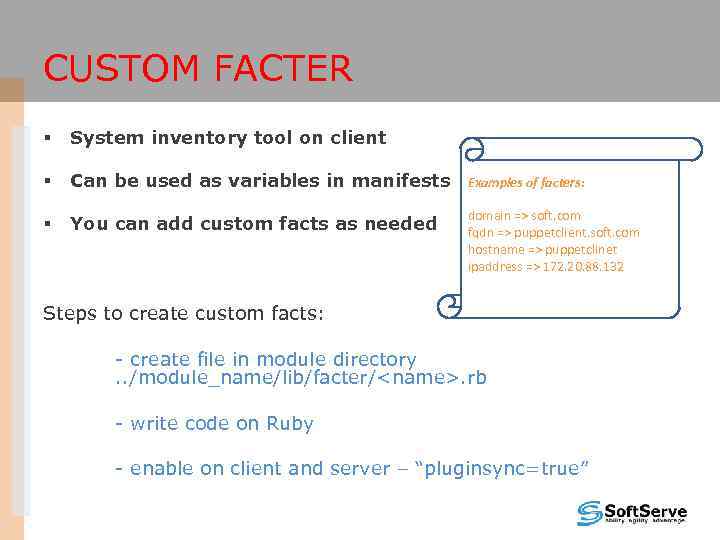 CUSTOM FACTER § System inventory tool on client § Can be used as variables in manifests Examples of facters: § You can add custom facts as needed domain => soft. com fqdn => puppetclient. soft. com hostname => puppetclinet ipaddress => 172. 20. 88. 132 Steps to create custom facts: - create file in module directory. . /module_name/lib/facter/
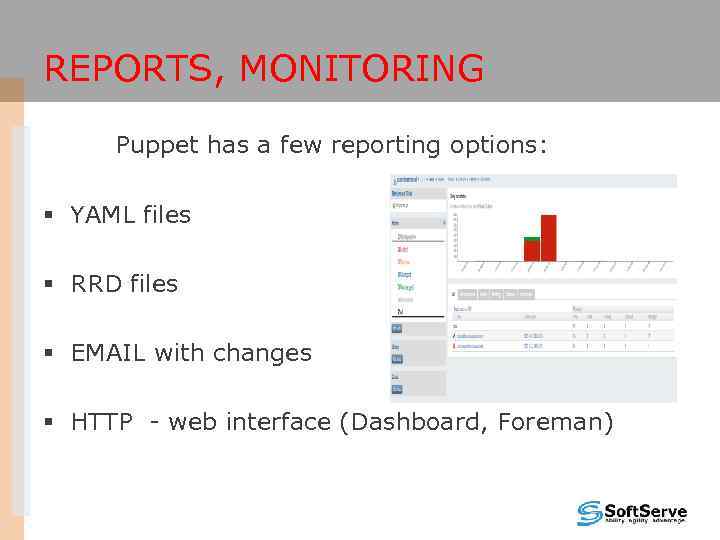 REPORTS, MONITORING Puppet has a few reporting options: § YAML files § RRD files § EMAIL with changes § HTTP - web interface (Dashboard, Foreman)
 CONCLUSIONS What is the profit ? § Quick and flexible deployment of our complicated system in production § Quick re-deployment of existing system in case of failure (previously generating data backups) § Easy deployment of huge numbers of servers § Easy generation and modification of configuration files
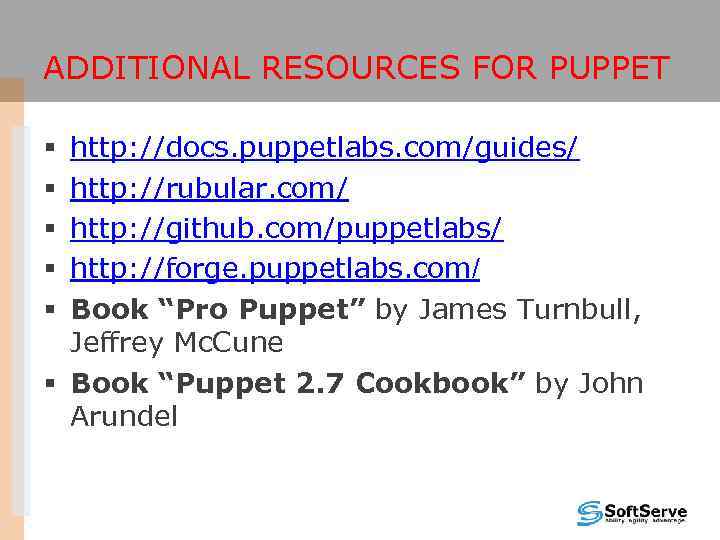 ADDITIONAL RESOURCES FOR PUPPET http: //docs. puppetlabs. com/guides/ http: //rubular. com/ http: //github. com/puppetlabs/ http: //forge. puppetlabs. com/ Book “Pro Puppet” by James Turnbull, Jeffrey Mc. Cune § Book “Puppet 2. 7 Cookbook” by John Arundel § § §