 Скачать презентацию Publishing App Studio Apps into the Google and
6f15e57f8d73e664205d015a734a6678.ppt
- Количество слайдов: 27



Publishing App. Studio Apps into the Google and Apple App Stores Chris Le. Sueur
Agenda • Creating your Map Tour App With App. Studio for Arc. GIS • Building and Publishing for Google Play Store (Android) • Building and Publishing for the Apple App Store (i. OS) • Questions
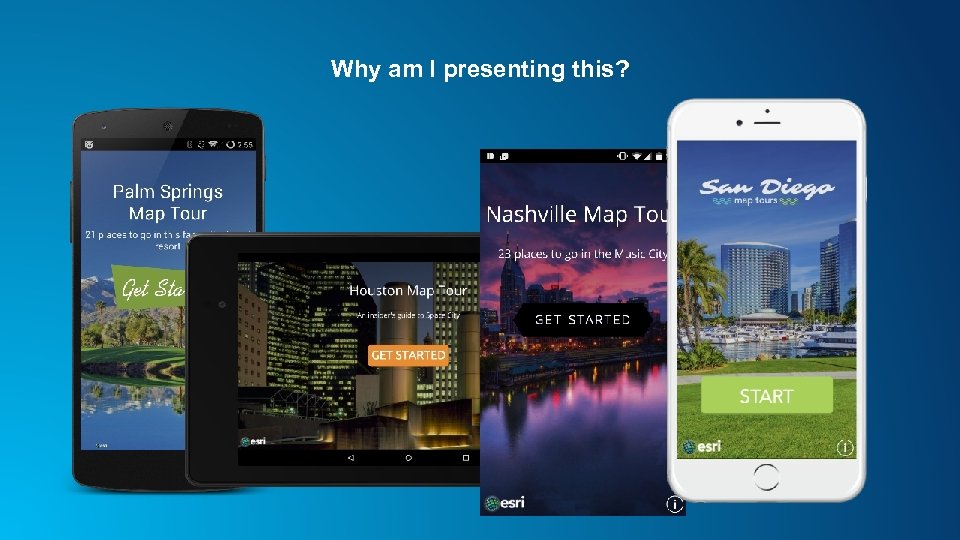
Why am I presenting this?
Building and Publishing for Google Play Store (Android)
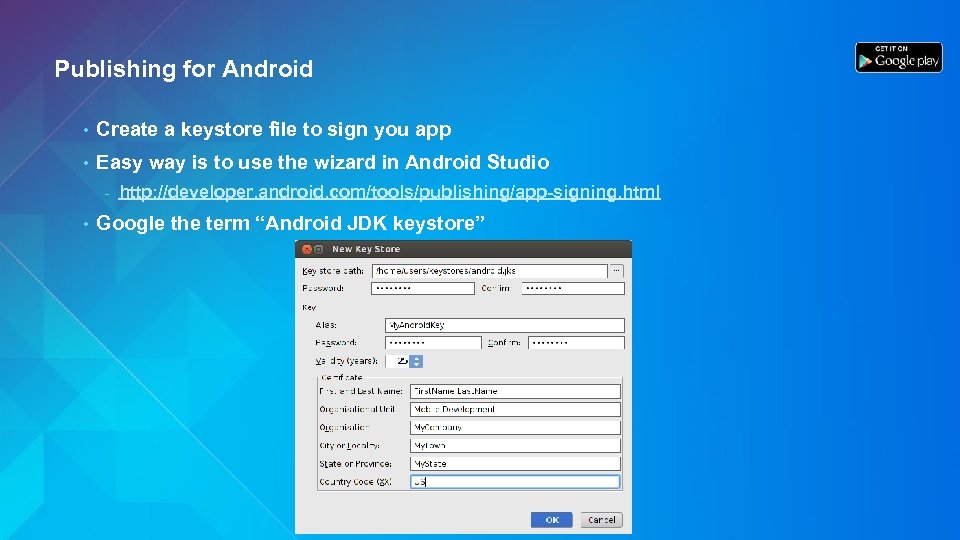
Publishing for Android • Create a keystore file to sign you app • Easy way is to use the wizard in Android Studio - • http: //developer. android. com/tools/publishing/app-signing. html Google the term “Android JDK keystore”
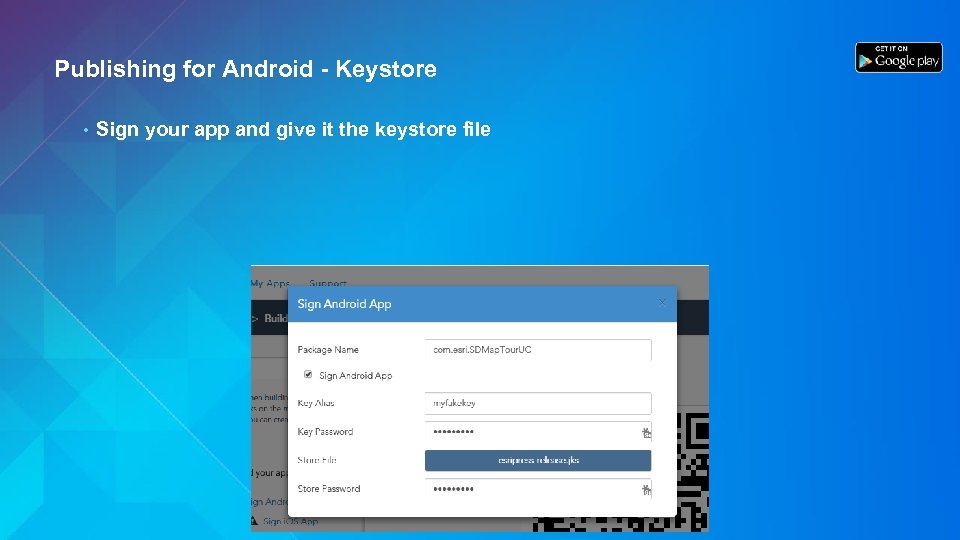
Publishing for Android - Keystore • Sign your app and give it the keystore file

Now Build It!
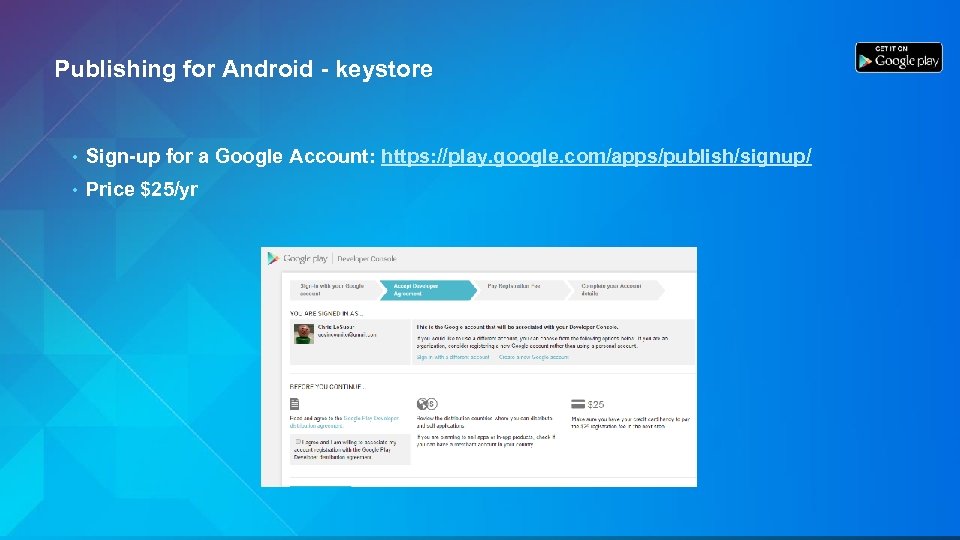
Publishing for Android - keystore • Sign-up for a Google Account: https: //play. google. com/apps/publish/signup/ • Price $25/yr
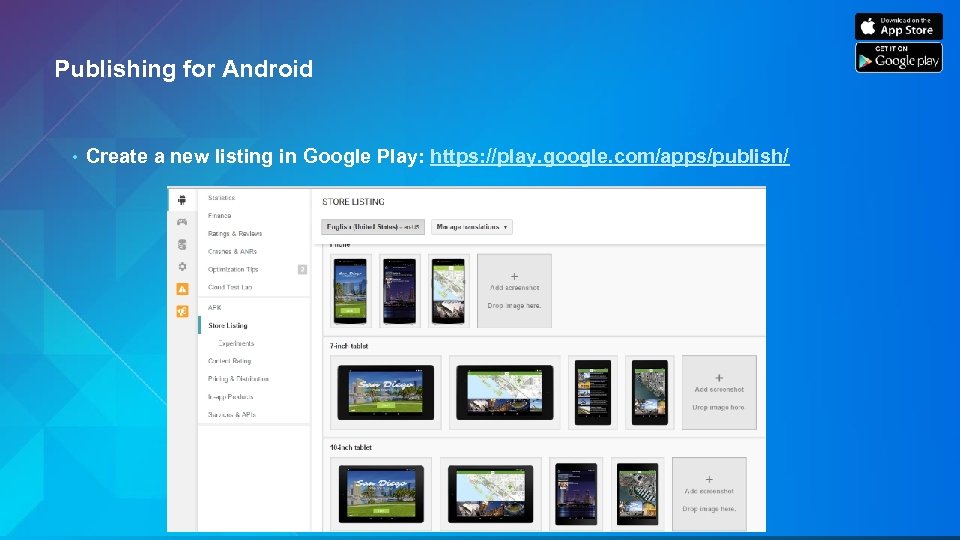
Publishing for Android • Create a new listing in Google Play: https: //play. google. com/apps/publish/
Tips to Android • Create good screenshots for: - 7 inch Tablets - • Phone 10 inch Tablets Beware that you app will live in about 2 hours
Building and Publishing for the Apple App Store (i. OS)
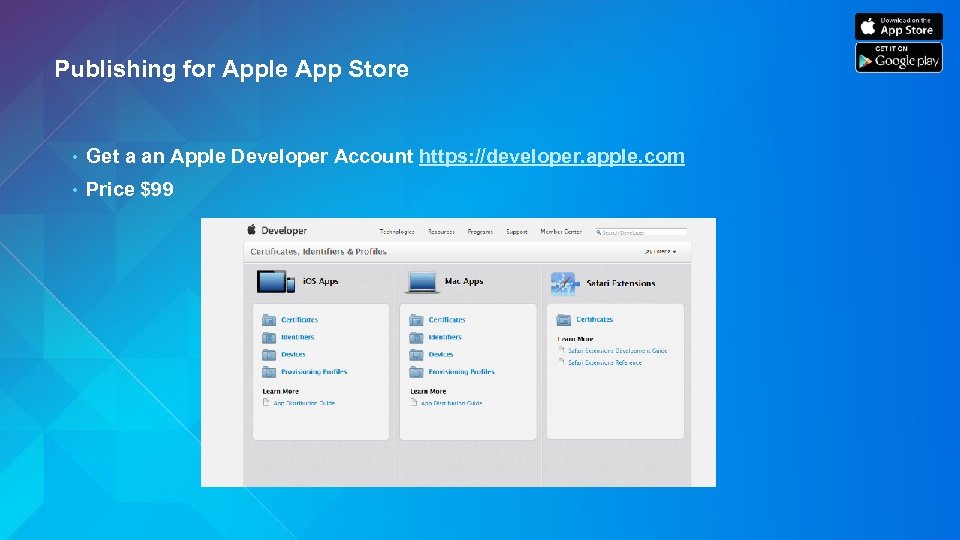
Publishing for Apple App Store • Get a an Apple Developer Account https: //developer. apple. com • Price $99
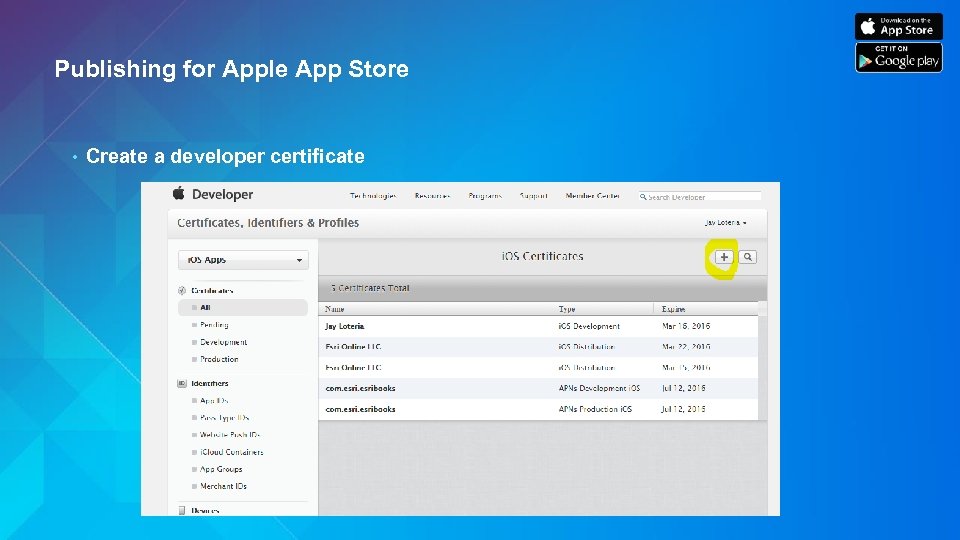
Publishing for Apple App Store • Create a developer certificate
Publishing for Apple App Store • Convert your certificate (. cer file) into a. P 12 • Google “convert a developer certificate into a p 12 file” - Mac – use the Keychain application to export - Windows – requires command line and openssl binaries
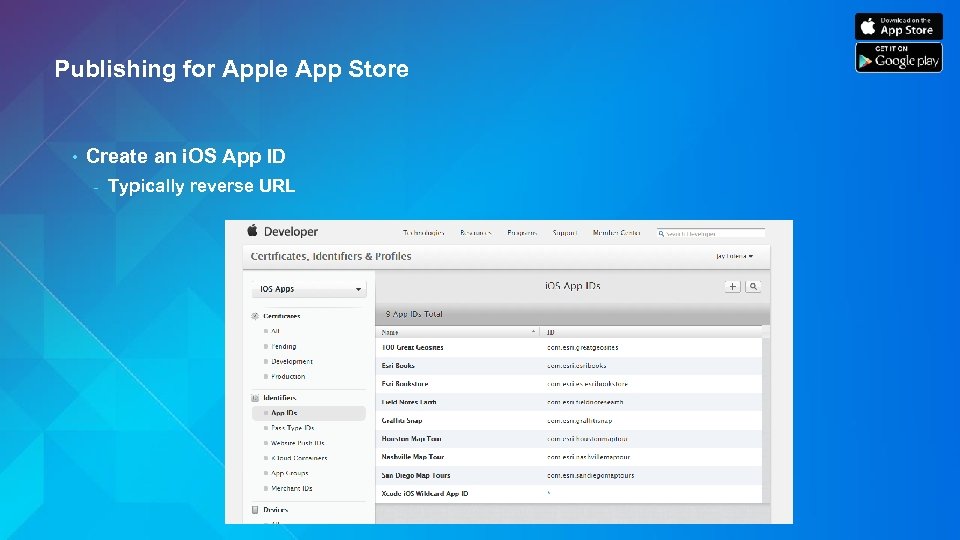
Publishing for Apple App Store • Create an i. OS App ID - Typically reverse URL
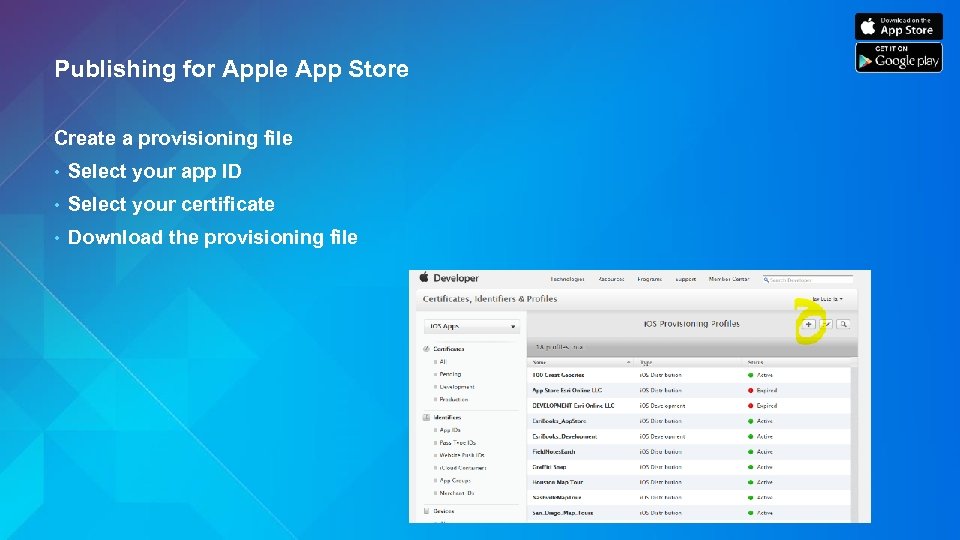
Publishing for Apple App Store Create a provisioning file • Select your app ID • Select your certificate • Download the provisioning file
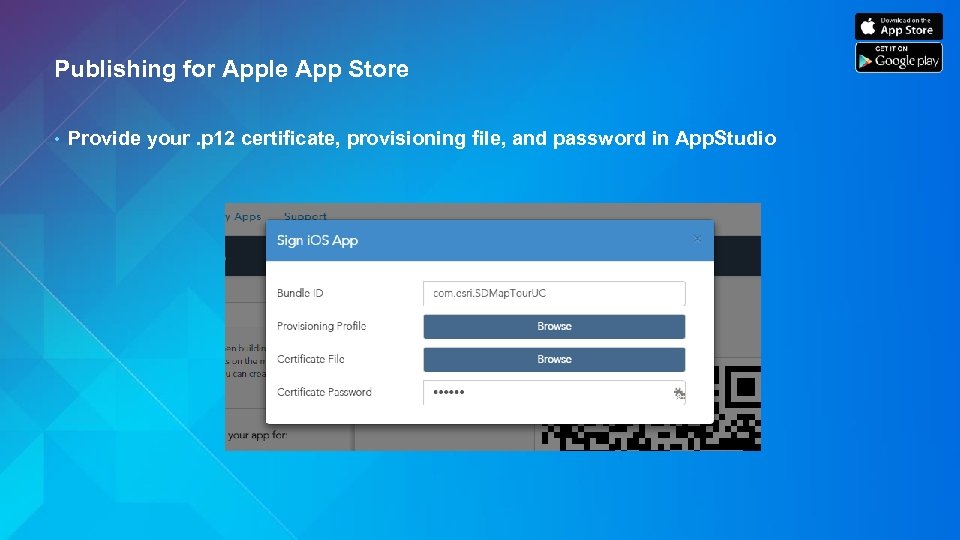
Publishing for Apple App Store • Provide your. p 12 certificate, provisioning file, and password in App. Studio

Now Build It!
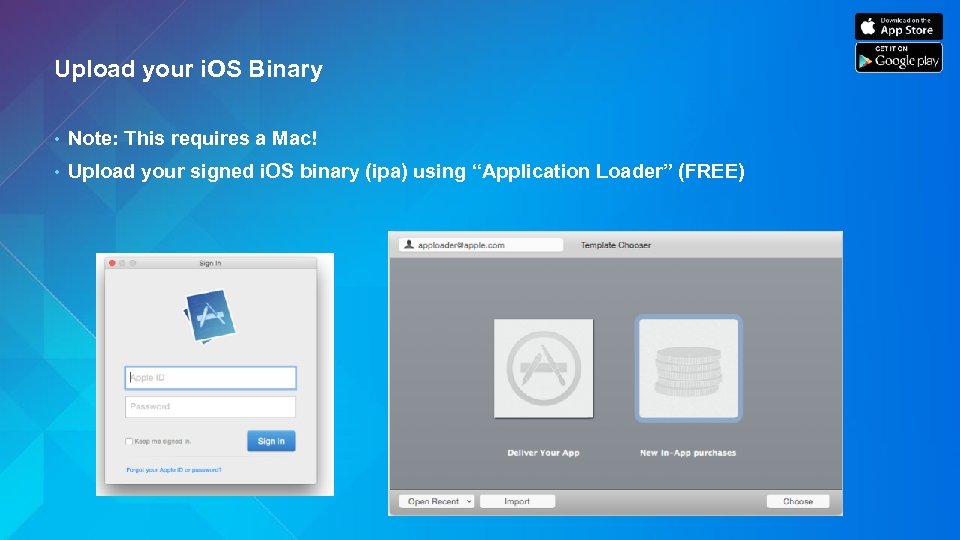
Upload your i. OS Binary • Note: This requires a Mac! • Upload your signed i. OS binary (ipa) using “Application Loader” (FREE)
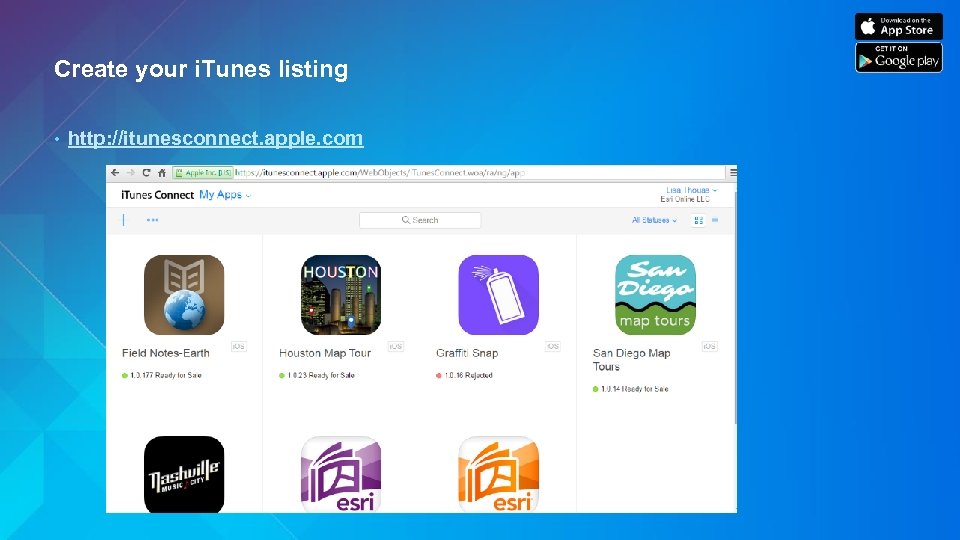
Create your i. Tunes listing • http: //itunesconnect. apple. com
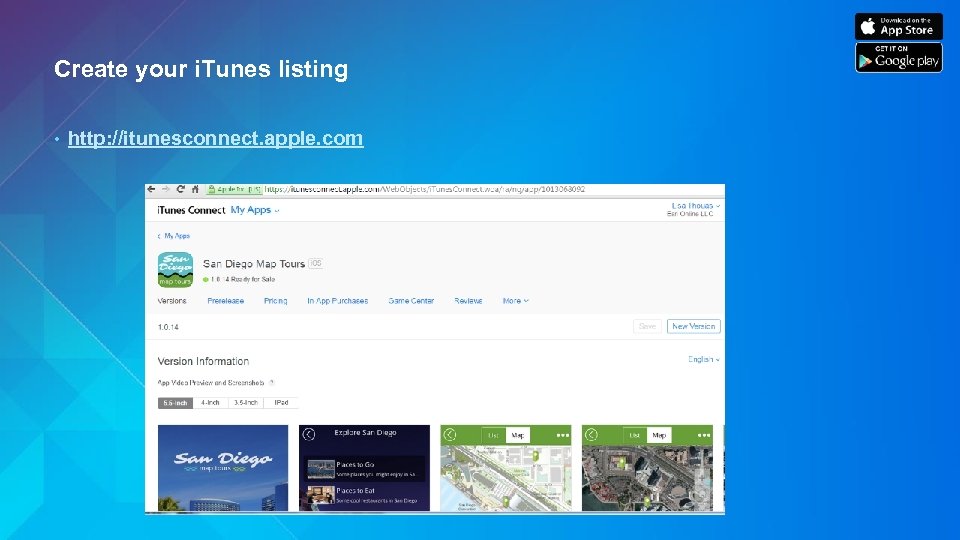
Create your i. Tunes listing • http: //itunesconnect. apple. com
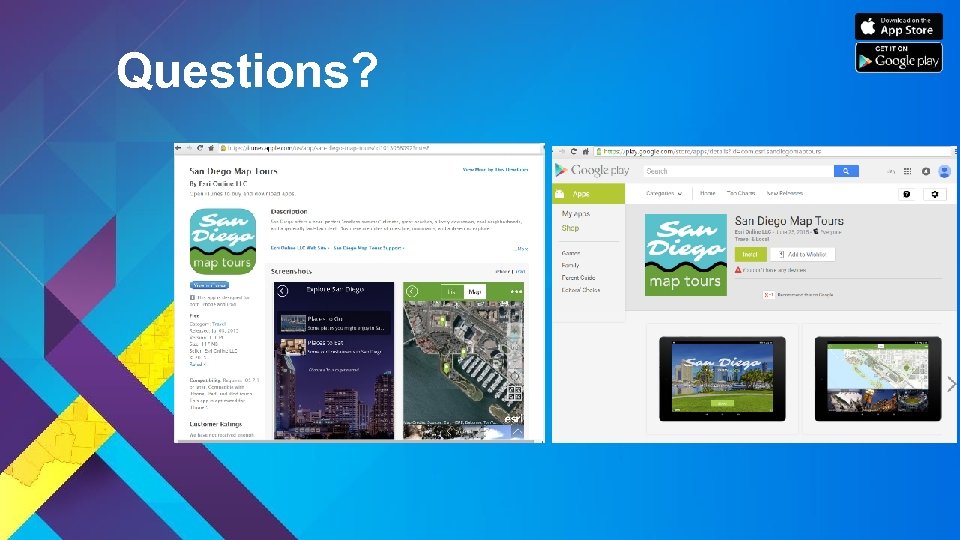
Questions?
Tips to Apple App Publishing • Create good screenshots for: - i. Phone 4/4 s and 5/5 s - i. Pad (mini or air or older) - New i. Phone are optional • Beware that it will probably take 1 – 2 weeks for approval (maybe) • Be prepared to get regejected

More resources…. • http: //video. arcgis. com • clesueur@esri. com • http: //video. arcgis. com/watch/4740/publishing-apps-to-google-play • http: //video. arcgis. com/watch/4741/publishing-apps-to-apple-app-store
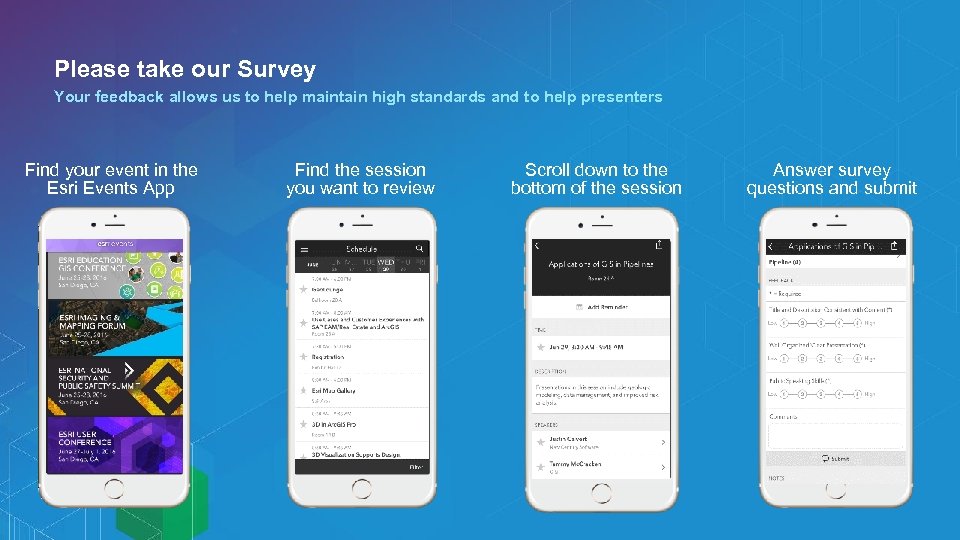
Please take our Survey Your feedback allows us to help maintain high standards and to help presenters Find your event in the Esri Events App Find the session you want to review Scroll down to the bottom of the session Answer survey questions and submit

Q&A What else would you like to know?
App. Studio for Arc. GIS
Скачать презентацию Publishing App Studio Apps into the Google and
6f15e57f8d73e664205d015a734a6678.ppt