 Скачать презентацию Proposal background n Our example of image processing
ASG - Funny Foto.ppt
- Количество слайдов: 9




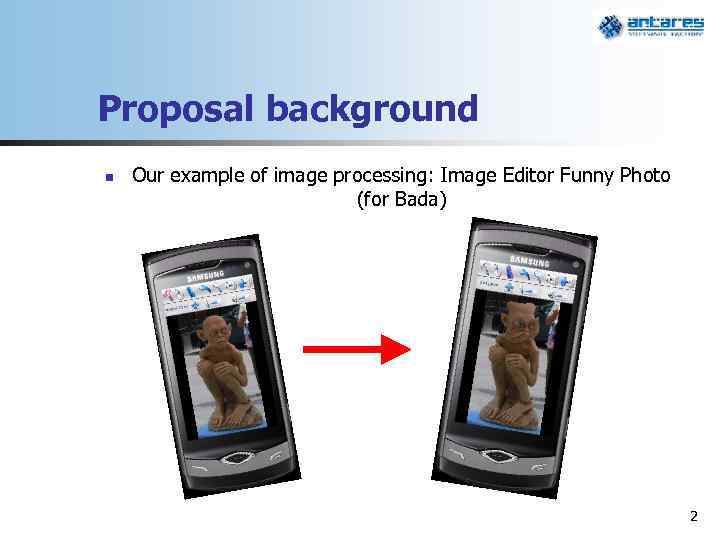
Proposal background n Our example of image processing: Image Editor Funny Photo (for Bada) 2
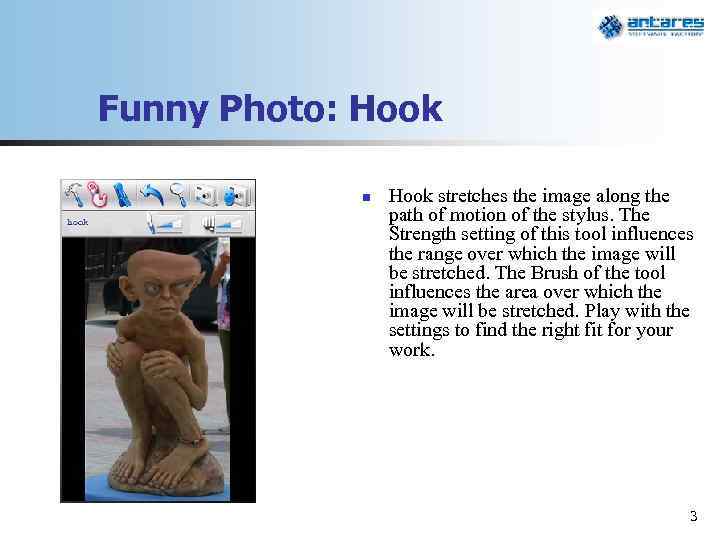
Funny Photo: Hook n Hook stretches the image along the path of motion of the stylus. The Strength setting of this tool influences the range over which the image will be stretched. The Brush of the tool influences the area over which the image will be stretched. Play with the settings to find the right fit for your work. 3
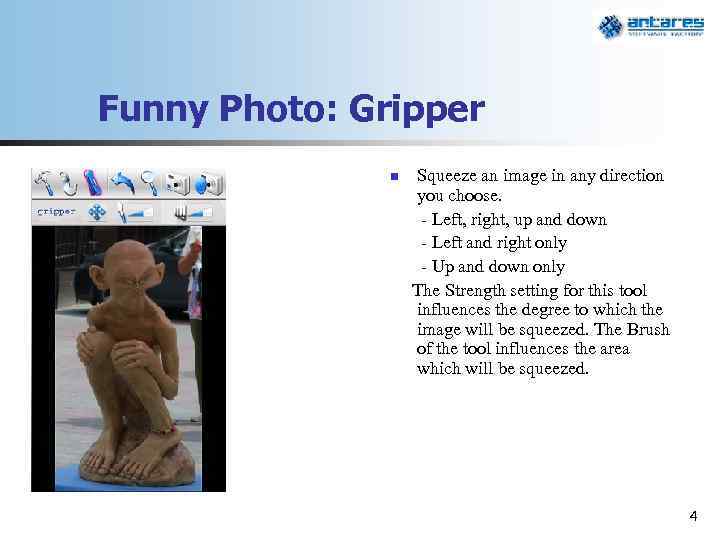
Funny Photo: Gripper n Squeeze an image in any direction you choose. - Left, right, up and down - Left and right only - Up and down only The Strength setting for this tool influences the degree to which the image will be squeezed. The Brush of the tool influences the area which will be squeezed. 4
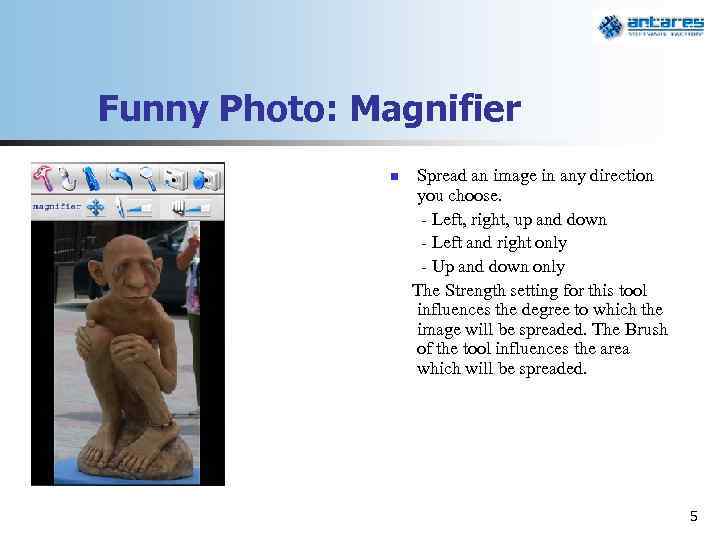
Funny Photo: Magnifier n Spread an image in any direction you choose. - Left, right, up and down - Left and right only - Up and down only The Strength setting for this tool influences the degree to which the image will be spreaded. The Brush of the tool influences the area which will be spreaded. 5
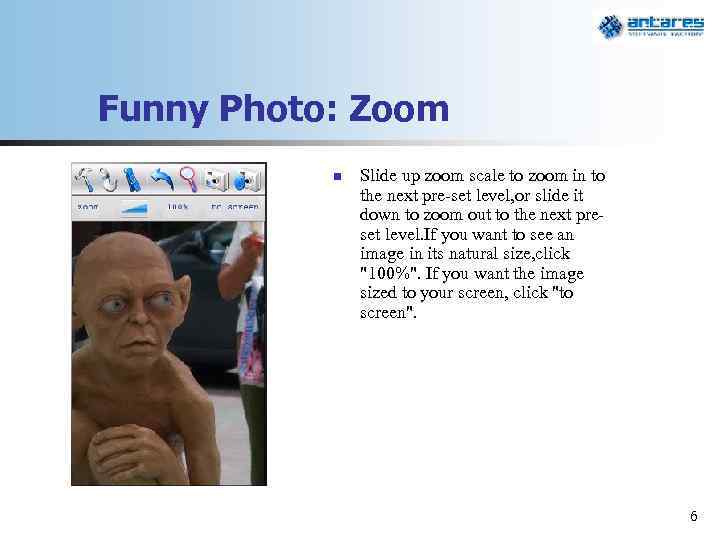
Funny Photo: Zoom n Slide up zoom scale to zoom in to the next pre-set level, or slide it down to zoom out to the next preset level. If you want to see an image in its natural size, click "100%". If you want the image sized to your screen, click "to screen". 6
Funny Photo: Other features n n Undo/Redo of all previous/post tools Load/Save pictures Embedded camera usage Apply of all previously set tools to the new camera shot 7
Funny Photo: New features in developing n n More “Bada-styled” interface Crop image Rotate image on any angle in any direction Publish results into popular social networks Estimated time of development – 2 month 8
Thank you for your attention Dmitry Tsymbal, CEO Veliky Novgorod, Russia Tel. +7 8162 678 178 Mob. +7 921 730 4095 Dmitry. Tsymbal@antares-software. ru
Скачать презентацию Proposal background n Our example of image processing
ASG - Funny Foto.ppt