 Скачать презентацию Proof of Concepts and Benchmarks etc Definitions
621309728383c294a66c6ff7d9dabc2e.ppt
- Количество слайдов: 71



Proof of Concepts and Benchmarks etc.
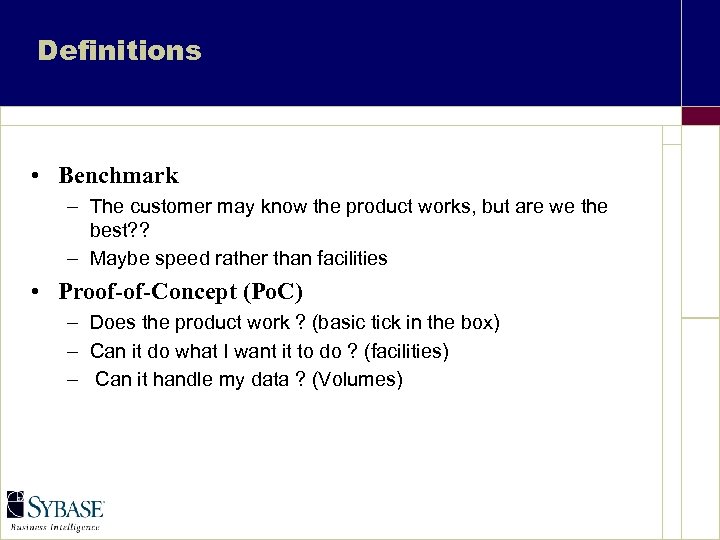
Definitions • Benchmark – The customer may know the product works, but are we the best? ? – Maybe speed rather than facilities • Proof-of-Concept (Po. C) – Does the product work ? (basic tick in the box) – Can it do what I want it to do ? (facilities) – Can it handle my data ? (Volumes)
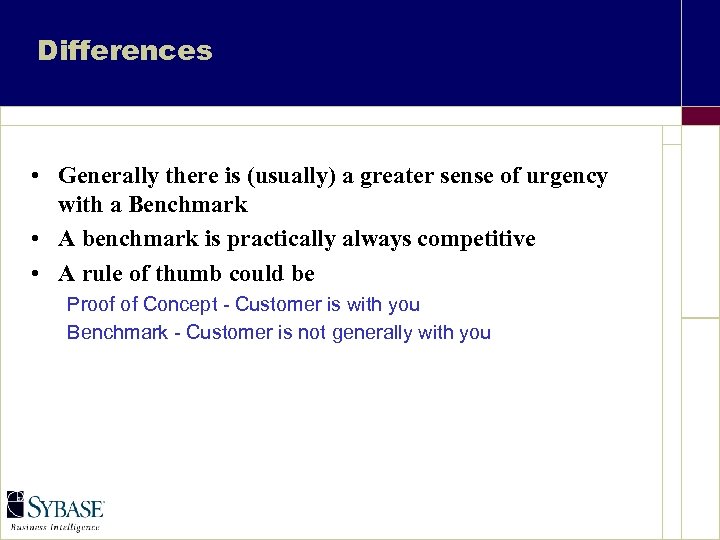
Differences • Generally there is (usually) a greater sense of urgency with a Benchmark • A benchmark is practically always competitive • A rule of thumb could be Proof of Concept - Customer is with you Benchmark - Customer is not generally with you
Step 1
Benchmark as a Last Resort Benchmarks can be very risky • Competition uses losses as proof points in future deals, advertisements etc. – Every loss can require Five wins to compensate • Prematurely exposes Minor Shortcomings – Each may be minor and easily dealt with, but together, may contribute to customer feeling “buyer’s remorse” - before they buy!
Questions • Do we do the work ? – Can we do this technically ? – Do we want to do this commercially ? • The first question is ours to answer • The second we can give “advise” on - but should not answer He who fights and runs away, lives to fight another day
Resource-Intensive • Other Vendors May Be Able to Throw More Bodies at it – This definitely was Oracle’s strategy with Early Sybase System 10 • Ensure Adequate Resource Commitment From Sybase and Customer – Play up the partnership commitment and long-term value to the customer – Inadequate resources and preparation almost guarantees failure
Requirements • Plan, Plan and Plan • Resources – Technical buy in from both the Customer and your company – Your time – The plan - including decision points • Hardware/Software Availability
The Plan • What we must have to make this work – People (customer and company), computers, software • How long is this going to take (multiply by 2 at least!) • Decision Points – Where can we stop, survey and decide to continue or cut our losses
Time Richard’s First Law of Benchmarks Everything has to be done 4 times • 1 st Time - It will not work • 2 nd Time - It partially works - then crashes • 3 rd Time - It works, but no-one believes it, and you forgot to time it • 4 th Time - It works and you did time it.
Resources - Your company • Your Company – – – Your time Technical Support Sales Person Management buy-in Technical stand-in
The Sales Person (yes they do have uses) • This person is worth their weight in gold – Well… Maybe silver • Their job is to shield you from interference from – The Customer – The Company • Their job is also to get you more resources or time if you need it
Resources - The Customer • Customer – Technical Assistance § Someone who KNOWS the system (not the guy the Technical Director first thought of) – Data and Schema (or at least some form of data definition) – Queries, or at least list of questions – Timescale (when is the finish date for the project)
Customer Technical Assistance • You must have someone from the Customer at your side during the Po. C • Phone calls to the Customer eat a lot of time • Trying the find the “right” person to speak to takes even longer! Beware the phrase “Oh, didn’t I mention that” • Treat all given information as unproven (if not actually wrong)
Success/Failure SUCCESS CRITERIA • Without the above – How do we know if we have failed? – How do we know if we have succeeded? – What is the next step if we have succeeded? • Criteria also mean we have a target to aim for, and we limit the work required
Time and Success Good enough, in time = good Perfect, too late = bad • You must stick to the timing plan and aim ONLY for the success criteria • “Wouldn’t it be nice if we could run …” is the most horrible phrase ever to be heard in a benchmark
Good Benchmark Practice - 1 • Take Notes – Have a complete list of what you did and when you did it. – It will save time in the long run and will allow you to write up the project • Script Everything you do on the system – You WILL have to do everything more than once!
Good Benchmark Practice - 2 • Be aware of the clock – If the timing is looking tight, or impossible – Discuss with the Sales Person, he may be able to buy you more time, or extra resources • Don’t be afraid to ask for help – You cannot do everything yourself – You do not know everything – Ask - not asking means lost time and lost sales
Finally • OK we have – – – A Plan Resources Customer and Management Buy in A Sales Person A target Computers and Time to do it • Let’s go do Step 2
Step 2
The System • • • Processors Memory Disk (sub-system) inc. RAID Operating System IQ 12 Other Software
The Free Hand • If we are not constrained and have a free hand – If we oversize - the customer may consider IQ is too hardware hungry – If we undersize then the queries will run slowly or not at all • We have to get this about right
CPU’s • Proof of Concept – More is better • Benchmark – IQ 12 is not parallel so if competitive with small number of users - small number of CPUs – If competitive, with large number of users - as many CPUs as you can get in the box!
Memory • More is better • We can always use more memory • Consider 15 MB per user (that is a very bad generalisation - but almost accurate!)
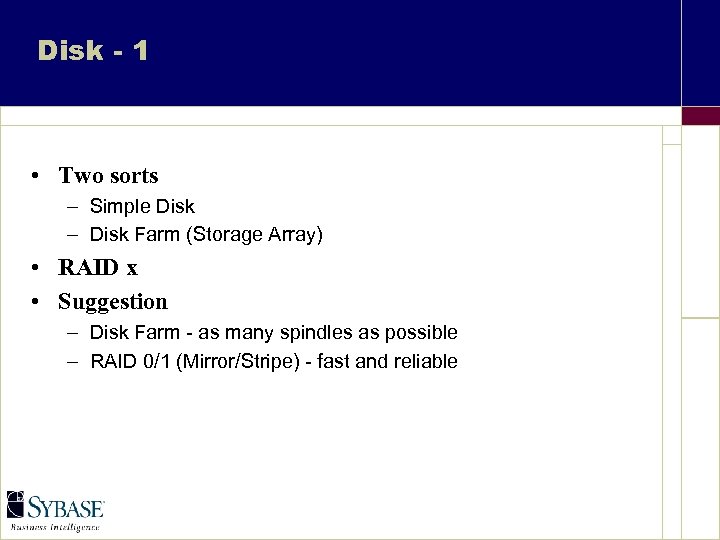
Disk - 1 • Two sorts – Simple Disk – Disk Farm (Storage Array) • RAID x • Suggestion – Disk Farm - as many spindles as possible – RAID 0/1 (Mirror/Stripe) - fast and reliable
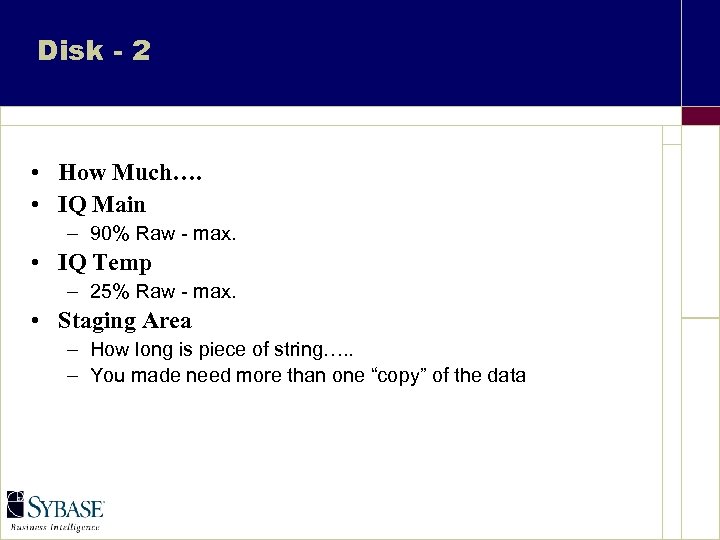
Disk - 2 • How Much…. • IQ Main – 90% Raw - max. • IQ Temp – 25% Raw - max. • Staging Area – How long is piece of string…. . – You made need more than one “copy” of the data
Disk Farm • EMC, SSA, MTI etc. • These may have complex set-up routines • If possible, let the H/W supplier (or the customer) set up the disks • Watch ! And Take Notes!
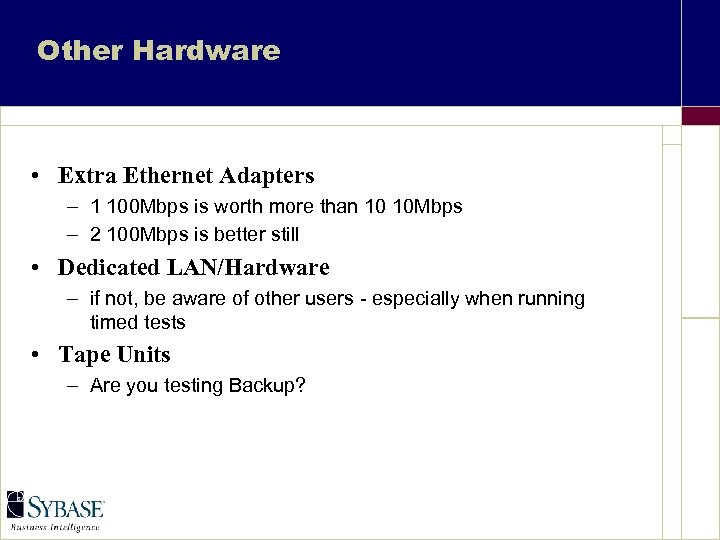
Other Hardware • Extra Ethernet Adapters – 1 100 Mbps is worth more than 10 10 Mbps – 2 100 Mbps is better still • Dedicated LAN/Hardware – if not, be aware of other users - especially when running timed tests • Tape Units – Are you testing Backup?
Operating System • The correct Revision to run IQ • All the require OS Patches • Has it been installed correctly – Do you need a Hardware Rep. To help with the install? – If this is a “system” benchmark, maybe you should plan a hardware rep. To be on site
Software • IQ – – Have you the latest revision? Have you read the release notes? Are there any new EBFs? Speak with Tech. Support PSE or Engineering get the latest revision (that works!) • Other Software – Replication Server, Distribution Director etc. – Are these all the latest revision? – Does all the software work together?
Step 3
Installation • • • Install IQ Decide on IQ Page Size Build the Database Create the IQ Main Store Create the IQ Temp. Store
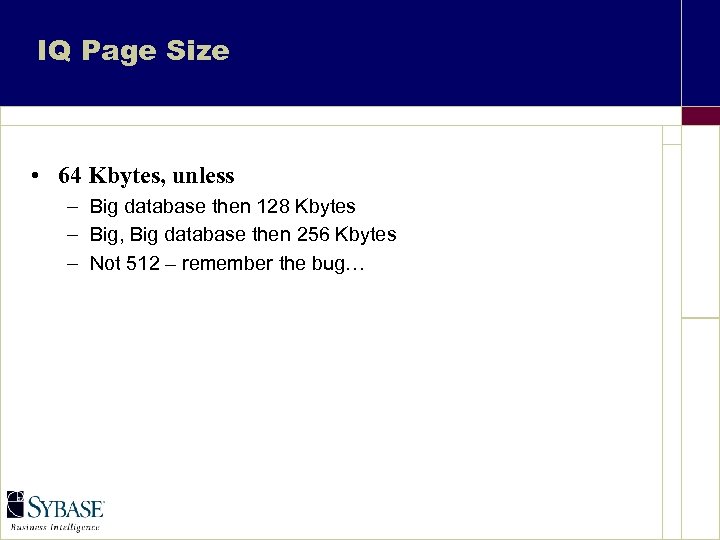
IQ Page Size • 64 Kbytes, unless – Big database then 128 Kbytes – Big, Big database then 256 Kbytes – Not 512 – remember the bug…
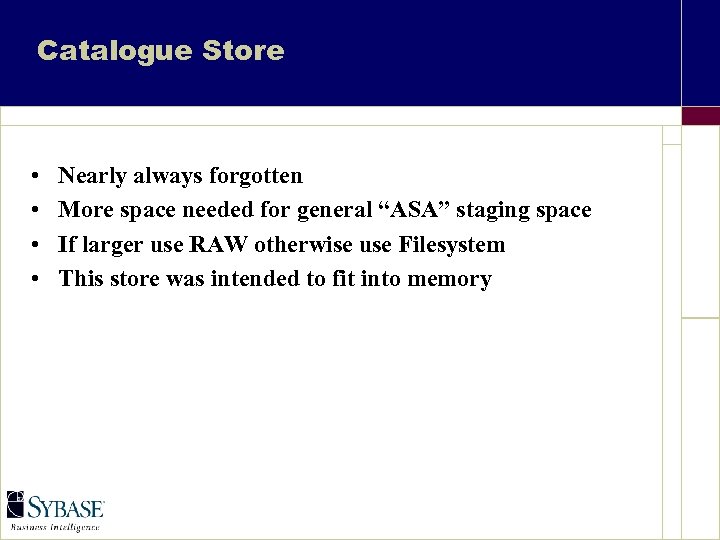
Catalogue Store • • Nearly always forgotten More space needed for general “ASA” staging space If larger use RAW otherwise use Filesystem This store was intended to fit into memory
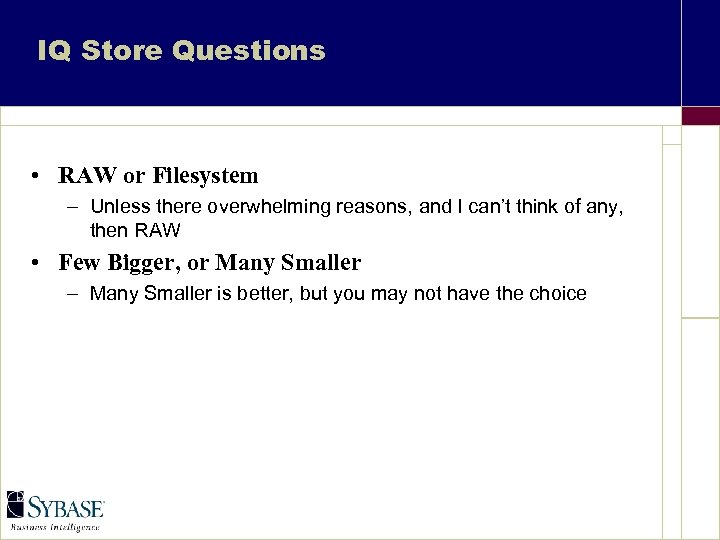
IQ Store Questions • RAW or Filesystem – Unless there overwhelming reasons, and I can’t think of any, then RAW • Few Bigger, or Many Smaller – Many Smaller is better, but you may not have the choice
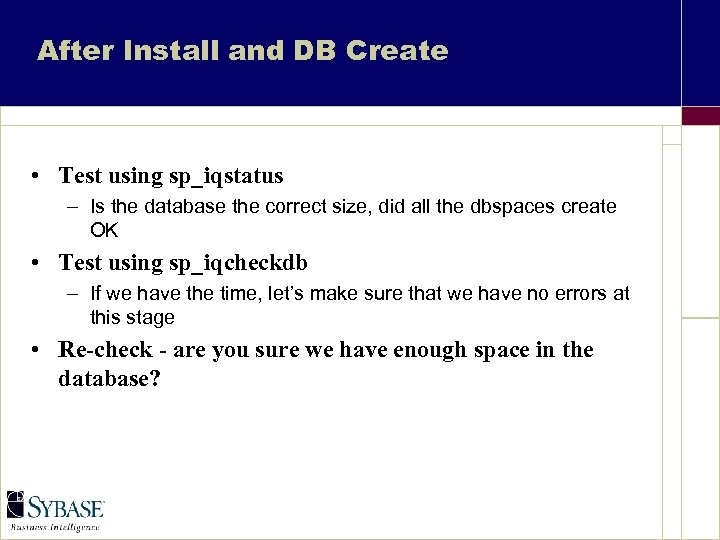
After Install and DB Create • Test using sp_iqstatus – Is the database the correct size, did all the dbspaces create OK • Test using sp_iqcheckdb – If we have the time, let’s make sure that we have no errors at this stage • Re-check - are you sure we have enough space in the database?
Step 4
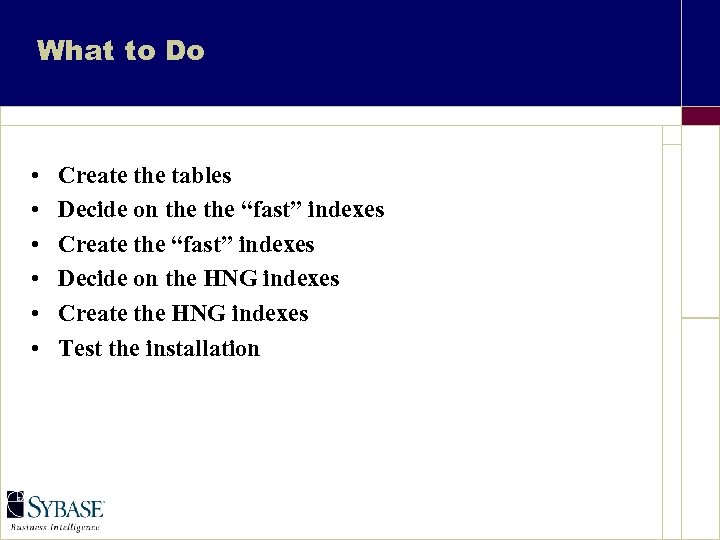
What to Do • • • Create the tables Decide on the “fast” indexes Create the “fast” indexes Decide on the HNG indexes Create the HNG indexes Test the installation
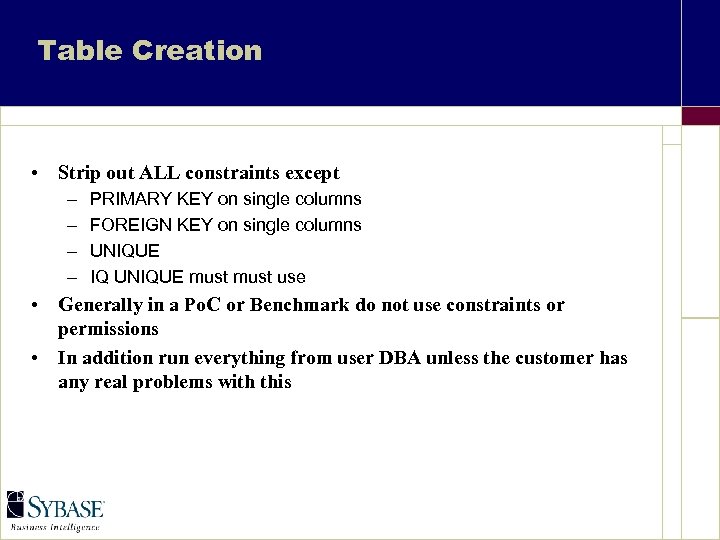
Table Creation • Strip out ALL constraints except – – PRIMARY KEY on single columns FOREIGN KEY on single columns UNIQUE IQ UNIQUE must use • Generally in a Po. C or Benchmark do not use constraints or permissions • In addition run everything from user DBA unless the customer has any real problems with this
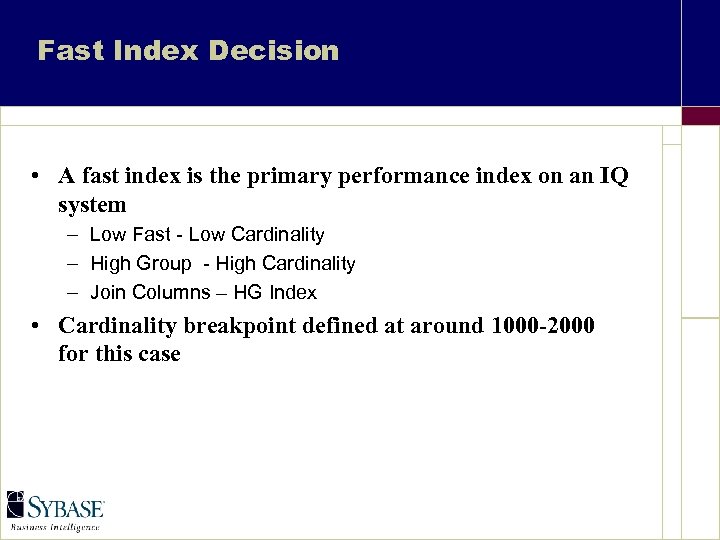
Fast Index Decision • A fast index is the primary performance index on an IQ system – Low Fast - Low Cardinality – High Group - High Cardinality – Join Columns – HG Index • Cardinality breakpoint defined at around 1000 -2000 for this case
For EVERY Column • Is the column EVER going to be used for more than just projection? • If the column fails the above test then do not waste time and space applying any more indexes on this column Remember the column you do not index is the one that will be used as a search column come the day of the presentation!
Cardinality • If the column is to have an index on it, decide on the cardinality • You may not have this information • I use the WAG method, Wild Asses Guess • If you have the time and disk spaces create a High Group on the column, load the data and perform a Select Distinct, this gets the exact cardinality (don’t do this on the 2. 9 billion row table)
Fast Index • For High Cardinality put a High Group • For Low Cardinality put a Low Fast • Warning : Treat the Customer information as unproven “I never knew we had that many suppliers” • If you have to drop and recreate the index so what? You did allow time in the plan for reloading the data - didn’t you?
High Non Group Index • For EVERY Column that has a “fast” index • Is this column going to be used in the following – – range searches between search avg(), sum() root string searches (like “Syb%”) • If the answer is yes (regardless of the cardinality) add a High Non Group index • Remember the IQ UNIQUE clause
Test • Check by looking at the sysobjects table in the catalogue server • You did script everything didn’t you? • We may have to retrofit indexes at a later time, but let’s TRY and get most of them built now
Step 5
Loading the data • • • Configure the server for load Pre-fix the data Stage the data Load the data Test the installation Do it all again (Probably!)
Configure for Load • Not much required here for IQ 12 • Ensure that you use sp_iqstatus to check that you have allocated the memory you thought you had • Consider increasing Temp and decreasing Main
Where does the data come from • Another database – Consider conversions here, unload, modify and reload may be faster than CONVERT() – Generally UNIX commands like AWK and SED can run quicker than CONVERT() and certainly are quicker than aggregate statements from general RDBMS products – If you do an unload and reload, you will need staging space (twice the size of the data)
Flat Files • This is where the most fun is • I will state as a “fact” – Most of the time the customer cannot tell you what the input file format is exactly § Print the file - in ASCII and HEX § Row and column delimiters generally are killers – The 7 millionth 400 thousandth record will be different from all the others - always • Same advice on CONVERT() applies here • Remember load performance switches (row delimited by etc. )
All Loads • Script everything • You will never, never succeed the first time • Only test load with 10 to 100 rows of data, the load will fail that bit quicker than with 1 billion rows • Load the biggest file first, it will take the longest time
During Load • With IQ 12 we can load table simultaneously • Remember not the saturate the server, I would suggest not loading more than 1 table at a time • Time all the loads - especially the test loads – if 1000 rows took 1000 minutes then the 10 billion row load will take a long time
Test the Load • Count(*) on all tables, does this agree with the input files? • Check the insert logs • Check quality – Set temporary option public. ‘row_count’ = 20 – select * from table (all the tables) • check numeric, do sum() and or avg()
Backup ? • • Maybe now we should run a backup Check the data size - a 2 T byte backup is not fast Is backup and restore part of the success criteria? If not do not spend the time to run it
Success Criteria • • Was the load or load time part of the success criteria Do we pass Do we have to do it again Maybe we need dedicated conversion and load programs • If we have to pass this we have to spend the time….
Time and Panic • This task is a (relatively) complex and intellectual task • Benchmarking is (for a number of reasons) a high stress activity • It will take long hours and you may be alone for long periods • Isolation and stress are part of the job
Mistakes etc. • Around 3: 00 am when the load is not working real stress happens - I’ve been there, it is not nice • Ask for help • Re-read your notes (this is one reason you must write everything down) • Failing everything else go back to the hotel for a sleep and a shower
Ask For Help • I’ll say it again - louder IF YOU HAVE PROBLEMS ASK FOR HELP
Step 6
Running the Queries • • • Set up the Server to Run Mode Test Run every Query Timed Runs Check the times Rerun Repeat above until either it works or you run out of time
Server Set-up • Remove all the load “bits” - unless there are update queries in the test • Get every byte of memory you can out of the server • Do not generate a “Benchmark Special”
Test The Queries • If they run first time, then fine • If they don’t – – – Is there a SQL error? Does the SQL not conform to what IQ thinks SQL is? Are we missing a column of table? Is there a bug in IQ? Check release notes, bug lists, tech. support
First Runs • • • Start the Server (ideally boot the machine) Run the query Timed Run the Query again until the timings stabilise Redo for all the queries
Timings • I consider the “stabilised” time for the query to the “real” time for the query to execute. • But keep this time, the slowest time and the fastest time - the customer may want a “range” rather than a single stake in the ground
During Runs • Check memory with IQ Monitor – But only when you are not timing - the overhead is small, but so are some winning margins • The steady state timings can take a long time to achieve, keep your eye on the clock
Multi-User Tests • Same criteria as single user tests, but record all the times • These take longer - plan for re-running the tests
More Rules/Guidelines • Investigate anomalous behaviour - but only if you have time - remember this is a test first and learning experience second • Write everything down, all the tests must be repeatable, otherwise it looks like fraud • Good Luck!
Final Step
The last slide • • • Write down everything during the test Write up the project as a white paper Share the knowledge gained with all your co-workers What worked - and what didn’t What did you learn during the tests (except maybe never to do another benchmark again!)
The real last slide Next job : • Prepare for the next Proof of Concept and Benchmark • Maybe this time with a little more knowledge (thanks to the last Po. C/BM)
Proof of Concepts - End
Скачать презентацию Proof of Concepts and Benchmarks etc Definitions
621309728383c294a66c6ff7d9dabc2e.ppt