


 Скачать презентацию Progressive Exercise Using GT 4 WSRF
fa2db94ef9a41d8d0abfd2c78b6940c4.ppt
- Количество слайдов: 9
 Progressive Exercise – Using GT 4 / WSRF Goals • Apply the days learning to a more substantial example – GT 4 tool kit – Stateful services – WSRF mechanisms • Further develop the progressive exercise with new aspects – Resource limitations – Security • Preparation for Saturday’s material
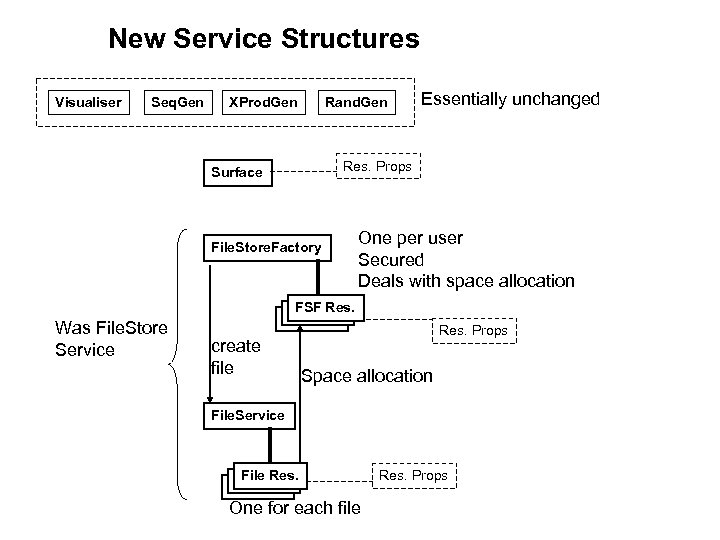 New Service Structures Visualiser Seq. Gen XProd. Gen Rand. Gen Essentially unchanged Res. Props Surface File. Store. Factory One per user Secured Deals with space allocation FSF Res. Was File. Store Service create file Res. Props Space allocation File. Service File Res. One for each file Res. Props
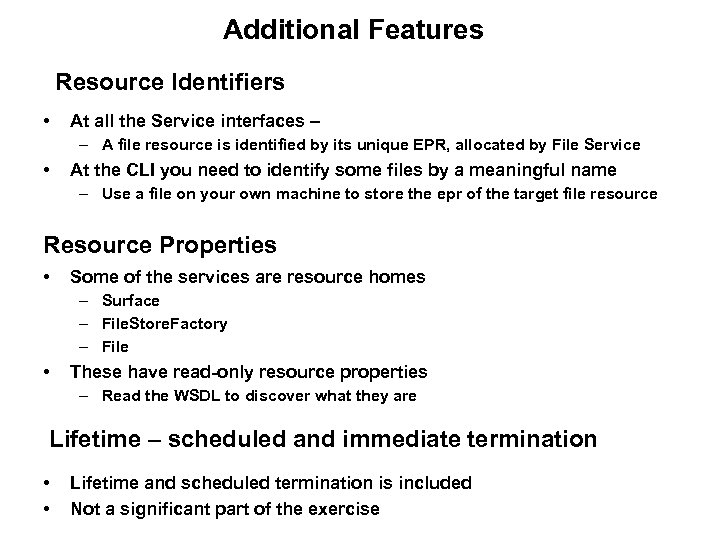 Additional Features Resource Identifiers • At all the Service interfaces – – A file resource is identified by its unique EPR, allocated by File Service • At the CLI you need to identify some files by a meaningful name – Use a file on your own machine to store the epr of the target file resource Resource Properties • Some of the services are resource homes – Surface – File. Store. Factory – File • These have read-only resource properties – Read the WSDL to discover what they are Lifetime – scheduled and immediate termination • • Lifetime and scheduled termination is included Not a significant part of the exercise
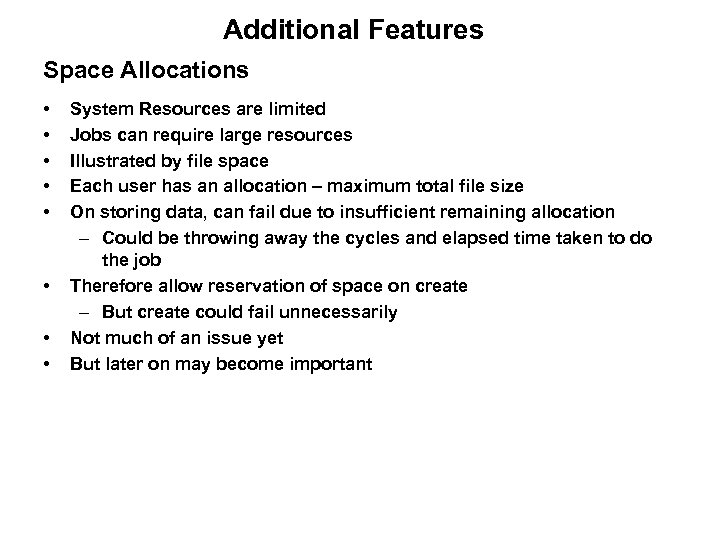 Additional Features Space Allocations • • System Resources are limited Jobs can require large resources Illustrated by file space Each user has an allocation – maximum total file size On storing data, can fail due to insufficient remaining allocation – Could be throwing away the cycles and elapsed time taken to do the job Therefore allow reservation of space on create – But create could fail unnecessarily Not much of an issue yet But later on may become important
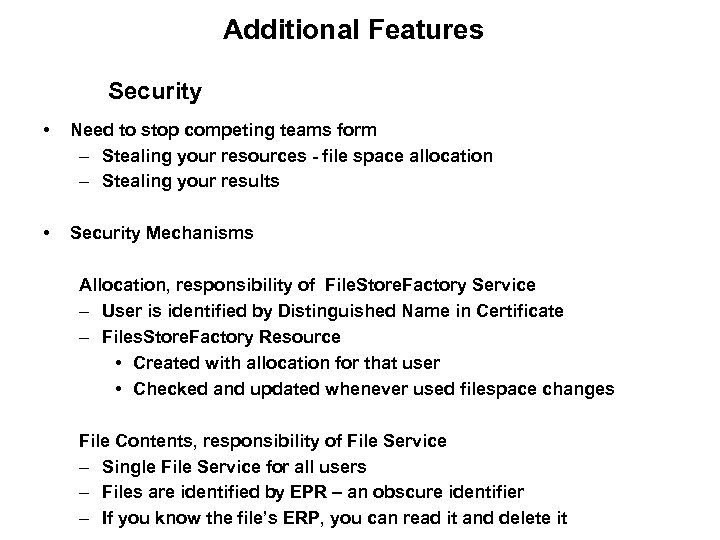 Additional Features Security • Need to stop competing teams form – Stealing your resources - file space allocation – Stealing your results • Security Mechanisms Allocation, responsibility of File. Store. Factory Service – User is identified by Distinguished Name in Certificate – Files. Store. Factory Resource • Created with allocation for that user • Checked and updated whenever used filespace changes File Contents, responsibility of File Service – Single File Service for all users – Files are identified by EPR – an obscure identifier – If you know the file’s ERP, you can read it and delete it
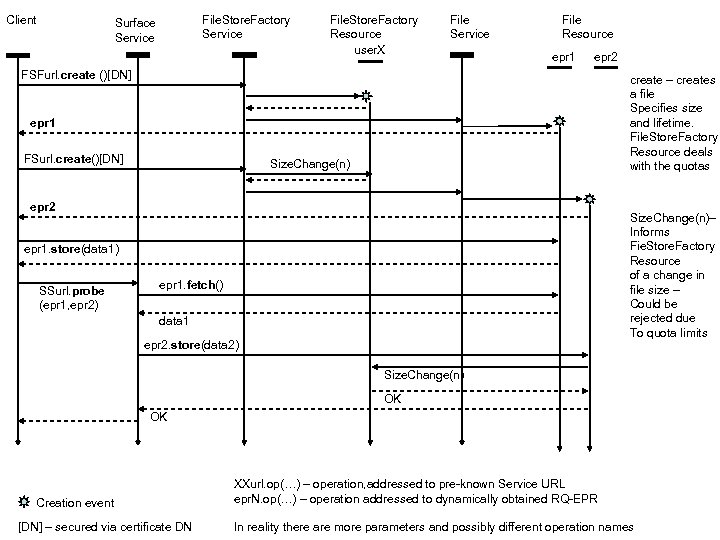 Client File. Store. Factory Service Surface Service File. Store. Factory Resource user. X File Service File Resource epr 1 epr 2 FSFurl. create ()[DN] create – creates a file Specifies size and lifetime. File. Store. Factory Resource deals with the quotas epr 1 FSurl. create()[DN] Size. Change(n) epr 2 Size. Change(n)– Informs Fie. Store. Factory Resource of a change in file size – Could be rejected due To quota limits epr 1. store(data 1) SSurl. probe (epr 1, epr 2) epr 1. fetch() data 1 epr 2. store(data 2) Size. Change(n) OK OK Creation event [DN] – secured via certificate DN XXurl. op(…) – operation, addressed to pre-known Service URL epr. N. op(…) – operation addressed to dynamically obtained RQ-EPR In reality there are more parameters and possibly different operation names
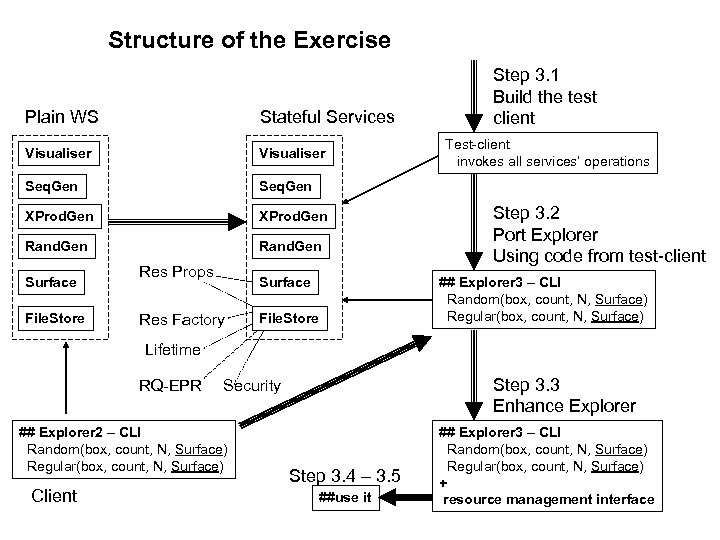 Structure of the Exercise Plain WS Stateful Services Visualiser Seq. Gen XProd. Gen Rand. Gen Step 3. 1 Build the test client Surface File. Store Res Props Surface Res Factory Test-client invokes all services’ operations Step 3. 2 Port Explorer Using code from test-client ## Explorer 3 – CLI Random(box, count, N, Surface) Regular(box, count, N, Surface) File. Store Lifetime RQ-EPR ## Explorer 2 – CLI Random(box, count, N, Surface) Regular(box, count, N, Surface) Client Step 3. 3 Enhance Explorer Security Step 3. 4 – 3. 5 ##use it ## Explorer 3 – CLI Random(box, count, N, Surface) Regular(box, count, N, Surface) + resource management interface
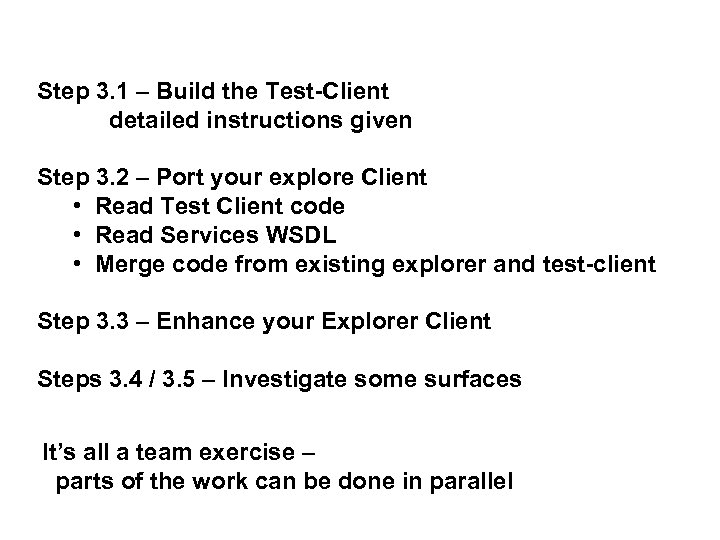 Step 3. 1 – Build the Test-Client detailed instructions given Step 3. 2 – Port your explore Client • Read Test Client code • Read Services WSDL • Merge code from existing explorer and test-client Step 3. 3 – Enhance your Explorer Client Steps 3. 4 / 3. 5 – Investigate some surfaces It’s all a team exercise – parts of the work can be done in parallel
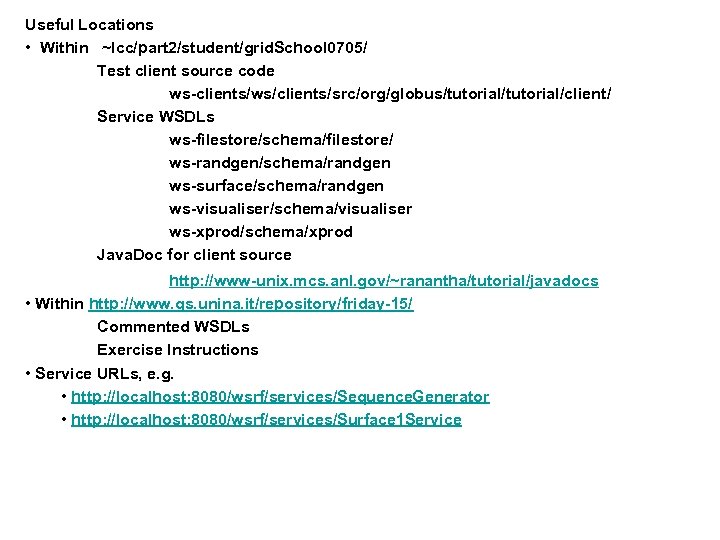 Useful Locations • Within ~lcc/part 2/student/grid. School 0705/ Test client source code ws-clients/ws/clients/src/org/globus/tutorial/client/ Service WSDLs ws-filestore/schema/filestore/ ws-randgen/schema/randgen ws-surface/schema/randgen ws-visualiser/schema/visualiser ws-xprod/schema/xprod Java. Doc for client source http: //www-unix. mcs. anl. gov/~ranantha/tutorial/javadocs • Within http: //www. gs. unina. it/repository/friday-15/ Commented WSDLs Exercise Instructions • Service URLs, e. g. • http: //localhost: 8080/wsrf/services/Sequence. Generator • http: //localhost: 8080/wsrf/services/Surface 1 Service