 Скачать презентацию Progress Database Setup Maintenance and Tuning Adam Backman
989bd5901b03b20b8fa33cd01149b338.ppt
- Количество слайдов: 85



Progress Database Setup, Maintenance and Tuning Adam Backman V. P. of Technology White Star Software adam@wss. com
Agenda ä Progress architecture ä Hardware configuration discussion ä Database maintenance ä Performance tuning ä Database future direction
Database Internals ä Internal Blocks ä ä Data blocks Index blocks Other block types Physical Layout ä ä Data storage areas Primary recovery area After image journal Other storage
Database Blocks ä Master Blocks ä Data Block (RM Block) ä Index Block (Ix Block) ä Index Anchor Block ä Free Blocks ä Empty Blocks
Master Block This stores the “master” information for the database including: Area Status (opened, closed, crashed) ä Last opened date & time ä High water mark for the area ä Last backup date & time ä This information and more can be retrieved through the virtual system tables (VSTs)
Data Blocks ä These are also known as RM (Record Manager) blocks ä Can contain information from one or more tables ä They can be “full” (RM Blocks) ä Partially full (RM Chain blocks)
Record Storage ä ä ä In most environments, records are mixed from different tables in the same block Progress can store from 1 to 256 records per block per storage area All areas for a database must have the same block size (1 – 8 kb) Total records per area is fixed More records per block equals lower total blocks
Index Blocks ä Also known as IX blocks ä Only contain information from one index ä Always considered partially full, blocks will split to accommodate growth ä Each block contains the address of itself, the next and previous blocks to support forward and reverse searches
Index Structure ä Balanced B-tree ä Compressed data ä All data access* through index *Except rowid access
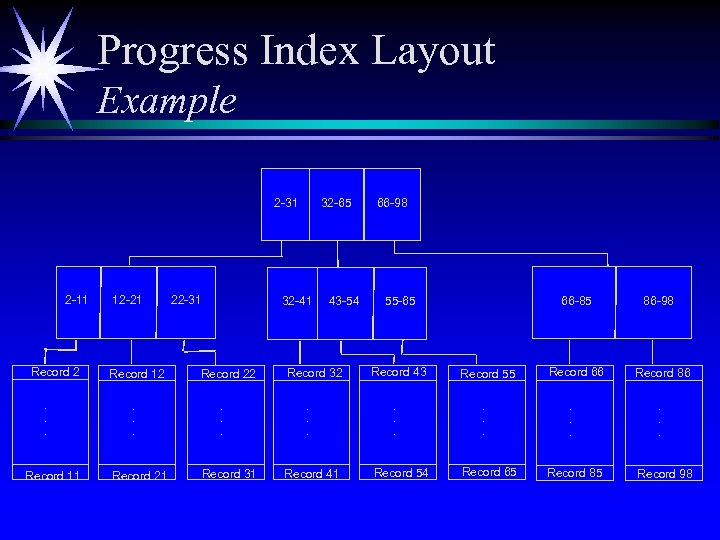
Progress Index Layout Example 2 -31 2 -11 Record 2. . . Record 11 12 -21 Record 12. . . Record 21 22 -31 32 -65 32 -41 Record 22. . . Record 31 43 -54 Record 32. . . Record 41 66 -98 66 -85 55 -65 Record 43. . . Record 54 Record 55. . . Record 65 Record 66. . . Record 85 86 -98 Record 86. . . Record 98
Free Blocks ä Contain address information ä No affiliation with IX or RM until utilized ä Under high water mark of the database
Empty Blocks ä White space ä No addresses ä Under total blocks of the database (area) ä Above high water mark
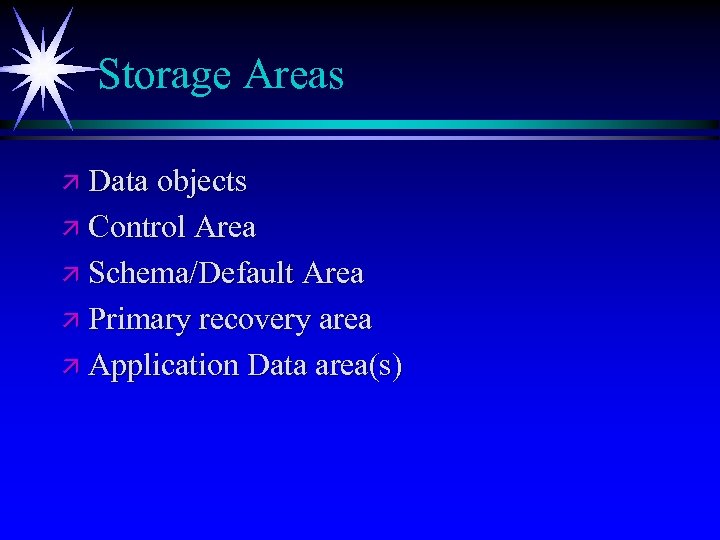
Storage Areas ä Data objects ä Control Area ä Schema/Default Area ä Primary recovery area ä Application Data area(s)
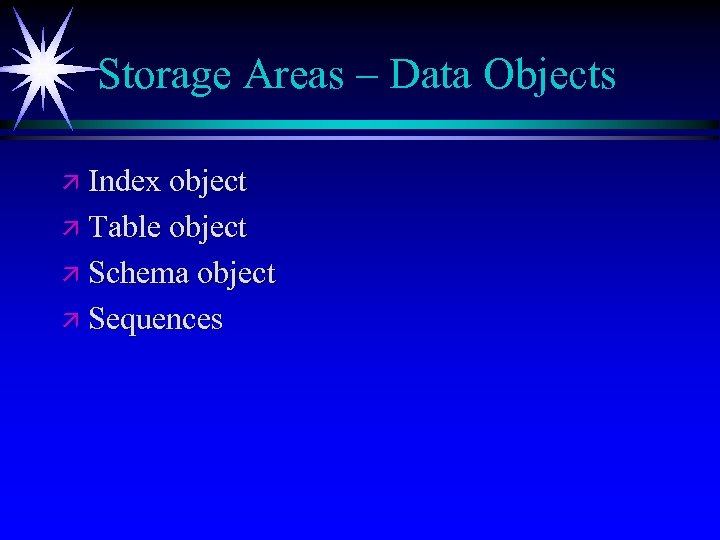
Storage Areas – Data Objects ä Index object ä Table object ä Schema object ä Sequences
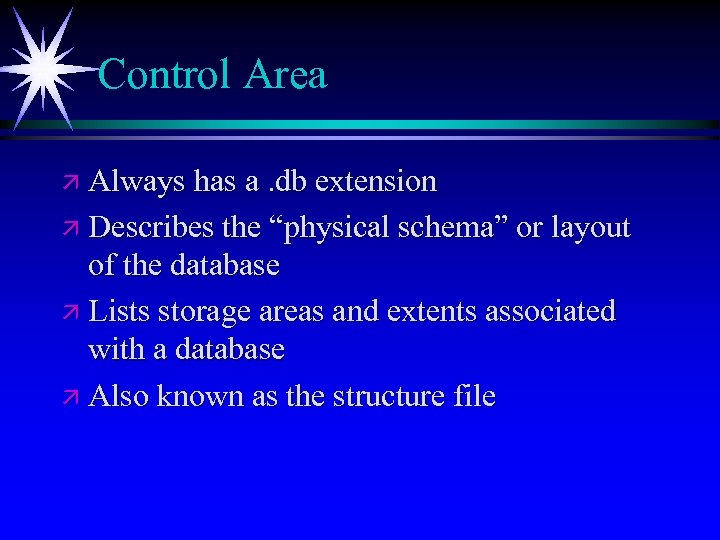
Control Area ä Always has a. db extension ä Describes the “physical schema” or layout of the database ä Lists storage areas and extents associated with a database ä Also known as the structure file
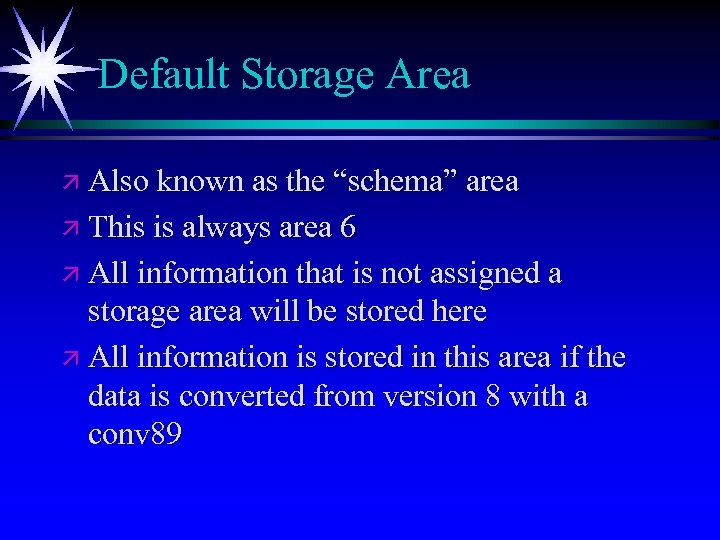
Default Storage Area ä Also known as the “schema” area ä This is always area 6 ä All information that is not assigned a storage area will be stored here ä All information is stored in this area if the data is converted from version 8 with a conv 89
Application Data Areas ä An area can contain 1 or more data objects ä An area can have 1 or more extents ä Tables and indexes can share areas ä These use area numbers 7 -1000
Primary Recovery Area ä General information ä Format ä Reuse ä Same as bi file(s) in version 8 and earlier ä This is always area number 3
Primary Recovery Area General Info ä This process is automatic and can’t be turned off ä This file is vital to database integrity both physical and logical ä This file is generally sequential
Primary Recovery Area Format ä Each block is a cluster ä Each cluster contains information regarding transactions to allow transaction undo and redo ä The transaction information is called notes ä Each note contains a transaction id
Primary Recovery Area Reuse ä Clusters fill sequentially ä When the last formatted cluster is reached there is a reuse decision point ä The “oldest” cluster is examined to determine if it can be reused ä Then, either the oldest cluster is reused or another cluster is added, formatted and used
Progress Memory Architecture ä The database engine can be serverless ä The database engine can be multi-server ä Progress applications can be host-based ä Progress applications can be 2 -tier client/server ä Progress applications can be n-tier client/server
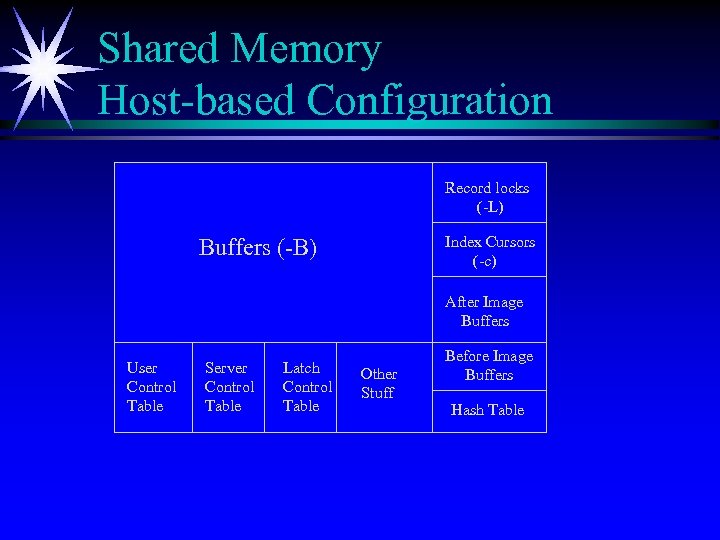
Shared Memory Host-based Configuration Record locks (-L) Index Cursors (-c) Buffers (-B) After Image Buffers User Control Table Server Control Table Latch Control Table Other Stuff Before Image Buffers Hash Table

What are Latches? ä Concurrency control mechanism ä Very course in old versions of Progress ä More granular in current versions of Progress
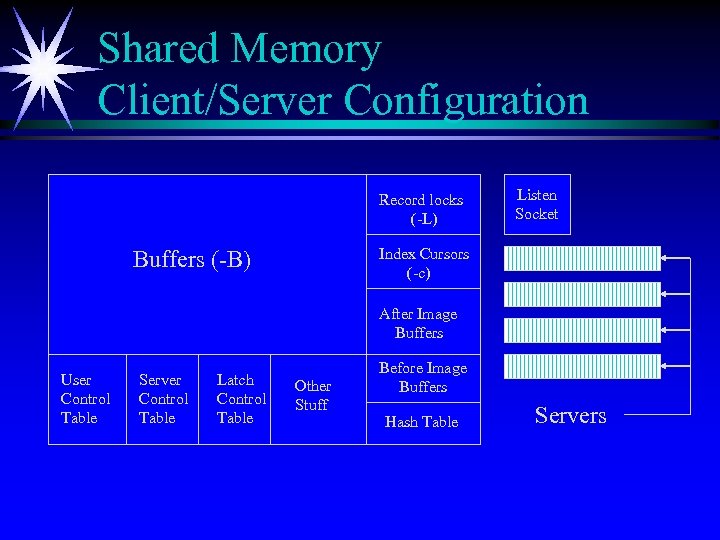
Shared Memory Client/Server Configuration Record locks (-L) Listen Socket Index Cursors (-c) Buffers (-B) After Image Buffers User Control Table Server Control Table Latch Control Table Other Stuff Before Image Buffers Hash Table Servers
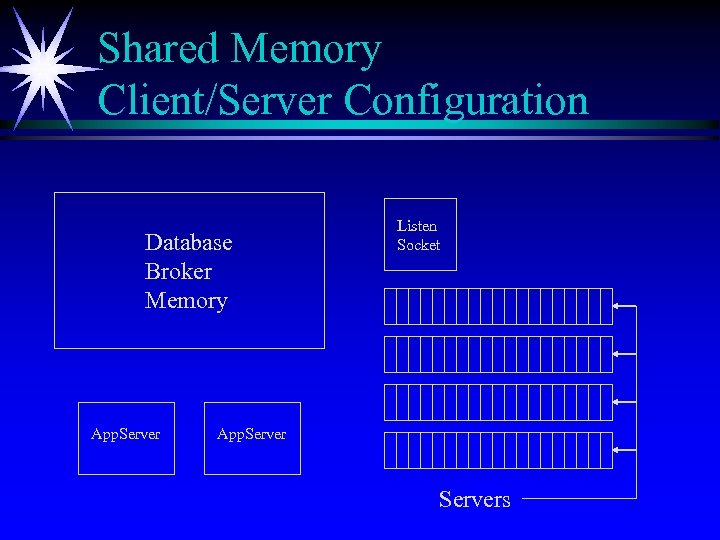
Shared Memory Client/Server Configuration Database Broker Memory App. Server Listen Socket App. Servers
Hardware Configurations ä Disk Considerations ä Memory Allocation ä CPU Considerations
Disk Contention In most environments disks are the largest area for improvement. All of the data flows from the disks to the other resources so this effects both local and networked users
Balancing Disk I/O Balancing disk I/O is the process of making sure you are using all of the available disk resources (filesystems, disks and controllers) are working equally as hard at load. This is also called eliminating variance. A well tuned system will have less than a 15% variance
What Causes Disk I/O? ä Operating system (swapping and paging) ä Progress ä Database (DB and BI) ä Application (code and temp files) ä Other applications

What RAID Really Means RAID has many levels. I will only cover a few ä RAID 0: This level is also called striping. ä RAID 1: This is referred to as mirroring. ä RAID 5: Most common RAID level ä RAID 10: This is mirroring and striping. Also known as RAID 0 + 1
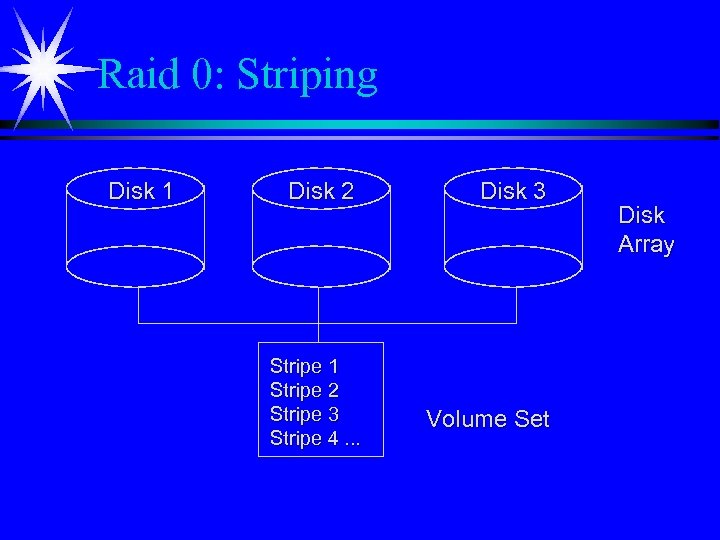
Raid 0: Striping Disk 1 Disk 2 Stripe 1 Stripe 2 Stripe 3 Stripe 4. . . Disk 3 Volume Set Disk Array
Raid 0: Striping (continued) ä Good for read and write I/O performance ä No failover protection ä Lower data reliability (1 fails they all fail)
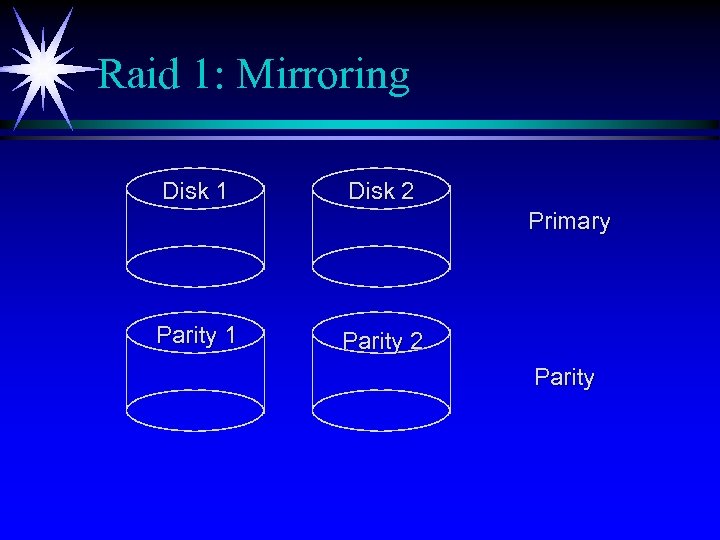
Raid 1: Mirroring Disk 1 Disk 2 Primary Parity 1 Parity 2 Parity
Raid 1: Mirroring (continued) ä OK for read and write applications ä Good failover protection ä High data reliability ä Most expensive in terms of hardware
Raid 5: Poor Man’s Mirroring ä This is the kiss of death for OLTP performance ä User information is striped ä Parity information is striped WITH user information ä OK for 100% read only applications ä Poor performance for writes
Raid 10: Mirroring and Striping ä Good for read and write applications ä High level of data reliability though not as high as RAID 1 due to striping ä Just as expensive as RAID 1
Software Methods for I/O Distribution ä Manual spread of data across non-striped disks ä Better control as you can see where the I/O is going ä More attention by system administrator is needed
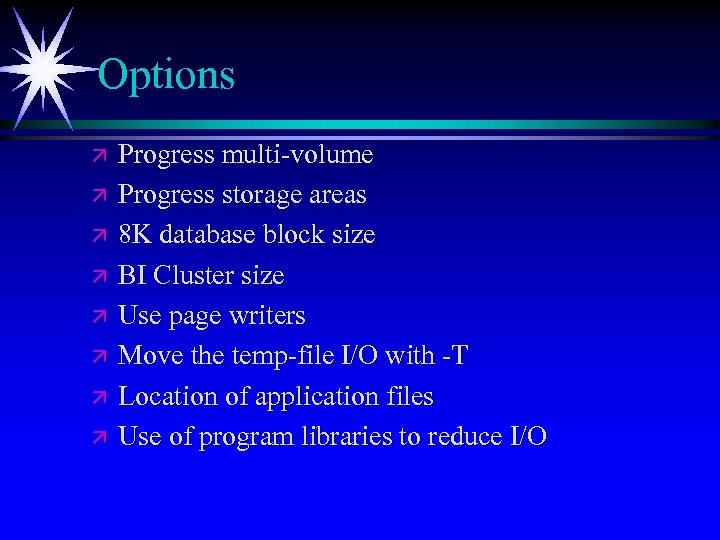
Options ä ä ä ä Progress multi-volume Progress storage areas 8 K database block size BI Cluster size Use page writers Move the temp-file I/O with -T Location of application files Use of program libraries to reduce I/O
Multi-Volume Database • • Progress-specific way to distribute I/O Only way to eliminate I/O indirection in a Progress environment Only way to pre-allocate database blocks Every database is multi-volume in Progress version 9
Storage Areas ä Benefits ä Greater control of location of data ä Minimize downtime for utilities ä Stripe some, leave some on straight disks ä Drawbacks ä More things to break ä More complex to monitor
Storage Areas - Control ä A storage area can hold 1 or more data objects (index, table, schema, …) ä Separate schema from data if possible ä Try to keep the number of areas manageable, only add more areas for valid business reasons
Minimize Downtime Smaller data areas allow utilities, such as off line index rebuild, to run faster as they have less blocks to scan
Database Administration Tools ä Backup and restore ä After image journaling ä Other Utilities
probkup ä Pros ä Progress aware ä Supports online backup ä easy ä Cons ä Slower than OS methods ä Does not backup more than the database
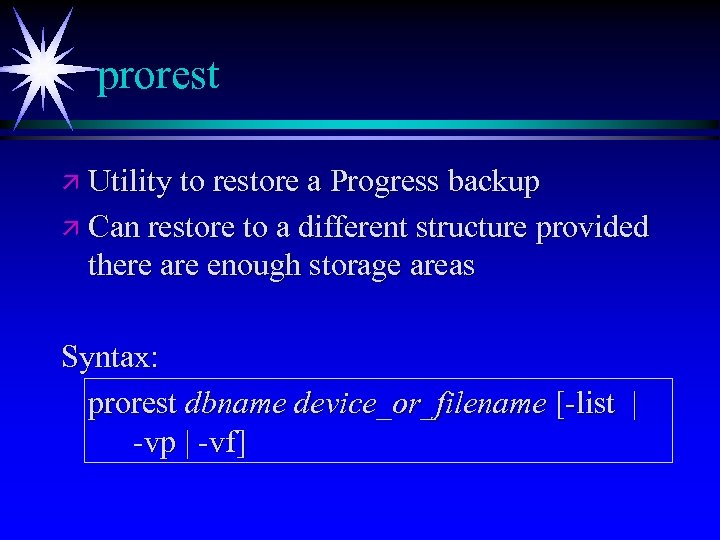
prorest ä Utility to restore a Progress backup ä Can restore to a different structure provided there are enough storage areas Syntax: prorest dbname device_or_filename [-list | -vp | -vf]
After Imaging ä Pros ä Allows you to recover to present ä Recover from media failure ä Only way to “repair” catastrophic user error ä Cons ä Additional point of failure ä Adds complexity to the system ä Performance impact
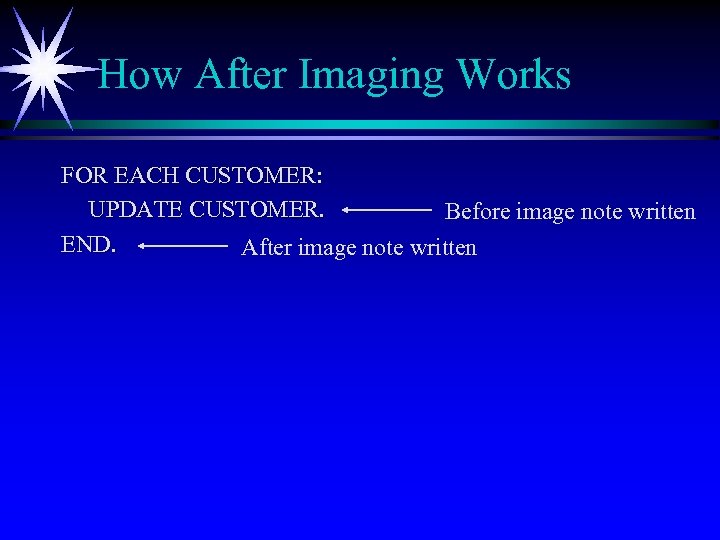
How After Imaging Works FOR EACH CUSTOMER: UPDATE CUSTOMER. Before image note written END. After image note written
How to Integrate After Imaging ä In conjunction with a backup site ä To update a report server ä As a means of backup
AI to Update a Backup Site ä Poor man’s replication ä Allows for periodic update of a copy of the database ä The copy can then be backed up with a conventional backup mechanism
AI to Update a Report Server ä Similar to keeping a backup site ä Requires two copies of the database in addition to the original (one for update and a second for reporting) ä The reporting database is a copy of the backup that is done periodically to keep the data synchronized
AI as a Means of Backup ä Not generally a good idea ä Increased recovery time ä Reduced reliability ä Backup the database each weekend ä Backup the AI file(s) each weeknight
® Utilities Progress ä Index rebuild ä idxfix ä idxcompact ä DB analysis
® Utilities Progress (continued) ä Truncate BI ä BI Grow ä Table move ä Index move ä Database log truncation
idxbuild ä Can only be run on a database that has been shutdown ä Can be run on 1 or more indexes Syntax: proutil <dbname> -C idxbuild [-TB n] [-TM n] [-T dirname]
idxfix ä Verifies index to record linkage ä Verifies index block to index block linkage ä Works online while in multi-user mode Syntax: proutil <dbname> -C idxfix
idxcompact ä ä ä Fast way to compress (reorganize) indexes online Utility will pass through the index several times (number of index levels + 1) Runs online Syntax: proutil <dbname> -C idxcompact [ownername. ]table-name. index-name [n]
Database Analysis ä ixanalys – analysis of indexes ä chanalys – analysis of record chains ä dbanalys – analysis of records and indexes Syntax: proutil <dbname> -C XXanalys
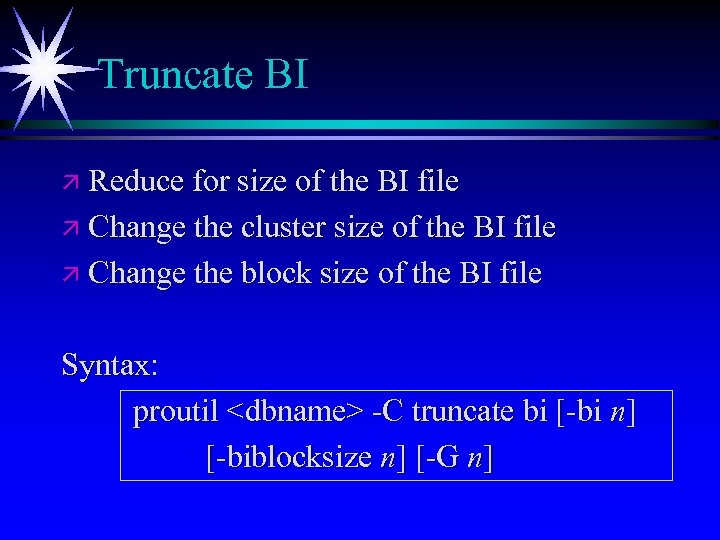
Truncate BI ä Reduce for size of the BI file ä Change the cluster size of the BI file ä Change the block size of the BI file Syntax: proutil <dbname> -C truncate bi [-bi n] [-biblocksize n] [-G n]
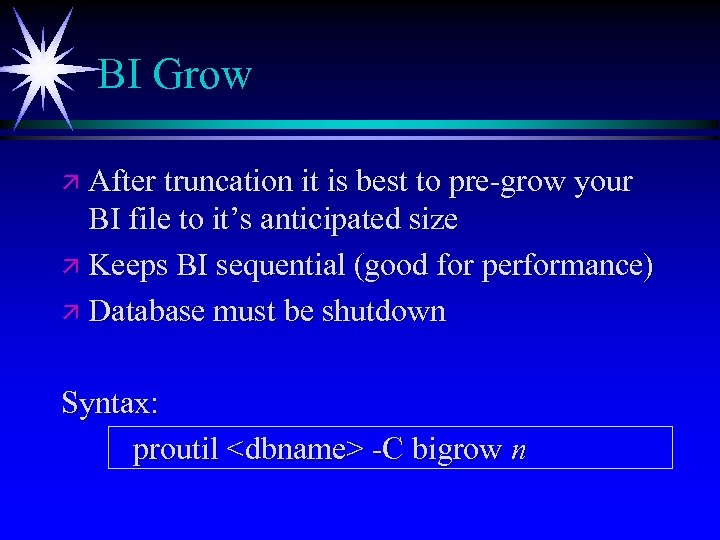
BI Grow ä After truncation it is best to pre-grow your BI file to it’s anticipated size ä Keeps BI sequential (good for performance) ä Database must be shutdown Syntax: proutil <dbname> -C bigrow n
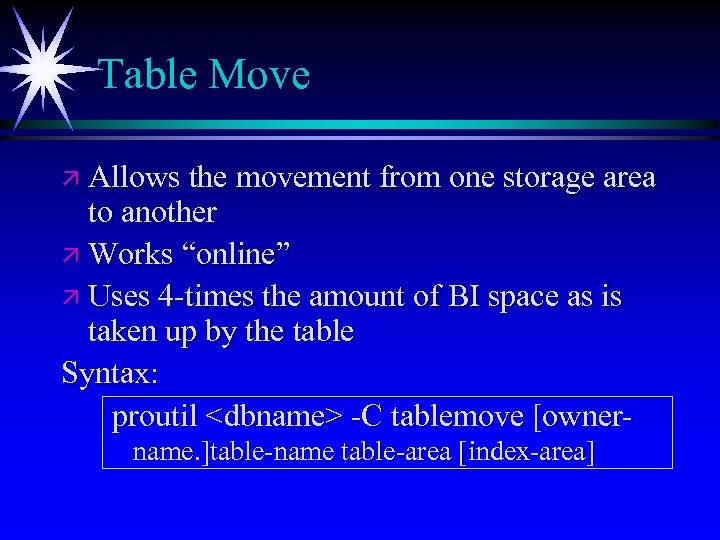
Table Move ä Allows the movement from one storage area to another ä Works “online” ä Uses 4 -times the amount of BI space as is taken up by the table Syntax: proutil <dbname> -C tablemove [ownername. ]table-name table-area [index-area]
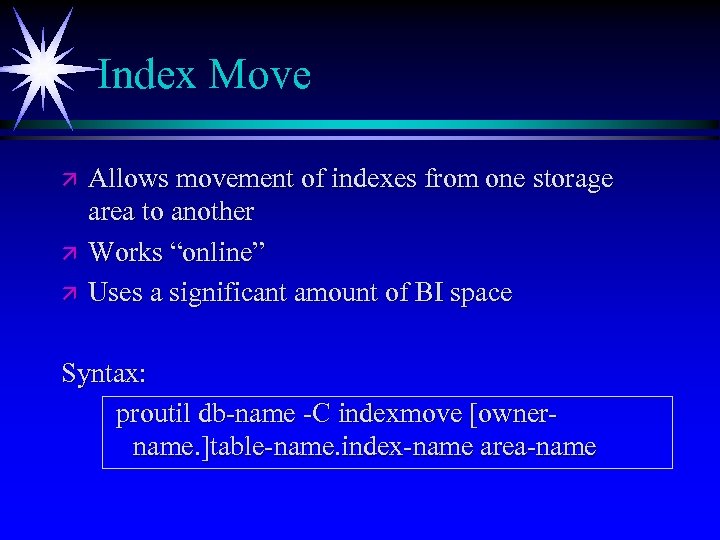
Index Move ä ä ä Allows movement of indexes from one storage area to another Works “online” Uses a significant amount of BI space Syntax: proutil db-name -C indexmove [ownername. ]table-name. index-name area-name
Database Log Truncation ä Reduces the size of the log file ä Database must be down for it to work Syntax: prolog <dbname>
Performance Tuning - Basics ä Before Image cluster size ä Database block size ä Tuning APWs ä Memory tips ä Increasing CPU efficecy
Networking Tips ä Keep things local ä No temp files on network drives ä Move the application “close” to the user ä Use -cache to speed initial connection ä Use -pls if you are using program libraries over the network ä Application issues are magnified over a network (field-lists, no-lock, indexes, …)
Networking Tips (Continued) ä -Mm 8192 to increase the tcp packet size from 1 k to 8 k ä -Ma Increase the number of servers to reduce or eliminate server contention
Stripe Some, Leave Others Flat ä ä ä Tables that are accessed sequentially may benefit from being isolated to their own table space Randomly accessed tables will generally perform better on striped volumes Disk systems that have read ahead algorithms will help sequential access most when placed on a single disk (or mirror)
8 k Block Size ä Most systems will benefit from using 8 k block size (NT should use 4 k) ä You will retrieve more information per physical I/O especially on index reads ä I/O is done how the operating likes it to be done
BI Cluster Size ä ä Somewhere between 1 MB and 4 MB works for most people If you are checkpointing every 2 minutes or more often during peak periods increase the cluster size If you a “workgroup” version of Progress leave your cluster size alone (512 kb) Don’t forget to use bigrow to avoid allocating clusters one at a time

® Page Progress Writers ä Every database that does updates should have a before image writer (BIW) ä Every database that does updates should have at least 1 asynchronous page writer (APW) ä Every database that is using after imaging should have a after image writer (AIW)
Tuning APWs ä Start with 1 APW ä Monitor buffers flushed at checkpoint on the activity screen (option 5) in promon ä If buffers flushed increases during the “important” hours of the day add 1 APW
Use -T to Level Disk I/O Local (host based) users and batch jobs should use the -T parameter to place their temporary file (. srt, . pge, . lbi, …) I/O on a drive that is not working as hard as the other drives on the system Note: -T should never point to a network drive
Application Files ä Keep paths short ä say run <subdir>/program to eliminate unnecessary searches ä Put programs into libraries (prolib) to reduce I/O to temp files ä Libraries use a hashed search mechanism for better performance
Memory Contention Memory should be used to reduce disk I/O. Broker (server) side parameters should be tuned first and then user parameters can be modified. In a memory lean situation, memory should be taken away from individual users before reducing broker parameters

Memory Hints ä Swapping is bad, buy more memory or reduce parameters to avoid it ä Increase -B in 10% increments until the point of diminishing returns or swapping, whichever comes first ä Use V 9 private buffers (-Bp) for reporting ä Do not use private buffers (-I) prior to V 9
Memory Hints(continued) ä Use memory for the users closest to the customer first (developers increase last) ä Use -Bt for large temp tables ä Set -bibufs between 50 and 120. Look at the activity screen in promon (BI buffer waits) to see if additional tuning is necessary. Start with 50 as this will work for the vast majority of people
CPU Contention High CPU activity is not bad in and of itself but high system CPU activity is bad and should be corrected
Components of CPU Activity ä USER - This is what you paid for ä SYSTEM - This is overhead ä WAIT - This is waste ä IDLE - This is nothing ; -)
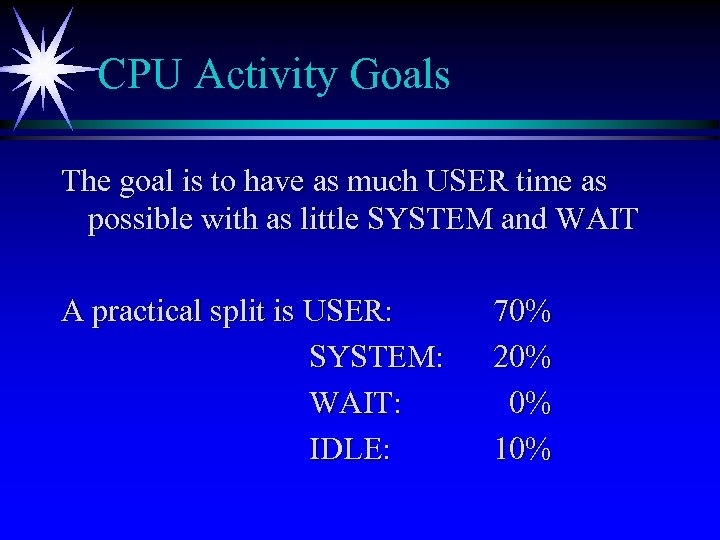
CPU Activity Goals The goal is to have as much USER time as possible with as little SYSTEM and WAIT A practical split is USER: SYSTEM: WAIT: IDLE: 70% 20% 0% 10%
Eliminating High SYSTEM CPU Activity ä Always use -spin ä ä Use a setting of 1 for single CPU systems Use a higher setting for multiple CPU systems Testing has shown that the optimal setting for spin is somewhere between 2000 and 10000. First try 2000 -napmax should default to 5000 but in some late 7 and early 8 versions of Progress it is set to 100 which is way too low
Eliminating High WAIT CPU Activity ä WAIT = Waiting on I/O ä If you still have IDLE time it generally is not a big problem ä Look at paging/swapping first ä Next look at your disk I/O
Progress Database Future Directions ä Increased uptime through online utilities ä Increased speed of utilities to maintain the database ä Support for clusters to increase reliability ä Open standards support
Replication ä New feature in 9. 1 D of Progress ä Fathom High Availability ä Allows for single or bi-directional replication ä Target database can be used for update or reporting
Replication (continued) ä Source database has an agent that forwards changes to the target database(s) ä Only one agent per database ä One or more targets per agent ä Raw record format is used to increase performance and reduce overhead

Questions
Скачать презентацию Progress Database Setup Maintenance and Tuning Adam Backman
989bd5901b03b20b8fa33cd01149b338.ppt