 Скачать презентацию Programming with Android The Google Maps Library Luca
2a91b22bfbb98ef242e0f9f890755181.ppt
- Количество слайдов: 27



Programming with Android: The Google Maps Library Luca Bedogni Marco Di Felice Dipartimento di Scienze dell’Informazione Università di Bologna
Outline Google Maps: History and General Information Google Maps Library: Installation and Registration Google Maps Library: Map. View and Map. Activity Google Maps Library: Map. Controller Google Maps Library: Overlay Definition Google Maps Library: GPS Localization Google Maps Library: Geocoding Luca Bedogni, Marco Di Felice - Programming with Android – Google Maps Library 2
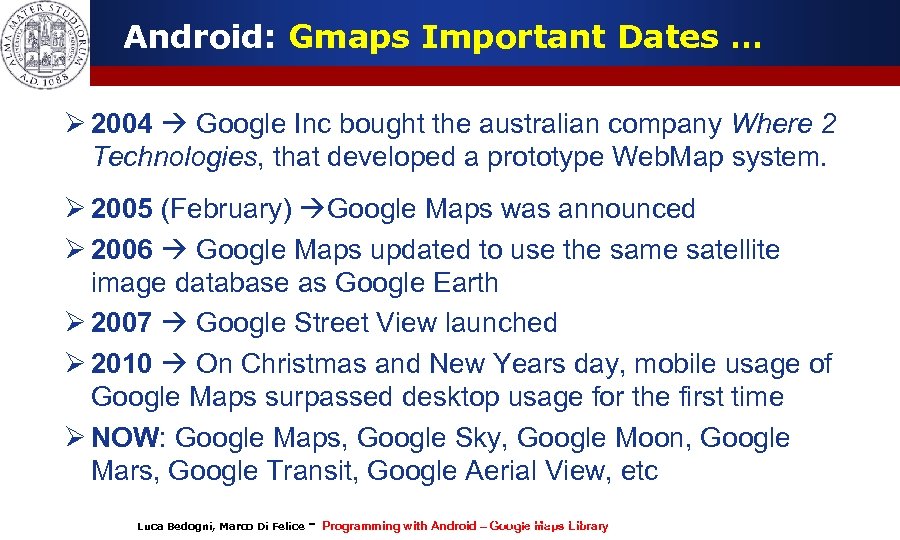
Android: Gmaps Important Dates … Ø 2004 Google Inc bought the australian company Where 2 Technologies, that developed a prototype Web. Map system. Ø 2005 (February) Google Maps was announced Ø 2006 Google Maps updated to use the same satellite image database as Google Earth Ø 2007 Google Street View launched Ø 2010 On Christmas and New Years day, mobile usage of Google Maps surpassed desktop usage for the first time Ø NOW: Google Maps, Google Sky, Google Moon, Google Mars, Google Transit, Google Aerial View, etc Luca Bedogni, Marco Di Felice - Programming with Android (c)Google Maps 2012 – Luca Bedogni Library 3
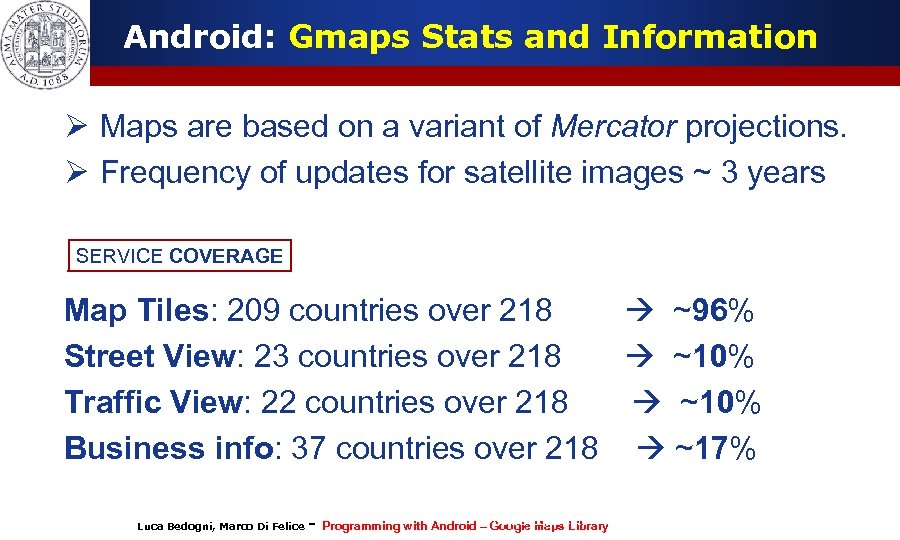
Android: Gmaps Stats and Information Ø Maps are based on a variant of Mercator projections. Ø Frequency of updates for satellite images ~ 3 years SERVICE COVERAGE Map Tiles: 209 countries over 218 ~96% Street View: 23 countries over 218 ~10% Traffic View: 22 countries over 218 ~10% Business info: 37 countries over 218 ~17% Luca Bedogni, Marco Di Felice - Programming with Android (c)Google Maps 2012 – Luca Bedogni Library 4
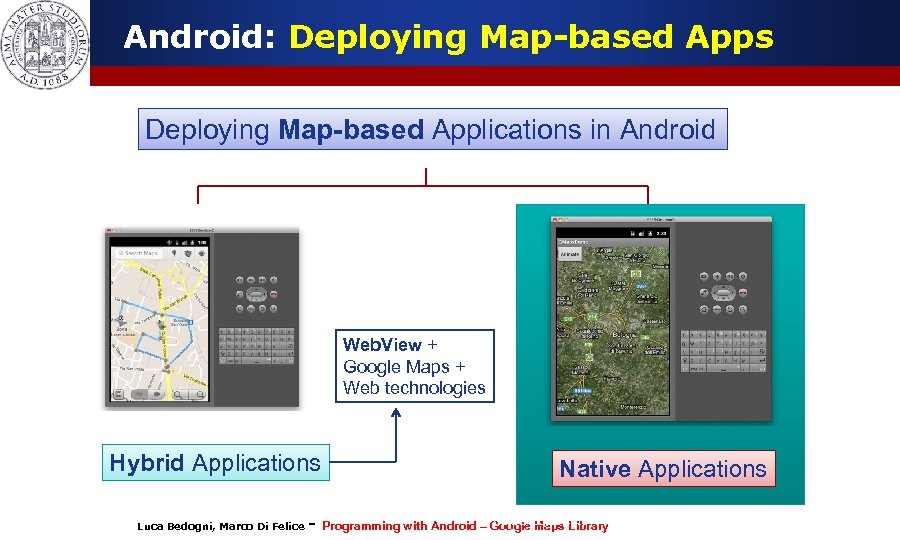
Android: Deploying Map-based Apps Deploying Map-based Applications in Android Web. View + Google Maps + Web technologies Hybrid Applications Luca Bedogni, Marco Di Felice - Native Applications Programming with Android (c)Google Maps 2012 – Luca Bedogni Library 5
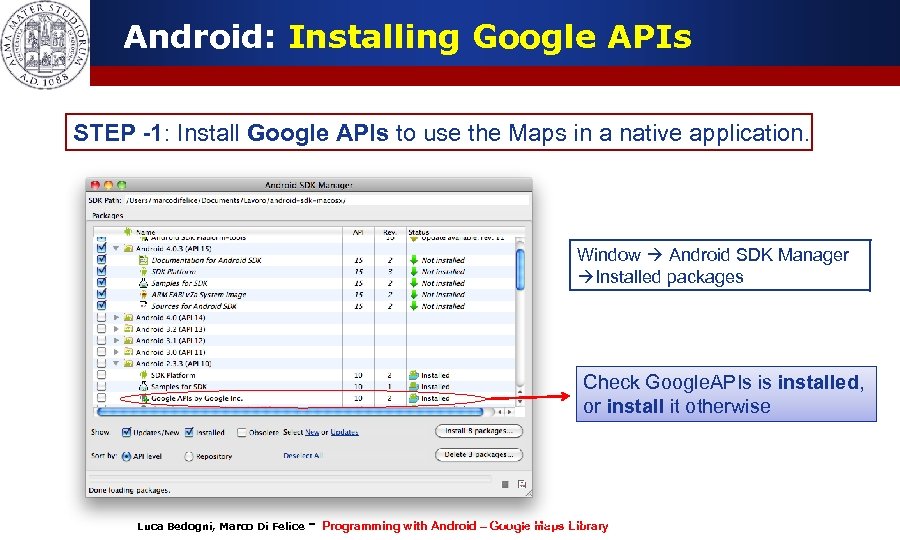
Android: Installing Google APIs STEP -1: Install Google APIs to use the Maps in a native application. Window Android SDK Manager Installed packages Check Google. APIs is installed, or install it otherwise Luca Bedogni, Marco Di Felice - Programming with Android (c)Google Maps 2012 – Luca Bedogni Library 6
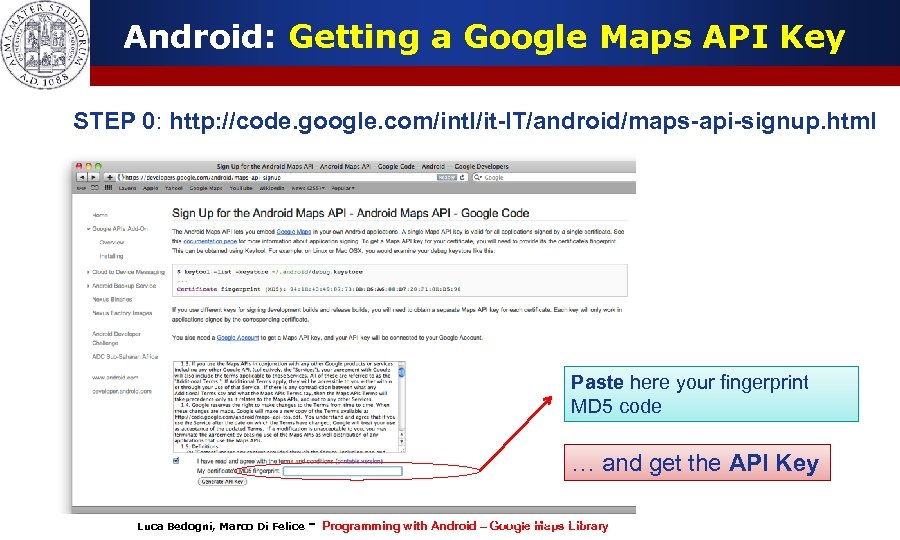
Android: Getting a Google Maps API Key STEP 0: http: //code. google. com/intl/it-IT/android/maps-api-signup. html Paste here your fingerprint MD 5 code … and get the API Key Luca Bedogni, Marco Di Felice - Programming with Android (c)Google Maps 2012 – Luca Bedogni Library 7
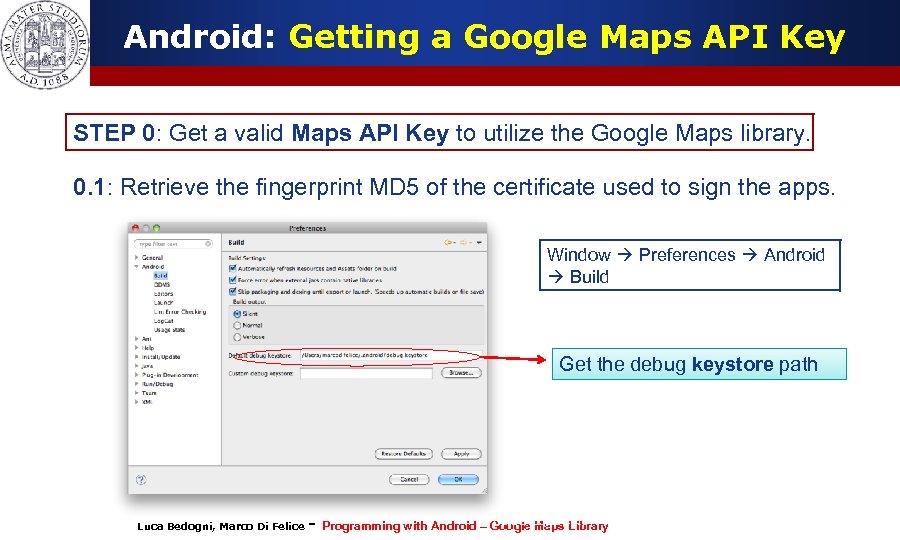
Android: Getting a Google Maps API Key STEP 0: Get a valid Maps API Key to utilize the Google Maps library. 0. 1: Retrieve the fingerprint MD 5 of the certificate used to sign the apps. Window Preferences Android Build Get the debug keystore path Luca Bedogni, Marco Di Felice - Programming with Android (c)Google Maps 2012 – Luca Bedogni Library 8
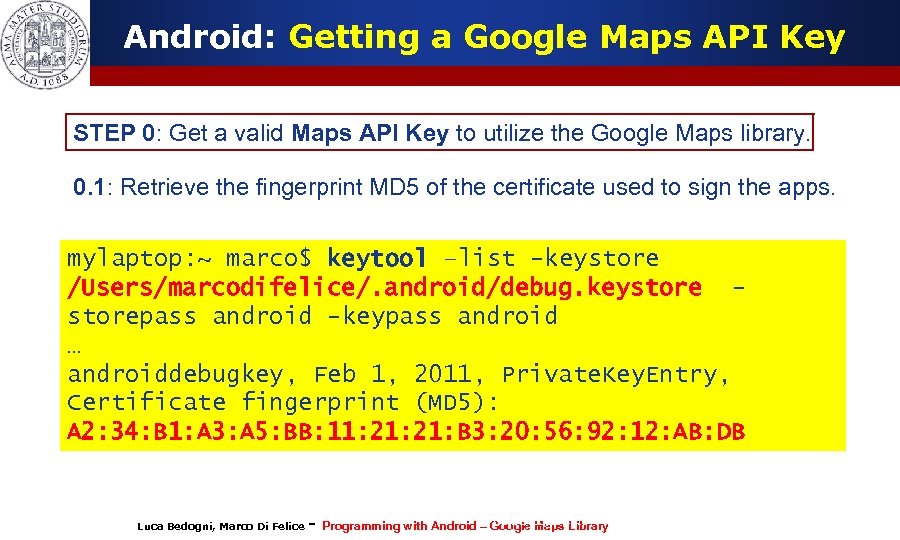
Android: Getting a Google Maps API Key STEP 0: Get a valid Maps API Key to utilize the Google Maps library. 0. 1: Retrieve the fingerprint MD 5 of the certificate used to sign the apps. mylaptop: ~ marco$ keytool –list -keystore /Users/marcodifelice/. android/debug. keystorepass android -keypass android … androiddebugkey, Feb 1, 2011, Private. Key. Entry, Certificate fingerprint (MD 5): A 2: 34: B 1: A 3: A 5: BB: 11: 21: B 3: 20: 56: 92: 12: AB: DB Luca Bedogni, Marco Di Felice - Programming with Android (c)Google Maps 2012 – Luca Bedogni Library 9
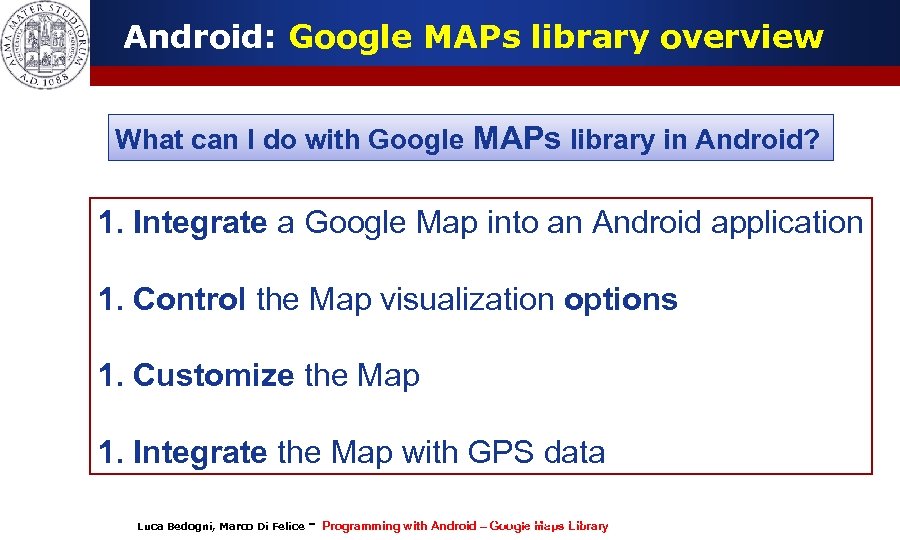
Android: Google MAPs library overview What can I do with Google MAPs library in Android? 1. Integrate a Google Map into an Android application 1. Control the Map visualization options 1. Customize the Map 1. Integrate the Map with GPS data Luca Bedogni, Marco Di Felice - Programming with Android (c)Google Maps 2012 – Luca Bedogni Library 10
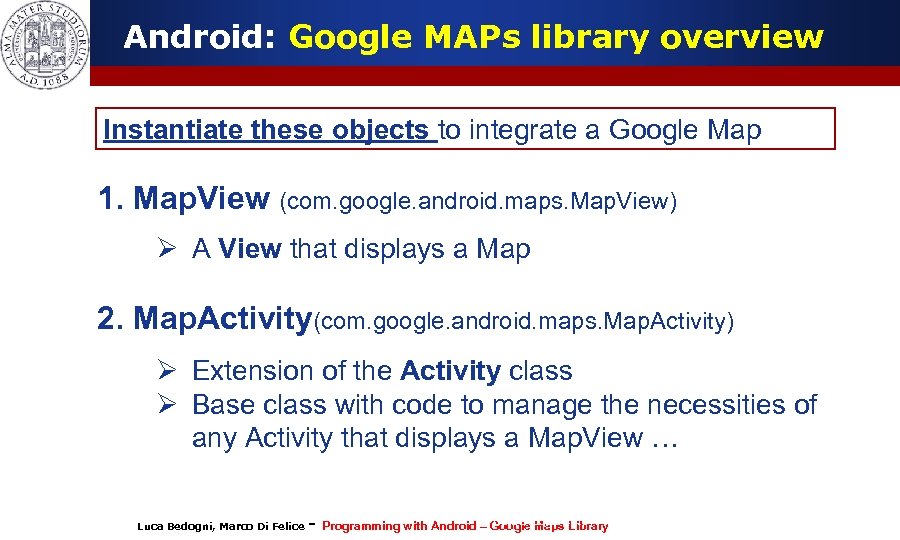
Android: Google MAPs library overview Instantiate these objects to integrate a Google Map 1. Map. View (com. google. android. maps. Map. View) Ø A View that displays a Map 2. Map. Activity(com. google. android. maps. Map. Activity) Ø Extension of the Activity class Ø Base class with code to manage the necessities of any Activity that displays a Map. View … Luca Bedogni, Marco Di Felice - Programming with Android (c)Google Maps 2012 – Luca Bedogni Library 11
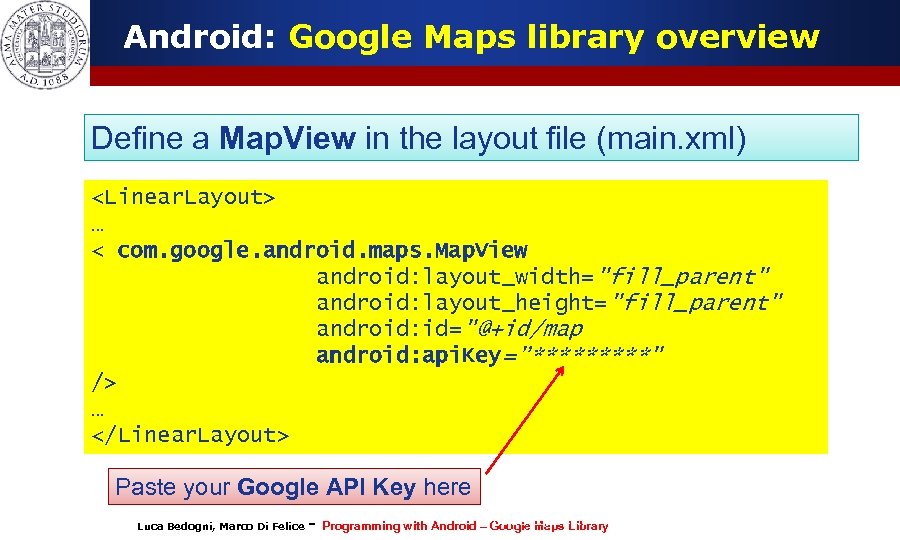
Android: Google Maps library overview Define a Map. View in the layout file (main. xml) <Linear. Layout> … < com. google. android. maps. Map. View android: layout_width="fill_parent" android: layout_height="fill_parent" android: id="@+id/map android: api. Key=”*****" /> … </Linear. Layout> Paste your Google API Key here Luca Bedogni, Marco Di Felice - Programming with Android (c)Google Maps 2012 – Luca Bedogni Library 12
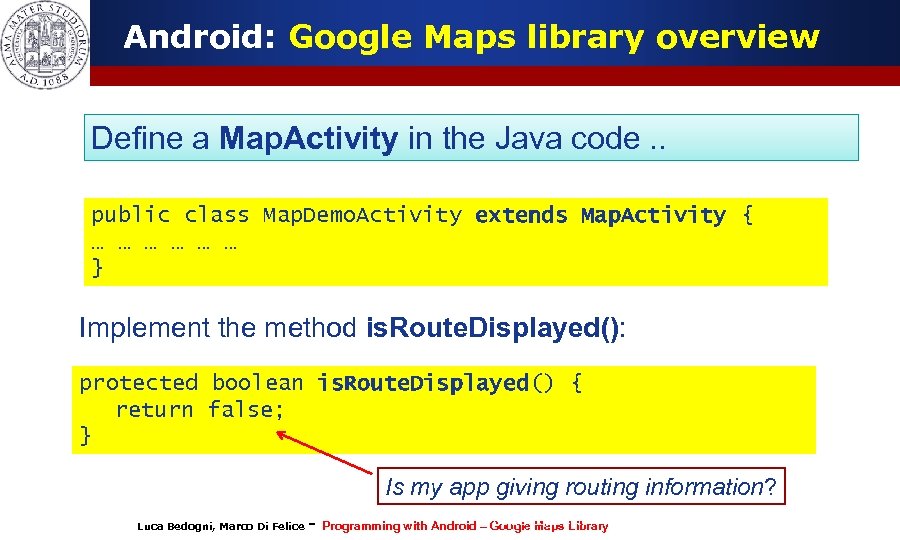
Android: Google Maps library overview Define a Map. Activity in the Java code. . public class Map. Demo. Activity extends Map. Activity { … … … } Implement the method is. Route. Displayed(): protected boolean is. Route. Displayed() { return false; } Is my app giving routing information? Luca Bedogni, Marco Di Felice - Programming with Android (c)Google Maps 2012 – Luca Bedogni Library 13
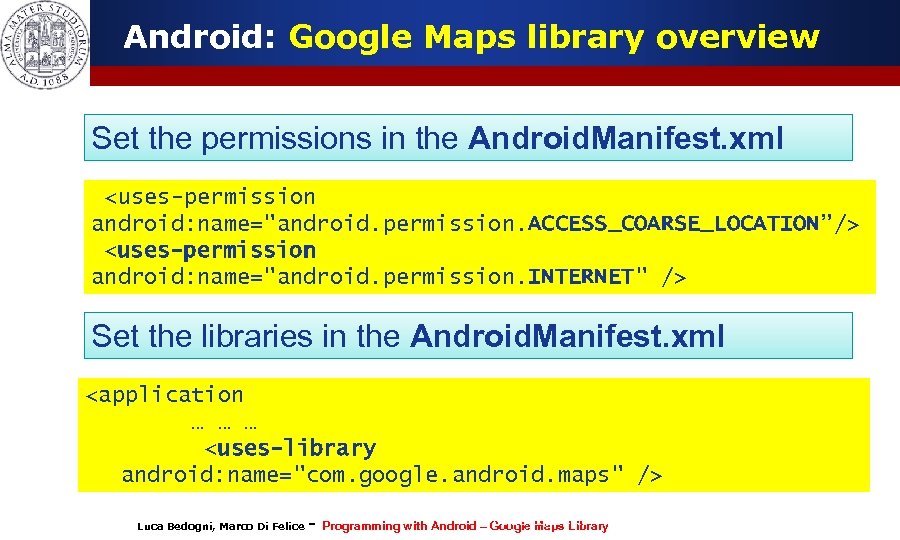
Android: Google Maps library overview Set the permissions in the Android. Manifest. xml <uses-permission android: name="android. permission. ACCESS_COARSE_LOCATION”/> <uses-permission android: name="android. permission. INTERNET" /> Set the libraries in the Android. Manifest. xml <application … … … <uses-library android: name="com. google. android. maps" /> Luca Bedogni, Marco Di Felice - Programming with Android (c)Google Maps 2012 – Luca Bedogni Library 14
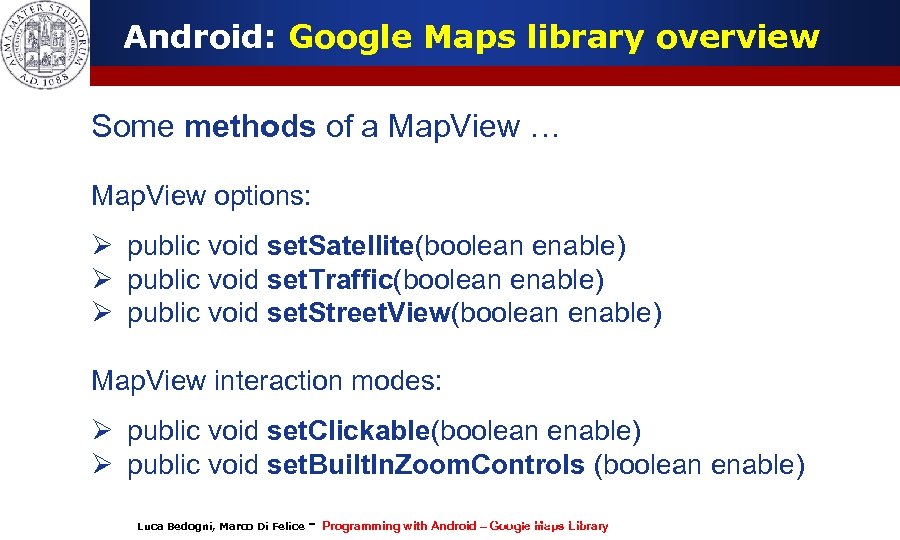
Android: Google Maps library overview Some methods of a Map. View … Map. View options: Ø public void set. Satellite(boolean enable) Ø public void set. Traffic(boolean enable) Ø public void set. Street. View(boolean enable) Map. View interaction modes: Ø public void set. Clickable(boolean enable) Ø public void set. Built. In. Zoom. Controls (boolean enable) Luca Bedogni, Marco Di Felice - Programming with Android (c)Google Maps 2012 – Luca Bedogni Library 15
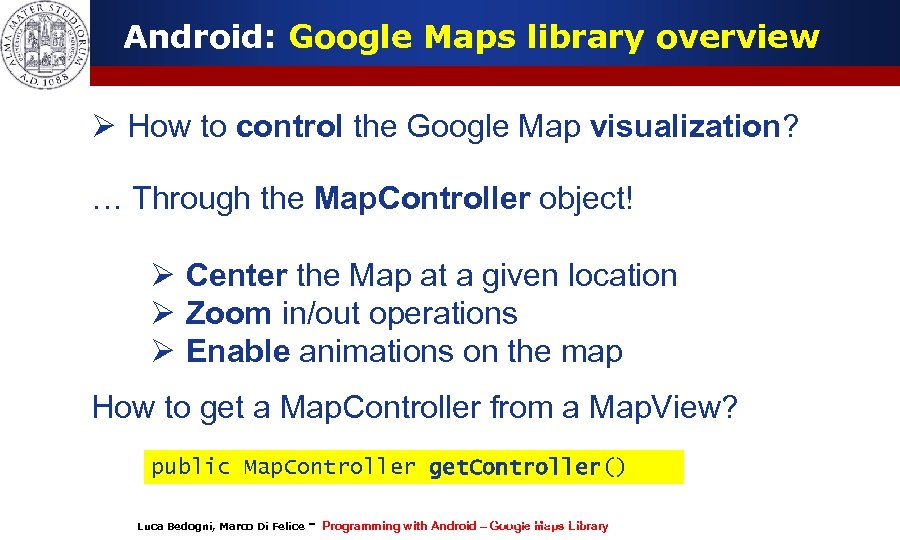
Android: Google Maps library overview Ø How to control the Google Map visualization? … Through the Map. Controller object! Ø Center the Map at a given location Ø Zoom in/out operations Ø Enable animations on the map How to get a Map. Controller from a Map. View? public Map. Controller get. Controller() Luca Bedogni, Marco Di Felice - Programming with Android (c)Google Maps 2012 – Luca Bedogni Library 16
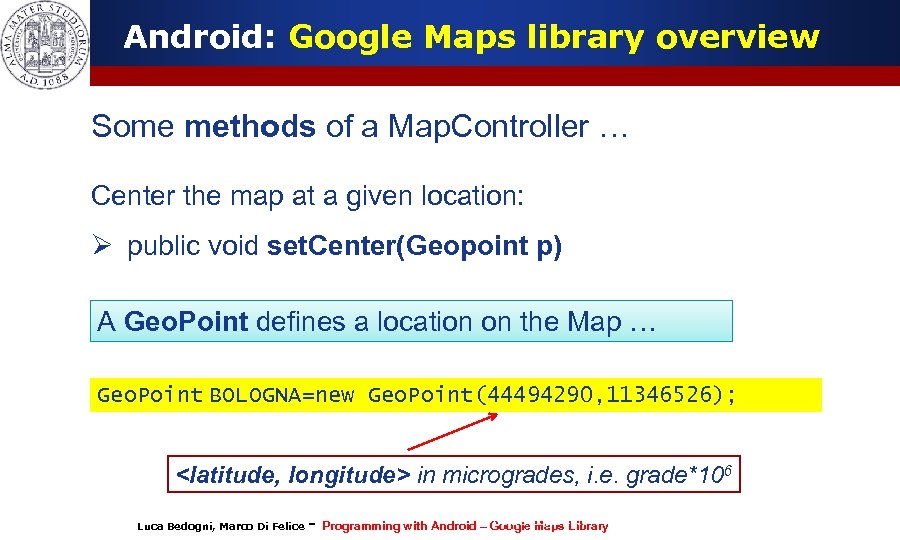
Android: Google Maps library overview Some methods of a Map. Controller … Center the map at a given location: Ø public void set. Center(Geopoint p) A Geo. Point defines a location on the Map … Geo. Point BOLOGNA=new Geo. Point(44494290, 11346526); <latitude, longitude> in microgrades, i. e. grade*106 Luca Bedogni, Marco Di Felice - Programming with Android (c)Google Maps 2012 – Luca Bedogni Library 17
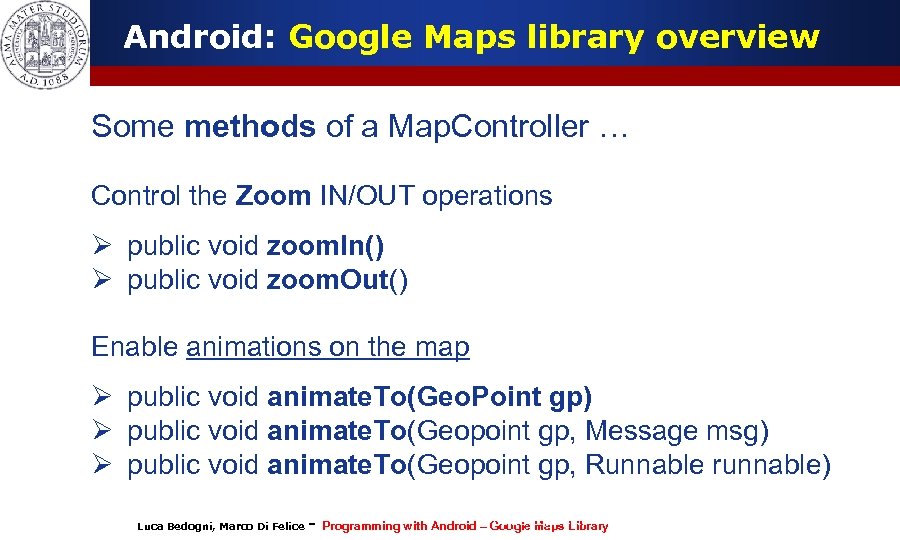
Android: Google Maps library overview Some methods of a Map. Controller … Control the Zoom IN/OUT operations Ø public void zoom. In() Ø public void zoom. Out() Enable animations on the map Ø public void animate. To(Geo. Point gp) Ø public void animate. To(Geopoint gp, Message msg) Ø public void animate. To(Geopoint gp, Runnable runnable) Luca Bedogni, Marco Di Felice - Programming with Android (c)Google Maps 2012 – Luca Bedogni Library 18
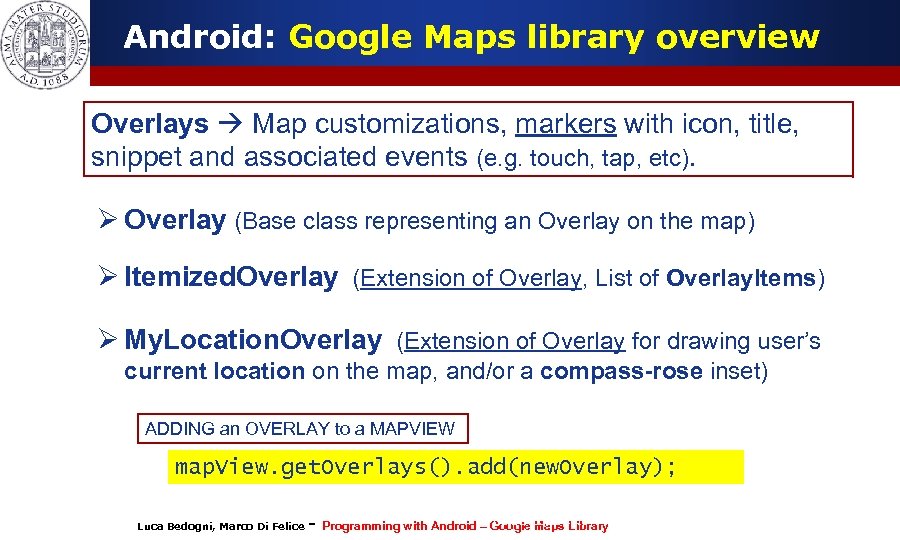
Android: Google Maps library overview Overlays Map customizations, markers with icon, title, snippet and associated events (e. g. touch, tap, etc). Ø Overlay (Base class representing an Overlay on the map) Ø Itemized. Overlay (Extension of Overlay, List of Overlay. Items) Ø My. Location. Overlay (Extension of Overlay for drawing user’s current location on the map, and/or a compass-rose inset) ADDING an OVERLAY to a MAPVIEW map. View. get. Overlays(). add(new. Overlay); Luca Bedogni, Marco Di Felice - Programming with Android (c)Google Maps 2012 – Luca Bedogni Library 19
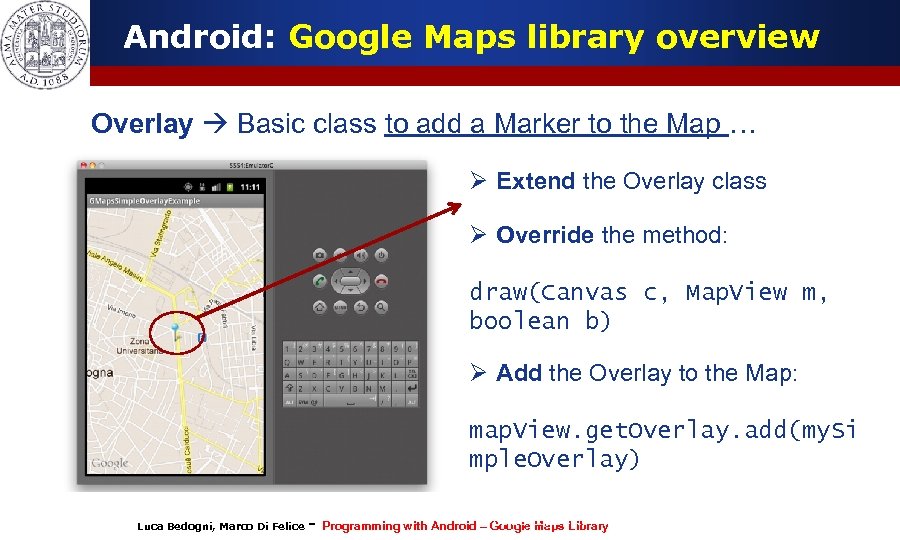
Android: Google Maps library overview Overlay Basic class to add a Marker to the Map … Ø Extend the Overlay class Ø Override the method: draw(Canvas c, Map. View m, boolean b) Ø Add the Overlay to the Map: map. View. get. Overlay. add(my. Si mple. Overlay) Luca Bedogni, Marco Di Felice - Programming with Android (c)Google Maps 2012 – Luca Bedogni Library 20
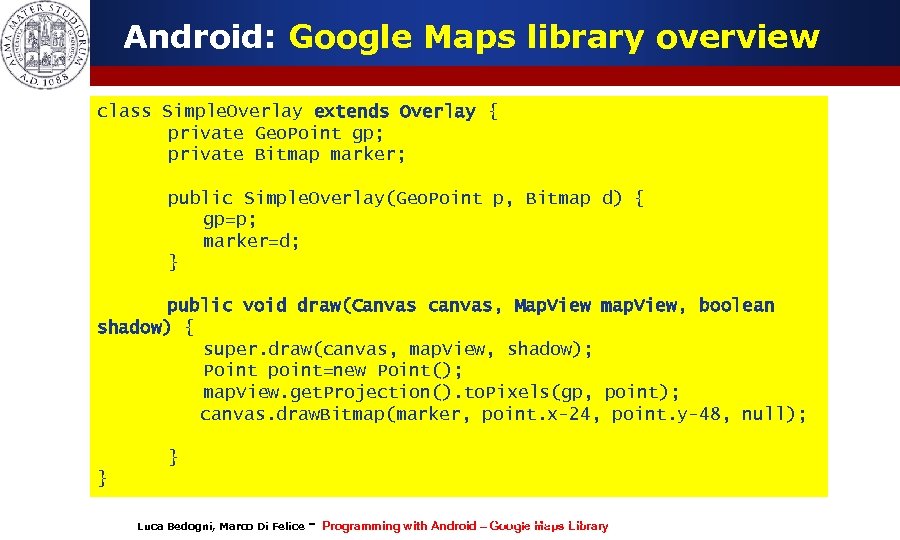
Android: Google Maps library overview class Simple. Overlay extends Overlay { private Geo. Point gp; private Bitmap marker; public Simple. Overlay(Geo. Point p, Bitmap d) { gp=p; marker=d; } public void draw(Canvas canvas, Map. View map. View, boolean shadow) { super. draw(canvas, map. View, shadow); Point point=new Point(); map. View. get. Projection(). to. Pixels(gp, point); canvas. draw. Bitmap(marker, point. x-24, point. y-48, null); } } Luca Bedogni, Marco Di Felice - Programming with Android (c)Google Maps 2012 – Luca Bedogni Library 21
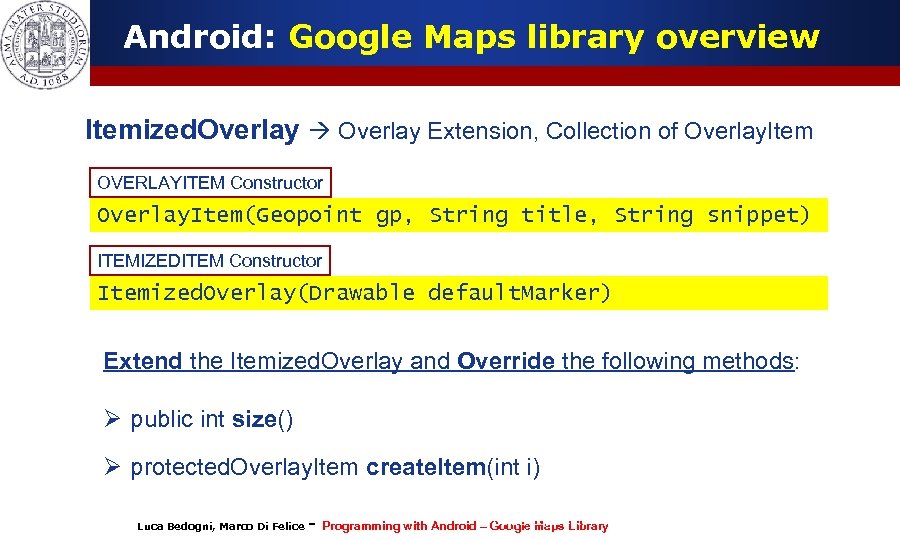
Android: Google Maps library overview Itemized. Overlay Extension, Collection of Overlay. Item OVERLAYITEM Constructor Overlay. Item(Geopoint gp, String title, String snippet) ITEMIZEDITEM Constructor Itemized. Overlay(Drawable default. Marker) Extend the Itemized. Overlay and Override the following methods: Ø public int size() Ø protected. Overlay. Item create. Item(int i) Luca Bedogni, Marco Di Felice - Programming with Android (c)Google Maps 2012 – Luca Bedogni Library 22
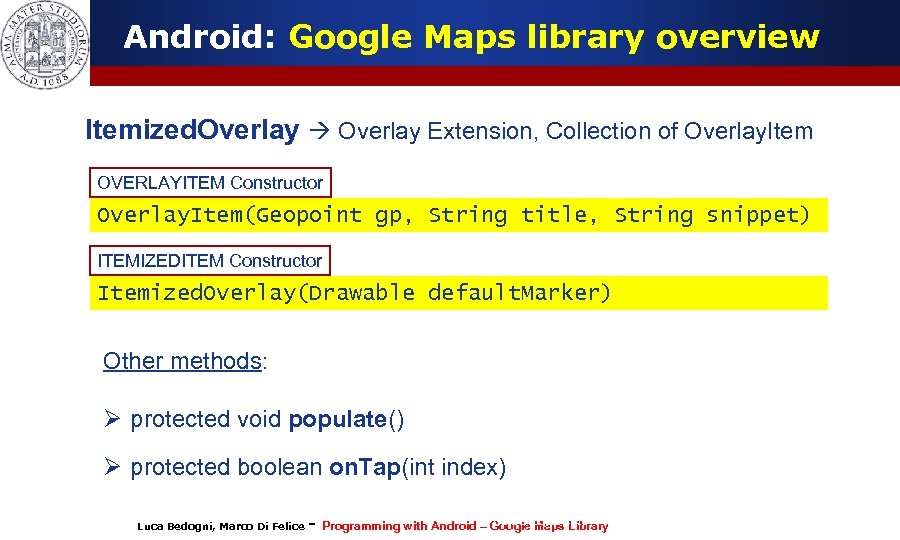
Android: Google Maps library overview Itemized. Overlay Extension, Collection of Overlay. Item OVERLAYITEM Constructor Overlay. Item(Geopoint gp, String title, String snippet) ITEMIZEDITEM Constructor Itemized. Overlay(Drawable default. Marker) Other methods: Ø protected void populate() Ø protected boolean on. Tap(int index) Luca Bedogni, Marco Di Felice - Programming with Android (c)Google Maps 2012 – Luca Bedogni Library 23
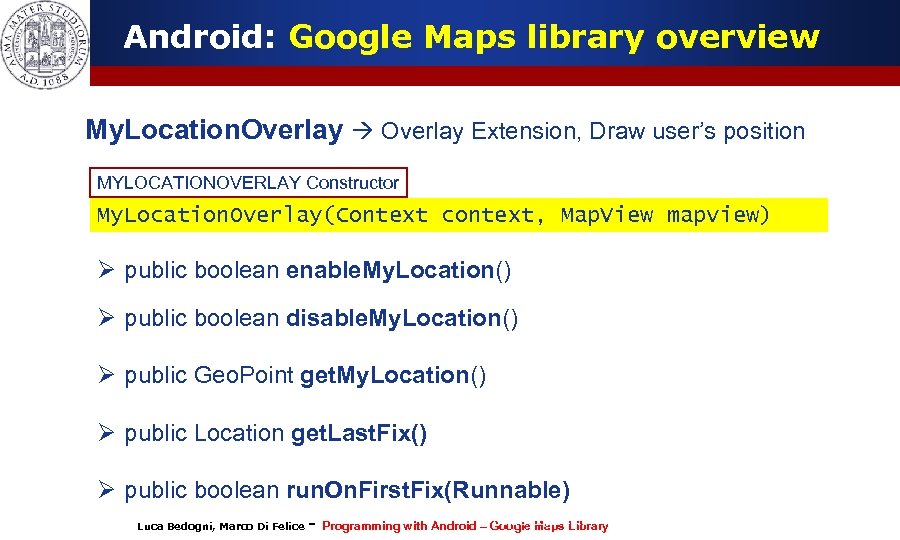
Android: Google Maps library overview My. Location. Overlay Extension, Draw user’s position MYLOCATIONOVERLAY Constructor My. Location. Overlay(Context context, Map. View mapview) Ø public boolean enable. My. Location() Ø public boolean disable. My. Location() Ø public Geo. Point get. My. Location() Ø public Location get. Last. Fix() Ø public boolean run. On. First. Fix(Runnable) Luca Bedogni, Marco Di Felice - Programming with Android (c)Google Maps 2012 – Luca Bedogni Library 24
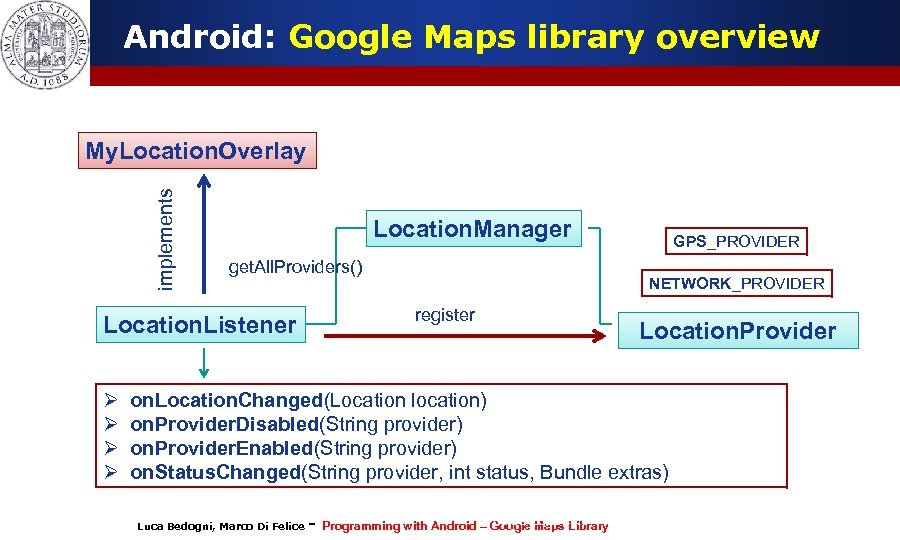
Android: Google Maps library overview implements My. Location. Overlay Location. Manager get. All. Providers() Ø Ø NETWORK_PROVIDER register Location. Listener GPS_PROVIDER Location. Provider on. Location. Changed(Location location) on. Provider. Disabled(String provider) on. Provider. Enabled(String provider) on. Status. Changed(String provider, int status, Bundle extras) Luca Bedogni, Marco Di Felice - Programming with Android (c)Google Maps 2012 – Luca Bedogni Library 25
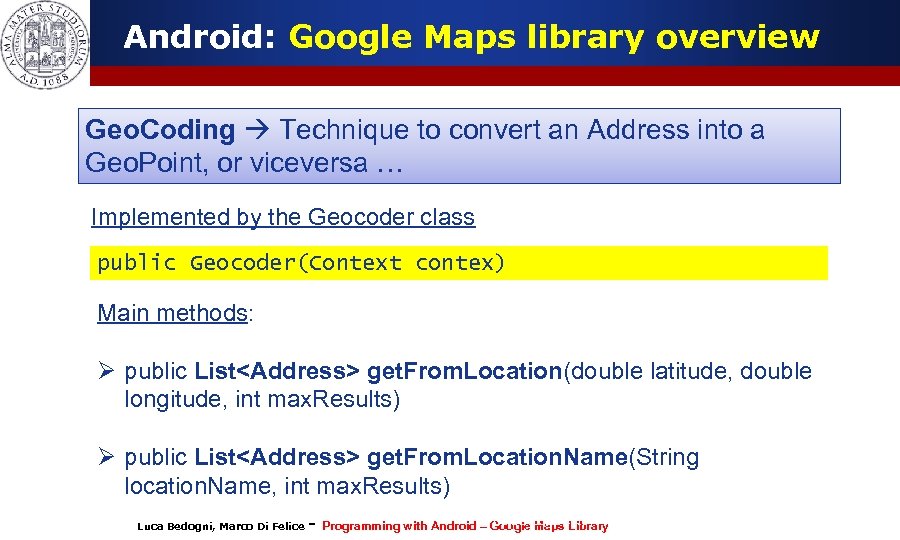
Android: Google Maps library overview Geo. Coding Technique to convert an Address into a Geo. Point, or viceversa … Implemented by the Geocoder class public Geocoder(Context contex) Main methods: Ø public List<Address> get. From. Location(double latitude, double longitude, int max. Results) Ø public List<Address> get. From. Location. Name(String location. Name, int max. Results) Luca Bedogni, Marco Di Felice - Programming with Android (c)Google Maps 2012 – Luca Bedogni Library 26
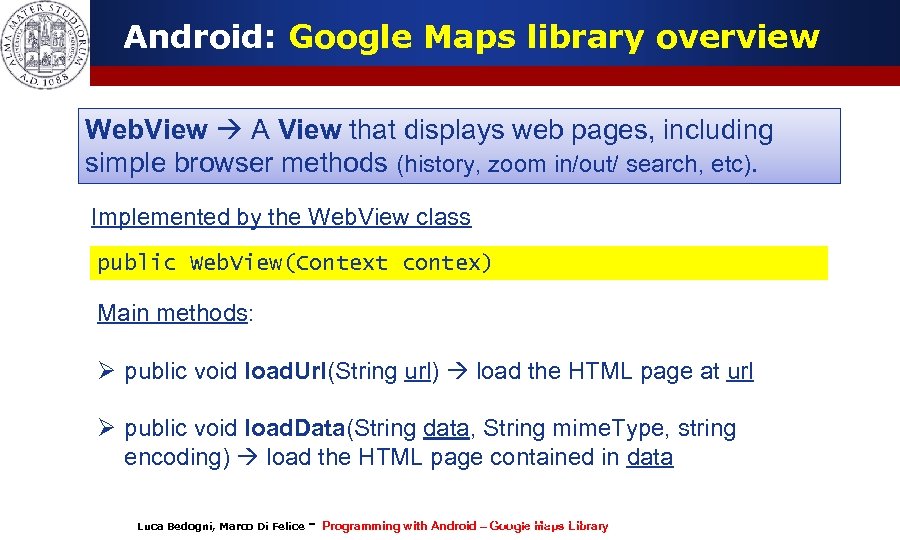
Android: Google Maps library overview Web. View A View that displays web pages, including simple browser methods (history, zoom in/out/ search, etc). Implemented by the Web. View class public Web. View(Context contex) Main methods: Ø public void load. Url(String url) load the HTML page at url Ø public void load. Data(String data, String mime. Type, string encoding) load the HTML page contained in data Luca Bedogni, Marco Di Felice - Programming with Android (c)Google Maps 2012 – Luca Bedogni Library 27
Скачать презентацию Programming with Android The Google Maps Library Luca
2a91b22bfbb98ef242e0f9f890755181.ppt