


 Скачать презентацию Programming in Python Lecture 1 Adeel-ur-Rehman Programming
ca75467f59635ab9c72523887b1ea150.ppt
- Количество слайдов: 68
 Programming in Python – Lecture#1 Adeel-ur-Rehman
 Programming in Python Scheme of Lecture What is Python? History of Python Installation of Python Interactive Mode Python Basics Functions String Handling Data Structures Using Modules 3/19/2018 ASC, National Centre for Physics 2
 Programming in Python What is Python? Python is a computer programming language which is: n n General-purpose Open source Object-oriented Interpreted Used by hundreds of thousands of developers around the world in areas such as: n n n 3/19/2018 Internet scripting System programming User interfaces ASC, National Centre for Physics 3
 Programming in Python What is Python? Combines remarkable power with very clear syntax. Also usable as an extension language. Has portable implementation: n n n 3/19/2018 Many brands of UNIX Windows OS/2 Mac Amiga ASC, National Centre for Physics 4
 Programming in Python History of Python Created in the early 1990 s By Guido van Rossum. At Stichting Mathematisch Centrum in the Netherlands. As a successor of a language called ABC. Guido remains Python’s principal author. Includes many contributions from others. 3/19/2018 ASC, National Centre for Physics 5
 Programming in Python Installation of Python The current production versions are Python 2. 7. 8 and Python 3. 4. 2. Download Python-2. 7. 8. tgz file from the URL: http: //www. python. org/download/ Unzip and untar it by the command: n tar -zxvf Python-2. 7. 8. tgz Change to the Python-2. 7. 8 directory and run: n n n 3/19/2018 . /configure to make the Make file make to create. /python executable make install to install. /python ASC, National Centre for Physics 8
 Programming in Python Interactive Mode On Linux systems, the Python is already installed usually. But it does not have any unique interface for programming in it. An attractive interface is IDLE which does not get automatically installed with the Linux distribution. Type python on the console and then try the statement print “Python Course” on the invoked interpreter prompt. To use the interpreter prompt for executing Python statements is called interactive mode. 3/19/2018 ASC, National Centre for Physics 9
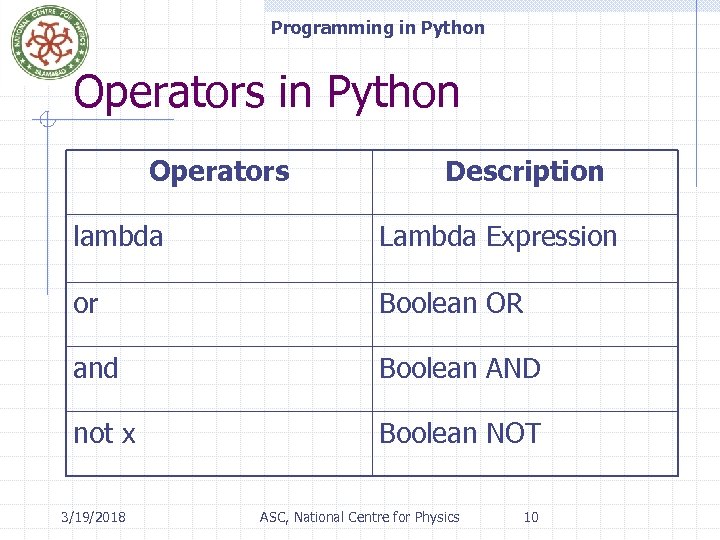 Programming in Python Operators Description lambda Lambda Expression or Boolean OR and Boolean AND not x Boolean NOT 3/19/2018 ASC, National Centre for Physics 10
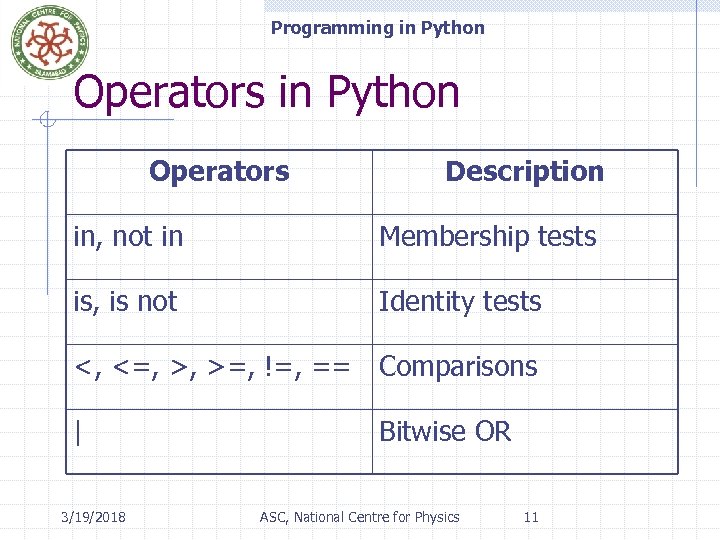 Programming in Python Operators Description in, not in Membership tests is, is not Identity tests <, <=, >, >=, !=, == Comparisons | 3/19/2018 Bitwise OR ASC, National Centre for Physics 11
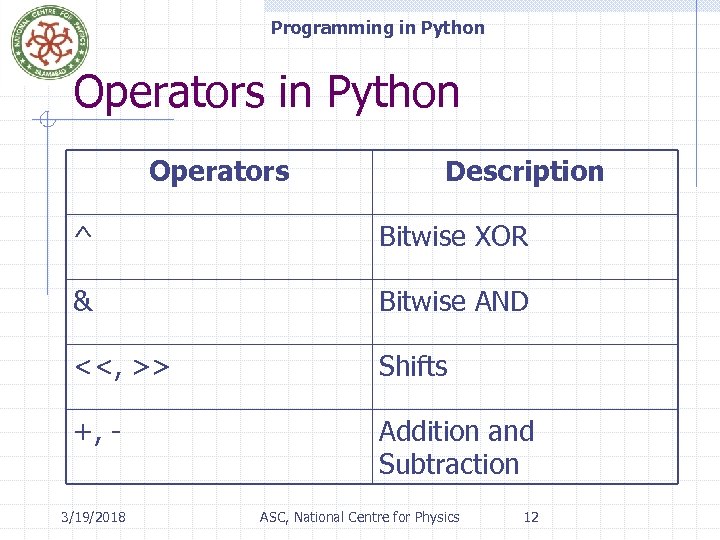 Programming in Python Operators Description ^ Bitwise XOR & Bitwise AND <<, >> Shifts +, - Addition and Subtraction 3/19/2018 ASC, National Centre for Physics 12
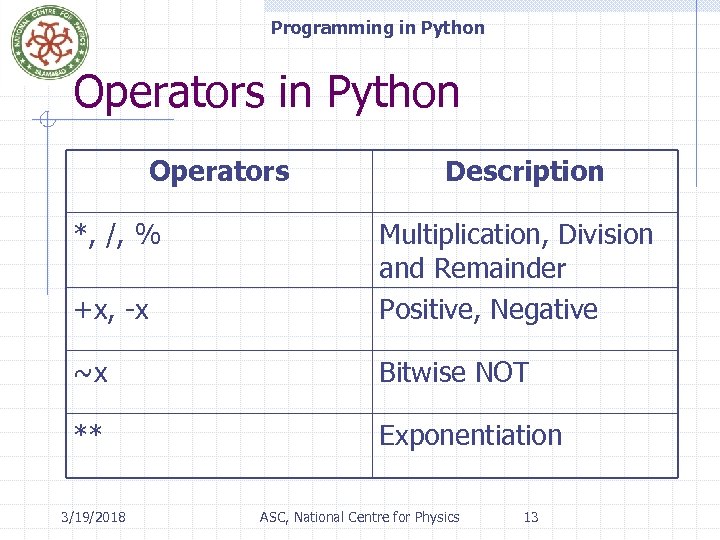 Programming in Python Operators *, /, % Description +x, -x Multiplication, Division and Remainder Positive, Negative ~x Bitwise NOT ** Exponentiation 3/19/2018 ASC, National Centre for Physics 13
![Programming in Python Operators Description x. attribute Attribute reference x[index] Subscription x[index: index] Slicing](https://present5.com/presentation/ca75467f59635ab9c72523887b1ea150/image-12.jpg "Programming in Python Operators Description x. attribute Attribute reference x[index] Subscription x[index: index] Slicing") Programming in Python Operators Description x. attribute Attribute reference x[index] Subscription x[index: index] Slicing f(arguments, . . . ) Function call 3/19/2018 ASC, National Centre for Physics 14
Programming in Python Operators Description x. attribute Attribute reference x[index] Subscription x[index: index] Slicing f(arguments, . . . ) Function call 3/19/2018 ASC, National Centre for Physics 14
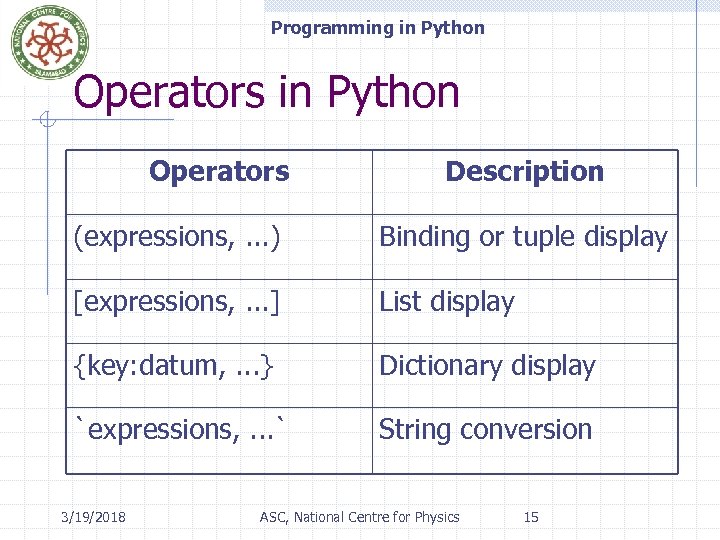 Programming in Python Operators Description (expressions, . . . ) Binding or tuple display [expressions, . . . ] List display {key: datum, . . . } Dictionary display `expressions, . . . ` String conversion 3/19/2018 ASC, National Centre for Physics 15
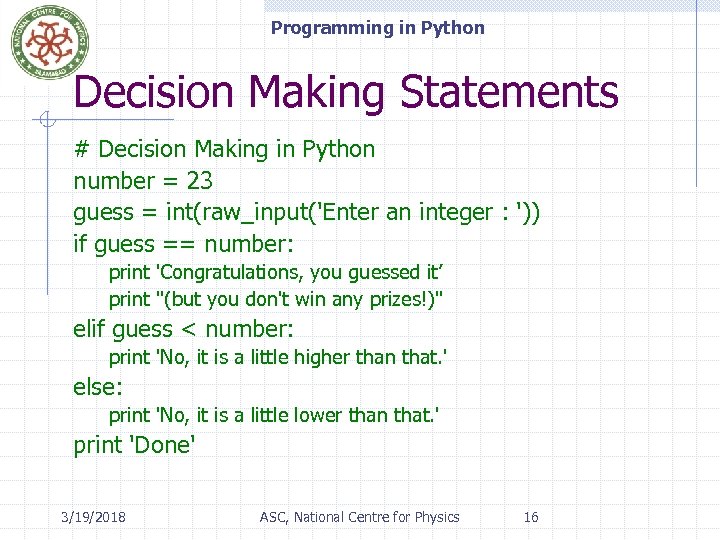 Programming in Python Decision Making Statements # Decision Making in Python number = 23 guess = int(raw_input('Enter an integer : ')) if guess == number: print 'Congratulations, you guessed it’ print "(but you don't win any prizes!)" elif guess < number: print 'No, it is a little higher than that. ' else: print 'No, it is a little lower than that. ' print 'Done' 3/19/2018 ASC, National Centre for Physics 16
 Programming in Python Loops makes an execution of a program chunk iterative. Two types of loops in Python: n n for loop while loop When our iterations are countable , we often use for loop. When our iterations are uncountable, we often use while loop. 3/19/2018 ASC, National Centre for Physics 17
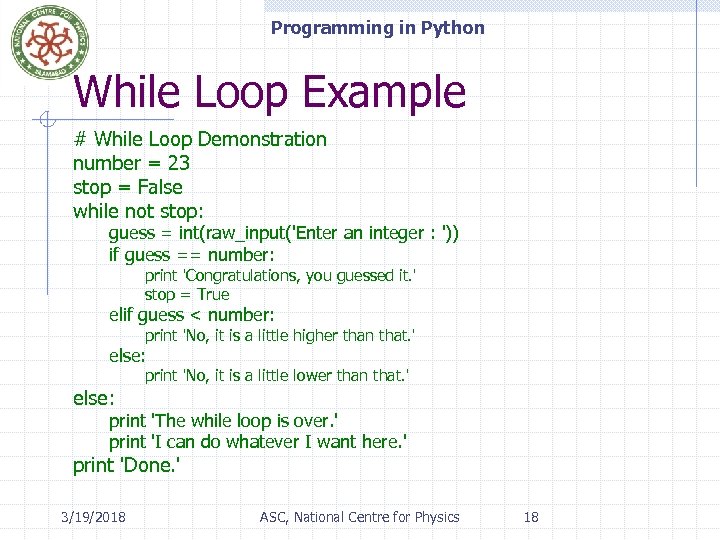 Programming in Python While Loop Example # While Loop Demonstration number = 23 stop = False while not stop: guess = int(raw_input('Enter an integer : ')) if guess == number: print 'Congratulations, you guessed it. ' stop = True elif guess < number: print 'No, it is a little higher than that. ' else: print 'No, it is a little lower than that. ' else: print 'The while loop is over. ' print 'I can do whatever I want here. ' print 'Done. ' 3/19/2018 ASC, National Centre for Physics 18
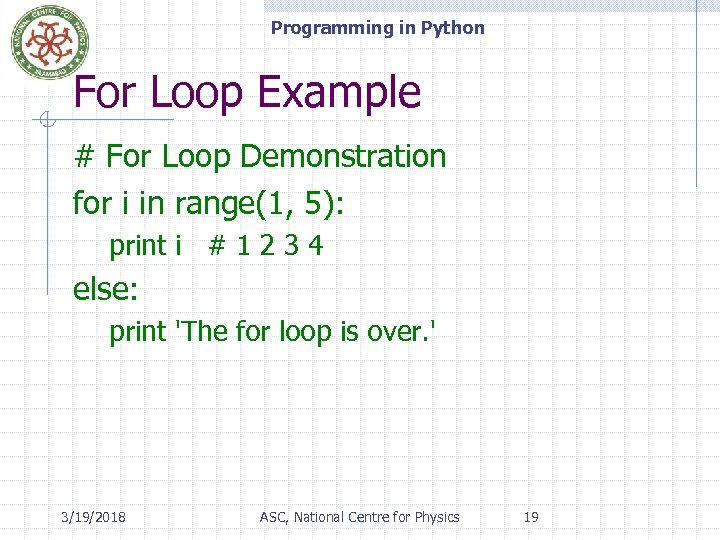 Programming in Python For Loop Example # For Loop Demonstration for i in range(1, 5): print i # 1 2 3 4 else: print 'The for loop is over. ' 3/19/2018 ASC, National Centre for Physics 19
 Programming in Python The break Statement The break statement is used to break out of a loop statement. i. e. , stop the execution of a looping statement. n n even if the loop condition has not become false or the sequence of items has been completely iterated over An important note is that if you break out of a for or while loop, any loop else block is not executed. 3/19/2018 ASC, National Centre for Physics 20
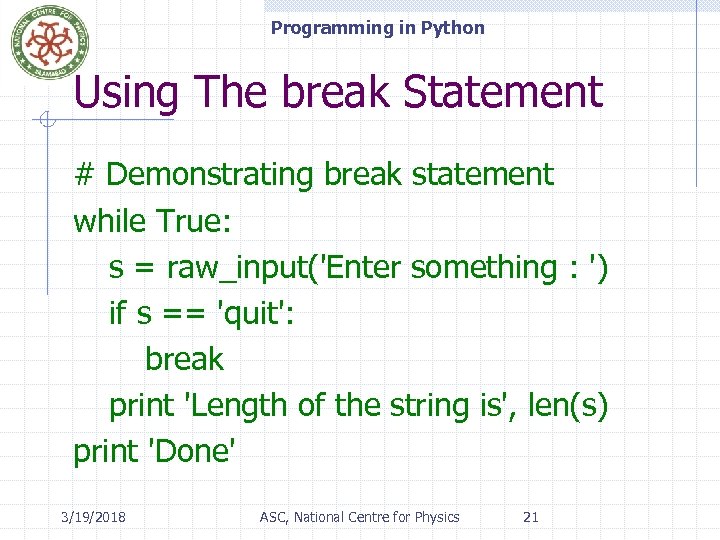 Programming in Python Using The break Statement # Demonstrating break statement while True: s = raw_input('Enter something : ') if s == 'quit': break print 'Length of the string is', len(s) print 'Done' 3/19/2018 ASC, National Centre for Physics 21
 Programming in Python The continue Statement It means: n n To skip the rest of the statements in the current loop cycle. and to continue to the next iteration of the loop. Here is an example of continue statement: 3/19/2018 ASC, National Centre for Physics 22
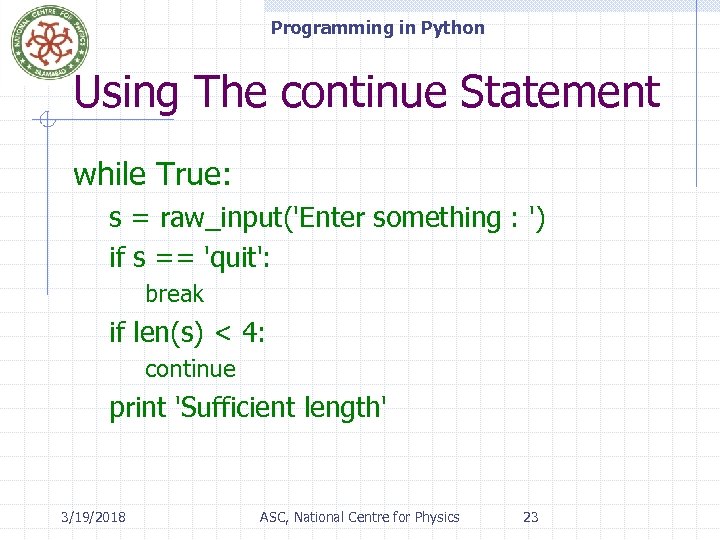 Programming in Python Using The continue Statement while True: s = raw_input('Enter something : ') if s == 'quit': break if len(s) < 4: continue print 'Sufficient length' 3/19/2018 ASC, National Centre for Physics 23
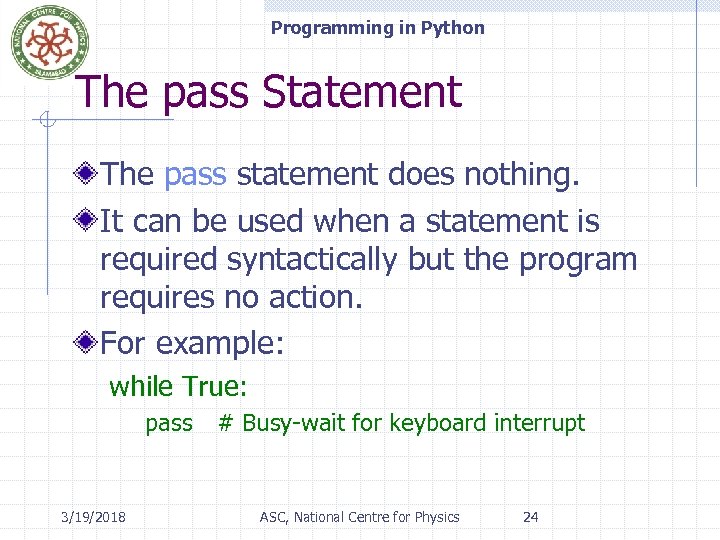 Programming in Python The pass Statement The pass statement does nothing. It can be used when a statement is required syntactically but the program requires no action. For example: while True: pass # Busy-wait for keyboard interrupt 3/19/2018 ASC, National Centre for Physics 24
 Programming in Python Functions are reusable pieces of programs. They allow us to give a name to a block of statements. We can execute that block of statements by just using that name anywhere in our program and any number of times. This is known as calling the function. 3/19/2018 ASC, National Centre for Physics 25
 Programming in Python Functions are defined using the def keyword. This is followed by an identifier name for the function. This is followed by a pair of parentheses which may enclose some names of variables. The line ends with a colon and this is followed by a new block of statements which forms the body of the function. 3/19/2018 ASC, National Centre for Physics 26
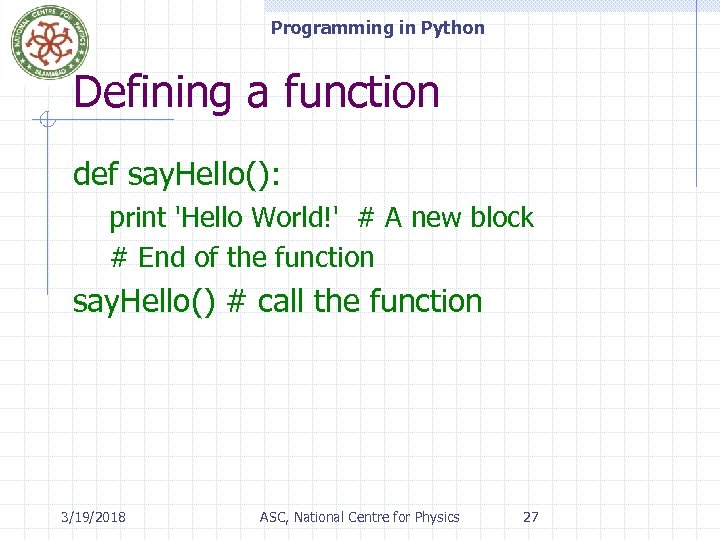 Programming in Python Defining a function def say. Hello(): print 'Hello World!' # A new block # End of the function say. Hello() # call the function 3/19/2018 ASC, National Centre for Physics 27
 Programming in Python Function Parameters Are values we supply to the function to perform any task. Specified within the pair of parentheses in the function definition, separated by commas. When we call the function, we supply the values in the same way and order. the names given in the function definition are called parameters. the values we supply in the function call are called arguments. Arguments are passed using call by value (where the value is always an object reference, not the value of the object). 3/19/2018 ASC, National Centre for Physics 28
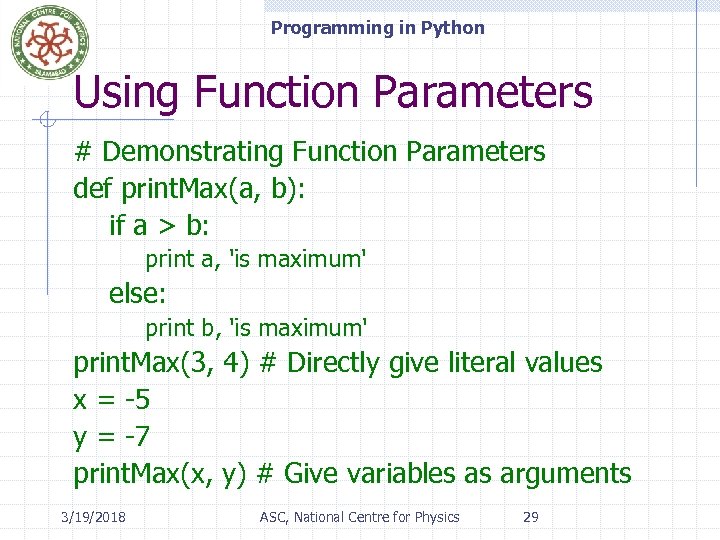 Programming in Python Using Function Parameters # Demonstrating Function Parameters def print. Max(a, b): if a > b: print a, 'is maximum' else: print b, 'is maximum' print. Max(3, 4) # Directly give literal values x = -5 y = -7 print. Max(x, y) # Give variables as arguments 3/19/2018 ASC, National Centre for Physics 29
 Programming in Python Local and Global Variables While declaring variables inside a function definition: n n They are not related in any way to other variables with the same names used outside the function That is, variable declarations are local to the function. This is called the scope of the variable. All variables have the scope of the block they are declared in, starting from the point of definition of the variable. 3/19/2018 ASC, National Centre for Physics 30
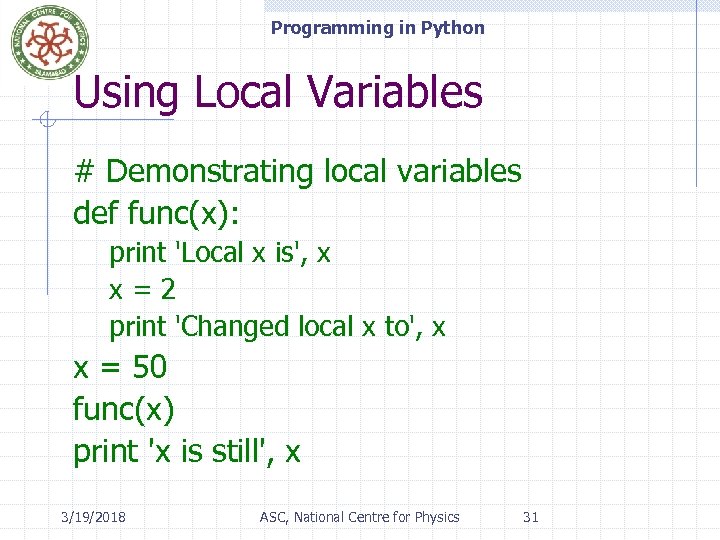 Programming in Python Using Local Variables # Demonstrating local variables def func(x): print 'Local x is', x x = 2 print 'Changed local x to', x x = 50 func(x) print 'x is still', x 3/19/2018 ASC, National Centre for Physics 31
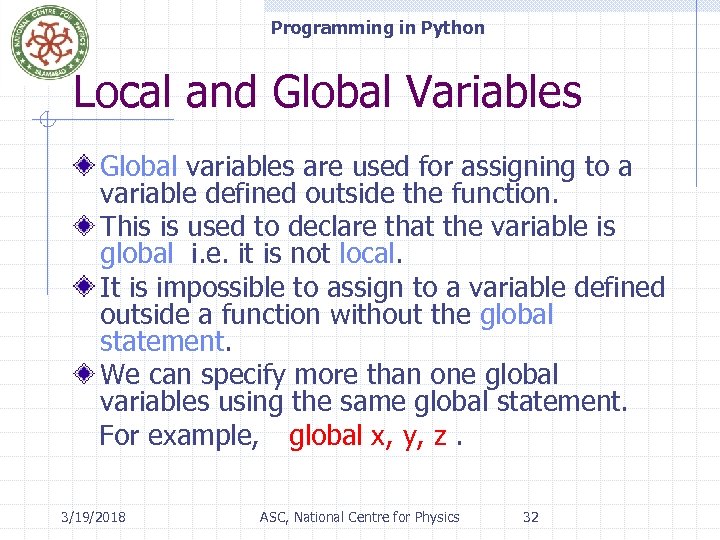 Programming in Python Local and Global Variables Global variables are used for assigning to a variable defined outside the function. This is used to declare that the variable is global i. e. it is not local. It is impossible to assign to a variable defined outside a function without the global statement. We can specify more than one global variables using the same global statement. For example, global x, y, z. 3/19/2018 ASC, National Centre for Physics 32
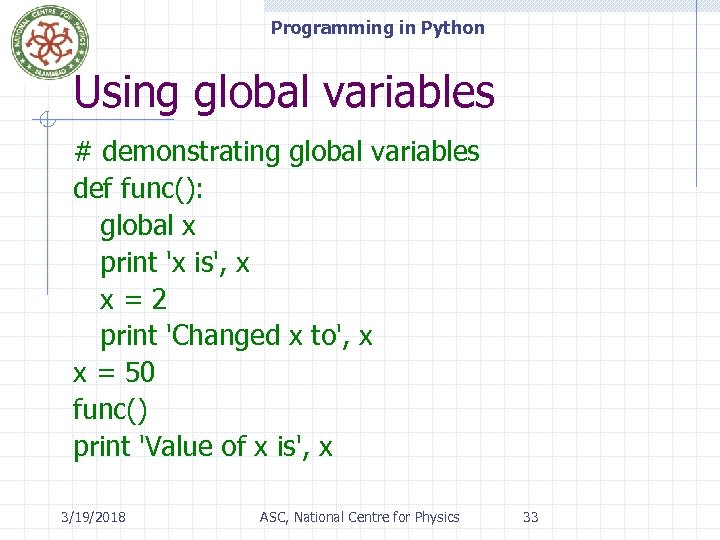 Programming in Python Using global variables # demonstrating global variables def func(): global x print 'x is', x x = 2 print 'Changed x to', x x = 50 func() print 'Value of x is', x 3/19/2018 ASC, National Centre for Physics 33
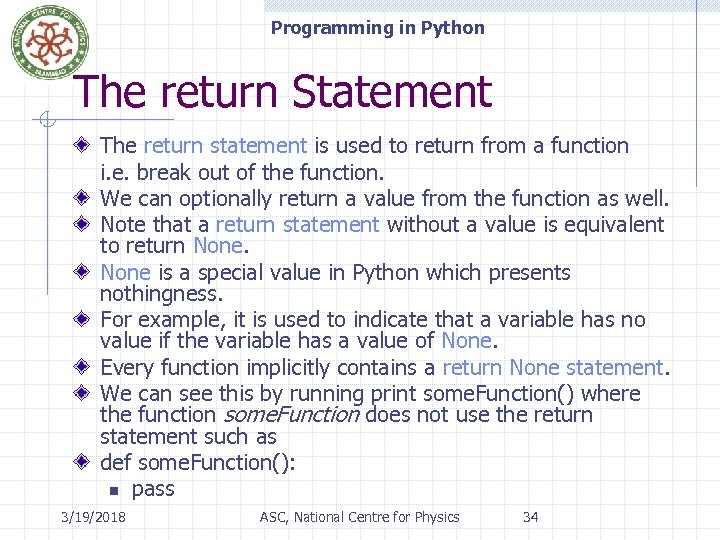 Programming in Python The return Statement The return statement is used to return from a function i. e. break out of the function. We can optionally return a value from the function as well. Note that a return statement without a value is equivalent to return None is a special value in Python which presents nothingness. For example, it is used to indicate that a variable has no value if the variable has a value of None. Every function implicitly contains a return None statement. We can see this by running print some. Function() where the function some. Function does not use the return statement such as def some. Function(): n pass 3/19/2018 ASC, National Centre for Physics 34
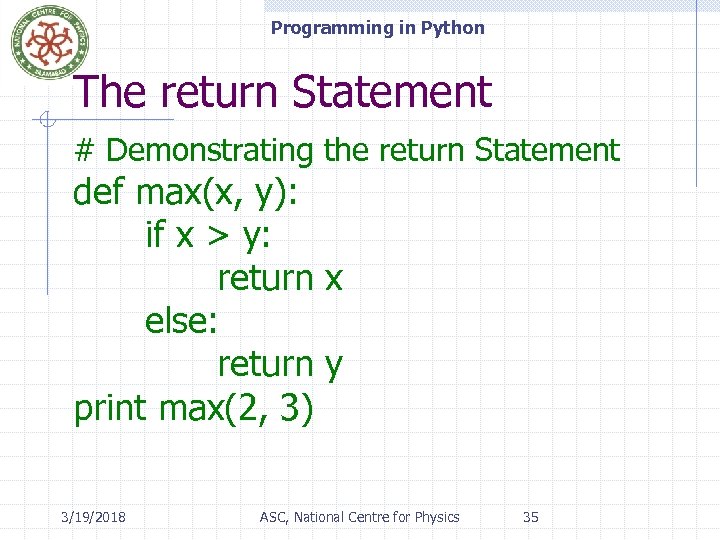 Programming in Python The return Statement # Demonstrating the return Statement def max(x, y): if x > y: return x else: return y print max(2, 3) 3/19/2018 ASC, National Centre for Physics 35
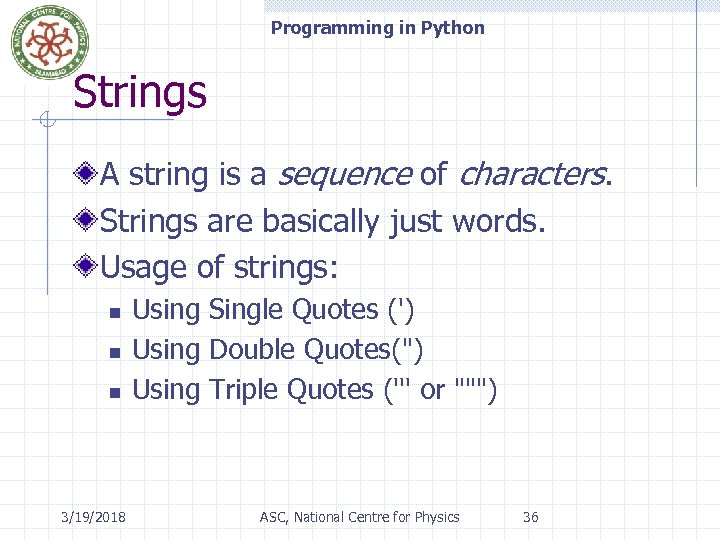 Programming in Python Strings A string is a sequence of characters. Strings are basically just words. Usage of strings: n n n 3/19/2018 Using Single Quotes (') Using Double Quotes(") Using Triple Quotes (''' or """) ASC, National Centre for Physics 36
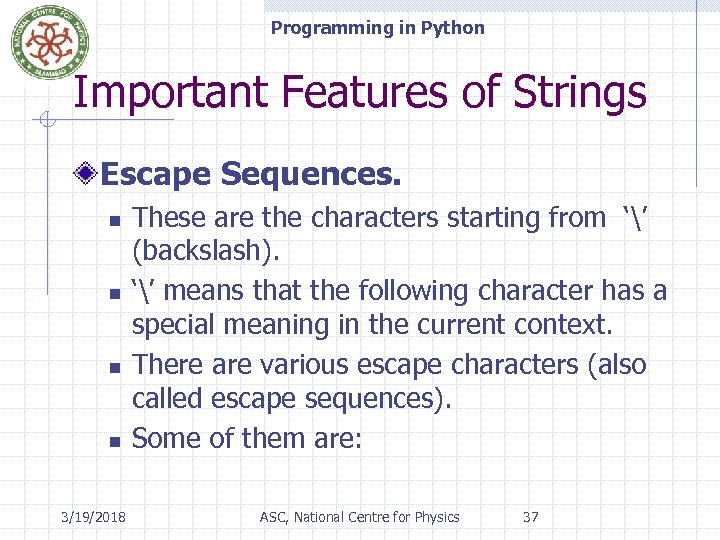 Programming in Python Important Features of Strings Escape Sequences. n n 3/19/2018 These are the characters starting from ‘’ (backslash). ‘’ means that the following character has a special meaning in the current context. There are various escape characters (also called escape sequences). Some of them are: ASC, National Centre for Physics 37
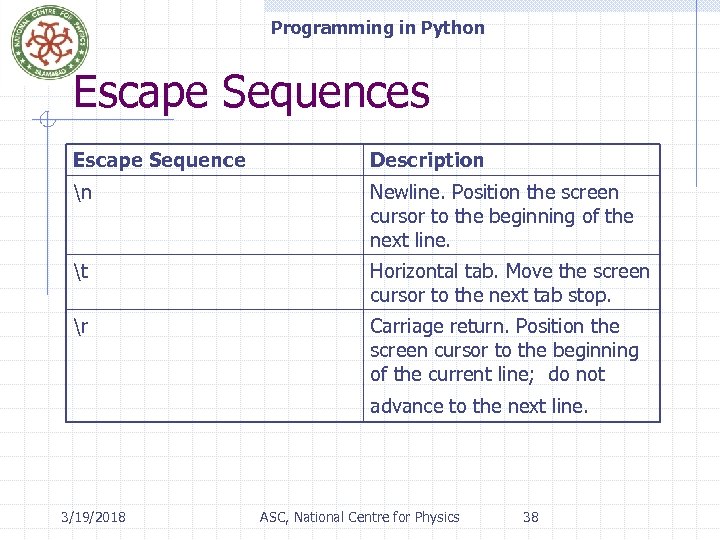 Programming in Python Escape Sequences Escape Sequence Description n Newline. Position the screen cursor to the beginning of the next line. t Horizontal tab. Move the screen cursor to the next tab stop. r Carriage return. Position the screen cursor to the beginning of the current line; do not advance to the next line. 3/19/2018 ASC, National Centre for Physics 38
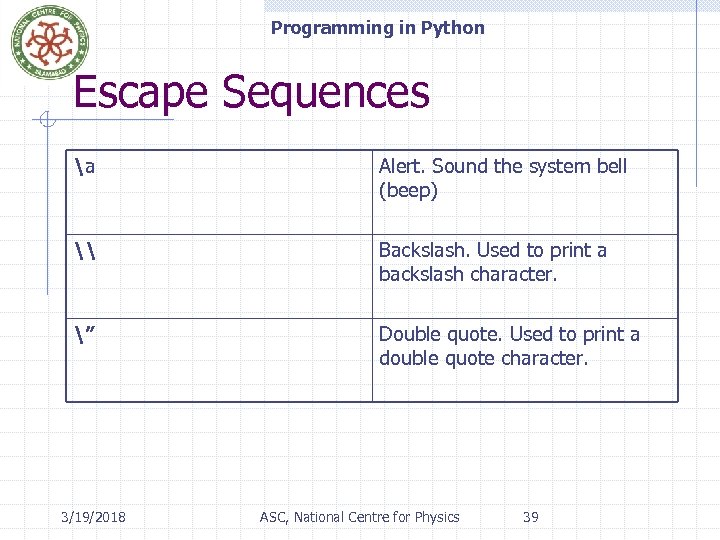 Programming in Python Escape Sequences a Alert. Sound the system bell (beep) \ Backslash. Used to print a backslash character. ” Double quote. Used to print a double quote character. 3/19/2018 ASC, National Centre for Physics 39
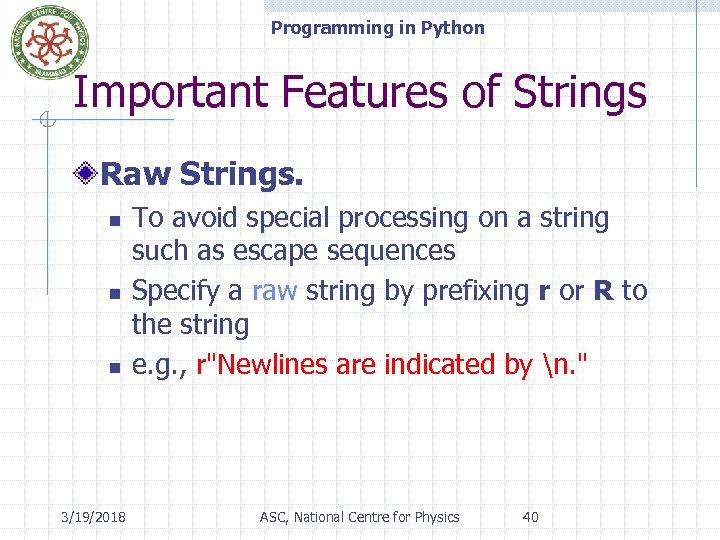 Programming in Python Important Features of Strings Raw Strings. n n n 3/19/2018 To avoid special processing on a string such as escape sequences Specify a raw string by prefixing r or R to the string e. g. , r"Newlines are indicated by n. " ASC, National Centre for Physics 40
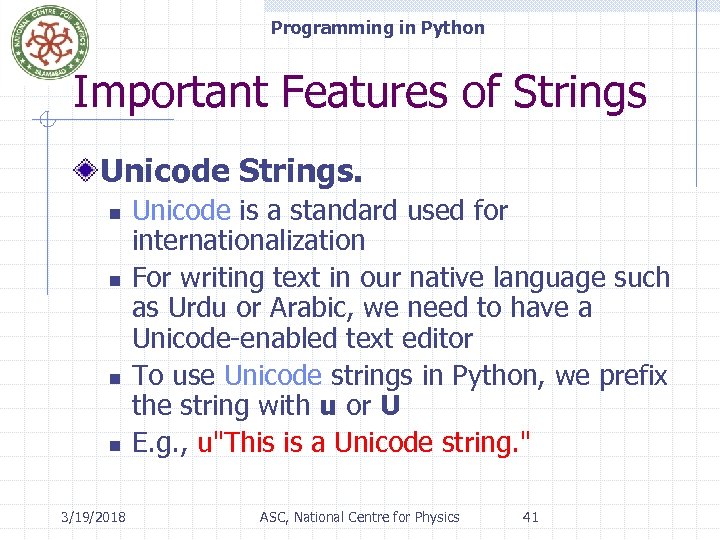 Programming in Python Important Features of Strings Unicode Strings. n n 3/19/2018 Unicode is a standard used for internationalization For writing text in our native language such as Urdu or Arabic, we need to have a Unicode-enabled text editor To use Unicode strings in Python, we prefix the string with u or U E. g. , u"This is a Unicode string. " ASC, National Centre for Physics 41
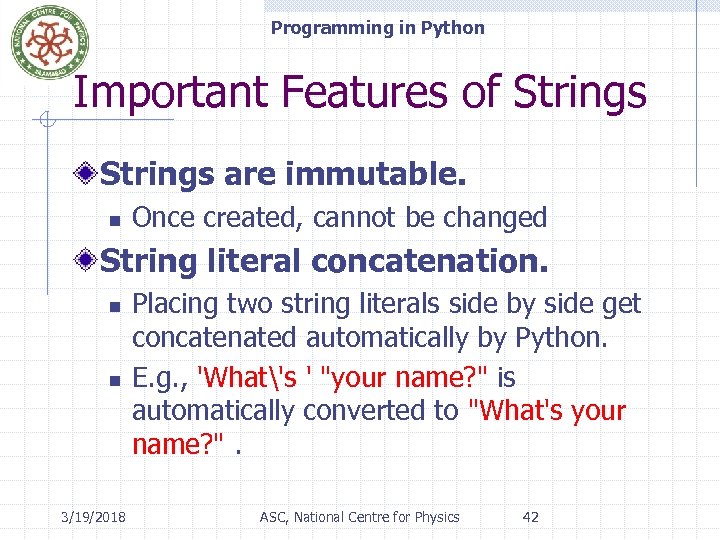 Programming in Python Important Features of Strings are immutable. n Once created, cannot be changed String literal concatenation. n n 3/19/2018 Placing two string literals side by side get concatenated automatically by Python. E. g. , 'What's ' "your name? " is automatically converted to "What's your name? ". ASC, National Centre for Physics 42
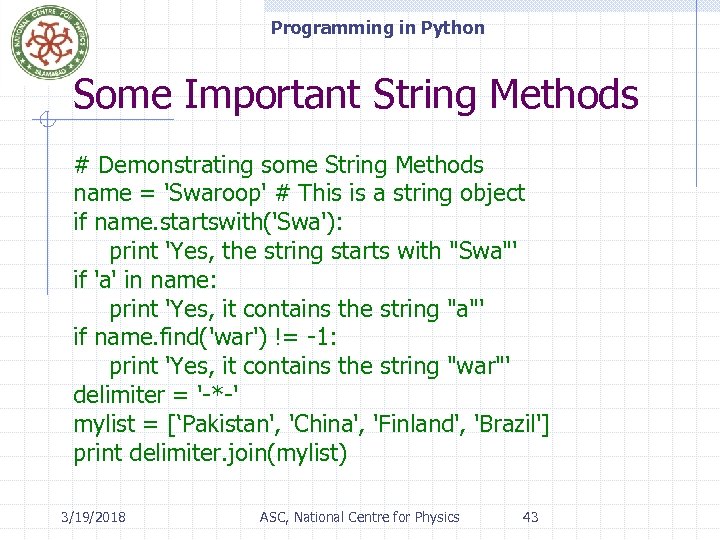 Programming in Python Some Important String Methods # Demonstrating some String Methods name = 'Swaroop' # This is a string object if name. startswith('Swa'): print 'Yes, the string starts with "Swa"' if 'a' in name: print 'Yes, it contains the string "a"' if name. find('war') != -1: print 'Yes, it contains the string "war"' delimiter = '-*-' mylist = [‘Pakistan', 'China', 'Finland', 'Brazil'] print delimiter. join(mylist) 3/19/2018 ASC, National Centre for Physics 43
 Programming in Python’s Built-in Data Structures which hold data together. Used to store a collection of related data. There are three built-in data structures in Python: n n n 3/19/2018 List Tuple Dictionary ASC, National Centre for Physics 44
 Programming in Python List A data structure that holds an ordered collection of items. i. e. you can store a sequence of items in a list. The list of items should be enclosed in square brackets separated by commas. We can add, remove or search for items in a list. 3/19/2018 ASC, National Centre for Physics 45
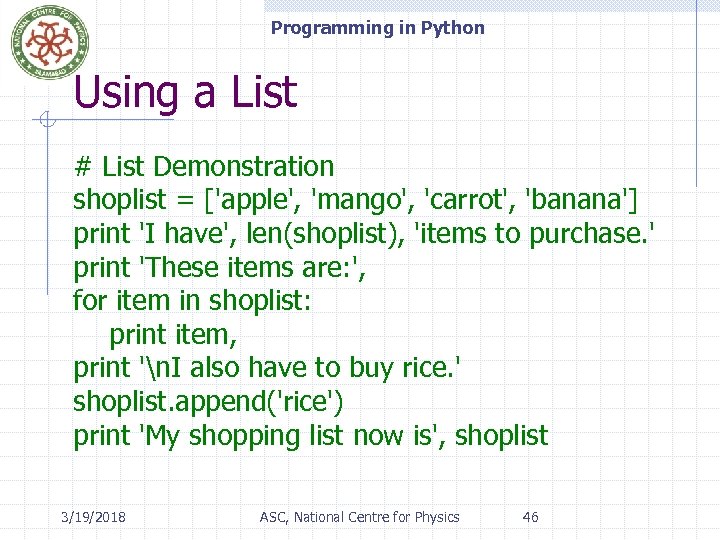 Programming in Python Using a List # List Demonstration shoplist = ['apple', 'mango', 'carrot', 'banana'] print 'I have', len(shoplist), 'items to purchase. ' print 'These items are: ', for item in shoplist: print item, print 'n. I also have to buy rice. ' shoplist. append('rice') print 'My shopping list now is', shoplist 3/19/2018 ASC, National Centre for Physics 46
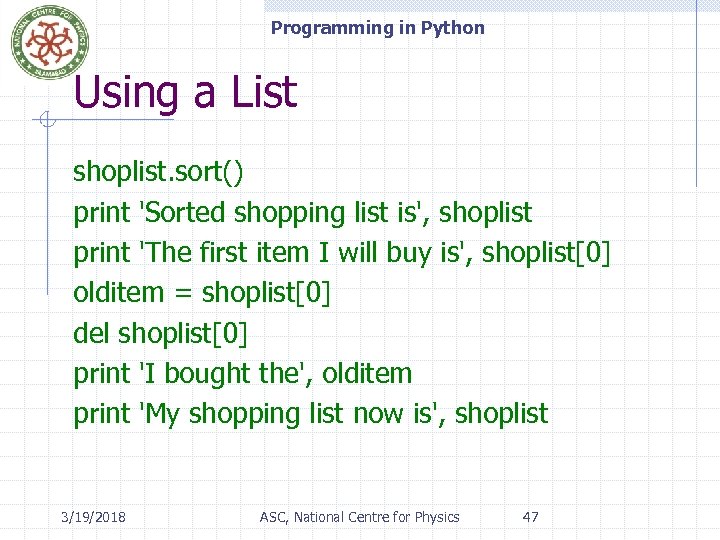 Programming in Python Using a List shoplist. sort() print 'Sorted shopping list is', shoplist print 'The first item I will buy is', shoplist[0] olditem = shoplist[0] del shoplist[0] print 'I bought the', olditem print 'My shopping list now is', shoplist 3/19/2018 ASC, National Centre for Physics 47
 Programming in Python List We can access members of the list by using their position. Remember that Python starts counting from 0. if we want to access the first item in a list then we can use mylist[0] just like arrays. Lists are mutable; these can be modified. 3/19/2018 ASC, National Centre for Physics 48
 Programming in Python Tuples are just like lists except that they are immutable. i. e. we cannot modify tuples. Tuples are defined by specifying items separated by commas within a pair of parentheses. Typically used in cases where a statement or a user-defined function can safely assume that the collection of values i. e. the tuple of values used will not change. 3/19/2018 ASC, National Centre for Physics 49
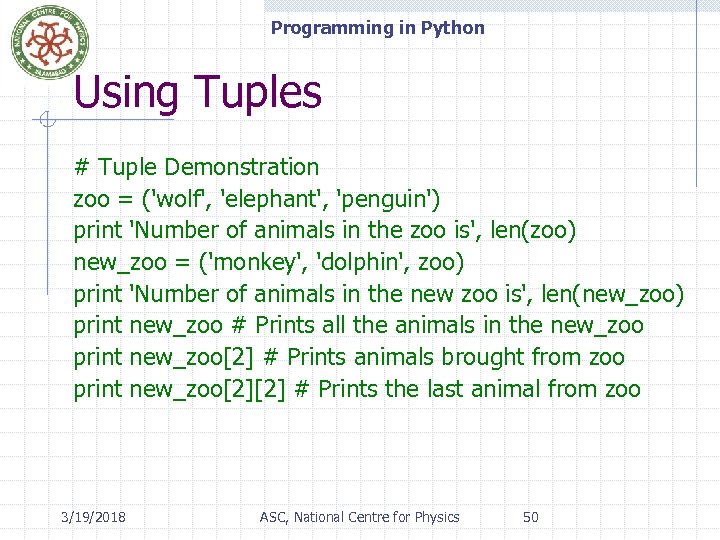 Programming in Python Using Tuples # Tuple Demonstration zoo = ('wolf', 'elephant', 'penguin') print 'Number of animals in the zoo is', len(zoo) new_zoo = ('monkey', 'dolphin', zoo) print 'Number of animals in the new zoo is', len(new_zoo) print new_zoo # Prints all the animals in the new_zoo print new_zoo[2] # Prints animals brought from zoo print new_zoo[2][2] # Prints the last animal from zoo 3/19/2018 ASC, National Centre for Physics 50
 Programming in Python Dictionary A dictionary is like an address-book used to find address/contact details of a person by knowing only his/her name. i. e. we associate keys (name) with values (details). Note that the key must be unique. i. e. we cannot find out the correct information if we have two persons with the exact same name. 3/19/2018 ASC, National Centre for Physics 51
 Programming in Python Dictionary We can use only immutable values (like strings) for keys of a dictionary. But We can use either immutable or mutable values for values. This basically means to say that we can use only simple objects as keys. Pairs of keys and values are specified in a dictionary by using the notation: 3/19/2018 ASC, National Centre for Physics 52
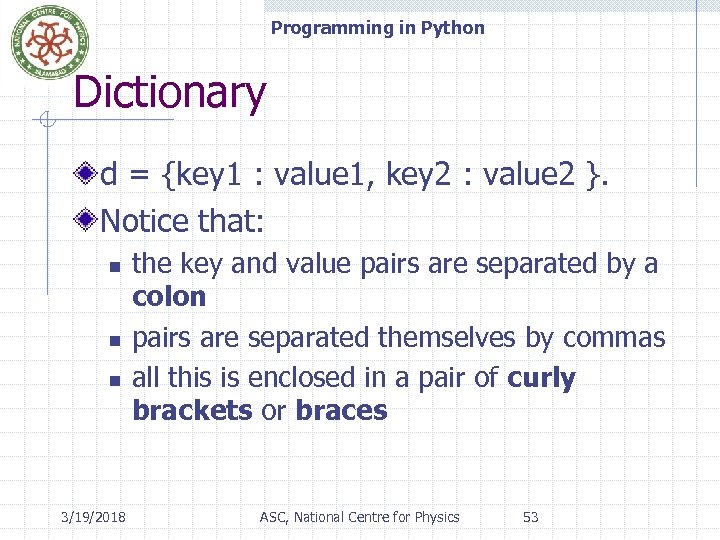 Programming in Python Dictionary d = {key 1 : value 1, key 2 : value 2 }. Notice that: n n n 3/19/2018 the key and value pairs are separated by a colon pairs are separated themselves by commas all this is enclosed in a pair of curly brackets or braces ASC, National Centre for Physics 53
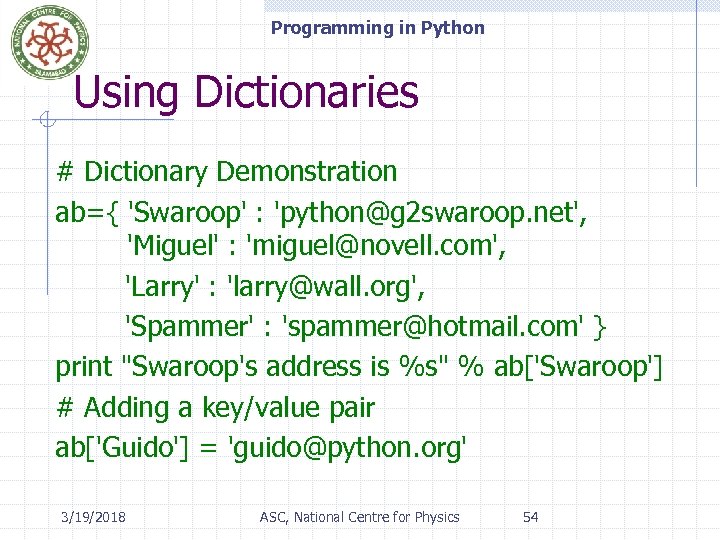 Programming in Python Using Dictionaries # Dictionary Demonstration ab={ 'Swaroop' : 'python@g 2 swaroop. net', 'Miguel' : 'miguel@novell. com', 'Larry' : 'larry@wall. org', 'Spammer' : 'spammer@hotmail. com' } print "Swaroop's address is %s" % ab['Swaroop'] # Adding a key/value pair ab['Guido'] = 'guido@python. org' 3/19/2018 ASC, National Centre for Physics 54
![Programming in Python Using Dictionaries # Deleting a key/value pair del ab['Spammer'] print](https://present5.com/presentation/ca75467f59635ab9c72523887b1ea150/image-53.jpg "Programming in Python Using Dictionaries # Deleting a key/value pair del ab['Spammer'] print") Programming in Python Using Dictionaries # Deleting a key/value pair del ab['Spammer'] print "n. There are %d contacts in the address- bookn" % len(ab) for name, address in ab. items(): print 'Contact %s at %s' % (name, address) if ab. has_key('Guido'): print "n. Guido's address is %s" % ab['Guido'] 3/19/2018 ASC, National Centre for Physics 55
Programming in Python Using Dictionaries # Deleting a key/value pair del ab['Spammer'] print "n. There are %d contacts in the address- bookn" % len(ab) for name, address in ab. items(): print 'Contact %s at %s' % (name, address) if ab. has_key('Guido'): print "n. Guido's address is %s" % ab['Guido'] 3/19/2018 ASC, National Centre for Physics 55
 Programming in Python Sequences Lists, tuples and strings are examples of sequences. Two of the main features of a sequence is: n n 3/19/2018 the indexing operation which allows us to fetch a particular item in the sequence and the slicing operation which allows us to retrieve a slice of the sequence i. e. a part of the sequence ASC, National Centre for Physics 56
![Programming in Python Using Sequences # Sequence Demonstration shoplist = ['apple', 'mango', 'carrot', 'banana']](https://present5.com/presentation/ca75467f59635ab9c72523887b1ea150/image-55.jpg "Programming in Python Using Sequences # Sequence Demonstration shoplist = ['apple', 'mango', 'carrot', 'banana']") Programming in Python Using Sequences # Sequence Demonstration shoplist = ['apple', 'mango', 'carrot', 'banana'] # Indexing or 'Subscription' print shoplist[0] print shoplist[1] print shoplist[2] print shoplist[3] print shoplist[-1] print shoplist[-2] 3/19/2018 ASC, National Centre for Physics 57
Programming in Python Using Sequences # Sequence Demonstration shoplist = ['apple', 'mango', 'carrot', 'banana'] # Indexing or 'Subscription' print shoplist[0] print shoplist[1] print shoplist[2] print shoplist[3] print shoplist[-1] print shoplist[-2] 3/19/2018 ASC, National Centre for Physics 57
![Programming in Python Using Sequences # Slicing using a list print shoplist[1: 3] print](https://present5.com/presentation/ca75467f59635ab9c72523887b1ea150/image-56.jpg "Programming in Python Using Sequences # Slicing using a list print shoplist[1: 3] print") Programming in Python Using Sequences # Slicing using a list print shoplist[1: 3] print shoplist[2: ] print shoplist[1: -1] print shoplist[: ] 3/19/2018 ASC, National Centre for Physics 58
Programming in Python Using Sequences # Slicing using a list print shoplist[1: 3] print shoplist[2: ] print shoplist[1: -1] print shoplist[: ] 3/19/2018 ASC, National Centre for Physics 58
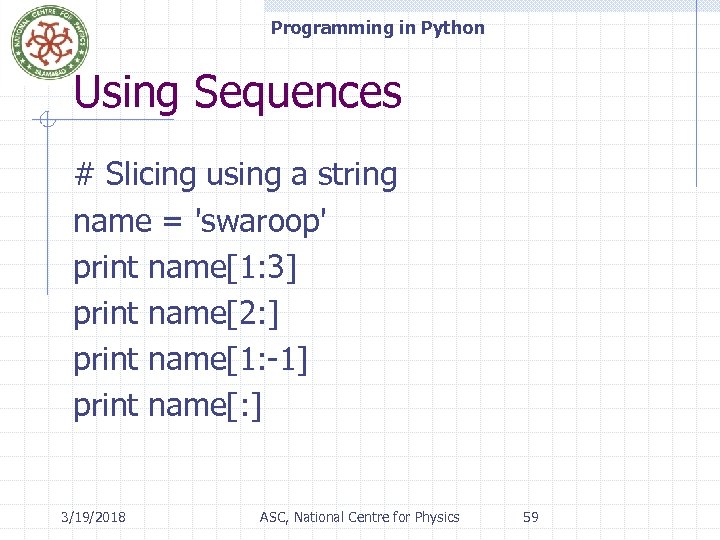 Programming in Python Using Sequences # Slicing using a string name = 'swaroop' print name[1: 3] print name[2: ] print name[1: -1] print name[: ] 3/19/2018 ASC, National Centre for Physics 59
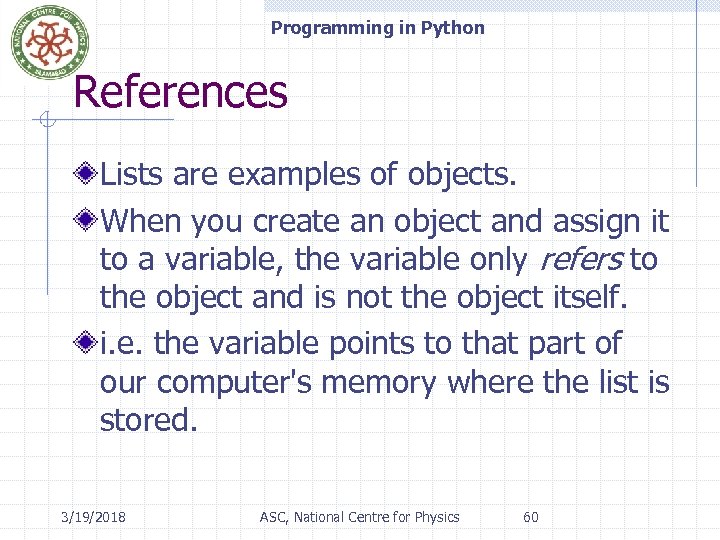 Programming in Python References Lists are examples of objects. When you create an object and assign it to a variable, the variable only refers to the object and is not the object itself. i. e. the variable points to that part of our computer's memory where the list is stored. 3/19/2018 ASC, National Centre for Physics 60
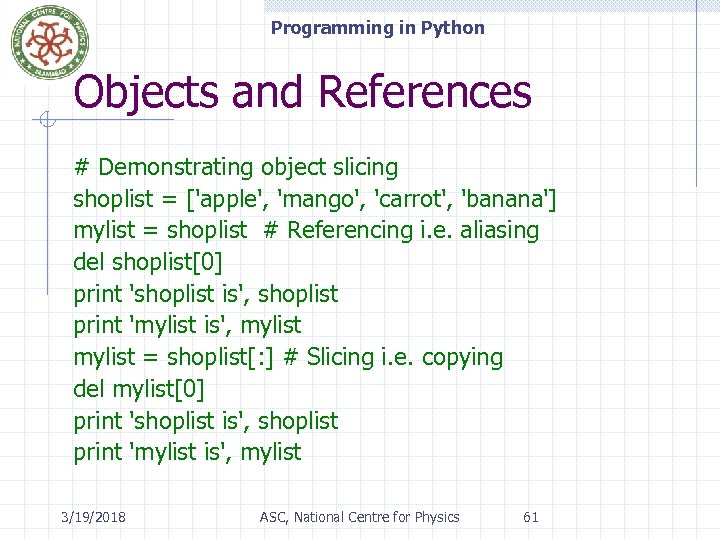 Programming in Python Objects and References # Demonstrating object slicing shoplist = ['apple', 'mango', 'carrot', 'banana'] mylist = shoplist # Referencing i. e. aliasing del shoplist[0] print 'shoplist is', shoplist print 'mylist is', mylist = shoplist[: ] # Slicing i. e. copying del mylist[0] print 'shoplist is', shoplist print 'mylist is', mylist 3/19/2018 ASC, National Centre for Physics 61
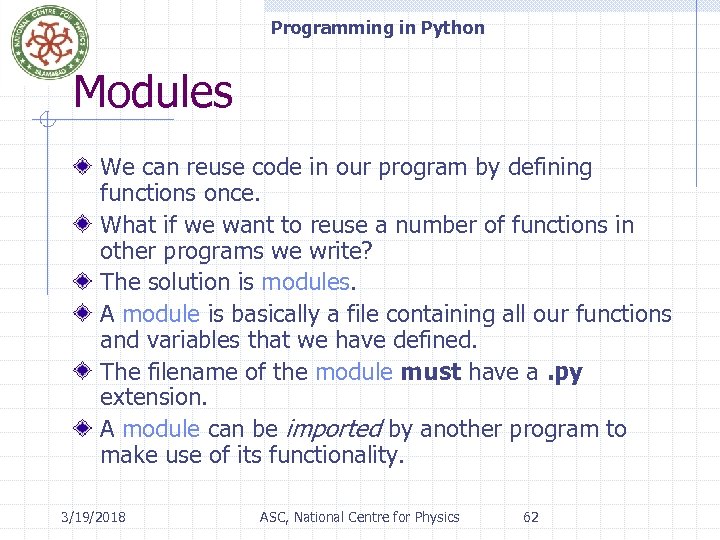 Programming in Python Modules We can reuse code in our program by defining functions once. What if we want to reuse a number of functions in other programs we write? The solution is modules. A module is basically a file containing all our functions and variables that we have defined. The filename of the module must have a. py extension. A module can be imported by another program to make use of its functionality. 3/19/2018 ASC, National Centre for Physics 62
 Programming in Python The sys Module sys stands for System The sys module contains system-level information, like: n n 3/19/2018 The version of Python you're running. i. e. , (sys. version or sys. version_info), And system-level options like the maximum allowed recursion i. e. , depth (sys. getrecursionlimit() and sys. setrecursionlimit()). ASC, National Centre for Physics 63
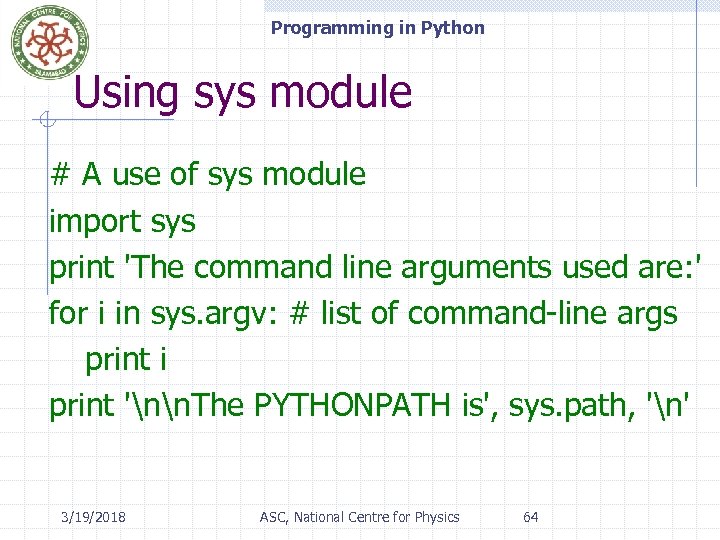 Programming in Python Using sys module # A use of sys module import sys print 'The command line arguments used are: ' for i in sys. argv: # list of command-line args print i print 'nn. The PYTHONPATH is', sys. path, 'n' 3/19/2018 ASC, National Centre for Physics 64
 Programming in Python The os module os stands for Operating System. The os module has lots of useful functions for manipulating files and processes – the core of an operating system. And os. path has functions for manipulating file and directory paths. 3/19/2018 ASC, National Centre for Physics 65
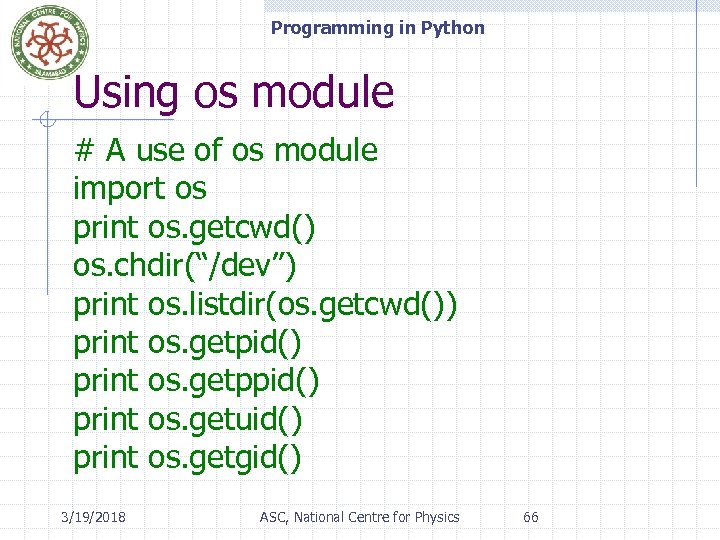 Programming in Python Using os module # A use of os module import os print os. getcwd() os. chdir(“/dev”) print os. listdir(os. getcwd()) print os. getpid() print os. getppid() print os. getuid() print os. getgid() 3/19/2018 ASC, National Centre for Physics 66
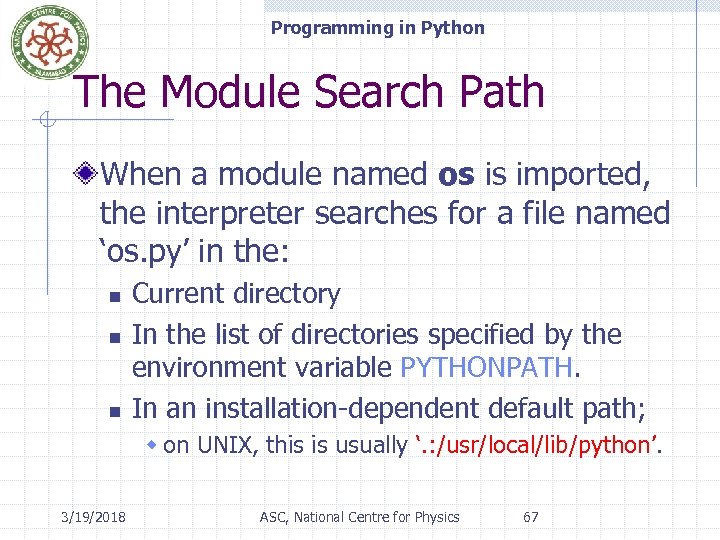 Programming in Python The Module Search Path When a module named os is imported, the interpreter searches for a file named ‘os. py’ in the: n n n Current directory In the list of directories specified by the environment variable PYTHONPATH. In an installation-dependent default path; w on UNIX, this is usually ‘. : /usr/local/lib/python’. 3/19/2018 ASC, National Centre for Physics 67
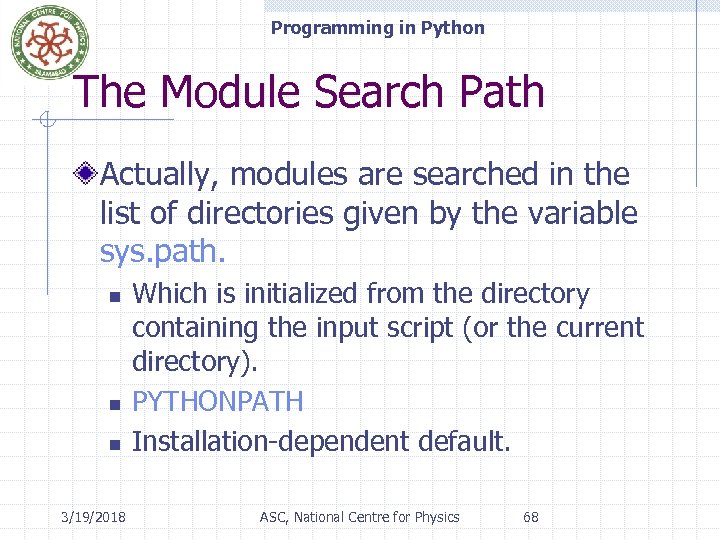 Programming in Python The Module Search Path Actually, modules are searched in the list of directories given by the variable sys. path. n n n 3/19/2018 Which is initialized from the directory containing the input script (or the current directory). PYTHONPATH Installation-dependent default. ASC, National Centre for Physics 68
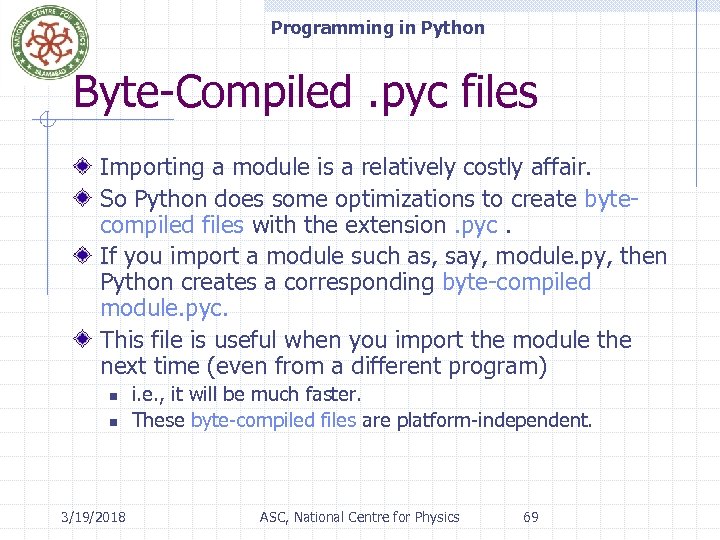 Programming in Python Byte-Compiled. pyc files Importing a module is a relatively costly affair. So Python does some optimizations to create bytecompiled files with the extension. pyc. If you import a module such as, say, module. py, then Python creates a corresponding byte-compiled module. pyc. This file is useful when you import the module the next time (even from a different program) n n 3/19/2018 i. e. , it will be much faster. These byte-compiled files are platform-independent. ASC, National Centre for Physics 69
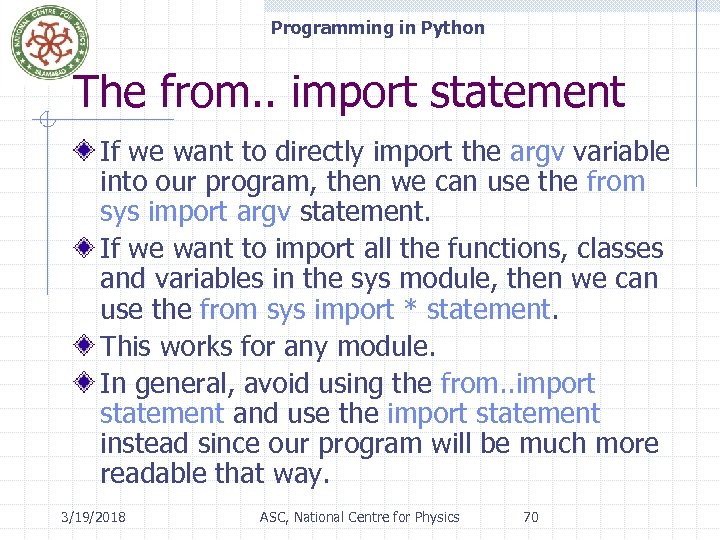 Programming in Python The from. . import statement If we want to directly import the argv variable into our program, then we can use the from sys import argv statement. If we want to import all the functions, classes and variables in the sys module, then we can use the from sys import * statement. This works for any module. In general, avoid using the from. . import statement and use the import statement instead since our program will be much more readable that way. 3/19/2018 ASC, National Centre for Physics 70