


 Скачать презентацию Professional Email Etiquette Why Learn Email Etiquette
7fdd58bd1ef0b009305de69683845a90.ppt
- Количество слайдов: 19
 Professional Email Etiquette
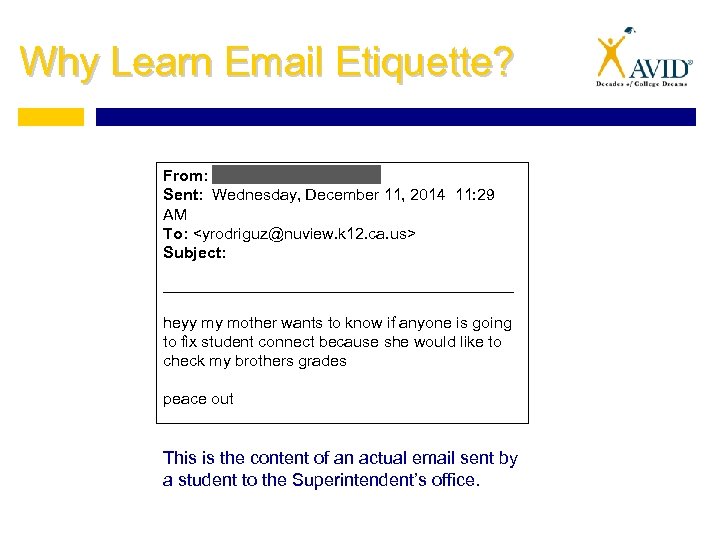 Why Learn Email Etiquette? From: Sent: Wednesday, December 11, 2014 11: 29 AM To:
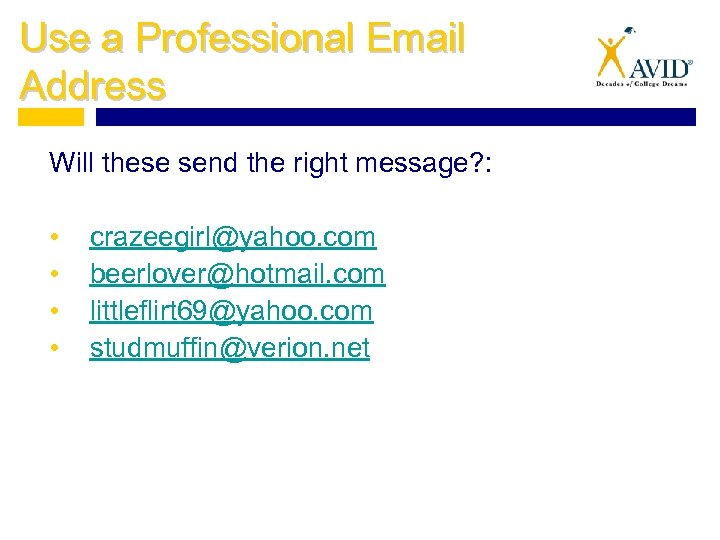 Use a Professional Email Address Will these send the right message? : • • crazeegirl@yahoo. com beerlover@hotmail. com littleflirt 69@yahoo. com studmuffin@verion. net
 When to Use Professional Email Etiquette Communications with: • • • Teachers or professors Colleges Businesses or organizations Employers Anyone you wish to be taken seriously by
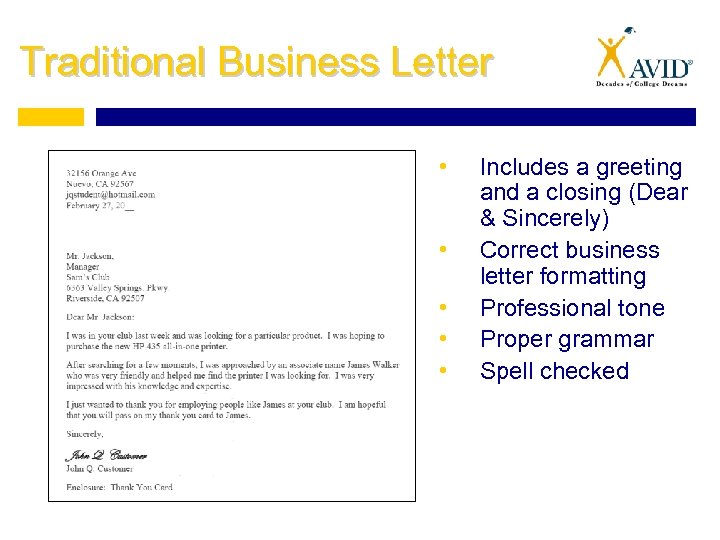 Traditional Business Letter • • • Includes a greeting and a closing (Dear & Sincerely) Correct business letter formatting Professional tone Proper grammar Spell checked
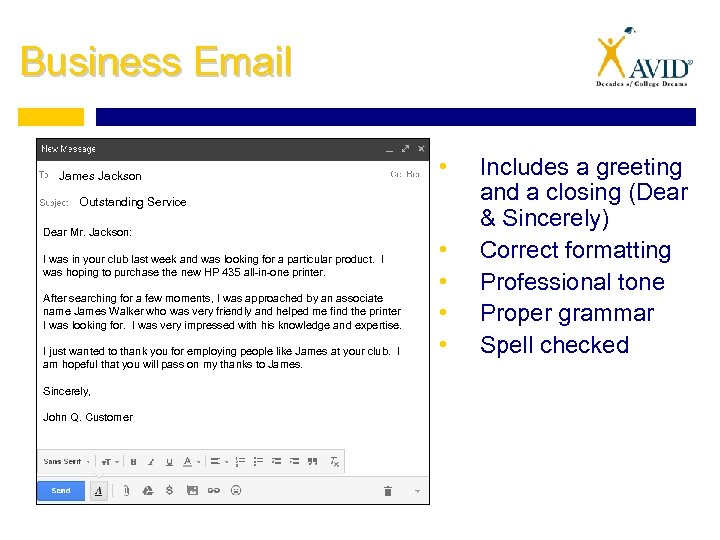 Business Email James Jackson • Outstanding Service Dear Mr. Jackson: I was in your club last week and was looking for a particular product. I was hoping to purchase the new HP 435 all-in-one printer. After searching for a few moments, I was approached by an associate name James Walker who was very friendly and helped me find the printer I was looking for. I was very impressed with his knowledge and expertise. I just wanted to thank you for employing people like James at your club. I am hopeful that you will pass on my thanks to James. Sincerely, John Q. Customer • • Includes a greeting and a closing (Dear & Sincerely) Correct formatting Professional tone Proper grammar Spell checked
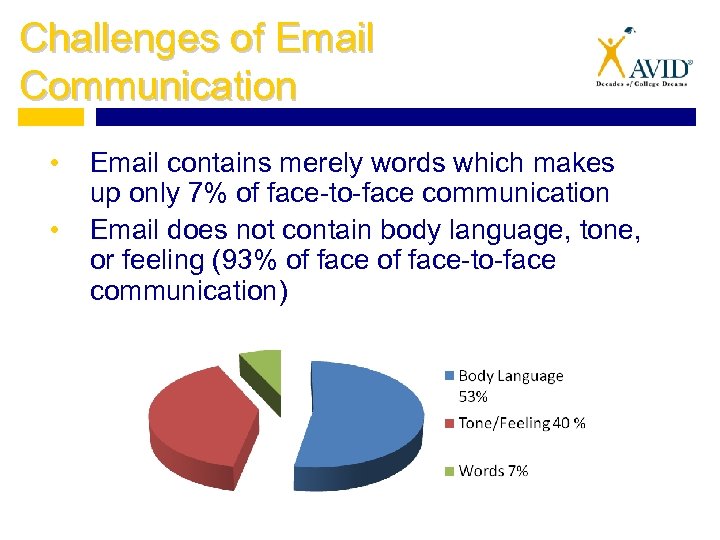 Challenges of Email Communication • • Email contains merely words which makes up only 7% of face-to-face communication Email does not contain body language, tone, or feeling (93% of face-to-face communication)
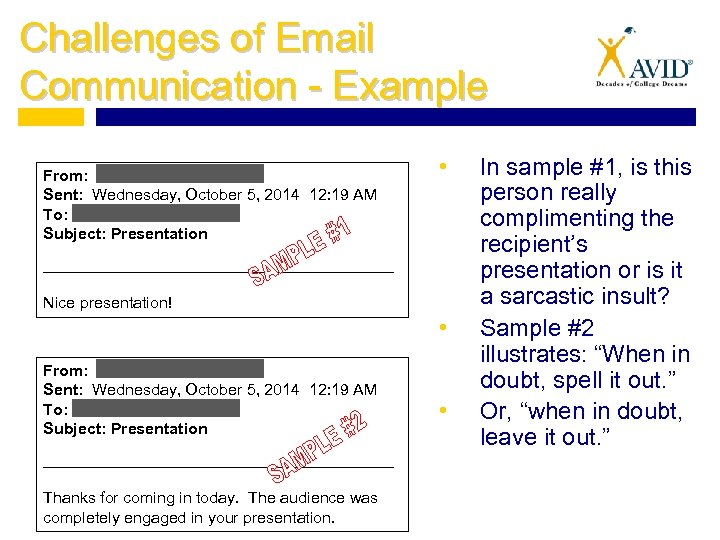 Challenges of Email Communication - Example From: Sent: Wednesday, October 5, 2014 12: 19 AM To: Subject: Presentation • ________________________________ Nice presentation! • From: Sent: Wednesday, October 5, 2014 12: 19 AM To: Subject: Presentation ________________________________ Thanks for coming in today. The audience was completely engaged in your presentation. • In sample #1, is this person really complimenting the recipient’s presentation or is it a sarcastic insult? Sample #2 illustrates: “When in doubt, spell it out. ” Or, “when in doubt, leave it out. ”
 Use Proper Grammar and Punctuation • Capitalize the first letter of the first word in each sentence • Use periods at the end of sentences • Use complete sentences • Avoid the use of !!! and ? ? ? which comes across as condescending
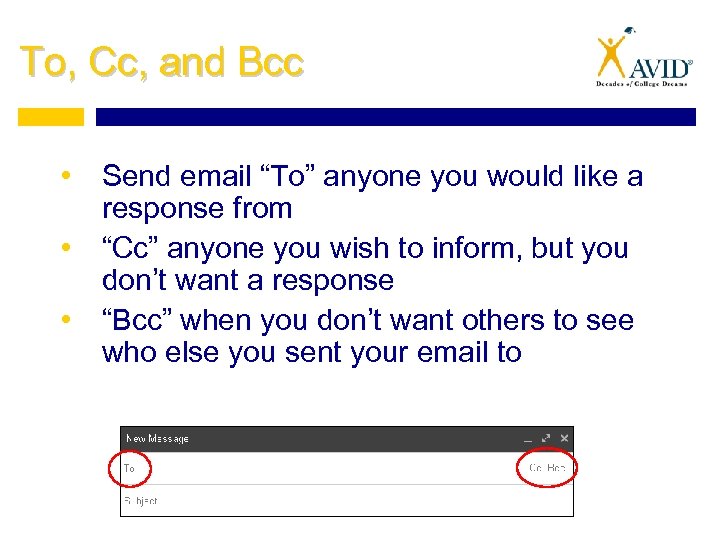 To, Cc, and Bcc • Send email “To” anyone you would like a response from • “Cc” anyone you wish to inform, but you don’t want a response • “Bcc” when you don’t want others to see who else you sent your email to
 Formatting • DON’T TYPE IN ALL CAPS. That comes across as yelling. • Do not bold items either. • Avoid fancy fonts. It’s distracting and unprofessional. • 12 point font is sufficient
 Content of Emails • Add the subject of your email to the subject line which reflects the content of your email. (Having no subject can get your email flagged as spam. ) • Do not type everything in lowercase letters (emails are not text messages) • Do not use symbols, emojis, or text lingo in professional emails Examples: ☺ ; ) lol jk
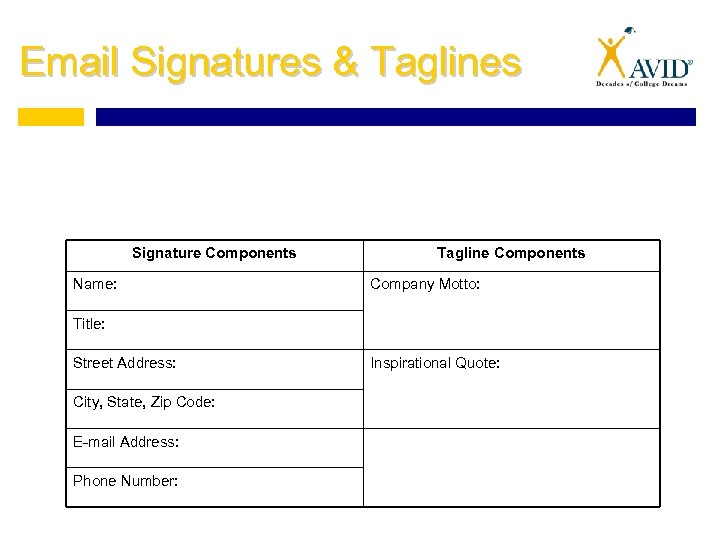 Email Signatures & Taglines Signature Components Name: Tagline Components Company Motto: Title: Street Address: City, State, Zip Code: E-mail Address: Phone Number: Inspirational Quote:
 Common Courtesy • • • Include a greeting (“Dear _______, ”) Include a closing (“Thank you, ” “Sincerely, ” or “Best Regards, ” and your name) Spell the recipient’s name correctly Use “please” and “thank you” Respond to email in a timely manner (much like a phone call) Keep email short, sweet, and to the point (no more than one screen of text)
 Proofread • Re-read your email aloud • Double check the spelling, grammar, and punctuation, and tone • Don’t rely on spell-check Example: Spell-check changed “Sorry of the inconvenience. ” to “Sorry for the incontinence. ”
 Before Pressing … • Ask yourself, “Am I angry? ” If so, wait to send your email. Reread your message later. Then decide. • Double check the spelling, grammar, and punctuation, and tone • Ask yourself, “Would I mind if others saw this email? ” If you would mind, you might want change the content or speak to the person instead
 Legal Considerations • When you put something in writing, it is forever (even if you delete it) • Agreements or commitments made via email may be considered a contract and you may be legally obligated to make good on the content of your email • Do not forward email that is intended for your eyes only
 Email Golden Rule “Type unto others as you would have them type unto you. ”
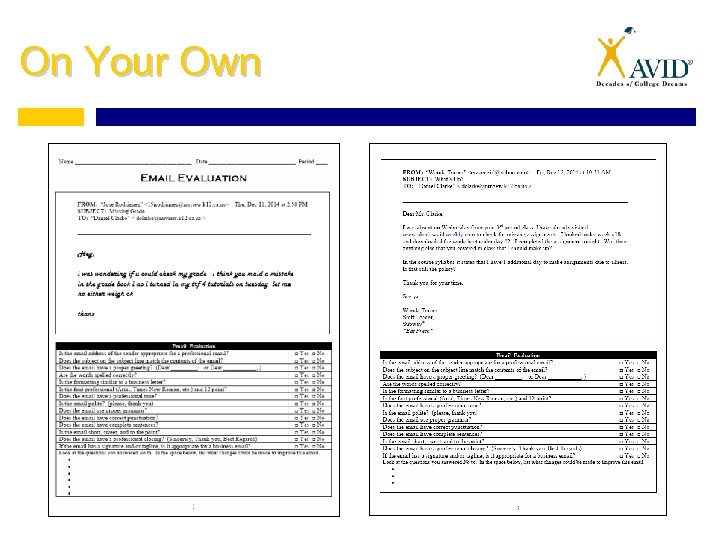 On Your Own