 Скачать презентацию Problem It takes to long to create a
4ea01a5a59f2dccdd2c8e903485fa562.ppt
- Количество слайдов: 22



Problem? It takes to long to create a focus palette for a moving light.
Solution - Focus Gloves • Moving lights are difficult to focus in the chaotic environment of a focus session. • Difficult to clearly convey a light’s focus attributes to the light board operator • Too much time is lost due to miscommunication and fiddling with programming. • Time is money!
Solution - Focus • Sensors in Gloves around the fingertips, finger joints, and around the wrist convey the designer’s hand signals to the instrument via the light board. • Uses a set of hand signals already commonly used among lighting designers and electricians, plus some new ones. • Similar in construction to work gloves. • Goal is to allow LD to talk directly to the light, instead of to the light board op.
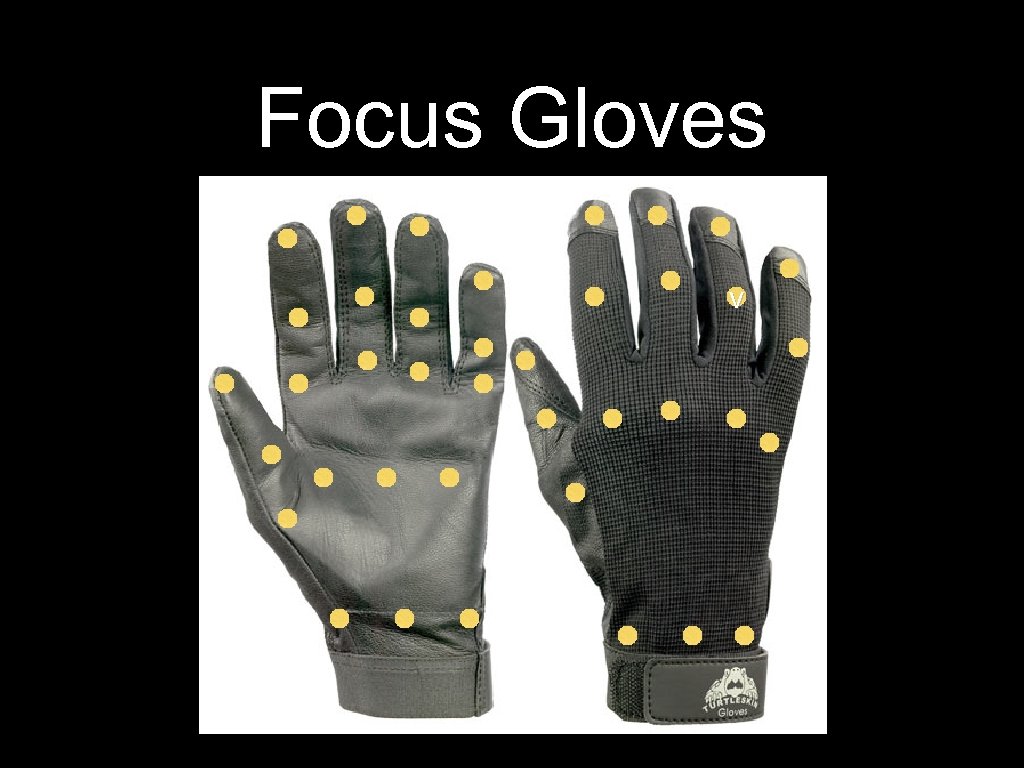
Focus Gloves v
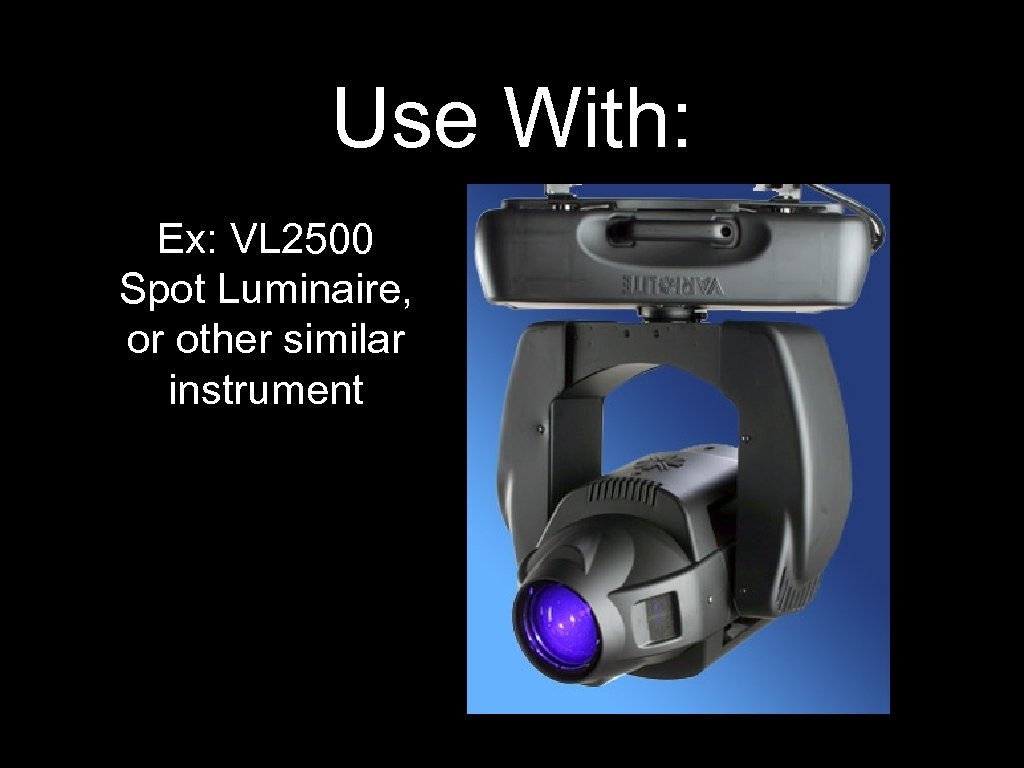
Use With: Ex: VL 2500 Spot Luminaire, or other similar instrument
To Start • Designer stands with their back to the light, hands in fists at their sides in the “ready” position. • Gloves transmit designer’s position onstage, and tell the light to focus the hotspot (similar to a flashlight) on the back of their neck.
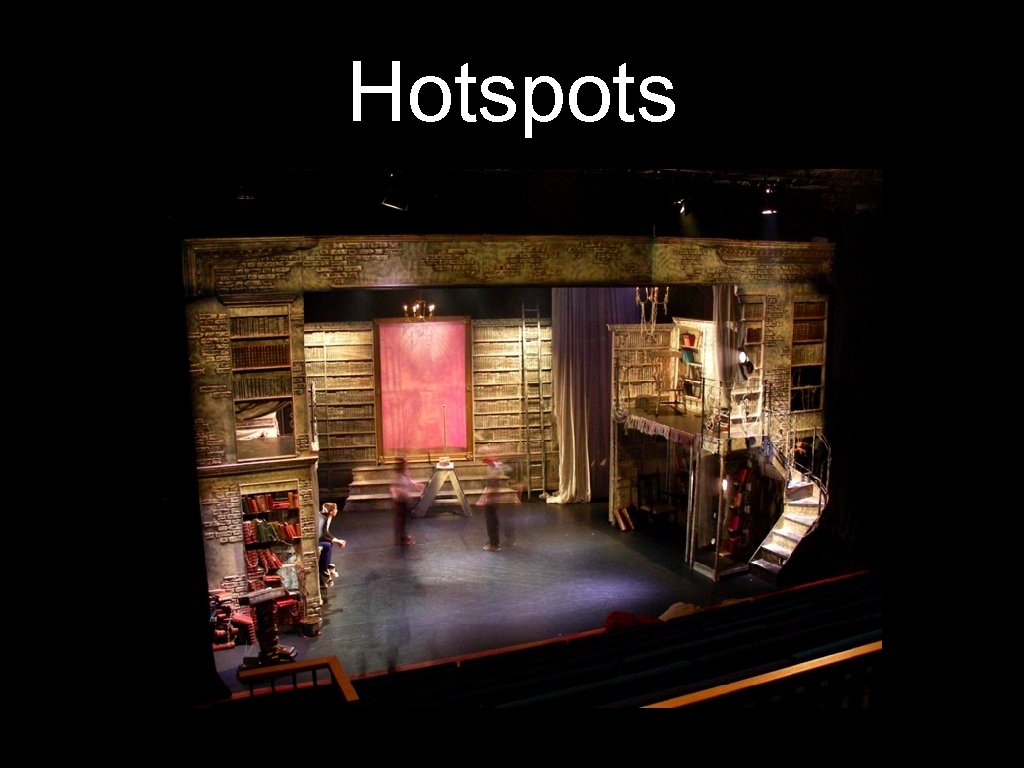
Hotspots
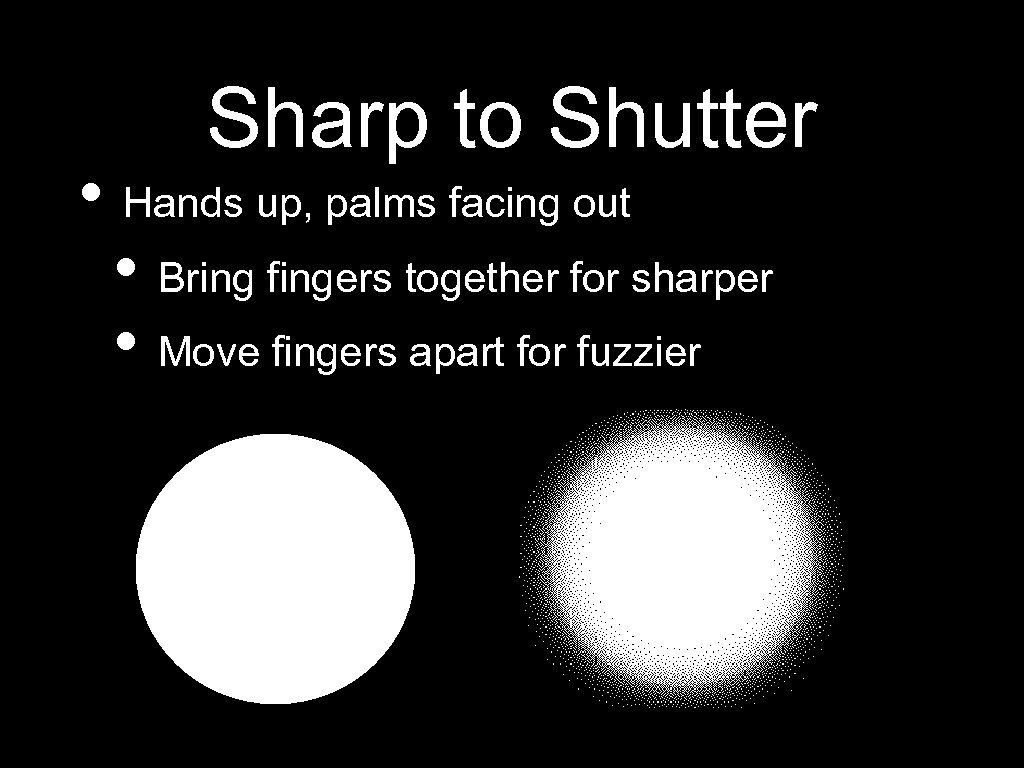
Sharp to Shutter • Hands up, palms facing out • Bring fingers together for sharper • Move fingers apart for fuzzier
“Lock That” • Hands up, make a twisting motion, like you’re finger tightening a bolt. • This tells the light to save that attribute and get ready to program the next one on the list. • Can also point with the thumbs to the left or right to move forward and backward through the attribute list
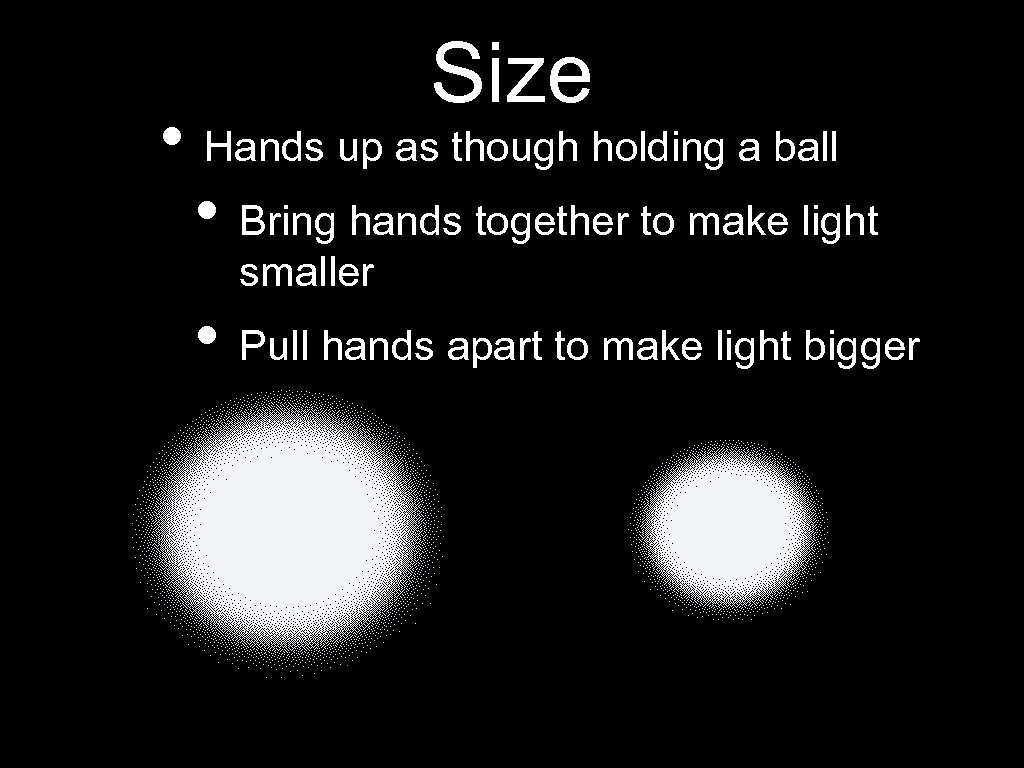
Size • Hands up as though holding a ball • Bring hands together to make light smaller • Pull hands apart to make light bigger
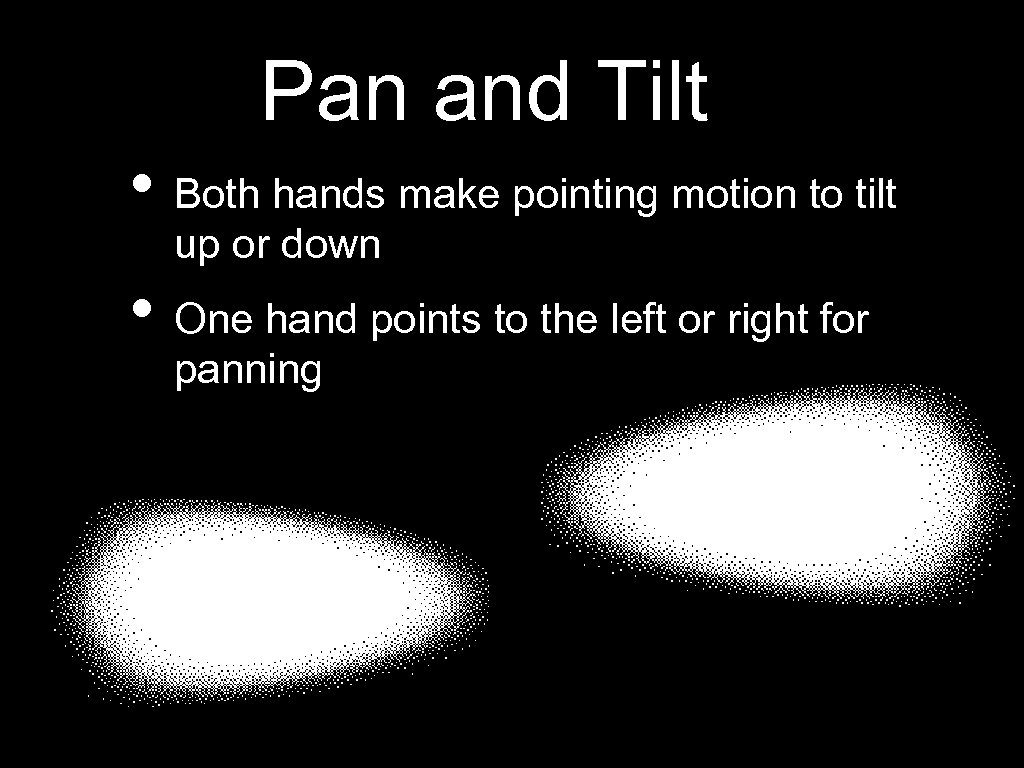
Pan and Tilt • Both hands make pointing motion to tilt up or down • One hand points to the left or right for panning
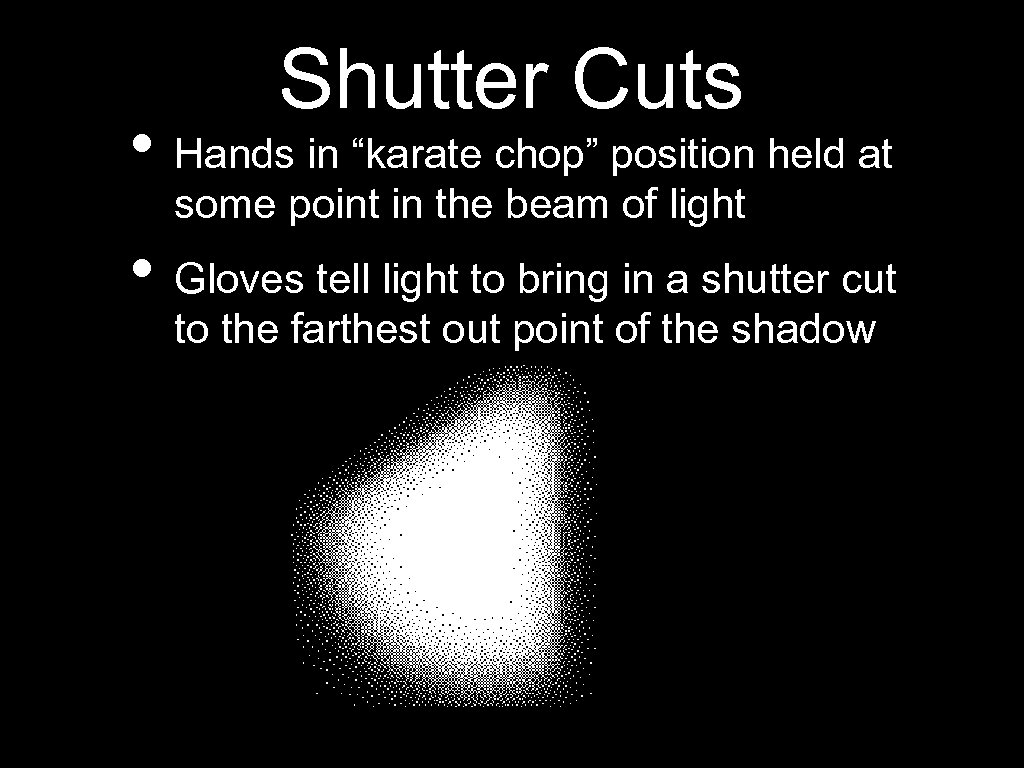
Shutter Cuts • Hands in “karate chop” position held at some point in the beam of light • Gloves tell light to bring in a shutter cut to the farthest out point of the shadow
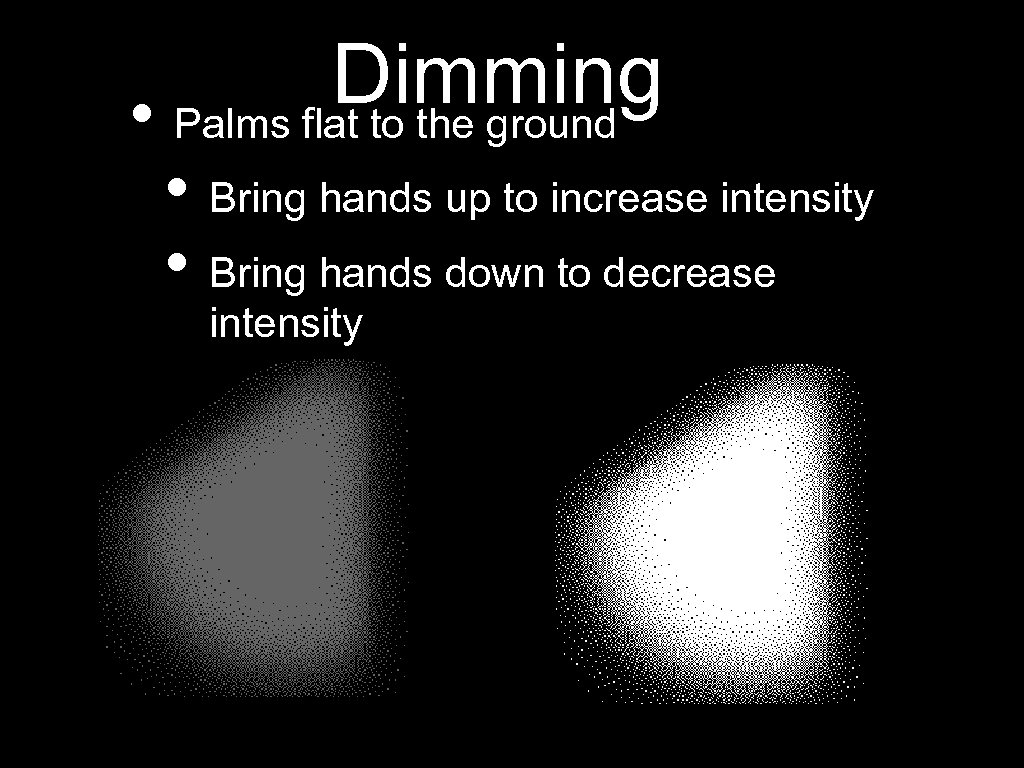
Dimming • Palms flat to the ground • Bring hands up to increase intensity • Bring hands down to decrease intensity
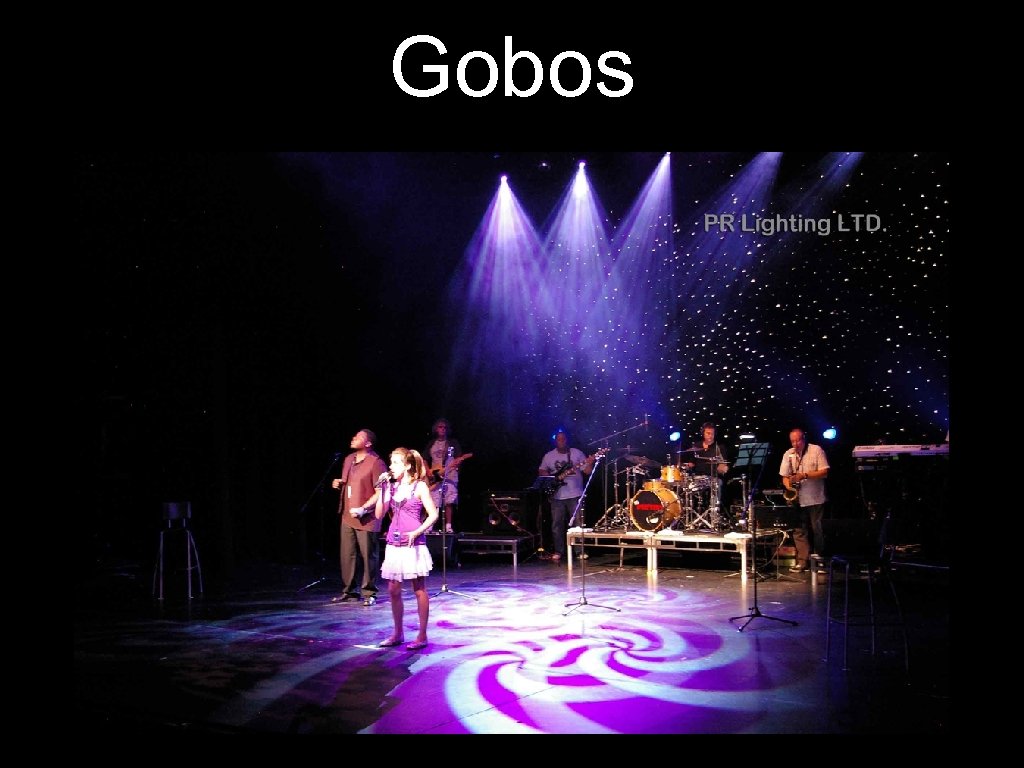
Gobos • “Stencils” inserted in light to create a pattern • Made of metal, glass, or plastic • Hands up in “picture frame” brings up first gobo • Pointer finger in a circle selects next gobo • “Lock That” makes final selection
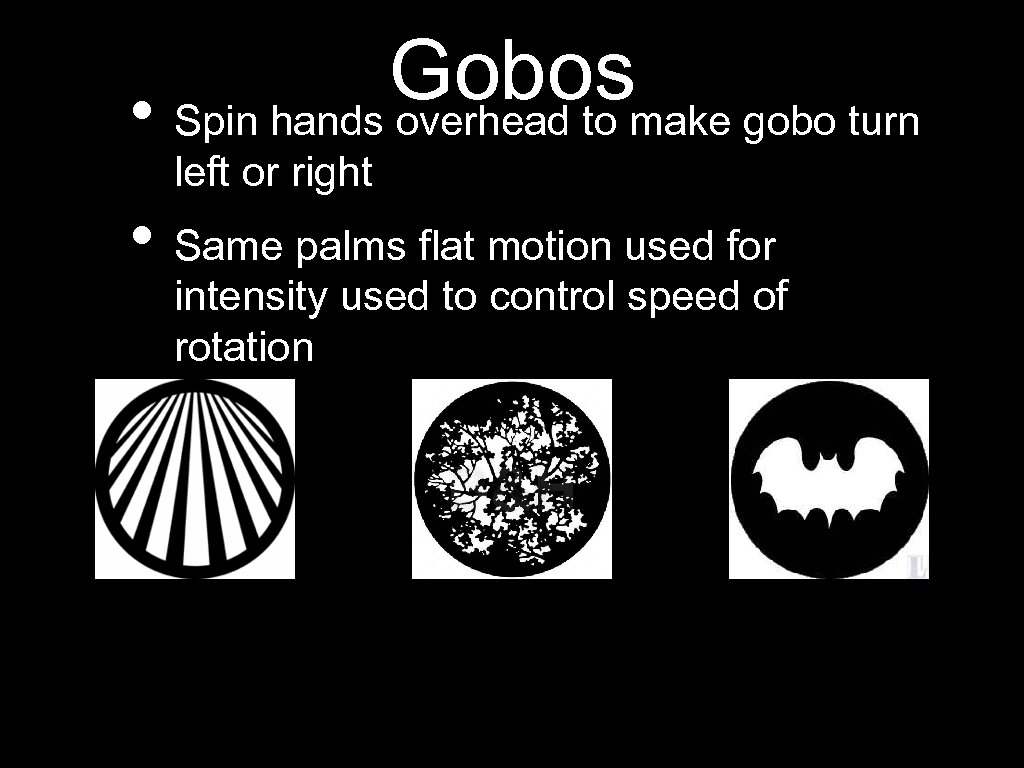
Gobosmake gobo turn • Spin hands overhead to left or right • Same palms flat motion used for intensity used to control speed of rotation
Gobos
Color for R, G, or B • Hands make ASL signs for Red, Green, Blue color mixing, or C, Y, or M for Cyan, Yellow, Magenta color mixing • Allow two different colors to be added to mixture • Bring sign left or right to increase or decrease color saturation • Move signs up or down to increase or decrease color value
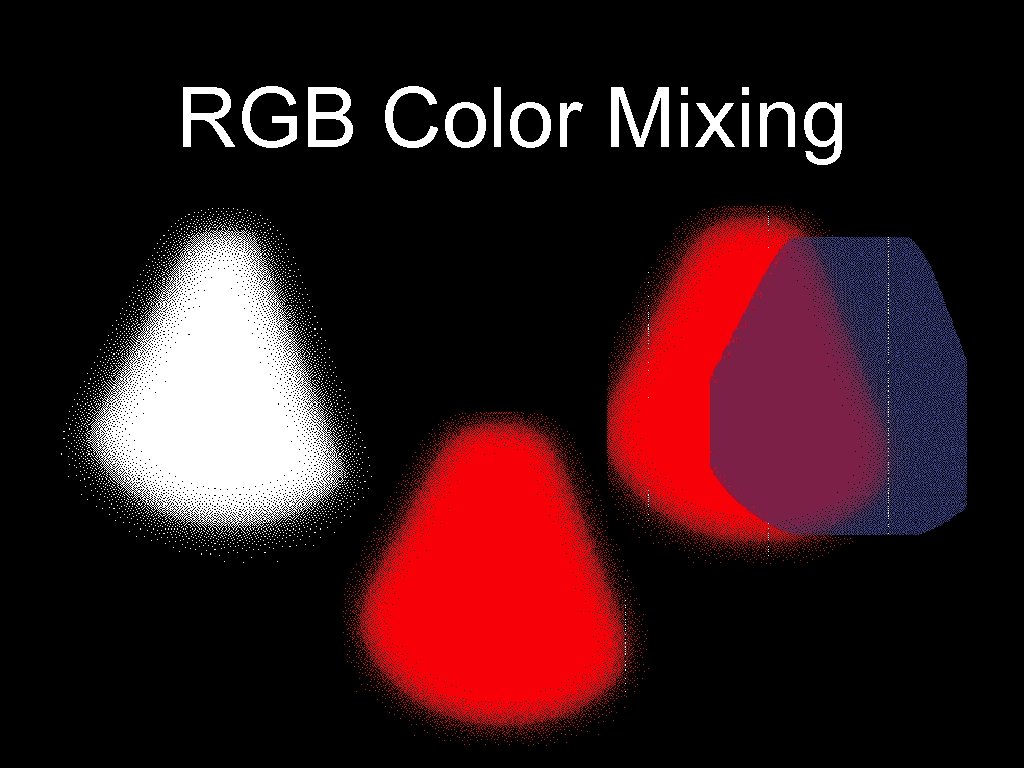
RGB Color Mixing
Next Light Please • “OK” symbol with both hands saves all previous selections and attributes of this palette. • Designer walks to next area onstage, places hands in the “ready” position at their sides to tell next light to begin
Market • Useful only for large commercial theatres • Broadway - The Lion King, Spring Awakening, Jersey Boys, etc. • Focusing 500+ lights takes up a lot of time! Will increase focus session speed and allow multiple people to focus lights at the same time much more effectively.
Problems withtheatres this • Not necessary for smaller using mostly conventional lighting idea to buy them if instruments. No reason you don’t have a lot of movers in your light plot. • Light board and light board operator will still be necessary to fine tune palette settings • IATSE Union regulations forbid Lighting Designers from physically interacting with their lights. Does this count? • Differentiating between different
VL 2500’s in action http: //www. youtube. com/watch? v=Y 1 UZEn. O 4 D 7 o&feature=rel ated
Скачать презентацию Problem It takes to long to create a
4ea01a5a59f2dccdd2c8e903485fa562.ppt