 Скачать презентацию Printing Graphics An introduction to capabilities of the
34de6b85339faa0ef4e964a1ba760497.ppt
- Количество слайдов: 12



Printing Graphics An introduction to capabilities of the HP Printer Control Language
Escape-sequences • The PCL language employs some special sequences of ASCII control-codes, known as ‘escape’ sequences (since they begin with the code for the escape-key: 0 x 1 B) • The character-sequence ‘e’ may be used to generate this special non-printable byte • The punctuation-symbols, numerals, and alphabetic characters that follow specify a specific command to the HP laser printer
Printer Communication • An application that wishes to do printing can create a textfile containing a mixture of document text and PCL commands • This text file is then ‘submitted’ to the printer using a Linux command (e. g. , ‘lpr’) • The printer recognizes commands by the occurrence of an ‘escape’ code
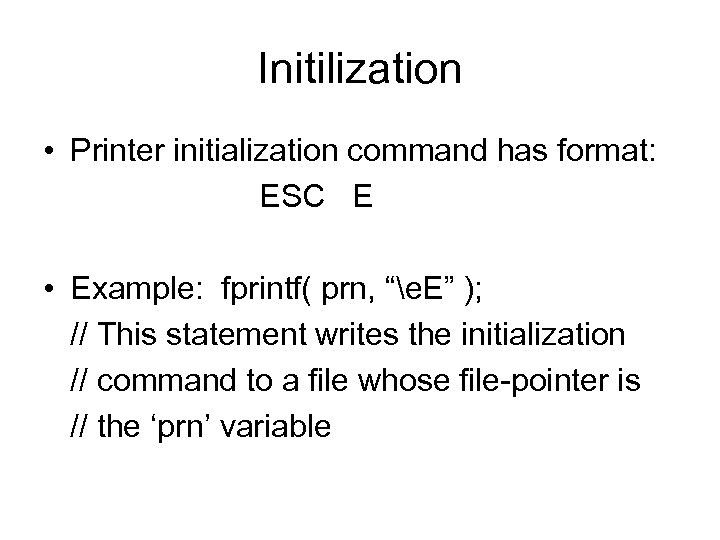
Initilization • Printer initialization command has format: ESC E • Example: fprintf( prn, “e. E” ); // This statement writes the initialization // command to a file whose file-pointer is // the ‘prn’ variable
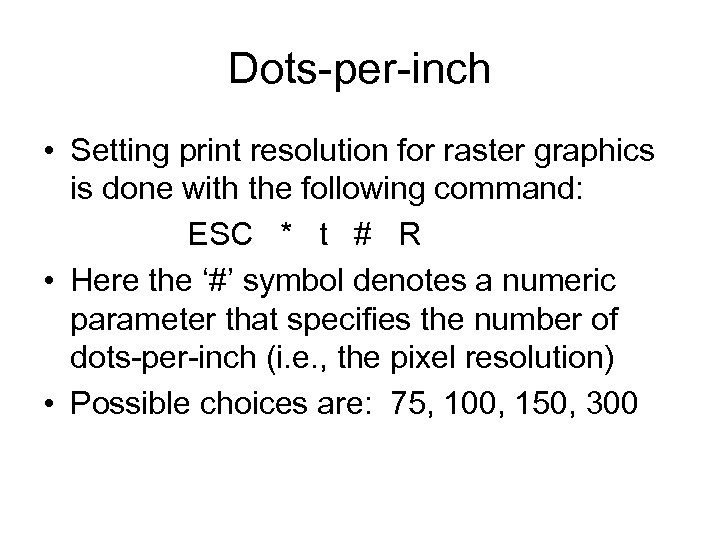
Dots-per-inch • Setting print resolution for raster graphics is done with the following command: ESC * t # R • Here the ‘#’ symbol denotes a numeric parameter that specifies the number of dots-per-inch (i. e. , the pixel resolution) • Possible choices are: 75, 100, 150, 300
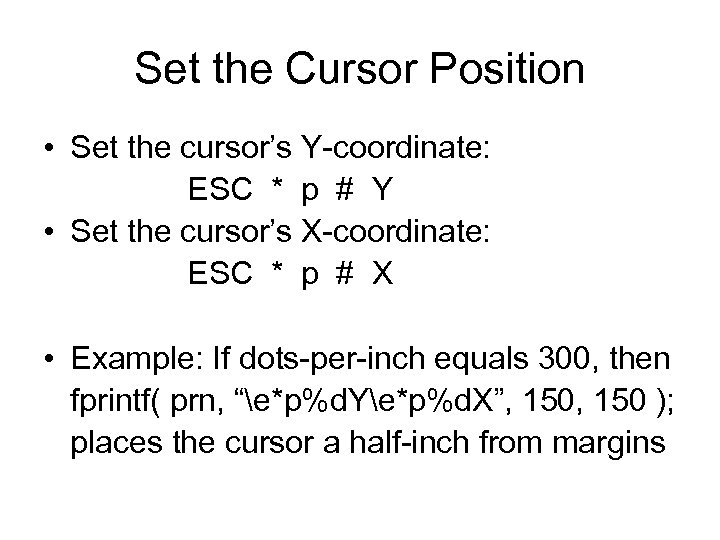
Set the Cursor Position • Set the cursor’s Y-coordinate: ESC * p # Y • Set the cursor’s X-coordinate: ESC * p # X • Example: If dots-per-inch equals 300, then fprintf( prn, “e*p%d. Ye*p%d. X”, 150 ); places the cursor a half-inch from margins
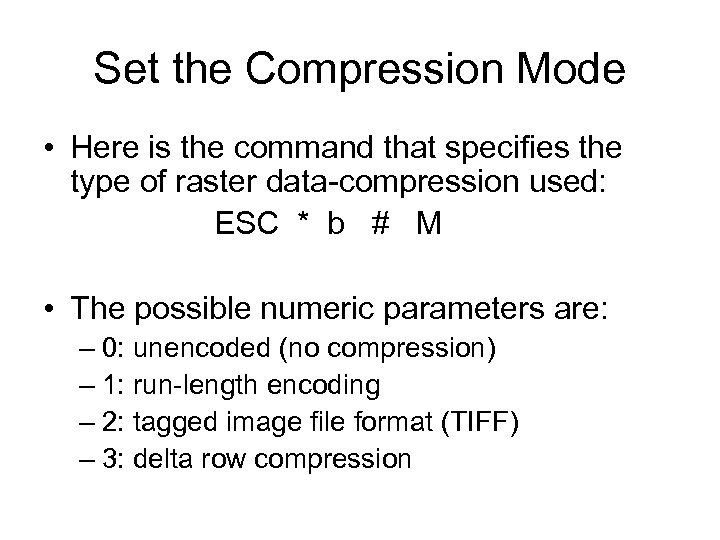
Set the Compression Mode • Here is the command that specifies the type of raster data-compression used: ESC * b # M • The possible numeric parameters are: – 0: unencoded (no compression) – 1: run-length encoding – 2: tagged image file format (TIFF) – 3: delta row compression
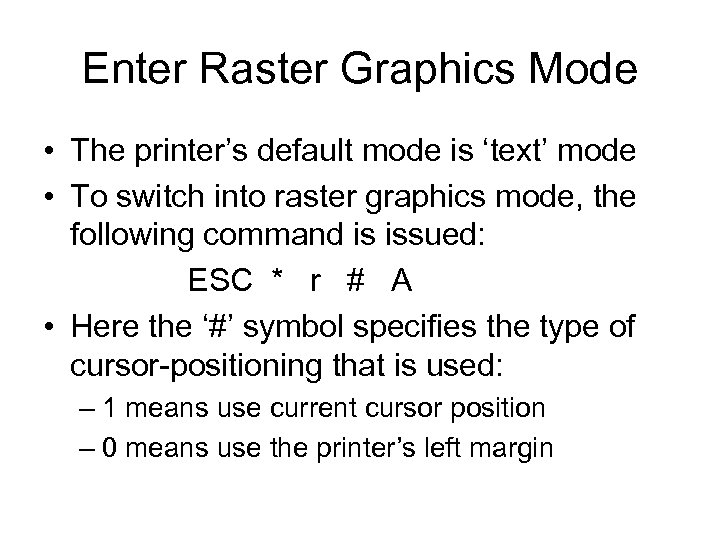
Enter Raster Graphics Mode • The printer’s default mode is ‘text’ mode • To switch into raster graphics mode, the following command is issued: ESC * r # A • Here the ‘#’ symbol specifies the type of cursor-positioning that is used: – 1 means use current cursor position – 0 means use the printer’s left margin
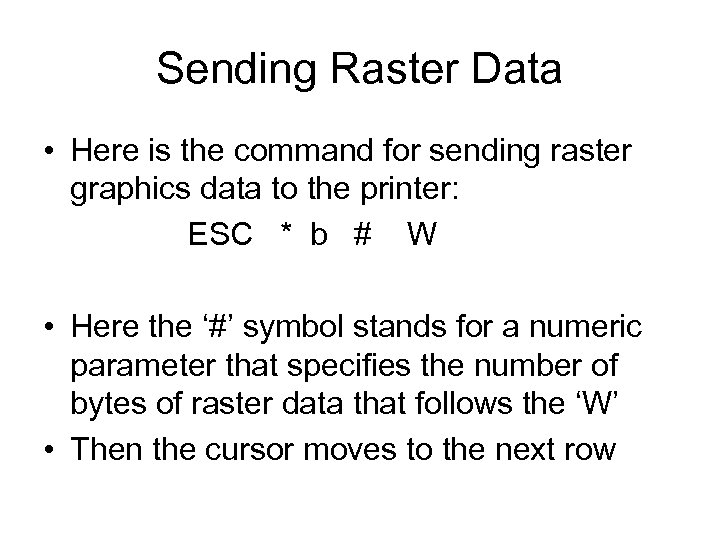
Sending Raster Data • Here is the command for sending raster graphics data to the printer: ESC * b # W • Here the ‘#’ symbol stands for a numeric parameter that specifies the number of bytes of raster data that follows the ‘W’ • Then the cursor moves to the next row
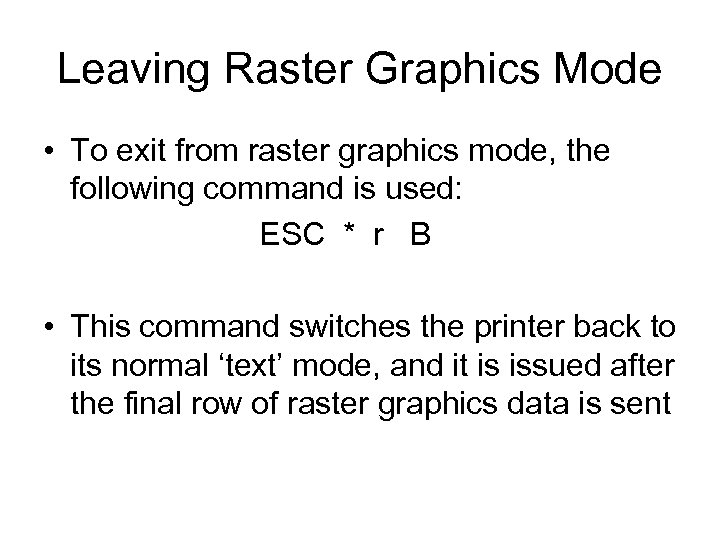
Leaving Raster Graphics Mode • To exit from raster graphics mode, the following command is used: ESC * r B • This command switches the printer back to its normal ‘text’ mode, and it is issued after the final row of raster graphics data is sent
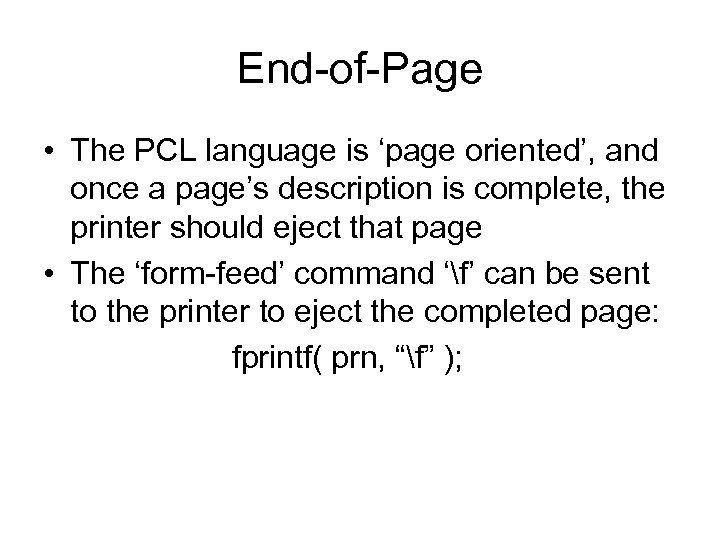
End-of-Page • The PCL language is ‘page oriented’, and once a page’s description is complete, the printer should eject that page • The ‘form-feed’ command ‘f’ can be sent to the printer to eject the completed page: fprintf( prn, “f” );
Our ‘wavprint. cpp’ demo • We have posted an application program that prints certain Waveform Audio files, using the printer’s PCL raster graphics commands • So far it only works with 8 -bit non-stereo data-format • To avoid wasting paper and toner, it only prints the first page of the waveform
Скачать презентацию Printing Graphics An introduction to capabilities of the
34de6b85339faa0ef4e964a1ba760497.ppt