 Скачать презентацию Preservation Strategies of the Koninklijke Bibliotheek Hilde van
7b20af16b9dc7235709274232c381a23.ppt
- Количество слайдов: 17



Preservation Strategies of the Koninklijke Bibliotheek Hilde van Wijngaarden Digital Preservation Officer Koninklijke Bibliotheek/ National Library of the Netherlands www. kb. nl/e-depot
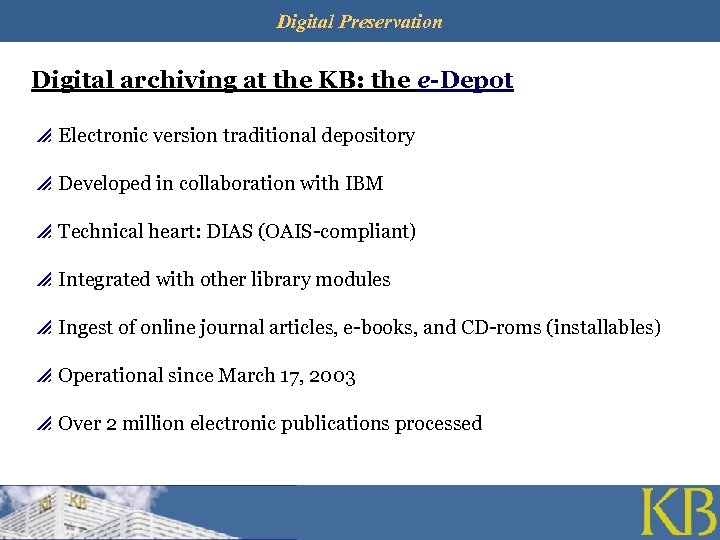
Digital Preservation Digital archiving at the KB: the e-Depot p Electronic version traditional depository p Developed in collaboration with IBM p Technical heart: DIAS (OAIS-compliant) p Integrated with other library modules p Ingest of online journal articles, e-books, and CD-roms (installables) p Operational since March 17, 2003 p Over 2 million electronic publications processed
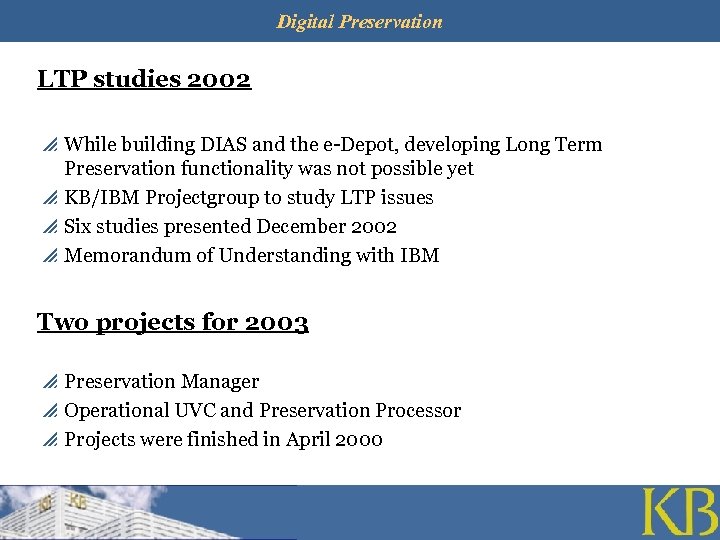
Digital Preservation LTP studies 2002 p While building DIAS and the e-Depot, developing Long Term Preservation functionality was not possible yet p KB/IBM Projectgroup to study LTP issues p Six studies presented December 2002 p Memorandum of Understanding with IBM Two projects for 2003 p Preservation Manager p Operational UVC and Preservation Processor p Projects were finished in April 2000
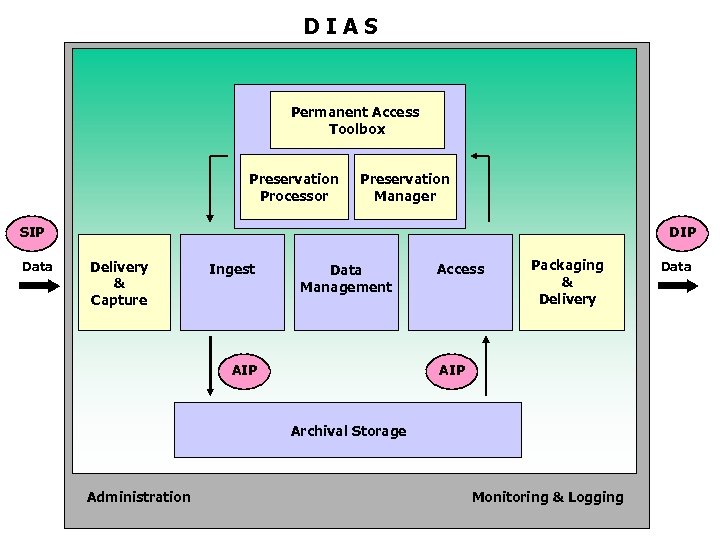
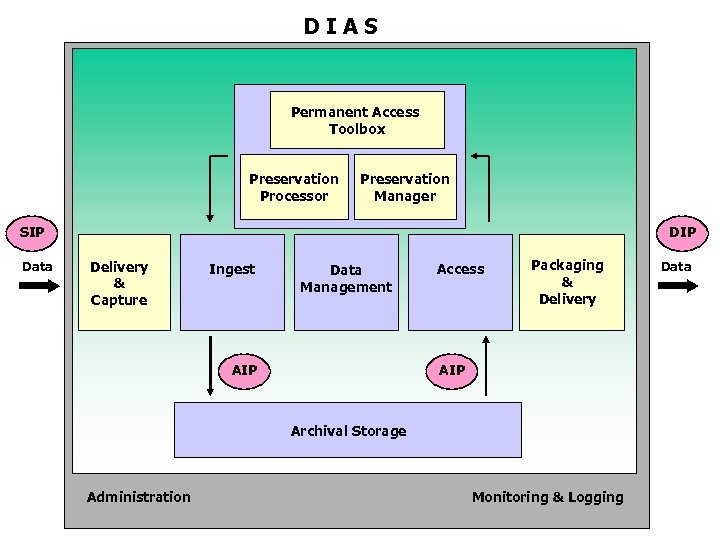
O IS D IAA S Permanent Access Toolbox Preservation Planning Preservation Processor Preservation Manager SIP Data DIP Delivery & Capture Ingest Data Management AIP Access Packaging & Delivery AIP Archival Storage Administration Monitoring & Logging Data
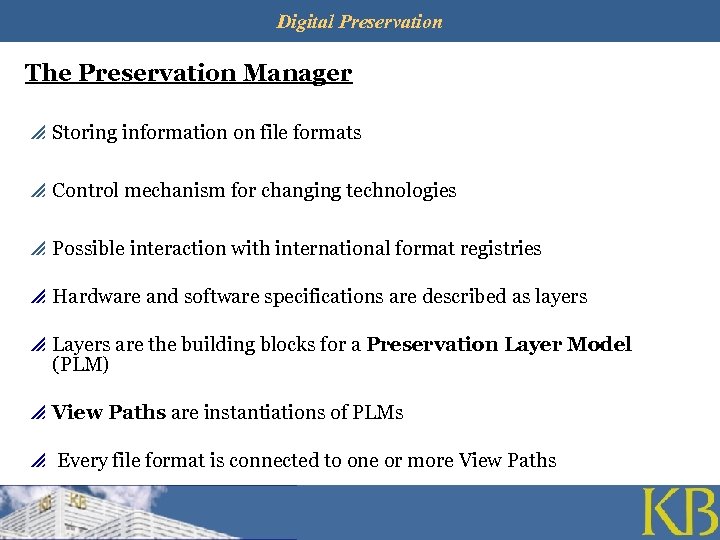
Digital Preservation The Preservation Manager p Storing information on file formats p Control mechanism for changing technologies p Possible interaction with international format registries p Hardware and software specifications are described as layers p Layers are the building blocks for a Preservation Layer Model (PLM) p View Paths are instantiations of PLMs p Every file format is connected to one or more View Paths
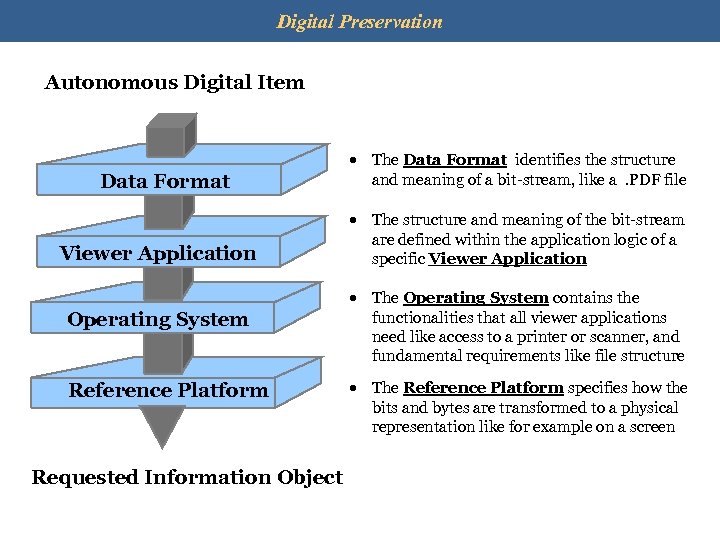
Digital Preservation Autonomous Digital Item Data Format Viewer Application Operating System Reference Platform Requested Information Object · The Data Format identifies the structure and meaning of a bit-stream, like a. PDF file · The structure and meaning of the bit-stream are defined within the application logic of a specific Viewer Application · The Operating System contains the functionalities that all viewer applications need like access to a printer or scanner, and fundamental requirements like file structure · The Reference Platform specifies how the bits and bytes are transformed to a physical representation like for example on a screen
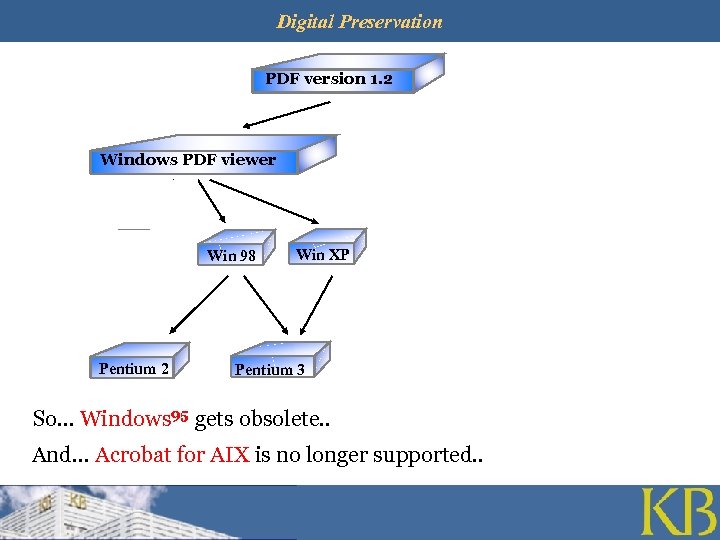
Legal Deposit of Digital Materials Digital Preservation Erik Oltmans PDF version 1. 2 Windows PDF viewer Win 95 Pentium 2 Win 98 AIX PDF viewer Win XP Pentium 3 AIX 4. 2 RS/6000 So… Windows 95 gets obsolete. . And… Acrobat for AIX is no longer supported. . AIX 4. 3 RS/6000 SP
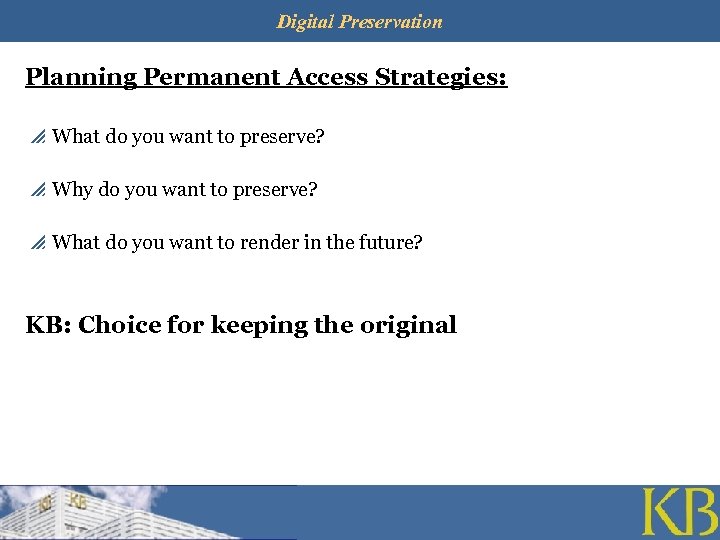
Digital Preservation Planning Permanent Access Strategies: p What do you want to preserve? p Why do you want to preserve? p What do you want to render in the future? KB: Choice for keeping the original
Digital Preservation Consequence of choosing to keep the original: p Limited number of strategies p Emulation is the preferred strategy Emulation: p Never operationalised in a digital archiving environment p Project will start this year, in co-operation with the Dutch National Archives Universal Virtual Computer: p Combination of emulation and migration (on-the-fly) p Joint project with IBM to develop operational UVC p First operational UVC for JPEG
Digital Preservation Universal Virtual Computer (UVC) p Approach developed by Raymond Lorie (IBM) p A specification of a virtual intermediate platform p Simple enough to be implemented on any future platform p A UVC Decoder translates objects into a Logical Data View (XMLlike) p A schema explains the Logical Data View to enable future viewing
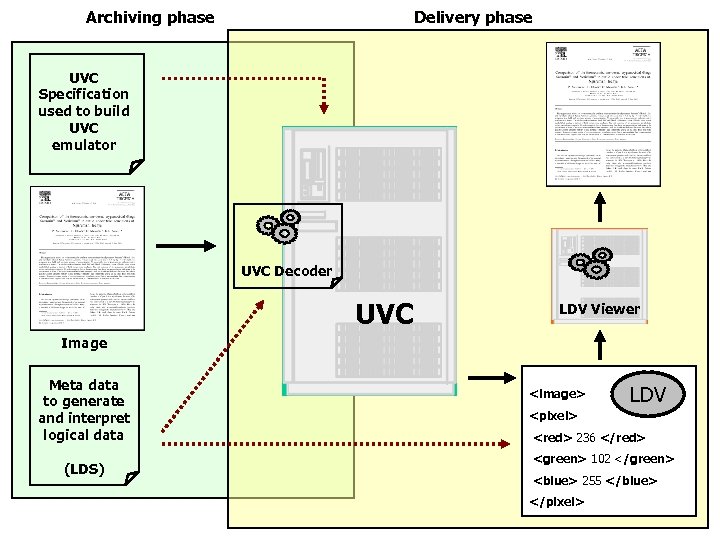
Archiving phase Delivery phase UVC Specification used to build UVC emulator UVC Decoder UVC LDV Viewer Image Meta data to generate and interpret logical data (LDS) <image> LDV <pixel> <red> 236 </red> <green> 102 </green> <blue> 255 </blue> </pixel>
Digital Preservation An operational UVC for JPEG p UVC for PDF too complicated p To review this strategy we need an operational tool p All the components for a working solution needed p Convert PDF to JPEG p The ‘safety-net’ solution: UVC for images
Digital Preservation DEMO of the UVC for JPEG
O IS D IAA S Permanent Access Toolbox Preservation Planning Preservation Processor Preservation Manager SIP Data DIP Delivery & Capture Ingest Data Management AIP Access Packaging & Delivery AIP Archival Storage Administration Monitoring & Logging Data
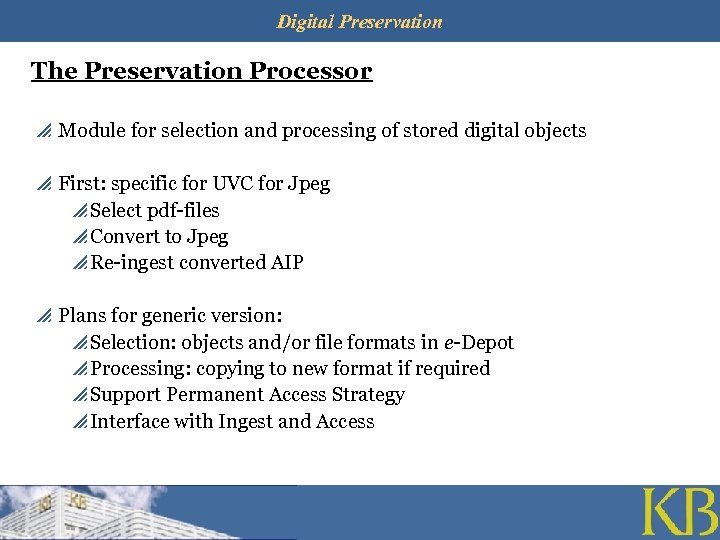
Digital Preservation The Preservation Processor p Module for selection and processing of stored digital objects p First: specific for UVC for Jpeg p Select pdf-files p Convert to Jpeg p Re-ingest converted AIP p Plans for generic version: p Selection: objects and/or file formats in e-Depot p Processing: copying to new format if required p Support Permanent Access Strategy p Interface with Ingest and Access
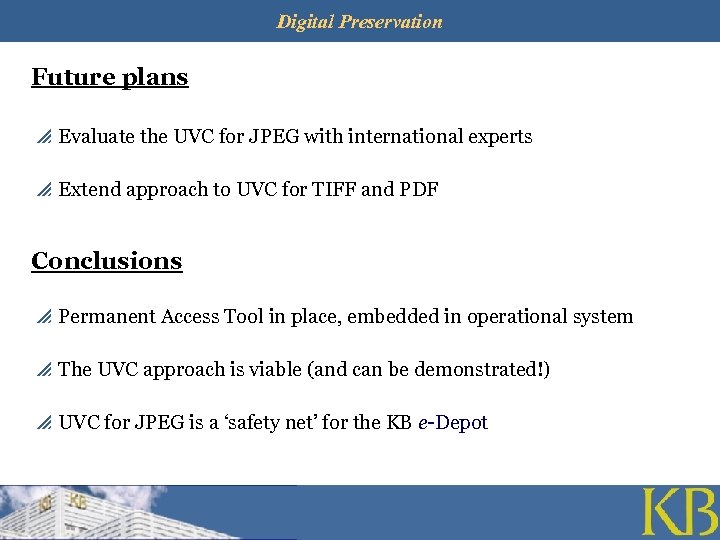
Digital Preservation Future plans p Evaluate the UVC for JPEG with international experts p Extend approach to UVC for TIFF and PDF Conclusions p Permanent Access Tool in place, embedded in operational system p The UVC approach is viable (and can be demonstrated!) p UVC for JPEG is a ‘safety net’ for the KB e-Depot
Digital Preservation Any questions?
Скачать презентацию Preservation Strategies of the Koninklijke Bibliotheek Hilde van
7b20af16b9dc7235709274232c381a23.ppt