 Скачать презентацию Portnov Computer School Selenium HP Web Test Tool
ee109229b25e5d0c7ddd193c1cbd6967.ppt
- Количество слайдов: 12




Portnov Computer School Selenium HP Web Test Tool Training Test Automation For Web-Based Applications Presenter: Ellie Skobel

Day 5 Selenium IDE Advanced Java. Script 2
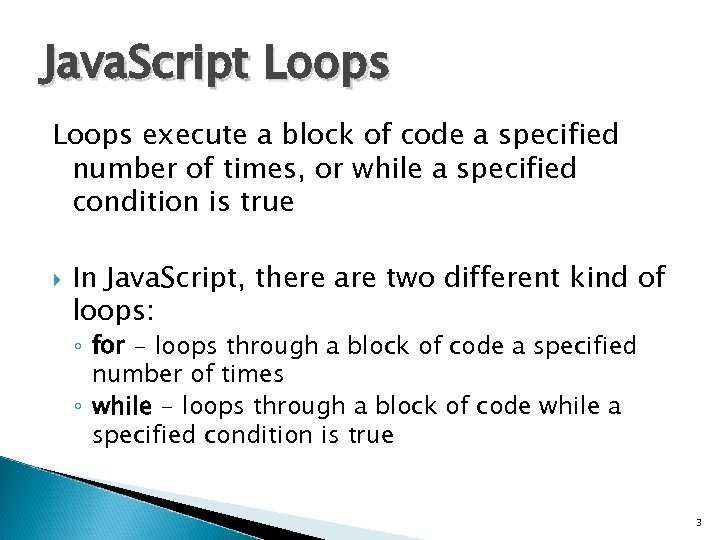
Java. Script Loops execute a block of code a specified number of times, or while a specified condition is true In Java. Script, there are two different kind of loops: ◦ for - loops through a block of code a specified number of times ◦ while - loops through a block of code while a specified condition is true 3
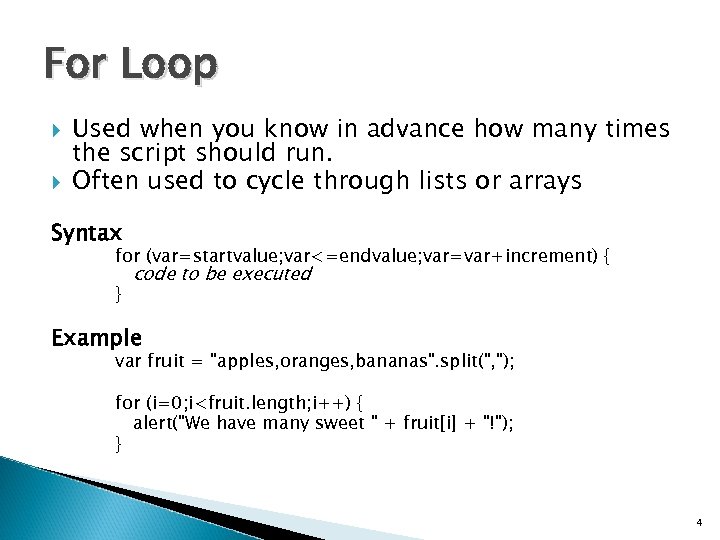
For Loop Used when you know in advance how many times the script should run. Often used to cycle through lists or arrays Syntax for (var=startvalue; var<=endvalue; var=var+increment) { } code to be executed Example var fruit = "apples, oranges, bananas". split(", "); for (i=0; i<fruit. length; i++) { alert("We have many sweet " + fruit[i] + "!"); } 4
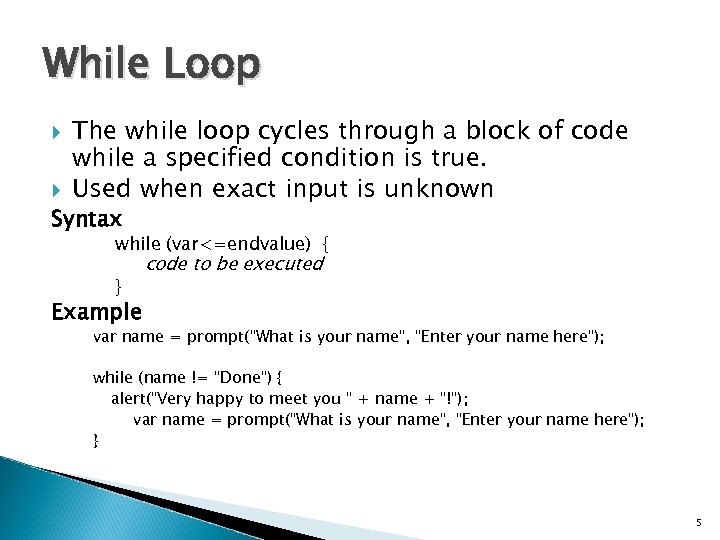
While Loop The while loop cycles through a block of code while a specified condition is true. Used when exact input is unknown Syntax while (var<=endvalue) { code to be executed } Example var name = prompt("What is your name", "Enter your name here"); while (name != "Done") { alert("Very happy to meet you " + name + "!"); var name = prompt("What is your name", "Enter your name here"); } 5
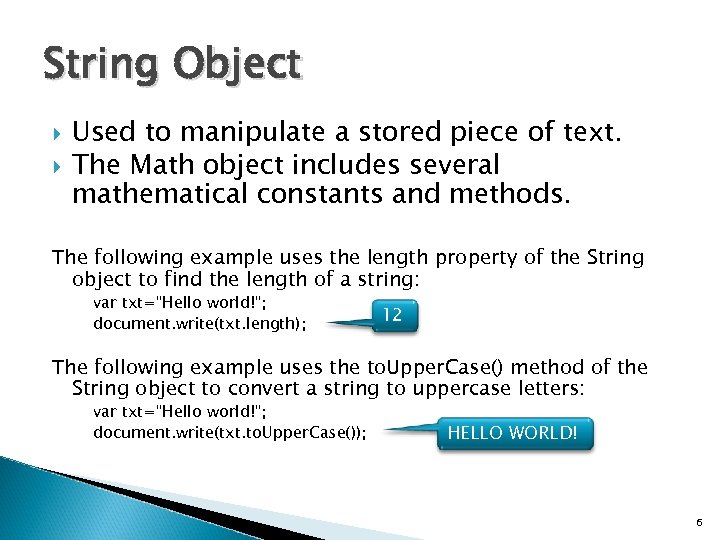
String Object Used to manipulate a stored piece of text. The Math object includes several mathematical constants and methods. The following example uses the length property of the String object to find the length of a string: var txt="Hello world!"; document. write(txt. length); 12 The following example uses the to. Upper. Case() method of the String object to convert a string to uppercase letters: var txt="Hello world!"; document. write(txt. to. Upper. Case()); HELLO WORLD! 6
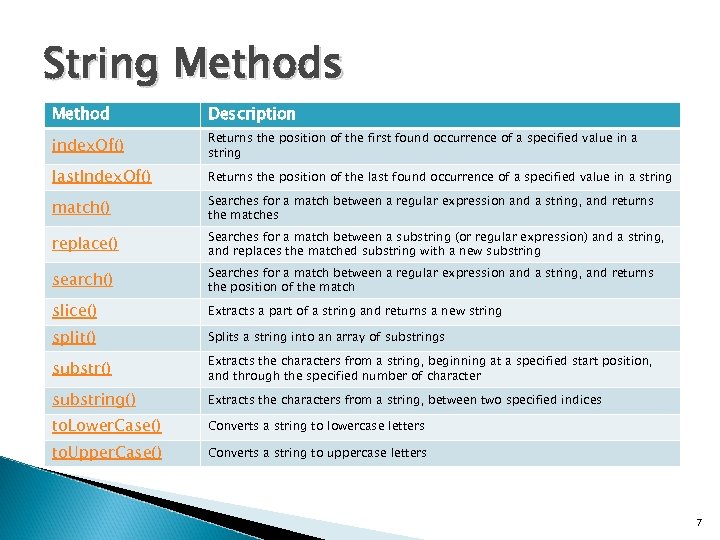
String Methods Method Description index. Of() Returns the position of the first found occurrence of a specified value in a string last. Index. Of() Returns the position of the last found occurrence of a specified value in a string match() Searches for a match between a regular expression and a string, and returns the matches replace() Searches for a match between a substring (or regular expression) and a string, and replaces the matched substring with a new substring search() Searches for a match between a regular expression and a string, and returns the position of the match slice() Extracts a part of a string and returns a new string split() Splits a string into an array of substrings substr() Extracts the characters from a string, beginning at a specified start position, and through the specified number of character substring() Extracts the characters from a string, between two specified indices to. Lower. Case() Converts a string to lowercase letters to. Upper. Case() Converts a string to uppercase letters 7
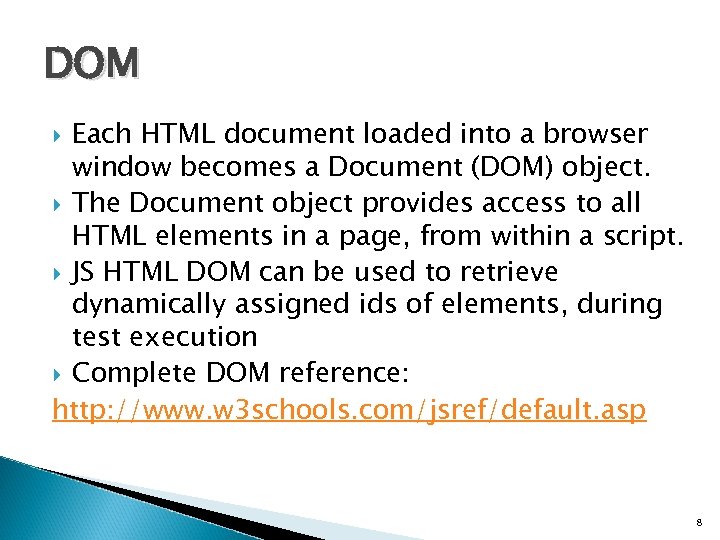
DOM Each HTML document loaded into a browser window becomes a Document (DOM) object. The Document object provides access to all HTML elements in a page, from within a script. JS HTML DOM can be used to retrieve dynamically assigned ids of elements, during test execution Complete DOM reference: http: //www. w 3 schools. com/jsref/default. asp 8
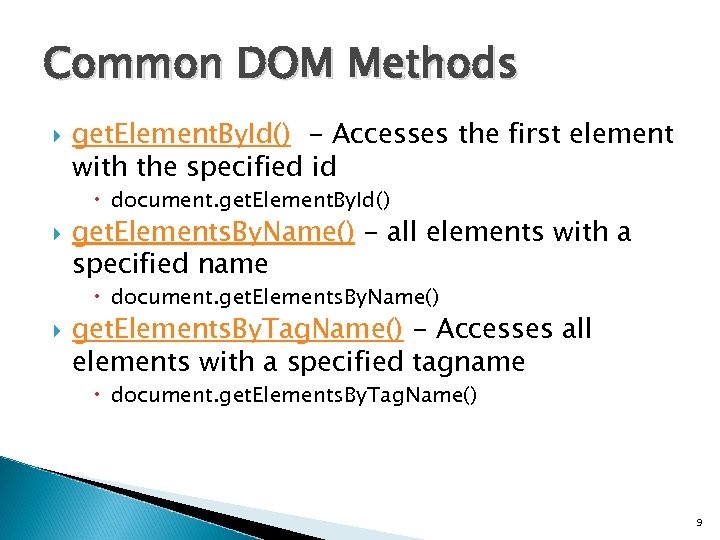
Common DOM Methods get. Element. By. Id() - Accesses the first element with the specified id document. get. Element. By. Id() get. Elements. By. Name() - all elements with a specified name document. get. Elements. By. Name() get. Elements. By. Tag. Name() - Accesses all elements with a specified tagname document. get. Elements. By. Tag. Name() 9
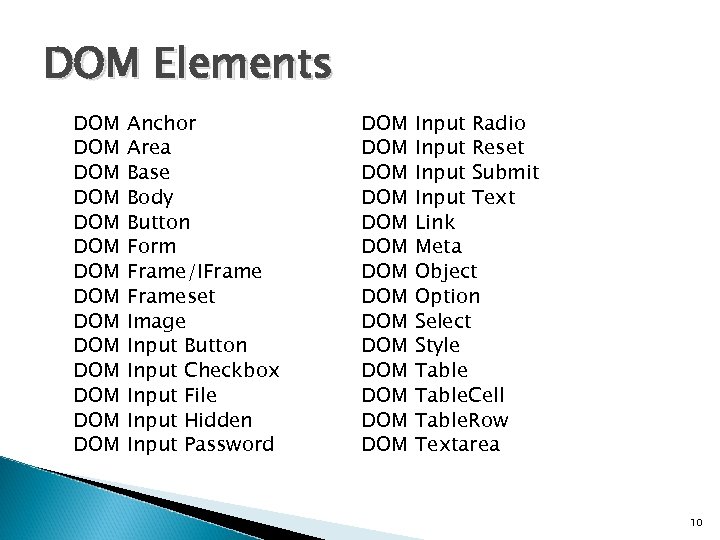
DOM Elements DOM DOM DOM DOM Anchor Area Base Body Button Form Frame/IFrameset Image Input Button Input Checkbox Input File Input Hidden Input Password DOM DOM DOM DOM Input Radio Input Reset Input Submit Input Text Link Meta Object Option Select Style Table. Cell Table. Row Textarea 10
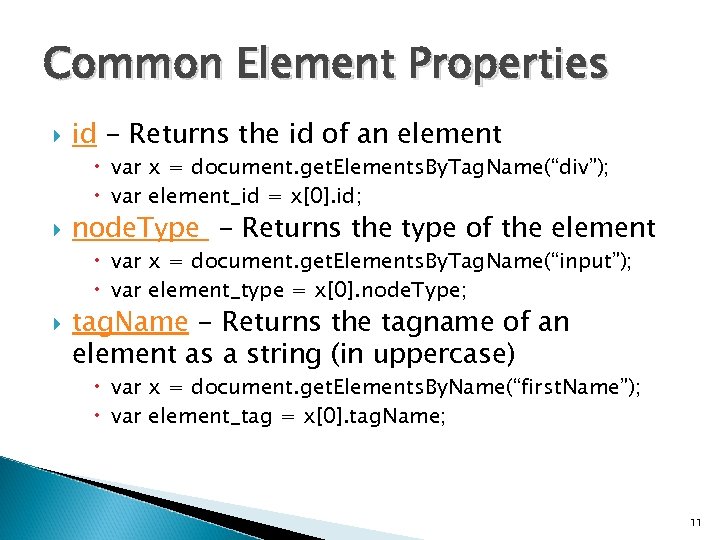
Common Element Properties id - Returns the id of an element var x = document. get. Elements. By. Tag. Name(“div”); var element_id = x[0]. id; node. Type - Returns the type of the element var x = document. get. Elements. By. Tag. Name(“input”); var element_type = x[0]. node. Type; tag. Name - Returns the tagname of an element as a string (in uppercase) var x = document. get. Elements. By. Name(“first. Name”); var element_tag = x[0]. tag. Name; 11
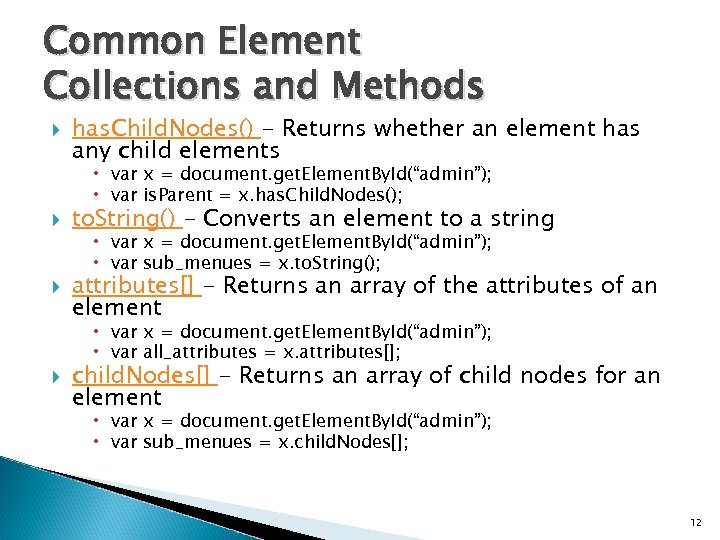
Common Element Collections and Methods has. Child. Nodes() - Returns whether an element has any child elements var x = document. get. Element. By. Id(“admin”); var is. Parent = x. has. Child. Nodes(); to. String() - Converts an element to a string var x = document. get. Element. By. Id(“admin”); var sub_menues = x. to. String(); attributes[] - Returns an array of the attributes of an element var x = document. get. Element. By. Id(“admin”); var all_attributes = x. attributes[]; child. Nodes[] - Returns an array of child nodes for an element var x = document. get. Element. By. Id(“admin”); var sub_menues = x. child. Nodes[]; 12
Скачать презентацию Portnov Computer School Selenium HP Web Test Tool
ee109229b25e5d0c7ddd193c1cbd6967.ppt