 Скачать презентацию Portal for Arc GIS Administration Bill Major and
f51f0c36bfce13b22d6088477e0be6bf.ppt
- Количество слайдов: 61



Portal for Arc. GIS: Administration Bill Major and Derek Law
Agenda • Installation and configuration – Advanced options Strongly Recommend: • Upgrading to 10. 4. 1 Knowledge of Portal for Arc. GIS • Common Portal administrative tasks • Customization – Advanced options • Enabling Operations Dashboard for Arc. GIS and Arc. GIS Maps for Office • Troubleshooting • Disconnected environment and high availability • Summary A
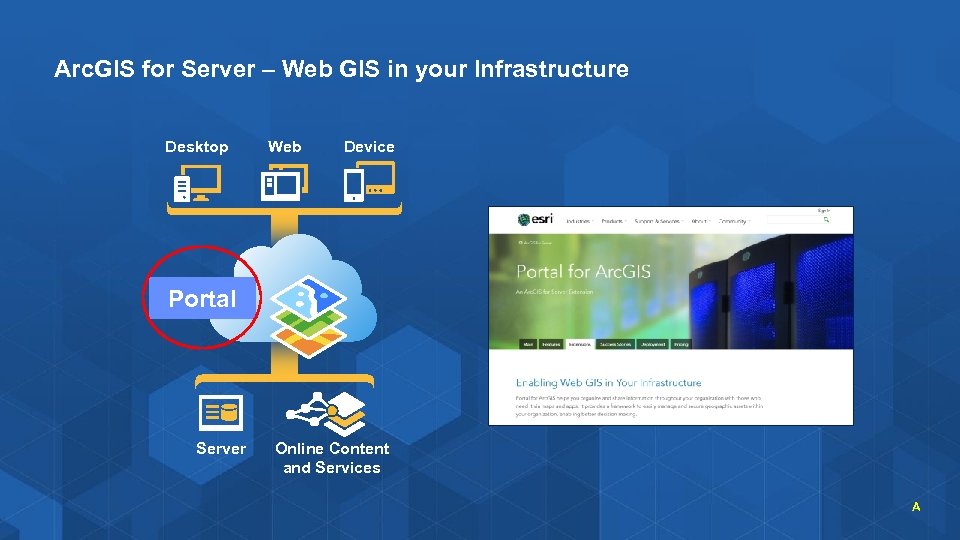
Arc. GIS for Server – Web GIS in your Infrastructure Desktop Web Device Portal Server Online Content and Services A
Installation and Configuration Advanced options
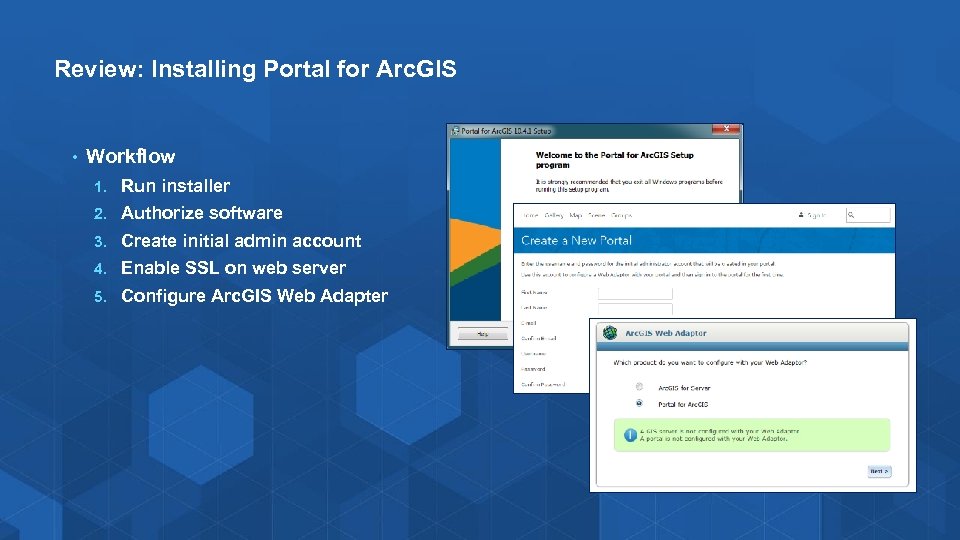
Review: Installing Portal for Arc. GIS • Workflow 1. Run installer 2. Authorize software 3. Create initial admin account 4. Enable SSL on web server 5. Configure Arc. GIS Web Adapter
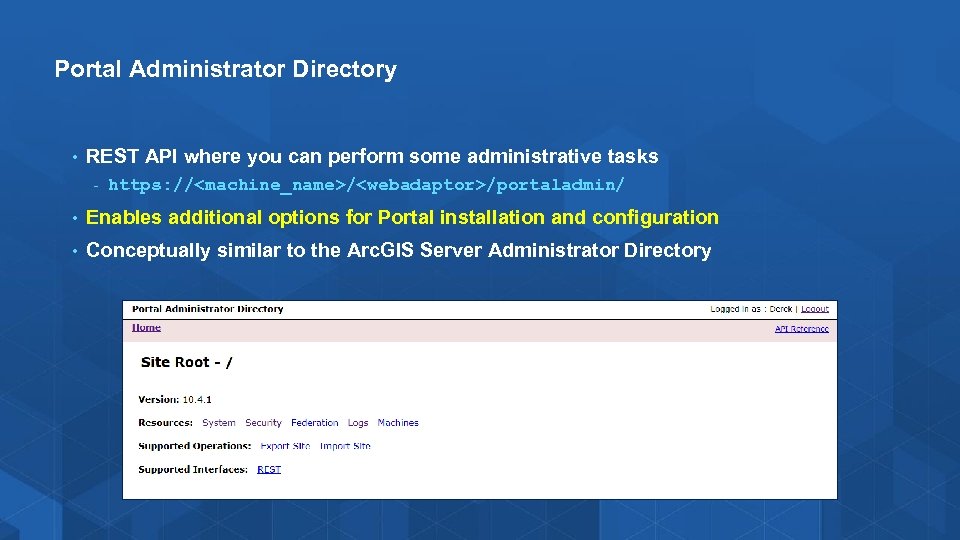
Portal Administrator Directory • REST API where you can perform some administrative tasks - https: //<machine_name>/<webadaptor>/portaladmin/ • Enables additional options for Portal installation and configuration • Conceptually similar to the Arc. GIS Server Administrator Directory
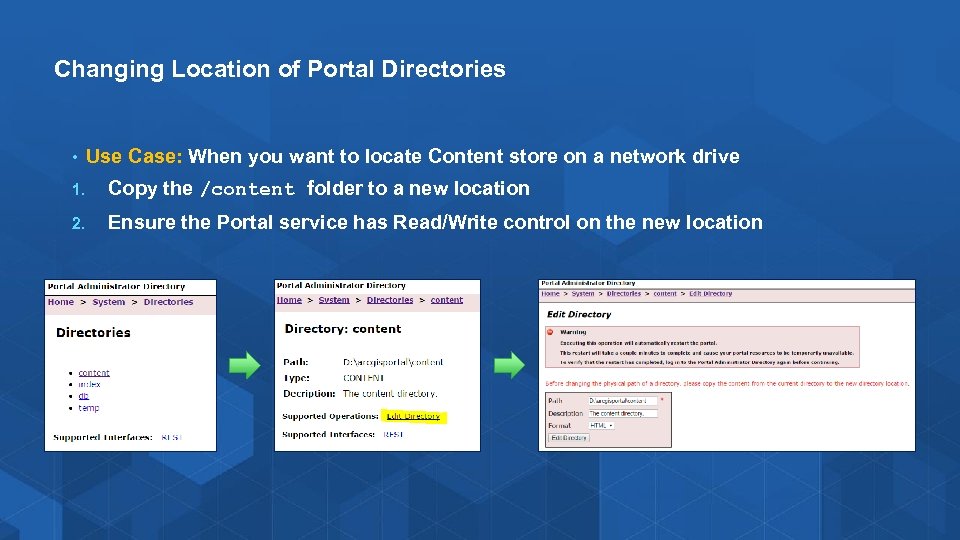
Changing Location of Portal Directories • Use Case: When you want to locate Content store on a network drive 1. Copy the /content folder to a new location 2. Ensure the Portal service has Read/Write control on the new location
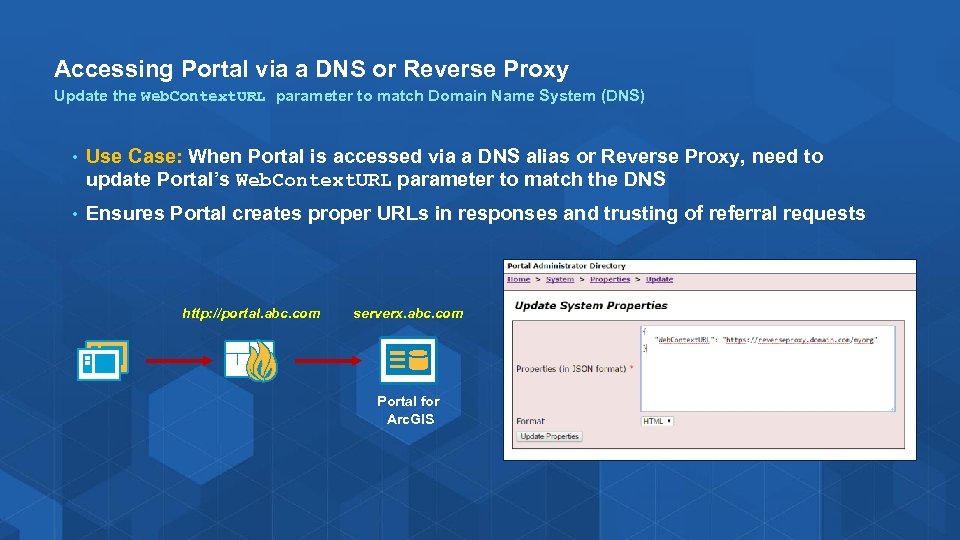
Accessing Portal via a DNS or Reverse Proxy Update the Web. Context. URL parameter to match Domain Name System (DNS) • Use Case: When Portal is accessed via a DNS alias or Reverse Proxy, need to update Portal’s Web. Context. URL parameter to match the DNS • Ensures Portal creates proper URLs in responses and trusting of referral requests http: //portal. abc. com serverx. abc. com Portal for Arc. GIS
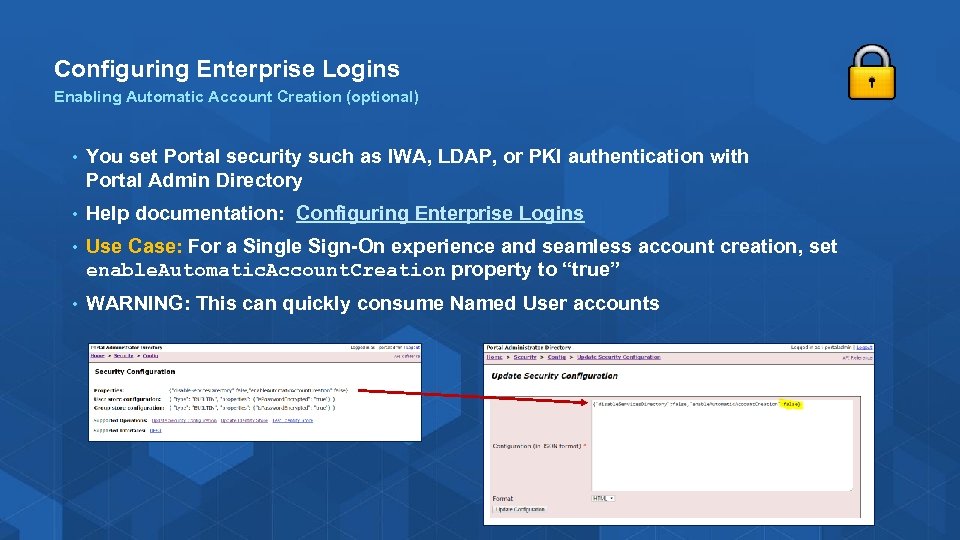
Configuring Enterprise Logins Enabling Automatic Account Creation (optional) • You set Portal security such as IWA, LDAP, or PKI authentication with Portal Admin Directory • Help documentation: Configuring Enterprise Logins • Use Case: For a Single Sign-On experience and seamless account creation, set enable. Automatic. Account. Creation property to “true” • WARNING: This can quickly consume Named User accounts
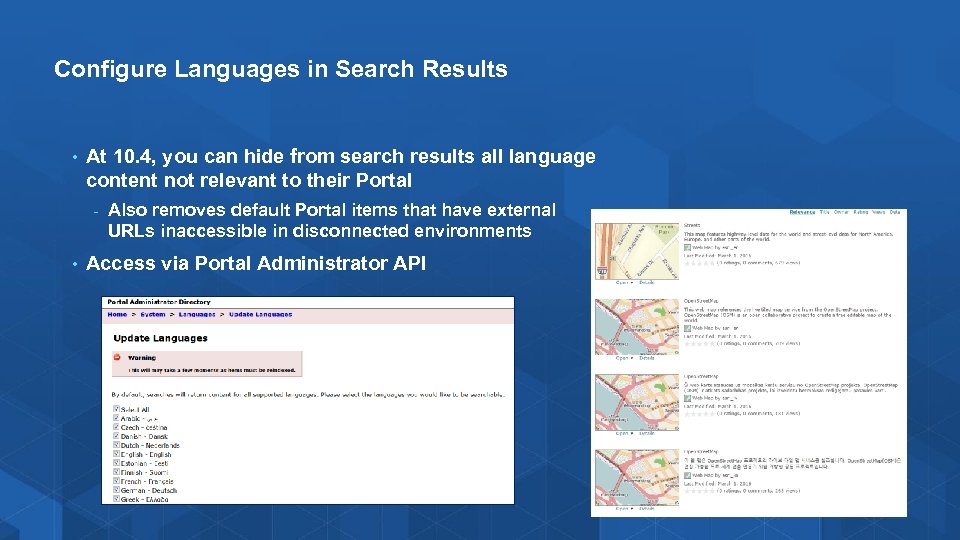
Configure Languages in Search Results • At 10. 4, you can hide from search results all language content not relevant to their Portal - • Also removes default Portal items that have external URLs inaccessible in disconnected environments Access via Portal Administrator API
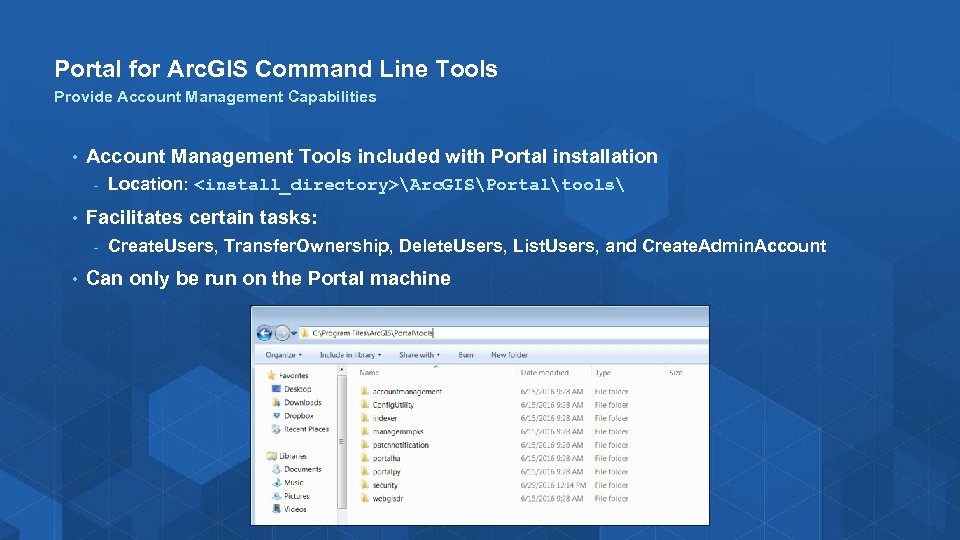
Portal for Arc. GIS Command Line Tools Provide Account Management Capabilities • Account Management Tools included with Portal installation - • Facilitates certain tasks: - • Location: <install_directory>Arc. GISPortaltools Create. Users, Transfer. Ownership, Delete. Users, List. Users, and Create. Admin. Account Can only be run on the Portal machine
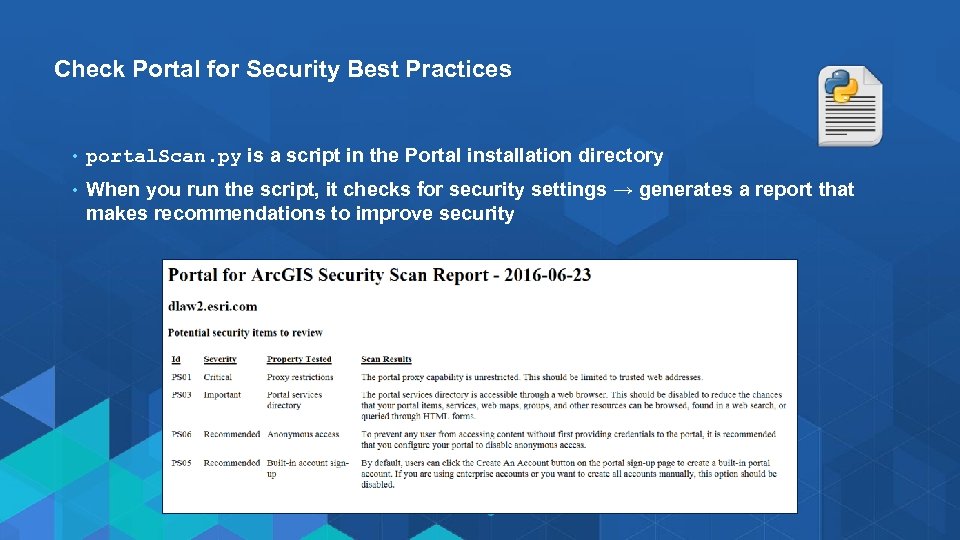
Check Portal for Security Best Practices • portal. Scan. py is a script in the Portal installation directory • When you run the script, it checks for security settings → generates a report that makes recommendations to improve security
Demo Portal for Arc. GIS Tour of Portal Administrator Directory Show Portal Command Line Tools
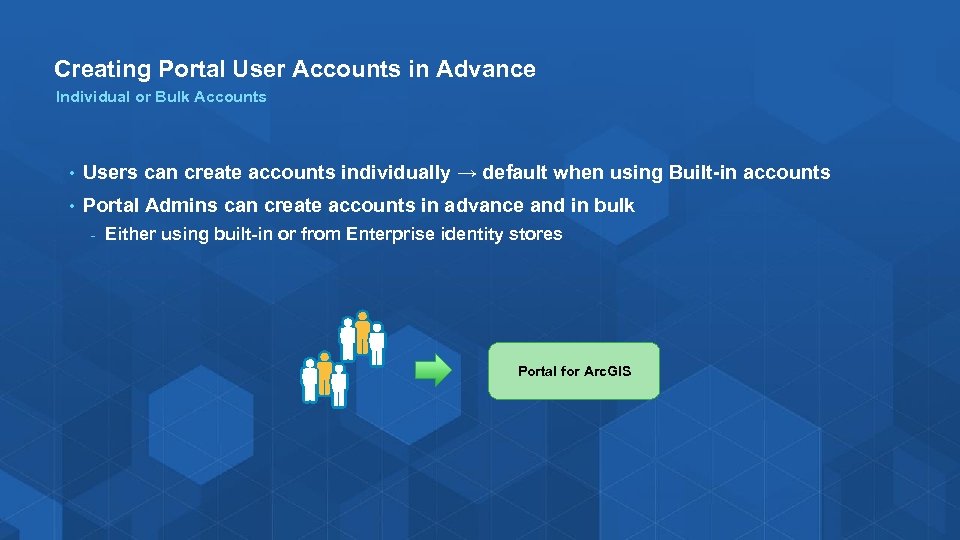
Creating Portal User Accounts in Advance Individual or Bulk Accounts • Users can create accounts individually → default when using Built-in accounts • Portal Admins can create accounts in advance and in bulk - Either using built-in or from Enterprise identity stores Portal for Arc. GIS
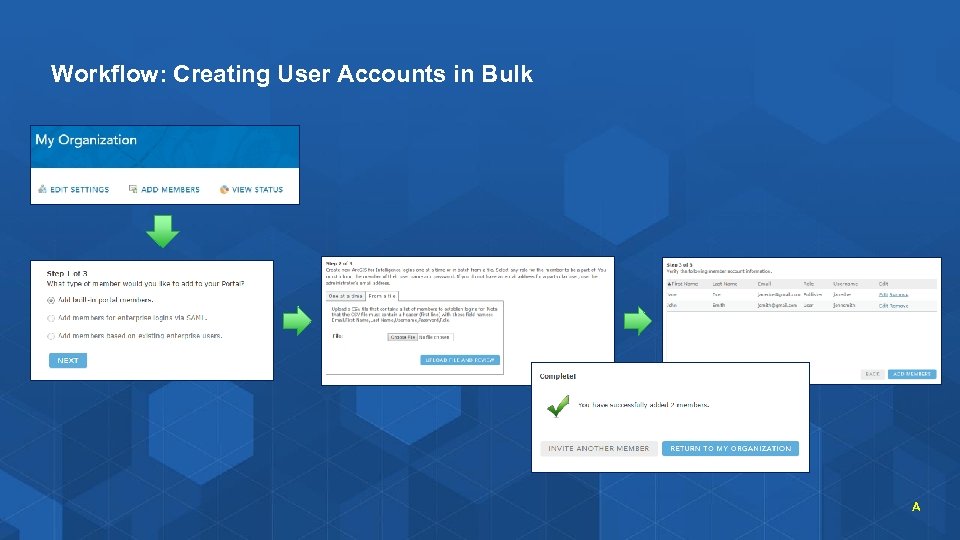
Workflow: Creating User Accounts in Bulk A
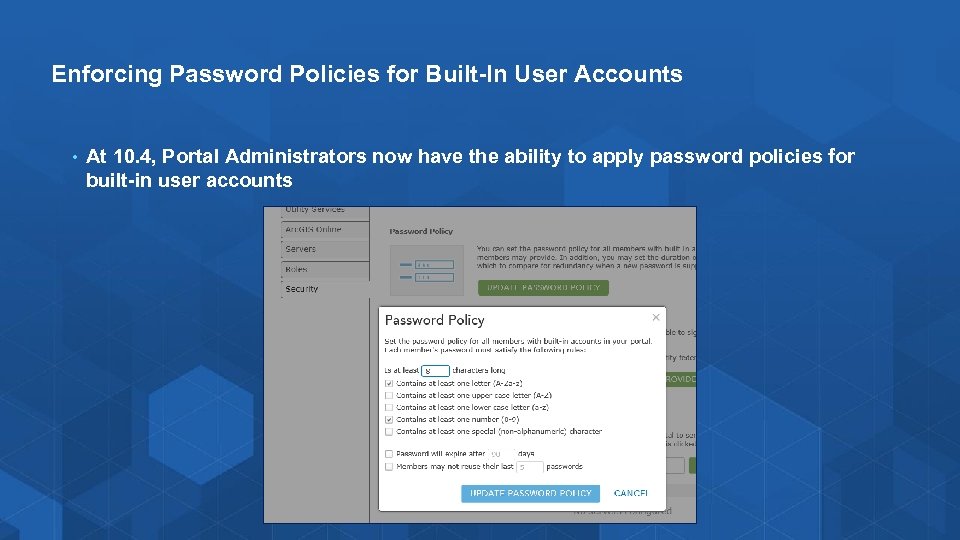
Enforcing Password Policies for Built-In User Accounts • At 10. 4, Portal Administrators now have the ability to apply password policies for built-in user accounts
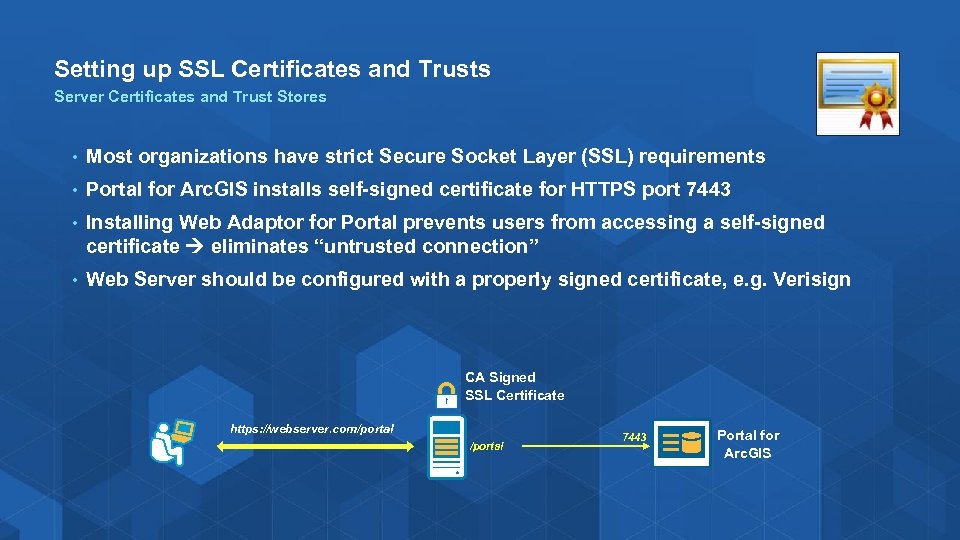
Setting up SSL Certificates and Trusts Server Certificates and Trust Stores • Most organizations have strict Secure Socket Layer (SSL) requirements • Portal for Arc. GIS installs self-signed certificate for HTTPS port 7443 • Installing Web Adaptor for Portal prevents users from accessing a self-signed certificate eliminates “untrusted connection” • Web Server should be configured with a properly signed certificate, e. g. Verisign CA Signed SSL Certificate https: //webserver. com/portal 7443 Portal for Arc. GIS
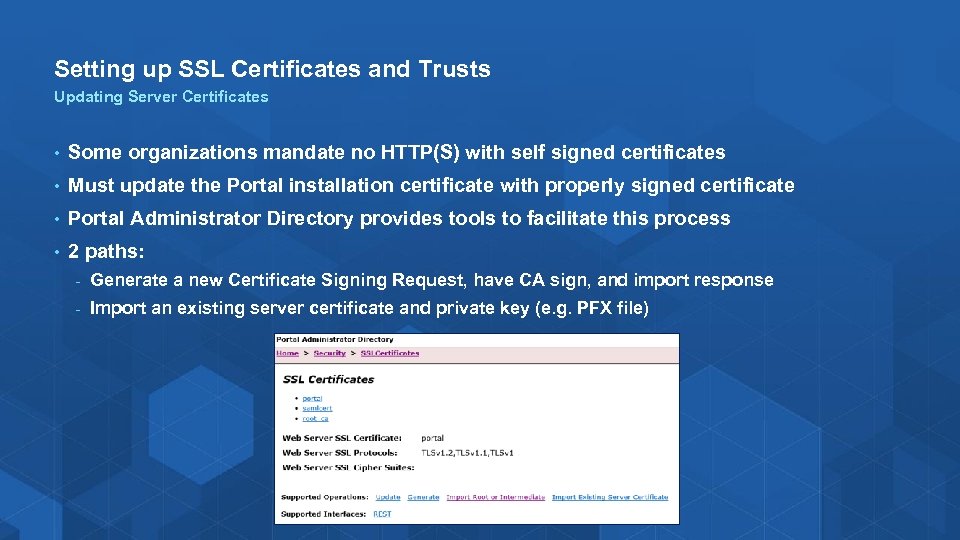
Setting up SSL Certificates and Trusts Updating Server Certificates • Some organizations mandate no HTTP(S) with self signed certificates • Must update the Portal installation certificate with properly signed certificate • Portal Administrator Directory provides tools to facilitate this process • 2 paths: - Generate a new Certificate Signing Request, have CA sign, and import response - Import an existing server certificate and private key (e. g. PFX file)
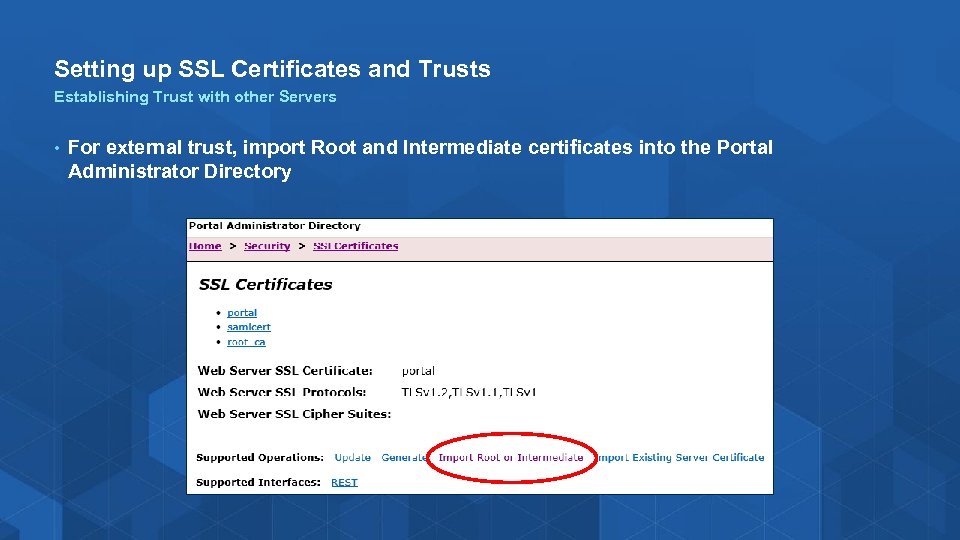
Setting up SSL Certificates and Trusts Establishing Trust with other Servers • For external trust, import Root and Intermediate certificates into the Portal Administrator Directory

Upgrading Portal
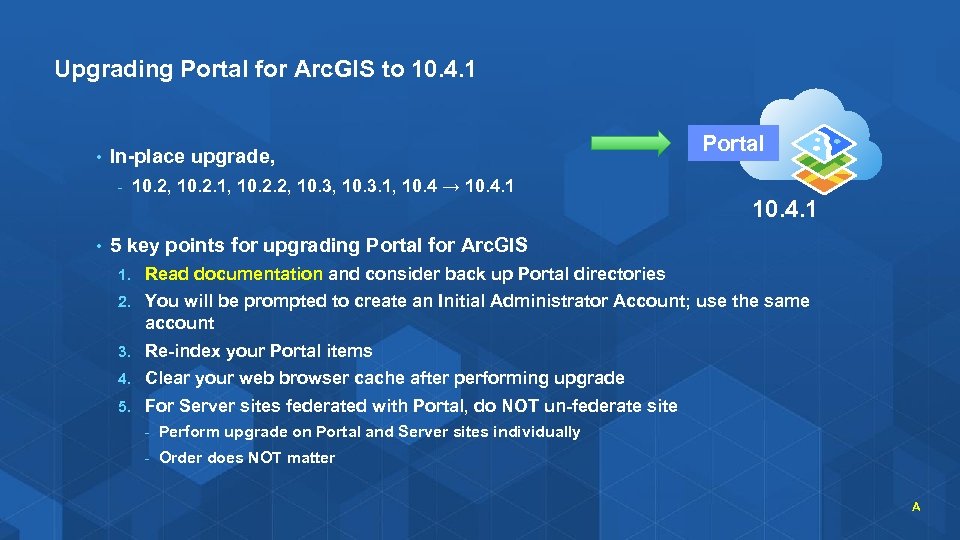
Upgrading Portal for Arc. GIS to 10. 4. 1 • In-place upgrade, - • 10. 2, 10. 2. 1, 10. 2. 2, 10. 3. 1, 10. 4 → 10. 4. 1 Portal 10. 4. 1 5 key points for upgrading Portal for Arc. GIS 1. Read documentation and consider back up Portal directories 2. You will be prompted to create an Initial Administrator Account; use the same account 3. Re-index your Portal items 4. Clear your web browser cache after performing upgrade 5. For Server sites federated with Portal, do NOT un-federate site - Perform upgrade on Portal and Server sites individually - Order does NOT matter A
Upgrading Portal for Arc. GIS to 10. 4. 1 • For Arc. GIS Web Adaptor, - • Must uninstall previous version, then reinstall 10. 4. 1 version Use the same name For Arc. GIS Data Store, - Arc. GIS Server must be upgraded first, before the Data Store - Reconfigure Arc. GIS Data Store with Arc. GIS Server - If you have standby deployment enable, need to upgrade primary machine first, then secondary machine

Common Administration Tasks
Common Portal Administrative Tasks • Customizing the Portal home page • Setting custom basemaps and utility services • Spatial analysis tools in the Portal map viewer • Applying custom templates • Enabling Arc. GIS Pro and Navigator for Arc. GIS licensing • Monitor Portal activity with Activity Dashboard
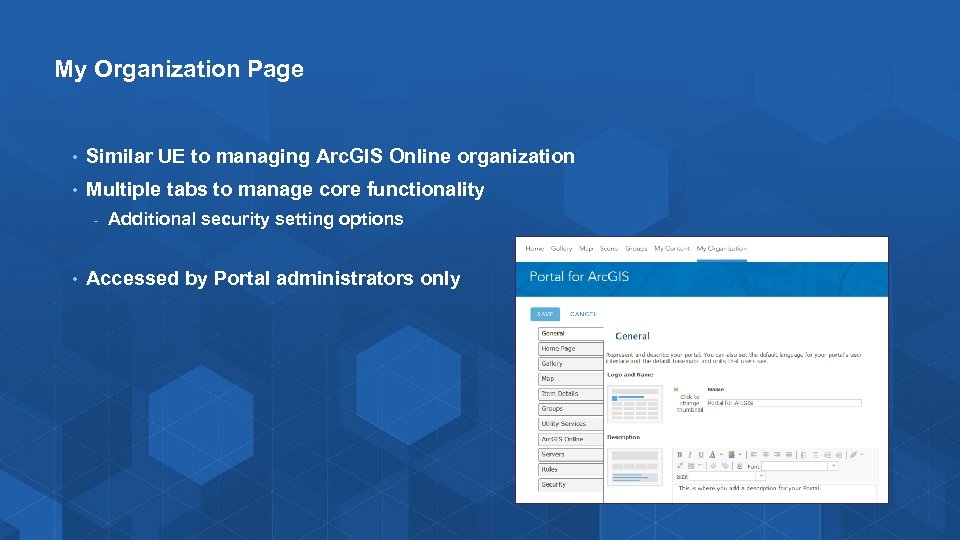
My Organization Page • Similar UE to managing Arc. GIS Online organization • Multiple tabs to manage core functionality - • Additional security setting options Accessed by Portal administrators only
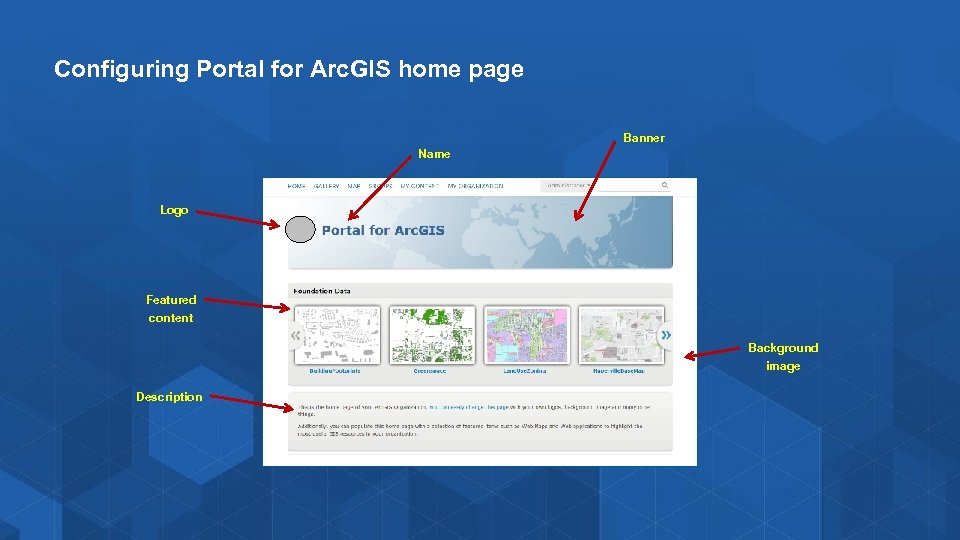
Configuring Portal for Arc. GIS home page Banner Name Logo Featured content Background image Description
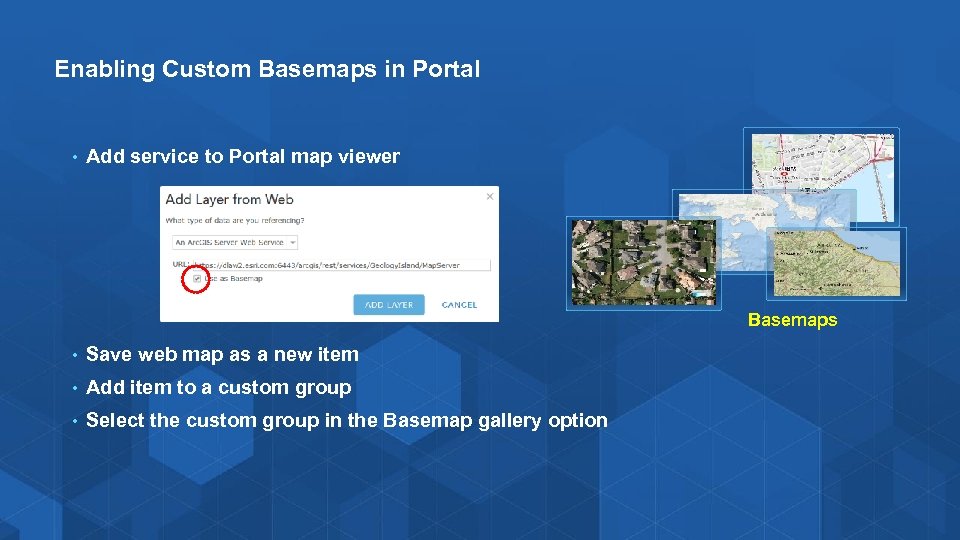
Enabling Custom Basemaps in Portal • Add service to Portal map viewer Basemaps • Save web map as a new item • Add item to a custom group • Select the custom group in the Basemap gallery option
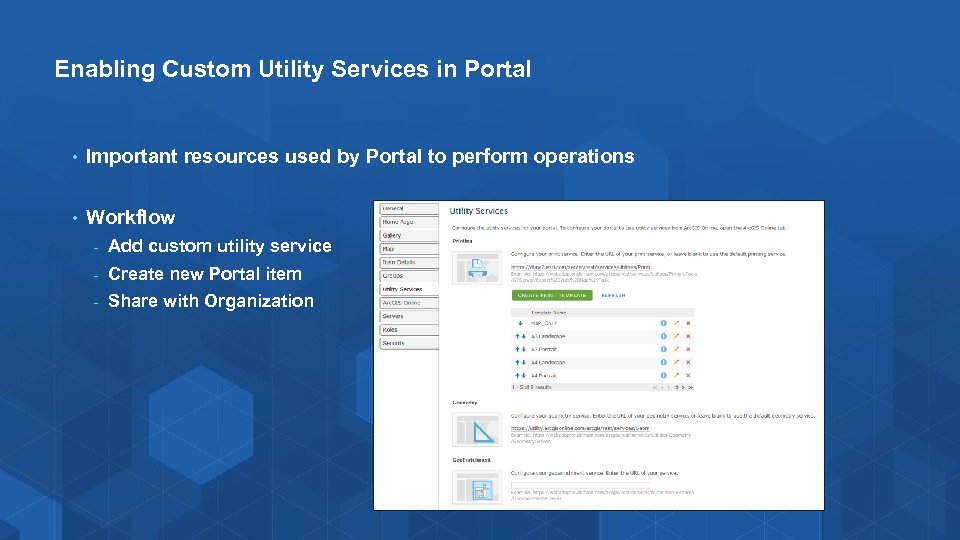
Enabling Custom Utility Services in Portal • Important resources used by Portal to perform operations • Workflow - Add custom utility service - Create new Portal item - Share with Organization
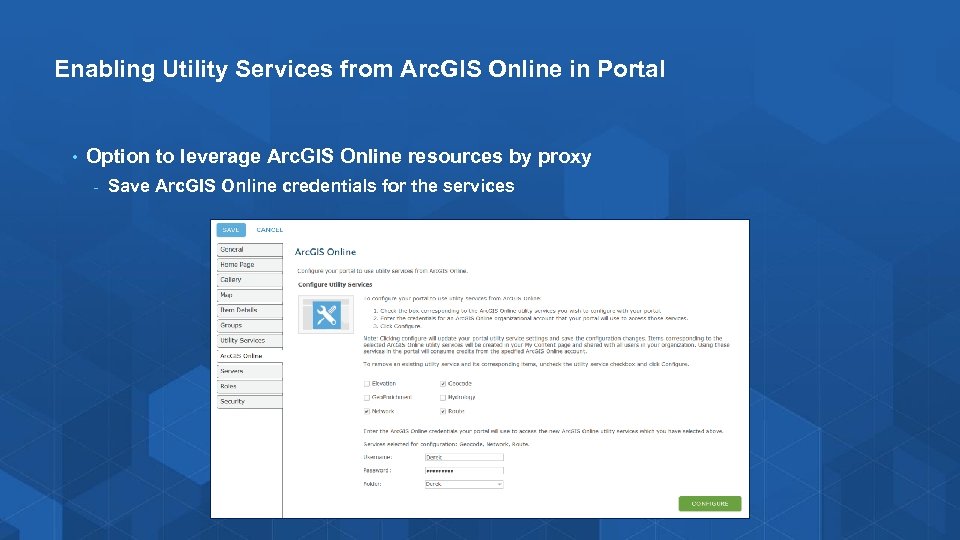
Enabling Utility Services from Arc. GIS Online in Portal • Option to leverage Arc. GIS Online resources by proxy - Save Arc. GIS Online credentials for the services
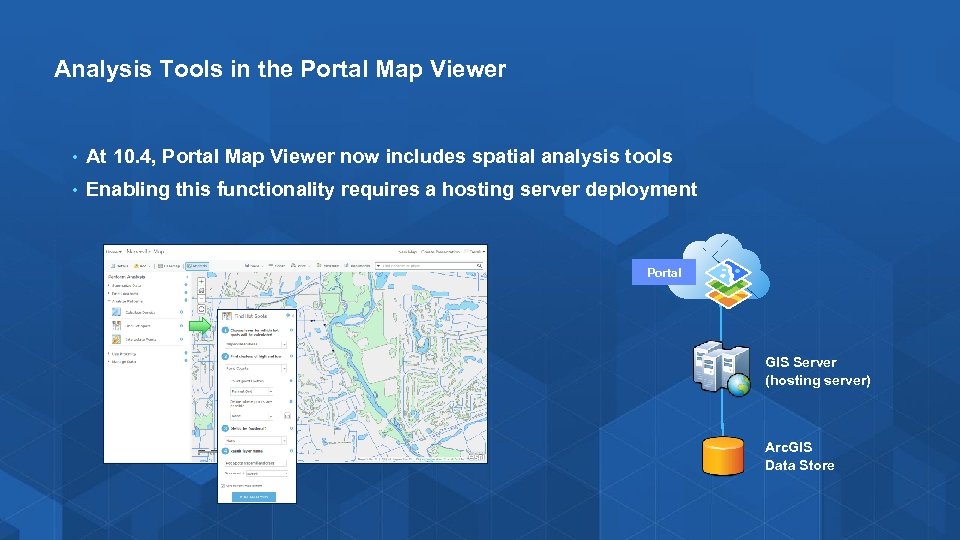
Analysis Tools in the Portal Map Viewer • At 10. 4, Portal Map Viewer now includes spatial analysis tools • Enabling this functionality requires a hosting server deployment Portal GIS Server (hosting server) Arc. GIS Data Store
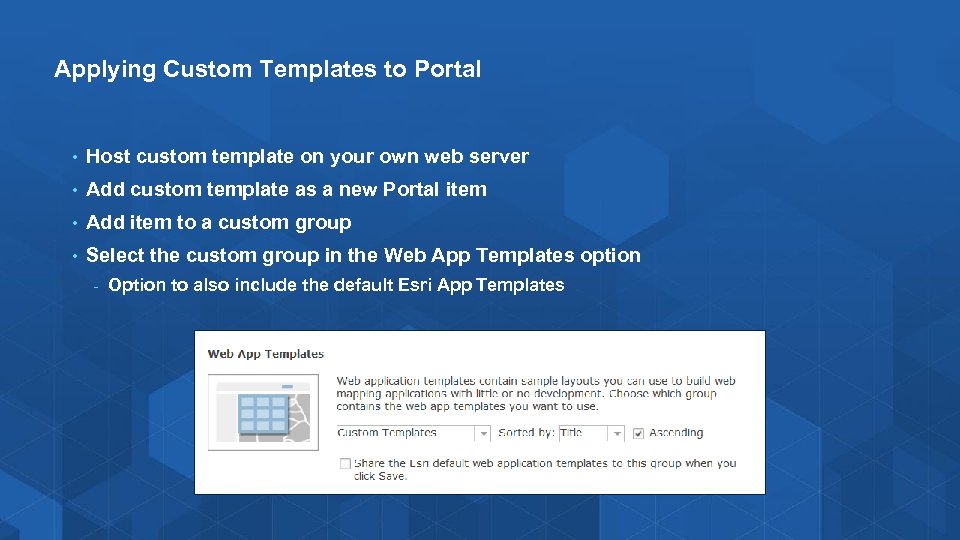
Applying Custom Templates to Portal • Host custom template on your own web server • Add custom template as a new Portal item • Add item to a custom group • Select the custom group in the Web App Templates option - Option to also include the default Esri App Templates
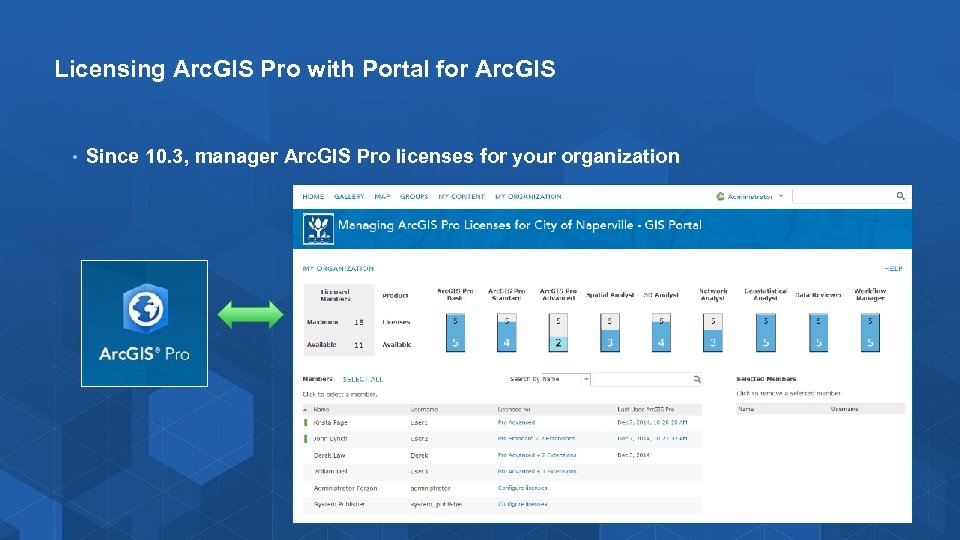
Licensing Arc. GIS Pro with Portal for Arc. GIS • Since 10. 3, manager Arc. GIS Pro licenses for your organization
Licensing Arc. GIS Pro with Portal for Arc. GIS • Arc. GIS Pro is licensed with Portal for Arc. GIS + Arc. GIS License Manager • Setup: 1. In Arc. GIS License Manager, - 2. Configure with license file (. lic) → obtained from My. Esri. com Generate a Portal configuration file (. json) from license file In Portal Administrator Directory, Import Portal configuration file - https: //portal. domain. com: 7443/arcgis/portaladmin - 3. Use Portal to manage Arc. GIS Pro licenses to Named Users - New controls available on My Organization page
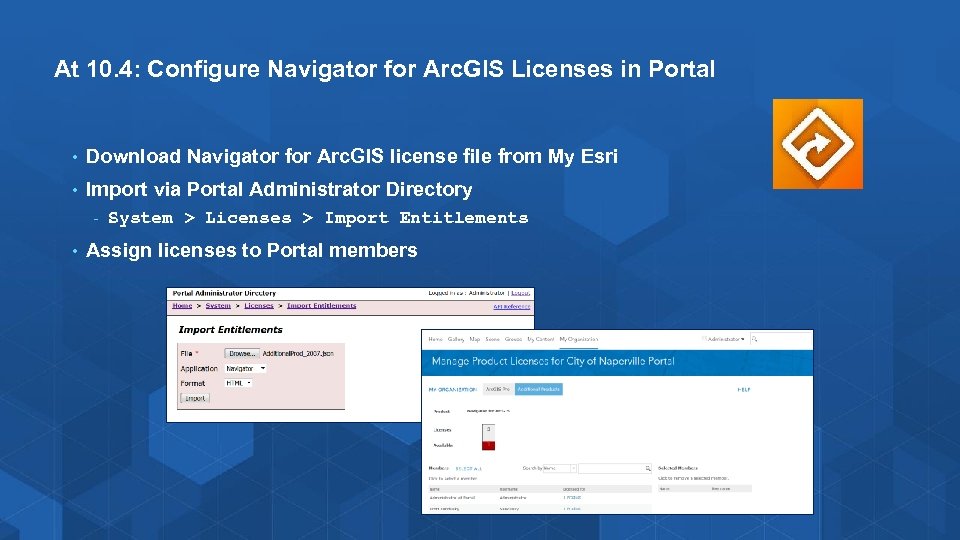
At 10. 4: Configure Navigator for Arc. GIS Licenses in Portal • Download Navigator for Arc. GIS license file from My Esri • Import via Portal Administrator Directory - • System > Licenses > Import Entitlements Assign licenses to Portal members
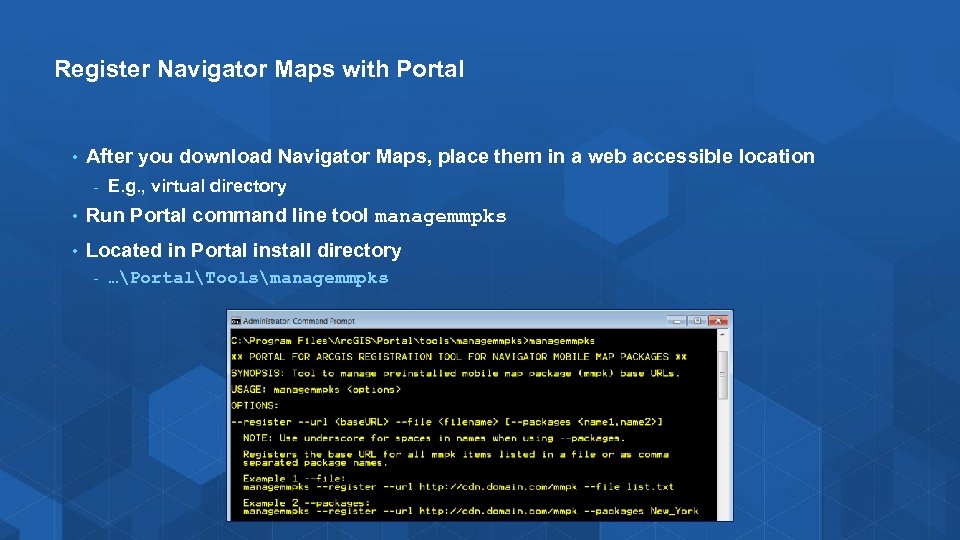
Register Navigator Maps with Portal • After you download Navigator Maps, place them in a web accessible location - E. g. , virtual directory • Run Portal command line tool managemmpks • Located in Portal install directory - …PortalToolsmanagemmpks
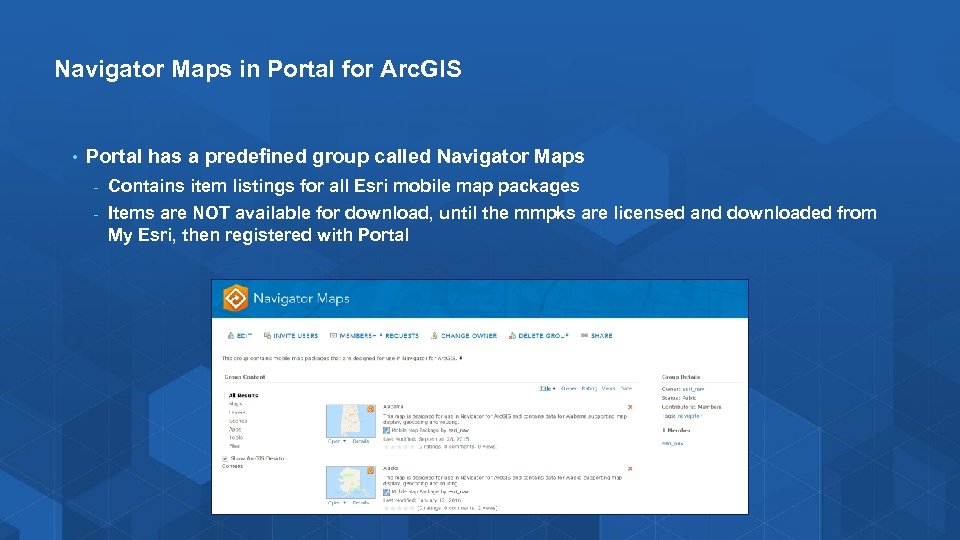
Navigator Maps in Portal for Arc. GIS • Portal has a predefined group called Navigator Maps - Contains item listings for all Esri mobile map packages - Items are NOT available for download, until the mmpks are licensed and downloaded from My Esri, then registered with Portal
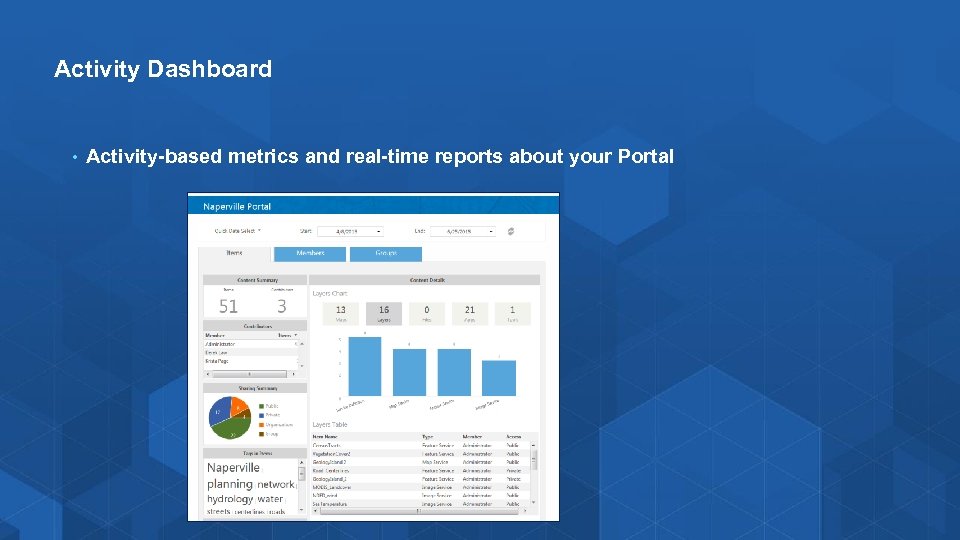
Activity Dashboard • Activity-based metrics and real-time reports about your Portal
Demo Portal for Arc. GIS Show common Portal tasks
Scripting Portal for Arc. GIS administration • Portal administration functionality is exposed via REST API • Execute admin commands with scripts - • Portal. Py module available on Git. Hub and installed with Portal - • Automate and schedule tasks Looking for Contributors! Scripting languages - Python, Java. Script, Power. Shell, C#, Ruby, Scala, Perl, etc
Arc. GIS Python API • Enables Arc. GIS users, developers, and anyone with an Arc. GIS Online subscription or an Arc. GIS Portal to leverage the Python ecosystem to automate their workflows and perform repetitive tasks using scripts • API integrates well with the Jupyter Notebook and the Sci. Py stack • Enables academics, data scientists, and GIS analysts to share programs and reproducible research with others • https: //developers. arcgis. com/python/ - Public Beta

Customizing Advanced Options Customizing with the config. js file
Advanced Portal Customization Options (with config. js file) • Edit config. js file to further customize your Portal UI - Location: <Portal. Install. Directory>customizations10. 4. 1 webappsarcgis#homejsarcgisonline • Help topic: Setting Advanced Portal Options • Use Case: When configuring a disconnected deployment or modifying the Portal to meet your organization’s requirements • File is persisted during upgrades, but NOT applied - • Need to migrate changes to upgraded file; changes are not maintained Use caution when editing; always make a backup!
Config. js file – Customization Options • Add Security Classification Banners • Add Footer links • Restrict My Organization page to Portal Admins only • Enable/Disable show social media links • Enable/Disable web search • Enable/Disable the ability for new users to “Create Account”
Demo Portal Advanced Customization Show to edit config. js file properties
Enabling Operations Dashboard for Arc. GIS and Arc. GIS Maps for Office
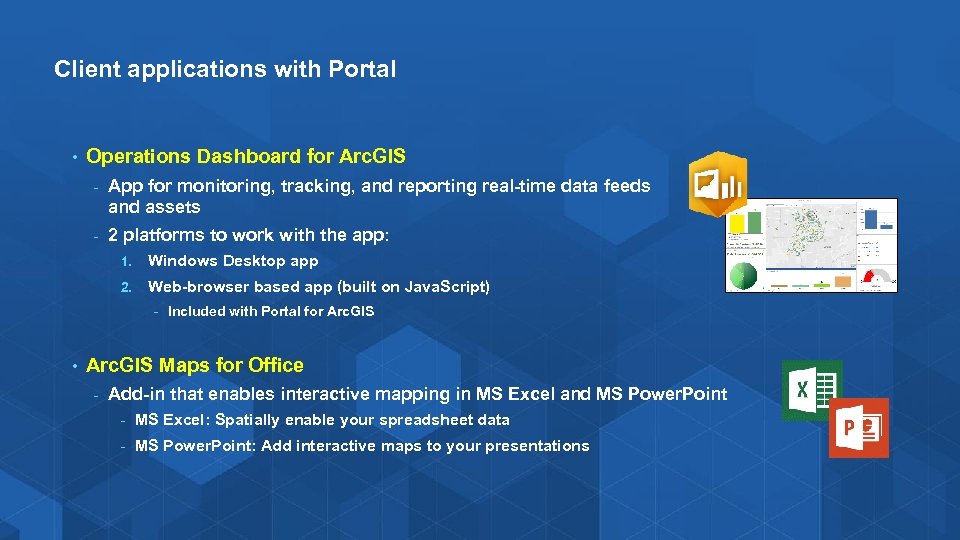
Client applications with Portal • Operations Dashboard for Arc. GIS - App for monitoring, tracking, and reporting real-time data feeds and assets - 2 platforms to work with the app: 1. Windows Desktop app 2. Web-browser based app (built on Java. Script) - Included with Portal for Arc. GIS • Arc. GIS Maps for Office - Add-in that enables interactive mapping in MS Excel and MS Power. Point - MS Excel: Spatially enable your spreadsheet data - MS Power. Point: Add interactive maps to your presentations
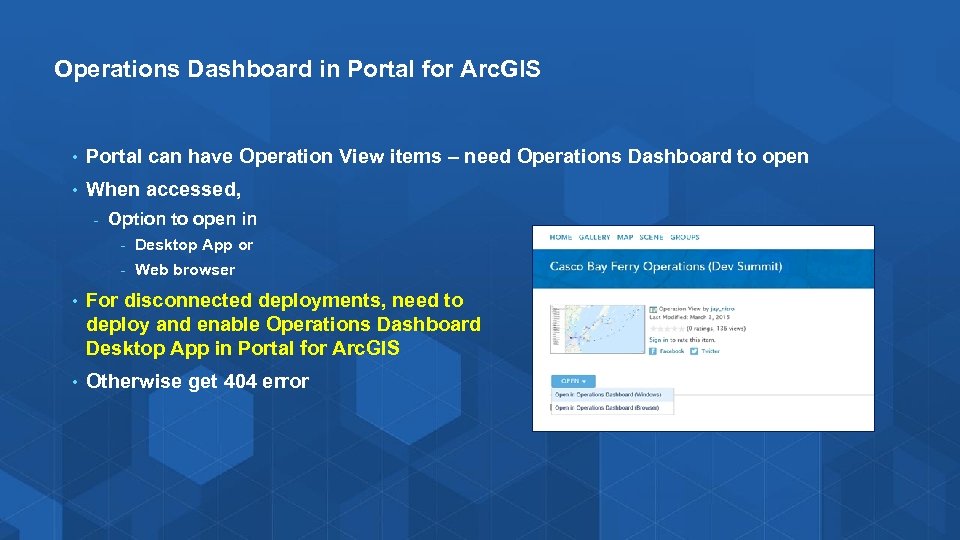
Operations Dashboard in Portal for Arc. GIS • Portal can have Operation View items – need Operations Dashboard to open • When accessed, - Option to open in - Desktop App or - Web browser • For disconnected deployments, need to deploy and enable Operations Dashboard Desktop App in Portal for Arc. GIS • Otherwise get 404 error
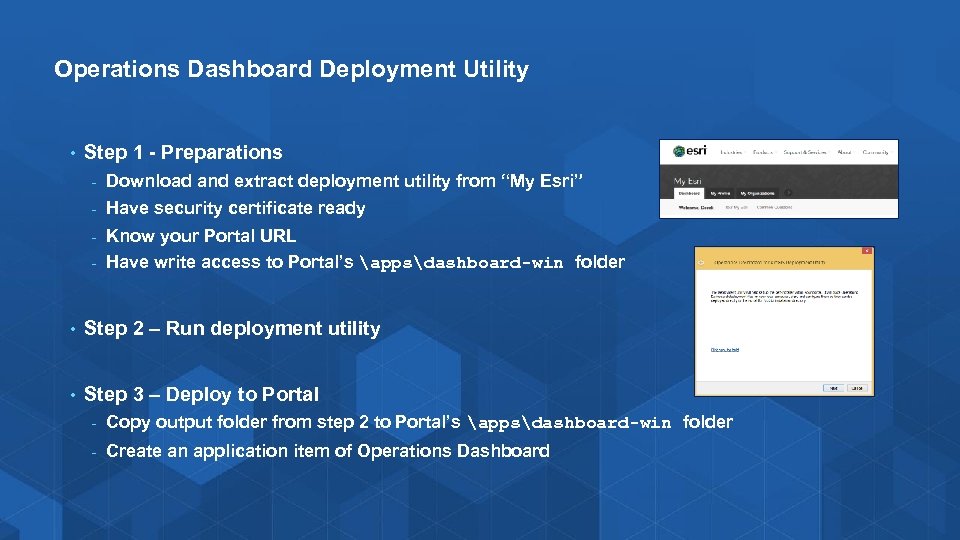
Operations Dashboard Deployment Utility • Step 1 - Preparations - Download and extract deployment utility from “My Esri” - Have security certificate ready Know your Portal URL - Have write access to Portal’s appsdashboard-win folder - • Step 2 – Run deployment utility • Step 3 – Deploy to Portal - Copy output folder from step 2 to Portal’s appsdashboard-win folder - Create an application item of Operations Dashboard
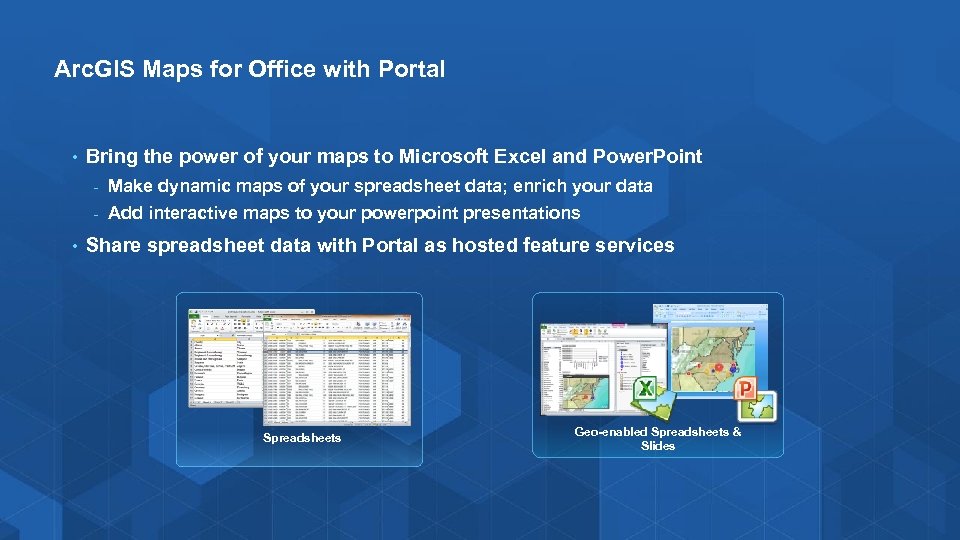
Arc. GIS Maps for Office with Portal • Bring the power of your maps to Microsoft Excel and Power. Point - • Make dynamic maps of your spreadsheet data; enrich your data Add interactive maps to your powerpoint presentations Share spreadsheet data with Portal as hosted feature services Spreadsheets Geo-enabled Spreadsheets & Slides
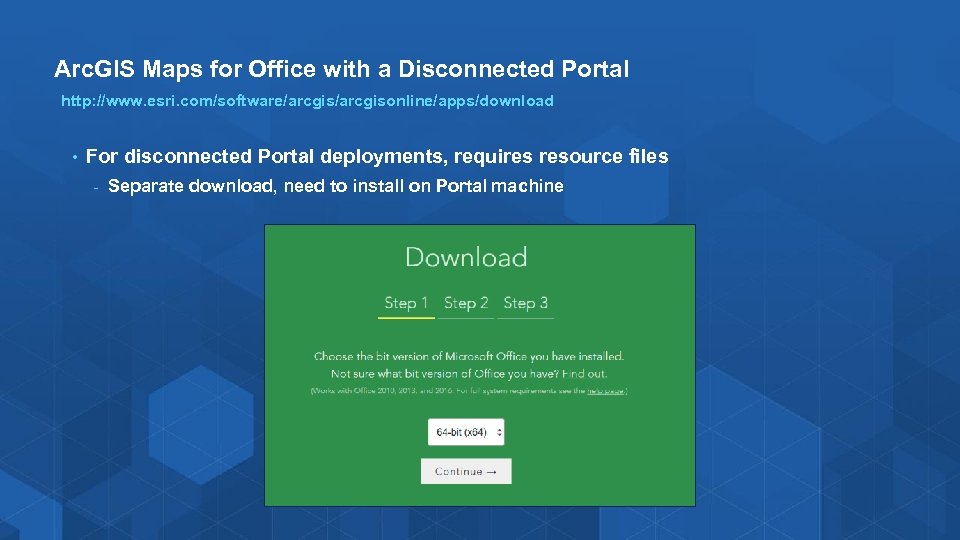
Arc. GIS Maps for Office with a Disconnected Portal http: //www. esri. com/software/arcgisonline/apps/download • For disconnected Portal deployments, requires resource files - Separate download, need to install on Portal machine

Portal Troubleshooting
Portal Logging (since 10. 3. 1) • Provides auditing and troubleshooting tools designed for Portal administrators • Provides the ability to monitor and query detailed events that occur within Portal • Filter by: • • Log level, source, start and end time, log code range, and by users http: //<machine_name>/<webadaptor>/portaladmin/logs
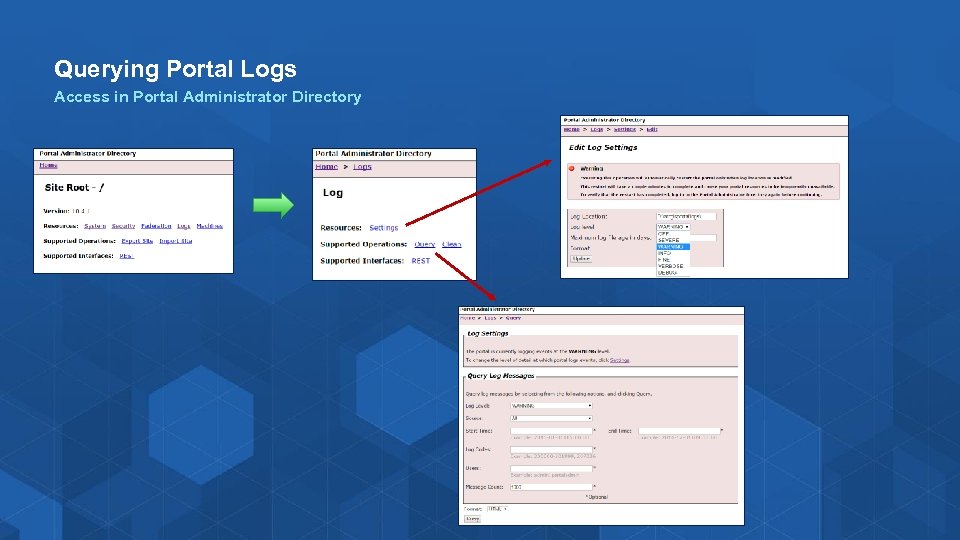
Querying Portal Logs Access in Portal Administrator Directory
Demo Portal Logging Show Querying Portal Logs

Disconnected Environment and High Availability
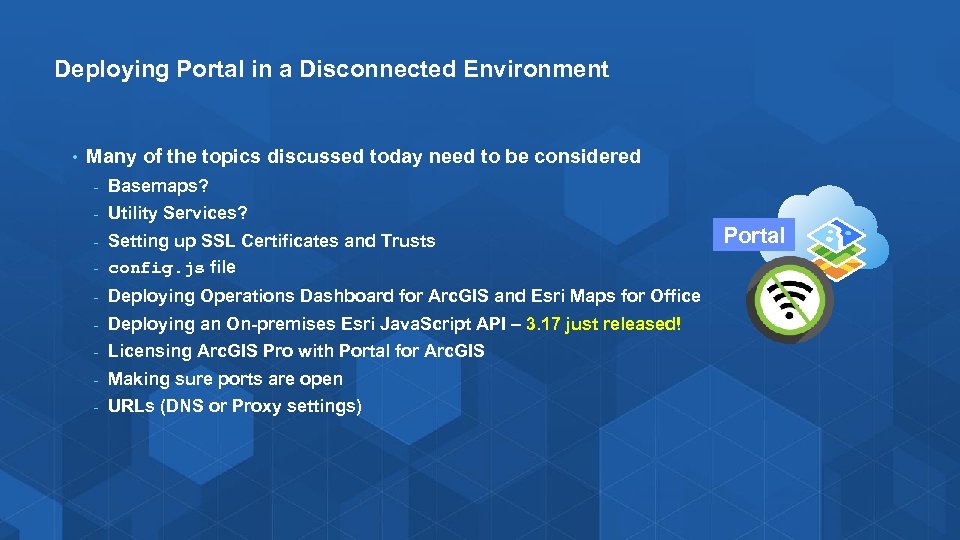
Deploying Portal in a Disconnected Environment • Many of the topics discussed today need to be considered - Basemaps? - Utility Services? Setting up SSL Certificates and Trusts - config. js file - - Deploying Operations Dashboard for Arc. GIS and Esri Maps for Office - Deploying an On-premises Esri Java. Script API – 3. 17 just released! - Licensing Arc. GIS Pro with Portal for Arc. GIS - Making sure ports are open - URLs (DNS or Proxy settings) Portal
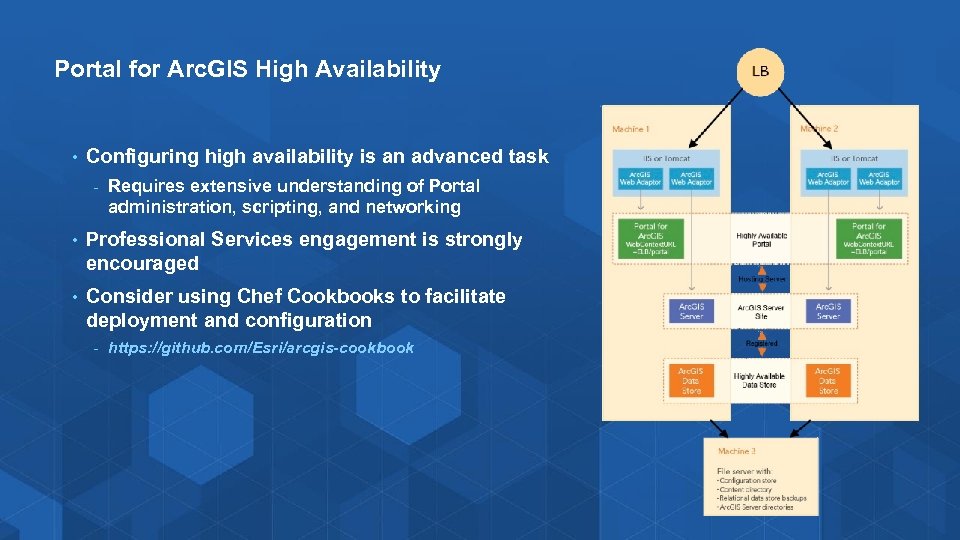
Portal for Arc. GIS High Availability • Configuring high availability is an advanced task - Requires extensive understanding of Portal administration, scripting, and networking • Professional Services engagement is strongly encouraged • Consider using Chef Cookbooks to facilitate deployment and configuration - https: //github. com/Esri/arcgis-cookbook
Other Portal for Arc. GIS Tech Workshops • Web GIS: Architectural Patterns and Practices - • Thurs 8: 30 am Room 15 A Arc. GIS for Server: High Availability and Disaster Recovery - Thurs 10: 15 am Room 5 B Portal
Summary Portal • Installation and configuration – Advanced options • Upgrading to 10. 4. 1 • Common Portal administrative tasks • Customization – Advanced options • Enabling Operations Dashboard for Arc. GIS and Arc. GIS Maps for Office • Troubleshooting • Disconnected environment and high availability • Summary
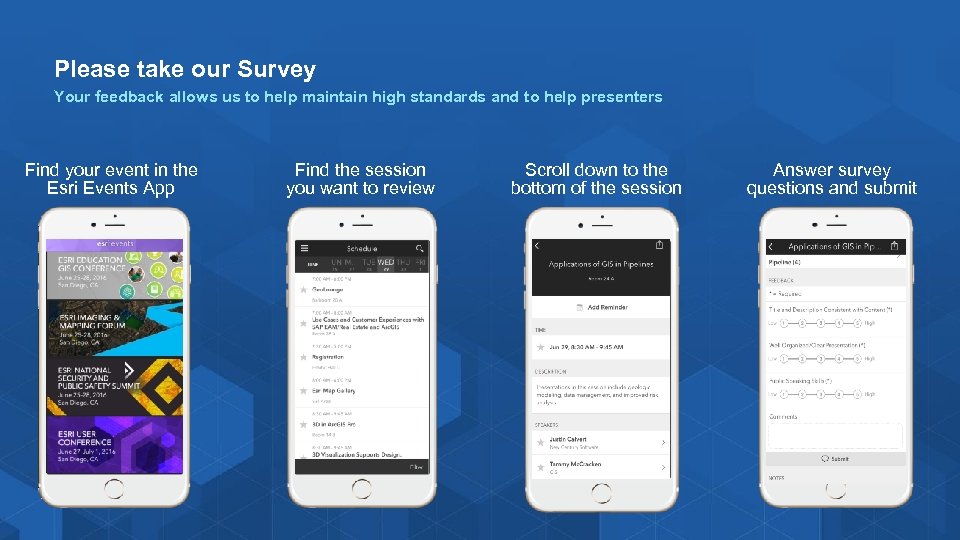
Please take our Survey Your feedback allows us to help maintain high standards and to help presenters Find your event in the Esri Events App Find the session you want to review Scroll down to the bottom of the session Answer survey questions and submit

Copyright © 2016. All Content Property of Esri.
Скачать презентацию Portal for Arc GIS Administration Bill Major and
f51f0c36bfce13b22d6088477e0be6bf.ppt