


 Скачать презентацию Point-of-Sale Conversion POS Copyright 2005 EFT Network
b9171e9cddd6233b9e3d7c845092bdd4.ppt
- Количество слайдов: 13
 Point-of-Sale Conversion (POS) Copyright © 2005 EFT Network, Inc. All Rights Reserved.
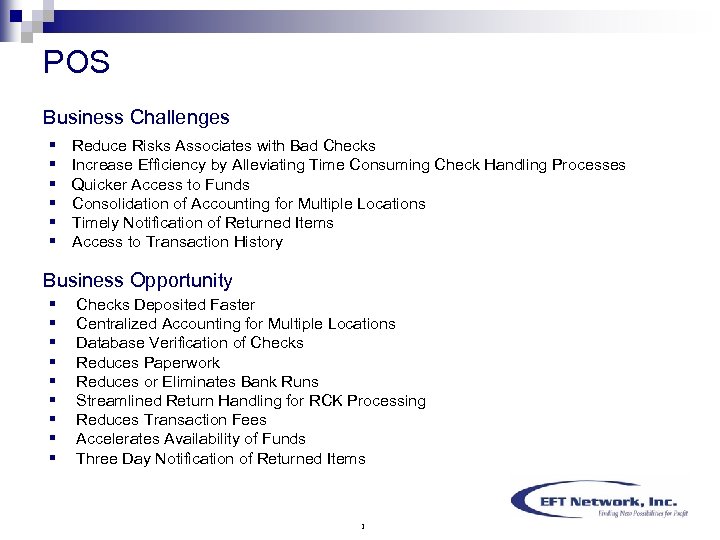 POS Business Challenges § § § Reduce Risks Associates with Bad Checks Increase Efficiency by Alleviating Time Consuming Check Handling Processes Quicker Access to Funds Consolidation of Accounting for Multiple Locations Timely Notification of Returned Items Access to Transaction History Business Opportunity § § § § § Checks Deposited Faster Centralized Accounting for Multiple Locations Database Verification of Checks Reduces Paperwork Reduces or Eliminates Bank Runs Streamlined Return Handling for RCK Processing Reduces Transaction Fees Accelerates Availability of Funds Three Day Notification of Returned Items 1
 Technology Behind POS 2
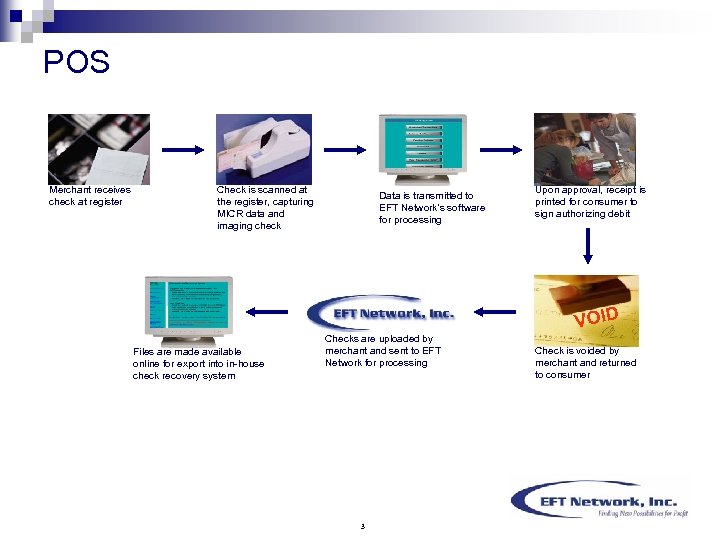 POS Merchant receives check at register Check is scanned at the register, capturing MICR data and imaging check Data is transmitted to EFT Network’s software for processing Upon approval, receipt is printed for consumer to sign authorizing debit VOID Files are made available online for export into in-house check recovery system Checks are uploaded by merchant and sent to EFT Network for processing 3 Check is voided by merchant and returned to consumer
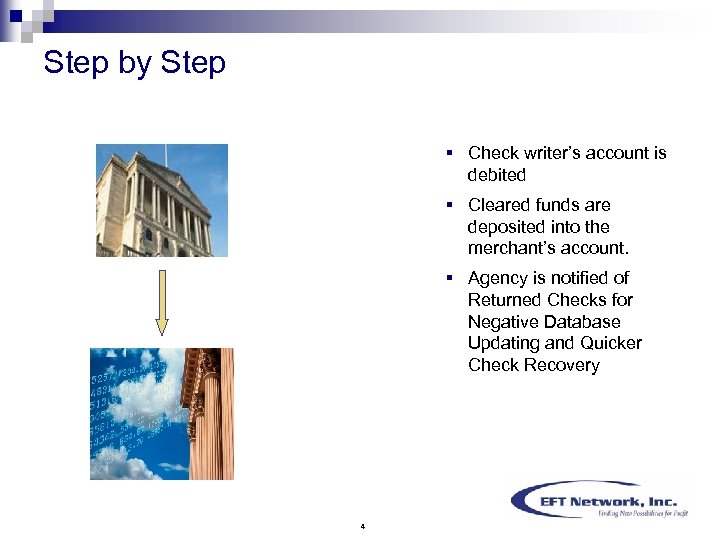 Step by Step § Check writer’s account is debited § Cleared funds are deposited into the merchant’s account. § Agency is notified of Returned Checks for Negative Database Updating and Quicker Check Recovery 4
 Why Use POS? 5
 Features § Nominal Training Involved § Checks Submitted Electronically, In Most Instances, Take Precedence Over Paper Checks § Identification of Bad Check Writers via a National Database § Timely Notification of Returned Items (Three Business Days vs. Seven to 10) § No Bank Runs Required § No Bank Deposit Fees § Guaranteed Results…No Risk Involved § 24/7 Monitoring of Your Account Via Our Secure Website 6
 Benefits § Funds Are Transferred Electronically § Merchant or Bank Does Not Have to Process a Single Check § Centralized Bank Deposits for Multiple Company Locations § Low Transaction Fees § Low NSF Fees § No Lost or Stolen Checks to Worry About § Database Verification Reduces Risk of Accepting Bad Checks § Never an NSF Processing Fee From the Bank to the Merchant § NSF Checks Will be Reported Within Three (3) Business Days 7
 Getting Started 8
 Image Capture Equipment 1. Terminal: Verifone Tranz 330 or 380 2. Scanner: RDM EC 5003 i, EC 5004 i or EC 6004 f 3. Printer: Verifone P-250, P-350 or P-900; or IVI/Ingencio Scribe 612 4. Cable #1: Verifone P/N 05545 -01 5. Cable #2: Belkin P/N F 2 V 004 -06 or F 2 V 004 -10 6. Phone Line: Two (2) telephone line cords (may come with terminal and scanner) 9
 Set-up 1. Place the Terminal, Scanner and Printer on the counter. 2. For all three (3) pieces of equipment: Plug in the power supply to the equipment and to the power source. 3. Take the Verifone cable: 1. 2. 4. Plug the 8 -pin end of the cable into the 8 -pin port on the Tranz. Plug the 9 -pin end of the cable into the 9 -pin port on the RDM. Take the Belkin cable: 1. 2. 5. Plug one end of the cable into the 8 -pin port of the RDM. Plug the other end of the cable into the 8 -pin port of the printer. Take the first phone line: 1. 2. 6. Plug one end into the phone jack on the Tranz. Plug the other end into a phone jack on the adapter. Take the second phone line: 1. Plug one end into the phone jack on the RDM. 2. Plug the other end into the other phone jack on the Tranz. 10
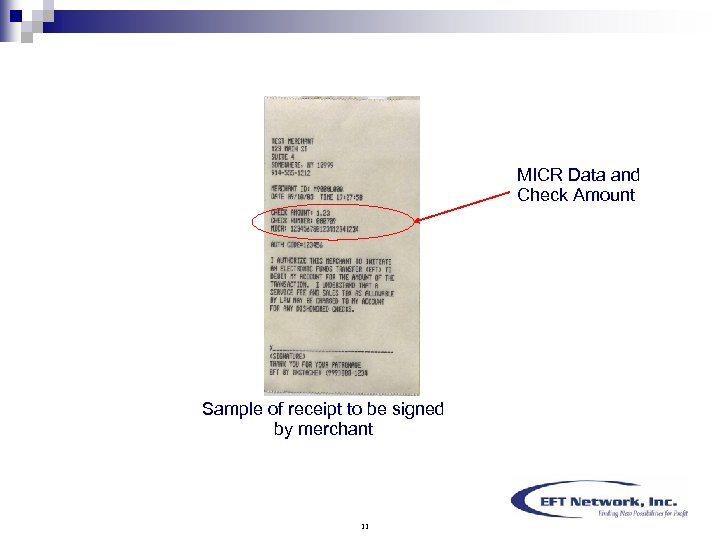 MICR Data and Check Amount Sample of receipt to be signed by merchant 11
 Conclusion § § § Concise Reporting On-line and in Real Time Expedited Deposits Lower Transaction Fees Reduces Bad Debt Risk and Collection Costs New Revenue From Mark-up on Check Processing at POS & Return Fee to Merchants § No Expensive Software to Buy § Accounting for Deposits Made Easier § Stored Images are Accessible 24/7 12