 Скачать презентацию Please switch off your mobile phones 1
7e76a7b78329e09c8a209225b3fd40df.ppt
- Количество слайдов: 13



Please switch off your mobile phones 1
WELCOME To ESC 101 N: Fundamentals of Computing Instructor: Mainak Chaudhuri mainakc@cse. iitk. ac. in 2
Agenda • • Administrivia What this course is not about Anatomy of a computer This week’s lab 3
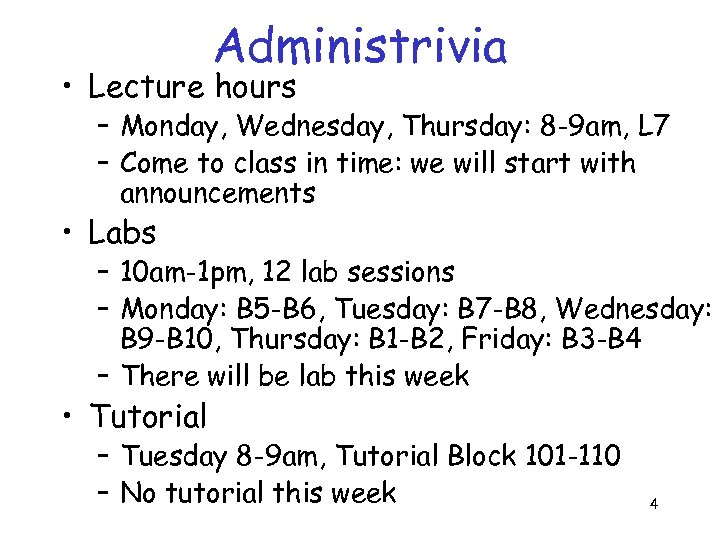
Administrivia • Lecture hours – Monday, Wednesday, Thursday: 8 -9 am, L 7 – Come to class in time: we will start with announcements • Labs – 10 am-1 pm, 12 lab sessions – Monday: B 5 -B 6, Tuesday: B 7 -B 8, Wednesday: B 9 -B 10, Thursday: B 1 -B 2, Friday: B 3 -B 4 – There will be lab this week • Tutorial – Tuesday 8 -9 am, Tutorial Block 101 -110 – No tutorial this week 4
![Administrivia • Grading [this is the sad part] – – – Exam: 15+15+30 One](https://present5.com/presentation/7e76a7b78329e09c8a209225b3fd40df/image-5.jpg "Administrivia • Grading [this is the sad part] – – – Exam: 15+15+30 One")
Administrivia • Grading [this is the sad part] – – – Exam: 15+15+30 One compulsory lab test: 10 Project or another lab test (your choice): 20 Weekly lab sessions: 10 Surprise quizzes: 10 (this is extra) • Held in tutorial sessions • [You should be able to prove that these do not remain a matter of surprise any more once I have made this announcement] 5
Administrivia • There will be a course web page with all info – Temporarily: www. cse. iitk. ac. in/~mainakc/esc 101/notes. ht ml • Text book – Nothing specific: your choice – Suggestion: “Java Elements: Principles of Programming in Java” by Bailey and Bailey – More references are on the webpage • Visit past course sites: www. iitk. ac. in/esc 101 6
What this course is not about • This is not a course on programming – You will learn how to solve problems with computers: especially the ones that you cannot solve with paper and pencil quickly – The greater part of the lectures will be devoted to the concepts involved in developing a computer algorithm • Sequence of steps that solve a problem – Java will be used as a vehicle to demonstrate the concepts • Do not expect to become an expert in Java after taking this course 7
Anatomy of a computer • What you see – A monitor, a keyboard, a mouse, a printer … – Input/Output devices – Through these you ask the computer to do something and the computer tells you the results • Need a way to convey your commands to the computer (it is really a stupid device which cannot do anything on its own) – Internally • A central processing unit and a scratchpad (often 8 called main memory) accomplish the job
Anatomy of a computer • Central processing unit does not understand English, not even Java – It only understands two symbols: 0 and 1 – These are called bits (short for binary digits) – You encode your algorithm into a high-level language called Java • This is called a program • This is harder to understand than English, but easier to understand than a 0 -1 encoding • How do I encode a program in 0 -1? This is used only for storing the program in main memory 9
Anatomy of a computer • A friend of yours called compiler translates the program into a binary encoding called an object program – This is almost understandable to the central processing unit (often called a microprocessor) • Another friend of yours called a linker adds something more to an object program to convert it to an executable – This is understandable to the CPU – But somehow it needs to get started executing 10
Anatomy of a computer • A big boss called operating system loads the executable in main memory and hands over the control to the CPU – Now the CPU starts executing your program (essentially the binary executable) – Once in a while it prints something on the monitor and you appreciate that • Notice that it is not doing anything on its own, only doing whatever you have asked it to do – At some point the CPU completes the execution and you have all the results 11
A simple program • Let’s write a program in English (almost) – Want to add five numbers a, b, c, d, e and print the result on monitor print (monitor, a+b+c+d+e) – print is used as a function which takes two arguments: where to print and what to print – A binary translation of this could convert each character i. e. p, r, i, n, t, (, m, … into a binary string e. g. , p is the 16 th alphabet, so represent it as 16 zeros; put a 1 to mark the end of a character – Now I can design a CPU which can understand this translation and execute my program 12 (caution: this is just an example)
This week’s lab • Learn to use the UNIX environment – How to create a file (this where you store your programs) – How to create and navigate through directory (this where you store your files) – How to copy files from one directory to another – And more: www. iitk. ac. in/esc 101/linux. pdf – Lab is upstairs in CC: I will be present at the front door to lead you 13
Скачать презентацию Please switch off your mobile phones 1
7e76a7b78329e09c8a209225b3fd40df.ppt