


 Скачать презентацию Planning the Implementation of Campus Community Rules
50c98c99d3f4456c09559cedabf27997.ppt
- Количество слайдов: 43
 Planning the Implementation of Campus Community
 Rules for Campus Community § Keep an open mind § Understand other’s processes § Realize the impact on other areas
 Driving Forces of Campus Community § Implementation schedule § Key users of the data - might not be project team members § Evolution Process changes q Learning curve q Reporting changes q
 Campus Community Includes: § PEOPLE § EXTERNAL ORGANIZATIONS § EVENTS § 3 C’S - Communications, Checklists & Comments
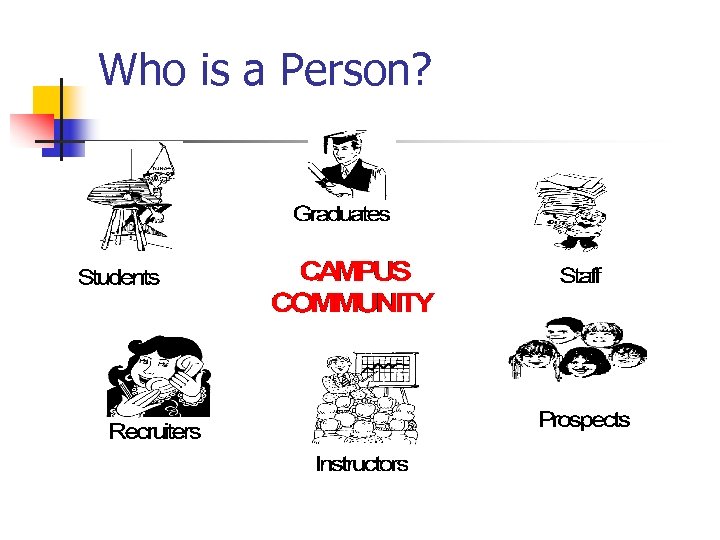 Who is a Person?
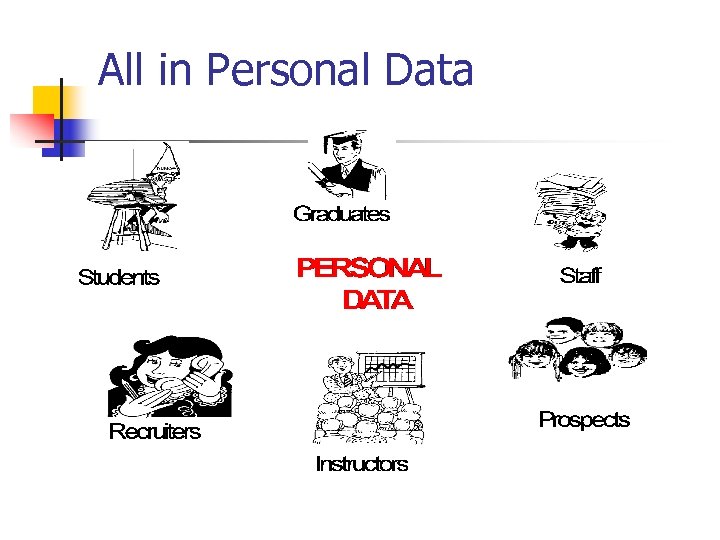 All in Personal Data
 Biographic/Demographic/Other Data § Names § Licenses § Languages § Honors/Awards
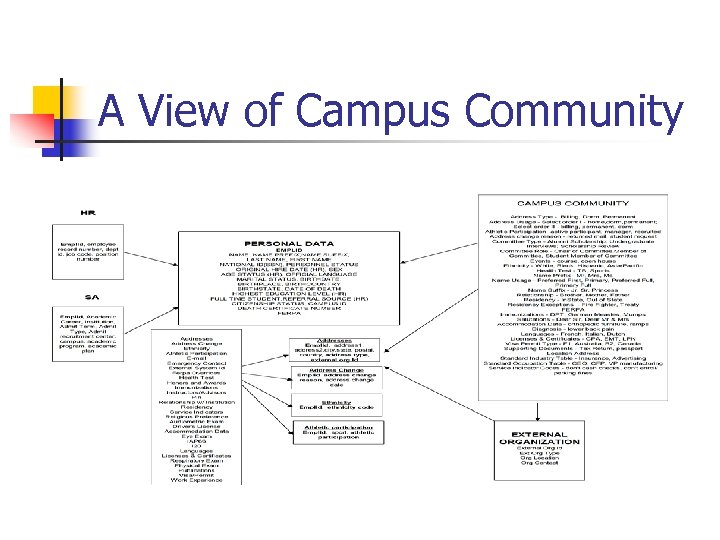 A View of Campus Community
 What is an External Organization? § High School § College or University § Church § Company
 Events § On-Campus Open House § Off-Campus Reception § Tours
 Communications, Checklists & Comment (3 C’s) § Comments § Communications § Checklists
 CC Self-Service n Campus Community Self-Service n n New in Version 8. 0 Personal Portfolio n n Community Access n n Allows users to update basic Personal Information Allows visitors to complete New User Registration Community Directory n Allows schools to provide searchable directories of members of your campus community
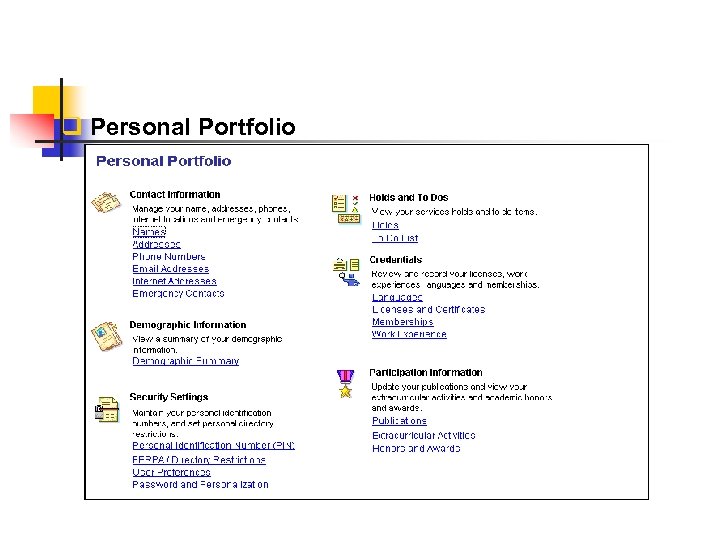 q Personal Portfolio
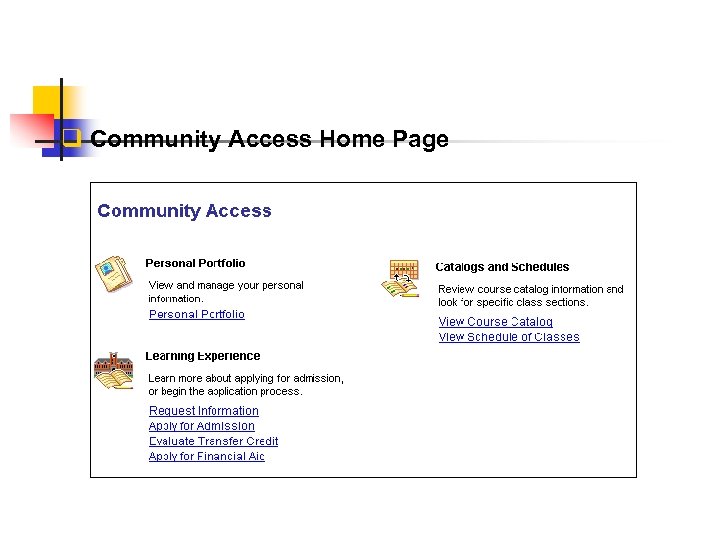 q Community Access Home Page
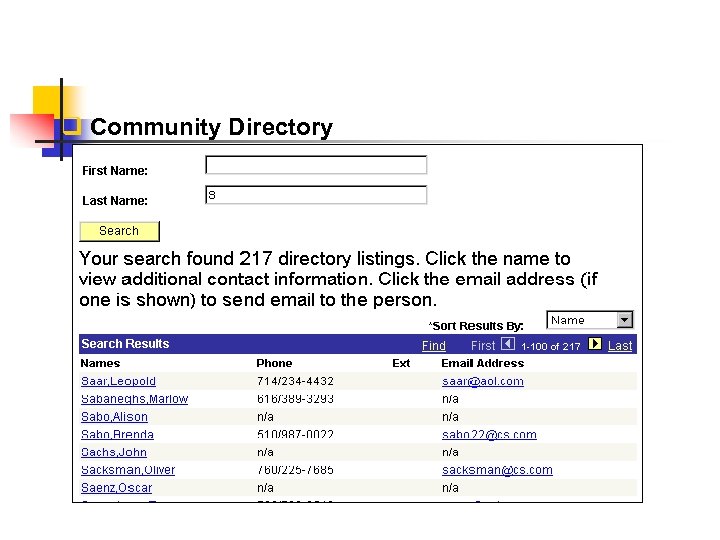 q Community Directory
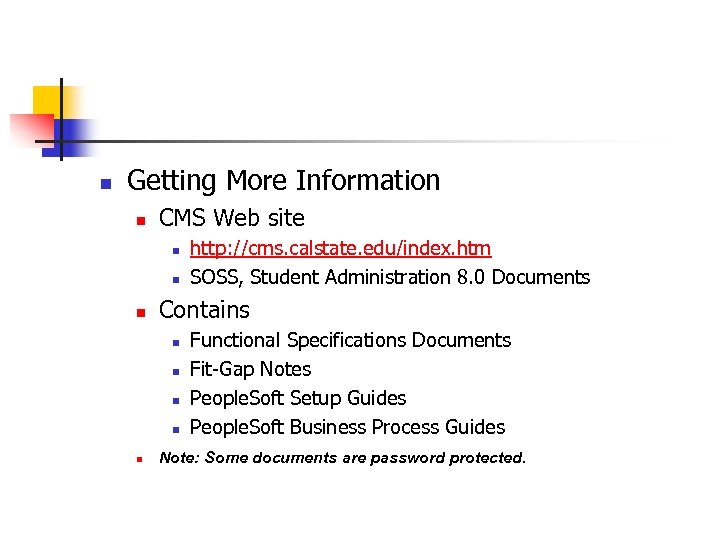 n Getting More Information n CMS Web site n n n Contains n n n http: //cms. calstate. edu/index. htm SOSS, Student Administration 8. 0 Documents Functional Specifications Documents Fit-Gap Notes People. Soft Setup Guides People. Soft Business Process Guides Note: Some documents are password protected.
 Topics For Discussion: § Set up and naming conventions § Entry points § Data stewardship § Definitions and standards § Conversion § Baseline Modifications
 Set up § Required values Person q External Organizations q Events q Committees q 3 C’s q
 Set up - Required Values § Name Types q CO Determined q CO Maintained § Address types § State or province table § Country table § Search/Match
 Set up - Required Values § Residency (business process requirement) § Ethnic group q Ethnicity table (ethnic subsets) CO Maintained § Instructor/Advisor Table § Service Indicators (business process requirement) § Visa permit table (business process requirement)
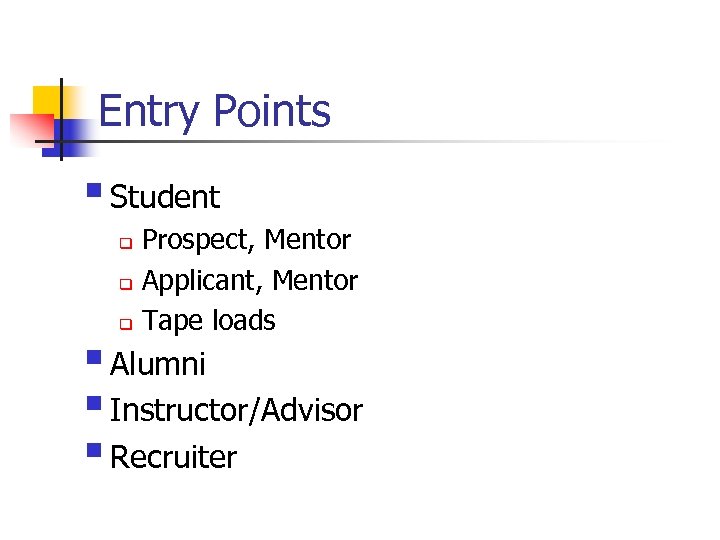 Entry Points § Student Prospect, Mentor q Applicant, Mentor q Tape loads q § Alumni § Instructor/Advisor § Recruiter
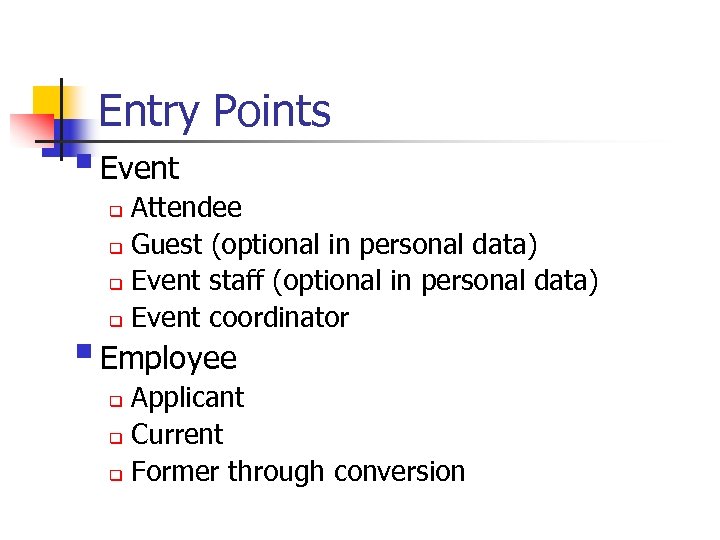 Entry Points § Event Attendee q Guest (optional in personal data) q Event staff (optional in personal data) q Event coordinator q § Employee Applicant q Current q Former through conversion q
 Entry Points § External Organizations q Contact at organization (optional in personal data)
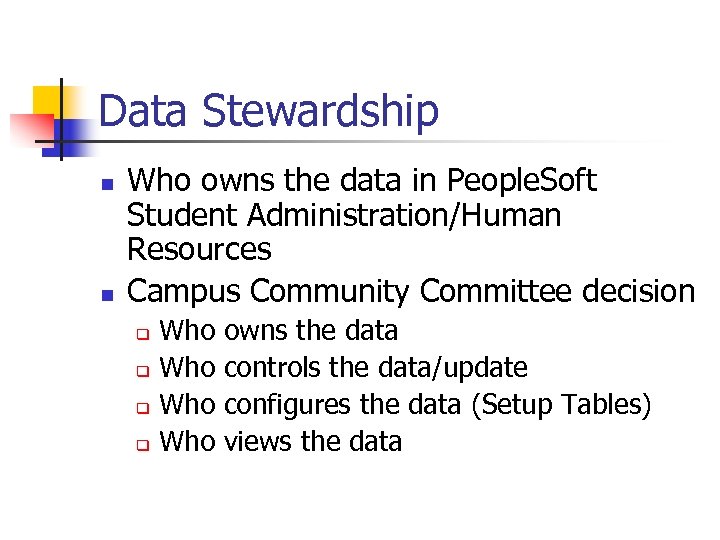 Data Stewardship n n Who owns the data in People. Soft Student Administration/Human Resources Campus Community Committee decision Who q owns the data controls the data/update configures the data (Setup Tables) views the data
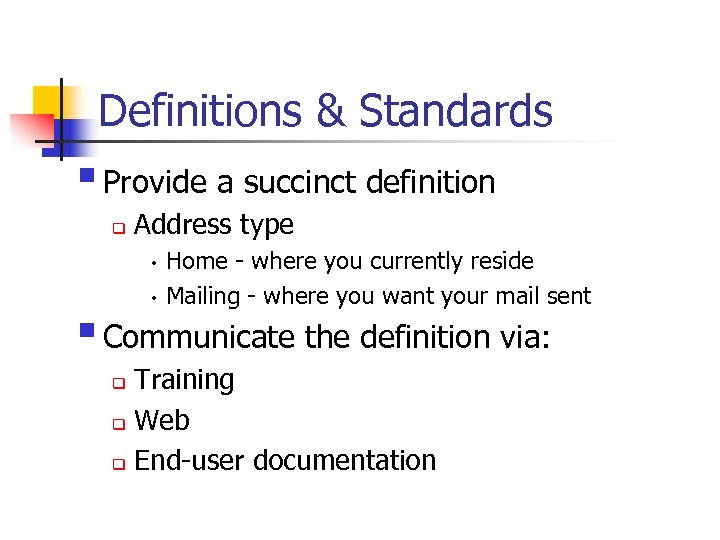 Definitions & Standards § Provide a succinct definition q Address type Home - where you currently reside h Mailing - where you want your mail sent h § Communicate the definition via: Training q Web q End-user documentation q
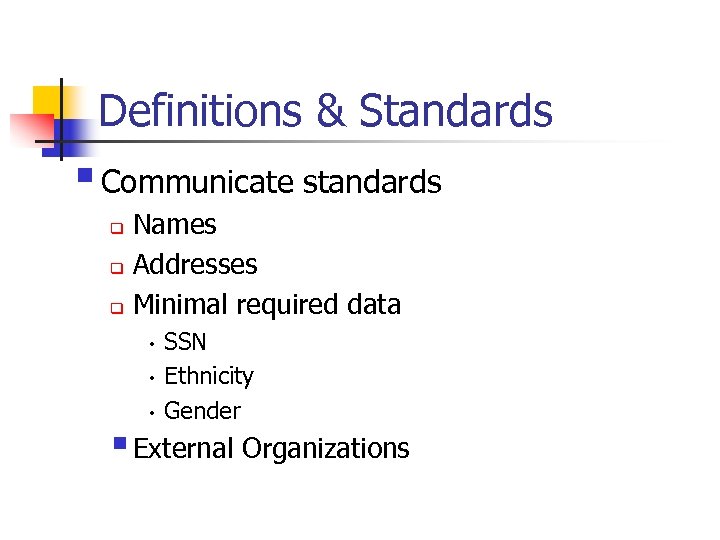 Definitions & Standards § Communicate standards Names q Addresses q Minimal required data q SSN h Ethnicity h Gender h § External Organizations
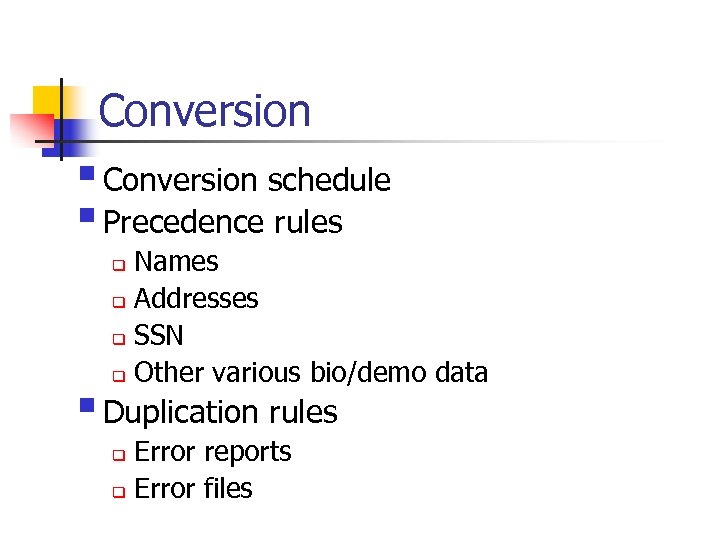 Conversion § Conversion schedule § Precedence rules Names q Addresses q SSN q Other various bio/demo data q § Duplication rules Error reports q Error files q
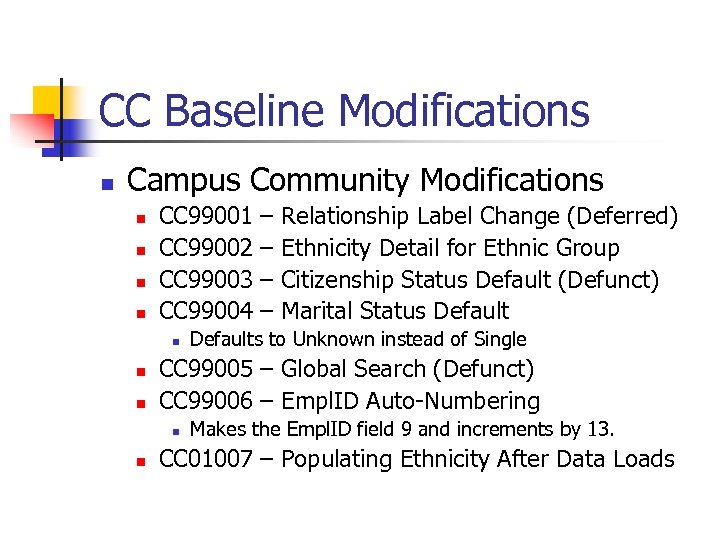 CC Baseline Modifications n Campus Community Modifications n n CC 99001 CC 99002 CC 99003 CC 99004 n n n Relationship Label Change (Deferred) Ethnicity Detail for Ethnic Group Citizenship Status Default (Defunct) Marital Status Defaults to Unknown instead of Single CC 99005 – Global Search (Defunct) CC 99006 – Empl. ID Auto-Numbering n n – – Makes the Empl. ID field 9 and increments by 13. CC 01007 – Populating Ethnicity After Data Loads
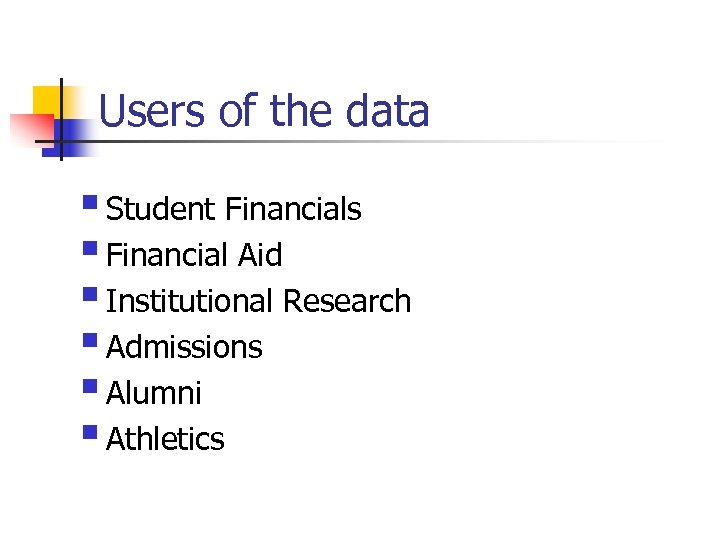 Users of the data § Student Financials § Financial Aid § Institutional Research § Admissions § Alumni § Athletics
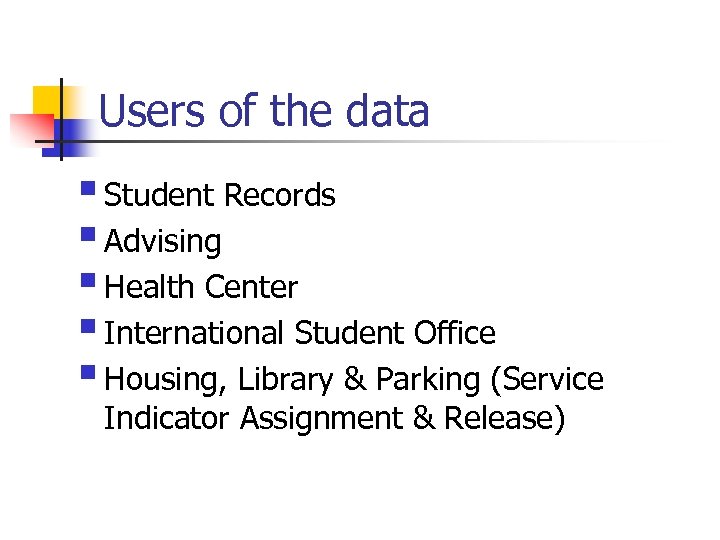 Users of the data § Student Records § Advising § Health Center § International Student Office § Housing, Library & Parking (Service Indicator Assignment & Release)
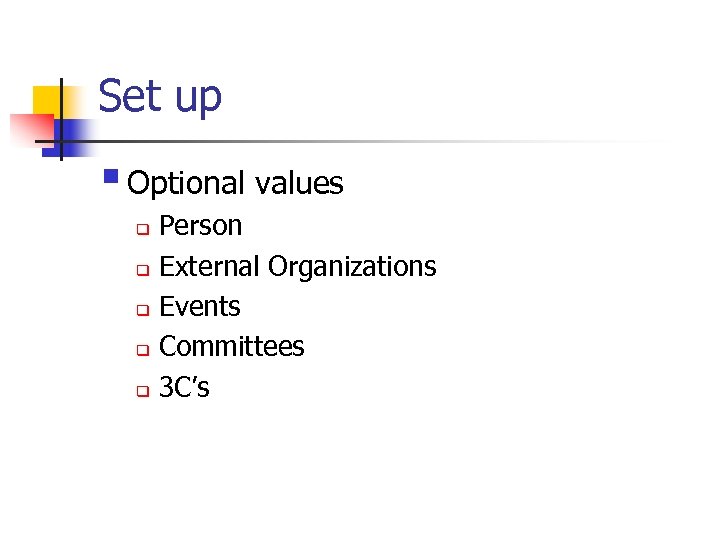 Set up § Optional values Person q External Organizations q Events q Committees q 3 C’s q
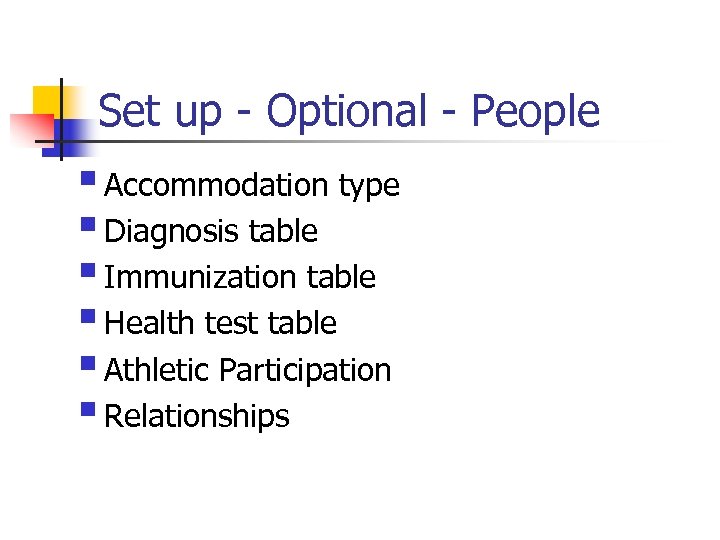 Set up - Optional - People § Accommodation type § Diagnosis table § Immunization table § Health test table § Athletic Participation § Relationships
 Set up - Optional - People § Relations w/ institution § Salutation table § Standard occupation codes § Standard industry codes § Religious preference table § Supporting documents table
 Set up - Optional - People § Accomplishments table Languages q License/certification q HR honors/awards q HR degrees q Memberships q
 Set up - Optional - People § Honors and awards SA - honors/awards table q HR - accomplishments table q § Family Education Right to Privacy Act (FERPA)
 Set up - Optional Organizations § Organization code types § Organization group table § External subjects § External terms § Contact types
 Set up - Optional Events § Resource codes § Event types § Event templates (naming convention) § Staff codes
 Set up - Optional 3 C’s § 3 C groups (naming convention) § Letter codes (naming convention) § Communication context (naming convention) § Communication category (naming convention) § Communication 3 C groups (naming convention) § Communication keys (naming convention)
 Set up – Optional 3 C’s § Checklist items (naming convention) § Checklist function item § Tracking groups (naming convention) § Checklist 3 C groups (naming convention)
 Set up - Optional 3 C’s § Comment categories (naming convention) § Comment 3 C groups (naming convention)
 Set up - Optional Committees § Committees (naming convention) § Committee types/roles (naming convention)
 Naming Conventions § Setting up the 3 C’s naming convention…. every item set up in the 3 C’s (letter codes, categories, checklist codes, communication contexts, etc. ) should start with a specific letter of the alphabet assigned to that specific area. q Communication Contexts should be set up using the entire six characters in the field. q
 Proven Strategies § Planned Communication between & among HR/SA § Campus Community team q evaluate/communicate changes that will impact the integrated system to the HR/SA teams maintenance and business process issues § Campus Community procedures manual q q maintaining a person’s demographic data provide consistent data entry practices for the integrated database to reduce duplicate records