 Скачать презентацию PIO Setup Brought to you by the SEN
1b4412e08bc7c6784f4e3bc5121830d7.ppt
- Количество слайдов: 5




PIO Setup Brought to you by the SEN Lab at Texas A&M University
Items Needed ¢ DB 25 connector cable l We use Belkin Pro Series Extension Cable Straight-Through Cable, Male DB 25 to Female DB 25 • $6. 99 at Comp. USA (product # 50045800) l Must be straight pass through with all lines implemented (can test for this with a multimeter) • Ribbon cable • Parallel printer extension cable with DB 25 l Do not use • Null modem cable • Standard printer cable
Items Needed ¢ Screw terminal box l CIO-MINI 37 from Measurement Computing • $62. 10 ¢ Housing box for screw terminal box l ENC-MINI 37 from Measurement Computing • $29. 00 ¢ Input/output card for DMDX computer l PCI-DIO 24 from Measurement Computing • $80. 10 ¢ Ribbon cable with female DB 25 on each end to connect IO card to screw terminal box (STB) l BP-37 F from Measurement Computing • $25. 00
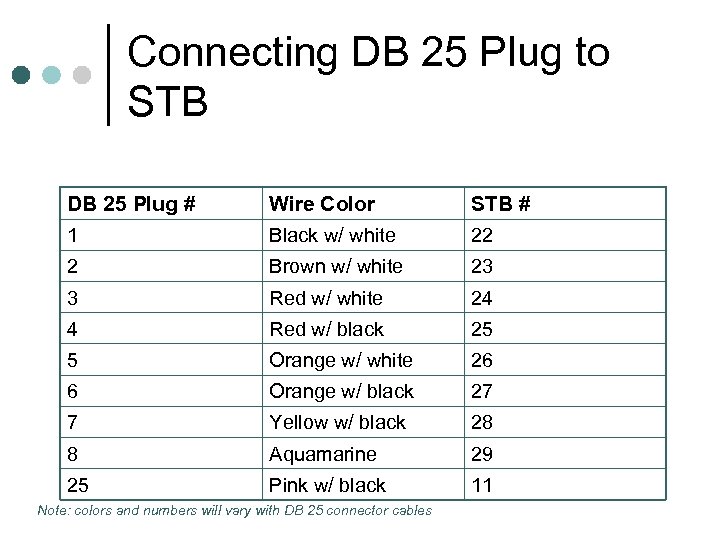
Connecting DB 25 Plug to STB DB 25 Plug # 1 2 3 4 5 6 7 8 25 Wire Color Black w/ white Brown w/ white Red w/ black Orange w/ white Orange w/ black Yellow w/ black Aquamarine Pink w/ black Note: colors and numbers will vary with DB 25 connector cables STB # 22 23 24 25 26 27 28 29 11
Installation ¢ ¢ Insert card into free slot in DMDX computer Install Insta. Cal software that comes with the PCI-DIO 24 card Open the software and select the PCIDIO 24 card Run the PIO 12 test in Time. DX after selecting the Insta. Cal 0 PCI-DIO 24 card
Скачать презентацию PIO Setup Brought to you by the SEN
1b4412e08bc7c6784f4e3bc5121830d7.ppt