


 Скачать презентацию Physician Orientation Guide 2013 -2014 Welcome to
30e466b88054908a729a24fe8a53faa9.ppt
- Количество слайдов: 29
 Physician Orientation Guide 2013 -2014
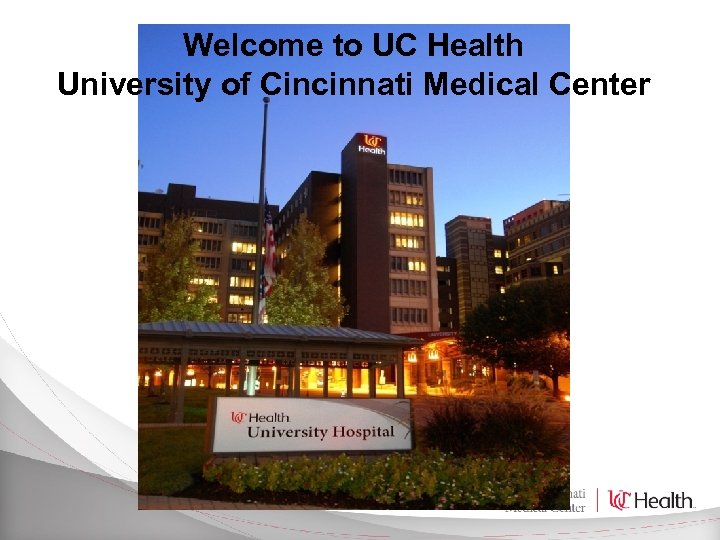 Welcome to UC Health University of Cincinnati Medical Center
 On behalf of the Board of Directors, Administration, and staff, welcome to the Medical Staff of University Hospital! We’d like you to realize the full potential our outstanding staff and facilities offer you and your patients. To help orient you to UCMC, you will find some of the key information you’ll need to make your time here more productive. The Medical Staff Office (584 -2320) is also available to answer any questions you may have about the logistics of finding your way about the system. You may print the orientation certificate included in the module and fax to 513 -585 -8049, or bring with you to the Medical Staff Office when you come for your hospital badge. If not completed, you’ll be asked to complete in the Medical Staff Office.
 Patient Safety Stories and Safety Quiz Included in this module are patient safety stories – real events that happened here. There is a brief True/False quiz at the end of the safety slides. There are no passwords needed for the quiz. We believe these lessons are important and so taking the quiz is mandatory.
 Getting Started The following slides give a brief overview of the systems and processes you will use at University Hospital. There are summary slides that you may print or save to use for later reference.
 UC Medical Center Our Mission is to: Provide life-changing patient-centered medical care. Drive innovation through groundbreaking research. Educate and inspire the next generation of health care professionals. Our Vision Is to be the region’s quality health care partner and a national leader in solving complex medical problems.
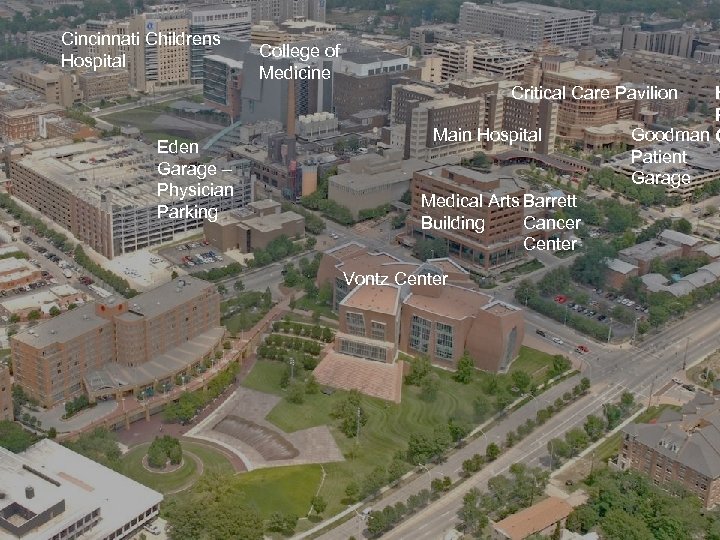 Cincinnati Childrens Hospital College of Medicine Critical Care Pavilion Eden Garage – Physician Parking Main Hospital Medical Arts Barrett Building Cancer Center Vontz Center H R Goodman C Patient Garage
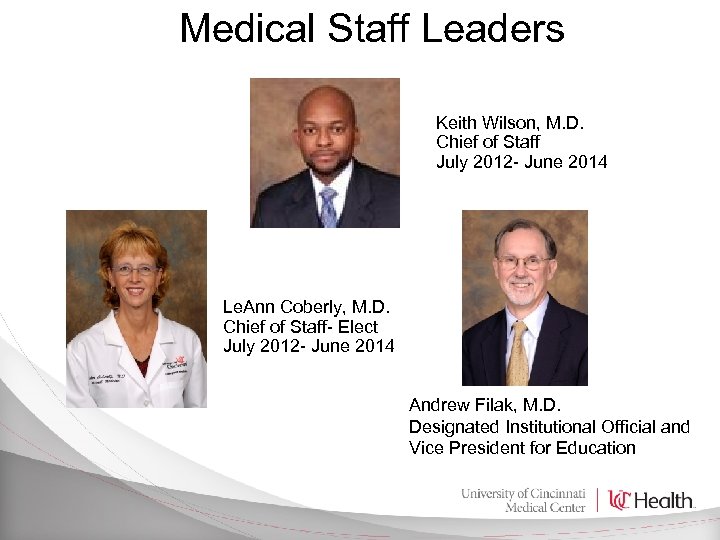 Medical Staff Leaders Keith Wilson, M. D. Chief of Staff July 2012 - June 2014 Le. Ann Coberly, M. D. Chief of Staff- Elect July 2012 - June 2014 Andrew Filak, M. D. Designated Institutional Official and Vice President for Education
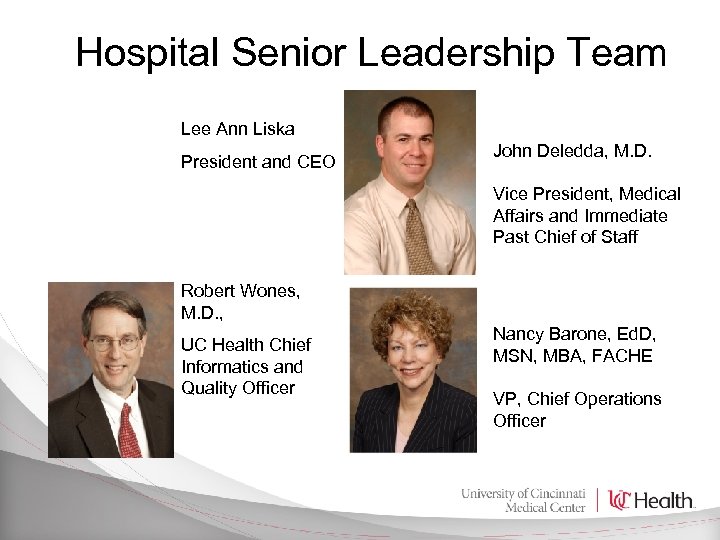 Hospital Senior Leadership Team Lee Ann Liska President and CEO John Deledda, M. D. Vice President, Medical Affairs and Immediate Past Chief of Staff Robert Wones, M. D. , UC Health Chief Informatics and Quality Officer Nancy Barone, Ed. D, MSN, MBA, FACHE VP, Chief Operations Officer
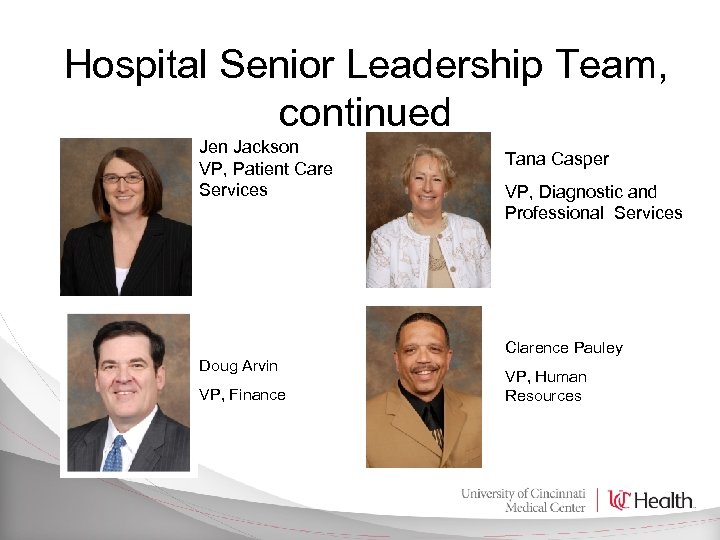 Hospital Senior Leadership Team, continued Jen Jackson VP, Patient Care Services Tana Casper VP, Diagnostic and Professional Services Clarence Pauley Doug Arvin VP, Finance VP, Human Resources
 Patient Safety Philosophy People want to do a good job. Our challenges are to support our people by a strong culture of safety and the design of safe work processes.
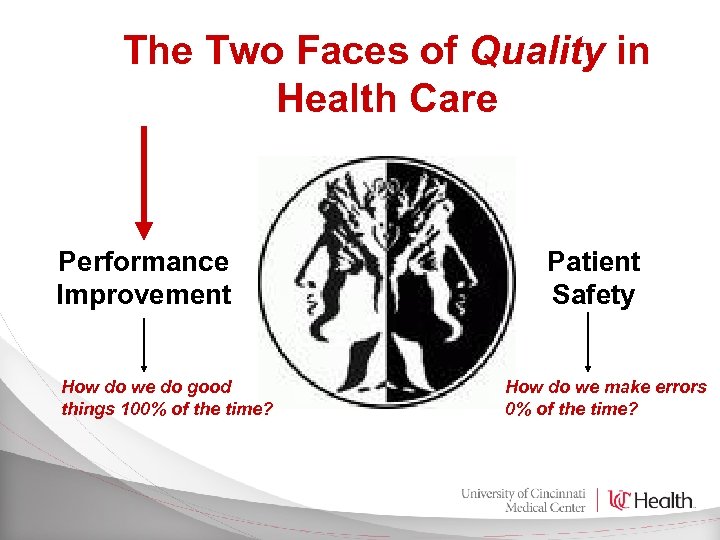 The Two Faces of Quality in Health Care Performance Improvement How do we do good things 100% of the time? Patient Safety How do we make errors 0% of the time?
 Professional Conduct Code of Conduct: Each member of the Medical Staff at UC Medical Center is expected, at all times, to act in a manner that demonstrates appropriate professional behavior, ethics and integrity. The Code of Conduct was included in your application packet. Reports of inappropriate behavior may be made by patients, family, or staff. These reports are reviewed by medical staff leadership and addressed through a formal process. Impairment: The impaired practitioner is one who is unable to practice safely due to a physical or mental illness, including deterioration through the aging process or loss of motor skills, or excessive use of abuse of drugs, including alcohol. . There is a non-punitive process to identify and assist impaired practitioners regain full functional status Any member of the Medical or Allied Health Staff may request assistance through self-referral if he/she feels such assistance is needed.
 Professional Dress Code Physicians are expected to look like doctors • Scrub wear must be covered with white coat or blazer/sport coat outside of procedural areas • No bare legs or open-toe shoes • Slacks, Pants, trousers - No denim • Oxford shirt, sweater, blouse • Skirts and dresses professional length • Fleece jackets must have UC Health/UC Physicians or UC College of Medicine logo
 Physician Identification Badge All credentialed providers must wear Hospital ID badge while on hospital premises. Your badge is required for EPIC sign-on The badge will give you access to hospital-secured areas and after-hours perimeter access
 Physician Identification Badge To obtain badge, you must present to the Medical Staff Office with a state or federal photo ID • You cannot obtain badge until after you receive official notification that your privileges are approved • You can activate your badge for EPIC access (“tap badge”) at multiple locations throughout the hospital. You must complete EPIC training before tap badge can be activated.
 Hospital Privileges Your approved privileges will be available for viewing on the UC Health intranet. This is a secure site available within UC Health firewall. http: //jhs-almach/i. Privileges_UH Type in provider name or privilege keyword to search, then click on the name to view privileges and other information. If you have any questions about your approved privileges, contact the Medical Staff Office at 584 -2320
 Clinical Data System The hospital uses EPIC as the Electronic Medical Record for inpatient and outpatient services Physician training will be required prior to providing patient care. Training is customized according to your medical specialty A member of the Training Department will contact you to set up training or test-out, as appropriate 585 -6983 (5 -MYTD) • Fax: 585 -6304 • UC Health Business Center • B-BAP training@uchealth. com
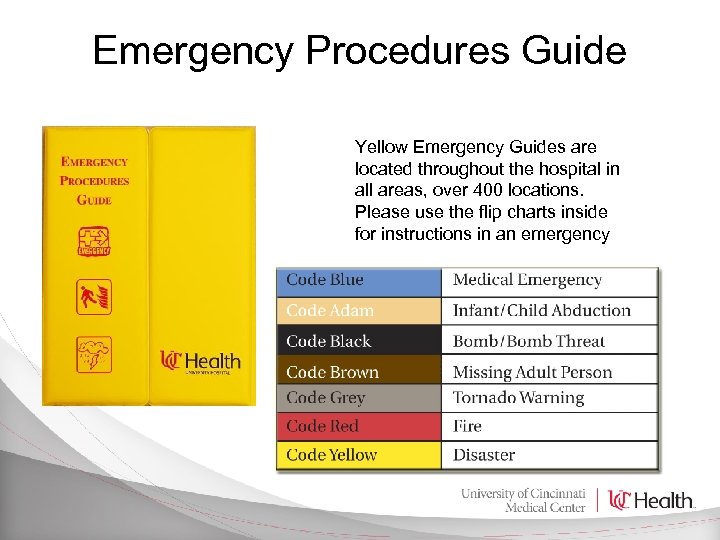 Emergency Procedures Guide Yellow Emergency Guides are located throughout the hospital in all areas, over 400 locations. Please use the flip charts inside for instructions in an emergency
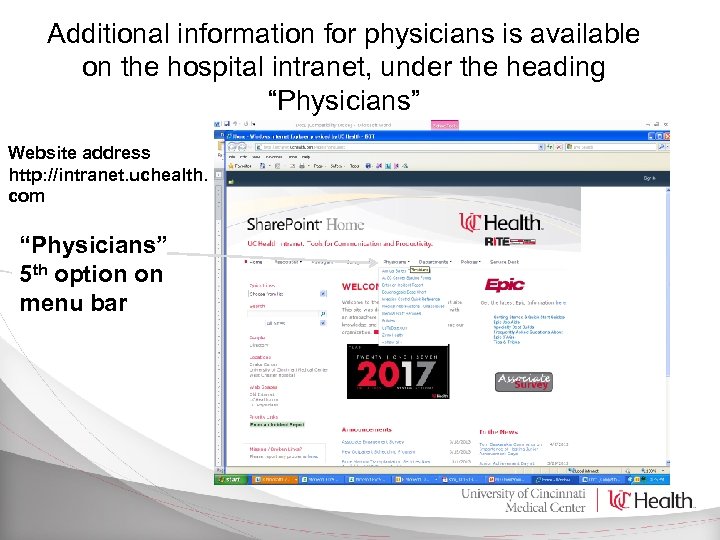 Additional information for physicians is available on the hospital intranet, under the heading “Physicians” Website address http: //intranet. uchealth. com “Physicians” 5 th option on menu bar
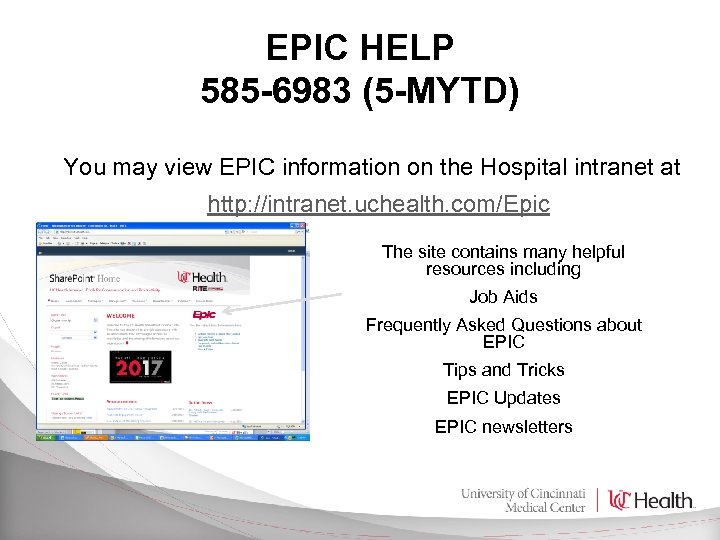 EPIC HELP 585 -6983 (5 -MYTD) You may view EPIC information on the Hospital intranet at http: //intranet. uchealth. com/Epic The site contains many helpful resources including Job Aids Frequently Asked Questions about EPIC Tips and Tricks EPIC Updates EPIC newsletters
 Privacy and Data Security are Important! Don’t Access Your Own Chart in Epic Don’t Access Family Members’ Charts in Epic Don’t Loan Passwords or Badges Don’t Leave Signed-On Computers Unattended
 Dictation Epic’s Health Information Management (HIM) system will work in conjunction with UC Health’s clinical cycle applications Contact Transcription Services @ 513 -585 -7100 for initial set-up or email to ruby. kozma@uchealth. com Transcription Services will provide your setup and email instructions. A dictation pocket guide is available on request.
 Medical Records Completion https: //uchealthview. uchealth. com • You are expected to review your records on a regular basis (at least weekly) and complete any that are flagged as incomplete. • You will receive notices by e-mail, or in your Epic in-box, if your records approach 30 days past due. You may be suspended and unable to schedule, admit or take call if your records reach suspension level
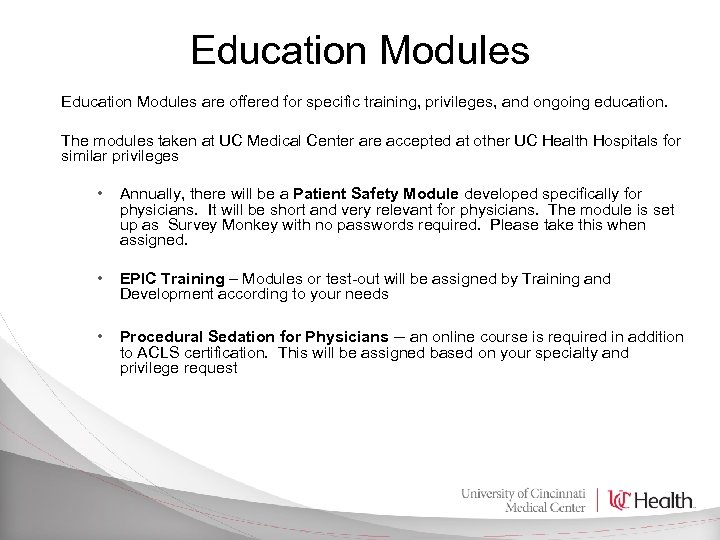 Education Modules are offered for specific training, privileges, and ongoing education. The modules taken at UC Medical Center are accepted at other UC Health Hospitals for similar privileges • Annually, there will be a Patient Safety Module developed specifically for physicians. It will be short and very relevant for physicians. The module is set up as Survey Monkey with no passwords required. Please take this when assigned. • EPIC Training – Modules or test-out will be assigned by Training and Development according to your needs • Procedural Sedation for Physicians – an online course is required in addition to ACLS certification. This will be assigned based on your specialty and privilege request
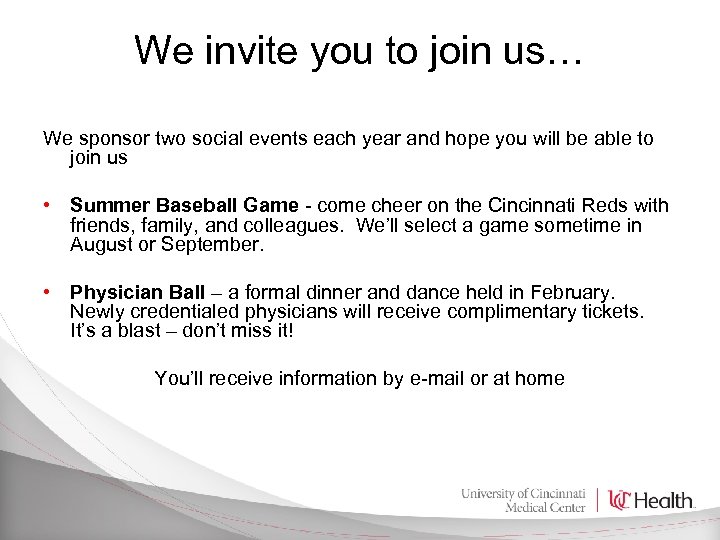 We invite you to join us… We sponsor two social events each year and hope you will be able to join us • Summer Baseball Game - come cheer on the Cincinnati Reds with friends, family, and colleagues. We’ll select a game sometime in August or September. • Physician Ball – a formal dinner and dance held in February. Newly credentialed physicians will receive complimentary tickets. It’s a blast – don’t miss it! You’ll receive information by e-mail or at home
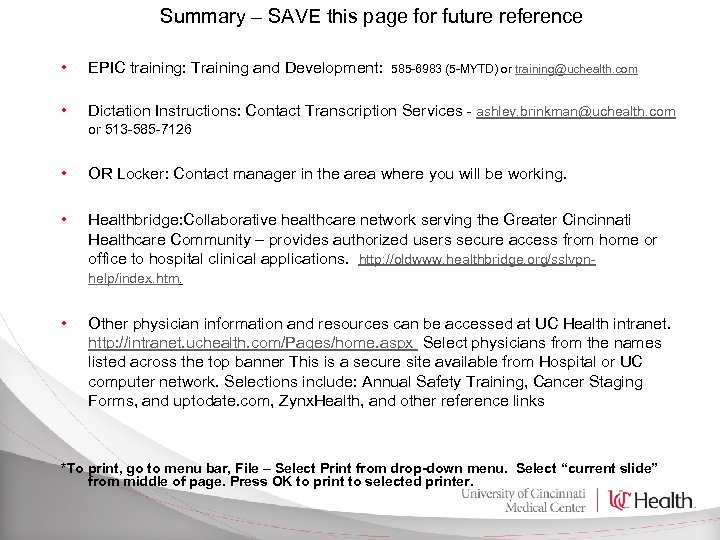 Summary – SAVE this page for future reference • EPIC training: Training and Development: 585 -6983 (5 -MYTD) or training@uchealth. com • Dictation Instructions: Contact Transcription Services - ashley. brinkman@uchealth. com or 513 -585 -7126 • • • OR Locker: Contact manager in the area where you will be working. Healthbridge: Collaborative healthcare network serving the Greater Cincinnati Healthcare Community – provides authorized users secure access from home or office to hospital clinical applications. http: //oldwww. healthbridge. org/sslvpnhelp/index. htm. Other physician information and resources can be accessed at UC Health intranet. http: //intranet. uchealth. com/Pages/home. aspx Select physicians from the names listed across the top banner This is a secure site available from Hospital or UC computer network. Selections include: Annual Safety Training, Cancer Staging Forms, and uptodate. com, Zynx. Health, and other reference links *To print, go to menu bar, File – Select Print from drop-down menu. Select “current slide” from middle of page. Press OK to print to selected printer.
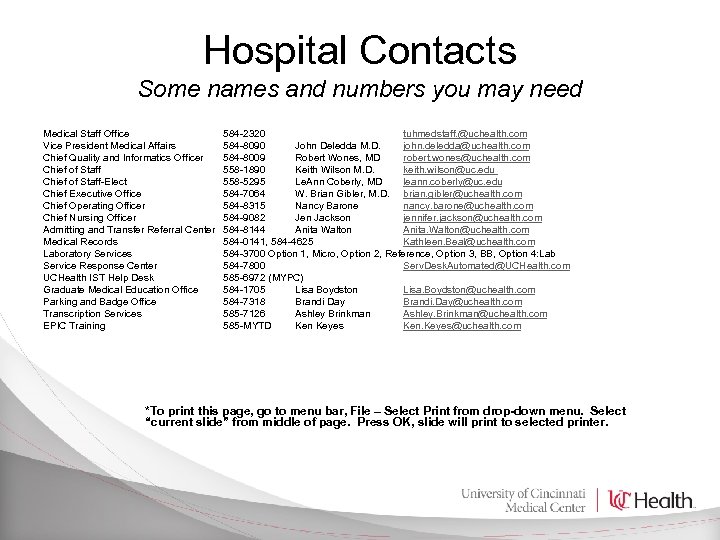 Hospital Contacts Some names and numbers you may need Medical Staff Office Vice President Medical Affairs Chief Quality and Informatics Officer Chief of Staff-Elect Chief Executive Office Chief Operating Officer Chief Nursing Officer Admitting and Transfer Referral Center Medical Records Laboratory Services Service Response Center UCHealth IST Help Desk Graduate Medical Education Office Parking and Badge Office Transcription Services EPIC Training 584 -2320 tuhmedstaff. @uchealth. com 584 -8090 John Deledda M. D. john. deledda@uchealth. com 584 -8009 Robert Wones, MD robert. wones@uchealth. com 558 -1890 Keith Wilson M. D. keith. wilson@uc. edu 558 -5295 Le. Ann Coberly, MD leann. coberly@uc. edu 584 -7064 W. Brian Gibler, M. D. brian. gibler@uchealth. com 584 -8315 Nancy Barone nancy. barone@uchealth. com 584 -9082 Jen Jackson jennifer. jackson@uchealth. com 584 -8144 Anita Walton Anita. Walton@uchealth. com 584 -0141, 584 -4625 Kathleen. Beal@uchealth. com 584 -3700 Option 1, Micro, Option 2, Reference, Option 3, BB, Option 4: Lab 584 -7800 Serv. Desk. Automated@UCHealth. com 585 -6972 (MYPC) 584 -1705 Lisa Boydston Lisa. Boydston@uchealth. com 584 -7318 Brandi Day Brandi. Day@uchealth. com 585 -7126 Ashley Brinkman Ashley. Brinkman@uchealth. com 585 -MYTD Ken Keyes Ken. Keyes@uchealth. com *To print this page, go to menu bar, File – Select Print from drop-down menu. Select “current slide” from middle of page. Press OK, slide will print to selected printer.
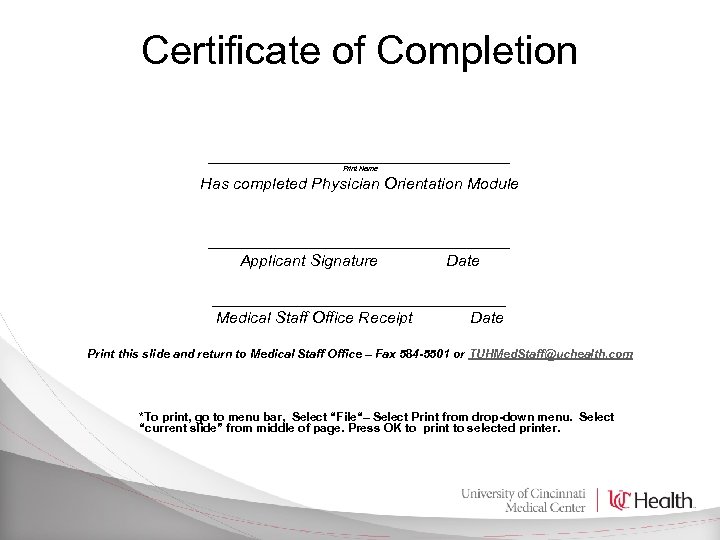 Certificate of Completion _________________ Print Name Has completed Physician Orientation Module _________________ Applicant Signature Date _________________ Medical Staff Office Receipt Date Print this slide and return to Medical Staff Office – Fax 584 -5501 or TUHMed. Staff@uchealth. com *To print, go to menu bar, Select “File“– Select Print from drop-down menu. Select “current slide” from middle of page. Press OK to print to selected printer.