 Скачать презентацию PHP An Introduction www bzupages com
a3f09644950d4170a5d522100dafec94.ppt
- Количество слайдов: 37



PHP – An Introduction www. bzupages. com
Brief History of PHP Rasmus Lerdorf (born Greenland, ed Canada) Other key developers: Zeev Surashi and Andi Gutmans (Israel) PHP (PHP: Hypertext Preprocessor) was created by Rasmus Lerdorf in 1994. It was initially developed for HTTP usage logging and server-side form generation in Unix. PHP 2 (1995) transformed the language into a Server-side embedded scripting language. Added database support, file uploads, variables, arrays, recursive functions, conditionals, iteration, regular expressions, etc. PHP 3 (1998) added support for ODBC data sources, multiple platform support, email protocols (SNMP, IMAP), and new parser written by Zeev Suraski and Andi Gutmans. PHP 4 (2000) became an independent component of the web server for added efficiency. The parser was renamed the Zend Engine. Many security features were added. PHP 5 (2004) adds Zend Engine II with object oriented programming, robust XML support using the libxml 2 library, SOAP extension for interoperability with Web Services, SQLite has been bundled with PHP
PHP Scripts • Typically file ends in. • Separated in files with the <? php ? > tag • php commands can make up an entire file, or can be contained in html--this is a choice…. • Program lines end in "; " or you get an error • Server recognizes embedded script and executes • Result is passed to browser, source isn't visible www. bzupages. com
Parsing • We've talk about how the browser can read a text file and process it, that's a basic parsing method • Parsing involves acting on relevant portions of a file and ignoring others • Browsers parse web pages as they load • Web servers with server side technologies like php parse web pages as they are being passed out to the browser • Parsing does represent work, so there is a cost
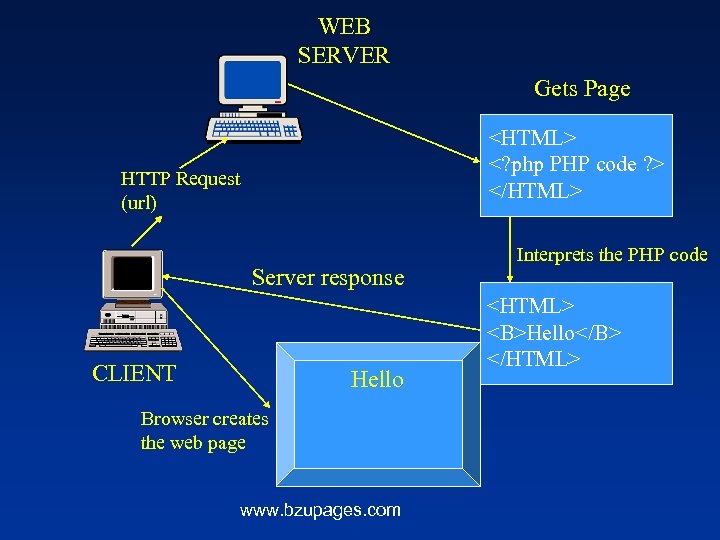
WEB SERVER Gets Page <HTML> <? php PHP code ? > </HTML> HTTP Request (url) Server response CLIENT Hello Browser creates the web page www. bzupages. com Interprets the PHP code <HTML> <B>Hello</B> </HTML>
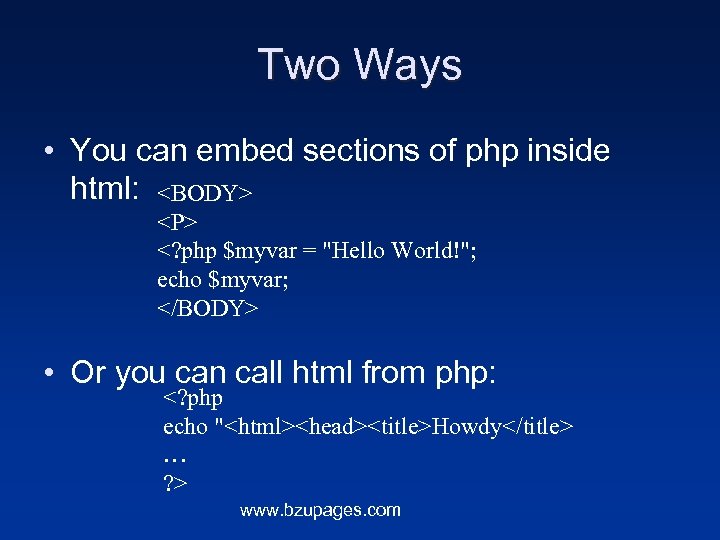
Two Ways • You can embed sections of php inside html: <BODY> <P> <? php $myvar = "Hello World!"; echo $myvar; </BODY> • Or you can call html from php: <? php echo "<html><head><title>Howdy</title> … ? > www. bzupages. com
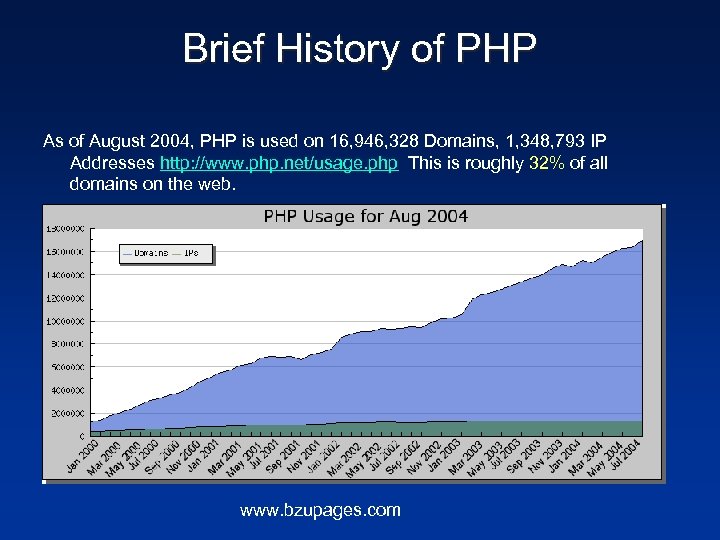
Brief History of PHP As of August 2004, PHP is used on 16, 946, 328 Domains, 1, 348, 793 IP Addresses http: //www. php. net/usage. php This is roughly 32% of all domains on the web. www. bzupages. com
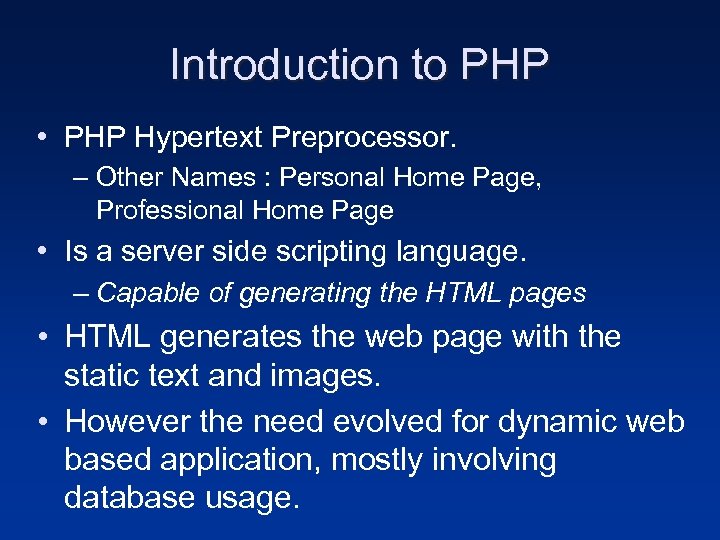
Introduction to PHP • PHP Hypertext Preprocessor. – Other Names : Personal Home Page, Professional Home Page • Is a server side scripting language. – Capable of generating the HTML pages • HTML generates the web page with the static text and images. • However the need evolved for dynamic web based application, mostly involving database usage.
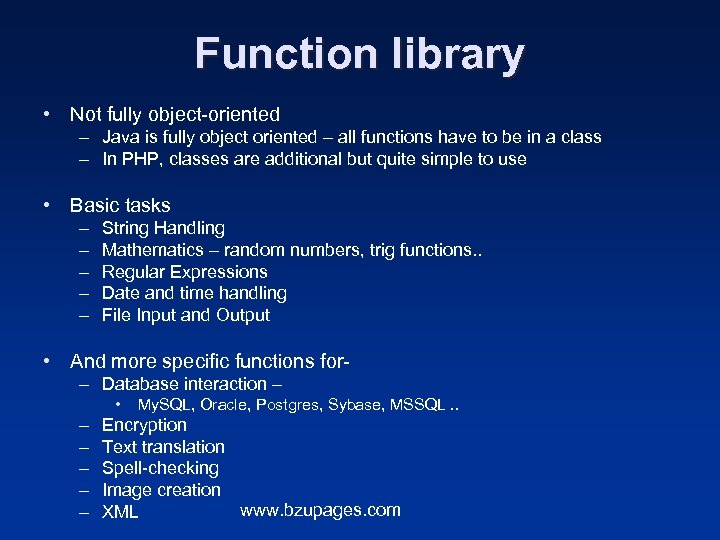
Function library • Not fully object-oriented – Java is fully object oriented – all functions have to be in a class – In PHP, classes are additional but quite simple to use • Basic tasks – – – String Handling Mathematics – random numbers, trig functions. . Regular Expressions Date and time handling File Input and Output • And more specific functions for– Database interaction – • My. SQL, Oracle, Postgres, Sybase, MSSQL. . – – – Encryption Text translation Spell-checking Image creation www. bzupages. com XML
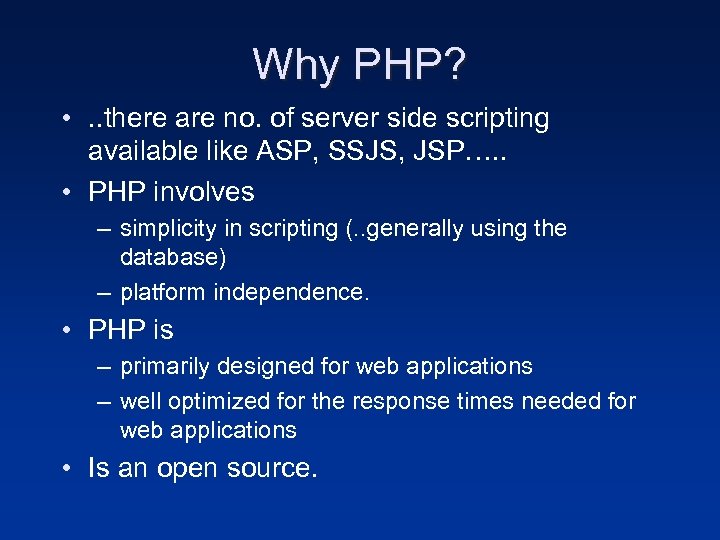
Why PHP? • . . there are no. of server side scripting available like ASP, SSJS, JSP…. . • PHP involves – simplicity in scripting (. . generally using the database) – platform independence. • PHP is – primarily designed for web applications – well optimized for the response times needed for web applications • Is an open source.
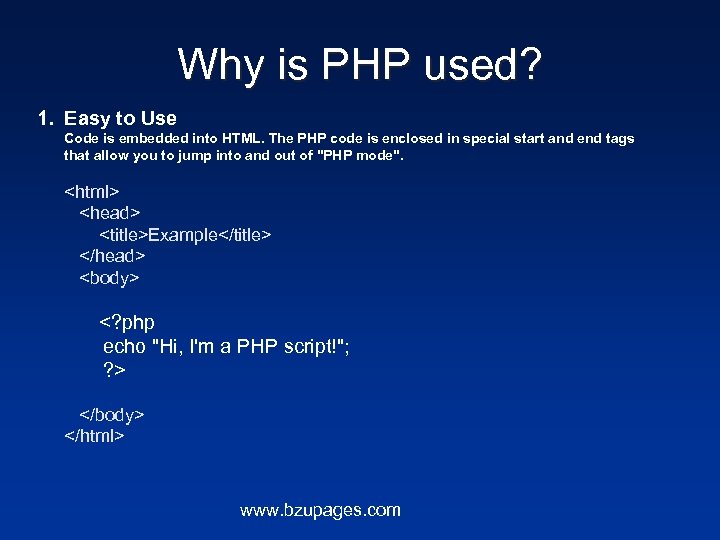
Why is PHP used? 1. Easy to Use Code is embedded into HTML. The PHP code is enclosed in special start and end tags that allow you to jump into and out of "PHP mode". <html> <head> <title>Example</title> </head> <body> <? php echo "Hi, I'm a PHP script!"; ? > </body> </html> www. bzupages. com
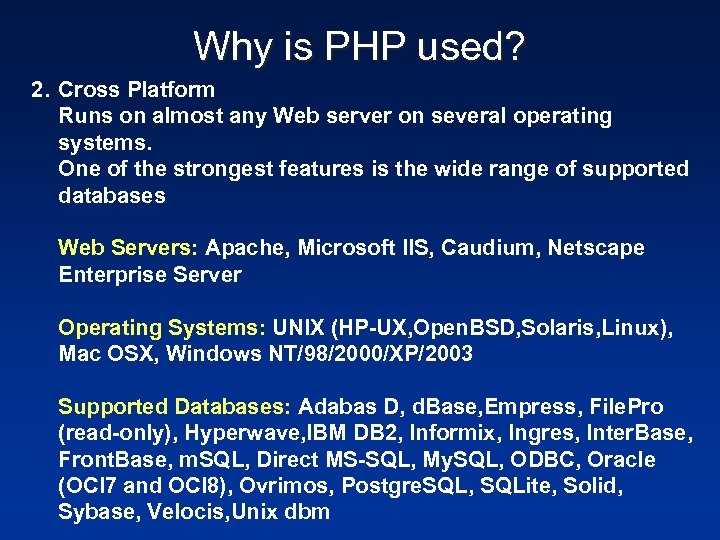
Why is PHP used? 2. Cross Platform Runs on almost any Web server on several operating systems. One of the strongest features is the wide range of supported databases Web Servers: Apache, Microsoft IIS, Caudium, Netscape Enterprise Server Operating Systems: UNIX (HP-UX, Open. BSD, Solaris, Linux), Mac OSX, Windows NT/98/2000/XP/2003 Supported Databases: Adabas D, d. Base, Empress, File. Pro (read-only), Hyperwave, IBM DB 2, Informix, Ingres, Inter. Base, Front. Base, m. SQL, Direct MS-SQL, My. SQL, ODBC, Oracle (OCI 7 and OCI 8), Ovrimos, Postgre. SQL, SQLite, Solid, Sybase, Velocis, Unix dbm
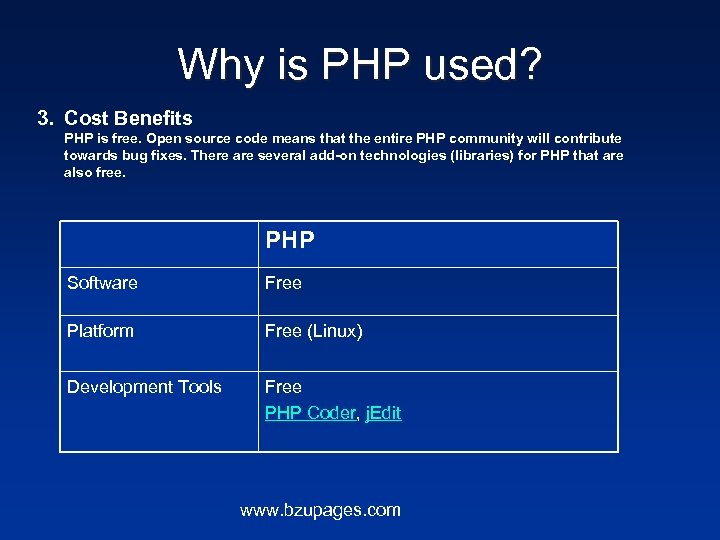
Why is PHP used? 3. Cost Benefits PHP is free. Open source code means that the entire PHP community will contribute towards bug fixes. There are several add-on technologies (libraries) for PHP that are also free. PHP Software Free Platform Free (Linux) Development Tools Free PHP Coder, j. Edit www. bzupages. com
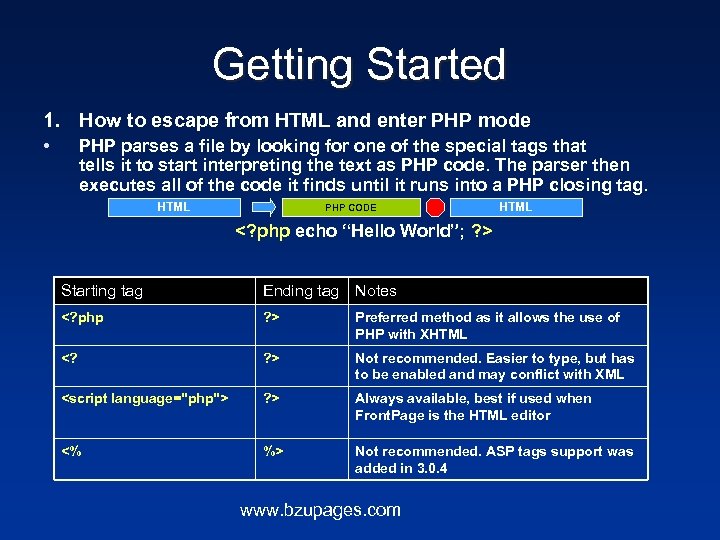
Getting Started 1. How to escape from HTML and enter PHP mode • PHP parses a file by looking for one of the special tags that tells it to start interpreting the text as PHP code. The parser then executes all of the code it finds until it runs into a PHP closing tag. HTML PHP CODE HTML <? php echo “Hello World”; ? > Starting tag Ending tag Notes <? php ? > Preferred method as it allows the use of PHP with XHTML <? ? > Not recommended. Easier to type, but has to be enabled and may conflict with XML <script language="php"> ? > Always available, best if used when Front. Page is the HTML editor <% %> Not recommended. ASP tags support was added in 3. 0. 4 www. bzupages. com
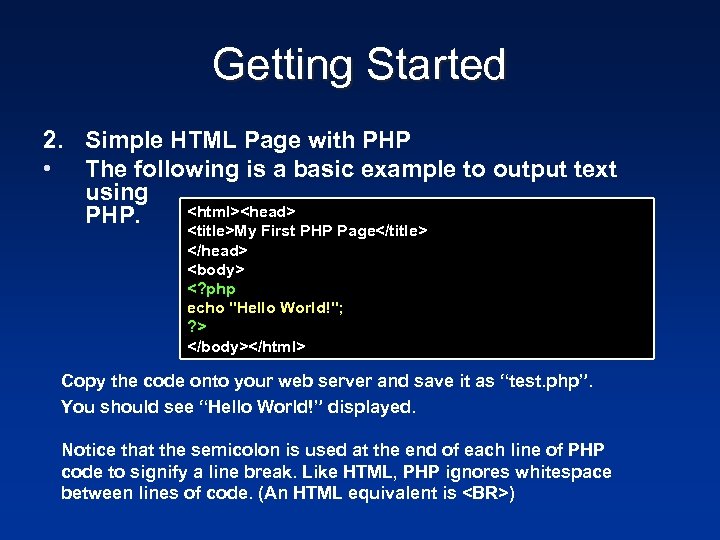
Getting Started 2. Simple HTML Page with PHP • The following is a basic example to output text using <html><head> PHP. <title>My First PHP Page</title> </head> <body> <? php echo "Hello World!"; ? > </body></html> Copy the code onto your web server and save it as “test. php”. You should see “Hello World!” displayed. Notice that the semicolon is used at the end of each line of PHP code to signify a line break. Like HTML, PHP ignores whitespace between lines of code. (An HTML equivalent is <BR>)
PHP Language features • PHP language features such as control structures, operators, variable types, function declaration, class/object declaration are almost similar to any compiled or interpreted language such as C or C++. www. bzupages. com
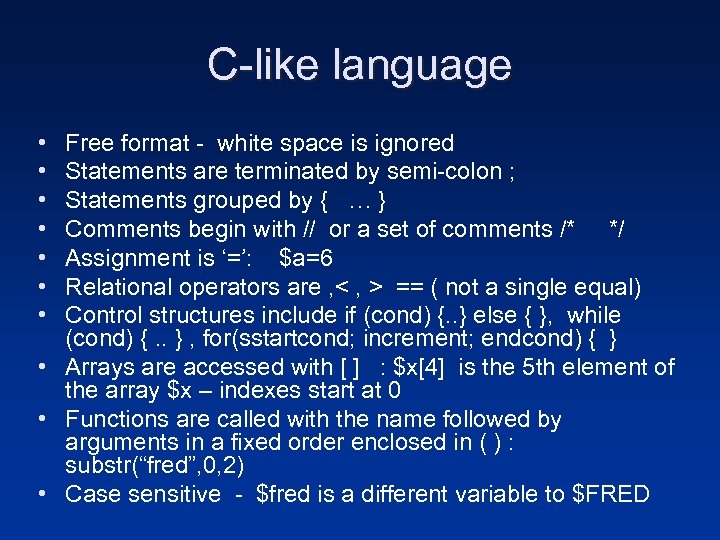
C-like language • • Free format - white space is ignored Statements are terminated by semi-colon ; Statements grouped by { … } Comments begin with // or a set of comments /* */ Assignment is ‘=’: $a=6 Relational operators are , < , > == ( not a single equal) Control structures include if (cond) {. . } else { }, while (cond) {. . } , for(sstartcond; increment; endcond) { } • Arrays are accessed with [ ] : $x[4] is the 5 th element of the array $x – indexes start at 0 • Functions are called with the name followed by arguments in a fixed order enclosed in ( ) : substr(“fred”, 0, 2) • Case sensitive - $fred is a different variable to $FRED
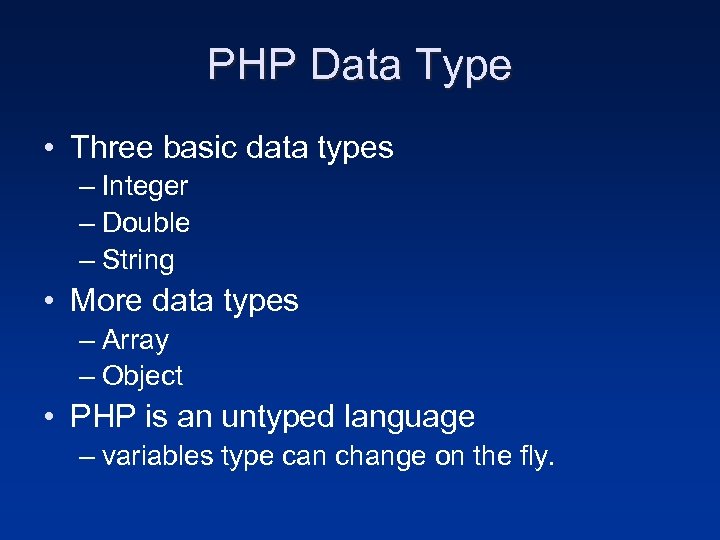
PHP Data Type • Three basic data types – Integer – Double – String • More data types – Array – Object • PHP is an untyped language – variables type can change on the fly.
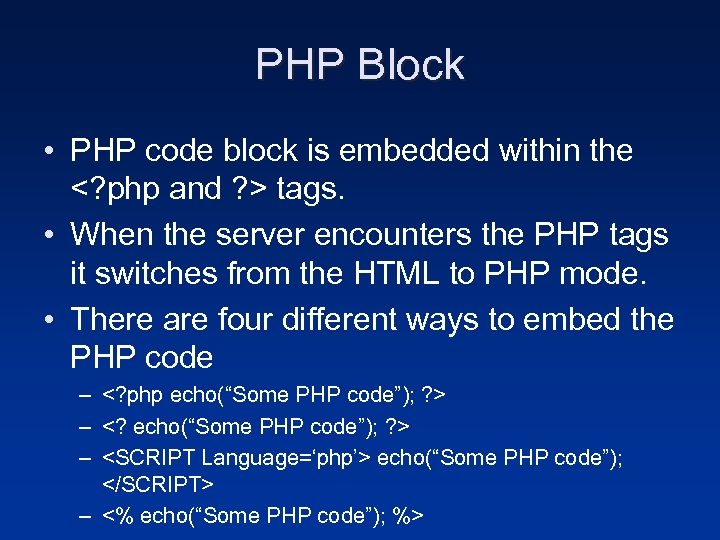
PHP Block • PHP code block is embedded within the <? php and ? > tags. • When the server encounters the PHP tags it switches from the HTML to PHP mode. • There are four different ways to embed the PHP code – <? php echo(“Some PHP code”); ? > – <? echo(“Some PHP code”); ? > – <SCRIPT Language=‘php’> echo(“Some PHP code”); </SCRIPT> – <% echo(“Some PHP code”); %>
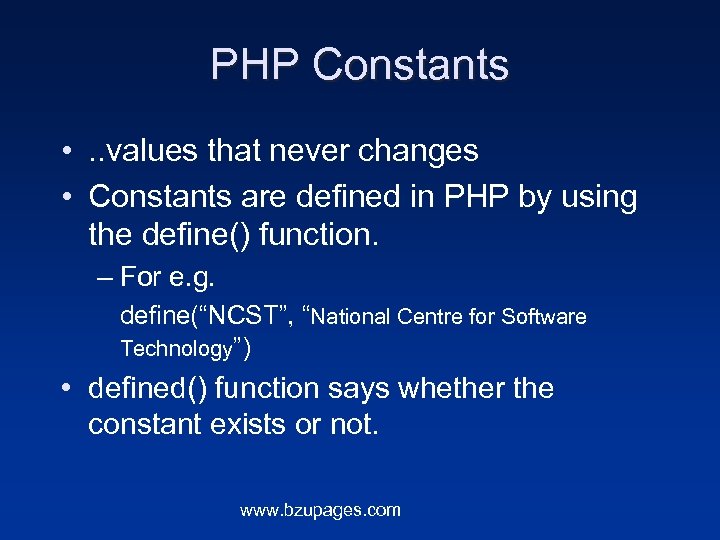
PHP Constants • . . values that never changes • Constants are defined in PHP by using the define() function. – For e. g. define(“NCST”, “National Centre for Software Technology”) • defined() function says whether the constant exists or not. www. bzupages. com
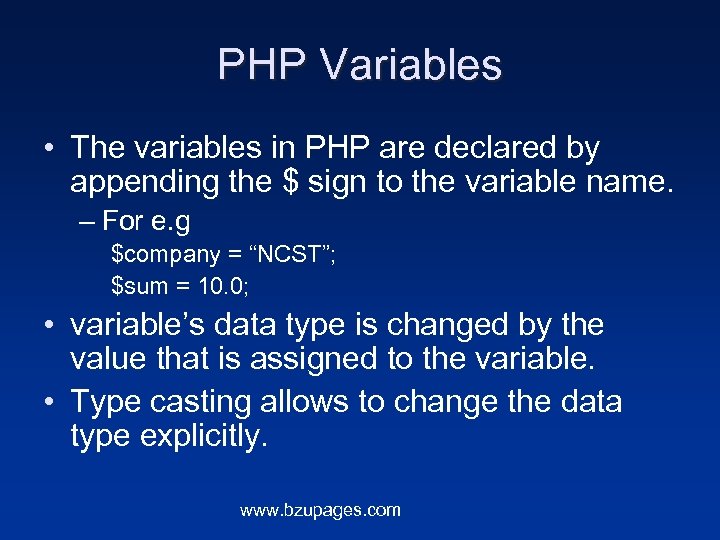
PHP Variables • The variables in PHP are declared by appending the $ sign to the variable name. – For e. g $company = “NCST”; $sum = 10. 0; • variable’s data type is changed by the value that is assigned to the variable. • Type casting allows to change the data type explicitly. www. bzupages. com
PHP Variables (cont. ) • Rich set of functions for working with variable. – For e. g • gettype, settype, isset, unset, is_int, intval etc www. bzupages. com
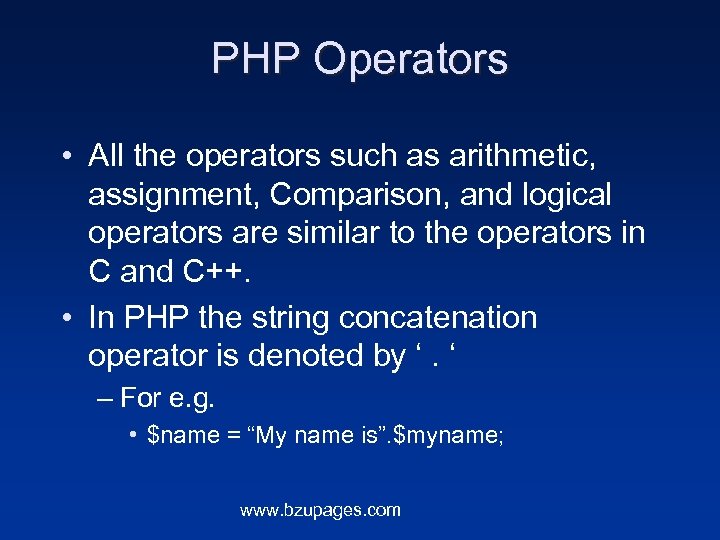
PHP Operators • All the operators such as arithmetic, assignment, Comparison, and logical operators are similar to the operators in C and C++. • In PHP the string concatenation operator is denoted by ‘. ‘ – For e. g. • $name = “My name is”. $myname; www. bzupages. com
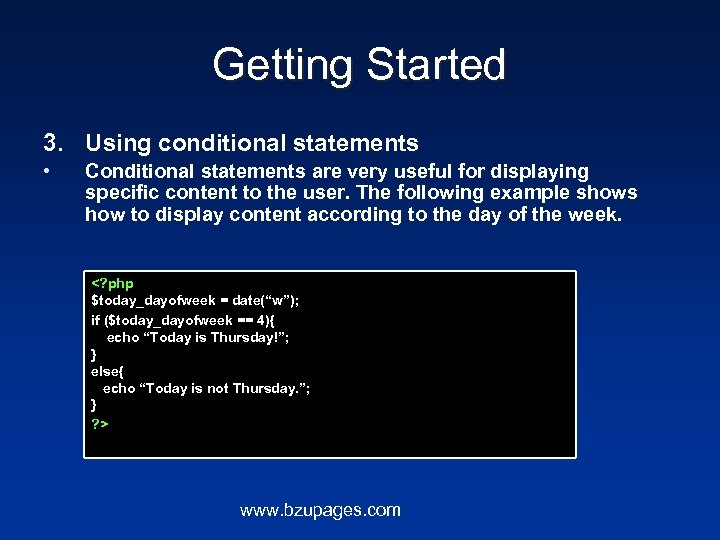
Getting Started 3. Using conditional statements • Conditional statements are very useful for displaying specific content to the user. The following example shows how to display content according to the day of the week. <? php $today_dayofweek = date(“w”); if ($today_dayofweek == 4){ echo “Today is Thursday!”; } else{ echo “Today is not Thursday. ”; } ? > www. bzupages. com
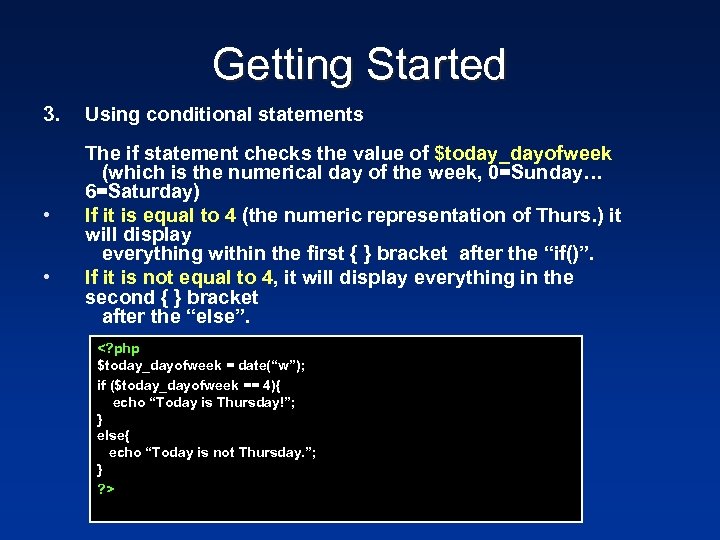
Getting Started 3. • • Using conditional statements The if statement checks the value of $today_dayofweek (which is the numerical day of the week, 0=Sunday… 6=Saturday) If it is equal to 4 (the numeric representation of Thurs. ) it will display everything within the first { } bracket after the “if()”. If it is not equal to 4, it will display everything in the second { } bracket after the “else”. <? php $today_dayofweek = date(“w”); if ($today_dayofweek == 4){ echo “Today is Thursday!”; } else{ echo “Today is not Thursday. ”; } ? >
Examples • PHP is a great way to implement templates on your website. www. bzupages. com
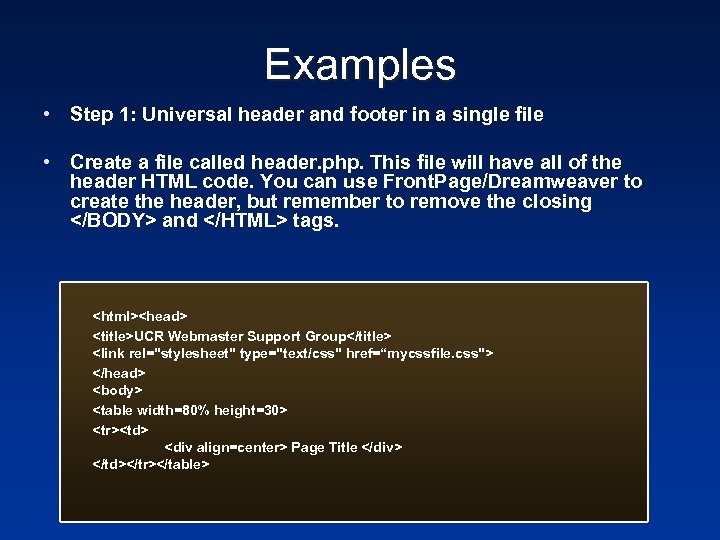
Examples • Step 1: Universal header and footer in a single file • Create a file called header. php. This file will have all of the header HTML code. You can use Front. Page/Dreamweaver to create the header, but remember to remove the closing </BODY> and </HTML> tags. <html><head> <title>UCR Webmaster Support Group</title> <link rel="stylesheet" type="text/css" href=“mycssfile. css"> </head> <body> <table width=80% height=30> <tr><td> <div align=center> Page Title </div> </td></tr></table>
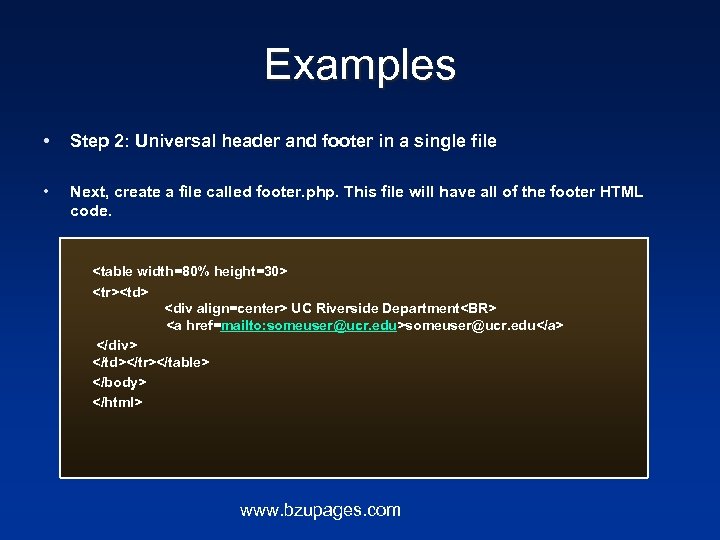
Examples • Step 2: Universal header and footer in a single file • Next, create a file called footer. php. This file will have all of the footer HTML code. <table width=80% height=30> <tr><td> <div align=center> UC Riverside Department<BR> <a href=mailto: someuser@ucr. edu>someuser@ucr. edu</a> </div> </td></tr></table> </body> </html> www. bzupages. com
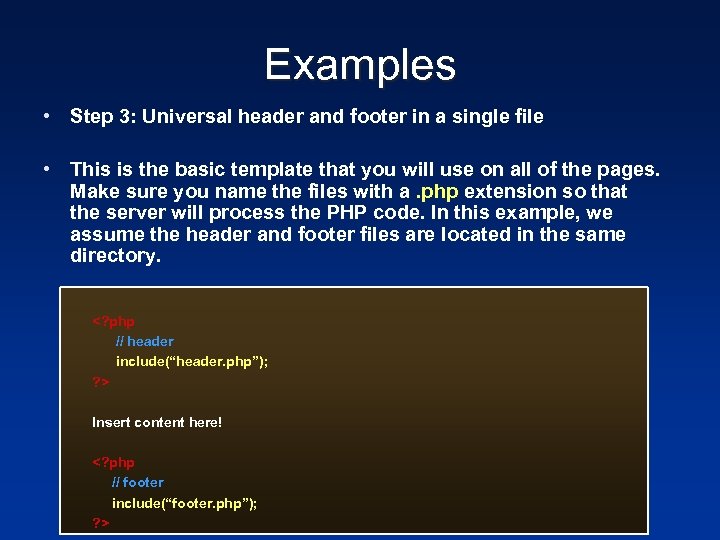
Examples • Step 3: Universal header and footer in a single file • This is the basic template that you will use on all of the pages. Make sure you name the files with a. php extension so that the server will process the PHP code. In this example, we assume the header and footer files are located in the same directory. <? php // header include(“header. php”); ? > Insert content here! <? php // footer include(“footer. php”); ? >
Nesting Files • require(), include_once(), require_once() are used to bring in an external file • This lets you use the same chunk of code in a number of pages, or read other kinds of files into your program • Be VERY careful of using these anywhere close to user input--if a hacker can specify the file to be included, that file will execute within your script, with whatever rights your script has (readfile is a good alternative if you just want the file, but don't need to execute it) www. bzupages. com
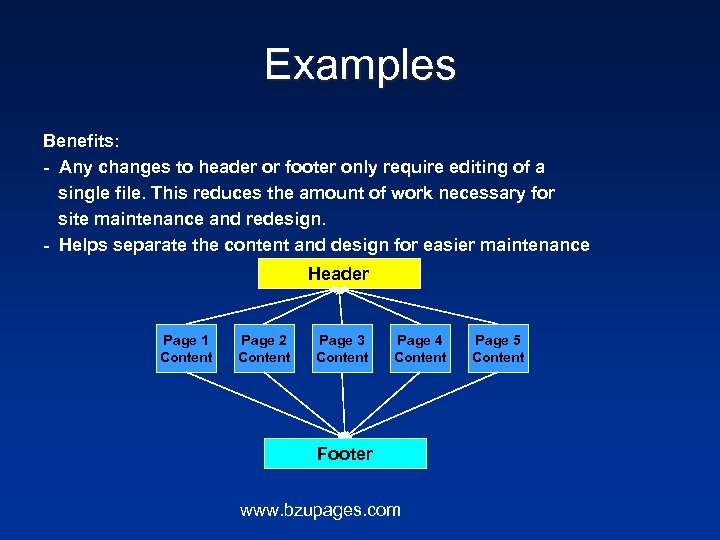
Examples Benefits: - Any changes to header or footer only require editing of a single file. This reduces the amount of work necessary for site maintenance and redesign. - Helps separate the content and design for easier maintenance Header Page 1 Content Page 2 Content Page 3 Content Page 4 Content Footer www. bzupages. com Page 5 Content
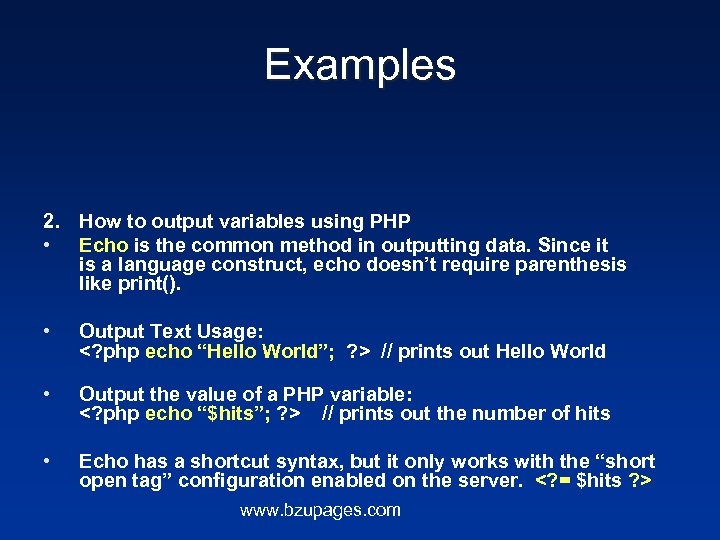
Examples 2. How to output variables using PHP • Echo is the common method in outputting data. Since it is a language construct, echo doesn’t require parenthesis like print(). • Output Text Usage: <? php echo “Hello World”; ? > // prints out Hello World • Output the value of a PHP variable: <? php echo “$hits”; ? > // prints out the number of hits • Echo has a shortcut syntax, but it only works with the “short open tag” configuration enabled on the server. <? = $hits ? > www. bzupages. com
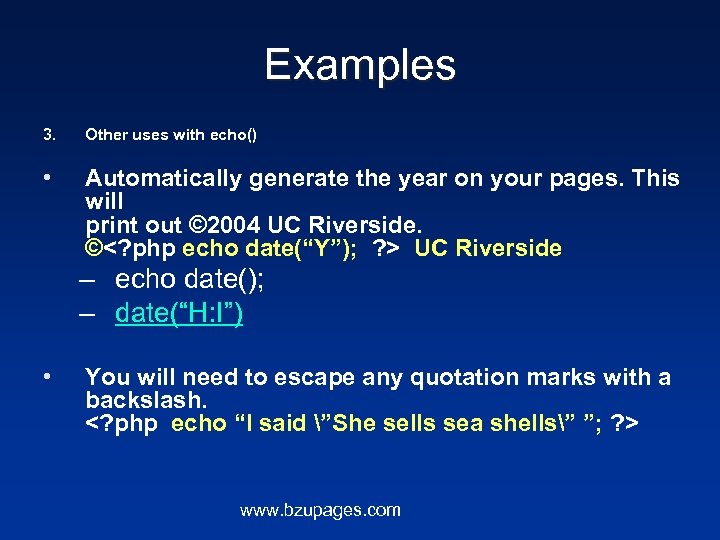
Examples 3. Other uses with echo() • Automatically generate the year on your pages. This will print out © 2004 UC Riverside. ©<? php echo date(“Y”); ? > UC Riverside – echo date(); – date(“H: I”) • You will need to escape any quotation marks with a backslash. <? php echo “I said ”She sells sea shells” ”; ? > www. bzupages. com
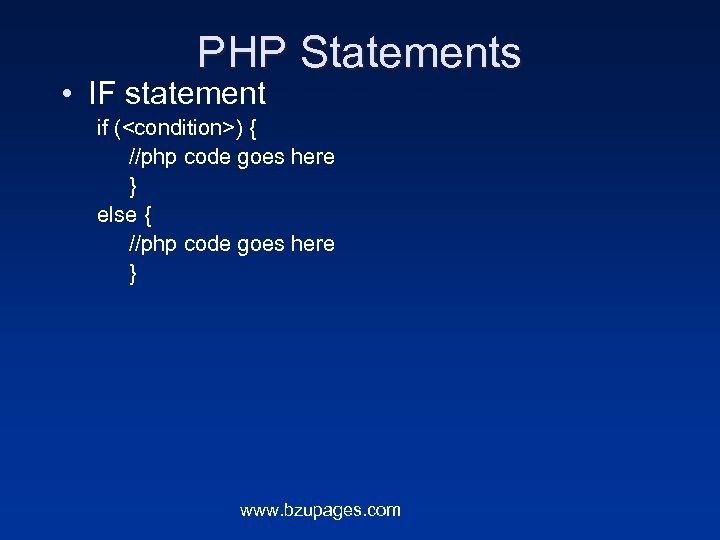
PHP Statements • IF statement if (<condition>) { //php code goes here } else { //php code goes here } www. bzupages. com
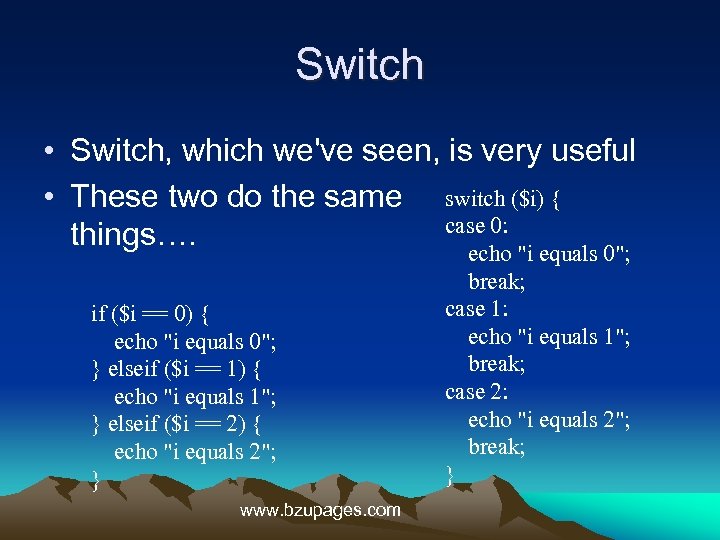
Switch • Switch, which we've seen, is very useful • These two do the same switch ($i) { case 0: things…. echo "i equals 0"; if ($i == 0) { echo "i equals 0"; } elseif ($i == 1) { echo "i equals 1"; } elseif ($i == 2) { echo "i equals 2"; } www. bzupages. com break; case 1: echo "i equals 1"; break; case 2: echo "i equals 2"; break; }
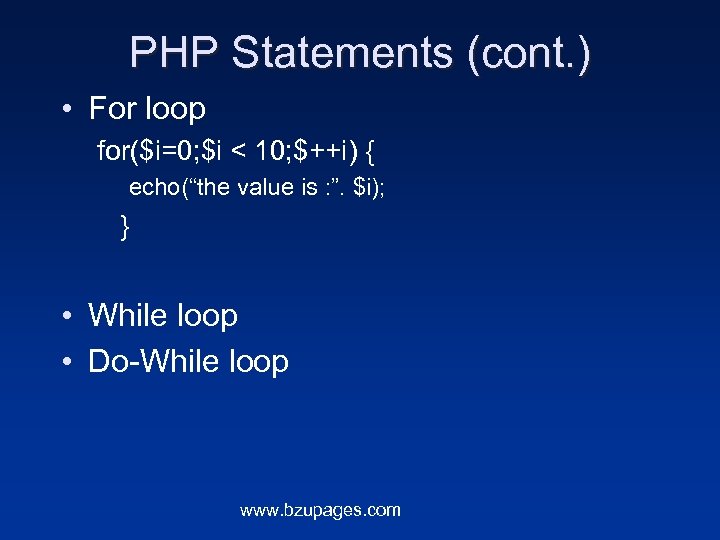
PHP Statements (cont. ) • For loop for($i=0; $i < 10; $++i) { echo(“the value is : ”. $i); } • While loop • Do-While loop www. bzupages. com
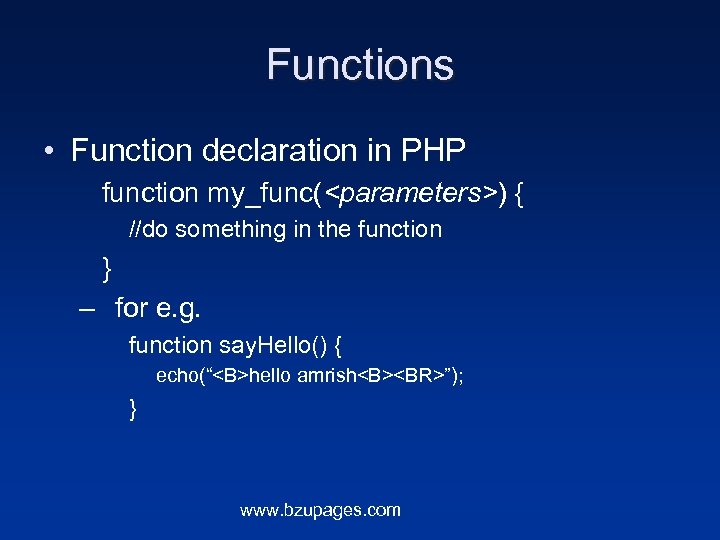
Functions • Function declaration in PHP function my_func(<parameters>) { //do something in the function } – for e. g. function say. Hello() { echo(“<B>hello amrish<B><BR>”); } www. bzupages. com
Скачать презентацию PHP An Introduction www bzupages com
a3f09644950d4170a5d522100dafec94.ppt