


 Скачать презентацию PH 15720 INTRODUCTION TO COMPUTATIONAL AND EXPERIMENTAL PHYSICS
dcf7792ceaf2ef3321f5fd4b87e919a0.ppt
- Количество слайдов: 36
 PH 15720 INTRODUCTION TO COMPUTATIONAL AND EXPERIMENTAL PHYSICS MATHCAD
 Introduction • • What can Math. CAD do ? Why is Math. CAD important ? When will we learn Math. CAD ? Which is the best Math. CAD book ? Who do we ask about Math. CAD ? How will we be tested on Math. CAD ? How do we start Math. CAD ?
 Congratulations on choosing a hard subject • Physics has: – Right & Wrong answers – Difficult concepts – Hard mathematics – Continual coursework • Math. CAD can help
 Degree grade is very important • 30%+ of 18 year olds at university • Not good enough to aim for a pass • Grade affects rest of your career
 Degree Outcomes • • • 1 st International Science, Ph. D 2. 1 National laboratory, Ph. D 2. 2 Science officer, teacher 3 rd Teaching Pass “Do you want fries, sir? ”
 Research Led Teaching • 2 strands – Using lecturers research interests to give direction to undergraduate teaching – Encourage students to learn through discovery
 No Clowns !! • • Turn up Do the work Use time wisely Think about what you are doing
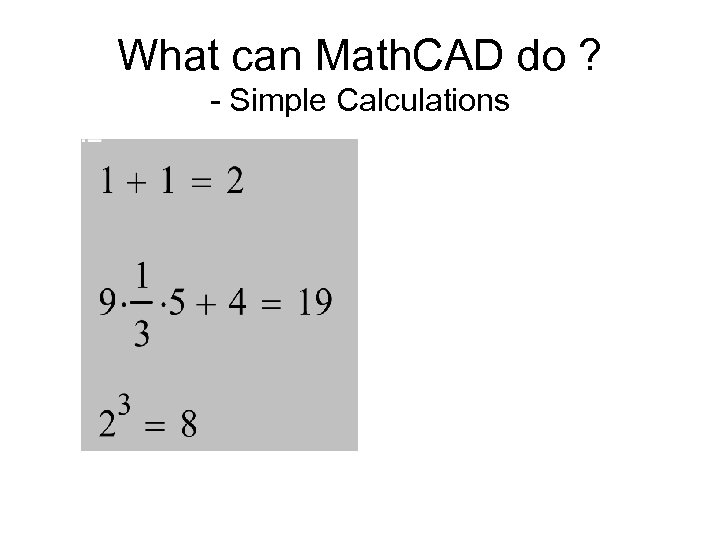 What can Math. CAD do ? - Simple Calculations
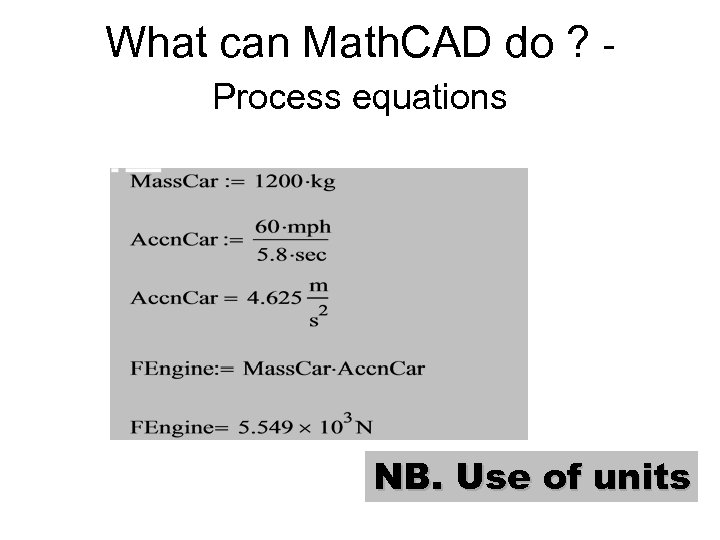 What can Math. CAD do ? Process equations NB. Use of units
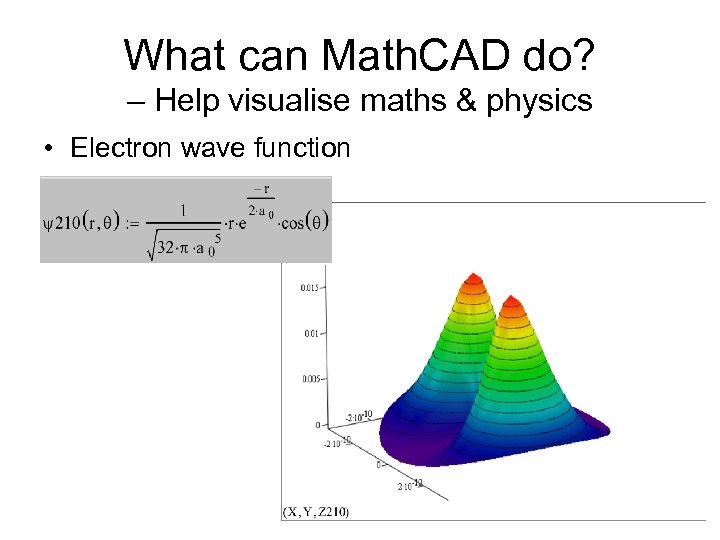 What can Math. CAD do? – Help visualise maths & physics • Electron wave function
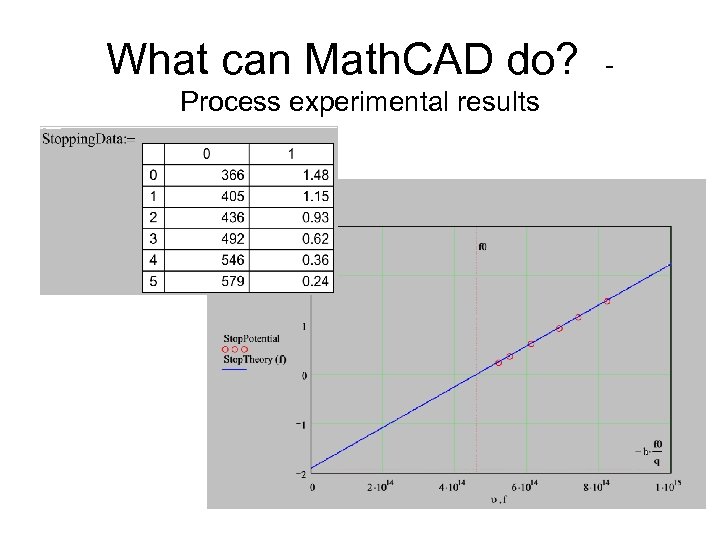 What can Math. CAD do? Process experimental results -
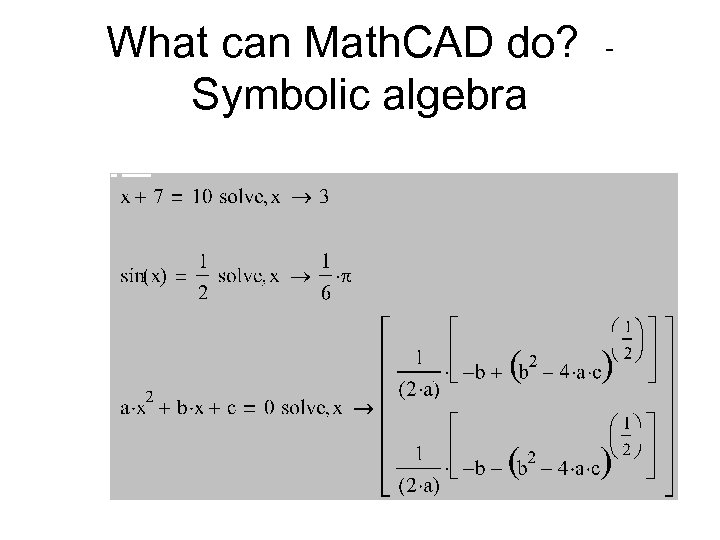 What can Math. CAD do? Symbolic algebra -
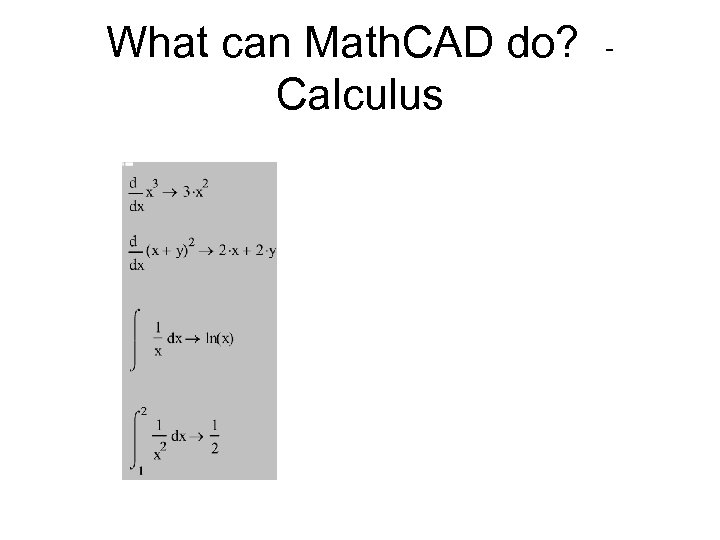 What can Math. CAD do? Calculus -
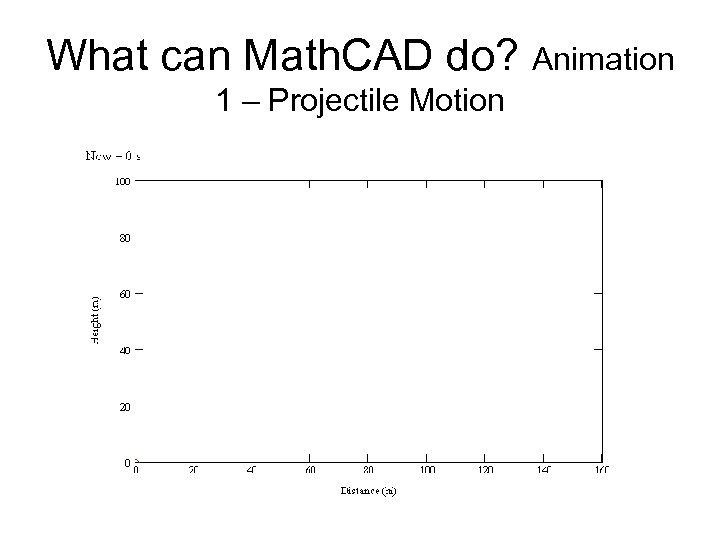 What can Math. CAD do? Animation 1 – Projectile Motion
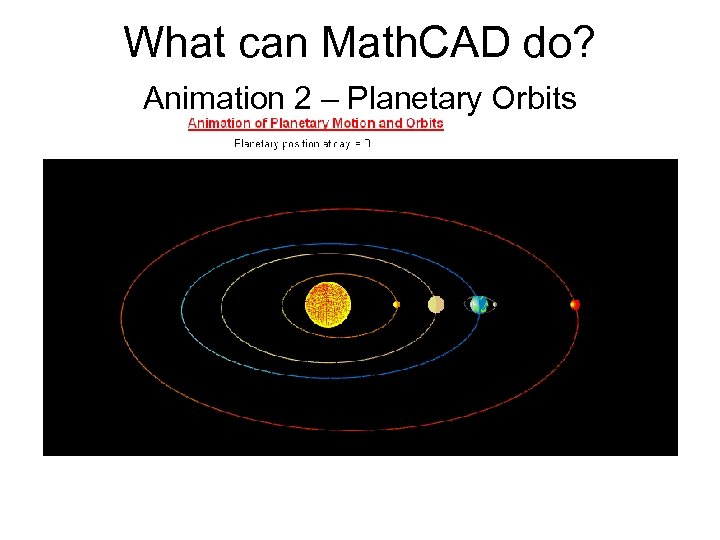 What can Math. CAD do? Animation 2 – Planetary Orbits
 What CAN’T Math. CAD do ? • • Process huge amounts of data Work in real time Control test equipment Work that fast – Use Labview to control test gear
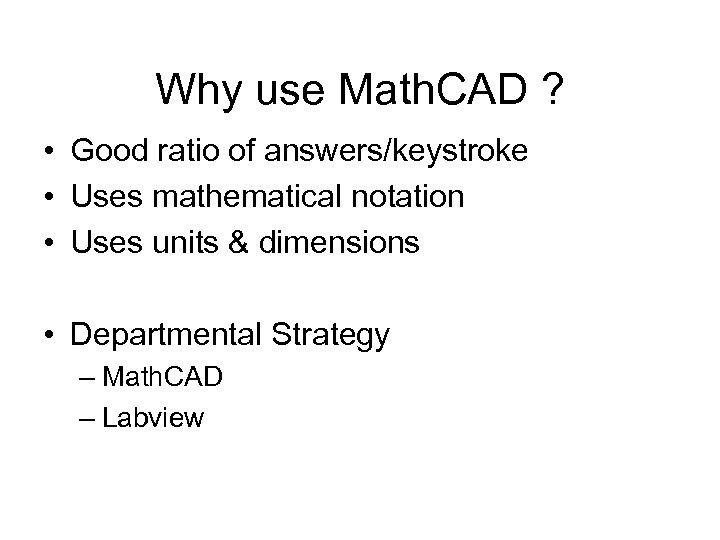 Why use Math. CAD ? • Good ratio of answers/keystroke • Uses mathematical notation • Uses units & dimensions • Departmental Strategy – Math. CAD – Labview
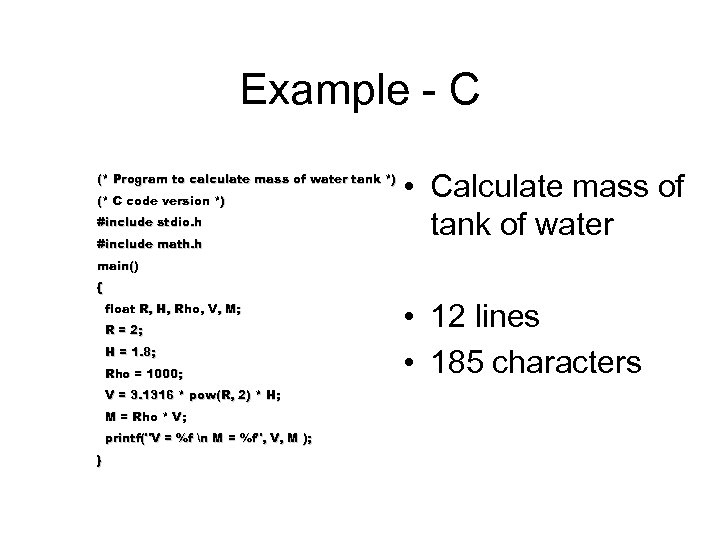 Example - C (* Program to calculate mass of water tank *) (* C code version *) #include stdio. h #include math. h • Calculate mass of tank of water main() { float R, H, Rho, V, M; R = 2; H = 1. 8; Rho = 1000; V = 3. 1316 * pow(R, 2) * H; M = Rho * V; printf("V = %f n M = %f", V, M ); } • 12 lines • 185 characters
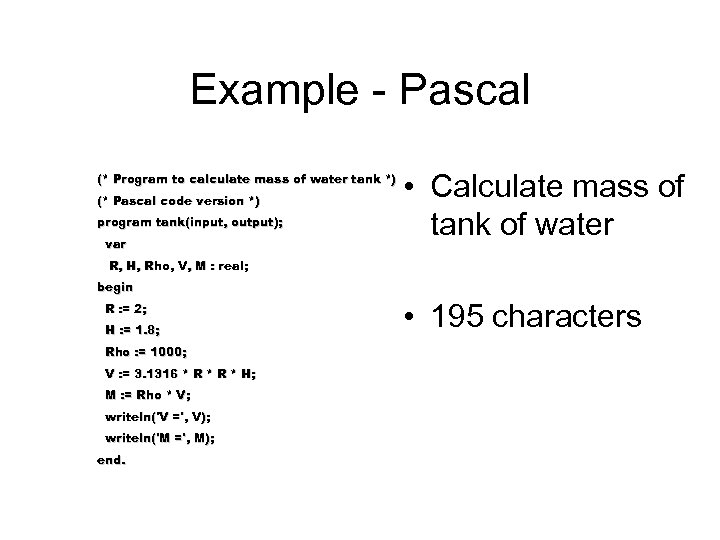 Example - Pascal (* Program to calculate mass of water tank *) (* Pascal code version *) program tank(input, output); var • Calculate mass of tank of water R, H, Rho, V, M : real; begin R : = 2; H : = 1. 8; Rho : = 1000; V : = 3. 1316 * R * H; M : = Rho * V; writeln('V =', V); writeln('M =', M); end. • 195 characters
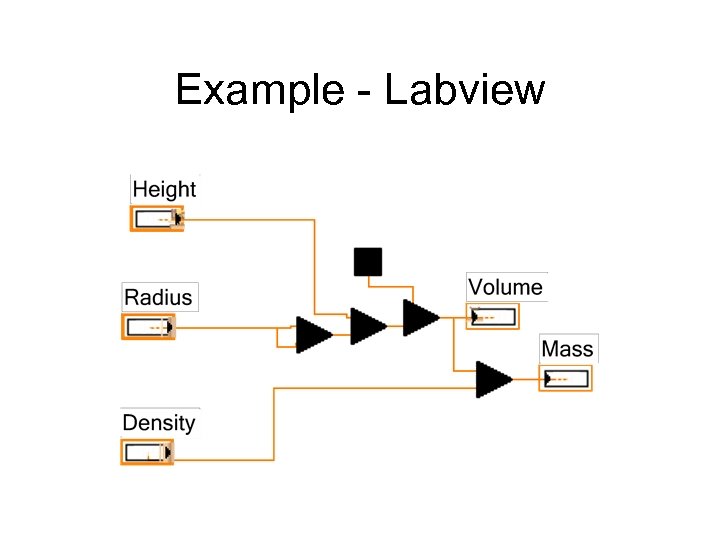 Example - Labview
 Example - Math. CAD • 75 keystrokes • Units calculated
 Why is Math. CAD important ? • Forms core of computing on UWA physics course • Can be used in most aspects of physics degree scheme • A useful tool for the rest of your professional life
 When will we learn Math. CAD ? • Spread over 3 years • Year 1 – Fundamentals, units, matrices • Year 2 – Data Analysis, symbolic maths • Year 3 – Numeric methods, ODEs, Animations, fancy stuff
 First year Course • • 10 lectures/practicals 5 weeks Worksheets to lead you step by step Worksheets & lecture notes available on the web: http: //users. aber. ac. uk/dpl
 Which is the best Math. CAD book ? • • An Introduction to Math. CAD 2000 R. W. Larsen Prentice Hall ISBN 0– 13– 020007– 7 • £ 12. 99 – Buy it now
 Who do we ask about Math. CAD ? • Online Help system – Math. CAD Help, Resource Centre • UWA Staff: – dpl, kb & demonstrators • Web: – http: //www. mathcad. com (resources|Math. CAD files around the world) – Or via online help system
 How do we start using Math. CAD ? • On lab machines: Start Menu Mathsoft Apps Match. CAD 13
 Which bits of Math. CAD will give us problems ? • Editing/Selecting equations • Types of Equals signs
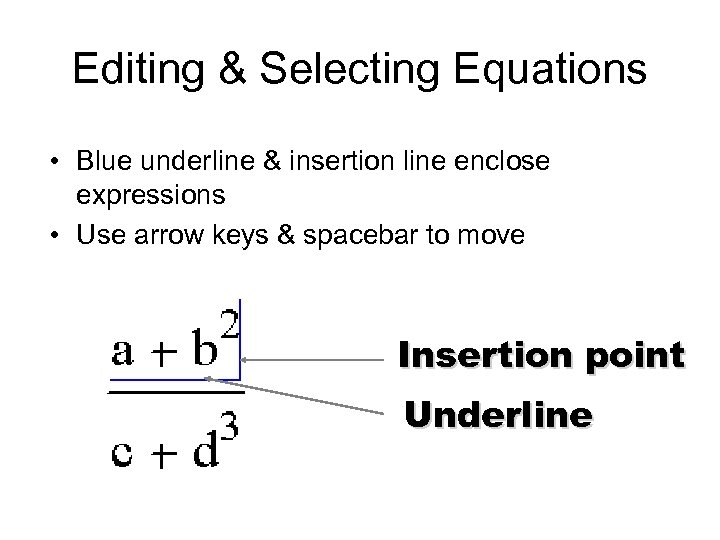 Editing & Selecting Equations • Blue underline & insertion line enclose expressions • Use arrow keys & spacebar to move Insertion point Underline
 Selecting expressions • Click in expression with mouse • Use
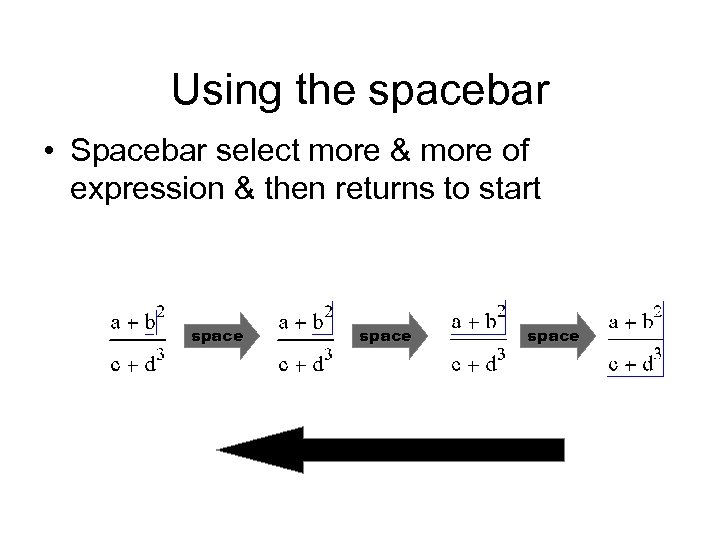 Using the spacebar • Spacebar select more & more of expression & then returns to start space
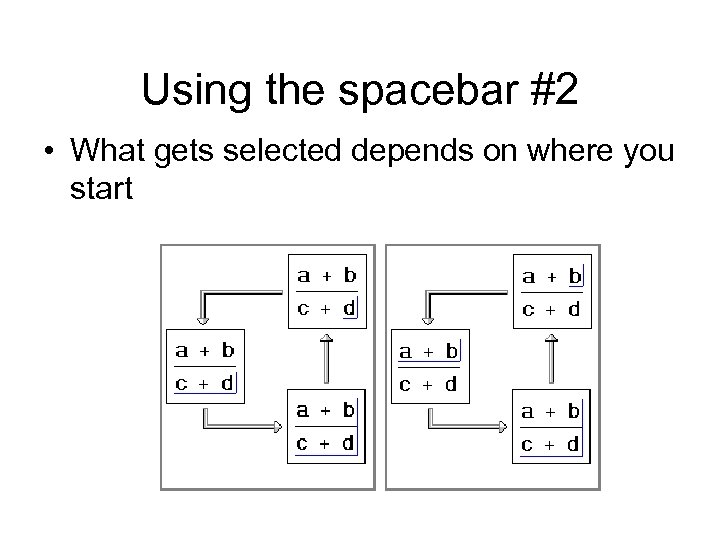 Using the spacebar #2 • What gets selected depends on where you start
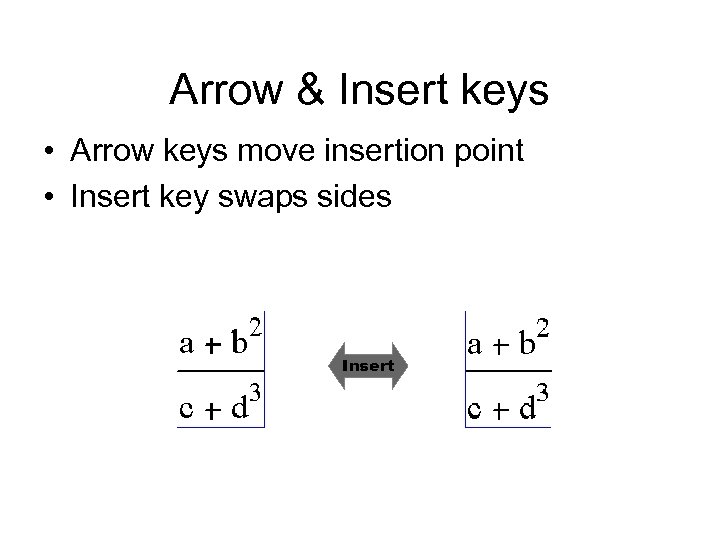 Arrow & Insert keys • Arrow keys move insertion point • Insert key swaps sides Insert
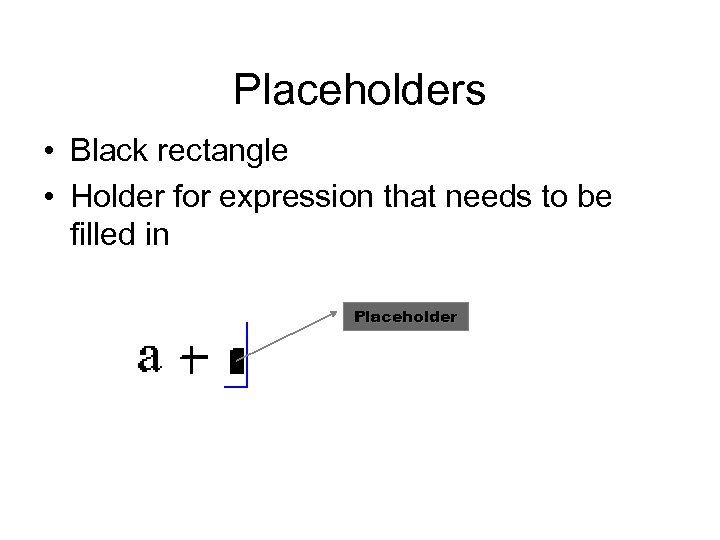 Placeholders • Black rectangle • Holder for expression that needs to be filled in Placeholder
 Practice Makes Perfect • Invest time in Math. CAD • Use for: – Example sheets – Other coursework – Visualising concepts in lectures
 What do we do now ? • Login • Work through exercise sheet 1 “First steps with Math. CAD” • Notes & Handouts from: http: //users. aber. ac. uk/dpl & follow “Course Material” link