


 Скачать презентацию Peter Scott Andrew Simmans The Winning Firm
dd2256d7a1f75e9edcd8b5e5bb0b6222.ppt
- Количество слайдов: 37
 Peter Scott / Andrew Simmans The Winning Firm Alliance HOW TO MAXIMISE BENEFIT FROM THE TECHNOLOGY LAW FIRMS ALREADY HAVE
 Agenda Projects Finding and implementing great benefits Measure what matters Measures are there to help you focus on what you need to do. Training / Support to Raise Productivity Without people technology does nothing!
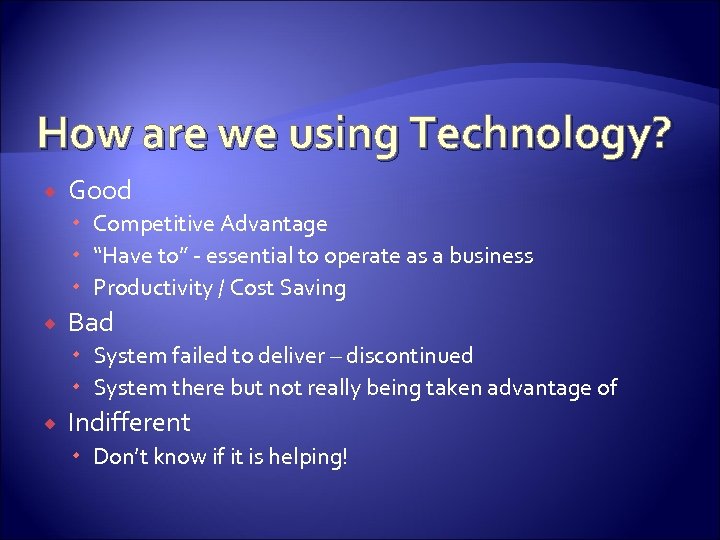 How are we using Technology? Good Competitive Advantage “Have to” - essential to operate as a business Productivity / Cost Saving Bad System failed to deliver – discontinued System there but not really being taken advantage of Indifferent Don’t know if it is helping!
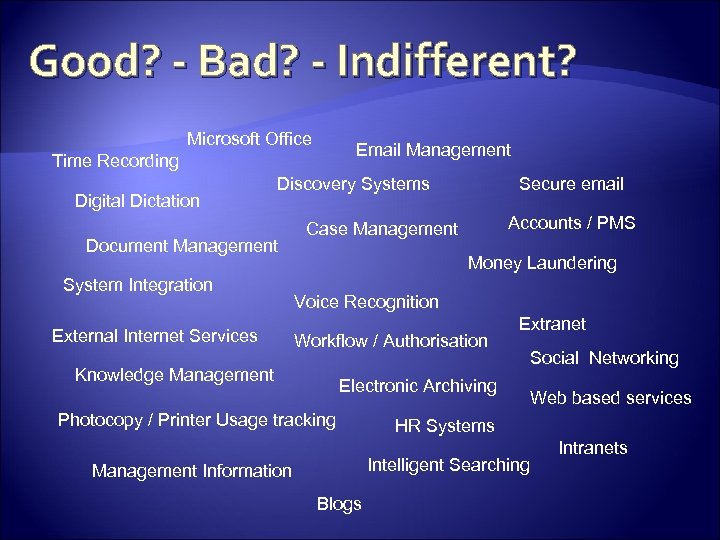 Good? - Bad? - Indifferent? Microsoft Office Email Management Time Recording Digital Dictation Discovery Systems Document Management System Integration External Internet Services Secure email Accounts / PMS Case Management Money Laundering Voice Recognition Workflow / Authorisation Knowledge Management Extranet Electronic Archiving Photocopy / Printer Usage tracking Blogs Web based services HR Systems Intelligent Searching Management Information Social Networking Intranets
 Making Technology Effective Technology without people does nothing Law firms are people businesses PEOPLE use technology Are the people getting the most benefit out of it?
 USE THE TECHNOLOGY YOU ALREADY HAVE TO MAKE MORE EFFECTIVE USE OF YOUR PEOPLE TO BUILD A MORE EFFICIENT, COMPETITIVE AND PROFITABLE LAW FIRM
 How to encourage all your people to think creatively about how the technology you already have can be used to: Provide better service Improve productivity Build competitive advantage Build Profitability
 Business objectives Client service delivery Financial management Business development Knowledge management Risk management Compliance Others?
 Your annual IT spend? Do you know how much you spend each year on IT? If so - are you getting financial value from your spend? If not – then why not?
 Your IT spend It is just another tool to be used by you in your business to help you make profit Is it doing so? Do you analyse the cost / benefits of the IT you use? Could you use it better?
 The blockages • What hurdles have you found to date stopping you implementing / using existing technology to gain optimum efficiency (and thus profitability) for your firm?
 Possible Blockages Partners / staff not willing to change Cost too much / taking too long Not seen the expected benefits Package / System does not do what you expected System is “far too complicated” No-one using system System is unreliable / fails to run quickly / has errors System is “taking over” – takes longer to maintain the system than provide the service! Don’t know what could be done with system Unrealistic expectations of what Partners / Staff could do System makes business process worse not better! Project “feels” stuck or going wrong.
 The Opportunities • Known Frustrations / Shortcomings • Find new “Quick Win” opportunities?
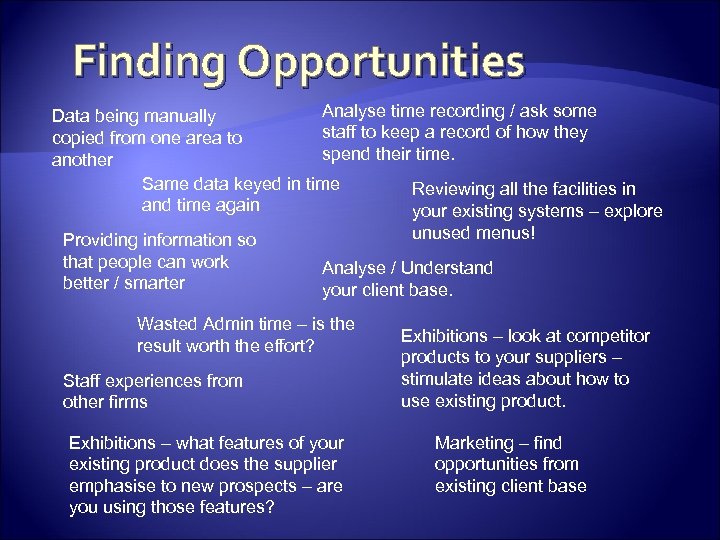 Finding Opportunities Analyse time recording / ask some Data being manually staff to keep a record of how they copied from one area to spend their time. another Same data keyed in time Reviewing all the facilities in and time again your existing systems – explore Providing information so that people can work better / smarter unused menus! Analyse / Understand your client base. Wasted Admin time – is the result worth the effort? Staff experiences from other firms Exhibitions – what features of your existing product does the supplier emphasise to new prospects – are you using those features? Exhibitions – look at competitor products to your suppliers – stimulate ideas about how to use existing product. Marketing – find opportunities from existing client base
 MAKING “IT” HAPPEN
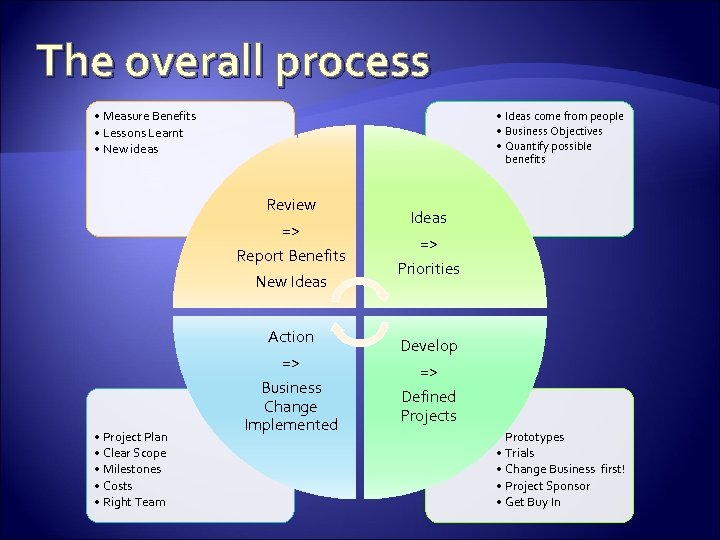 The overall process • Measure Benefits • Lessons Learnt • New ideas • Ideas come from people • Business Objectives • Quantify possible benefits Review => Report Benefits New Ideas • Project Plan • Clear Scope • Milestones • Costs • Right Team Ideas => Priorities Action => Business Change Implemented Develop => Defined Projects • Prototypes • Trials • Change Business first! • Project Sponsor • Get Buy In
 Above All! Keep focus on Business Objectives Go for 80% benefit for 20% effort Think about how to do it before you start Have a plan Monitor / Revise
 Peter Scott / Andrew Simmans The Winning Firm Alliance MEASURE WHAT MATTERS
 Avoid financial information overload Keep it simple
 The purpose of financial reporting? To provide clear information to those running the business to enable them to: Monitor what is happening in the business Project what is likely to happen in the business Make decisions as to what needs to be done
 Measure what matters Why do we produce this information? Does it tell us what we need to know about our business? Do we ever use this information? If not then why do we produce it? What information do we not produce, the absence of which is preventing us from effectively driving financial performance?
 Measure what matters How can we measure the financial performance of each part of our firm? How profitable / loss making are our clients? Which parts of our firm generate good cash flow / soak up cash?
 Your Key Performance Indicators? What do you measure and why?
 Financial Performance Indicators Input v Target Aged WIP v Target Billings v Target Aged Debtors Aged Lock Up Realisation % Utilisation % Frequency of measurement Trends for all of these
 Other Key Performance Indicators Client Satisfaction New work won Sell on in existing Clients New Opportunities Staff Satisfaction
 IT and Measuring what Matters Is IT helping or hindering your financial measurement and reporting? What are you using / what have you found effective? Excel – a quick win Can read the PMS direct! Pivot tables / Pivot graphs very powerful With Intranet and Macros provide quick / simple reports
 How can IT help Measure? Sophisticated Packages Are they value for money? Excel Real time reading of data Overnight refresh Manual update / adjustment Manual entry and reports
 Andrew Simmans / Peter Scott The Winning Firm Alliance TRAINING / SUPPORT TO RAISE PRODUCTIVITY
 What is Training / Support? How to use the computer system PLUS! Helping people work effectively Spreading “Best Practice” Encouraging “Standards” Getting feedback / ideas
 What is needed beyond how to use the computer? Department Heads Partners Fee Earners Secretaries Accounts Marketing HR
 Types of Training / Support How to do it Why we are doing it What are others doing that could benefit you Desk side support IT error fixing Feedback of ideas / issues !
 Generation “Y” Born in 80 s and 90 s Now coming into Workplace Computers are natural Expect Social Networking Newsgroups Blogs Wikkis
 Generation “Baby Boomers” Born post War Will retire in next 10 years Computers are learnt (or SEP) Expect: Computers at work are for work What is Facebook anyhow?
 How do we get the “best of all”
 Some Hints Take Training / Support seriously Think about who does the training Super users Central Specialist (IT / Business) External Trainers Think about who needs training Generation Y – quick to learn but need to emphasise risks / controls Baby boomers – take it more slowly
 Some Hints (2) Think about how Floor walk (strongly recommend) 1 to 1 Desk side groups Short 1 hour briefing sessions Full Training Sessions External Courses On-line Books
 And don’t forget! Record who attends course Chase up / enforce attendance Get ideas fed back to centre New Starters Can “correct” bad habits in existing staff Ongoing review / feedback