 Скачать презентацию Periodical Solutions for Libraries Award Winning Platform
ff228d5def83c5d42a6ecc438582adff.ppt
- Количество слайдов: 32



Periodical Solutions for Libraries
Award Winning Platform Most Improved Product Award -- 2007 More than 125, 000 articles from the world’s leading periodicals 2 More than 2, 600 of the world’s leading reference books from over 60 publishers
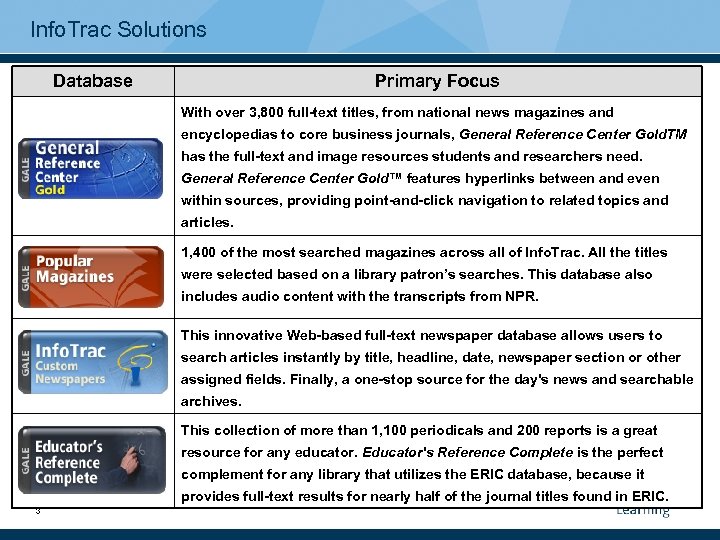
Info. Trac Solutions Database Primary Focus With over 3, 800 full-text titles, from national news magazines and encyclopedias to core business journals, General Reference Center Gold. TM has the full-text and image resources students and researchers need. General Reference Center Gold™ features hyperlinks between and even within sources, providing point-and-click navigation to related topics and articles. 1, 400 of the most searched magazines across all of Info. Trac. All the titles were selected based on a library patron’s searches. This database also includes audio content with the transcripts from NPR. This innovative Web-based full-text newspaper database allows users to search articles instantly by title, headline, date, newspaper section or other assigned fields. Finally, a one-stop source for the day's news and searchable archives. This collection of more than 1, 100 periodicals and 200 reports is a great resource for any educator. Educator's Reference Complete is the perfect complement for any library that utilizes the ERIC database, because it provides full-text results for nearly half of the journal titles found in ERIC. 3
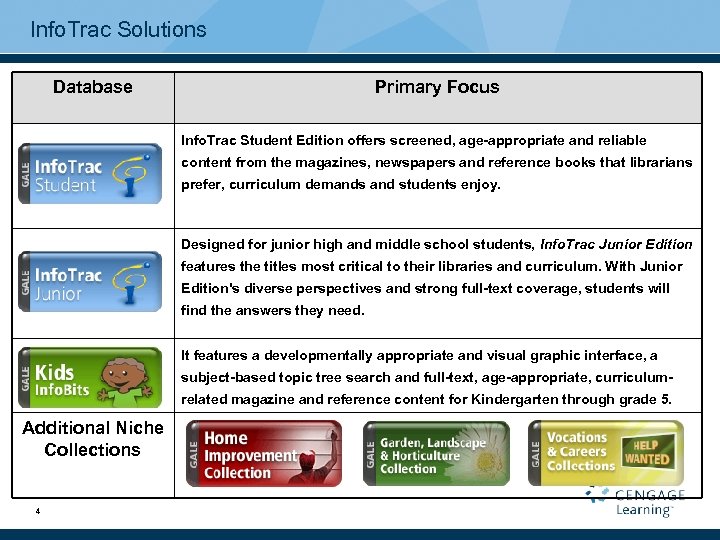
Info. Trac Solutions Database Primary Focus Info. Trac Student Edition offers screened, age-appropriate and reliable content from the magazines, newspapers and reference books that librarians prefer, curriculum demands and students enjoy. Designed for junior high and middle school students, Info. Trac Junior Edition features the titles most critical to their libraries and curriculum. With Junior Edition's diverse perspectives and strong full-text coverage, students will find the answers they need. It features a developmentally appropriate and visual graphic interface, a subject-based topic tree search and full-text, age-appropriate, curriculumrelated magazine and reference content for Kindergarten through grade 5. Additional Niche Collections 4
Why Use Info. Trac Why Info. Trac makes a difference ü Info. Trac makes articles easy to find by a public library patron or student. ü Info. Trac provides unique content that cannot be found elsewhere. ü Info. Trac will not frustrate your patrons or students as we provide more full text with the lowest embargo rate than any other aggregator. ü Info. Trac includes articles, reference content, audio , and video in one easy to use resource. ü Read speaker provides audio translations of every article. ü Info. Trac will keep you patrons and students coming back to the subscription databases you invest in. 5
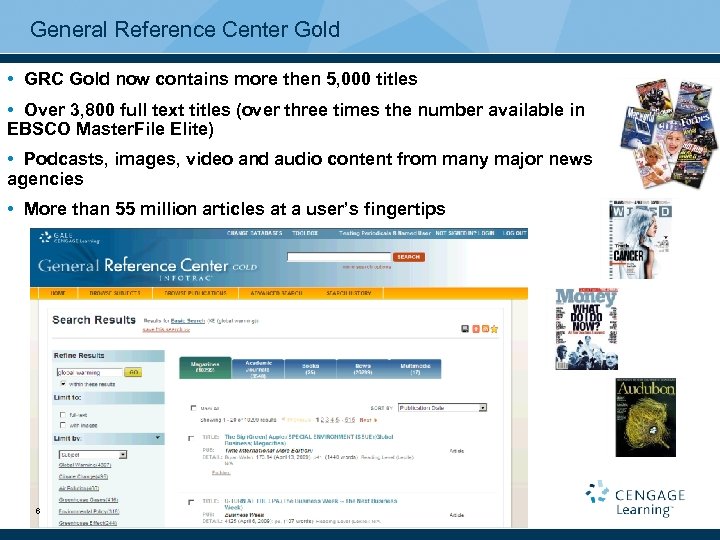
General Reference Center Gold • GRC Gold now contains more then 5, 000 titles • Over 3, 800 full text titles (over three times the number available in EBSCO Master. File Elite) • Podcasts, images, video and audio content from many major news agencies • More than 55 million articles at a user’s fingertips 6
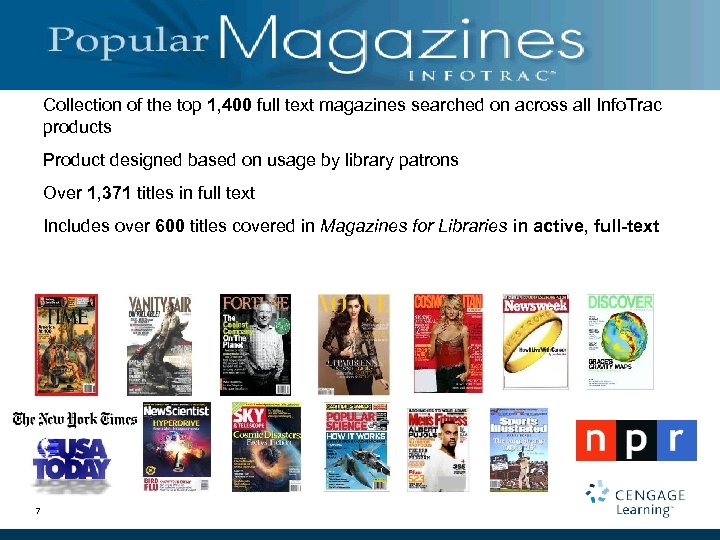
“Popular Magazines” Collection of the top 1, 400 full text magazines searched on across all Info. Trac products Product designed based on usage by library patrons Over 1, 371 titles in full text Includes over 600 titles covered in Magazines for Libraries in active, full-text 7
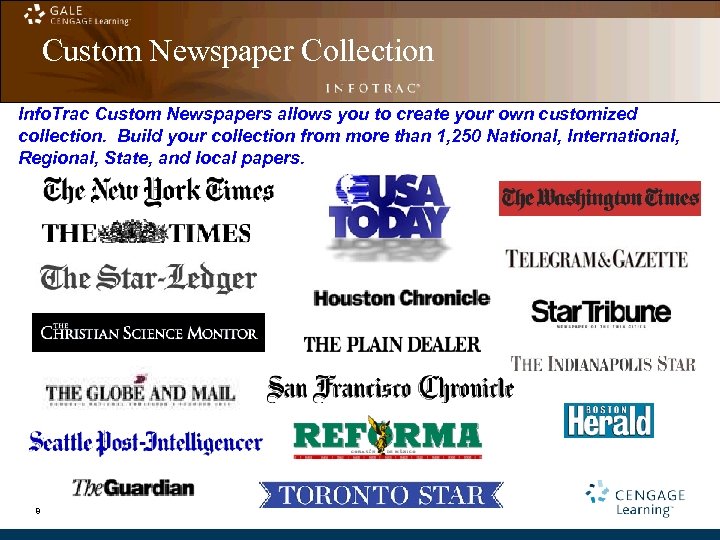
Custom Newspaper Collection Info. Trac Custom Newspapers allows you to create your own customized collection. Build your collection from more than 1, 250 National, International, Regional, State, and local papers. 8
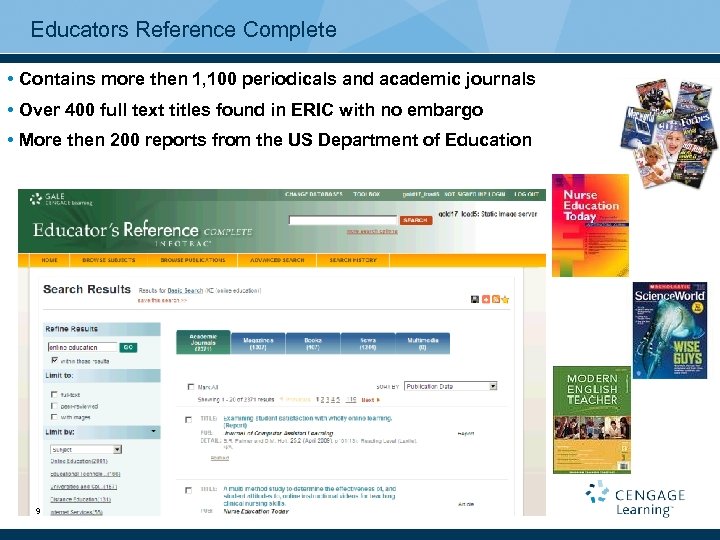
Educators Reference Complete • Contains more then 1, 100 periodicals and academic journals • Over 400 full text titles found in ERIC with no embargo • More then 200 reports from the US Department of Education 9
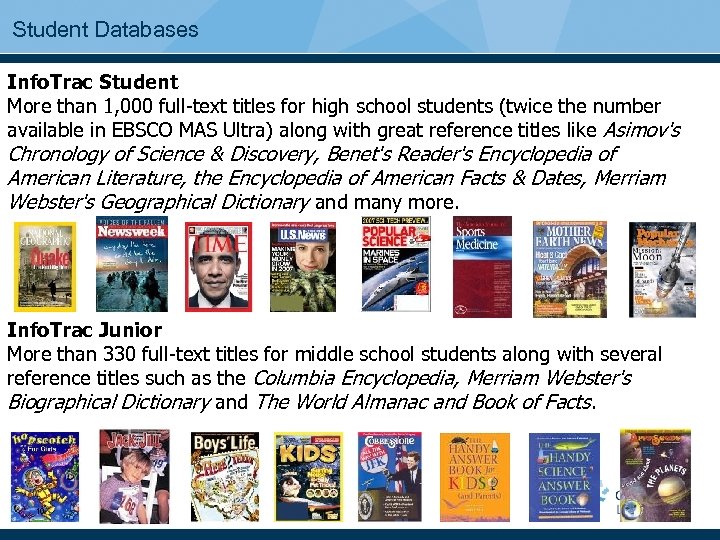
Student Databases Info. Trac Student More than 1, 000 full-text titles for high school students (twice the number available in EBSCO MAS Ultra) along with great reference titles like Asimov's Chronology of Science & Discovery, Benet's Reader's Encyclopedia of American Literature, the Encyclopedia of American Facts & Dates, Merriam Webster's Geographical Dictionary and many more. Info. Trac Junior More than 330 full-text titles for middle school students along with several reference titles such as the Columbia Encyclopedia, Merriam Webster's Biographical Dictionary and The World Almanac and Book of Facts. 10
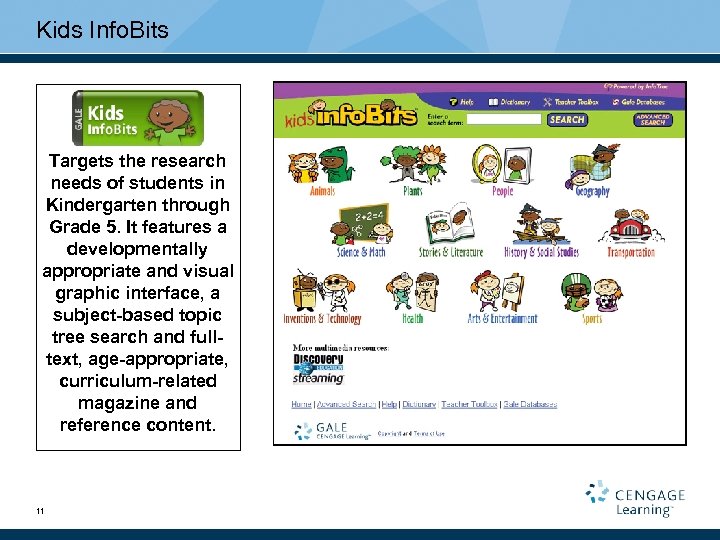
Kids Info. Bits Targets the research needs of students in Kindergarten through Grade 5. It features a developmentally appropriate and visual graphic interface, a subject-based topic tree search and fulltext, age-appropriate, curriculum-related magazine and reference content. 11
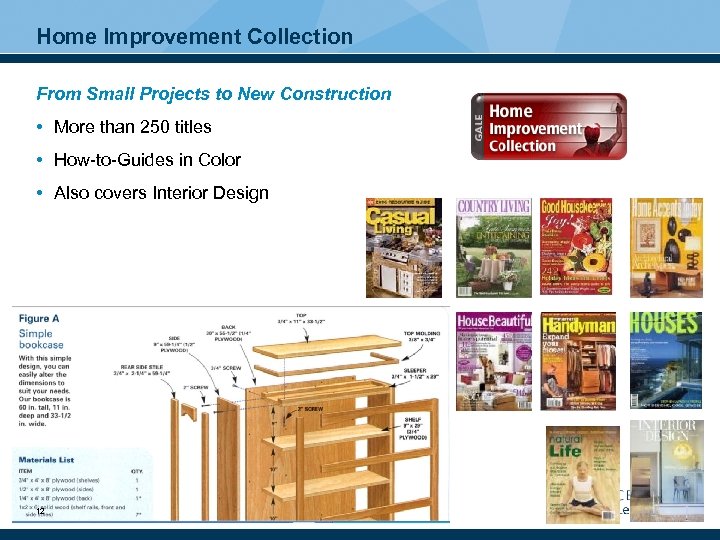
Home Improvement Collection From Small Projects to New Construction • More than 250 titles • How-to-Guides in Color • Also covers Interior Design 12
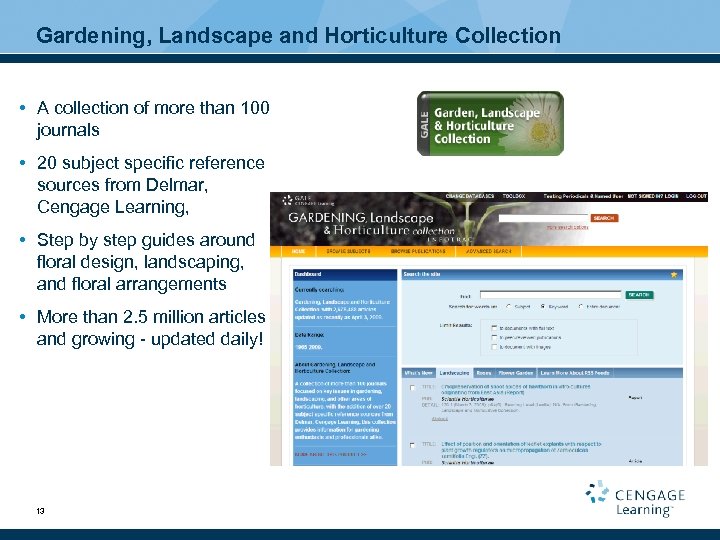
Gardening, Landscape and Horticulture Collection • A collection of more than 100 journals • 20 subject specific reference sources from Delmar, Cengage Learning, • Step by step guides around floral design, landscaping, and floral arrangements • More than 2. 5 million articles and growing - updated daily! 13
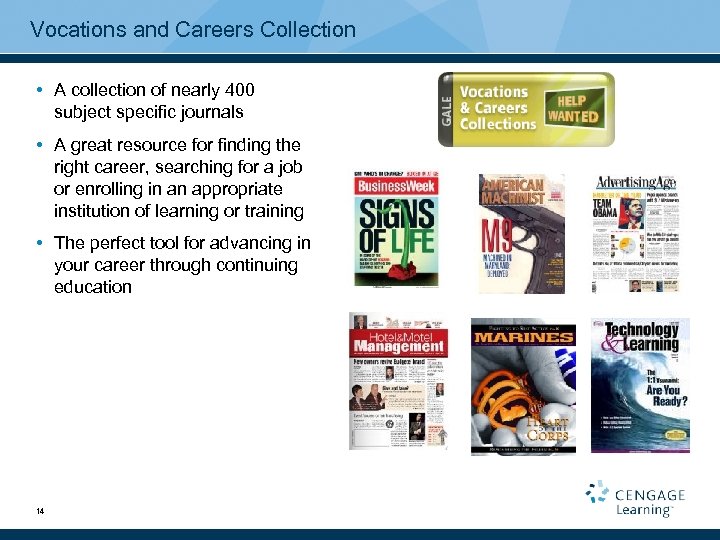
Vocations and Careers Collection • A collection of nearly 400 subject specific journals • A great resource for finding the right career, searching for a job or enrolling in an appropriate institution of learning or training • The perfect tool for advancing in your career through continuing education 14
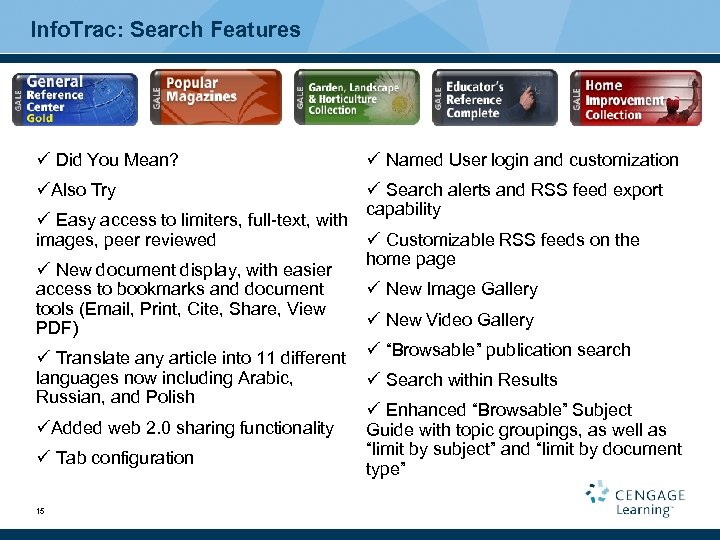
Info. Trac: Search Features ü Did You Mean? ü Named User login and customization üAlso Try ü Search alerts and RSS feed export capability ü Easy access to limiters, full-text, with images, peer reviewed ü Customizable RSS feeds on the home page ü New document display, with easier access to bookmarks and document ü New Image Gallery tools (Email, Print, Cite, Share, View ü New Video Gallery PDF) ü Translate any article into 11 different ü “Browsable” publication search languages now including Arabic, Russian, and Polish üAdded web 2. 0 sharing functionality ü Tab configuration 15 ü Search within Results ü Enhanced “Browsable” Subject Guide with topic groupings, as well as “limit by subject” and “limit by document type”
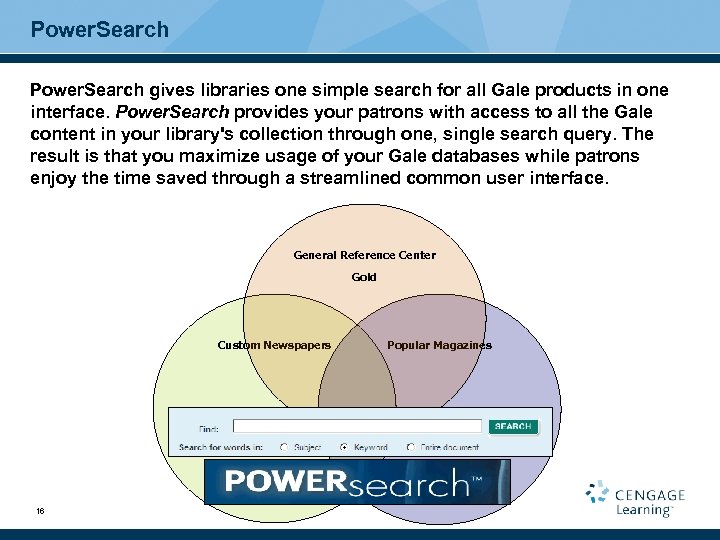
Power. Search gives libraries one simple search for all Gale products in one interface. Power. Search provides your patrons with access to all the Gale content in your library's collection through one, single search query. The result is that you maximize usage of your Gale databases while patrons enjoy the time saved through a streamlined common user interface. General Reference Center Gold Custom Newspapers 16 Popular Magazines
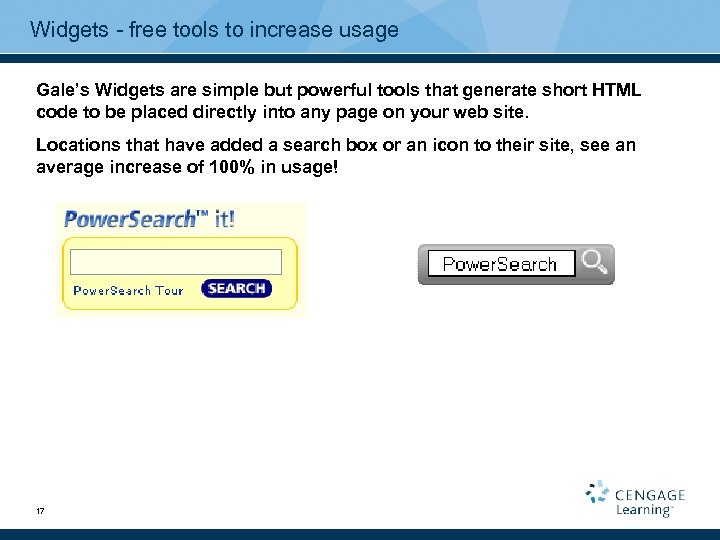
Widgets - free tools to increase usage Gale’s Widgets are simple but powerful tools that generate short HTML code to be placed directly into any page on your web site. Locations that have added a search box or an icon to their site, see an average increase of 100% in usage! 17
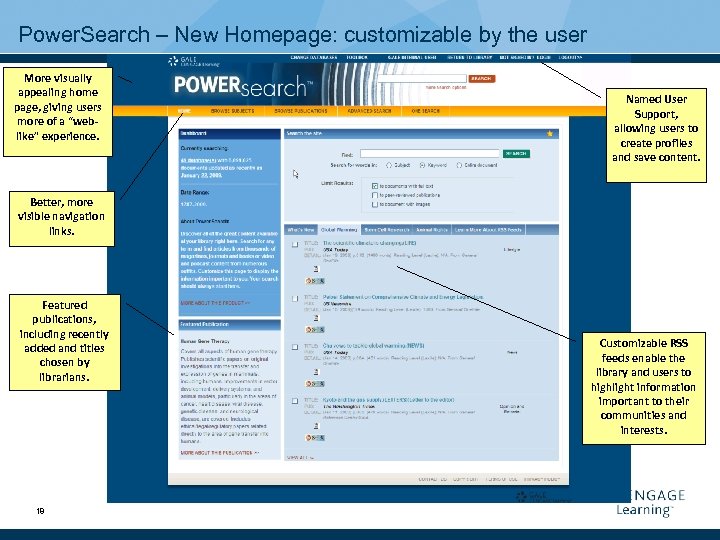
Power. Search – New Homepage: customizable by the user More visually appealing home page, giving users more of a “weblike” experience. Named User Support, allowing users to create profiles and save content. Better, more visible navigation links. Featured publications, including recently added and titles chosen by librarians. 18 Customizable RSS feeds enable the library and users to highlight information important to their communities and interests.
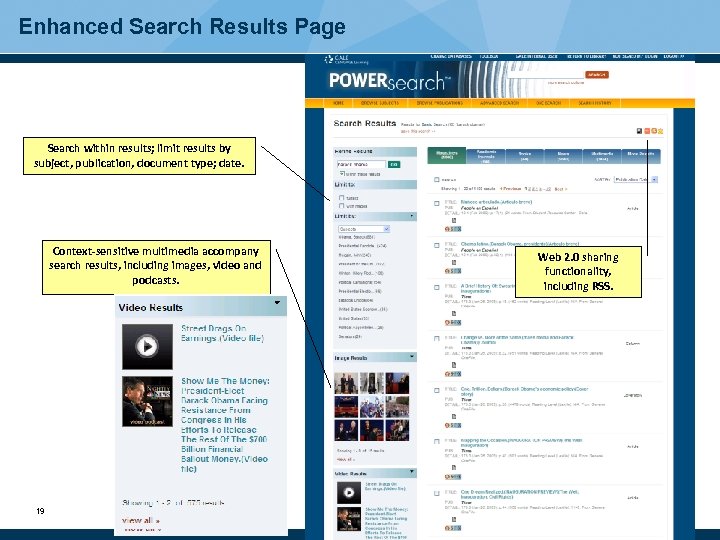
Enhanced Search Results Page Search within results; limit results by subject, publication, document type; date. Context-sensitive multimedia accompany search results, including images, video and podcasts. 19 Web 2. 0 sharing functionality, including RSS.
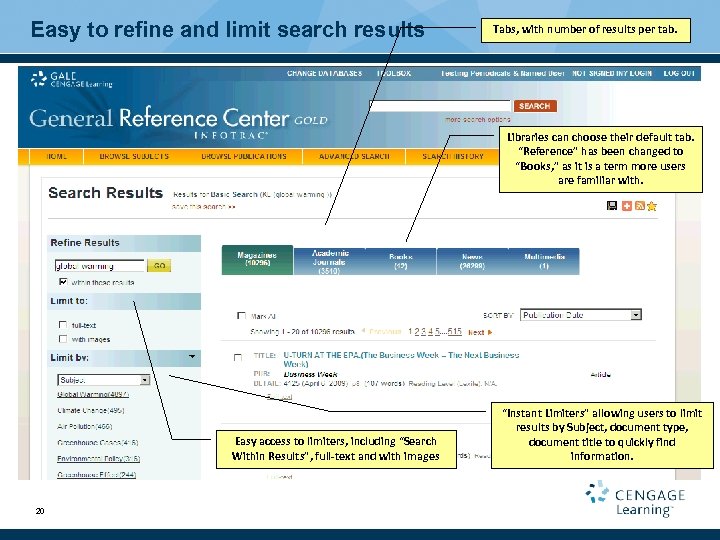
Easy to refine and limit search results Tabs, with number of results per tab. Libraries can choose their default tab. “Reference” has been changed to “Books, ” as it is a term more users are familiar with. Easy access to limiters, including “Search Within Results”, full-text and with images 20 “Instant Limiters” allowing users to limit results by Subject, document type, document title to quickly find information.
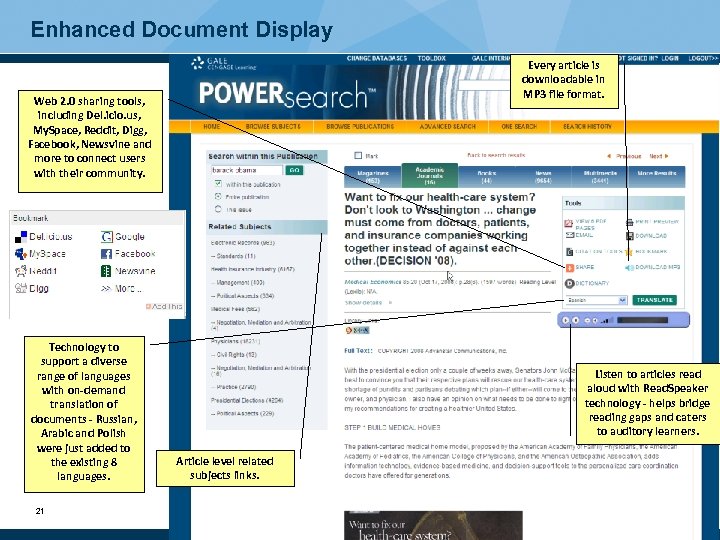
Enhanced Document Display Every article is downloadable in MP 3 file format. Web 2. 0 sharing tools, including Del. icio. us, My. Space, Reddit, Digg, Facebook, Newsvine and more to connect users with their community. Technology to support a diverse range of languages with on-demand translation of documents - Russian, Arabic and Polish were just added to the existing 8 languages. 21 Listen to articles read aloud with Read. Speaker technology - helps bridge reading gaps and caters to auditory learners. Article level related subjects links.
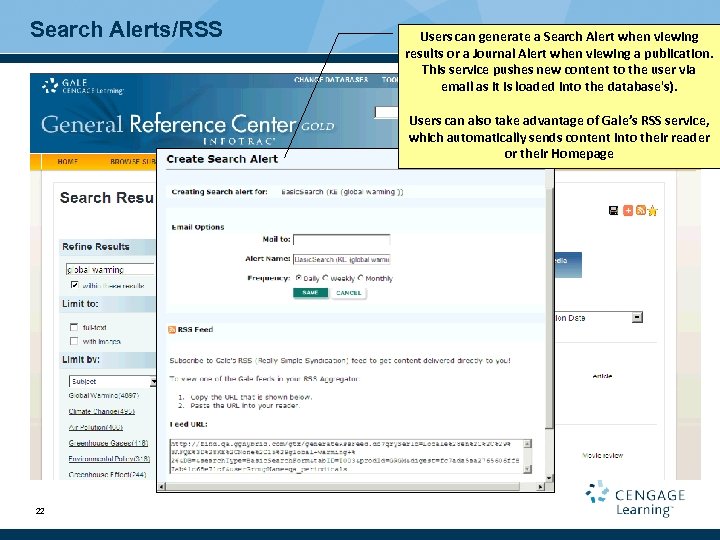
Search Alerts/RSS Users can generate a Search Alert when viewing results or a Journal Alert when viewing a publication. This service pushes new content to the user via email as it is loaded into the database's). Users can also take advantage of Gale’s RSS service, which automatically sends content into their reader or their Homepage 22
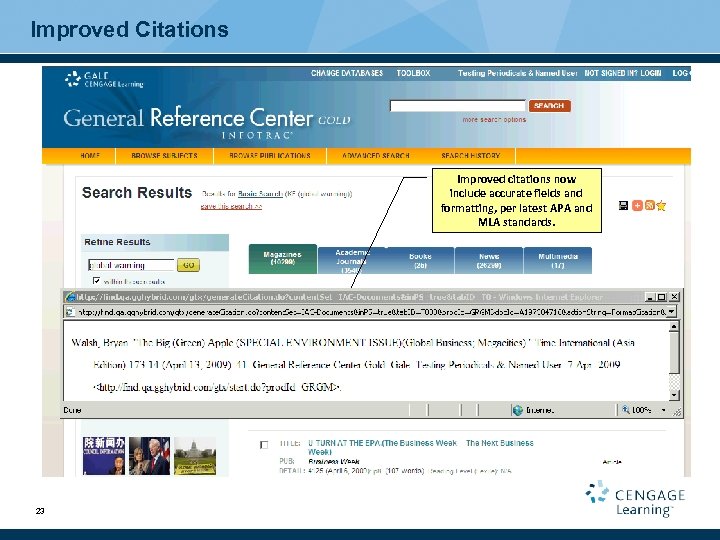
Improved Citations Improved citations now include accurate fields and formatting, per latest APA and MLA standards. 23
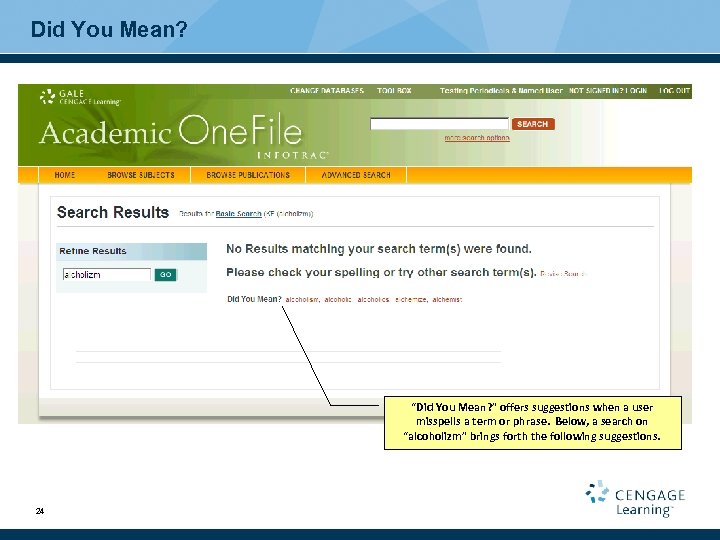
Did You Mean? “Did You Mean? ” offers suggestions when a user misspells a term or phrase. Below, a search on “alcoholizm” brings forth the following suggestions. 24
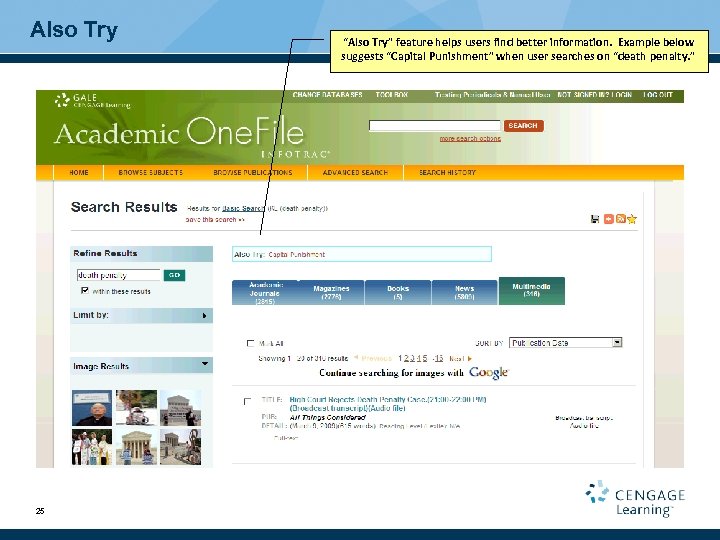
Also Try 25 “Also Try” feature helps users find better information. Example below suggests “Capital Punishment” when user searches on “death penalty. ”
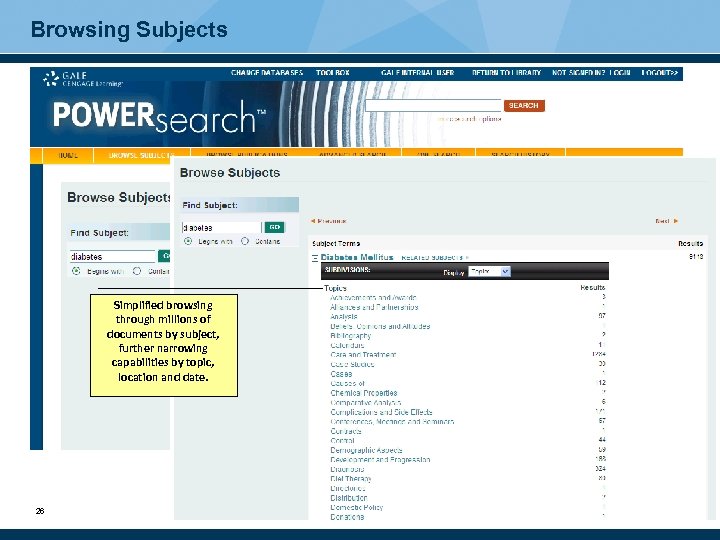
Browsing Subjects Simplified browsing through millions of documents by subject, further narrowing capabilities by topic, location and date. 26
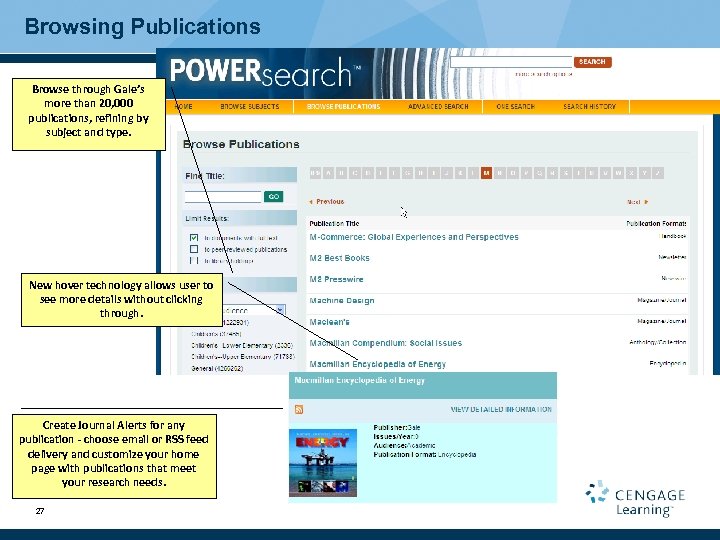
Browsing Publications Browse through Gale’s more than 20, 000 publications, refining by subject and type. New hover technology allows user to see more details without clicking through. Create Journal Alerts for any publication - choose email or RSS feed delivery and customize your home page with publications that meet your research needs. 27
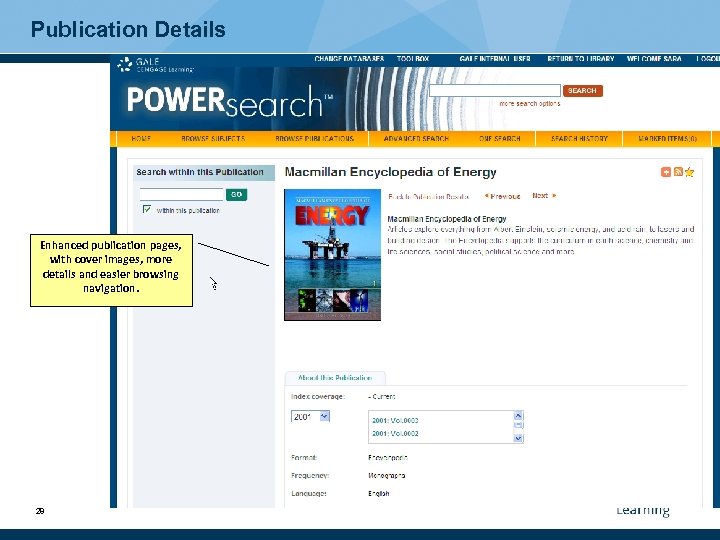
Publication Details Enhanced publication pages, with cover images, more details and easier browsing navigation. 28
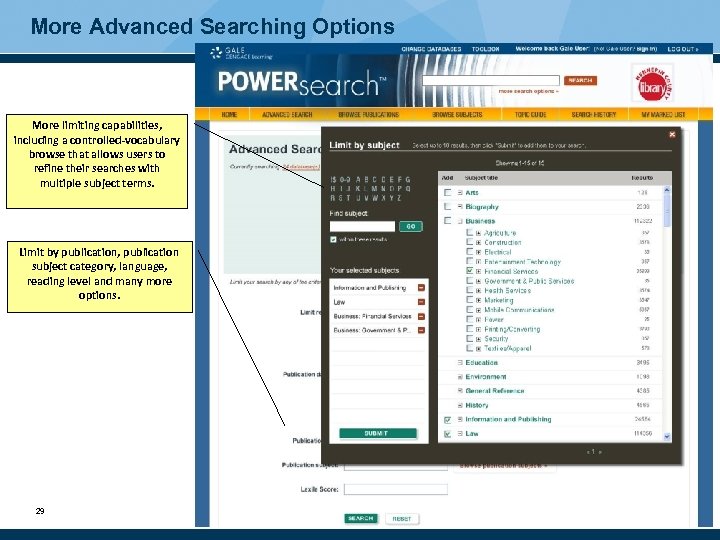
More Advanced Searching Options More limiting capabilities, including a controlled-vocabulary browse that allows users to refine their searches with multiple subject terms. Limit by publication, publication subject category, language, reading level and many more options. 29
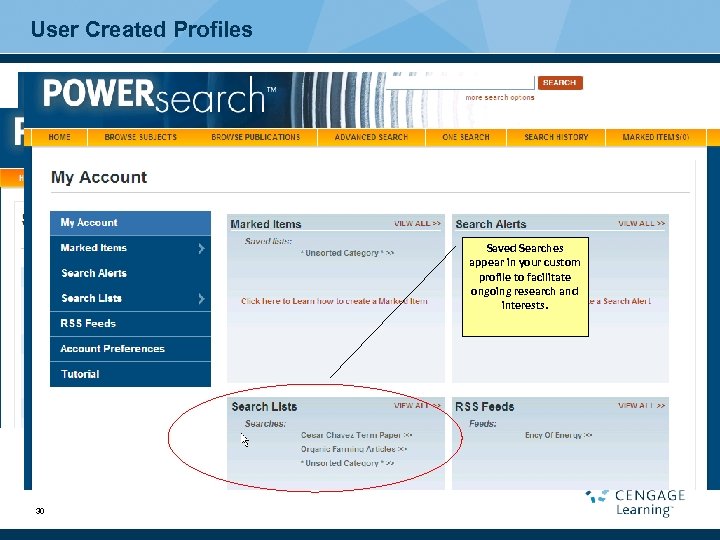
User Created Profiles Upon executing a search, you have the ability to save your search results to your custom profile. 30 Give your search results a unique name and click on Saved Searches “save” to save the results appear profile. to your custom in your custom profile to facilitate ongoing research and interests.
Additional Information To access the instructions on placing the “Power. Search Box” on your web page, please go to: http: //access. gale. com/search To receive a weekly email notice of the new titles added to the Info. Trac databases, please visit: www. gale. cengage. com Click on: Technical Resources Click on: Info. Trac Discussion List Or visit: http: //gale. cengage. com/enewsletters/join_infotrac. htm 31
Questions?
Скачать презентацию Periodical Solutions for Libraries Award Winning Platform
ff228d5def83c5d42a6ecc438582adff.ppt