 Скачать презентацию PDA and Tablet PC Presentation made by Mishutin
PDA and Tablet PC.ppt
- Количество слайдов: 19



PDA and Tablet PC. Presentation made by Mishutin and Blechkin. 5 -1 -32
Plan of the presentation. 1. 2. 3. 4. 5. 6. PDA and Tablet PC. What is it? Some history. Special features. Users. Advantages and disadvantages. Top 2011.
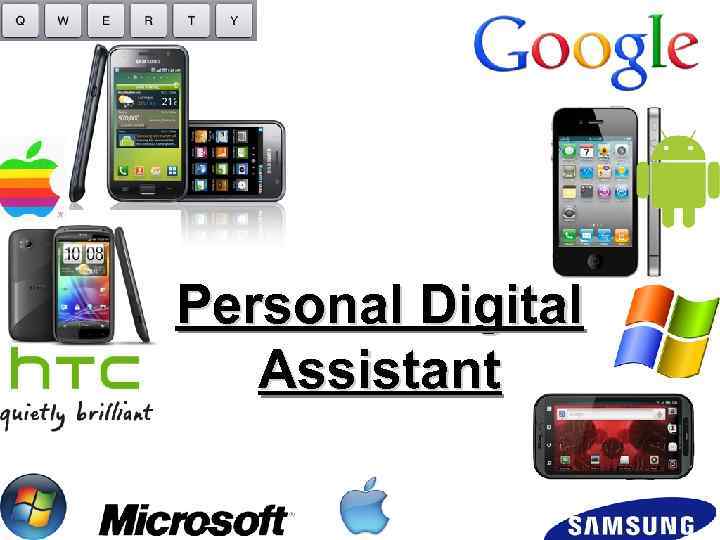
Personal Digital Assistant
1. What is PDA? PDA (or Personal Digital Assistant) is a tiny computer which can be held in one hand. The term PDA refers to a wide variety of handheld devices, palmtops and pocket PCs.
2. Some history. The first PDA was released in 1986 by Psion. Followed by Psion's Series 3, in 1991, which began to resemble the more familiar PDA style. The term PDA was first used on January 7, 1992 by Apple Computer CEO John Sculley at the Consumer Electronics Show in Las Vegas. Today, almost all PDAs are smartphones. Over 150 million smartphones are sold each year, while "stand-alone" PDAs without phone functionality sell only about 3 million units per year.
3. Special features. For input, you type at a small keyboard or use a stylus - a special pen used with a touch screen to select items, draw pictures, etc. Some models incorporate handwriting recognition, which enables a PDA to recognize characters written by hand. Some PDAs recognize spoken words by using voice recognition software.
3. Special features. Handhelds can also function as mobile phone and GPS receivers. Another very useful feature of handhelds is that they are able to synchronize data with other computers.
3. Special features. A basic handheld usually includes a clock, date book, address book, task list, memo pad, and calculator and is very useful for everyday tasks. These computers can be used to access the Internet via WI-FI or Bluetooth technology, to send and receive e-mails, to store and listen MP 3 audio files, to store data.
4. Users. Individual users, who often need access to Internet and store information. And it’s very good variant for individual users, because PDA can be used as mobile phones or as personal organizers for storing notes, reminders and addresses. They also let you access the Internet via wireless technology, without cables.
Advantages and disadvantages. + Touch screen + Handheld + Low price + Wireless + Good organizer + Portable + Runs on butteries + Synchronization - It’s hard to upgrade PDA It’s also hard to repair it Little display Not so powerful
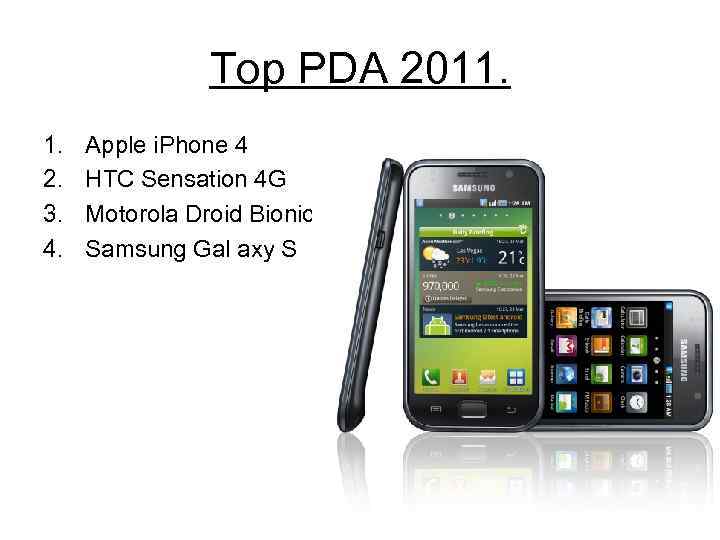
Top PDA 2011. 1. 2. 3. 4. Apple i. Phone 4 HTC Sensation 4 G Motorola Droid Bionic Samsung Gal axy S
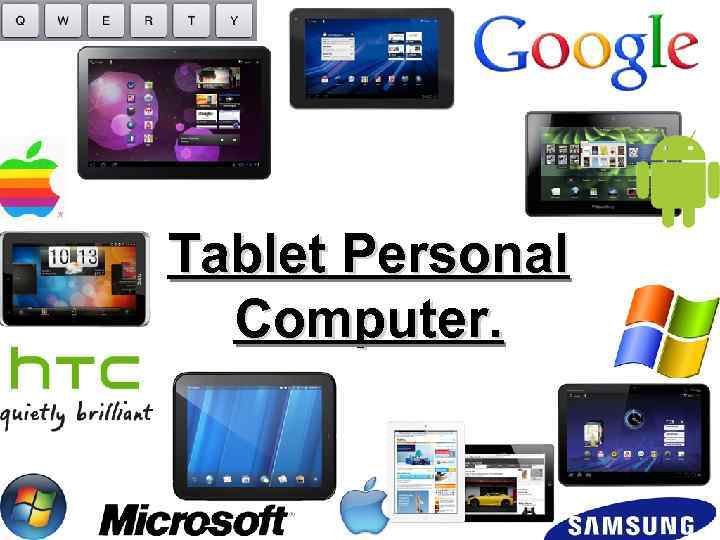
Tablet Personal Computer.
1. What is Tablet PC? A tablet PC is a tablet-sized computer that also has the key features of a full-size personal computer. A tablet PC is essentially a small laptop computer, equipped with a rotatable touchscreen as an additional input device.
2. Some history. The term was made popular with the Microsoft Tablet PC concept presented by Microsoft in 2001. Today, the term tablet is also used to refer to computer-like devices operated primarily by a touch screen but not intended to run general PC operating systems or applications.
3. Special features. LCD screen on which you can write using a special digital pen. You can fold and rotate the screen 180 degrees. Your handwriting can be recognized and converted into editable text. You can also type at the detached keyboard or use voice recognition.
4. Users. It’s very good variant for individual users, because tablet PC can be used for reading books, for drawing. But it’s best variant for drawing designers, because you can draw and write on it. And of course handwriting recognition will help designers.
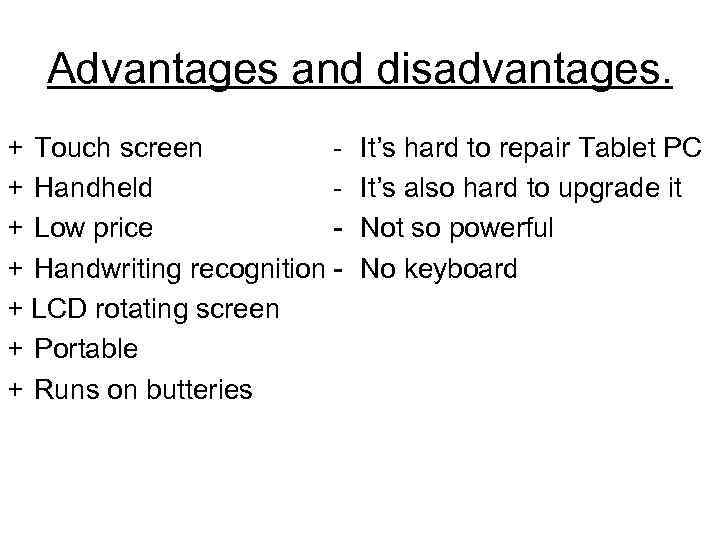
Advantages and disadvantages. + Touch screen + Handheld + Low price + Handwriting recognition + LCD rotating screen + Portable + Runs on butteries It’s hard to repair Tablet PC It’s also hard to upgrade it Not so powerful No keyboard
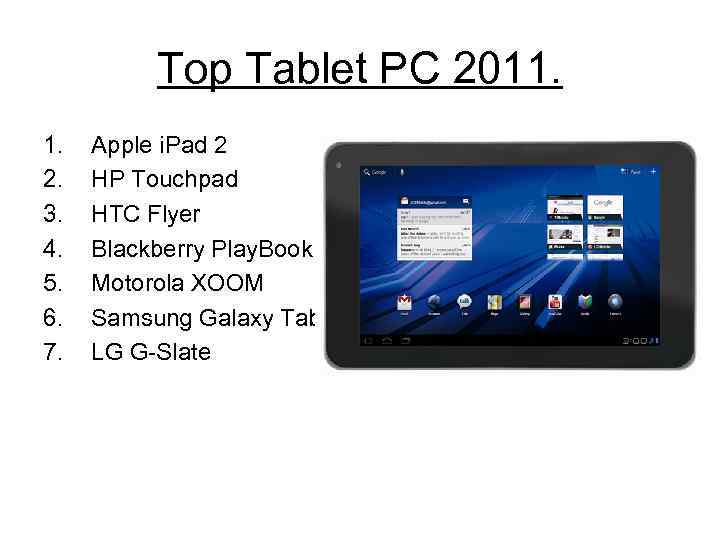
Top Tablet PC 2011. 1. 2. 3. 4. 5. 6. 7. Apple i. Pad 2 HP Touchpad HTC Flyer Blackberry Play. Book Motorola XOOM Samsung Galaxy Tab LG G-Slate

Thanks for watching! Good luck!
Скачать презентацию PDA and Tablet PC Presentation made by Mishutin
PDA and Tablet PC.ppt