


 Скачать презентацию PC Maintenance Preparing for A Certification Chapter 1
cbe7f5d7f4895efb3b9aae5bb53af5db.ppt
- Количество слайдов: 23
 PC Maintenance: Preparing for A+ Certification Chapter 1: Computing Overview
 Chapter 1 Objectives Explain analog versus digital data n Explain input, processing, and output n Understand binary and decimal numbering n Identify key components of a PC n Differentiate between computer types n Understand BIOS, and applications n
 What All Computers Have in Common Digital Operation n Hardware and Software n User Input n Processing n Output n
 Analog Continuously variable n No precisely defined values n Often associated with sound (waveforms) n Examples: radio, television broadcasts, telephone n
 Digital Precise values n Numeric data n Quantifiable n Not continuously variable n
 Hardware and Software n Hardware: Physical parts of the computer n n Firmware: a hardware chip with software stored on it n n Examples: Monitor, keyboard, mouse, CPU, disks Examples: BIOS chip, ROM storage of OS in a PDA Software: Programming instructions for the hardware to execute
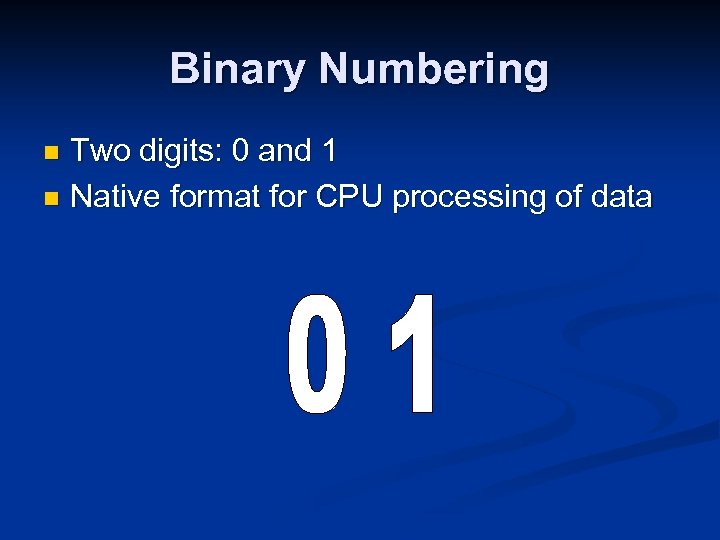 Binary Numbering Two digits: 0 and 1 n Native format for CPU processing of data n
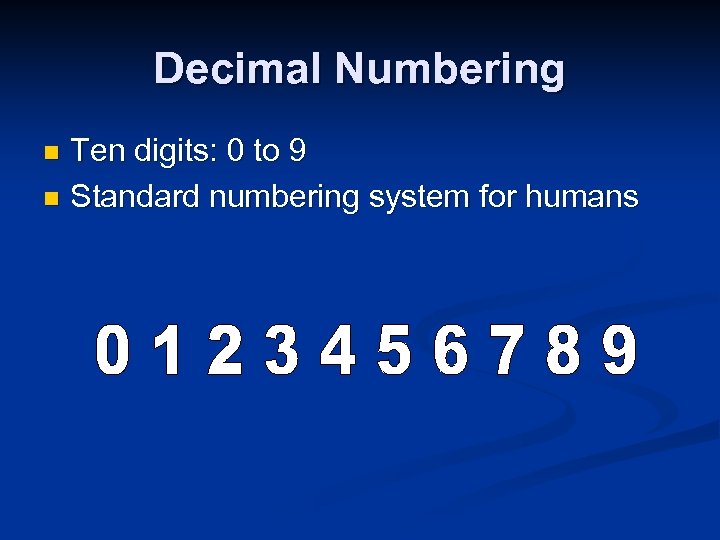 Decimal Numbering Ten digits: 0 to 9 n Standard numbering system for humans n
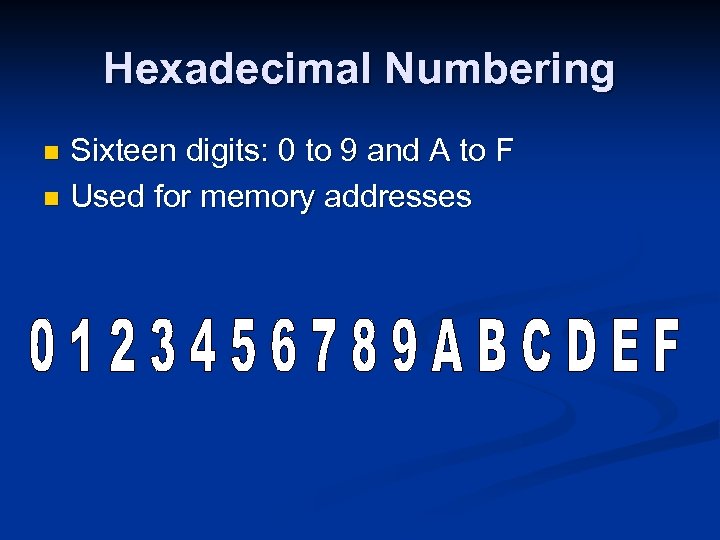 Hexadecimal Numbering Sixteen digits: 0 to 9 and A to F n Used for memory addresses n
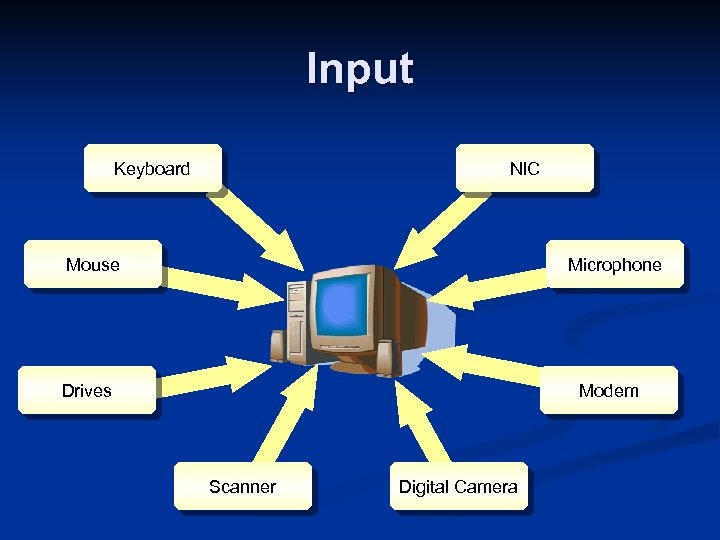 Input Keyboard NIC Mouse Microphone Drives Modem Scanner Digital Camera
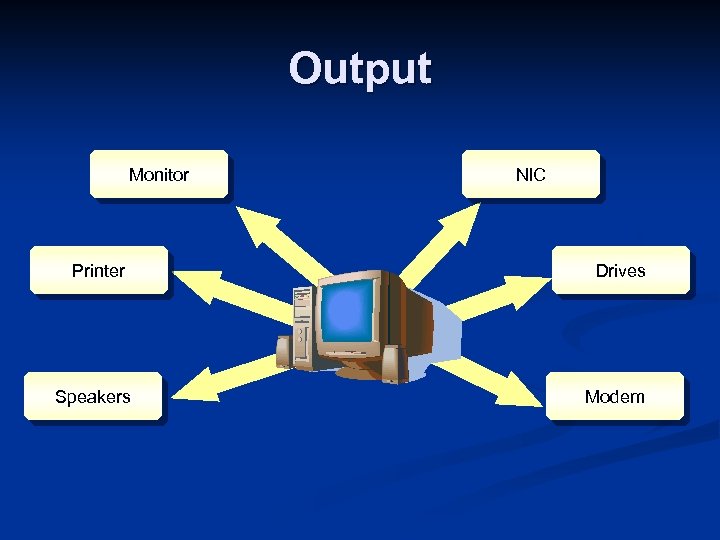 Output Monitor Printer Speakers NIC Drives Modem
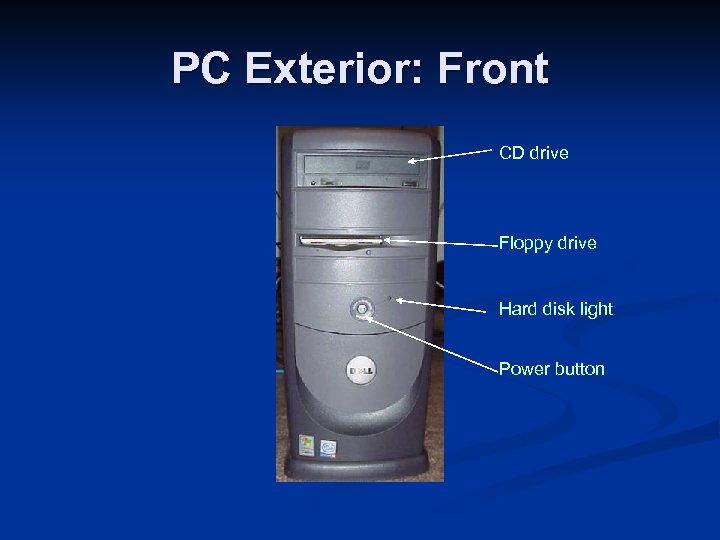 PC Exterior: Front CD drive Floppy drive Hard disk light Power button
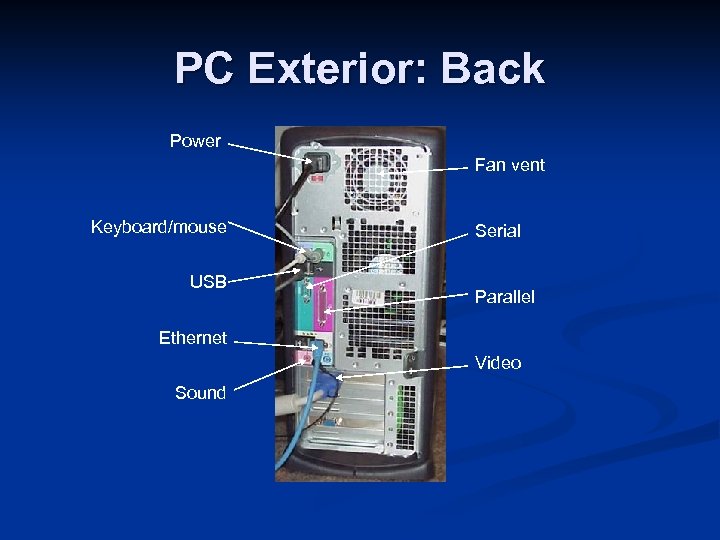 PC Exterior: Back Power Fan vent Keyboard/mouse USB Serial Parallel Ethernet Video Sound
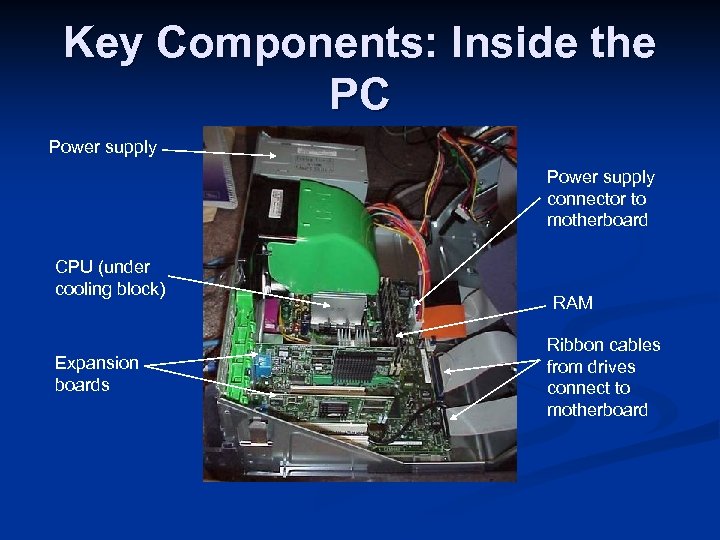 Key Components: Inside the PC Power supply connector to motherboard CPU (under cooling block) Expansion boards RAM Ribbon cables from drives connect to motherboard
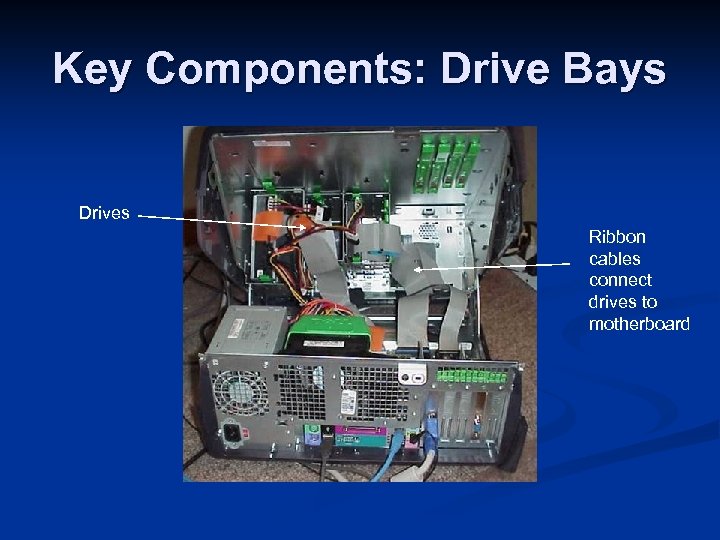 Key Components: Drive Bays Drives Ribbon cables connect drives to motherboard
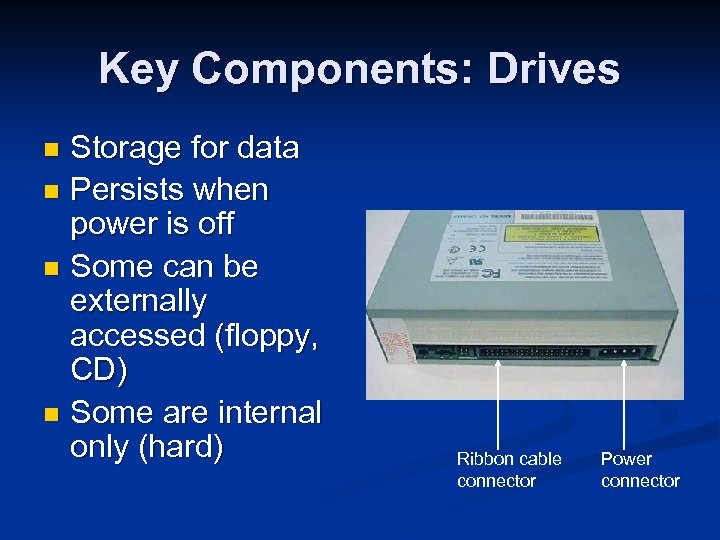 Key Components: Drives Storage for data n Persists when power is off n Some can be externally accessed (floppy, CD) n Some are internal only (hard) n Ribbon cable connector Power connector
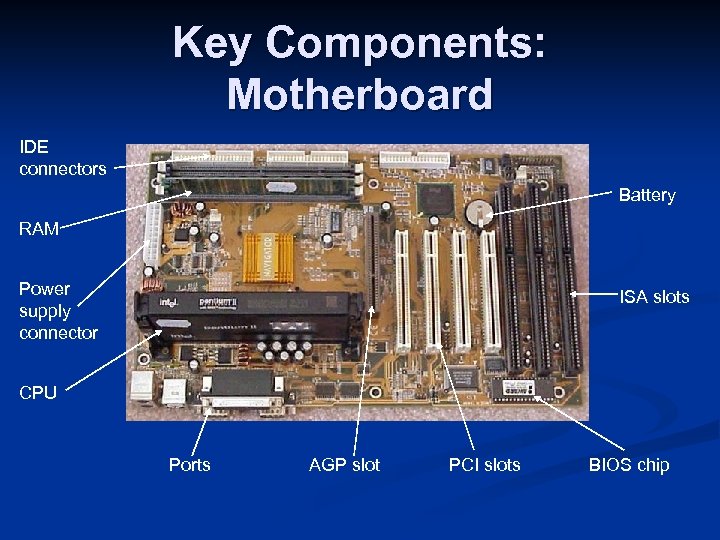 Key Components: Motherboard IDE connectors Battery RAM Power supply connector ISA slots CPU Ports AGP slot PCI slots BIOS chip
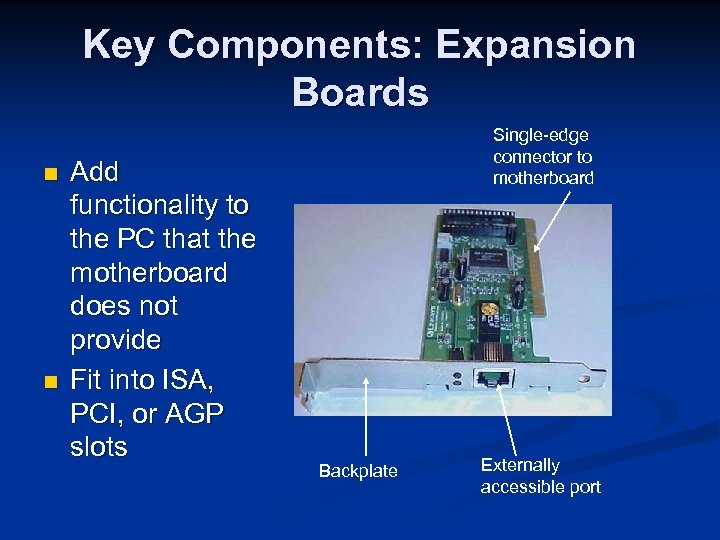 Key Components: Expansion Boards n n Add functionality to the PC that the motherboard does not provide Fit into ISA, PCI, or AGP slots Single-edge connector to motherboard Backplate Externally accessible port
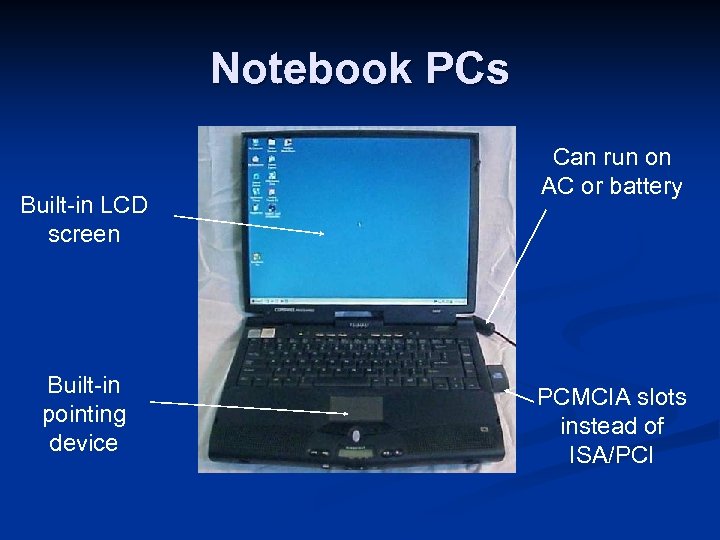 Notebook PCs Built-in LCD screen Built-in pointing device Can run on AC or battery PCMCIA slots instead of ISA/PCI
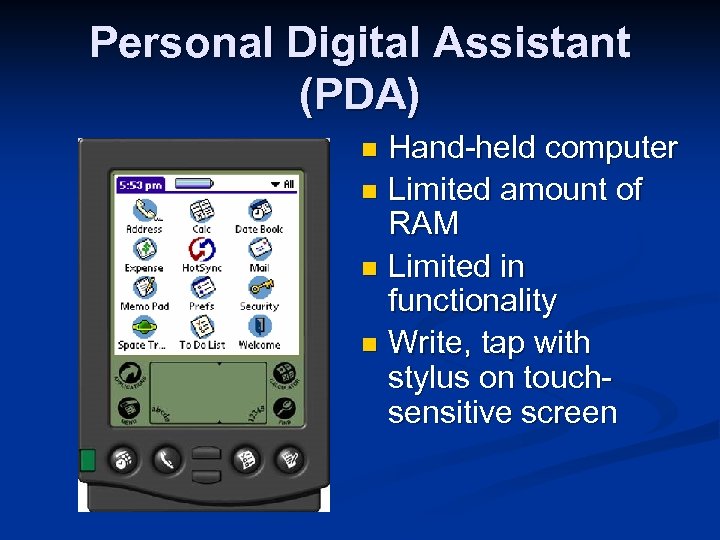 Personal Digital Assistant (PDA) Hand-held computer n Limited amount of RAM n Limited in functionality n Write, tap with stylus on touchsensitive screen n
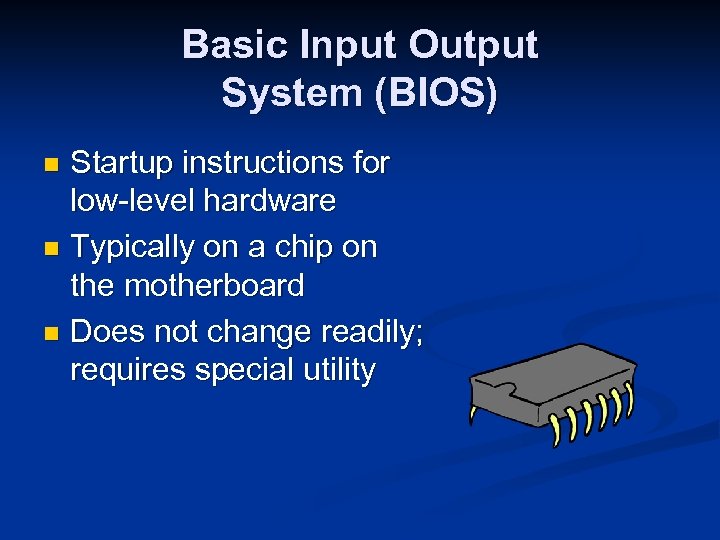 Basic Input Output System (BIOS) Startup instructions for low-level hardware n Typically on a chip on the motherboard n Does not change readily; requires special utility n
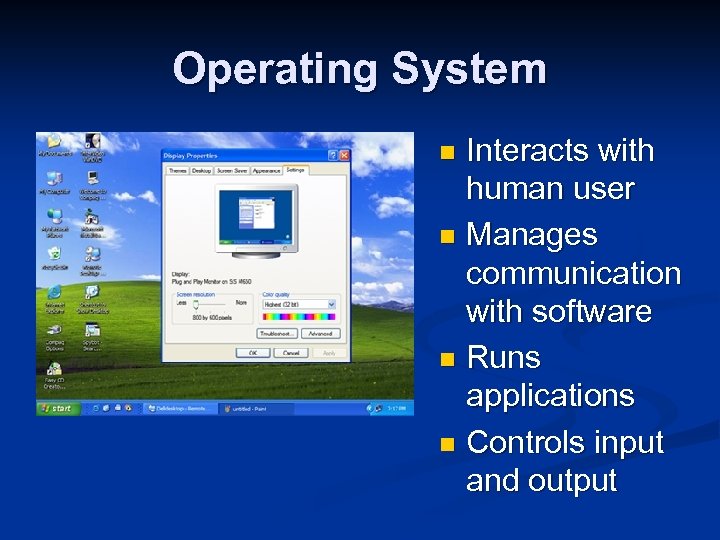 Operating System Interacts with human user n Manages communication with software n Runs applications n Controls input and output n
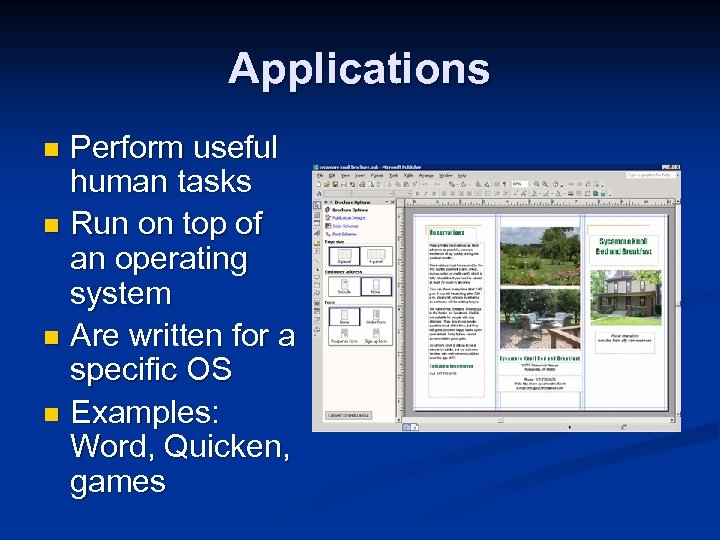 Applications Perform useful human tasks n Run on top of an operating system n Are written for a specific OS n Examples: Word, Quicken, games n