


 Скачать презентацию Patch and Software Management CSCI N 321
4d5df5a383953c4f25b83d7e2445810b.ppt
- Количество слайдов: 14
 Patch and Software Management CSCI N 321 – System and Network Administration Copyright © 2000, 2012 by Scott Orr and the Trustees of Indiana University
 Section Overview Software bugs Patching Approaches Software Installation Software Inventory and Removal
 References Red. Hat Fedora 15 Installation Guide Red. Hat Fedora Support – Documentation
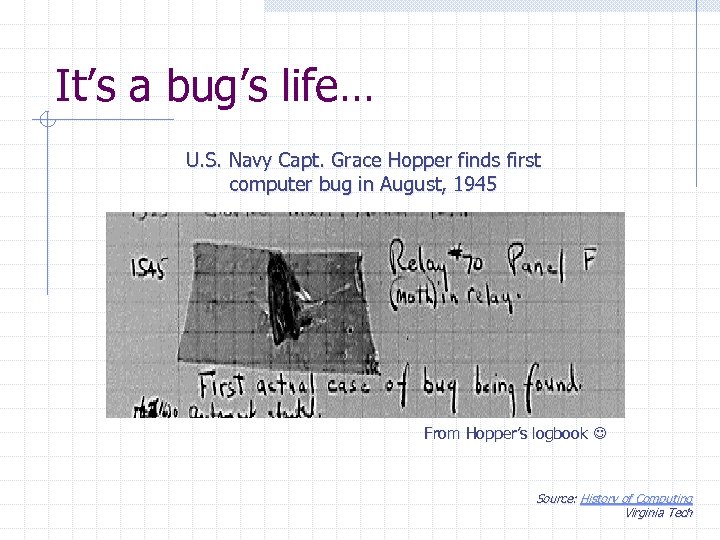 It’s a bug’s life… U. S. Navy Capt. Grace Hopper finds first computer bug in August, 1945 From Hopper’s logbook Source: History of Computing Virginia Tech
 Computer Bugs Bug (n): An unwanted and unintended property of a program or piece of hardware, esp. one that causes it to malfunction. * Security related issues Coredumps Unauthorized access *Source: The New Hackers Dictionary
 Software Patches Fix bugs discovered after version release Notification n Vendor email lists Security Announcements (i. e. CERT) Software Auditing Agents (i. e. Secunia PSI) Automated systems n n Fedora & Red. Hat: yum update Microsoft: Windows Update
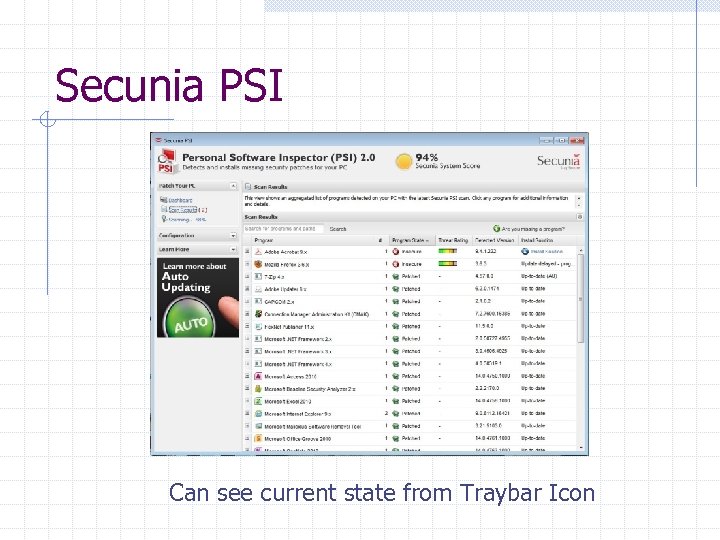 Secunia PSI Can see current state from Traybar Icon
 Patch Integrity How do you know that a software update is legitimate? Checksums (e. g. Tripwire) n n Hash Value of package Cryptographically Signed MS Authenticode
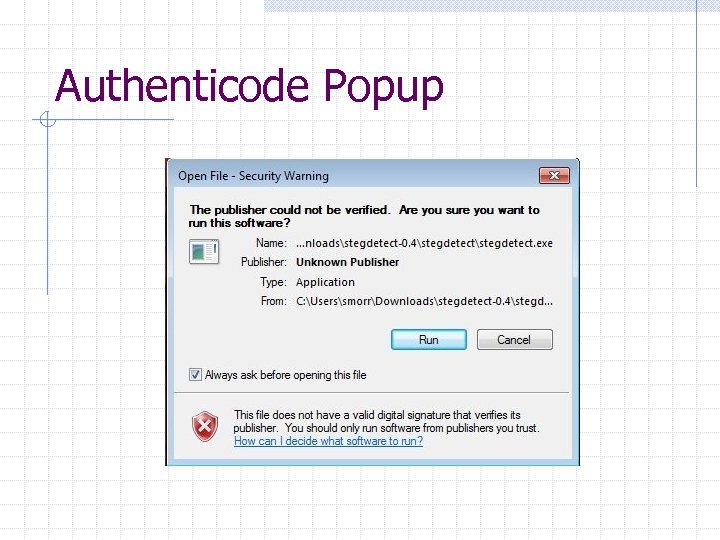 Authenticode Popup
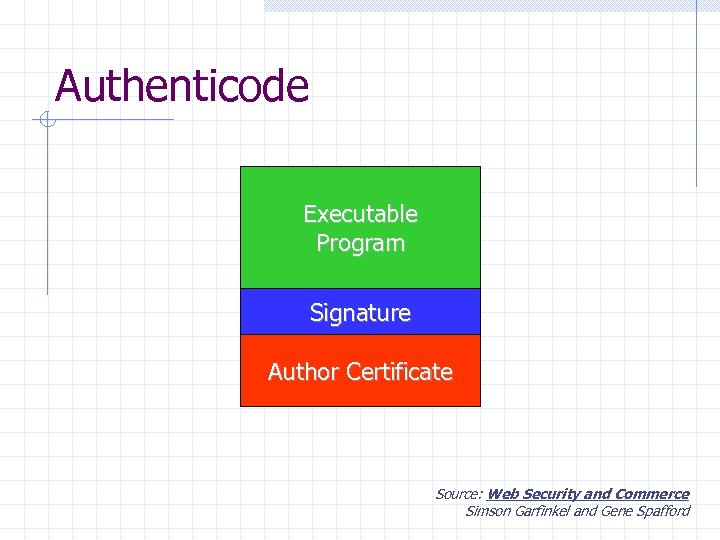 Authenticode Executable Program Signature Author Certificate Source: Web Security and Commerce Simson Garfinkel and Gene Spafford
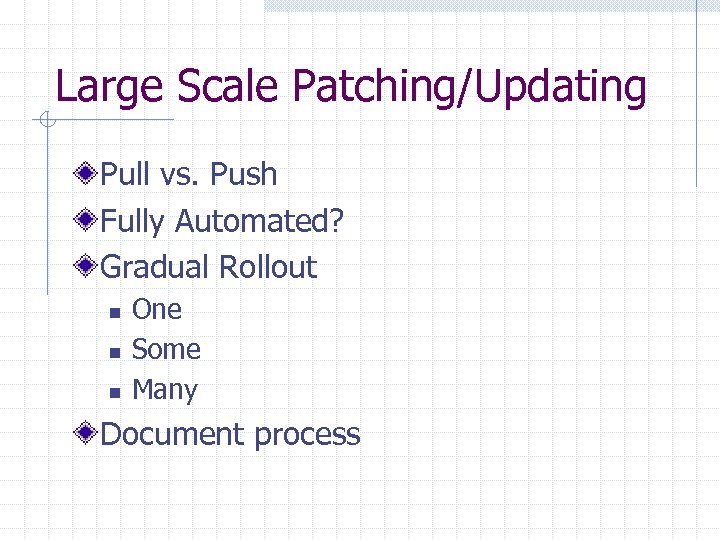 Large Scale Patching/Updating Pull vs. Push Fully Automated? Gradual Rollout n n n One Some Many Document process
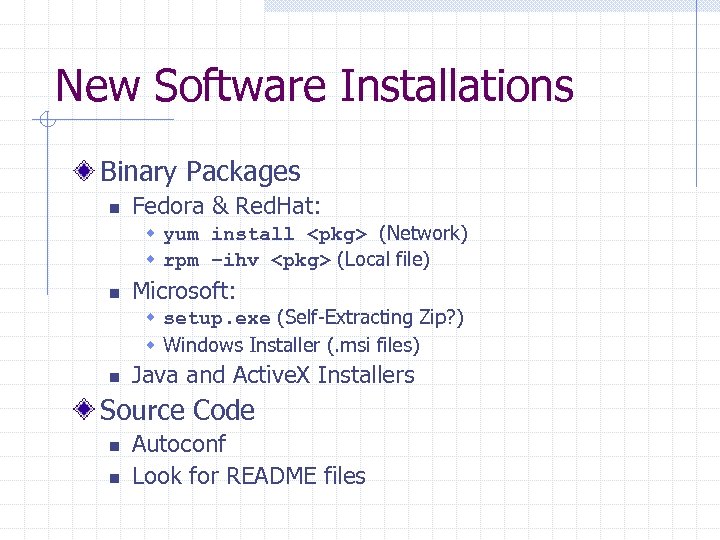 New Software Installations Binary Packages n Fedora & Red. Hat: w yum install
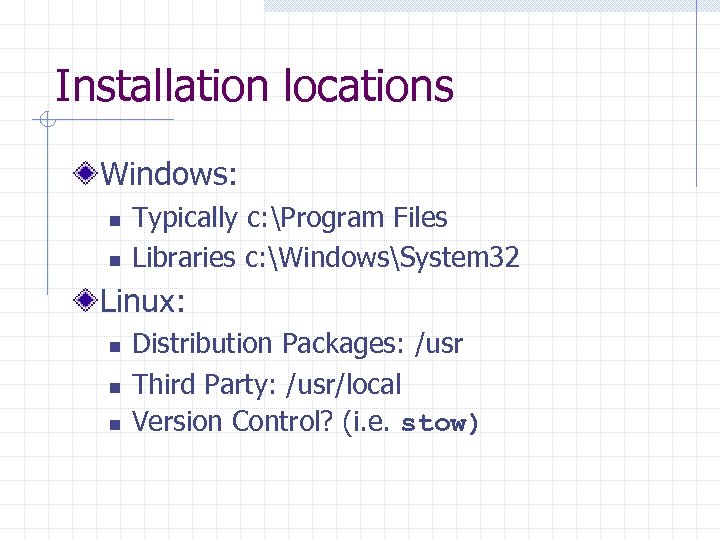 Installation locations Windows: n n Typically c: Program Files Libraries c: WindowsSystem 32 Linux: n n n Distribution Packages: /usr Third Party: /usr/local Version Control? (i. e. stow)
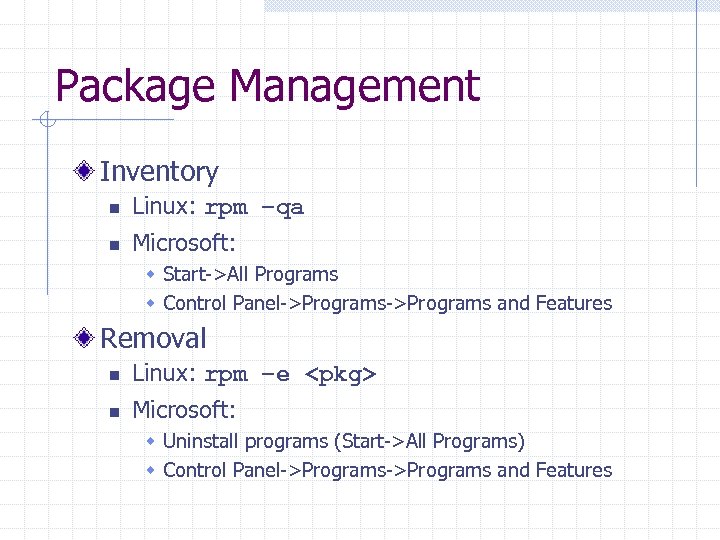 Package Management Inventory n Linux: rpm –qa n Microsoft: w Start->All Programs w Control Panel->Programs and Features Removal n Linux: rpm –e