


 Скачать презентацию Passwords Keep Your Information Secure Online Lives
7bf347a9861a8a639fc0655026f5436f.ppt
- Количество слайдов: 12
 Passwords Keep Your Information Secure
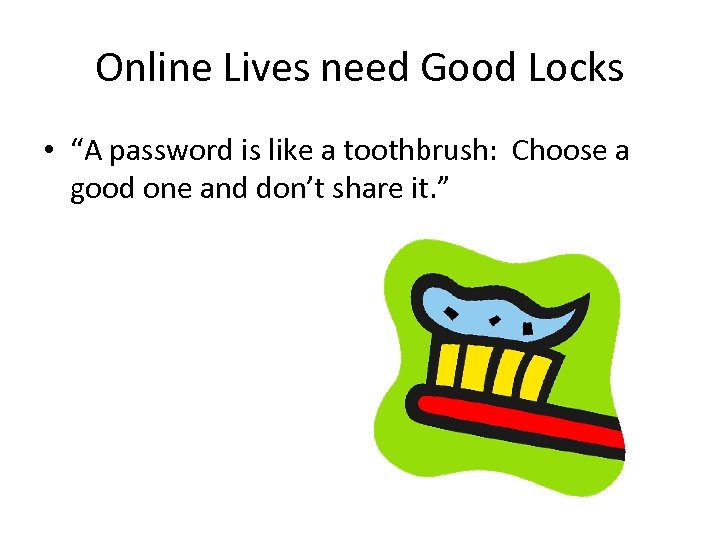 Online Lives need Good Locks • “A password is like a toothbrush: Choose a good one and don’t share it. ”
 Choosing a Password • It should be easy for you to remember, but hard for others to guess – A celebrity’s birthday – The date of your high school prom – The street where you used to live – Your Grandma’s old phone number
 Choosing a Password • Avoid using a complete word from a dictionary – Try enclopedia, not encyclopedia – Fotball not football
 Choosing a Password • Use at least 7 characters – harder for somebody to guess – A simple, longer password could be easier than something short but complicated – “JHHSbeat. Starvalley” might be easier to remember than J*&a 2
 Don’t Make It Easy • • Don’t use your screenname as your password Or your dog’s name Or your school, family name, etc. Don’t use words or phrases that have personal significance that someone could guess (your middle name, your dog, your town, the name of your school, “ILove. Joey, ” etc.
 Mix It Up • Mix letters, numbers and symbols and use case sensitivity (Up. P*er 7 and l. O 3 wer? c. Ase) • My!n. Ame*45
 Vary Your Passwords • Don’t use the same password for everything – Try having one super-secure password for things like banking and online purchasing, and one other for less sensitive sites • If you have a lot of passwords, you can buy a password management program to help you keep them straight
 Passwords to avoid • • password qwerty 123456 abc 123 Letmein Blink 182 Your First Name
 Keep it private! • Don’t share your password with anyone (except perhaps your parents) – Once you “let it out” you can ‘t control what other people will do with your password • Don’t give your password out in an email (phishing) –it’s a fraud – Don’t fall for scams • Be careful when you use a public computer – always log out so someone else can’t use your password
 Why worry? • Someone could impersonate you and do something illegal • Someone could change your account information (bank account, cell phone account, etc. ) • Someone could charge things to your bank account or credit card number
 Sources and More Information • Wikihow: How to Choose a Secure Password: 10 steps – http: //wikihow. com/Choose-a-Secure-Password • Instructables. com http: //www. instructables. com/id/How_to_Choos e_a_Good_Password_A_few_quick_tips_on/ • Yahoo’s Security Center http: //security. yahoo. com/article. html? aid=2006 102509