 Скачать презентацию Part 1 Why Mobile Data Security Solutions Should
dcdc2f9ff012e2a7c2498634eae88139.ppt
- Количество слайдов: 16




Part 1: Why Mobile Data Security Solutions Should Be PKI and Token Enabled Frank Jorissen VP International Business Development TEL EMAIL WEB +32 15 747512 frank. jorissen@safeboot. com http: //www. safeboot. com for more information visit us on: www. safeboot. com | info@safeboot. com |
ÜPresentation Overview Quick Safe. Boot Intro “Mobile Data Security” = ? Threats = ? Tokens & e. ID Cards = ? Why Use Tokens / e. ID cards for Mobile Data Security ? § Case Study of a PKI-Enabled Solution § § § for more information visit us on: www. safeboot. com | info@safeboot. com | 2
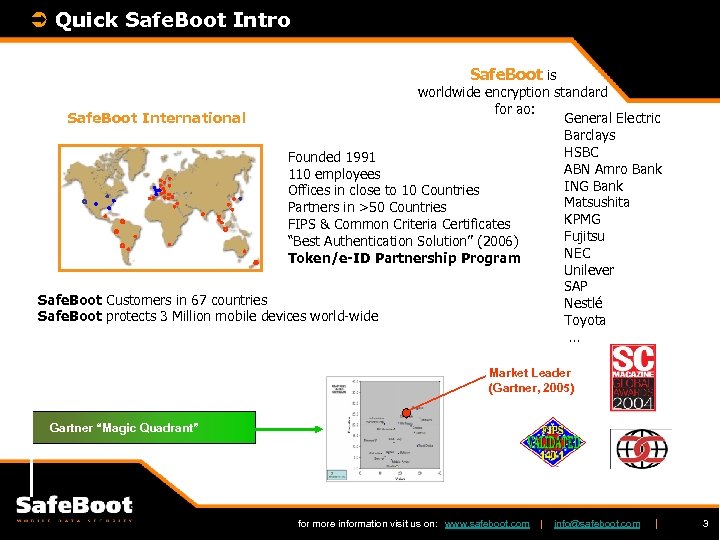
Ü Quick Safe. Boot Intro Safe. Boot is worldwide encryption standard for ao: Safe. Boot International General Electric Barclays HSBC Founded 1991 ABN Amro Bank 110 employees ING Bank Offices in close to 10 Countries Matsushita Partners in >50 Countries KPMG FIPS & Common Criteria Certificates Fujitsu “Best Authentication Solution” (2006) NEC Token/e-ID Partnership Program Unilever SAP Safe. Boot Customers in 67 countries Nestlé Safe. Boot protects 3 Million mobile devices world-wide Toyota … Market Leader (Gartner, 2005) Gartner “Magic Quadrant” for more information visit us on: www. safeboot. com | info@safeboot. com | 3
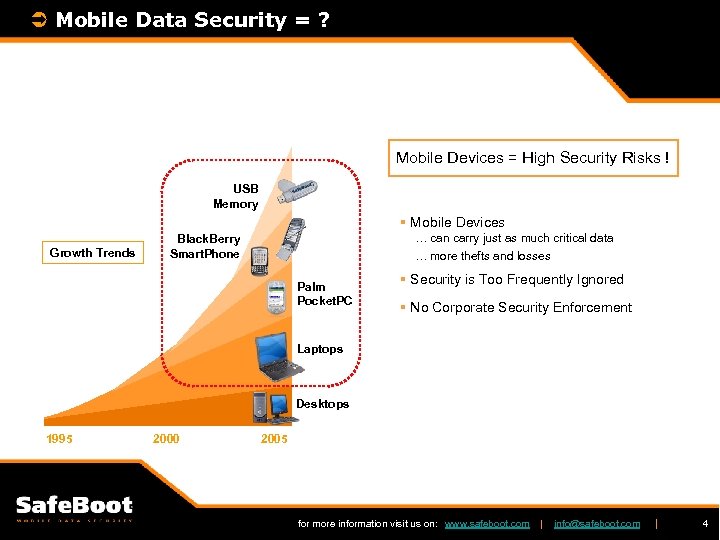
Ü Mobile Data Security = ? Mobile Devices = High Security Risks ! USB Memory § Mobile Devices Growth Trends … can carry just as much critical data … more thefts and losses Black. Berry Smart. Phone Palm Pocket. PC § Security is Too Frequently Ignored § No Corporate Security Enforcement Laptops Desktops 1995 2000 2005 for more information visit us on: www. safeboot. com | info@safeboot. com | 4
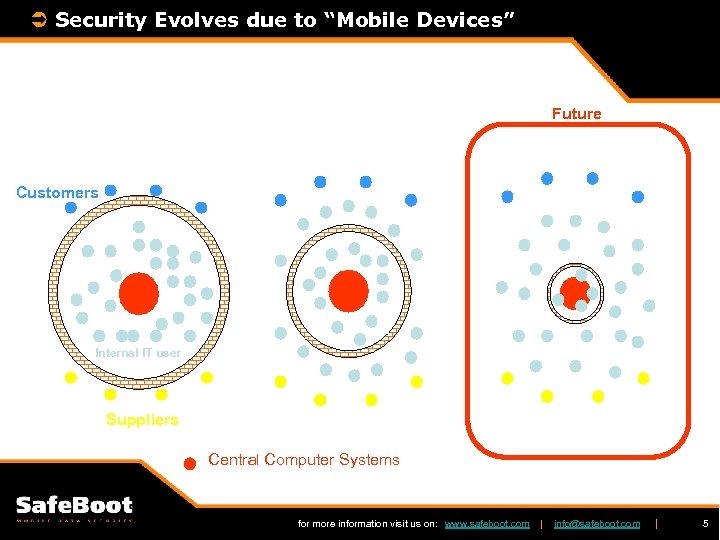
Ü Security Evolves due to “Mobile Devices” Future Customers Internal IT user Suppliers Central Computer Systems for more information visit us on: www. safeboot. com | info@safeboot. com | 5
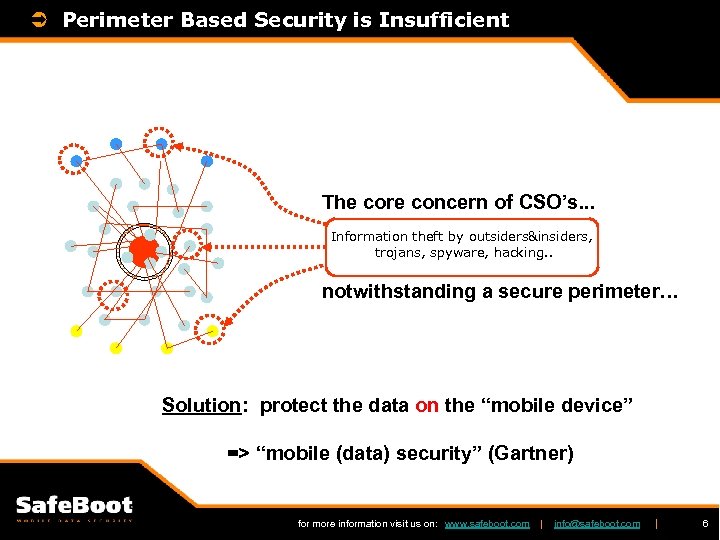
Ü Perimeter Based Security is Insufficient The core concern of CSO’s. . . Information theft by outsiders&insiders, trojans, spyware, hacking. . notwithstanding a secure perimeter… Solution: protect the data on the “mobile device” => “mobile (data) security” (Gartner) for more information visit us on: www. safeboot. com | info@safeboot. com | 6
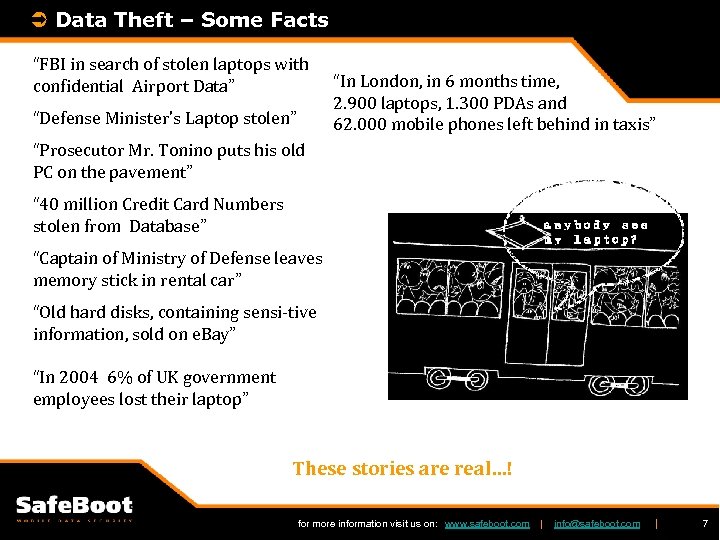
Ü Data Theft – Some Facts “FBI in search of stolen laptops with confidential Airport Data” “Defense Minister’s Laptop stolen” “In London, in 6 months time, 2. 900 laptops, 1. 300 PDAs and 62. 000 mobile phones left behind in taxis” “Prosecutor Mr. Tonino puts his old PC on the pavement” “ 40 million Credit Card Numbers stolen from Database” “Captain of Ministry of Defense leaves memory stick in rental car” “Old hard disks, containing sensi-tive information, sold on e. Bay” “In 2004 6% of UK government employees lost their laptop” These stories are real…! for more information visit us on: www. safeboot. com | info@safeboot. com | 7
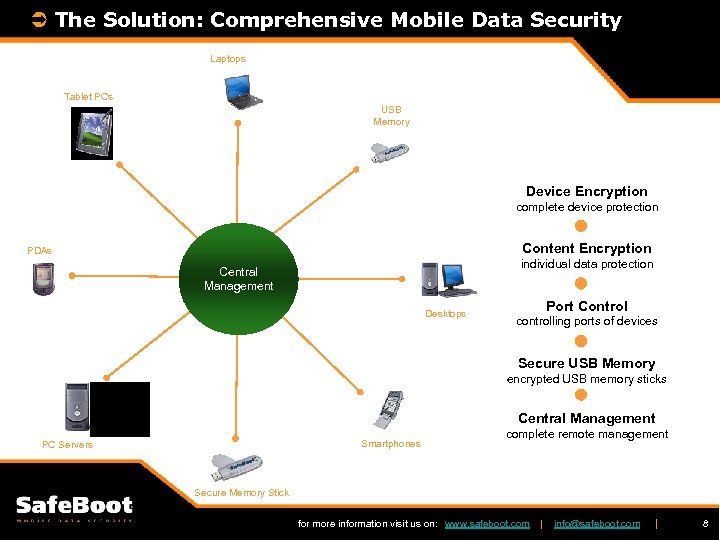
Ü The Solution: Comprehensive Mobile Data Security Laptops Tablet PCs USB Memory Device Encryption complete device protection Content Encryption PDAs individual data protection Central Management Desktops Port Control controlling ports of devices Secure USB Memory encrypted USB memory sticks Central Management Smartphones PC Servers complete remote management Secure Memory Stick for more information visit us on: www. safeboot. com | info@safeboot. com | 8
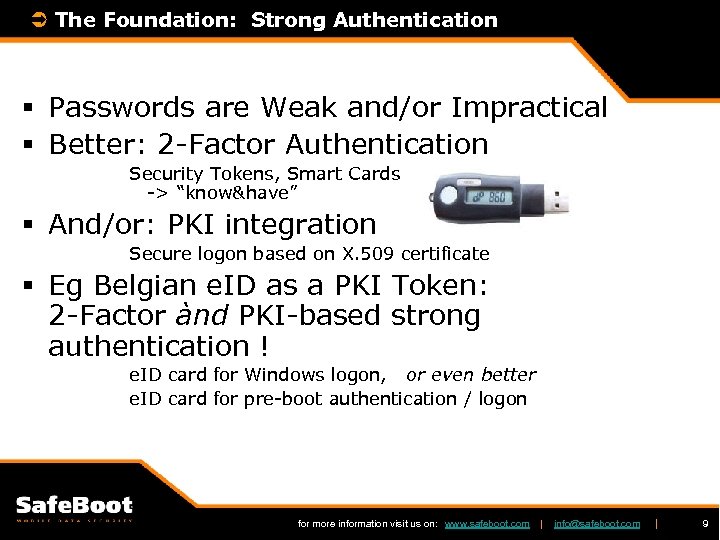
Ü The Foundation: Strong Authentication § Passwords are Weak and/or Impractical § Better: 2 -Factor Authentication Security Tokens, Smart Cards -> “know&have” § And/or: PKI integration Secure logon based on X. 509 certificate § Eg Belgian e. ID as a PKI Token: 2 -Factor ànd PKI-based strong authentication ! e. ID card for Windows logon, or even better e. ID card for pre-boot authentication / logon for more information visit us on: www. safeboot. com | info@safeboot. com | 9
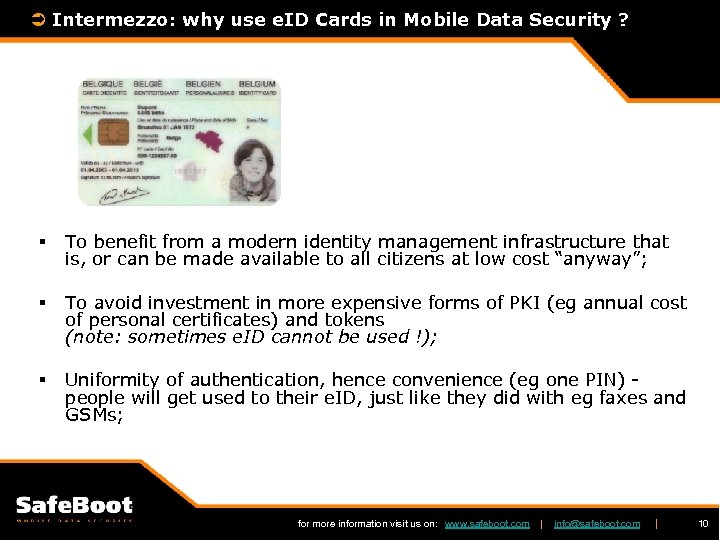
Ü Intermezzo: why use e. ID Cards in Mobile Data Security ? § To benefit from a modern identity management infrastructure that is, or can be made available to all citizens at low cost “anyway”; § To avoid investment in more expensive forms of PKI (eg annual cost of personal certificates) and tokens (note: sometimes e. ID cannot be used !); § Uniformity of authentication, hence convenience (eg one PIN) people will get used to their e. ID, just like they did with eg faxes and GSMs; for more information visit us on: www. safeboot. com | info@safeboot. com | 10
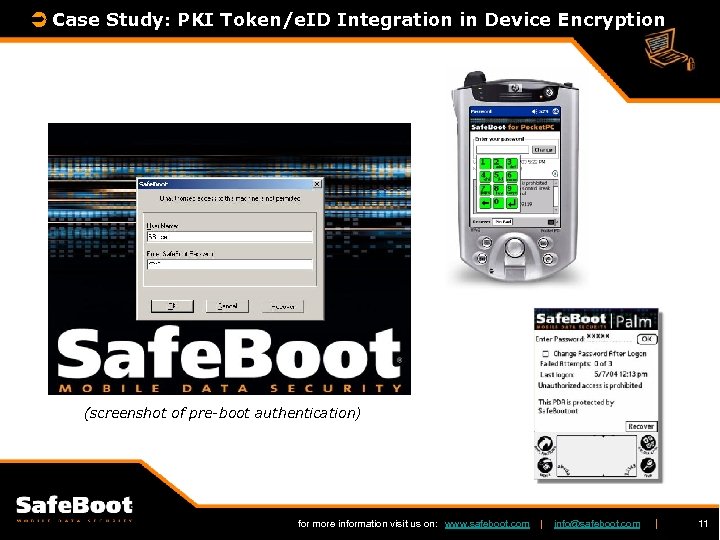
Ü Case Study: PKI Token/e. ID Integration in Device Encryption (screenshot of pre-boot authentication) for more information visit us on: www. safeboot. com | info@safeboot. com | 11
Ü Token/e. ID Integration in Device Encryption (continued) § Basically offers pre-boot (user) authentication, integrity of the boot process and encryption of (a) HD partition(s) § Stronger authentication when PKI smart cards (incl. e. ID cards), or PKI Tokens are supported in the F 2 -PBA (2 -Factor Pre-Boot Authentication) Process § Central Management, ao to interface PKI & Identity Management solutions (see next slide) for more information visit us on: www. safeboot. com | info@safeboot. com | 12
Ü Why Central Management ? § Central Management of users, user groups, encryption and access control policies, password / token recovery, . . § Security Officers can enforce mandatory security policies § Secure Audit from one central place (! SOX / Compliance !) § Remote Deployment, also of Upgrades and Policy Updates § Integration with 3 rd Party PKI & Directories = “PKI-Enabling” of Mobile Data Security for more information visit us on: www. safeboot. com | info@safeboot. com | 13
Ü PKI-Enabling Device Encryption § “PKI Connectors” keep central management in sync with external repository (eg AD) of users & X. 509 certificates § PKI Token deployment in mobile data security environment fully automatic & transparent to end-users ! for more information visit us on: www. safeboot. com | info@safeboot. com | 14
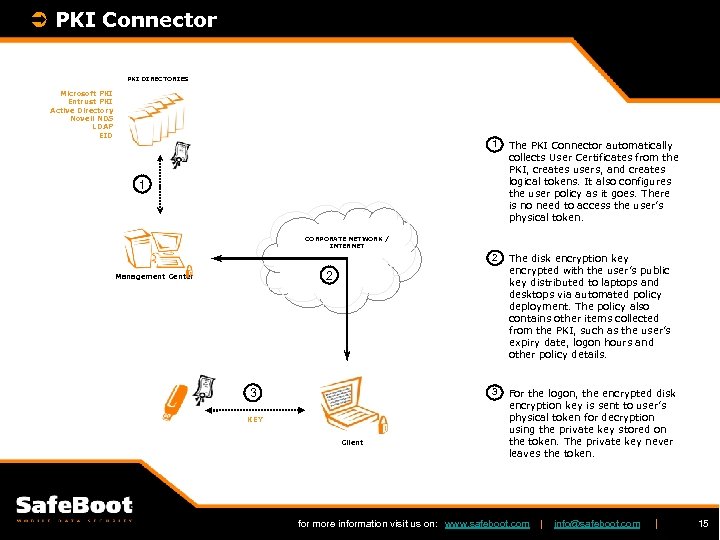
Ü PKI Connector PKI DIRECTORIES Microsoft PKI Entrust PKI Active Directory Novell NDS LDAP EID 1 The PKI Connector automatically collects User Certificates from the PKI, creates users, and creates logical tokens. It also configures the user policy as it goes. There is no need to access the user’s physical token. 2 The disk encryption key encrypted with the user’s public key distributed to laptops and desktops via automated policy deployment. The policy also contains other items collected from the PKI, such as the user’s expiry date, logon hours and other policy details. 3 For the logon, the encrypted disk encryption key is sent to user’s physical token for decryption using the private key stored on the token. The private key never leaves the token. 1 CORPORATE NETWORK / INTERNET 2 Management Center 3 KEY Client for more information visit us on: www. safeboot. com | info@safeboot. com | 15
Ü Questions ? Thank You for Your Attention ! Now Part 2: PKI Middleware for more information visit us on: www. safeboot. com | info@safeboot. com | 16
Скачать презентацию Part 1 Why Mobile Data Security Solutions Should
dcdc2f9ff012e2a7c2498634eae88139.ppt