


 Скачать презентацию Overview of Tera Grid Resources and Usage Selim
3bea818d80f9a9415f0e35d239541817.ppt
- Количество слайдов: 41
 Overview of Tera. Grid Resources and Usage Selim Kalayci Florida International University 07/14/2009 Note: Slides are compiled from various Tera. Grid Documentations
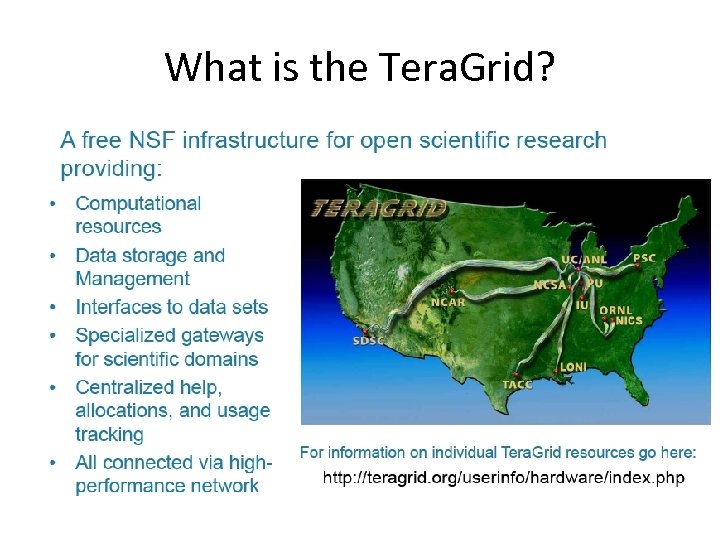 What is the Tera. Grid?
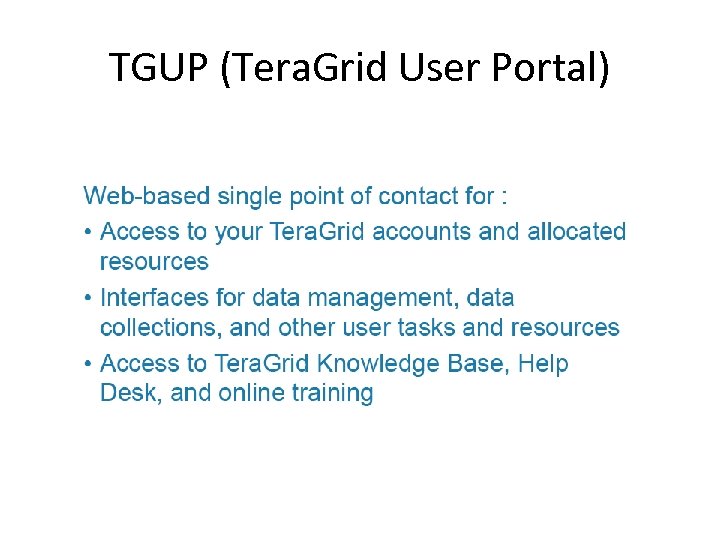 TGUP (Tera. Grid User Portal)
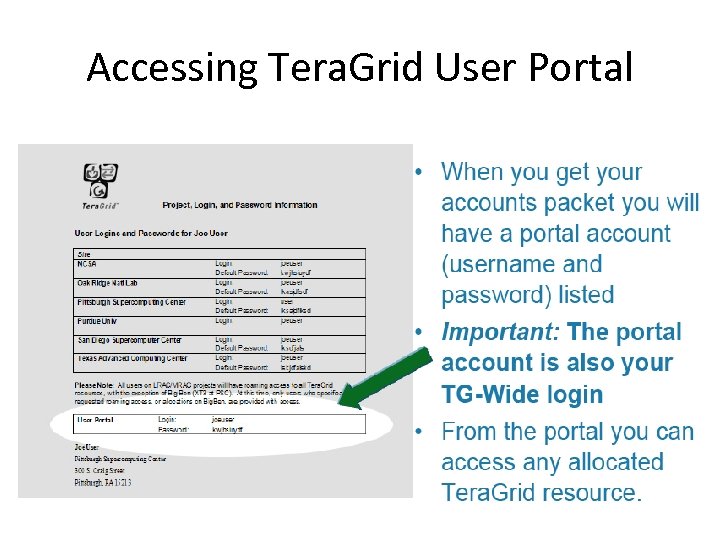 Accessing Tera. Grid User Portal
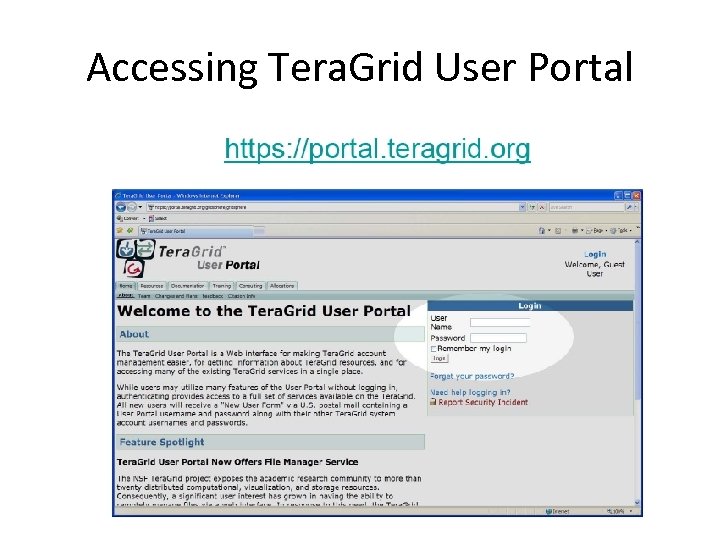 Accessing Tera. Grid User Portal
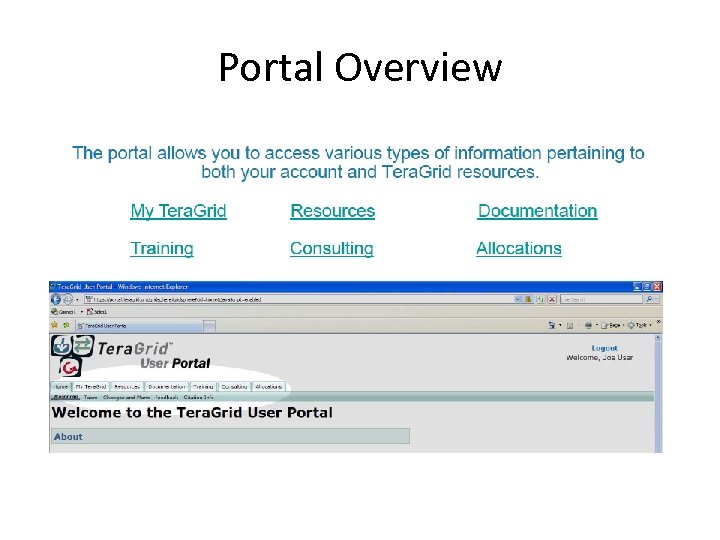 Portal Overview
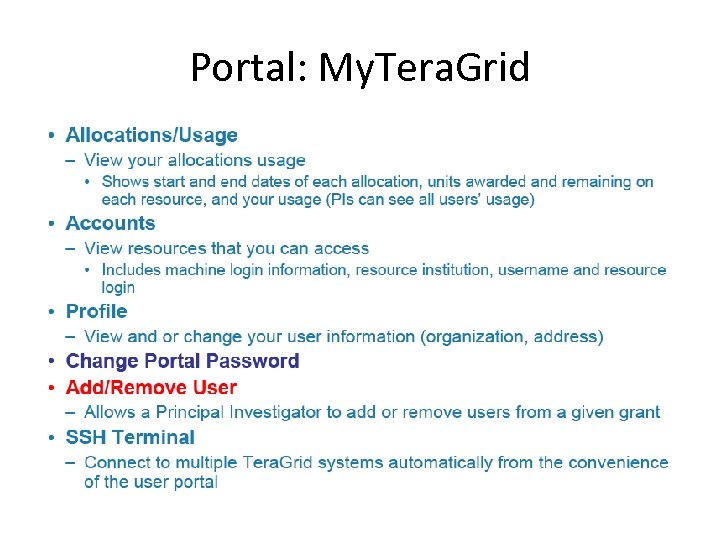 Portal: My. Tera. Grid
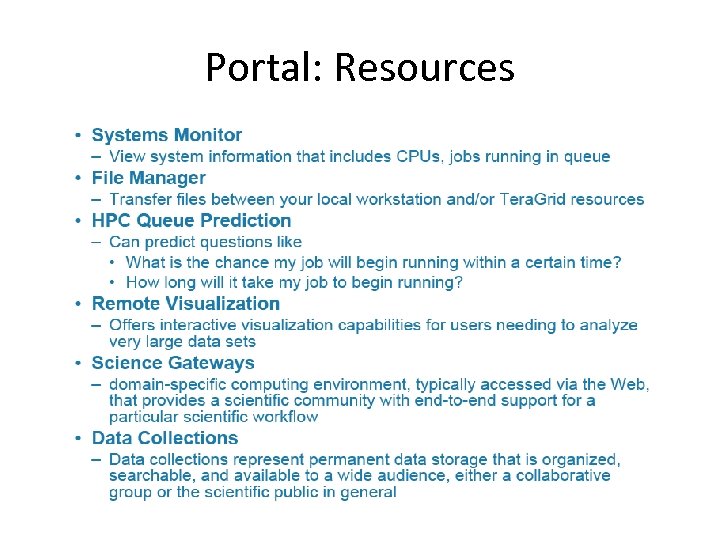 Portal: Resources
 Portal: Documentation
 Accessing Resources
 Web-based SSO via Portal
 Web-based SSO via Portal
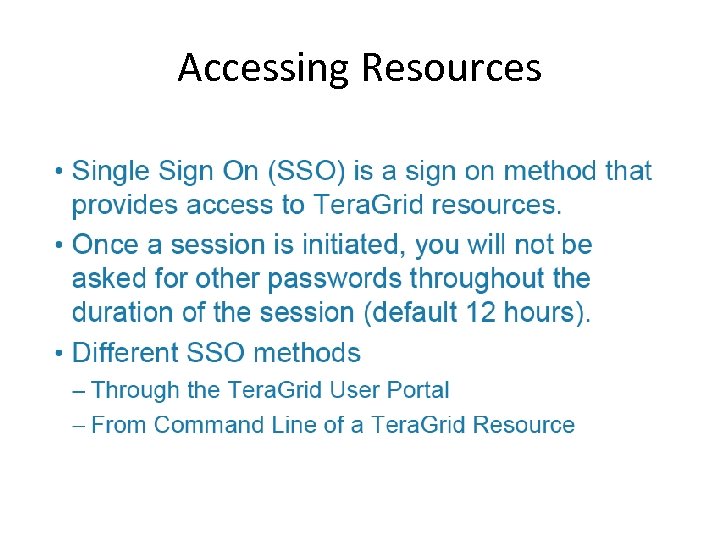
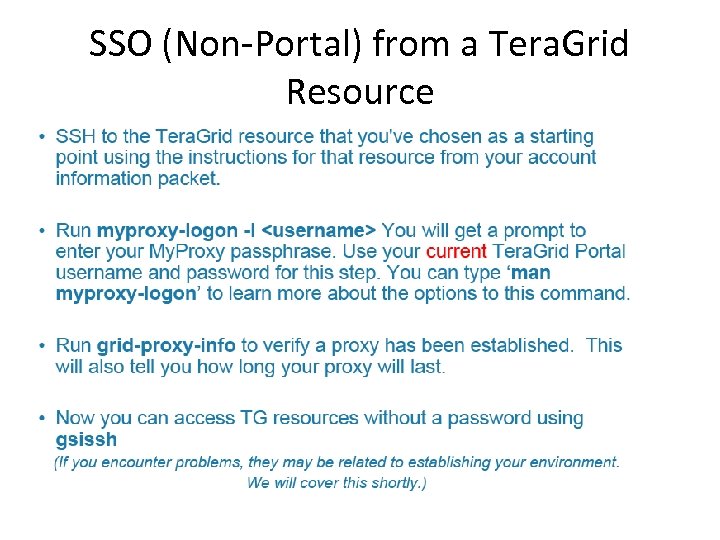 SSO (Non-Portal) from a Tera. Grid Resource
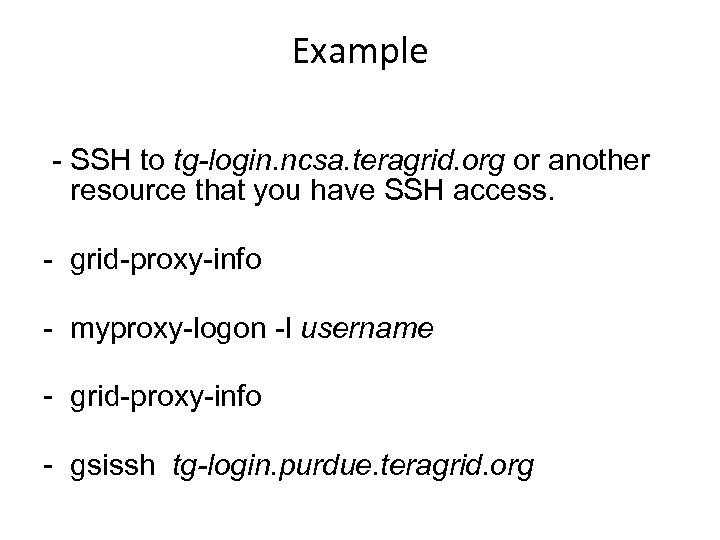 Example - SSH to tg-login. ncsa. teragrid. org or another resource that you have SSH access. - grid-proxy-info - myproxy-logon -l username - grid-proxy-info - gsissh tg-login. purdue. teragrid. org
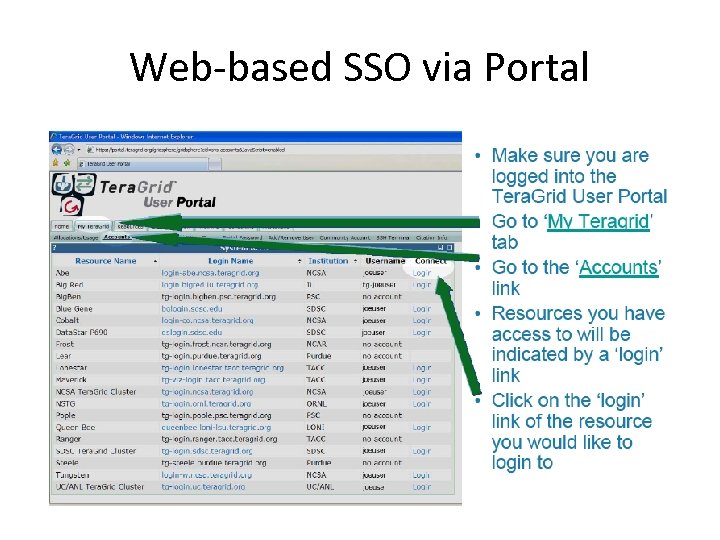
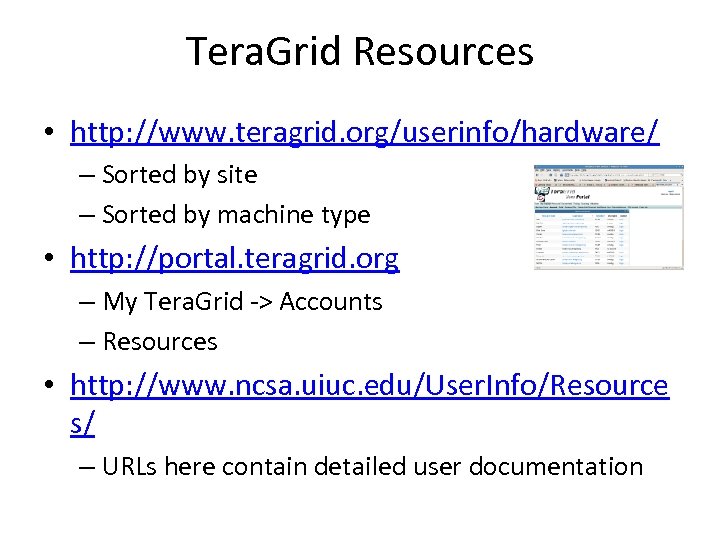 Tera. Grid Resources • http: //www. teragrid. org/userinfo/hardware/ – Sorted by site – Sorted by machine type • http: //portal. teragrid. org – My Tera. Grid -> Accounts – Resources • http: //www. ncsa. uiuc. edu/User. Info/Resource s/ – URLs here contain detailed user documentation
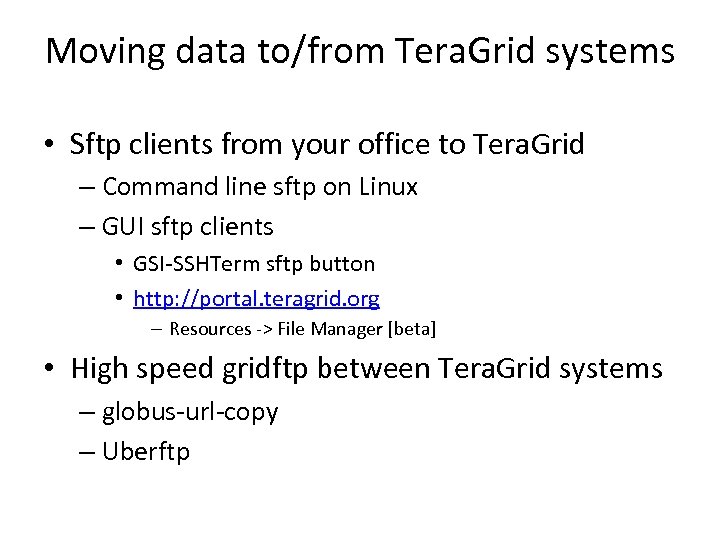 Moving data to/from Tera. Grid systems • Sftp clients from your office to Tera. Grid – Command line sftp on Linux – GUI sftp clients • GSI-SSHTerm sftp button • http: //portal. teragrid. org – Resources -> File Manager [beta] • High speed gridftp between Tera. Grid systems – globus-url-copy – Uberftp
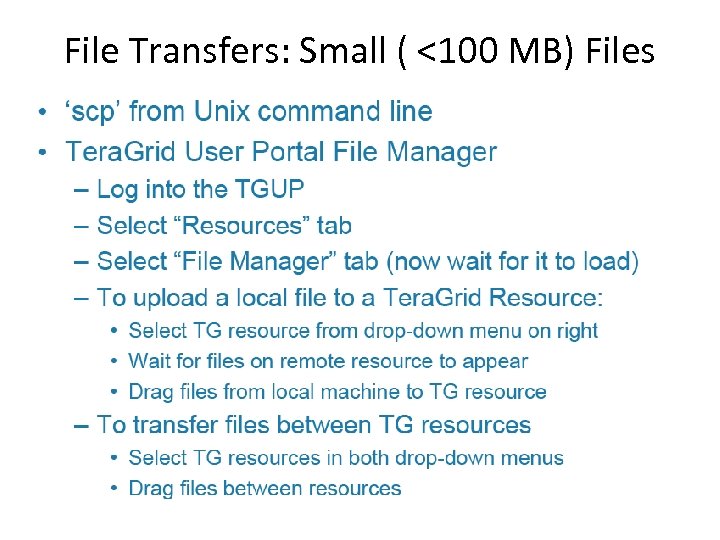 File Transfers: Small ( <100 MB) Files
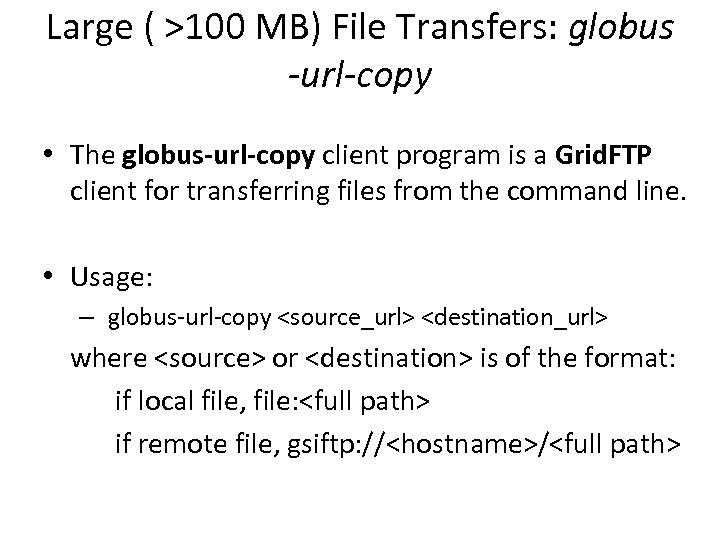 Large ( >100 MB) File Transfers: globus -url-copy • The globus-url-copy client program is a Grid. FTP client for transferring files from the command line. • Usage: – globus-url-copy
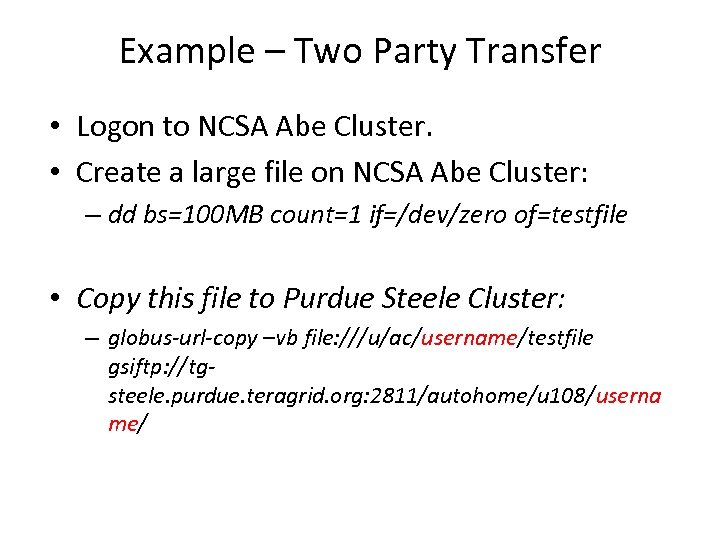 Example – Two Party Transfer • Logon to NCSA Abe Cluster. • Create a large file on NCSA Abe Cluster: – dd bs=100 MB count=1 if=/dev/zero of=testfile • Copy this file to Purdue Steele Cluster: – globus-url-copy –vb file: ///u/ac/username/testfile gsiftp: //tgsteele. purdue. teragrid. org: 2811/autohome/u 108/userna me/
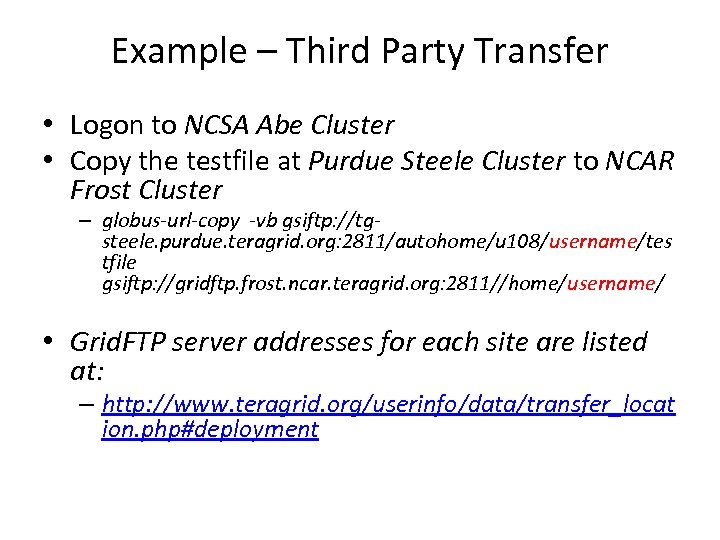 Example – Third Party Transfer • Logon to NCSA Abe Cluster • Copy the testfile at Purdue Steele Cluster to NCAR Frost Cluster – globus-url-copy -vb gsiftp: //tgsteele. purdue. teragrid. org: 2811/autohome/u 108/username/tes tfile gsiftp: //gridftp. frost. ncar. teragrid. org: 2811//home/username/ • Grid. FTP server addresses for each site are listed at: – http: //www. teragrid. org/userinfo/data/transfer_locat ion. php#deployment
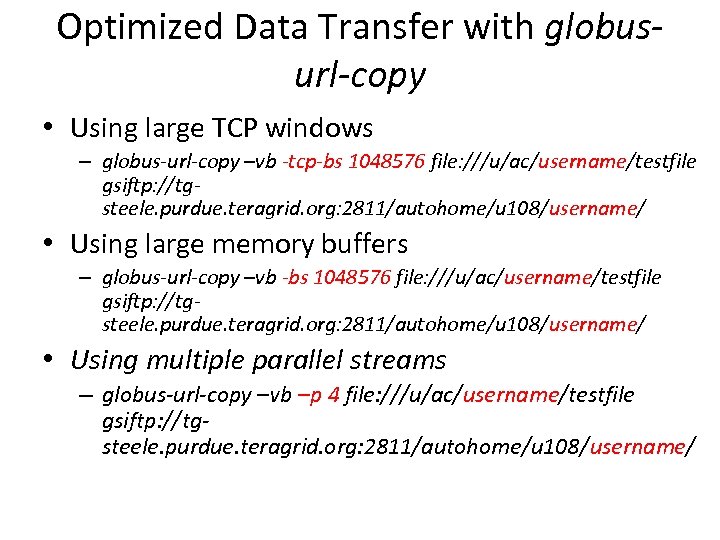 Optimized Data Transfer with globusurl-copy • Using large TCP windows – globus-url-copy –vb -tcp-bs 1048576 file: ///u/ac/username/testfile gsiftp: //tgsteele. purdue. teragrid. org: 2811/autohome/u 108/username/ • Using large memory buffers – globus-url-copy –vb -bs 1048576 file: ///u/ac/username/testfile gsiftp: //tgsteele. purdue. teragrid. org: 2811/autohome/u 108/username/ • Using multiple parallel streams – globus-url-copy –vb –p 4 file: ///u/ac/username/testfile gsiftp: //tgsteele. purdue. teragrid. org: 2811/autohome/u 108/username/
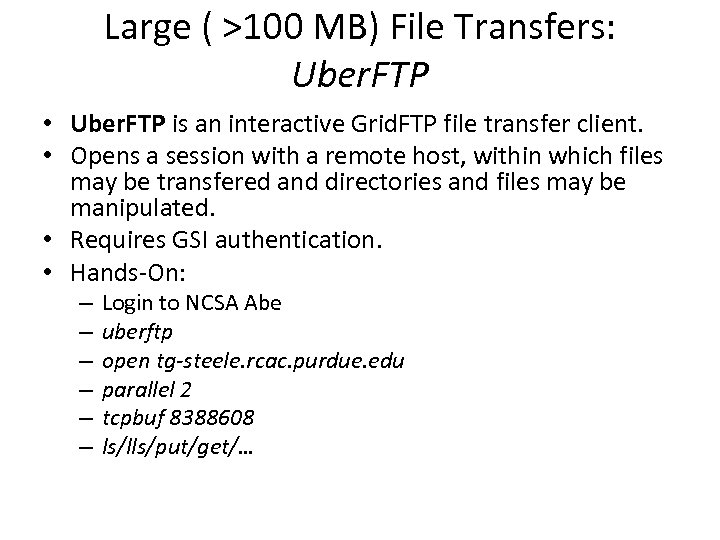 Large ( >100 MB) File Transfers: Uber. FTP • Uber. FTP is an interactive Grid. FTP file transfer client. • Opens a session with a remote host, within which files may be transfered and directories and files may be manipulated. • Requires GSI authentication. • Hands-On: – – – Login to NCSA Abe uberftp open tg-steele. rcac. purdue. edu parallel 2 tcpbuf 8388608 ls/lls/put/get/…
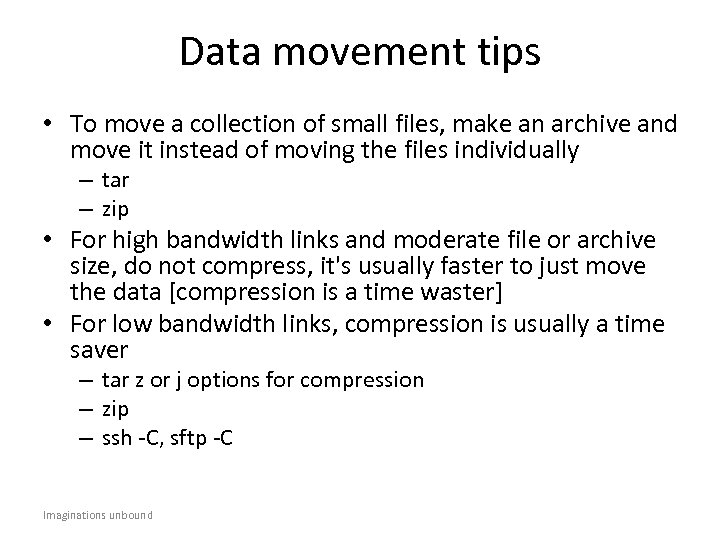 Data movement tips • To move a collection of small files, make an archive and move it instead of moving the files individually – tar – zip • For high bandwidth links and moderate file or archive size, do not compress, it's usually faster to just move the data [compression is a time waster] • For low bandwidth links, compression is usually a time saver – tar z or j options for compression – zip – ssh -C, sftp -C Imaginations unbound
 Permanent Storage at NCSA • The larger Tera. Grid sites provide persistent high-capacity storage • Details vary by site, consult local site documentation for specifics • Refer to: – http: //www. teragrid. org/userinfo/data/storage. php for detailed information about different quotas, policies, and tools (such as SRB, HPSS) at each site.
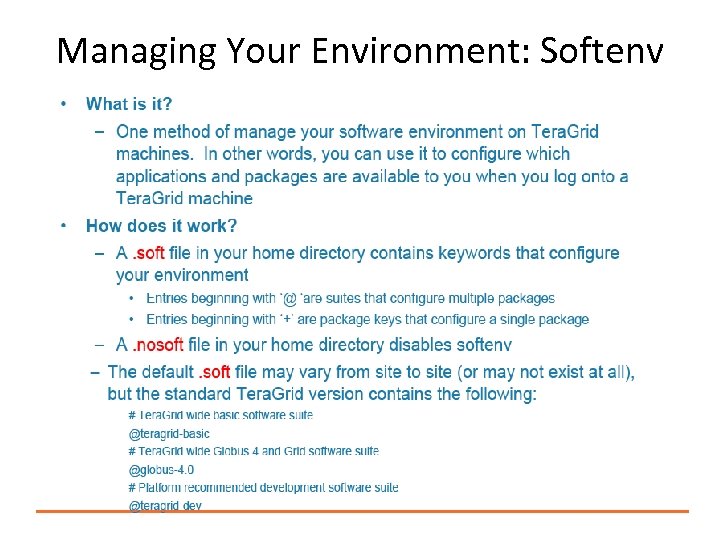 Managing Your Environment: Softenv
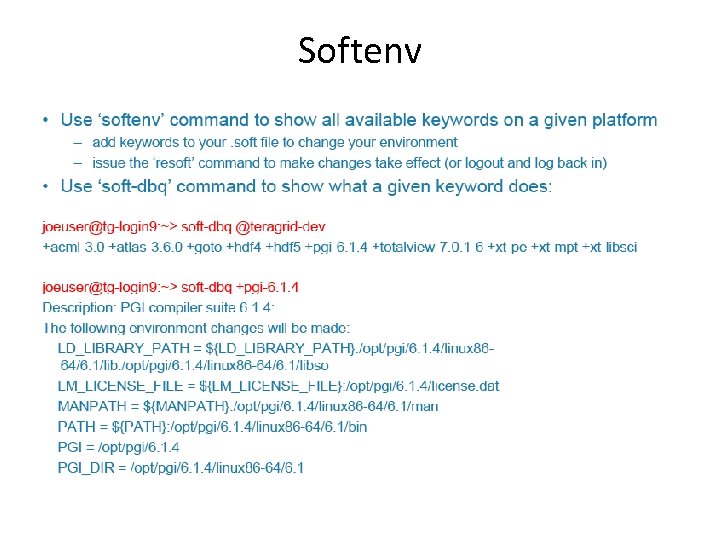 Softenv
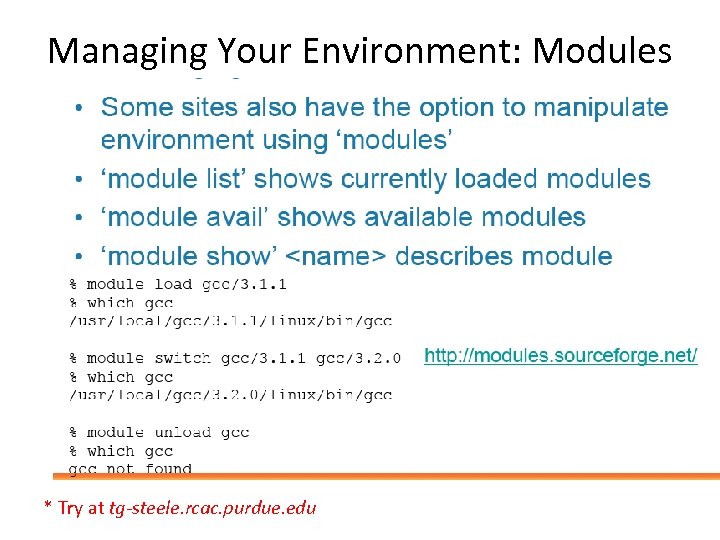 Managing Your Environment: Modules * Try at tg-steele. rcac. purdue. edu
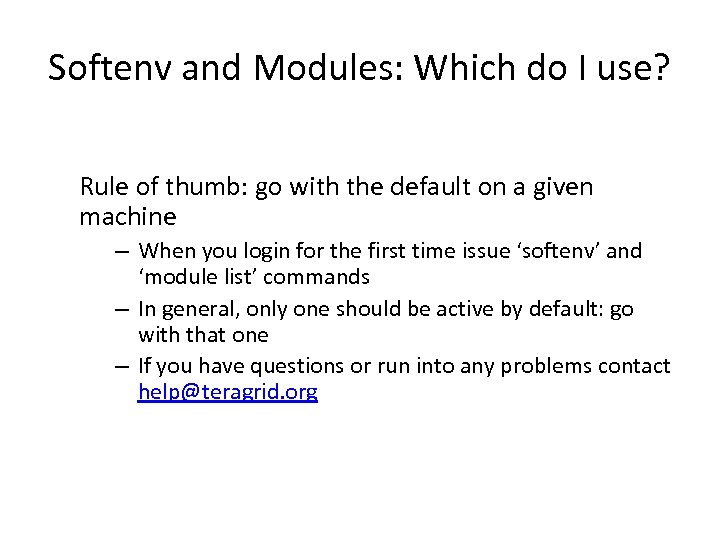 Softenv and Modules: Which do I use? Rule of thumb: go with the default on a given machine – When you login for the first time issue ‘softenv’ and ‘module list’ commands – In general, only one should be active by default: go with that one – If you have questions or run into any problems contact help@teragrid. org
 Grid Job Management using Globus • Common WS interface to schedulers – Unix, Condor, LSF, PBS, SGE, … • More generally: interface for process execution management – – Lay down execution environment Stage data Monitor & manage lifecycle Kill it, clean up 29
 Grid Job Management Goals Provide a service to securely: • Create an environment for a job • Stage files to/from environment • Cause execution of job process(es) – Via various local resource managers • Monitor execution • Signal important state changes to client • Enable client access to output files – Streaming access during execution 30
 GRAM • GRAM: Globus Resource Allocation and Management • GRAM is a Globus Toolkit component – For Grid job management • GRAM is a unifying remote interface to Resource Managers – Yet preserves local site security/control • Remote credential management • File staging via RFT and Grid. FTP 31
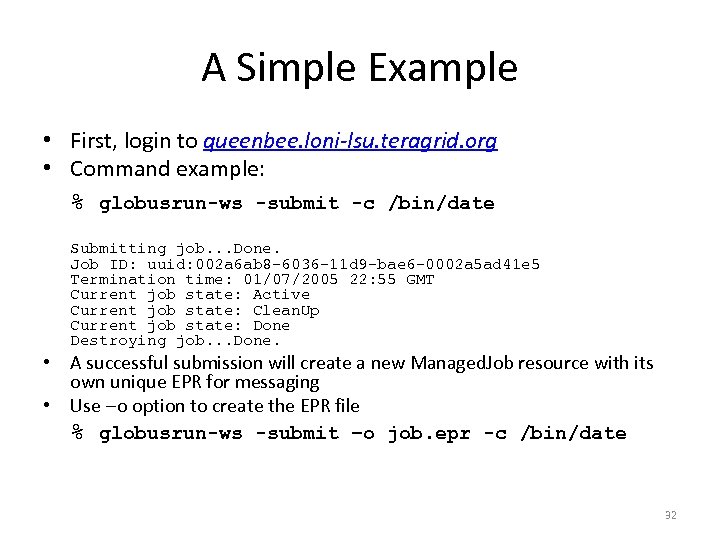 A Simple Example • First, login to queenbee. loni-lsu. teragrid. org • Command example: % globusrun-ws -submit -c /bin/date Submitting job. . . Done. Job ID: uuid: 002 a 6 ab 8 -6036 -11 d 9 -bae 6 -0002 a 5 ad 41 e 5 Termination time: 01/07/2005 22: 55 GMT Current job state: Active Current job state: Clean. Up Current job state: Done Destroying job. . . Done. • A successful submission will create a new Managed. Job resource with its own unique EPR for messaging • Use –o option to create the EPR file % globusrun-ws -submit –o job. epr -c /bin/date 32
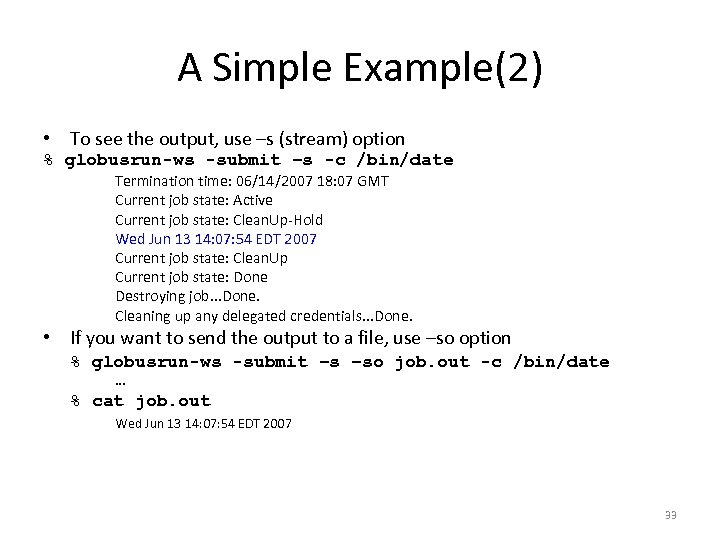 A Simple Example(2) • To see the output, use –s (stream) option % globusrun-ws -submit –s -c /bin/date Termination time: 06/14/2007 18: 07 GMT Current job state: Active Current job state: Clean. Up-Hold Wed Jun 13 14: 07: 54 EDT 2007 Current job state: Clean. Up Current job state: Done Destroying job. . . Done. Cleaning up any delegated credentials. . . Done. • If you want to send the output to a file, use –so option % globusrun-ws -submit –s –so job. out -c /bin/date … % cat job. out Wed Jun 13 14: 07: 54 EDT 2007 33
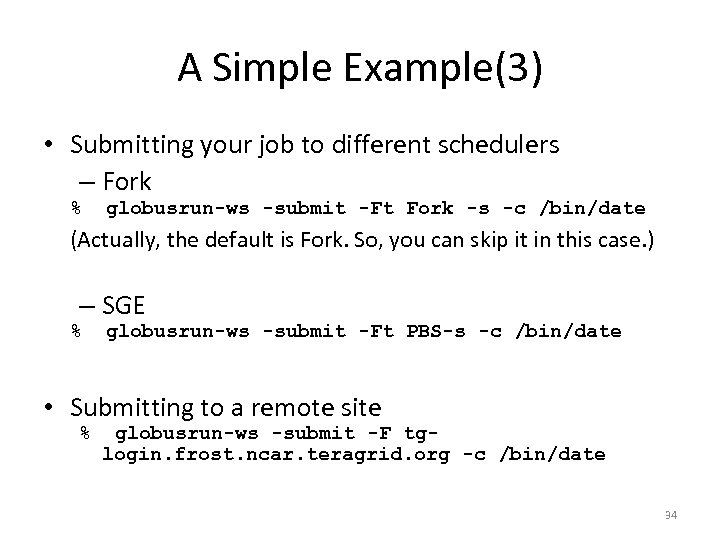 A Simple Example(3) • Submitting your job to different schedulers – Fork % globusrun-ws -submit -Ft Fork -s -c /bin/date (Actually, the default is Fork. So, you can skip it in this case. ) – SGE % globusrun-ws -submit -Ft PBS-s -c /bin/date • Submitting to a remote site % globusrun-ws -submit -F tglogin. frost. ncar. teragrid. org -c /bin/date 34
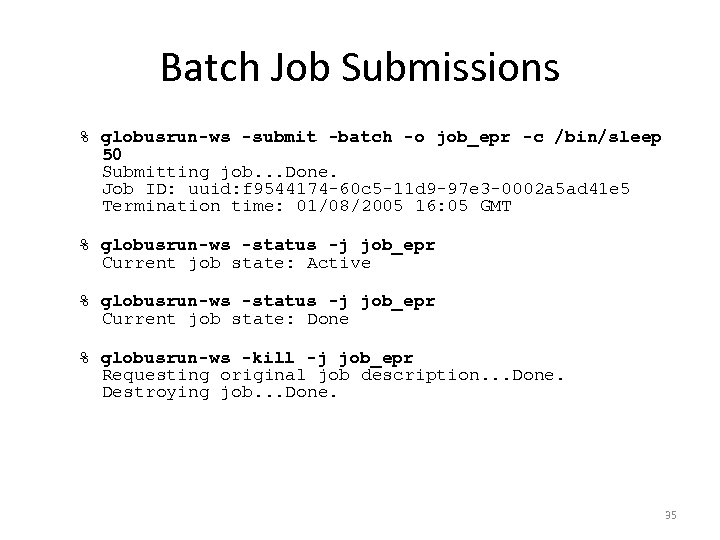 Batch Job Submissions % globusrun-ws -submit -batch -o job_epr -c /bin/sleep 50 Submitting job. . . Done. Job ID: uuid: f 9544174 -60 c 5 -11 d 9 -97 e 3 -0002 a 5 ad 41 e 5 Termination time: 01/08/2005 16: 05 GMT % globusrun-ws -status -j job_epr Current job state: Active % globusrun-ws -status -j job_epr Current job state: Done % globusrun-ws -kill -j job_epr Requesting original job description. . . Done. Destroying job. . . Done. 35
 Resource Specification Language (RSL) • RSL is the language used by the clients to submit a job. • All job submission parameters are described in RSL, including the executable file and arguments. • You can specify the type and capabilities of resources to execute your job. • You can also coordinate Stage-in and Stage-out operations through RSL. 36
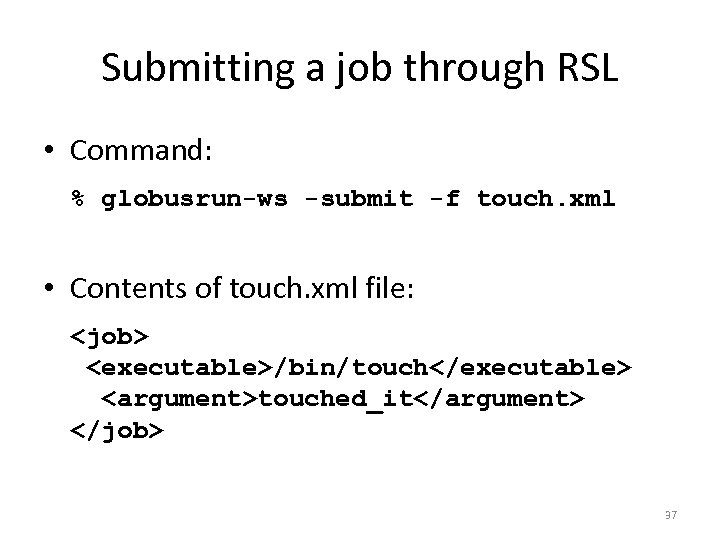 Submitting a job through RSL • Command: % globusrun-ws -submit -f touch. xml • Contents of touch. xml file:
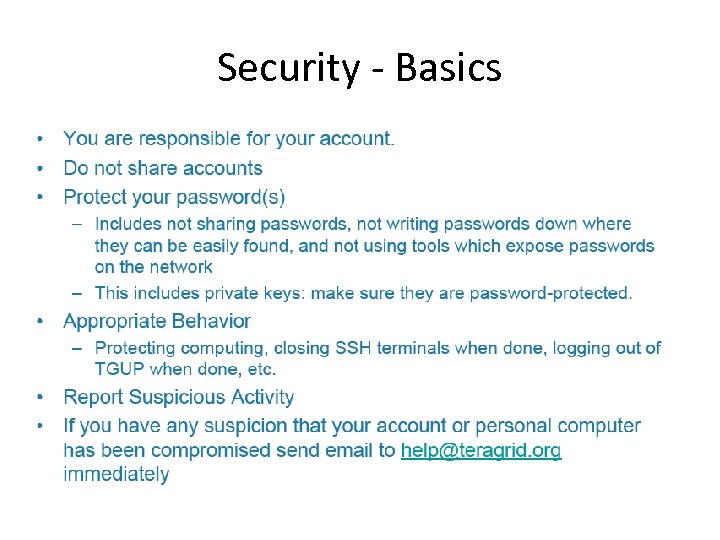 Security - Basics
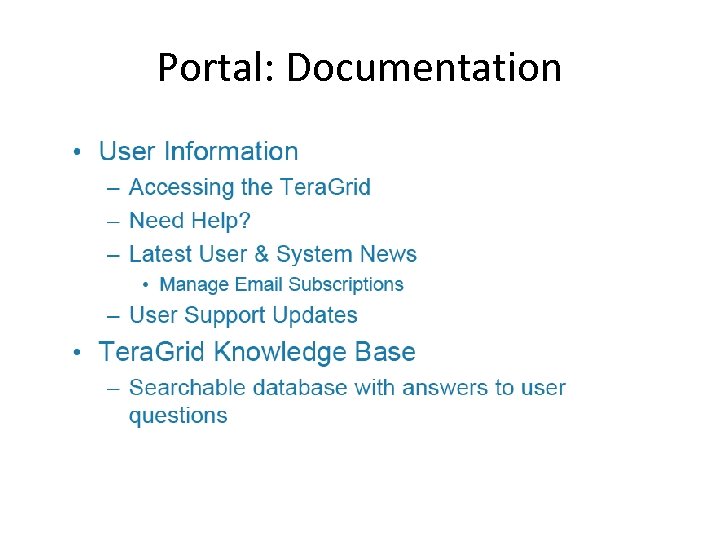
 How to get Help • First, try searching the Knowledge Base or other Documentation • If that doesn’t help, submit a ticket – Send an email to help@teragrid. org – Use the Tera. Grid User Portal ‘Consulting’ tab • Can also call Tera. Grid Help Desk 24/7: 1 -866 -907 -2383
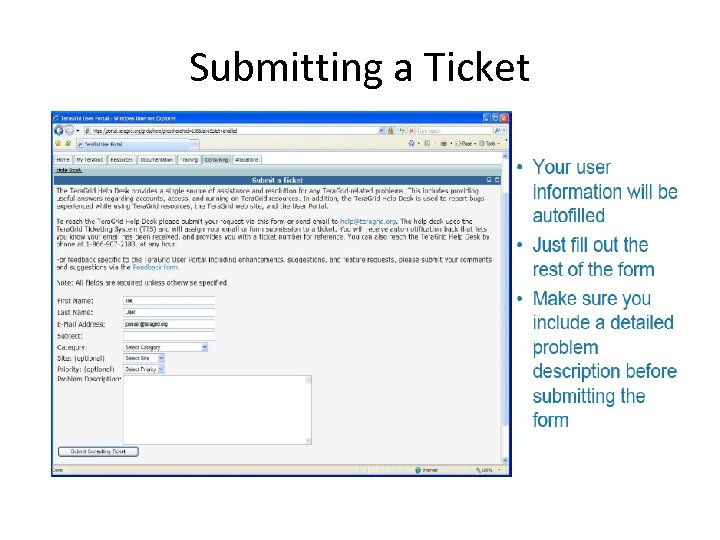 Submitting a Ticket
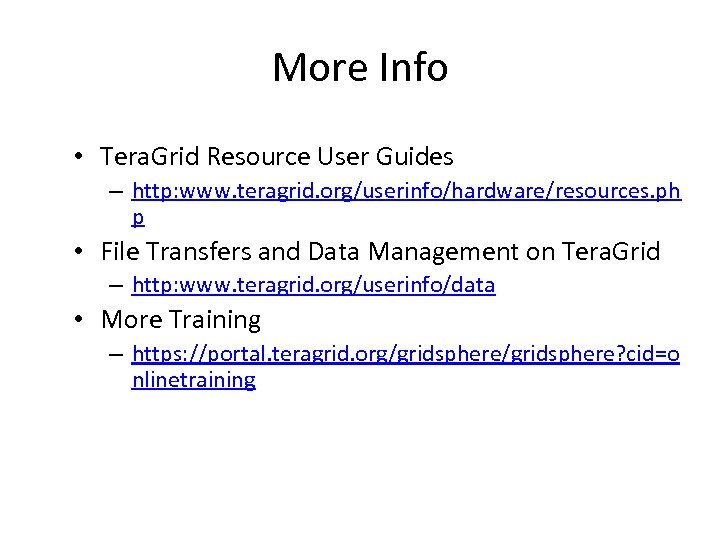 More Info • Tera. Grid Resource User Guides – http: www. teragrid. org/userinfo/hardware/resources. ph p • File Transfers and Data Management on Tera. Grid – http: www. teragrid. org/userinfo/data • More Training – https: //portal. teragrid. org/gridsphere? cid=o nlinetraining