 Скачать презентацию Overview of Scrum cont d This lecture is based
b802fae23bb6fa2a4d46e2623c0bfe0d.ppt
- Количество слайдов: 37



Overview of Scrum (cont’d) This lecture is based on two SCRUM presentations: Agile Software Development with SCRUM by Shveta Mehtani (http: //www. scribd. com/doc/6578688/SCRUMAEG) What is Scrum? by Richard Fennell (http: //www. slideshare. net/businessquests/black-marble-introduction-to-scrum) … as adapted by Michael Mateas UC Santa Cruz CMPS 171 – Game Design Studio II courses. soe. ucsc. edu/courses/cmps 171/Winter 14/01 ejw@cs. ucsc. edu 8 January 2013
Class mechanics § Syllabus online at § courses. soe. ucsc. edu/courses/cmps 171/Winter 14/01 § Piazza § https: //piazza. com/class/hltqfmpzr 1 mmf? cid=161 UC SANTA CRUZ
Everyone is a coder § You are being trained as game developers, and you need to have this as a core competency § Any other role is enhanced when you have strong coding skills § Every week, each team member is expected to be contributing code to the project. Your individual performance grade depends on this. § Code contributions will be tracked via your configuration management tool. § If you’re not checking in code, as far as we’re concerned, you’re not coding. UC SANTA CRUZ
Artists, Musicians, etc. Independent Study § Most artists should be taking companion class in Art Department § But, there might be some artists who are unable to take this class § Musicians may need to take an independent study, if they want credit § Filling out independent study form UC SANTA CRUZ
Photos § On Friday, January 10, Brandon will be working with teams to ensure each team has a photo. § If you want to take a photo of your entire team, including artists and musicians before then, that will work (email it to Brandon) § If you do a photo in class, please invite your artists and musicial team members to come to class that day, if they can, to be part of the team photo. § Photos will be posted on the class website, along with your name. § Very useful for putting names to faces § Let me know if you do not want to be part of the team photo, and/or have your name online UC SANTA CRUZ
Professor meetings § I will be meeting with each team weekly, for 45 minutes § On Friday, Brandon will match teams to available timeslots. § As preparation, your team needs to collect schedules from every team member, and find time blocks where most of the team can meet. § I don’t expect that every team member will be able to make the meeting with me. § Am still working to identify meeting time slots (look for message on Piazza) UC SANTA CRUZ
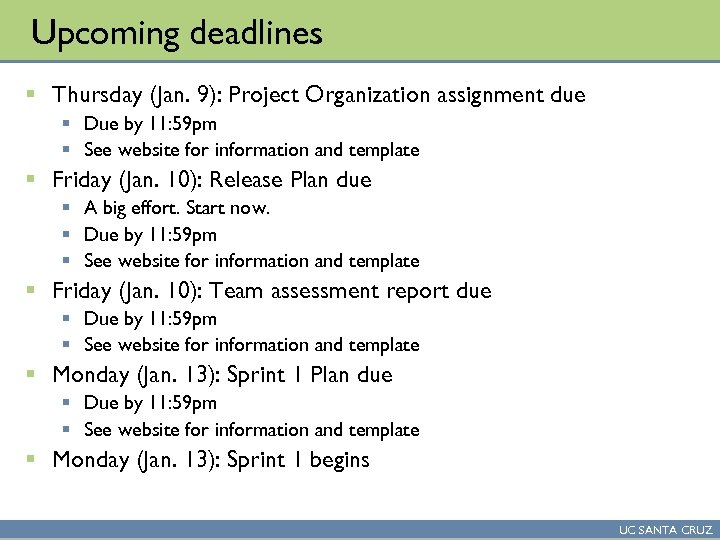
Upcoming deadlines § Thursday (Jan. 9): Project Organization assignment due § Due by 11: 59 pm § See website for information and template § Friday (Jan. 10): Release Plan due § A big effort. Start now. § Due by 11: 59 pm § See website for information and template § Friday (Jan. 10): Team assessment report due § Due by 11: 59 pm § See website for information and template § Monday (Jan. 13): Sprint 1 Plan due § Due by 11: 59 pm § See website for information and template § Monday (Jan. 13): Sprint 1 begins UC SANTA CRUZ
Upcoming deadlines § Friday (Jan. 17): team status reporting § Due by 11: 59 pm § Report on team activities this week § Friday (Jan. 17): Technical design document due § UML diagrams describing the technical design of your game § A big task, need to spin 2 -3 people up on this by end of the week UC SANTA CRUZ
Project Organization Assignment § Assignment of team members to roles § Exclusive roles – a given person can only have one § Lead designer § Lead producer § Lead developer § Non-exclusive roles – a given person can have such a role, in addition to other roles § Artist coordinator § Lead tester § User test coordinator § Listing artists § Team coordination § How your team will communicate UC SANTA CRUZ
Project Organization Assignment (cont’d) § Software configuration management § Need to pick a technology, and sign up for a hosting service § Git and Git. Hub are recommended § Need to learn chosen technology § Preliminary platform choice § Which game making technology will you be using, if any? § Examples: Unity, Corona, XNA, etc. UC SANTA CRUZ
Free Rider Problem § The key problem in managing project classes is ensuring that all team members are contributing their fair share of effort § When one person does less than the others, they are “riding on the coattails” of the others, and are a “free rider” § As an instructor or TA, if I’m not on your team, working with you day to day, it is very challenging to determine if everyone is contributing equally § There are varying approaches to address this monitoring issue. General consensus is that team assessments by all team members work fairly well. UC SANTA CRUZ
Team Assessments § Need to rank order members of your team according to several criteria: § Skill Level / Technical Ability: § 1 st: 2 nd: 3 rd: etc. § Comment: § § Productivity / Output: § Group Contribution: § Product Contribution: § Professional Endorsement: § Accomplishments: § Provide a list of your personal accomplishments for the game over the past week, as either a bulleted list or a short paragraph. UC SANTA CRUZ
Review of Scrum UC SANTA CRUZ
Release § A release is a major milestone in the development of a software project § A release contains a series of product features § Features are expressed in the form of user stories § The goal of release planning is to determine which user stories (features) will be included. This involves: § Taking the game concept and decomposing it into user stories § Estimating the time required to perform each user story (using story points) § Prioritizing the user stories § The release plan forms the input into the Sprint planning process UC SANTA CRUZ
User stories § A product feature is expressed in the form of a user story. § This can be viewed as a specific technique for eliciting and writing software requirements. § A user story is a software requirement § User story format § As a {user role}, I want {goal} [so that {reason}] § Examples: § As a player, I need control over a laser pointer so that the cat will follow it. § As a player, I need to pick up gameworld objects so that I can collect food and ammunition. § As a playtest manager, I need automated collection of gameplay metrics so that levels can be analyzed for areas that are too difficult. § Class exercise developing a few user stories for your game UC SANTA CRUZ
Estimating size of user stories § The relative size (implementation effort) of each user story is estimated using measure known as story points. § Story points are unitless § Are not person-months, meters, hours, etc. § Key idea is to focus estimating effort on relative size § Use of unitless numbers avoids arguments § “That won’t take a week to implement – that’s easily a week and two days” § … but the point is trying to determine which tasks are O(days), O(weeks), and O(months) – +/- a few days doesn’t matter! § Story points are linear § A user story requiring 0. 5 story points takes half the time to complete as one requiring 1 story point § Similary, a user story requiring 3 story points is the same size as one requiring 1 story point and another requiring 2 story points UC SANTA CRUZ
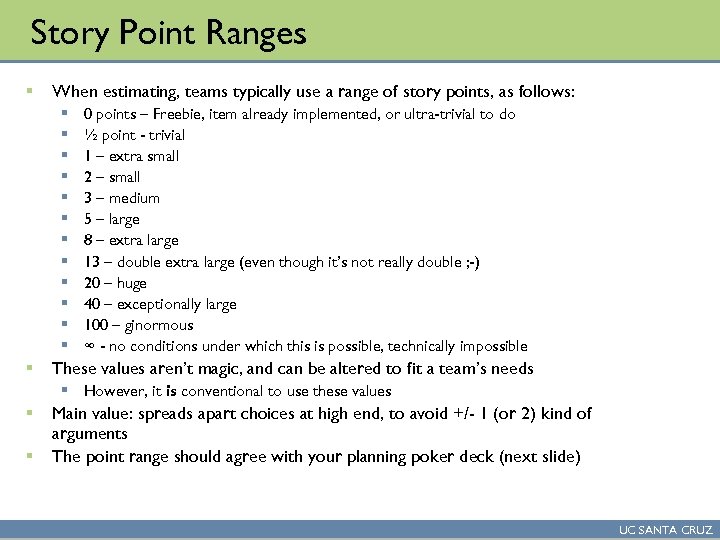
Story Point Ranges § When estimating, teams typically use a range of story points, as follows: § § § § 0 points – Freebie, item already implemented, or ultra-trivial to do ½ point - trivial 1 – extra small 2 – small 3 – medium 5 – large 8 – extra large 13 – double extra large (even though it’s not really double ; -) 20 – huge 40 – exceptionally large 100 – ginormous ∞ - no conditions under which this is possible, technically impossible These values aren’t magic, and can be altered to fit a team’s needs § However, it is conventional to use these values § § Main value: spreads apart choices at high end, to avoid +/- 1 (or 2) kind of arguments The point range should agree with your planning poker deck (next slide) UC SANTA CRUZ
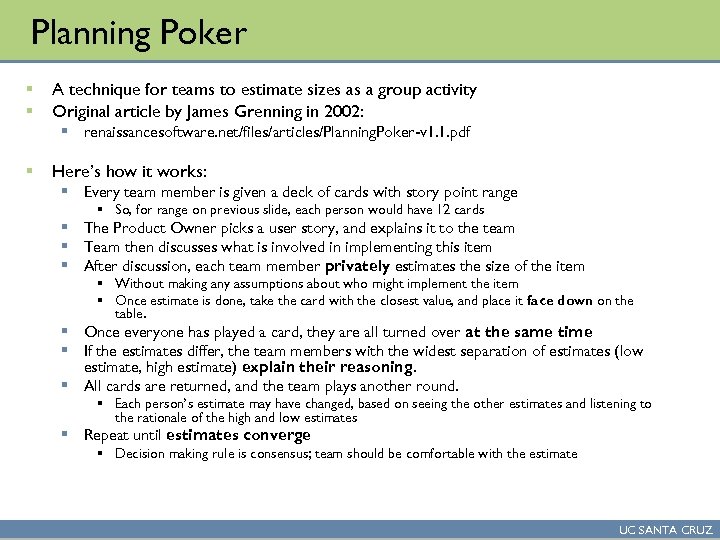
Planning Poker § § A technique for teams to estimate sizes as a group activity Original article by James Grenning in 2002: § renaissancesoftware. net/files/articles/Planning. Poker-v 1. 1. pdf § Here’s how it works: § Every team member is given a deck of cards with story point range § So, for range on previous slide, each person would have 12 cards § The Product Owner picks a user story, and explains it to the team § Team then discusses what is involved in implementing this item § After discussion, each team member privately estimates the size of the item § Without making any assumptions about who might implement the item § Once estimate is done, take the card with the closest value, and place it face down on the table. § Once everyone has played a card, they are all turned over at the same time § If the estimates differ, the team members with the widest separation of estimates (low estimate, high estimate) explain their reasoning. § All cards are returned, and the team plays another round. § Each person’s estimate may have changed, based on seeing the other estimates and listening to the rationale of the high and low estimates § Repeat until estimates converge § Decision making rule is consensus; team should be comfortable with the estimate UC SANTA CRUZ
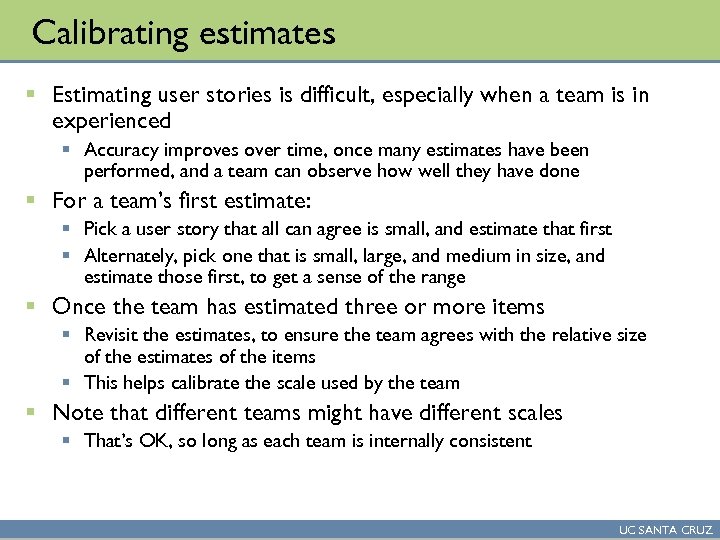
Calibrating estimates § Estimating user stories is difficult, especially when a team is in experienced § Accuracy improves over time, once many estimates have been performed, and a team can observe how well they have done § For a team’s first estimate: § Pick a user story that all can agree is small, and estimate that first § Alternately, pick one that is small, large, and medium in size, and estimate those first, to get a sense of the range § Once the team has estimated three or more items § Revisit the estimates, to ensure the team agrees with the relative size of the estimates of the items § This helps calibrate the scale used by the team § Note that different teams might have different scales § That’s OK, so long as each team is internally consistent UC SANTA CRUZ
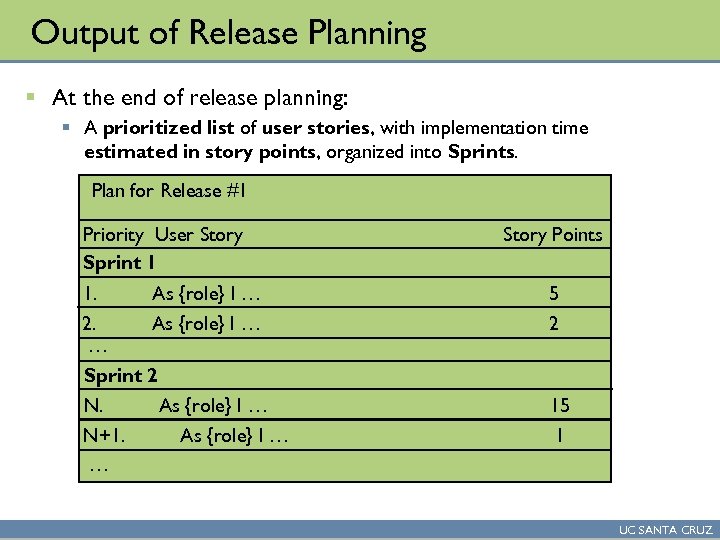
Output of Release Planning § At the end of release planning: § A prioritized list of user stories, with implementation time estimated in story points, organized into Sprints. Plan for Release #1 Priority User Story Sprint 1 1. Story Points As {role} I … 5 2. As {role} I … … Sprint 2 2 N. 15 N+1. … … As {role} I … 1 UC SANTA CRUZ
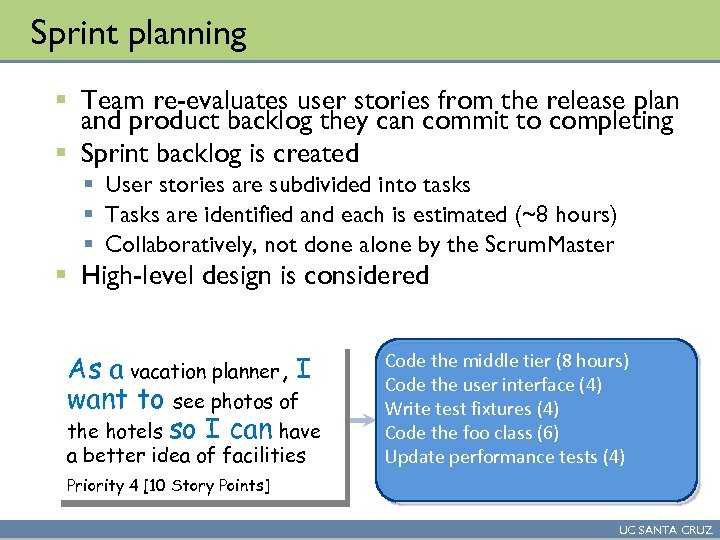
Sprint planning § Team re-evaluates user stories from the release plan and product backlog they can commit to completing § Sprint backlog is created § User stories are subdivided into tasks § Tasks are identified and each is estimated (~8 hours) § Collaboratively, not done alone by the Scrum. Master § High-level design is considered As a vacation planner, I want to see photos of the hotels so I can have a better idea of facilities Code the middle tier (8 hours) Code the user interface (4) Write test fixtures (4) Code the foo class (6) Update performance tests (4) Priority 4 [10 Story Points] UC SANTA CRUZ
Sprint planning (2) § Task estimation § Performed as a group, using Planning Poker § Here, units of estimation are “ideal work hours” § The amount of work you can get done under ideal conditions § Full knowledge, no interruptions § Actual hours elapsed will be greater than ideal hours § Task estimates are a commitment to accomplish a development task in a certain period of time § How many ideal work hours can each person perform? § Good question – so far, your group has no track record on this § For now, pick a conservative figure, such as 10 -12 ideal hours/week § So, each group member can do 30 -36 ideal hours of work per Sprint UC SANTA CRUZ
Output of Sprint planning (for CS 171) § Task listing (with time estimate), organized by user story (prioritized) § User story 1: Task 1 (time estimate) Task 2 (time estimate) … § User story 2: Task 1 (time estimate) Task 2 (time estimate) … § Initial task assignments § For each person, what is the first task they are working on? § Initial task burndown chart § Initial scrum board set up § Schedule of Scrum meetings § When/where for 2 (ideally 3) weekly face-to-face scrum meetings UC SANTA CRUZ
Scrum Master in CS 171 § The team’s lead producer acts as the Scrum Master § This role lasts for the entire project § Scrum Master is responsible for: § Maintaining scrum (task) board § Ensure that team members are putting their tasks on the board, moving them when complete, etc. § Maintaining sprint burndown chart § Ensuring team follows correct Scrum practice UC SANTA CRUZ
Project Management During Sprints UC SANTA CRUZ
Key project management challenges § Awareness of the work of others § Awareness of the current status of the project § Clarity on what is your current task, and what is your next task § Awareness of whether current sprint activity is completing tasks fast enough to meet sprint goals § Making mid-course corrections if implementation activity is too fast or too slow. § Tools for addressing challenges: § Scrum meetings § Scrum board § Burndown chart UC SANTA CRUZ
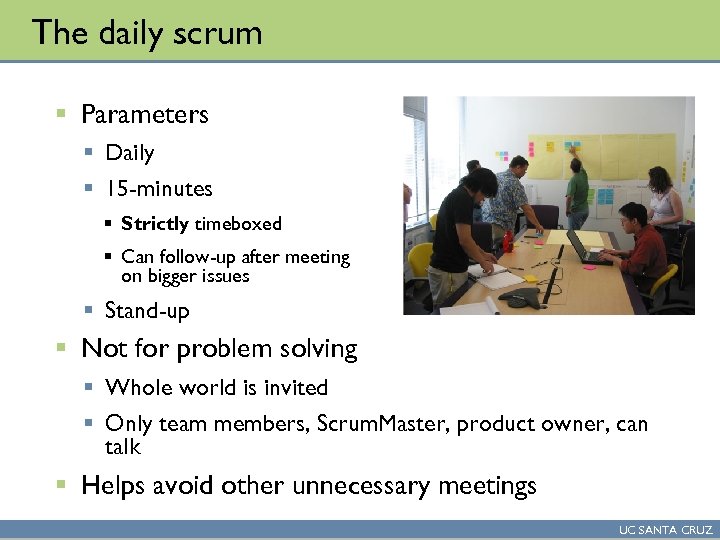
The daily scrum § Parameters § Daily § 15 -minutes § Strictly timeboxed § Can follow-up after meeting on bigger issues § Stand-up § Not for problem solving § Whole world is invited § Only team members, Scrum. Master, product owner, can talk § Helps avoid other unnecessary meetings UC SANTA CRUZ
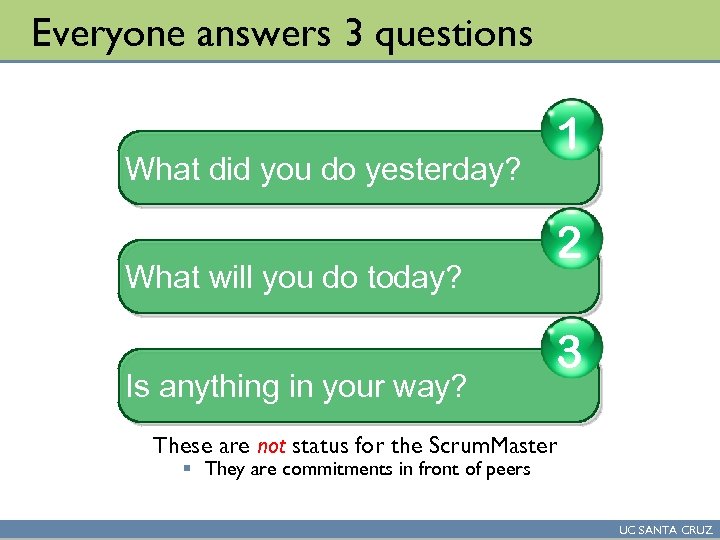
Everyone answers 3 questions What did you do yesterday? What will you do today? Is anything in your way? 1 2 3 These are not status for the Scrum. Master § They are commitments in front of peers UC SANTA CRUZ
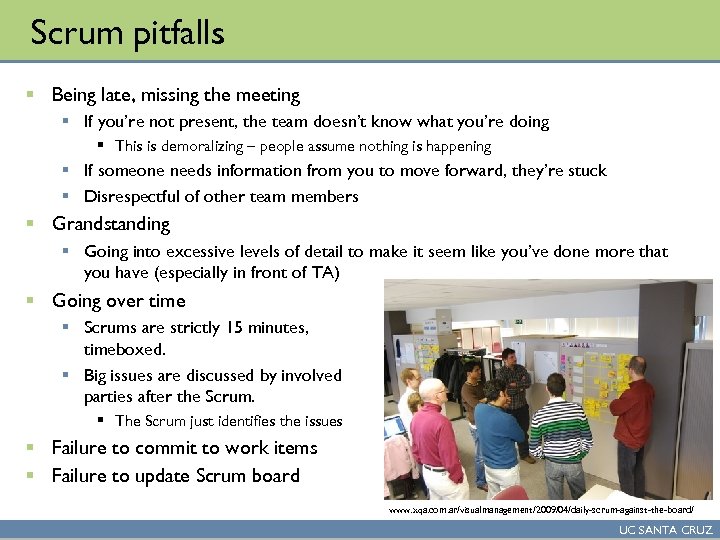
Scrum pitfalls § Being late, missing the meeting § If you’re not present, the team doesn’t know what you’re doing § This is demoralizing – people assume nothing is happening § If someone needs information from you to move forward, they’re stuck § Disrespectful of other team members § Grandstanding § Going into excessive levels of detail to make it seem like you’ve done more that you have (especially in front of TA) § Going over time § Scrums are strictly 15 minutes, timeboxed. § Big issues are discussed by involved parties after the Scrum. § The Scrum just identifies the issues § Failure to commit to work items § Failure to update Scrum board www. xqa. com. ar/visualmanagement/2009/04/daily-scrum-against-the-board/ UC SANTA CRUZ
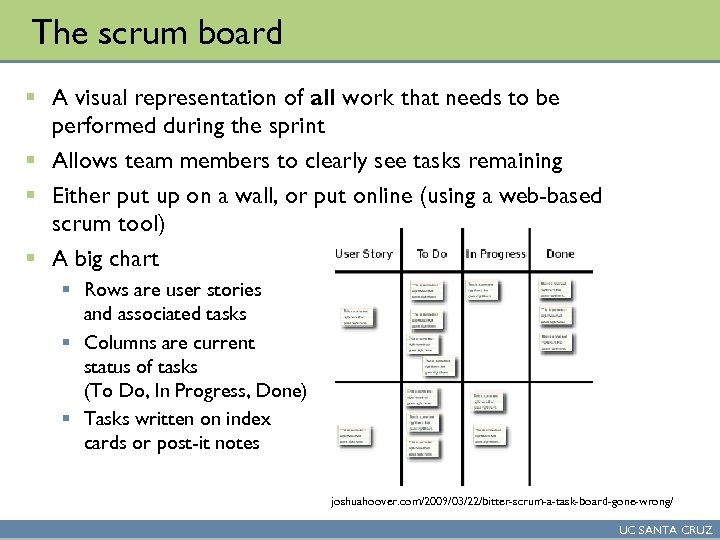
The scrum board § A visual representation of all work that needs to be performed during the sprint § Allows team members to clearly see tasks remaining § Either put up on a wall, or put online (using a web-based scrum tool) § A big chart § Rows are user stories and associated tasks § Columns are current status of tasks (To Do, In Progress, Done) § Tasks written on index cards or post-it notes joshuahoover. com/2009/03/22/bitter-scrum-a-task-board-gone-wrong/ UC SANTA CRUZ
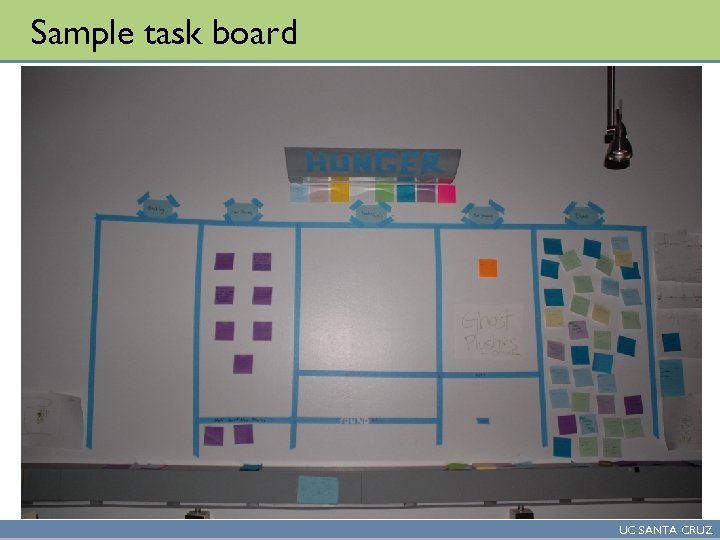
Sample task board UC SANTA CRUZ
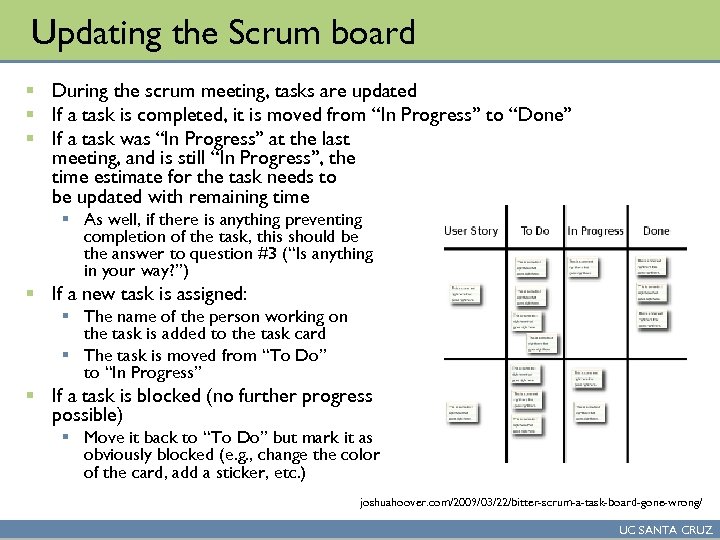
Updating the Scrum board § During the scrum meeting, tasks are updated § If a task is completed, it is moved from “In Progress” to “Done” § If a task was “In Progress” at the last meeting, and is still “In Progress”, the time estimate for the task needs to be updated with remaining time § As well, if there is anything preventing completion of the task, this should be the answer to question #3 (“Is anything in your way? ”) § If a new task is assigned: § The name of the person working on the task is added to the task card § The task is moved from “To Do” to “In Progress” § If a task is blocked (no further progress possible) § Move it back to “To Do” but mark it as obviously blocked (e. g. , change the color of the card, add a sticker, etc. ) joshuahoover. com/2009/03/22/bitter-scrum-a-task-board-gone-wrong/ UC SANTA CRUZ
Keeping Scrum board up to date § The primary value of the Scrum board comes from it being an accurate, up-to-date representation of the work of the team § If it is not kept current, its value diminishes quickly § It is the job of the Scrum Master to ensure the Scrum board is up-to-date § The grade they receive for their role performance depends on this § If someone misses a Scrum meeting, they need to proactively contact that person to find out what they have been doing, and update the board § Scrum master also needs to ensure team updates task cards during daily Scrum UC SANTA CRUZ
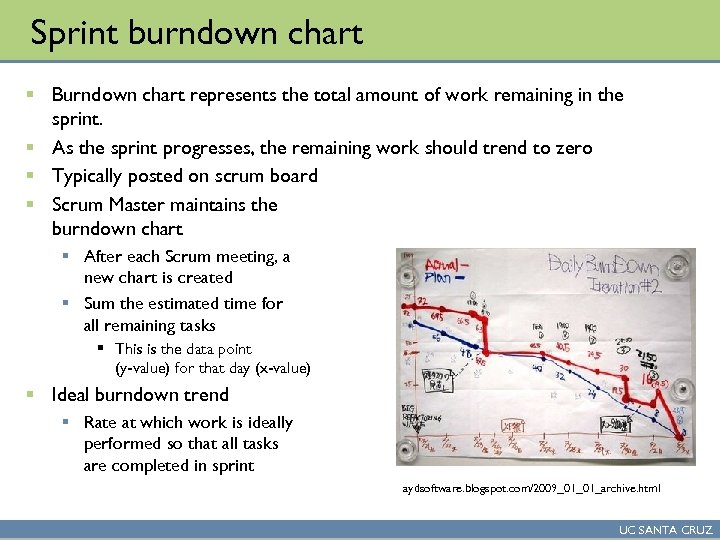
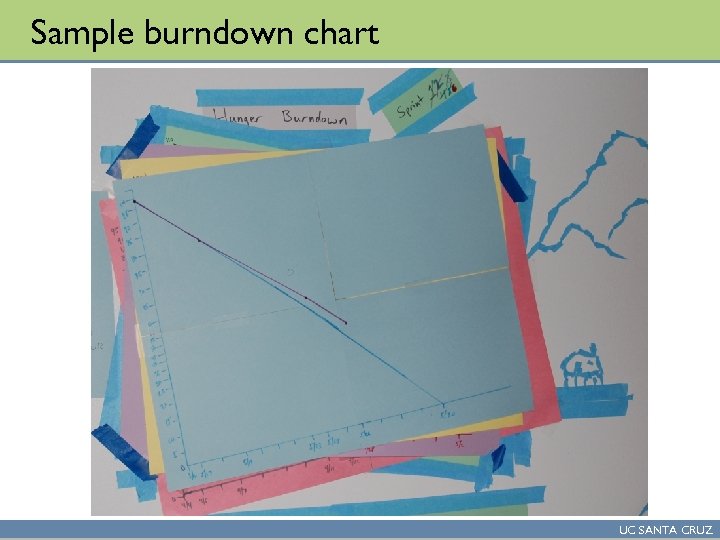
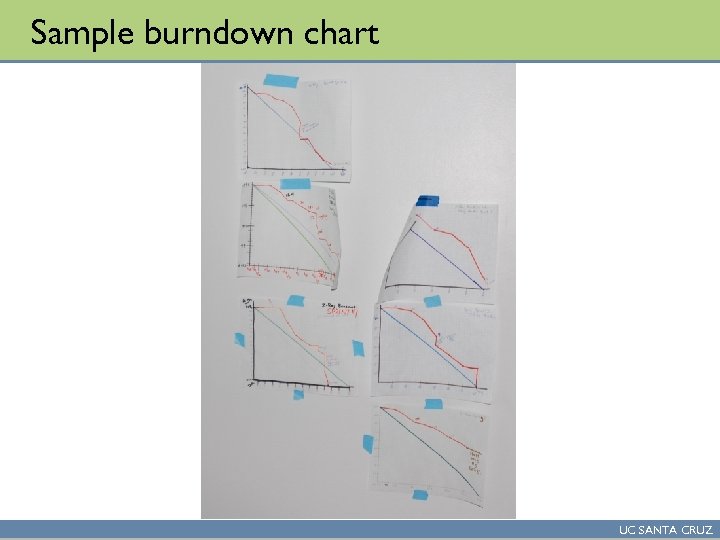
Sprint burndown chart § Burndown chart represents the total amount of work remaining in the sprint. § As the sprint progresses, the remaining work should trend to zero § Typically posted on scrum board § Scrum Master maintains the burndown chart § After each Scrum meeting, a new chart is created § Sum the estimated time for all remaining tasks § This is the data point (y-value) for that day (x-value) § Ideal burndown trend § Rate at which work is ideally performed so that all tasks are completed in sprint aydsoftware. blogspot. com/2009_01_01_archive. html UC SANTA CRUZ
Sample burndown chart UC SANTA CRUZ
Sample burndown chart UC SANTA CRUZ
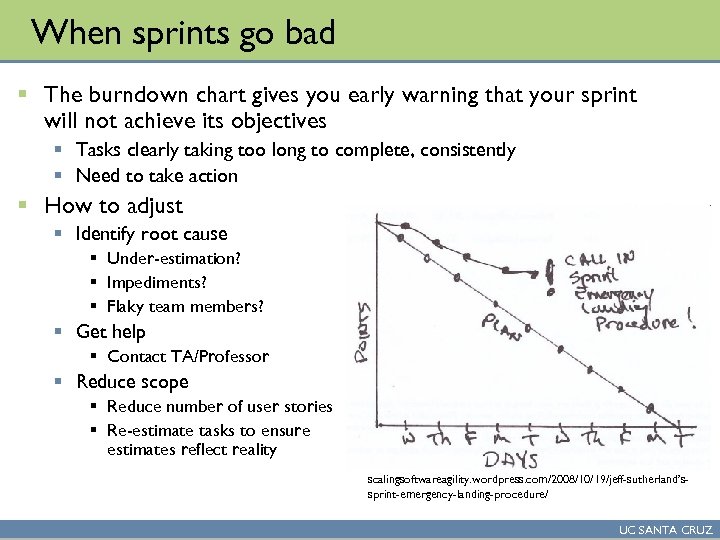
When sprints go bad § The burndown chart gives you early warning that your sprint will not achieve its objectives § Tasks clearly taking too long to complete, consistently § Need to take action § How to adjust § Identify root cause § Under-estimation? § Impediments? § Flaky team members? § Get help § Contact TA/Professor § Reduce scope § Reduce number of user stories § Re-estimate tasks to ensure estimates reflect reality scalingsoftwareagility. wordpress. com/2008/10/19/jeff-sutherland’ssprint-emergency-landing-procedure/ UC SANTA CRUZ
Скачать презентацию Overview of Scrum cont d This lecture is based
b802fae23bb6fa2a4d46e2623c0bfe0d.ppt