


 Скачать презентацию OS Installing CSCI N 321 System and
350171451976b7e96f916a6b48b8e5b6.ppt
- Количество слайдов: 29
 OS Installing CSCI N 321 – System and Network Administration Copyright © 2000, 2011 by Scott Orr and the Trustees of Indiana University
 Section Overview Hardware Inventory & Compatibility Disk Space & Partitioning Installation Media & Methods OS Installation Customization
 References Red. Hat Fedora 15 Installation Guide Red. Hat Fedora Support – Documentation
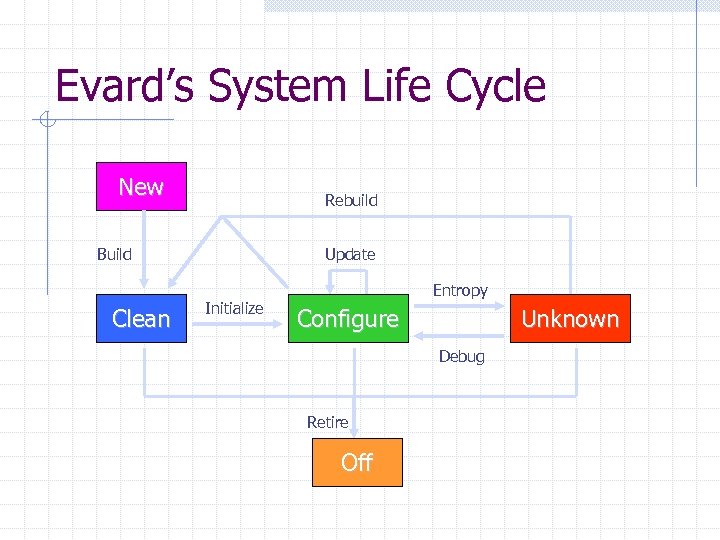 Evard’s System Life Cycle New Rebuild Build Clean Update Initialize Entropy Configure Unknown Debug Retire Off
 Getting started Pick OS, vendor, & version Installation media Read vendor documentation HW Drivers? n n Directly Supported? Downloadable?
 Hardware Inventory CPU/Motherboard/Memory Hard Drive(s) & Partitions Keyboard/Mouse CD/DVD Graphics Card/Monitor Sound Networking
 Gathering the Hardware Info PC vendor documentation Peripheral documentation Win. XP, or Win 7 if installed Record all information in Wiki
 Hardware Info – Windows 7 System Properties n n General Tab Device manager Disk Usage - Disk Manager n n Partitions Free Space Network Settings – TCP/IP Properties n n n Address/Subnet Mask Gateway DNS Configuration
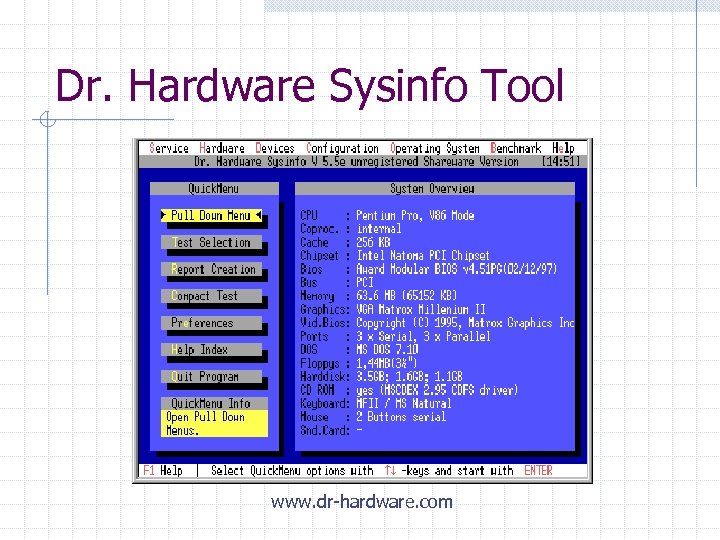 Dr. Hardware Sysinfo Tool www. dr-hardware. com
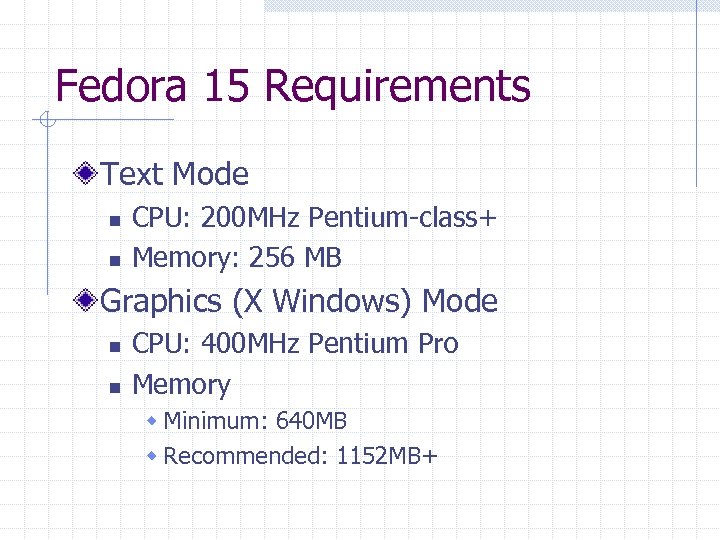 Fedora 15 Requirements Text Mode n n CPU: 200 MHz Pentium-class+ Memory: 256 MB Graphics (X Windows) Mode n n CPU: 400 MHz Pentium Pro Memory w Minimum: 640 MB w Recommended: 1152 MB+
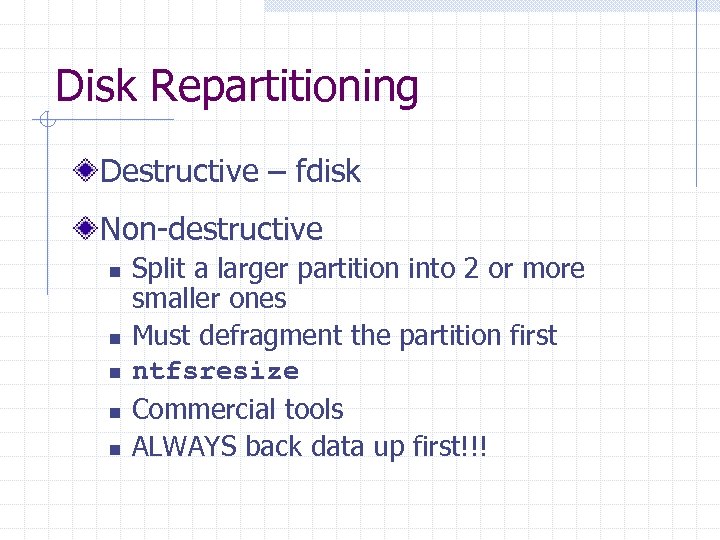 Disk Repartitioning Destructive – fdisk Non-destructive n n n Split a larger partition into 2 or more smaller ones Must defragment the partition first ntfsresize Commercial tools ALWAYS back data up first!!!
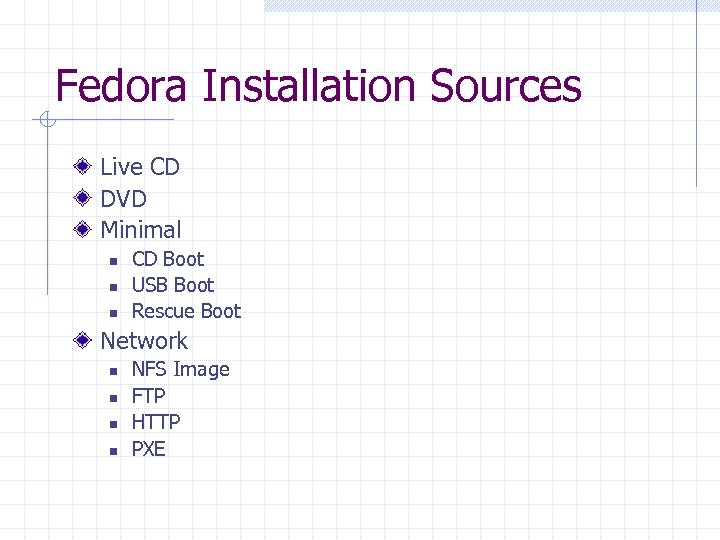 Fedora Installation Sources Live CD DVD Minimal n n n CD Boot USB Boot Rescue Boot Network n n NFS Image FTP HTTP PXE
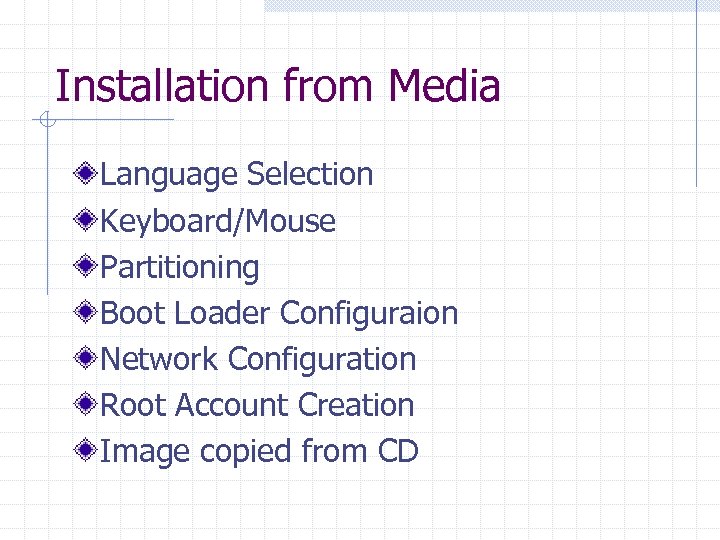 Installation from Media Language Selection Keyboard/Mouse Partitioning Boot Loader Configuraion Network Configuration Root Account Creation Image copied from CD
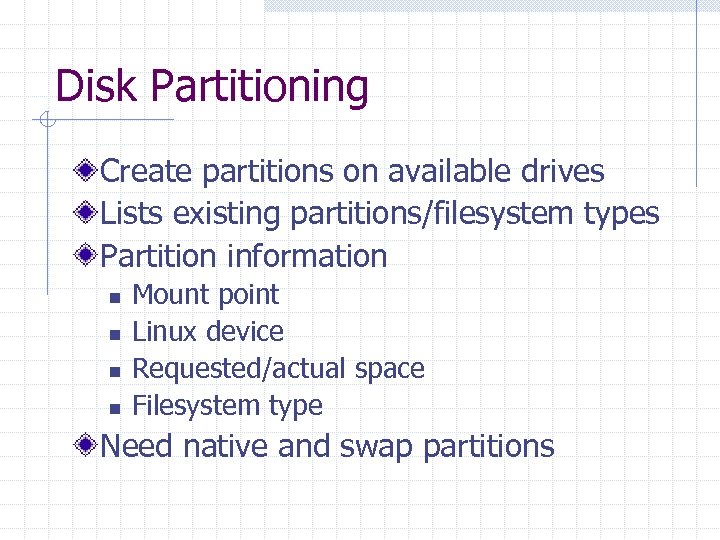 Disk Partitioning Create partitions on available drives Lists existing partitions/filesystem types Partition information n n Mount point Linux device Requested/actual space Filesystem type Need native and swap partitions
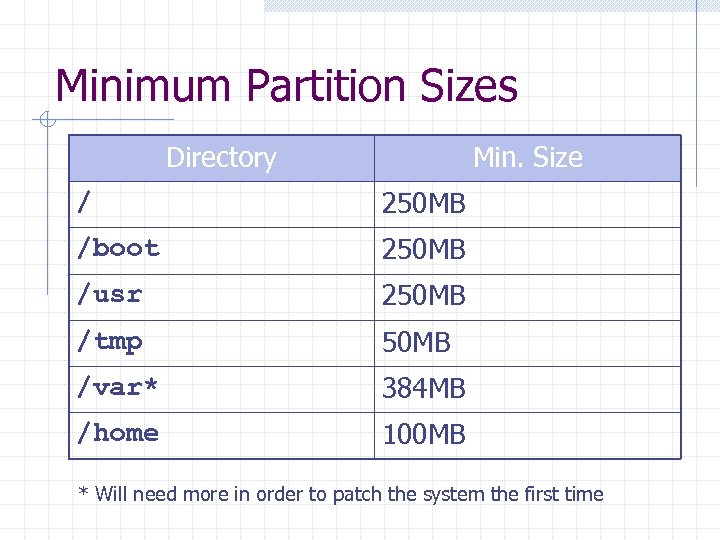 Minimum Partition Sizes Directory Min. Size / 250 MB /boot 250 MB /usr 250 MB /tmp 50 MB /var* 384 MB /home 100 MB * Will need more in order to patch the system the first time
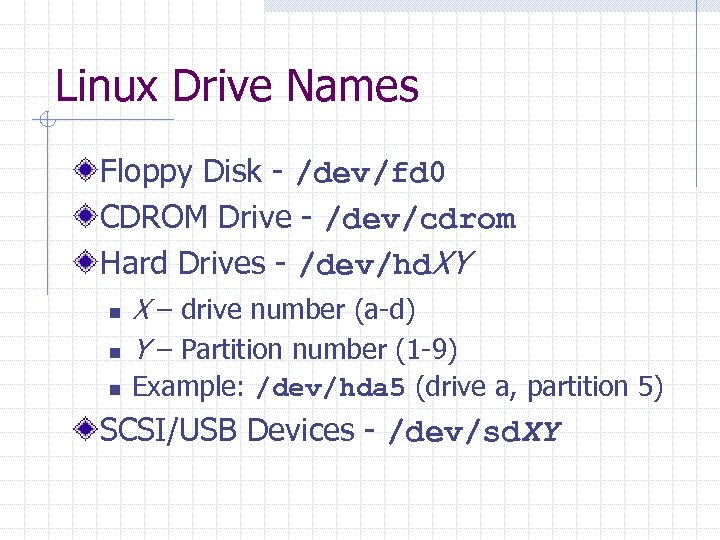 Linux Drive Names Floppy Disk - /dev/fd 0 CDROM Drive - /dev/cdrom Hard Drives - /dev/hd. XY n X – drive number (a-d) Y – Partition number (1 -9) n Example: /dev/hda 5 (drive a, partition 5) n SCSI/USB Devices - /dev/sd. XY
 Swap Partitions Extends the amount of RAM installed Classic UNIX Rule of Thumb n n Swap partition should be twice the size of RAM installed Can get by with much less under Linux
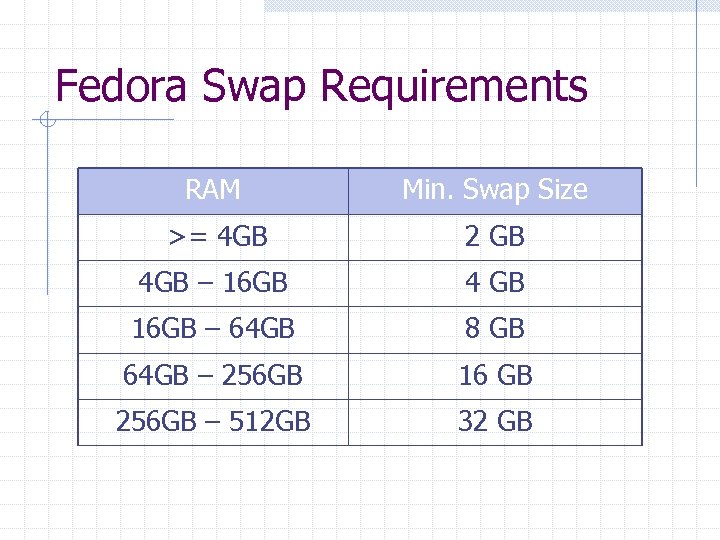 Fedora Swap Requirements RAM Min. Swap Size >= 4 GB 2 GB 4 GB – 16 GB 4 GB 16 GB – 64 GB 8 GB 64 GB – 256 GB 16 GB 256 GB – 512 GB 32 GB
 GRUB Boot loader GRand Unified Bootloader Installed on the primary hard drive Provides a menu to boot installed Operating Systems Can modify for special boot modes Password protection
 Root Account Superuser (Administrator in Windows) System Administration account Unlimited access to everything Should use only when needed Principle of Least Privilege
 Post Media Installation License agreement Firewall – Enable only what you need SELinux – More on this later Date/Time n n Manual Time Server User account Creation
 Installation Testing Boot Messages n n n Display Devices found List services started Watch for any error messages Login Prompt
 System Patches Fix bugs discovered after version release Notification n n Vendor email lists Security Announcements (i. e. CERT) Automated systems n n Fedora & Red. Hat: yum Microsoft: Windows Update
 Shutting Down Do not just turn off!!! Control-Alt-Delete Command Line n n n shutdown –h [-P] halt reboot
 Dual-Boot Installations Installation of more than 1 OS on system OS chosen at boot time (e. g. : Grub) Space Allocation Planning Virtualization n n VMWare Virtual PC Xen/UML Application level (wine)
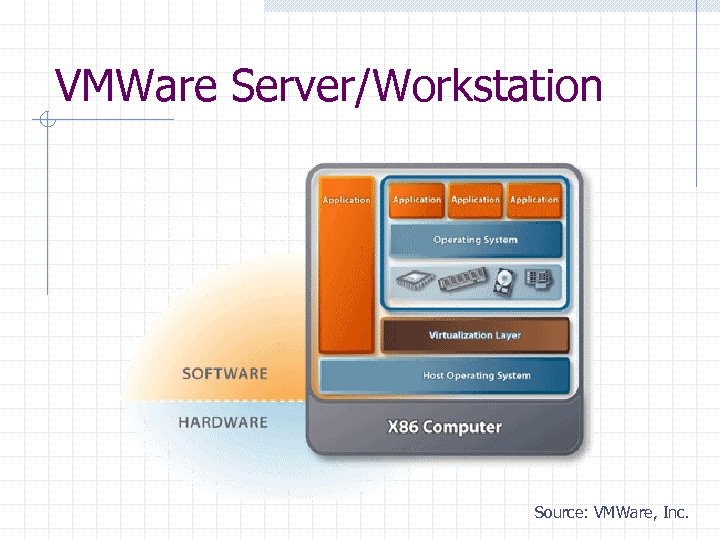 VMWare Server/Workstation Source: VMWare, Inc.
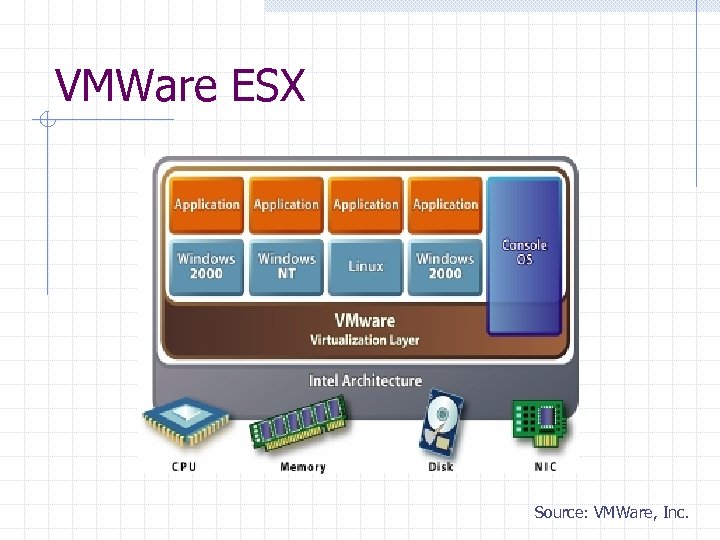 VMWare ESX Source: VMWare, Inc.
 Large Deployments Automated OS Installation n n Minimizes Mistakes & Non-uniformity Examples: Red. Hat Kick. Start, Windows AIK Partially Automated n Each station requires minor tweaking Cloning n n Images based on Golden Machine Example: Ghost Checklists!!! Templates
 Large Scale Patching/Updating Fully Automated? Gradual Rollout n n n One Some Many Document process