


 Скачать презентацию Operating System Security Mike Swift CSE 451 Autumn
7038d81327a616ec2d23d4457d816a99.ppt
- Количество слайдов: 23
 Operating System Security Mike Swift CSE 451 Autumn 2003
 Outline • • • Overarching goal: safe sharing Authentication Authorization Reference Monitors Confinement
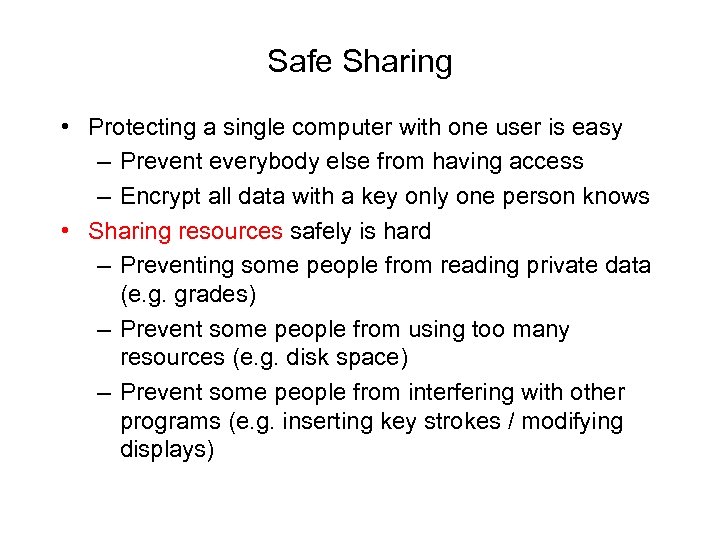 Safe Sharing • Protecting a single computer with one user is easy – Prevent everybody else from having access – Encrypt all data with a key only one person knows • Sharing resources safely is hard – Preventing some people from reading private data (e. g. grades) – Prevent some people from using too many resources (e. g. disk space) – Prevent some people from interfering with other programs (e. g. inserting key strokes / modifying displays)
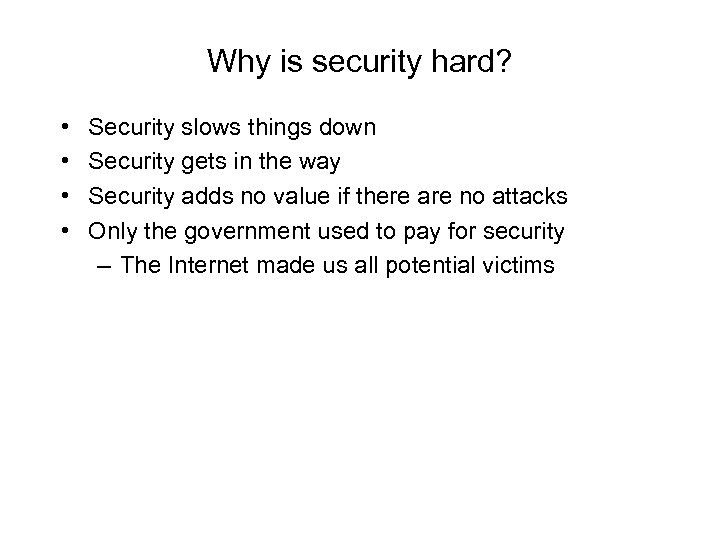 Why is security hard? • • Security slows things down Security gets in the way Security adds no value if there are no attacks Only the government used to pay for security – The Internet made us all potential victims
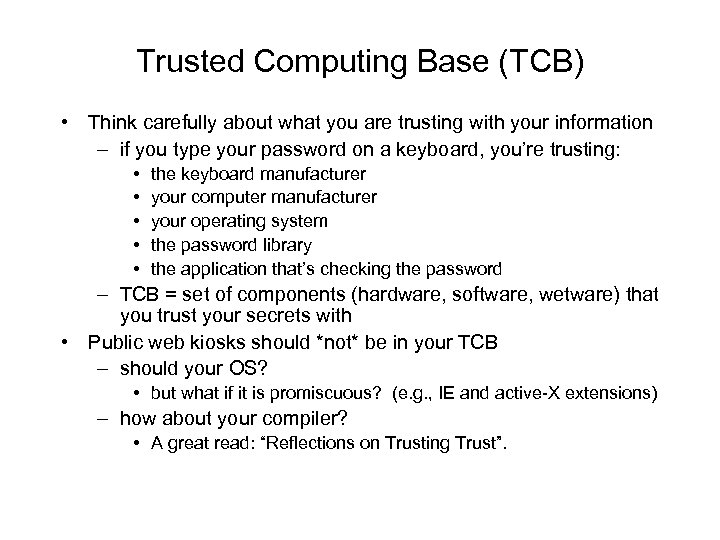 Trusted Computing Base (TCB) • Think carefully about what you are trusting with your information – if you type your password on a keyboard, you’re trusting: • • • the keyboard manufacturer your computer manufacturer your operating system the password library the application that’s checking the password – TCB = set of components (hardware, software, wetware) that you trust your secrets with • Public web kiosks should *not* be in your TCB – should your OS? • but what if it is promiscuous? (e. g. , IE and active-X extensions) – how about your compiler? • A great read: “Reflections on Trusting Trust”.
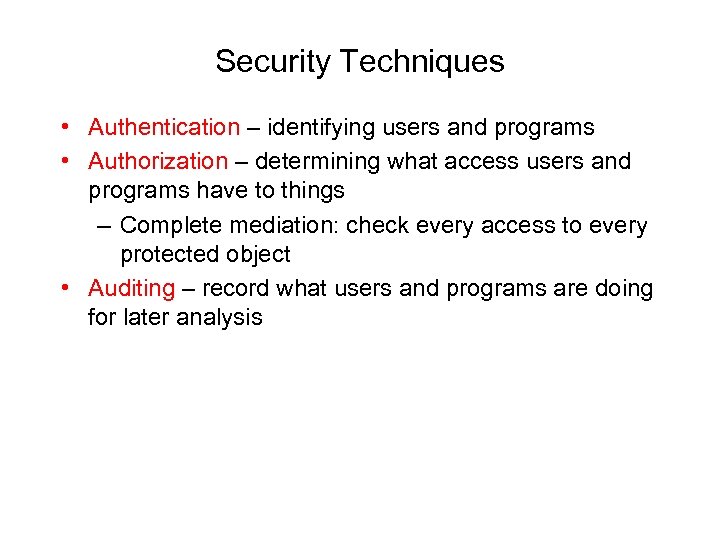 Security Techniques • Authentication – identifying users and programs • Authorization – determining what access users and programs have to things – Complete mediation: check every access to every protected object • Auditing – record what users and programs are doing for later analysis
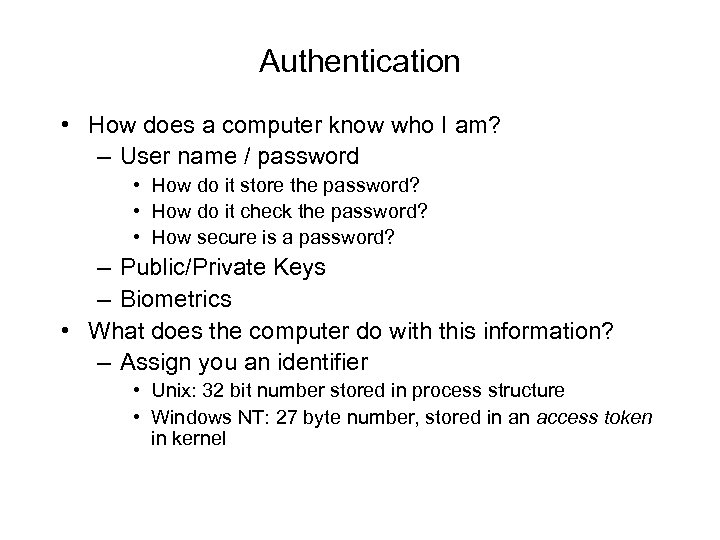 Authentication • How does a computer know who I am? – User name / password • How do it store the password? • How do it check the password? • How secure is a password? – Public/Private Keys – Biometrics • What does the computer do with this information? – Assign you an identifier • Unix: 32 bit number stored in process structure • Windows NT: 27 byte number, stored in an access token in kernel
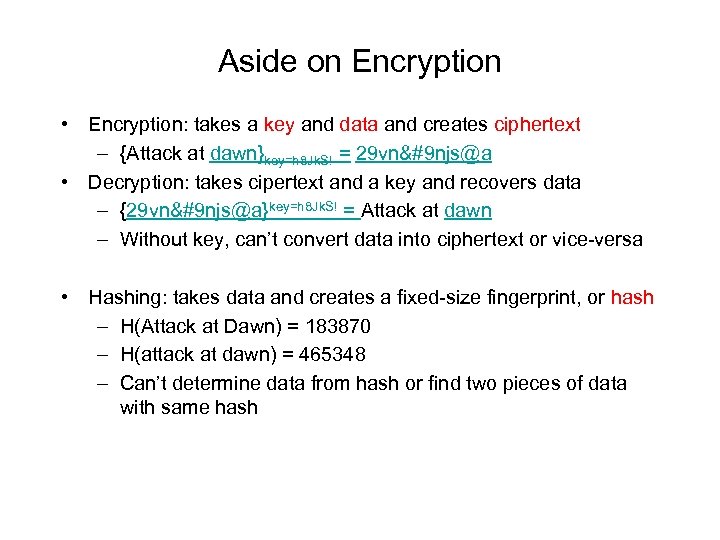 Aside on Encryption • Encryption: takes a key and data and creates ciphertext – {Attack at dawn}key=h 8 Jk. S! = 29 vn njs@a • Decryption: takes cipertext and a key and recovers data – {29 vn njs@a}key=h 8 Jk. S! = Attack at dawn – Without key, can’t convert data into ciphertext or vice-versa • Hashing: takes data and creates a fixed-size fingerprint, or hash – H(Attack at Dawn) = 183870 – H(attack at dawn) = 465348 – Can’t determine data from hash or find two pieces of data with same hash
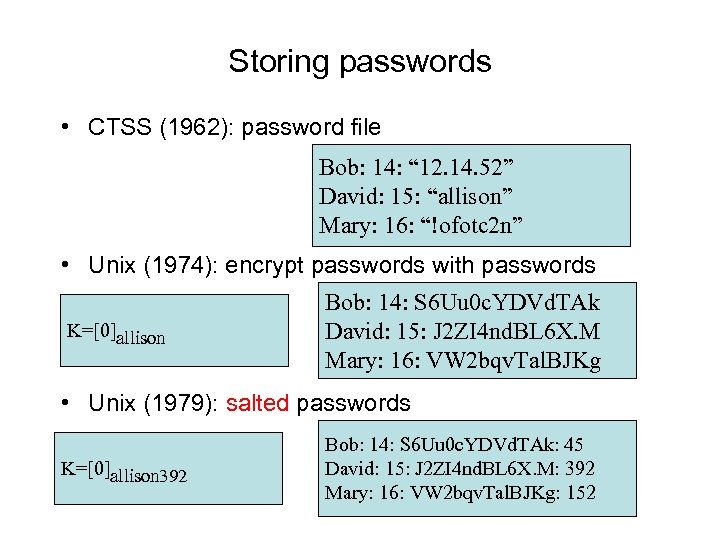 Storing passwords • CTSS (1962): password file Bob: 14: “ 12. 14. 52” David: 15: “allison” Mary: 16: “!ofotc 2 n” • Unix (1974): encrypt passwords with passwords K=[0]allison Bob: 14: S 6 Uu 0 c. YDVd. TAk David: 15: J 2 ZI 4 nd. BL 6 X. M Mary: 16: VW 2 bqv. Tal. BJKg • Unix (1979): salted passwords K=[0]allison 392 Bob: 14: S 6 Uu 0 c. YDVd. TAk: 45 David: 15: J 2 ZI 4 nd. BL 6 X. M: 392 Mary: 16: VW 2 bqv. Tal. BJKg: 152
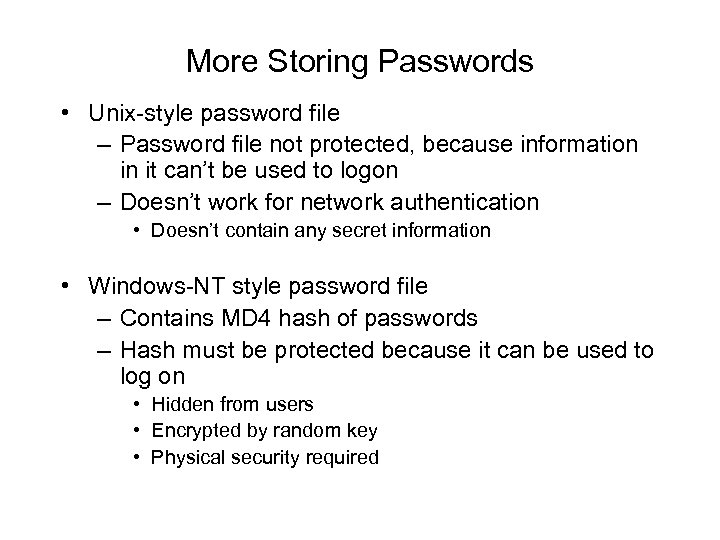 More Storing Passwords • Unix-style password file – Password file not protected, because information in it can’t be used to logon – Doesn’t work for network authentication • Doesn’t contain any secret information • Windows-NT style password file – Contains MD 4 hash of passwords – Hash must be protected because it can be used to log on • Hidden from users • Encrypted by random key • Physical security required
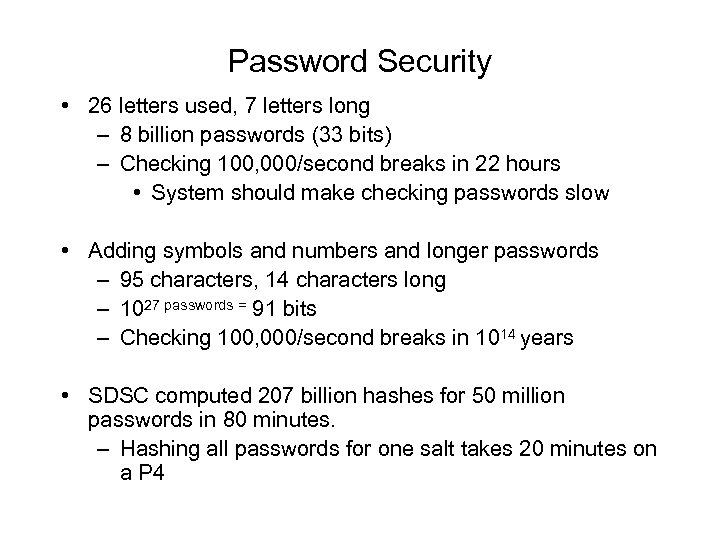 Password Security • 26 letters used, 7 letters long – 8 billion passwords (33 bits) – Checking 100, 000/second breaks in 22 hours • System should make checking passwords slow • Adding symbols and numbers and longer passwords – 95 characters, 14 characters long – 1027 passwords = 91 bits – Checking 100, 000/second breaks in 1014 years • SDSC computed 207 billion hashes for 50 million passwords in 80 minutes. – Hashing all passwords for one salt takes 20 minutes on a P 4
 Do longer passwords work? • People can’t remember 14 -character strings of random characters • Random number generators aren’t always that good. • People write down difficult passwords • People give out passwords to strangers • Passwords can show up on disk
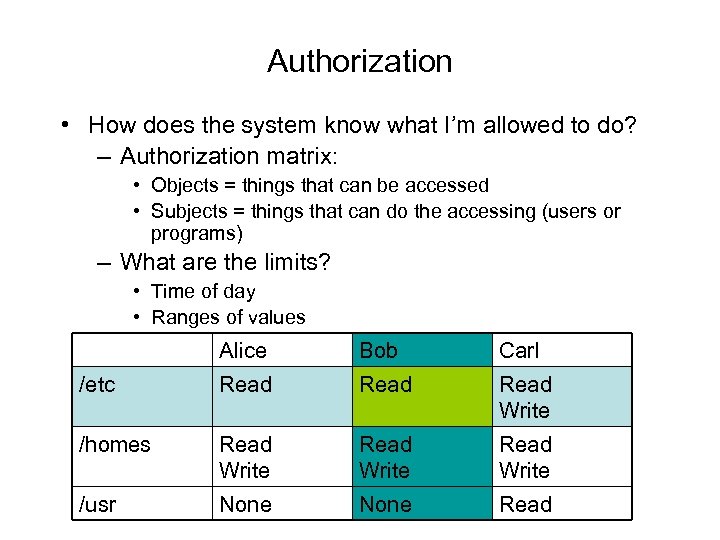 Authorization • How does the system know what I’m allowed to do? – Authorization matrix: • Objects = things that can be accessed • Subjects = things that can do the accessing (users or programs) – What are the limits? • Time of day • Ranges of values Alice Bob Carl /etc Read Write /homes Read Write /usr None Read
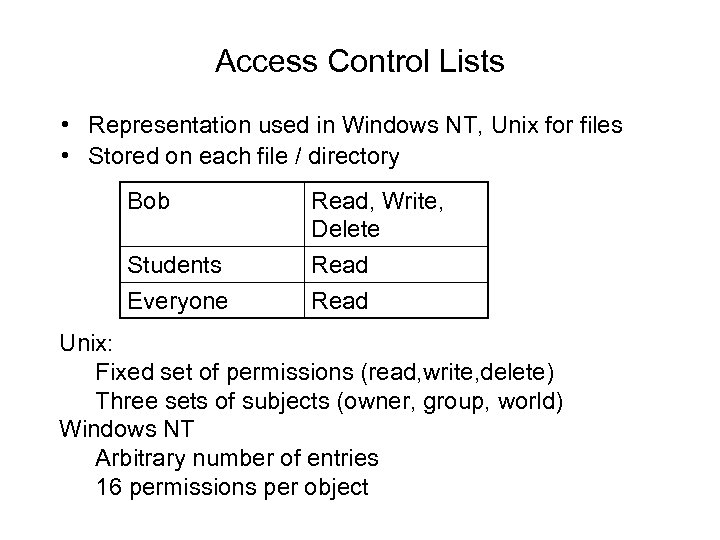 Access Control Lists • Representation used in Windows NT, Unix for files • Stored on each file / directory Bob Read, Write, Delete Students Everyone Read Unix: Fixed set of permissions (read, write, delete) Three sets of subjects (owner, group, world) Windows NT Arbitrary number of entries 16 permissions per object
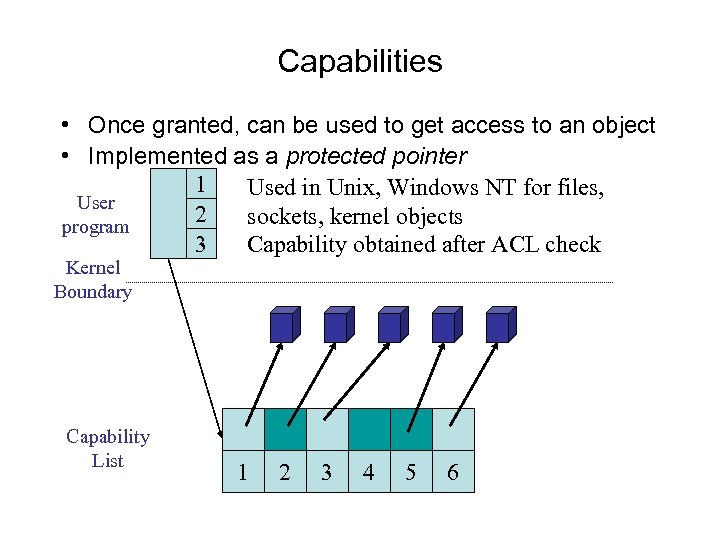 Capabilities • Once granted, can be used to get access to an object • Implemented as a protected pointer 1 Used in Unix, Windows NT for files, User 2 sockets, kernel objects program 3 Capability obtained after ACL check Kernel Boundary Capability List 1 2 3 4 5 6
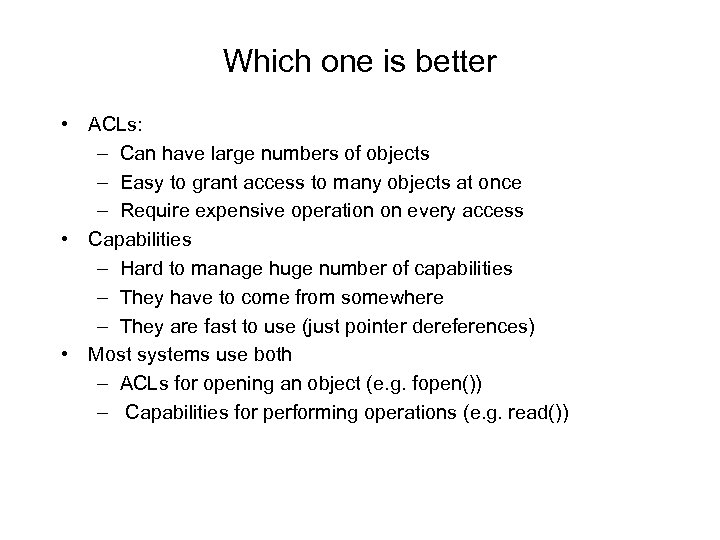 Which one is better • ACLs: – Can have large numbers of objects – Easy to grant access to many objects at once – Require expensive operation on every access • Capabilities – Hard to manage huge number of capabilities – They have to come from somewhere – They are fast to use (just pointer dereferences) • Most systems use both – ACLs for opening an object (e. g. fopen()) – Capabilities for performing operations (e. g. read())
 Protection Domain Concept • A protection domain is the set of objects and permissions on those objects that executing code may access – e. g. a process • memory • files • sockets – also: a device driver, a user, a single procedure • Capabilities: – protection domain defined by what is in the capability list • ACLs – protection domain defined by the complete set of objects code could access
 How does this get implemented? • Originally: – every application had its own security checking code, – Separate set of users – Separate set of objects – Separate kinds of ACLs, capabilities • This makes the trusted computing base) huge!!! – You have to trust all applications do to this correctly! • Now: Reference monitor – Manages identity – Performs all access checks – Small, well-tested piece of code
 Modern security problems • Confinement – How do I run code that I don’t trust? • E. g. Real. Player, Flash – How do I restrict the data it can communicate? – What if trusted code has bugs? • E. g. Internet Explorer • Concepts: – Least Privilege: programs should only run with the minimal amount of privilege necessary • Solutions: – Restricted contexts - let the user divide their identity – Active. X – make code writer identify self – Java – use a virtual machine that intercepts all calls – Binary rewriting - modify the program to force it to be safe
 Restricted Contexts • Add extra identity information to an a process – e. g. both username and program name (mikesw: navigator) • Use both identities for access checks – Add extra security checks at system calls that use program name – Add extra ACLs on objects that grant/deny access to the program • Allows user to sub-class themselves for less-trusted programs
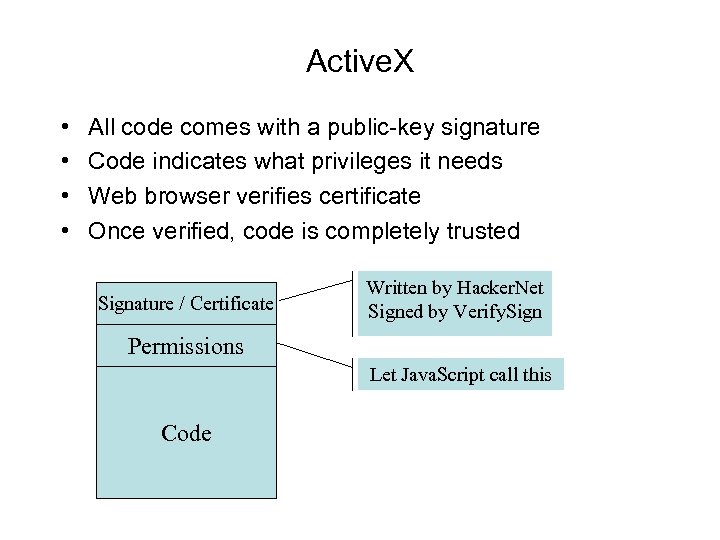 Active. X • • All code comes with a public-key signature Code indicates what privileges it needs Web browser verifies certificate Once verified, code is completely trusted Signature / Certificate Written by Hacker. Net Signed by Verify. Sign Permissions Let Java. Script call this Code
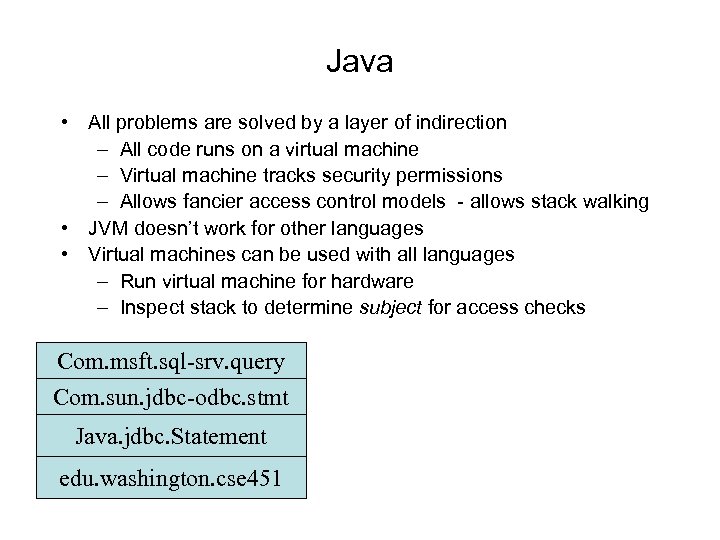 Java • All problems are solved by a layer of indirection – All code runs on a virtual machine – Virtual machine tracks security permissions – Allows fancier access control models - allows stack walking • JVM doesn’t work for other languages • Virtual machines can be used with all languages – Run virtual machine for hardware – Inspect stack to determine subject for access checks Com. msft. sql-srv. query Com. sun. jdbc-odbc. stmt Java. jdbc. Statement edu. washington. cse 451
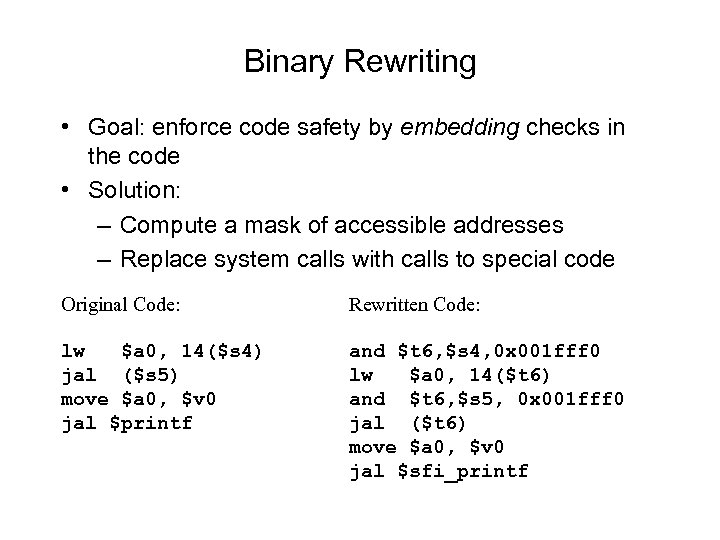 Binary Rewriting • Goal: enforce code safety by embedding checks in the code • Solution: – Compute a mask of accessible addresses – Replace system calls with calls to special code Original Code: Rewritten Code: lw $a 0, 14($s 4) jal ($s 5) move $a 0, $v 0 jal $printf and $t 6, $s 4, 0 x 001 fff 0 lw $a 0, 14($t 6) and $t 6, $s 5, 0 x 001 fff 0 jal ($t 6) move $a 0, $v 0 jal $sfi_printf