


 Скачать презентацию Online Pedagogy and Evaluation Candace Chou University of
5270befd30be5843f78ee3cfd920f6f0.ppt
- Количество слайдов: 53
 Online Pedagogy and Evaluation Candace Chou University of St. Thomas LHDT 548 Online Teaching and Evaluation
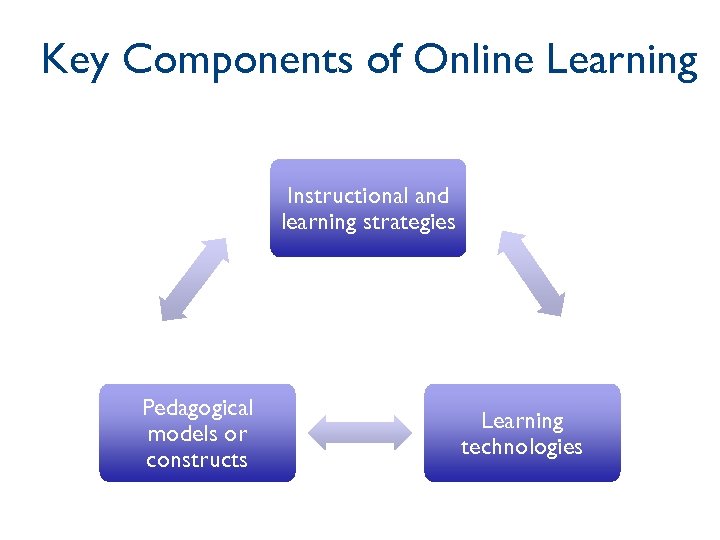 Key Components of Online Learning Instructional and learning strategies Pedagogical models or constructs Learning technologies
 Pedagogy vs. Strategies What is the difference?
 Pedagogical Models • Pedagogical models are cognitive models or theoretical constructs derived from learning theory that enable the implementation of specific instructional and learning strategies (Dabbagh & Bannan. Ritland, 2005, p. 164).
 Examples of Pedagogical Models • From cognition theory and constructivism: – Learning communities or knowledge-building communities – Cognitive apprenticeships – Situated learning – Problem-based learning – Microworlds, simulations, and virtual learning environments – Cognitive flexibility hypertexts, and – Computer-supported intentional learning environments (CSILEs)
 Instructional Strategies • Instructional strategies are what instructors or instructional systems do to facilitate student learning (Dabbagh & Bannan-Ritland, 2005, p. 203) • The plan and techniques that the instructor/instructional designer uses to engage the learner and facilitate learning. • Instructional strategies operationalize pedagiogigcal models
 Seven Principles of Good Practice 1. Encourages contacts between learners and faculty 2. Develops reciprocity and cooperation among learners 3. Uses active learning techniques 4. Gives prompt feedback 5. Emphasizes time on task 6. Communicates high expectations 7. Respects diverse talents and ways of learning (Chickering & Gamson, 1987)
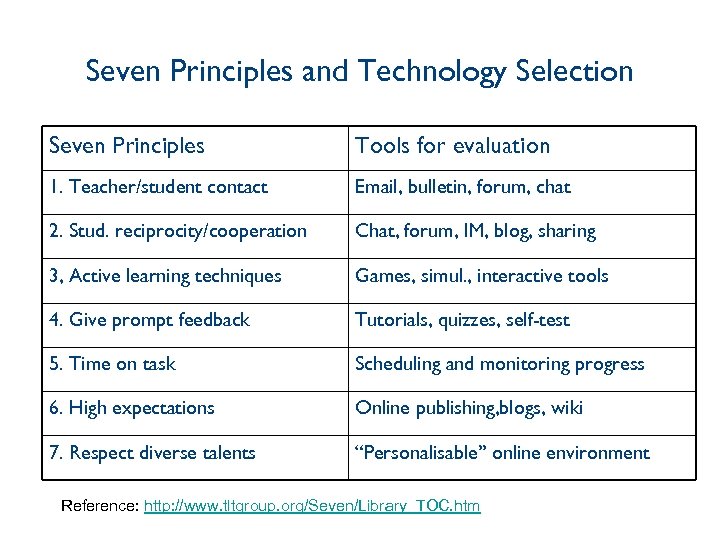 Seven Principles and Technology Selection Seven Principles Tools for evaluation 1. Teacher/student contact Email, bulletin, forum, chat 2. Stud. reciprocity/cooperation Chat, forum, IM, blog, sharing 3, Active learning techniques Games, simul. , interactive tools 4. Give prompt feedback Tutorials, quizzes, self-test 5. Time on task Scheduling and monitoring progress 6. High expectations Online publishing, blogs, wiki 7. Respect diverse talents “Personalisable” online environment Reference: http: //www. tltgroup. org/Seven/Library_TOC. htm
 What are the basic skills required of an online instructor or trainer?
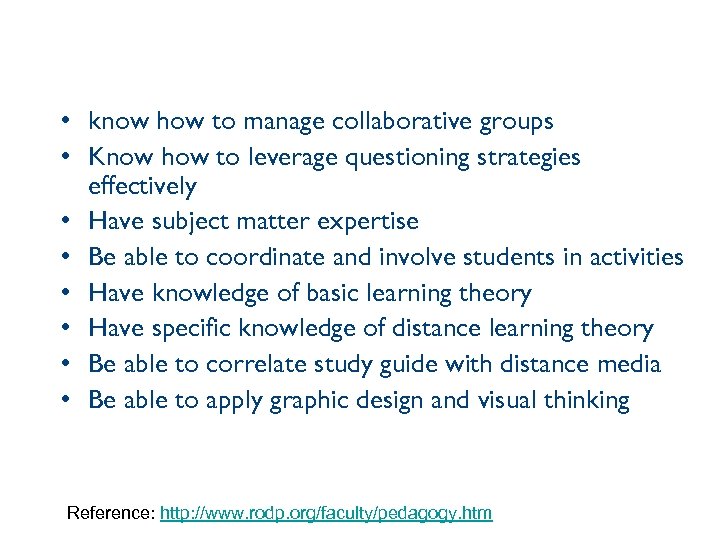 • know how to manage collaborative groups • Know how to leverage questioning strategies effectively • Have subject matter expertise • Be able to coordinate and involve students in activities • Have knowledge of basic learning theory • Have specific knowledge of distance learning theory • Be able to correlate study guide with distance media • Be able to apply graphic design and visual thinking Reference: http: //www. rodp. org/faculty/pedagogy. htm
 What are the characteristics of a successful online instructor?
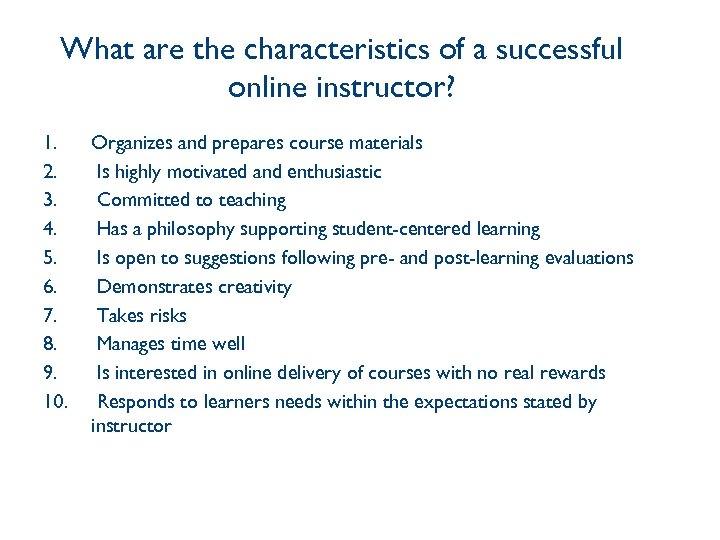 What are the characteristics of a successful online instructor? 1. 2. 3. 4. 5. 6. 7. 8. 9. 10. Organizes and prepares course materials Is highly motivated and enthusiastic Committed to teaching Has a philosophy supporting student-centered learning Is open to suggestions following pre- and post-learning evaluations Demonstrates creativity Takes risks Manages time well Is interested in online delivery of courses with no real rewards Responds to learners needs within the expectations stated by instructor
 What can you add to the list?
 What are the characteristics of a successful online learner?
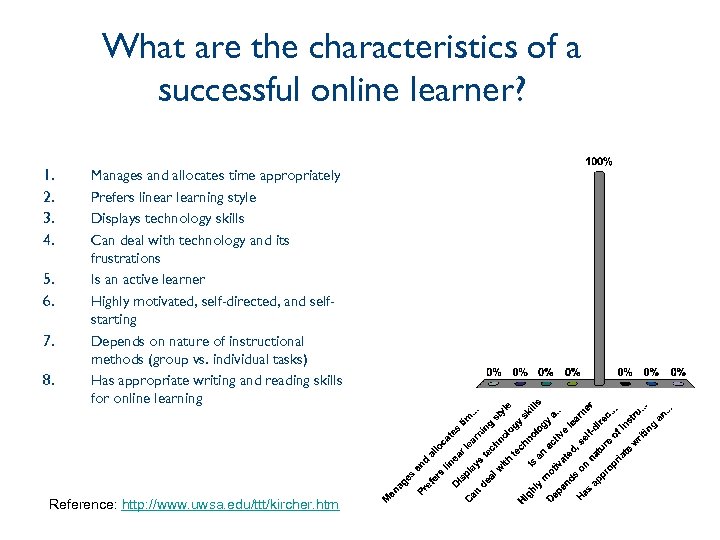 What are the characteristics of a successful online learner? 1. 2. 3. 4. 5. 6. 7. 8. Manages and allocates time appropriately Prefers linear learning style Displays technology skills Can deal with technology and its frustrations Is an active learner Highly motivated, self-directed, and selfstarting Depends on nature of instructional methods (group vs. individual tasks) Has appropriate writing and reading skills for online learning Reference: http: //www. uwsa. edu/ttt/kircher. htm
 More on Pedagogy • Pedagogy of online teaching and learning, http: //www. rodp. org/faculty/pedagogy. htm • Pedagogy and Best Practices, http: //vudat. msu. edu/breakfast_series/
 Best Practices • Organization guidelines • Assessment guidelines • Instruction/Teaching guidelines Simonson, M. , Smaldino, S. , Albright, M. , & Zvacek, S. (2009), pp. 155 -158
 Organization • • Each semester credit = 1 unit Each unit = 3 -5 modules Each module = 3 -5 topics Each topic = 1 learning outcomes • A typical three-credit course has 3 units, 12 modules, 48 topics, and 48 learning outcomes.
 Assessment Guidelines • 1 major assignment per unit • 1 minor assignment per two to three modules • A typical three-credit course has the following assessment strategy: – – – 1 examination 1, ten-page paper 1 project 3 quizzes 3 small assignments (short paper, article review, activity report) Graded threaded discussions, e-mails, and chats
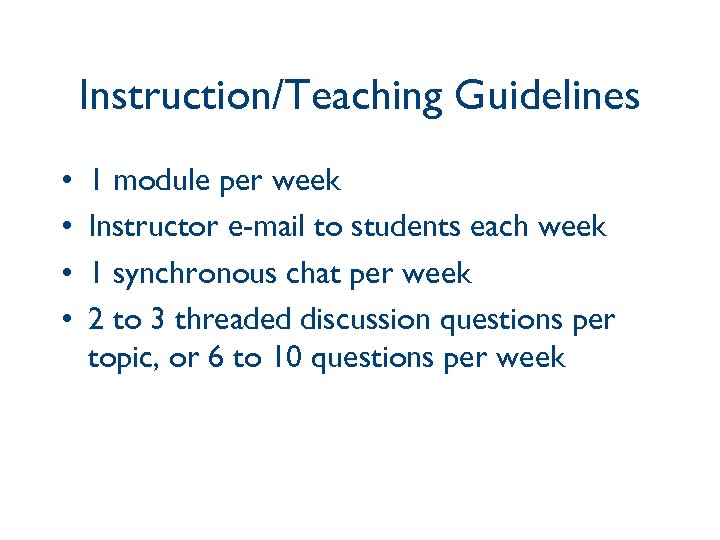 Instruction/Teaching Guidelines • • 1 module per week Instructor e-mail to students each week 1 synchronous chat per week 2 to 3 threaded discussion questions per topic, or 6 to 10 questions per week
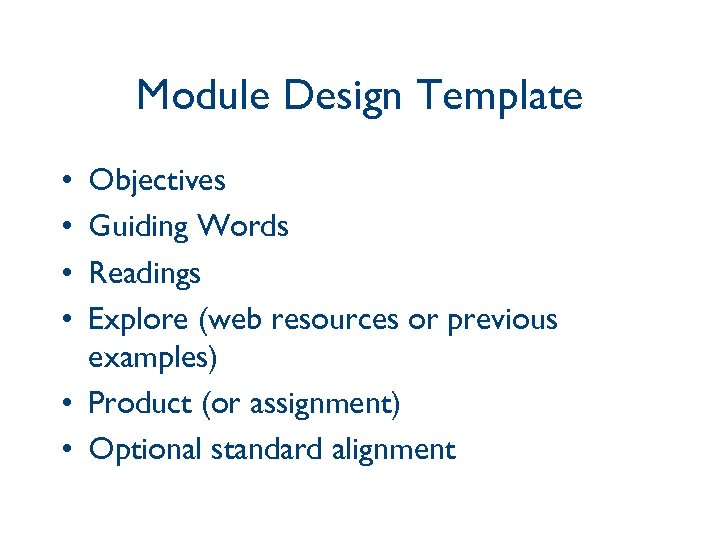 Module Design Template • • Objectives Guiding Words Readings Explore (web resources or previous examples) • Product (or assignment) • Optional standard alignment
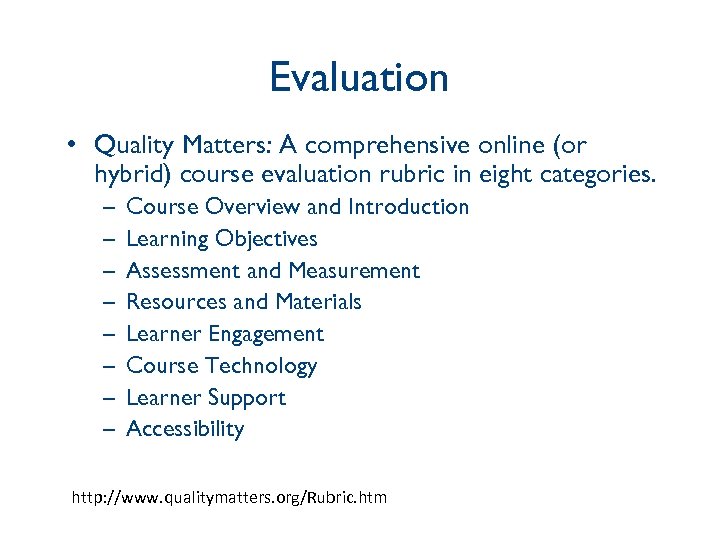 Evaluation • Quality Matters: A comprehensive online (or hybrid) course evaluation rubric in eight categories. – – – – Course Overview and Introduction Learning Objectives Assessment and Measurement Resources and Materials Learner Engagement Course Technology Learner Support Accessibility http: //www. qualitymatters. org/Rubric. htm
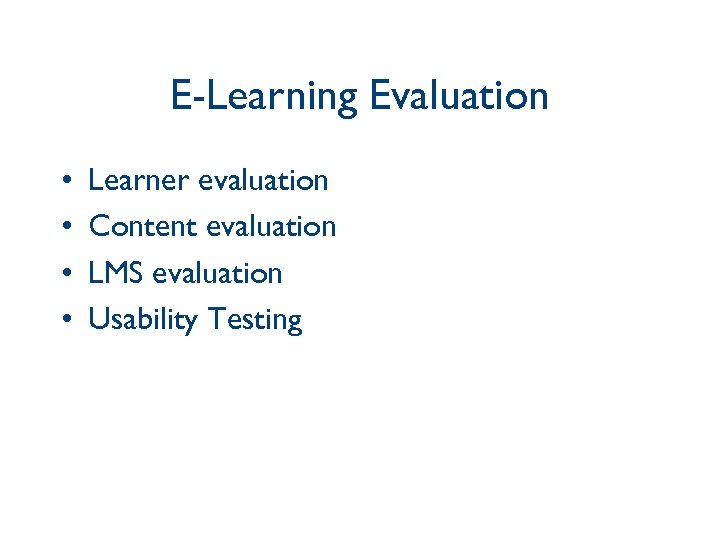 E-Learning Evaluation • • Learner evaluation Content evaluation LMS evaluation Usability Testing
 What is the difference between assessment and evaluation?
 Assessment • Assessment provides information whether learners have achieve specific learning objectives and goals. Designers and instructors could use the information to revise instruction during the course of instruction. The types of assessment include test, observations, self-check, surveys, etc. (Wiggins & Mc. Tighe, 2005)
 Evaluation • Evaluation provides information about the effectiveness of programs, policies, personnel, products, organization, etc. – Formative evaluation focuses on the review of instructional materials and processes – Summative evaluation focuses on the effectiveness of the instructional materials for decision on whether to adopt the materials for future instruction or not. (Smith & Ragan, 2005)
 Examples • Formative Evaluation – – – Conducted before and during the process Expert review One-to-one evaluation Small group Field test • Summative evaluation – Usually done at the end of a project or class – Outcomes and impact evaluation – End of course evaluation
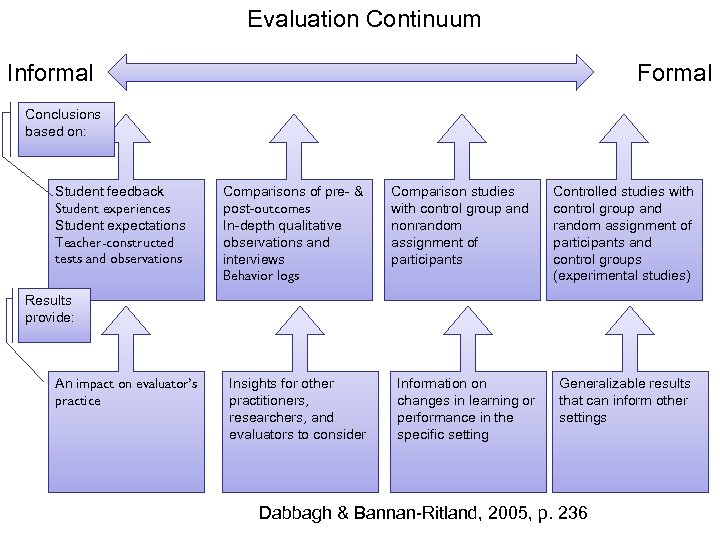 Evaluation Continuum Informal Formal Conclusions based on: Student feedback Student experiences Student expectations Teacher-constructed tests and observations Comparisons of pre- & post-outcomes In-depth qualitative observations and interviews Behavior logs Comparison studies with control group and nonrandom assignment of participants Controlled studies with control group and random assignment of participants and control groups (experimental studies) Results provide: An impact on evaluator’s practice Insights for other practitioners, researchers, and evaluators to consider Information on changes in learning or performance in the specific setting Generalizable results that can inform other settings Dabbagh & Bannan-Ritland, 2005, p. 236
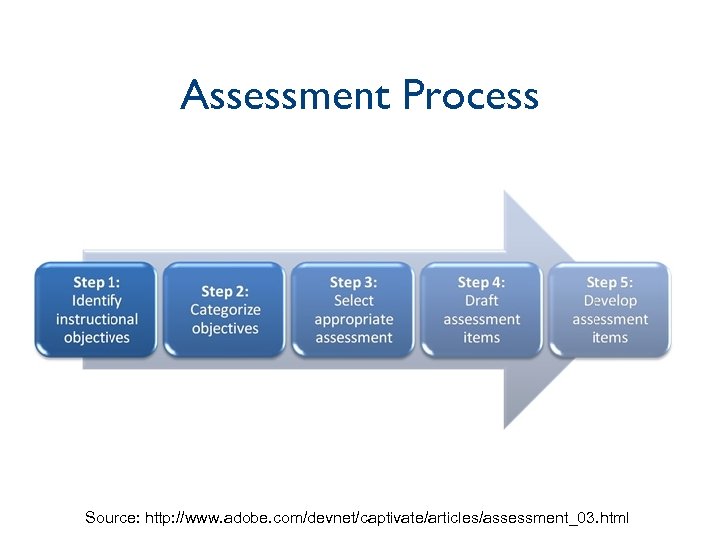 Assessment Process Source: http: //www. adobe. com/devnet/captivate/articles/assessment_03. html
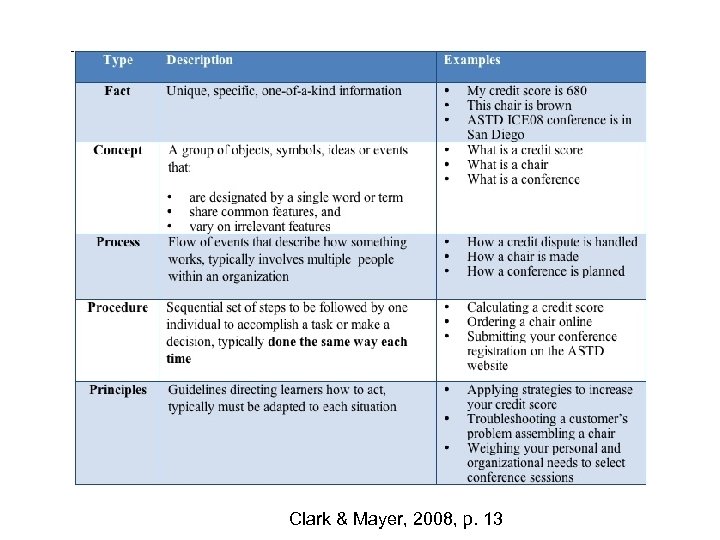 Clark & Mayer, 2008, p. 13
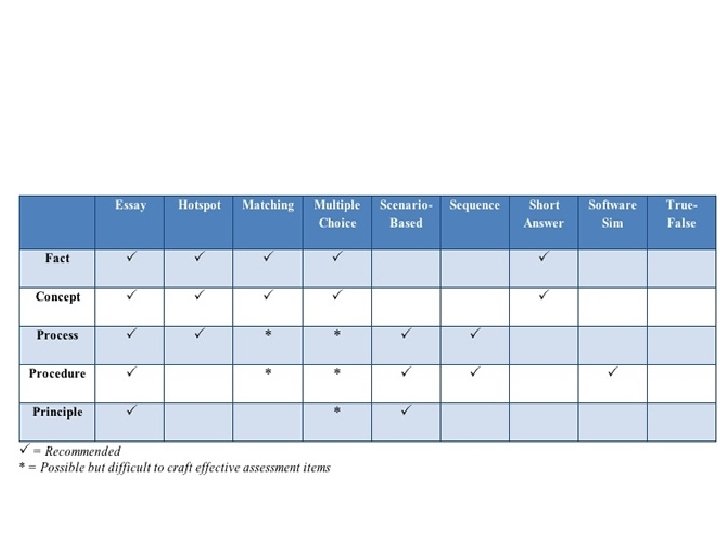
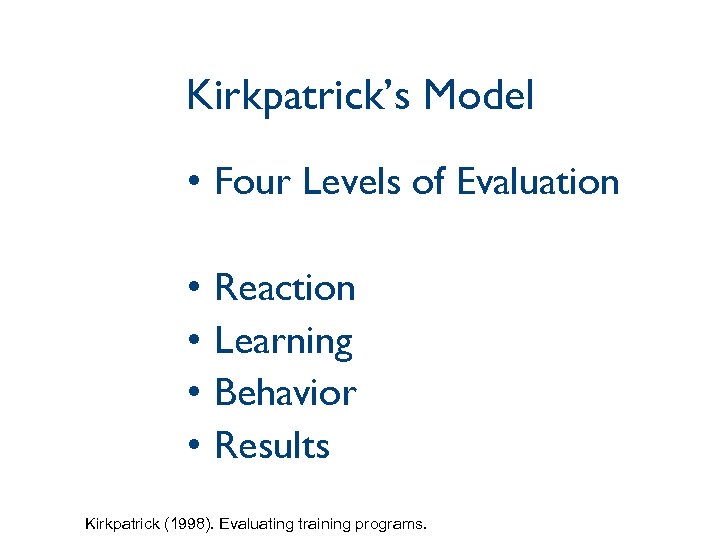 Kirkpatrick’s Model • Four Levels of Evaluation • • Reaction Learning Behavior Results Kirkpatrick (1998). Evaluating training programs.
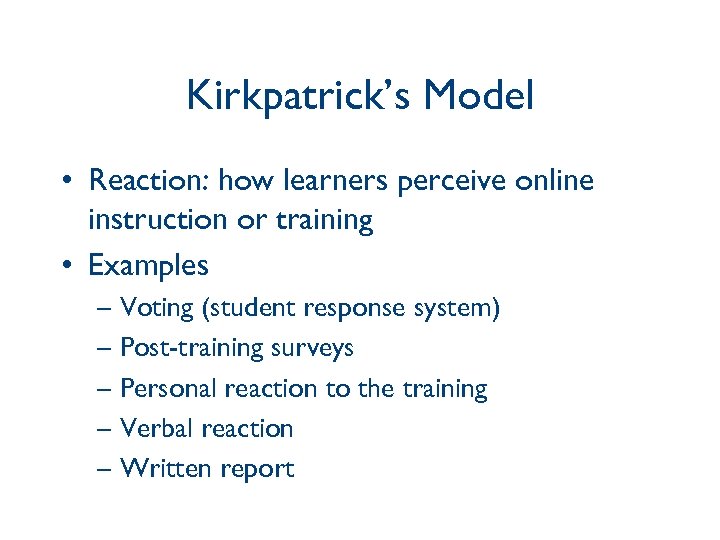 Kirkpatrick’s Model • Reaction: how learners perceive online instruction or training • Examples – Voting (student response system) – Post-training surveys – Personal reaction to the training – Verbal reaction – Written report
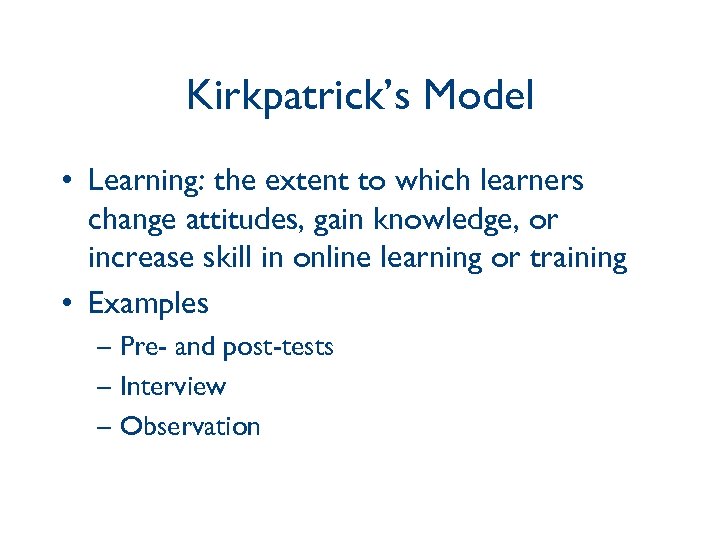 Kirkpatrick’s Model • Learning: the extent to which learners change attitudes, gain knowledge, or increase skill in online learning or training • Examples – Pre- and post-tests – Interview – Observation
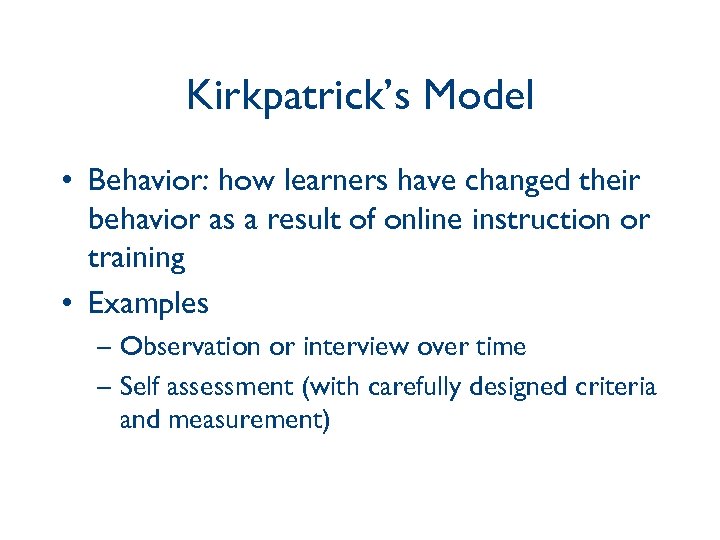 Kirkpatrick’s Model • Behavior: how learners have changed their behavior as a result of online instruction or training • Examples – Observation or interview over time – Self assessment (with carefully designed criteria and measurement)
 Kirkpatrick’s Model • Results: the final results that have occurred at the organization level as a result of the delivery of online instruction or training • Examples – The reduction of accidents – An increase in sales volume – An increase in employee retention – An increase in student enrollment
 Assessment Tools • Online Assessment Tools https: //www 4. nau. edu/assessment/main/research/webtools. htm • Types of Online Assessment http: //www. southalabama. edu/oll/pedagogy/assessmentslecture. htm • Rubrics for Assessment http: //www. uwstout. edu/soe/profdev/rubrics. shtml • Web-based surveys – Survey. Monkey, http: //surveymonkey, com – How to use Survey. Moneky video, http: //www. youtube. com/watch? v=p. Uywfcdrno. U – Zoomerange, http: //info. zoomerang. com/index. htm – Google Form, http: //docs. google. com
 Usability Testing • The next few slides on Usability are modified from Carol Barnum’s Keynote Speech at E-Learn 2007 Conference with permission • The original PPT can be found at http: //www. aace. org/conf/elearn/speakers/b arnum. htm
 The Problem “most major producers of e-learning are not doing substantial usability testing… In fact, we don’t seem to even have a way to talk about usability in the context of elearning. ” Michael Feldstein, “What is ‘usable’ e-learning? ” e. Learn Magazine (2002)
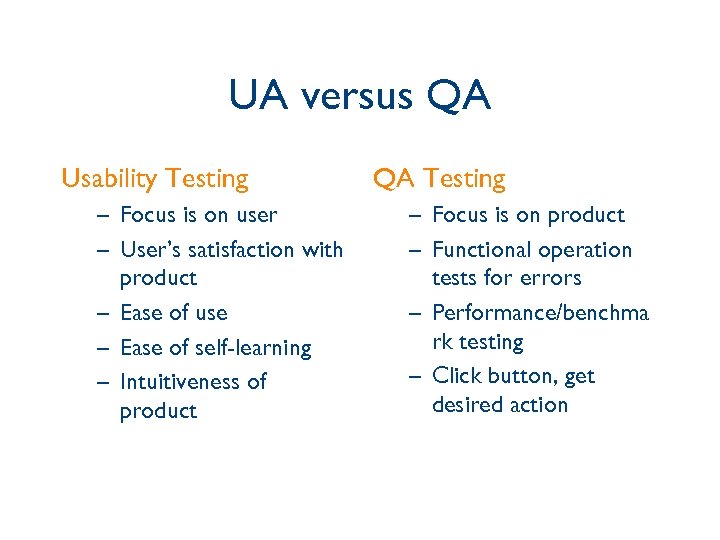 UA versus QA Usability Testing – Focus is on user – User’s satisfaction with product – Ease of use – Ease of self-learning – Intuitiveness of product QA Testing – Focus is on product – Functional operation tests for errors – Performance/benchma rk testing – Click button, get desired action
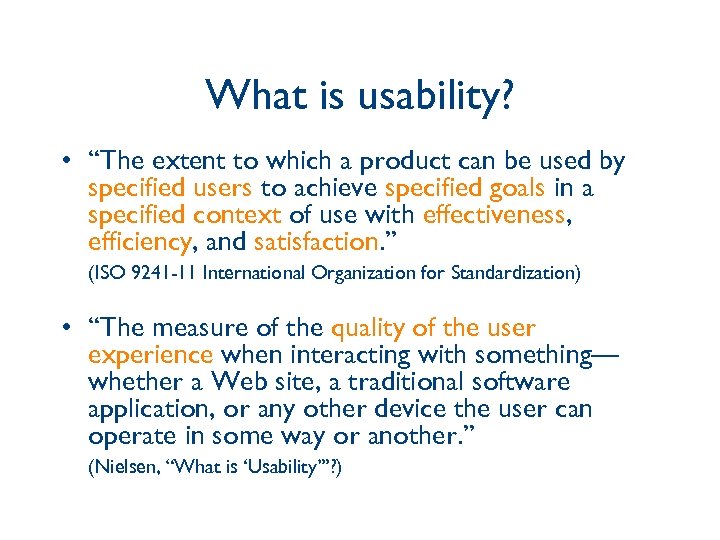 What is usability? • “The extent to which a product can be used by specified users to achieve specified goals in a specified context of use with effectiveness, efficiency, and satisfaction. ” (ISO 9241 -11 International Organization for Standardization) • “The measure of the quality of the user experience when interacting with something— whether a Web site, a traditional software application, or any other device the user can operate in some way or another. ” (Nielsen, “What is ‘Usability’”? )
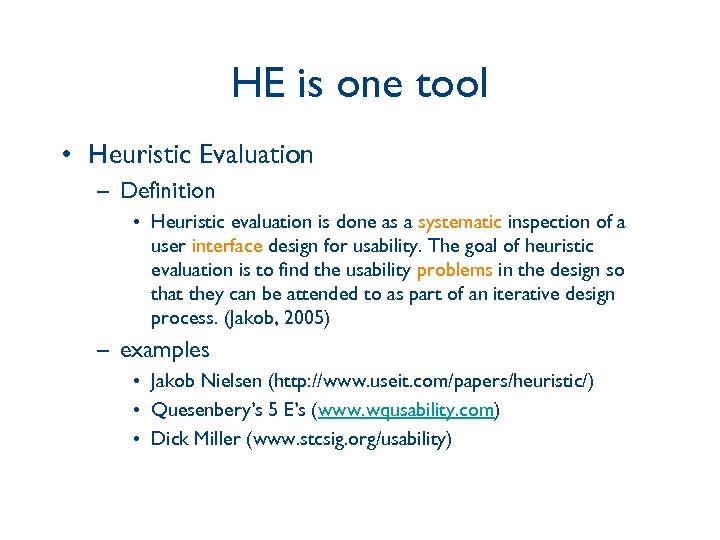 HE is one tool • Heuristic Evaluation – Definition • Heuristic evaluation is done as a systematic inspection of a user interface design for usability. The goal of heuristic evaluation is to find the usability problems in the design so that they can be attended to as part of an iterative design process. (Jakob, 2005) – examples • Jakob Nielsen (http: //www. useit. com/papers/heuristic/) • Quesenbery’s 5 E’s (www. wqusability. com) • Dick Miller (www. stcsig. org/usability)
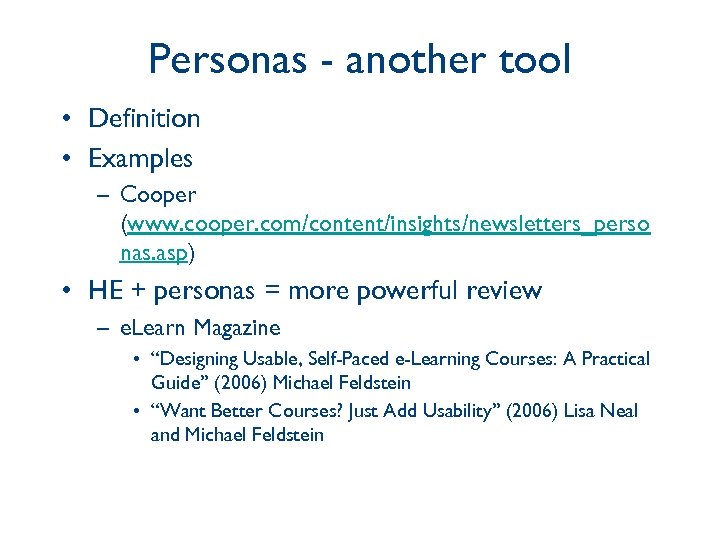 Personas - another tool • Definition • Examples – Cooper (www. cooper. com/content/insights/newsletters_perso nas. asp) • HE + personas = more powerful review – e. Learn Magazine • “Designing Usable, Self-Paced e-Learning Courses: A Practical Guide” (2006) Michael Feldstein • “Want Better Courses? Just Add Usability” (2006) Lisa Neal and Michael Feldstein
 The argument against utesting • Time is money • Money is money • HE is a cheap alternative – Discount usability method – Uncovers violations against rules – Cleans up the interface – Satisfies “usability by design”
 Let’s hear it from the user • User experience cannot be imagined • What can the user show us? – how does the user navigate the online environment? – How does the user find content? – how does the user respond to content? • What can the user tell us? – think aloud protocol • What are the user’s perceptions? – listen, observe, learn – evaluate survey responses with caution
 Build UX into process • How many users does it take? – cast of thousands – engineering model – five or fewer - Nielsen discount model – RITE method - Rapid Iterative Testing and Evaluation – Microsoft gaming model
 Commonalities • • Rapid Iterative Developmental Affordable
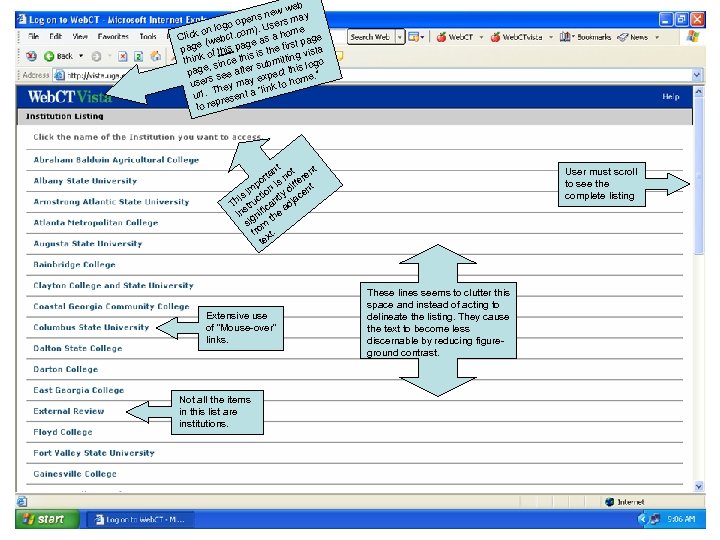
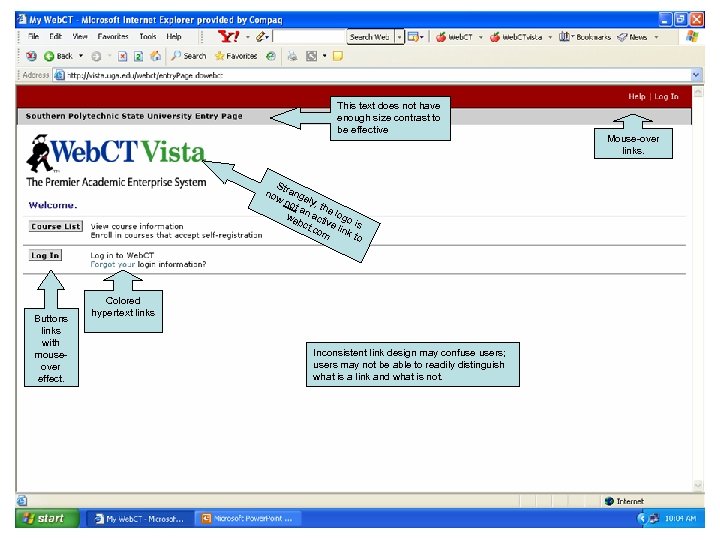
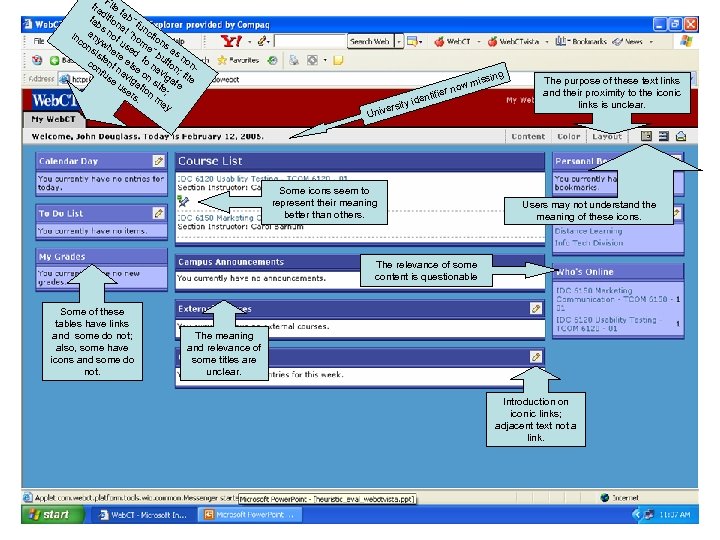
 Heuristics suggest test plan – General navigation within Vista and a class – Consistency with general web design and hyperlink conventions – Performing class-related tasks, such as posting assignments – Responding to discussion board messages – Using non-class related tools, such as Campus Bookmarks, Calendar, To Do List
 web new pens sers may oo ). U n log e lick o ebct. com as a hom age C (w ge st p page f this pa is the fir vista o s think since thi ubmitting logo s e, pag see after xpect this e. ” rs ye om use hey ma k to h a “lin. T url ent pres to re nt t nt rta s no ere ff po i m n di nt s i ctio ntly jace i Th stru ica ad in gnif the si m fro xt. te Extensive use of “Mouse-over” links. Not all the items in this list are institutions. User must scroll to see the complete listing These lines seems to clutter this space and instead of acting to delineate the listing. They cause the text to become less discernable by reducing figureground contrast.
 This text does not have enough size contrast to be effective S now trang not ely, t he a we n acti logo bct v i. co e link s m to Buttons links with mouseover effect. Colored hypertext links Inconsistent link design may confuse users; users may not be able to readily distinguish what is a link and what is not. Mouse-over links.
 “F tra ile dit tab ta ion ” f bs a u an no l “h ncti inc yw t u om on on sis her sed e” b s as e t co ent els to n utto non nf na e o av n; us vi f i g n ga ile e us atio site te er n ; s. m ay g issin yi ersit Univ wm r no ifie dent Some icons seem to represent their meaning better than others. The purpose of these text links and their proximity to the iconic links is unclear. Users may not understand the meaning of these icons. The relevance of some content is questionable Some of these tables have links and some do not; also, some have icons and some do not. The meaning and relevance of some titles are unclear. Introduction on iconic links; adjacent text not a link.
 Videos • Paper Prototype: http: //youtube. com/watch? v=ppn. RQD 06 gg Y&feature=related • http: //youtube. com/watch? v=8 ip 4 ac. ENx. Z 4
 References • Chickering, A. W. , & Gamson, Z. F. (1987). Seven principles for good practice in undergraduate education. Retrieved May 1, 2007, from http: //honolulu. hawaii. edu/intranet/committees/Fac. Dev. Co m/guidebk/teachtip/7 princip. htm • Dabbagh & Bannan-Ritland (2005). Online Learning. Upper Saddle River, NJ: Pearson. • http: //del. icio. us/ustmalt/pedagogy • http: //del. icio. us/ustmalt/usability • Theory into Practice, http: //tip. psychology. org/ • Tips for training online instructors: http: //home. sprynet. com/~gkearsley/OItips. htm