Скачать презентацию Online Monitoring National Rural Employment Guarantee Act NREGA
0e0dbf95b845e35df8ffb08c6421c2e3.ppt
- Количество слайдов: 88
 Online Monitoring National Rural Employment Guarantee Act (NREGA)
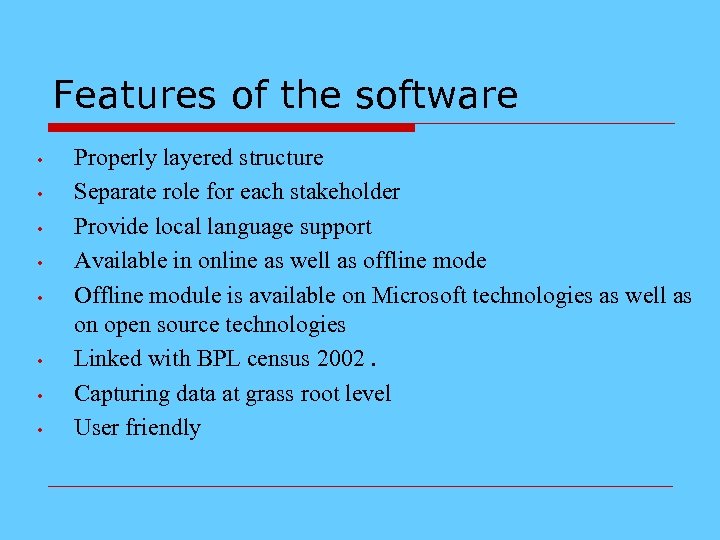 Features of the software • • Properly layered structure Separate role for each stakeholder Provide local language support Available in online as well as offline mode Offline module is available on Microsoft technologies as well as on open source technologies Linked with BPL census 2002. Capturing data at grass root level User friendly
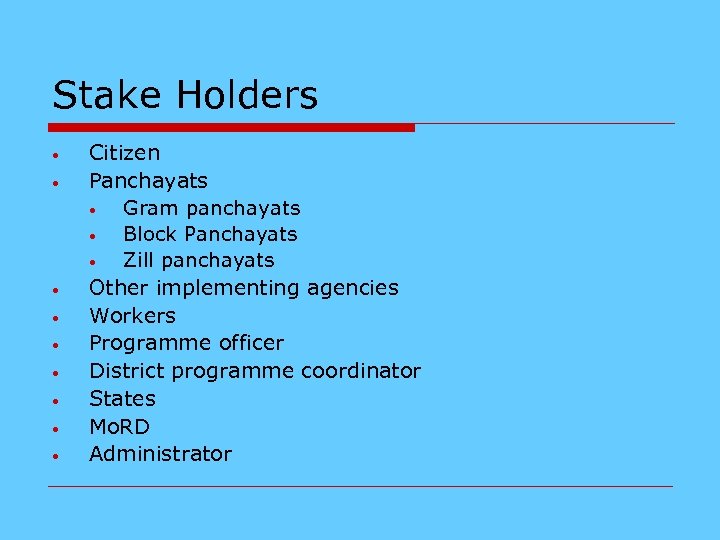 Stake Holders • • • Citizen Panchayats • Gram panchayats • Block Panchayats • Zill panchayats Other implementing agencies Workers Programme officer District programme coordinator States Mo. RD Administrator
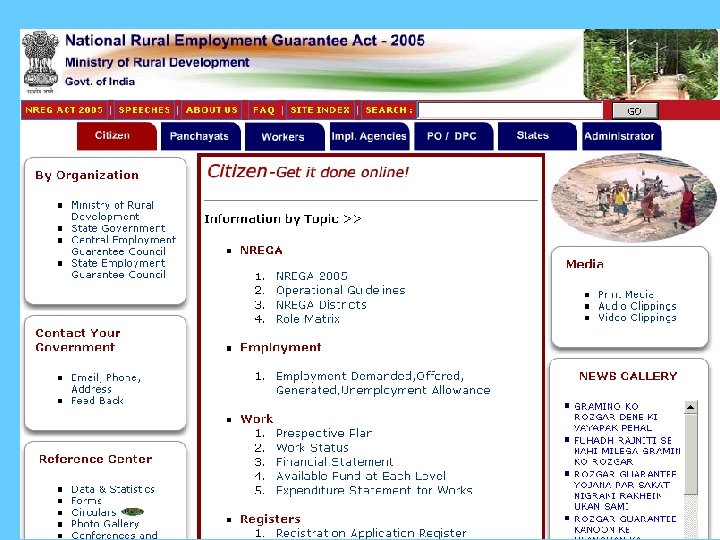
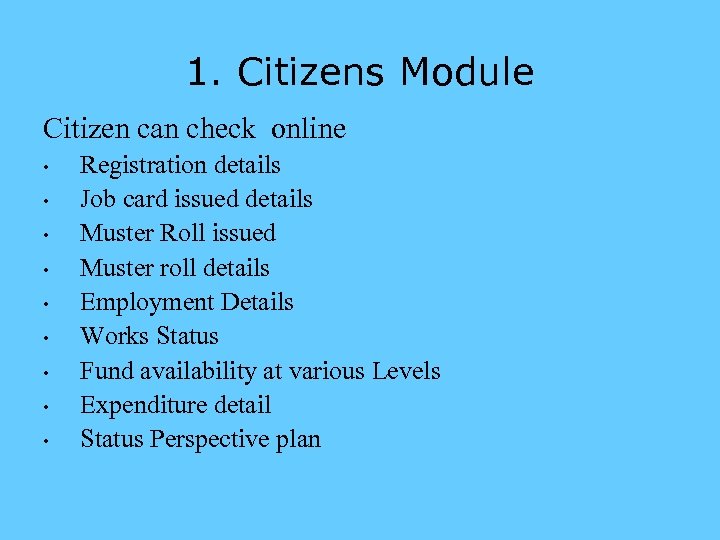 1. Citizens Module Citizen can check online • • • Registration details Job card issued details Muster Roll issued Muster roll details Employment Details Works Status Fund availability at various Levels Expenditure detail Status Perspective plan
 2. Panchayat Module 2. 1 -Gram Panchayats 2. 2 -Block Panchayats 2. 3 -Zilla Panchayats
 2. 1. Gram panchayat Module • There are two options: • • Data entry Report
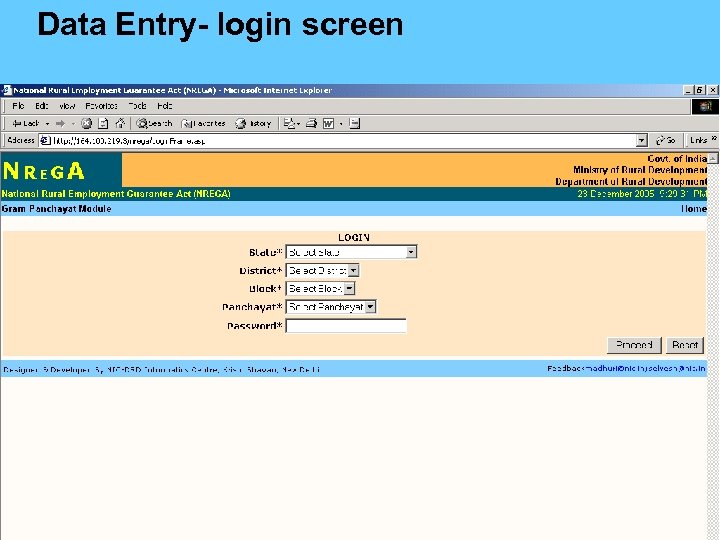 Data Entry- login screen
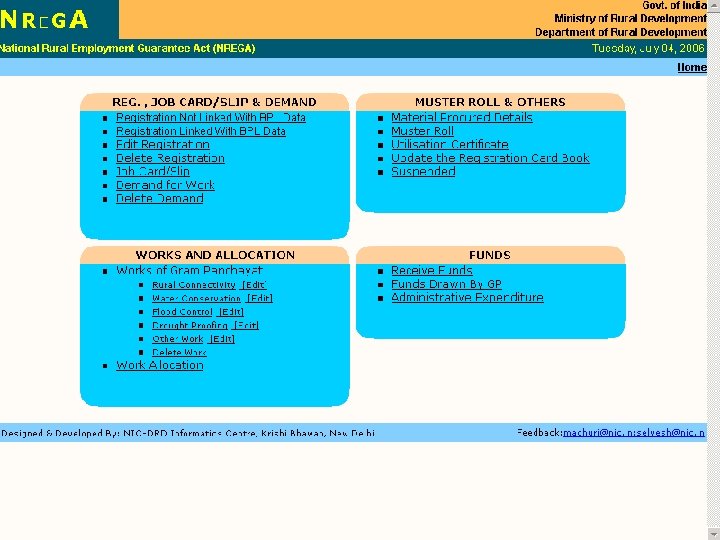 Data Entry- options
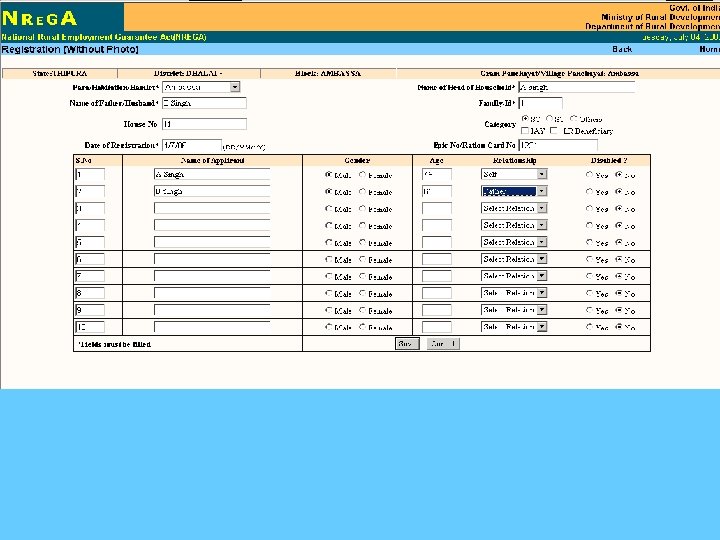
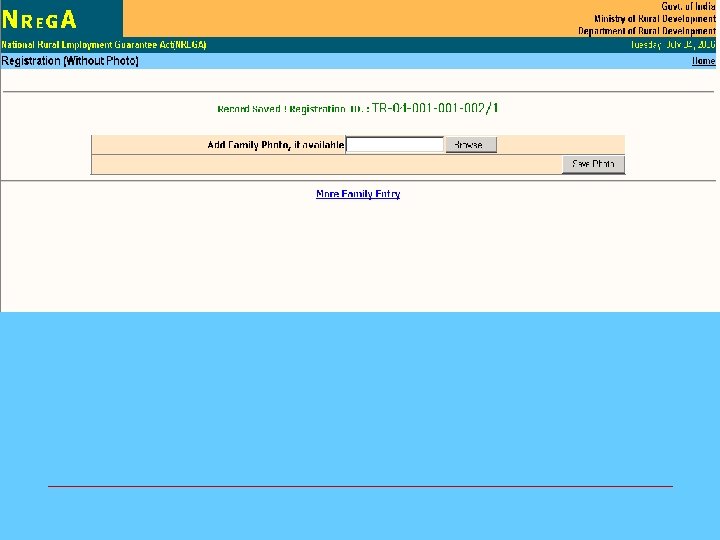
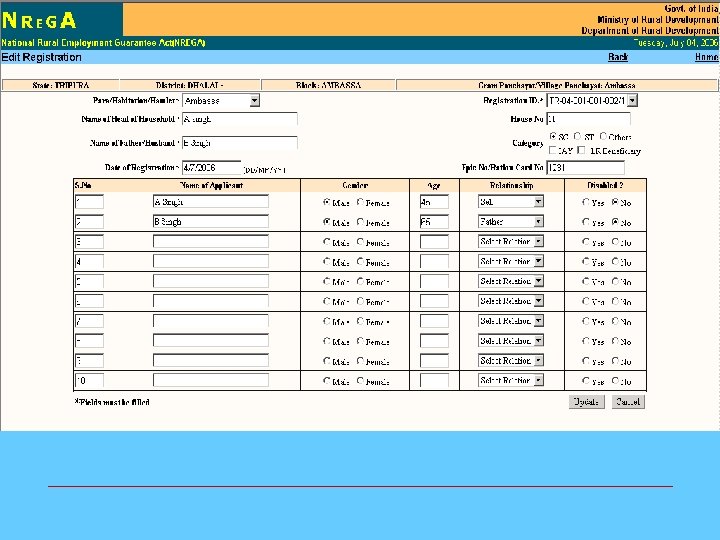
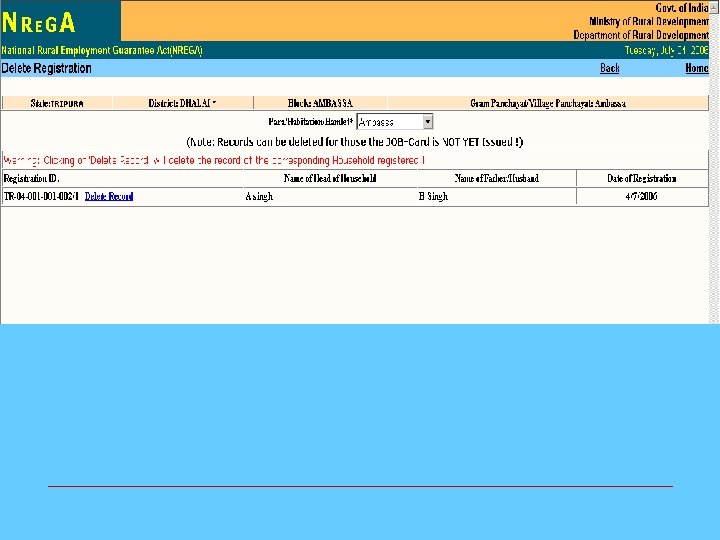
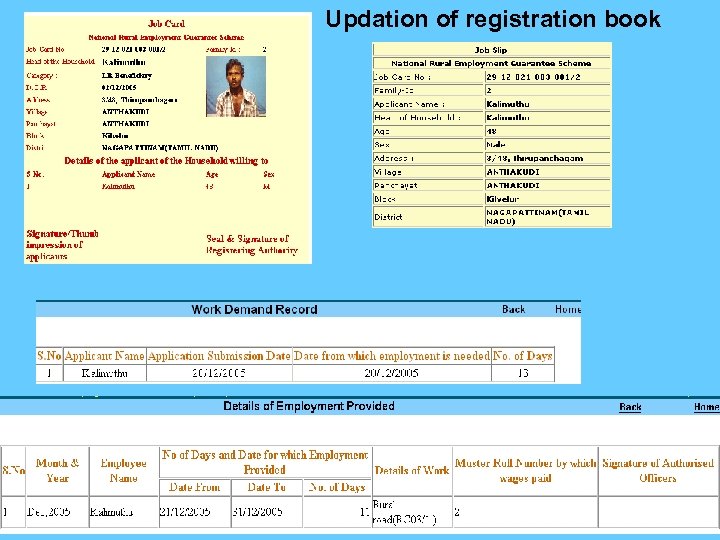 Updation of registration book
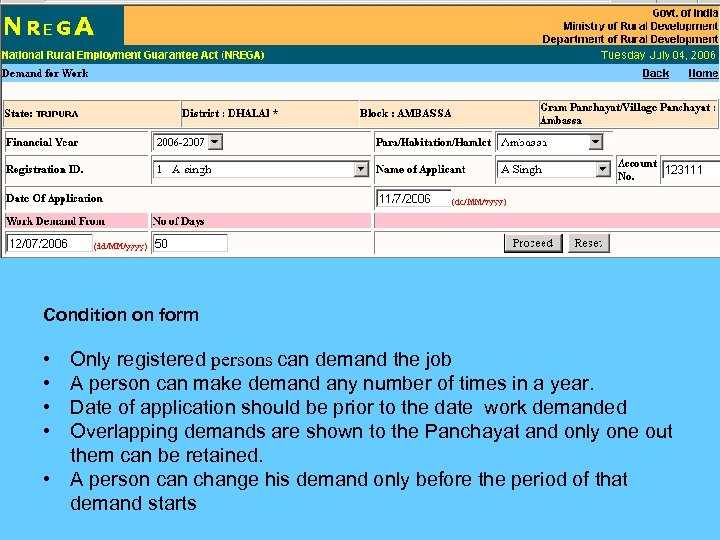 Condition on form • • Only registered persons can demand the job A person can make demand any number of times in a year. Date of application should be prior to the date work demanded Overlapping demands are shown to the Panchayat and only one out them can be retained. • A person can change his demand only before the period of that demand starts
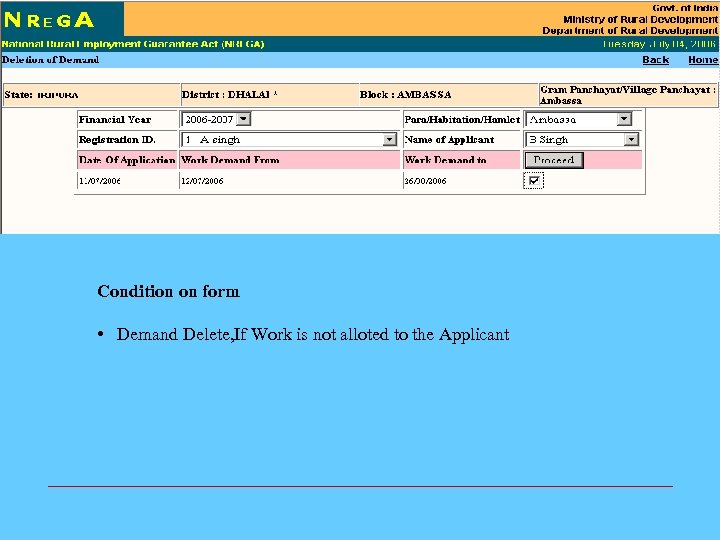 Condition on form • Demand Delete, If Work is not alloted to the Applicant
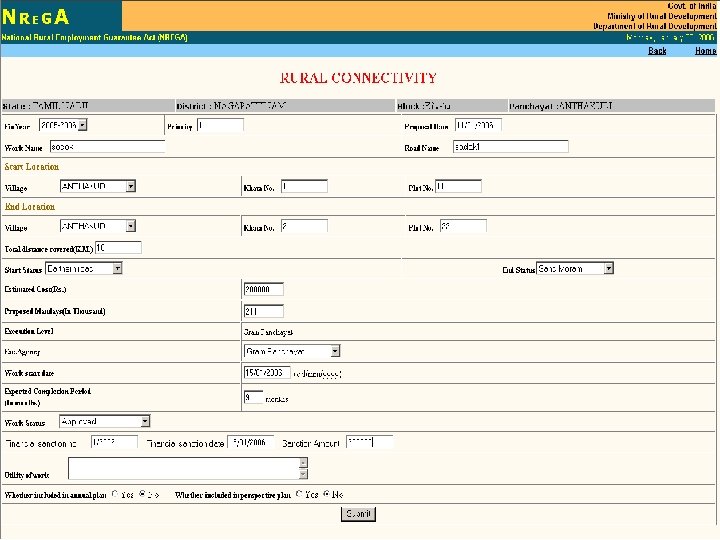
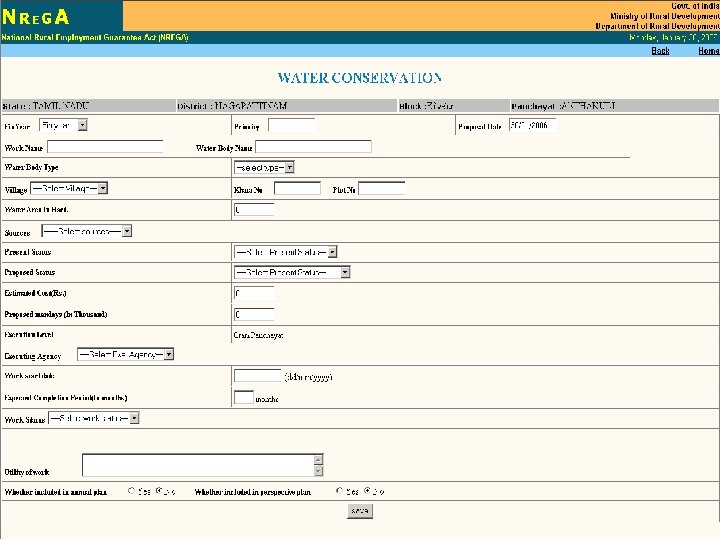
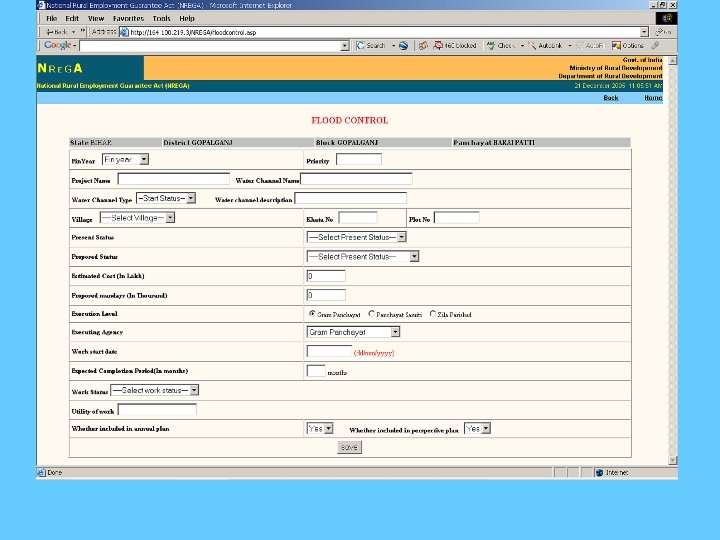
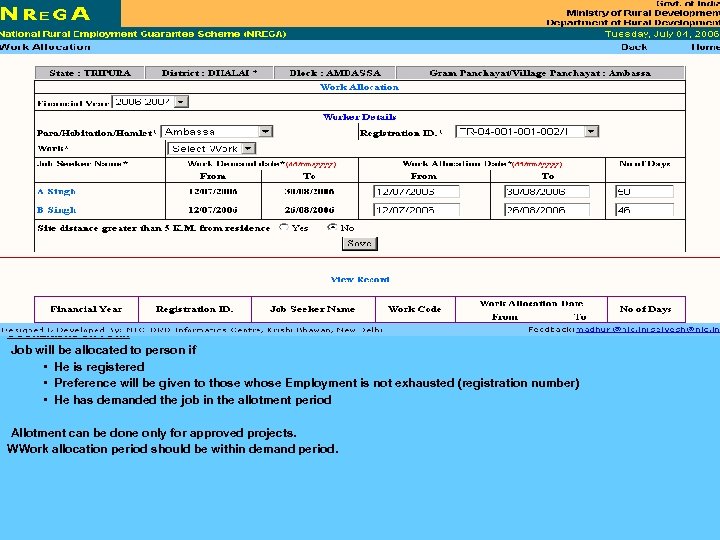 CConditions on Form Job will be allocated to person if • He is registered • Preference will be given to those whose Employment is not exhausted (registration number) • He has demanded the job in the allotment period Allotment can be done only for approved projects. WWork allocation period should be within demand period.
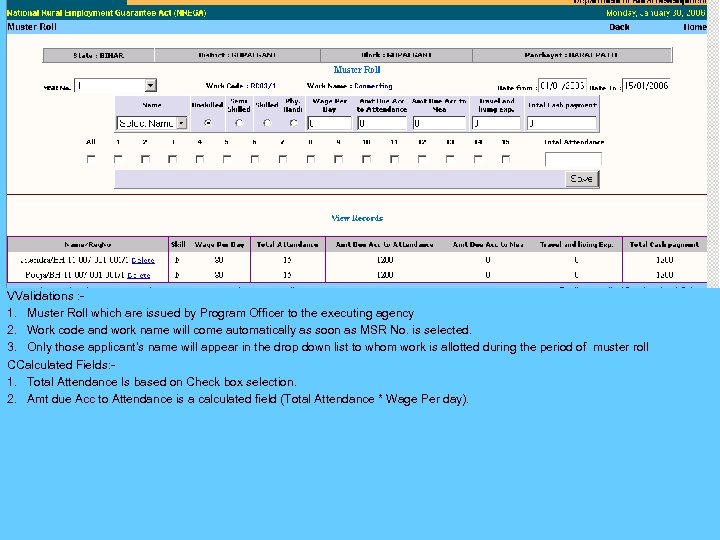 VValidations : 1. Muster Roll which are issued by Program Officer to the executing agency 2. Work code and work name will come automatically as soon as MSR No. is selected. 3. Only those applicant’s name will appear in the drop down list to whom work is allotted during the period of muster roll CCalculated Fields: 1. Total Attendance Is based on Check box selection. 2. Amt due Acc to Attendance is a calculated field (Total Attendance * Wage Per day).

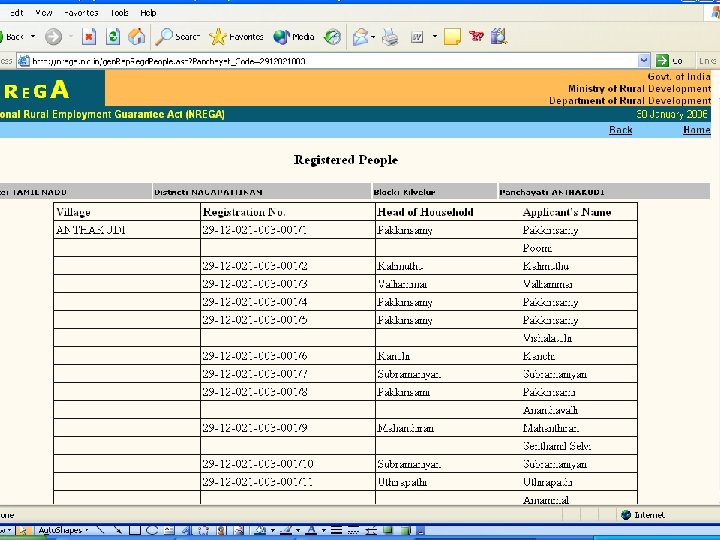
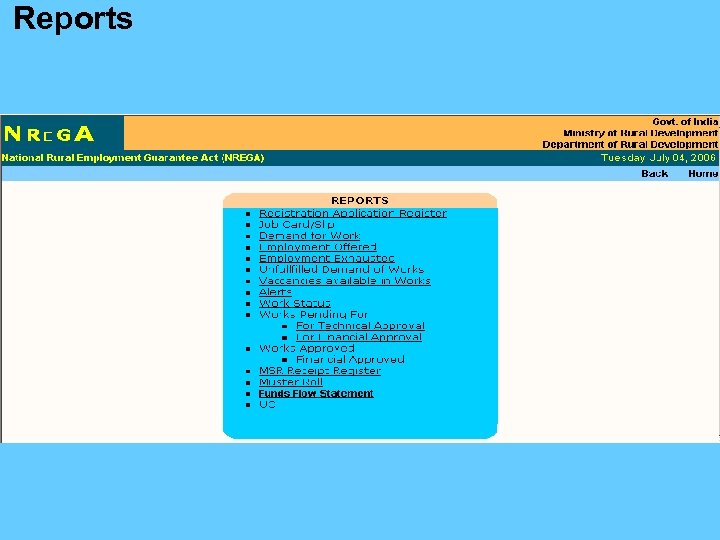 Reports
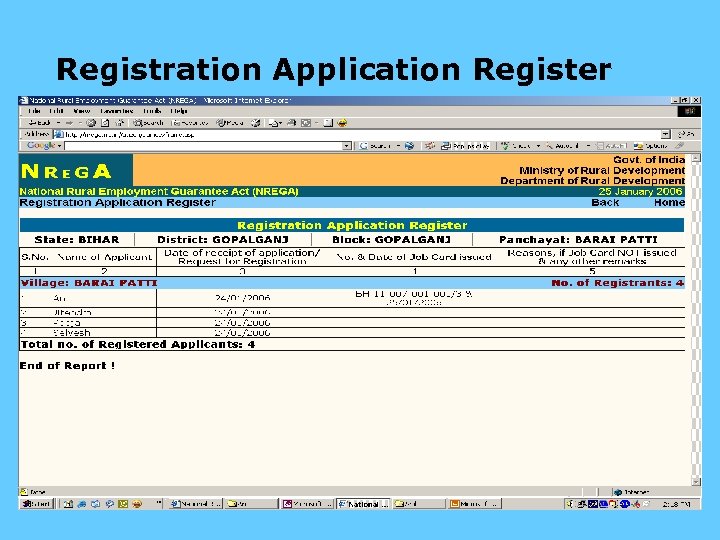 Registration Application Register
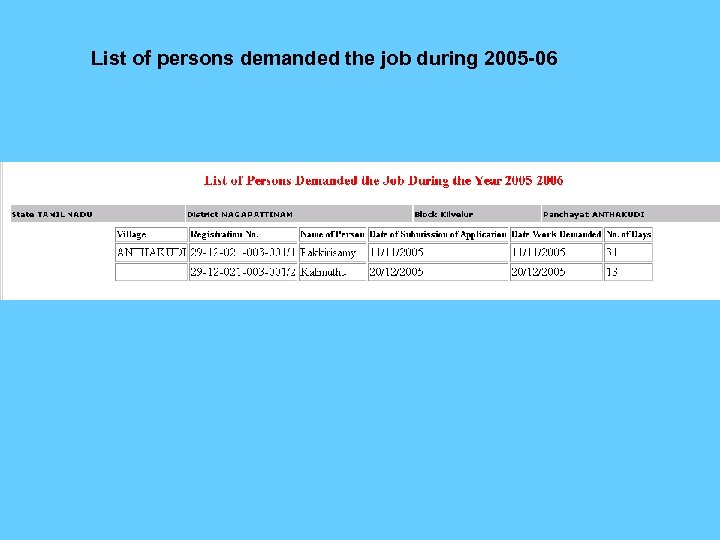 List of persons demanded the job during 2005 -06
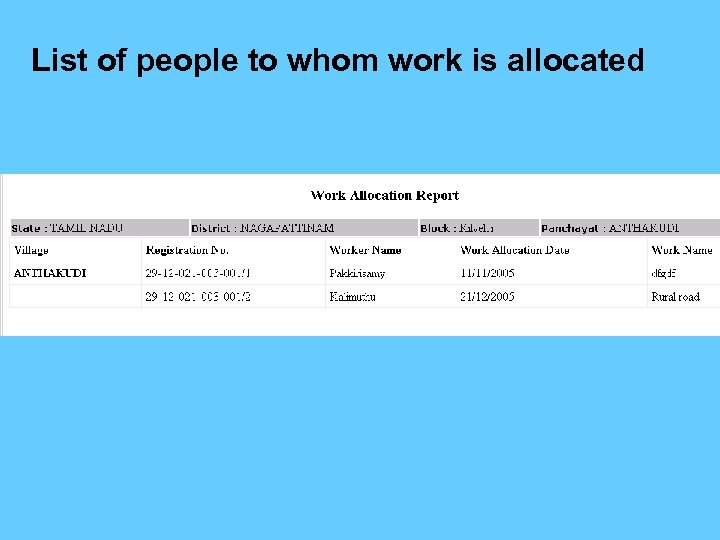 List of people to whom work is allocated
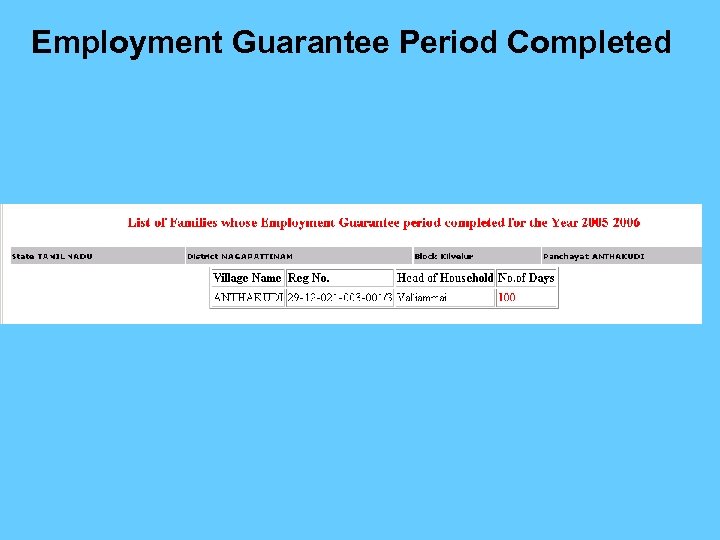 Employment Guarantee Period Completed
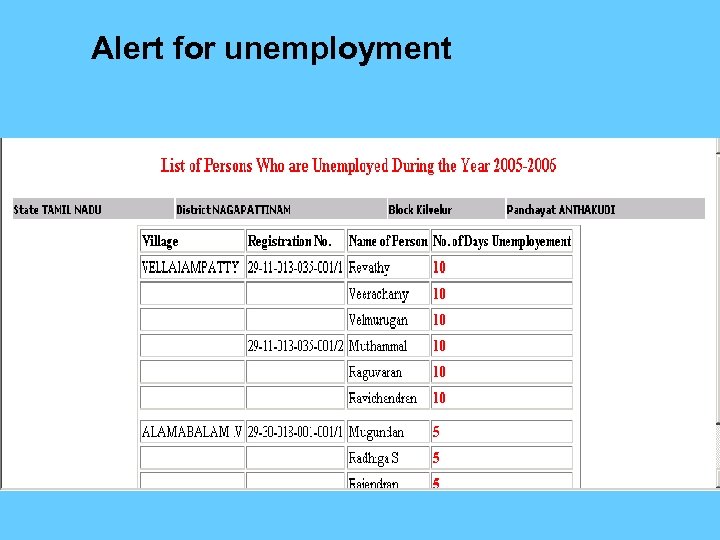 Alert for unemployment
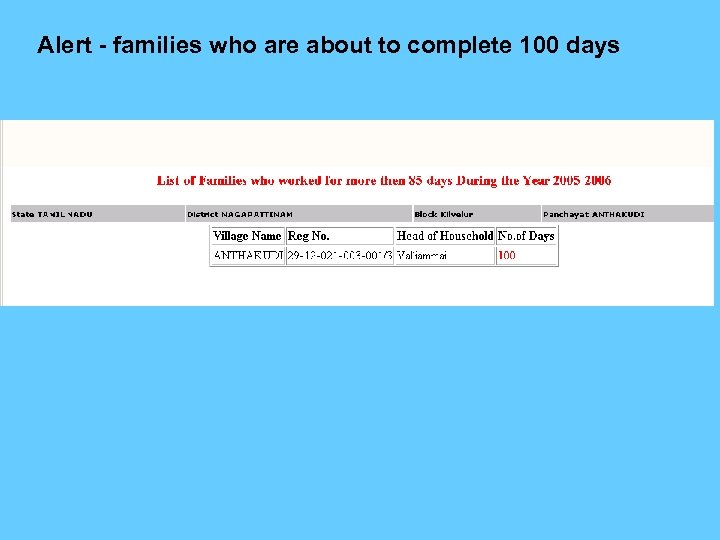 Alert - families who are about to complete 100 days
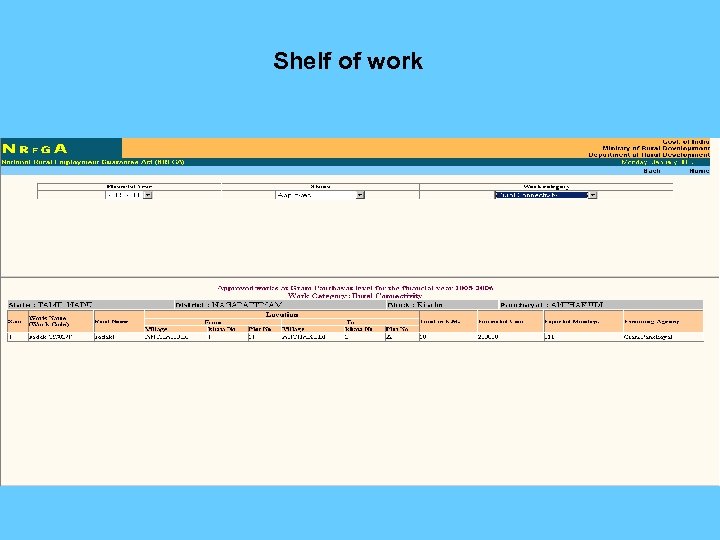 Shelf of work
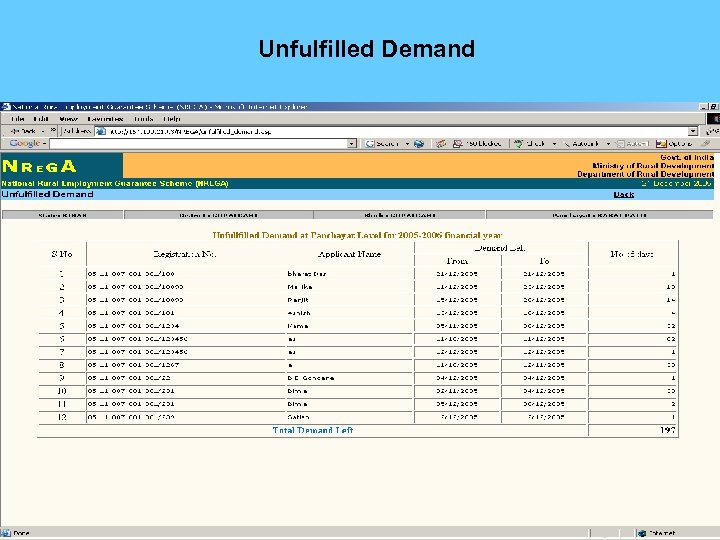 Unfulfilled Demand
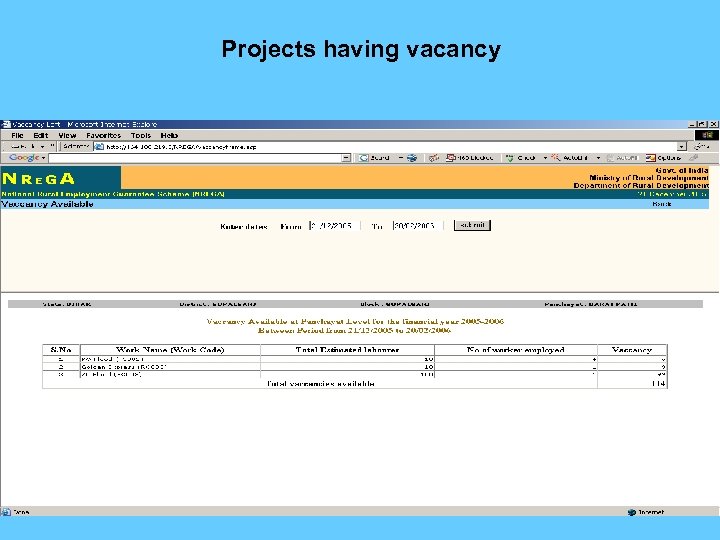 Projects having vacancy
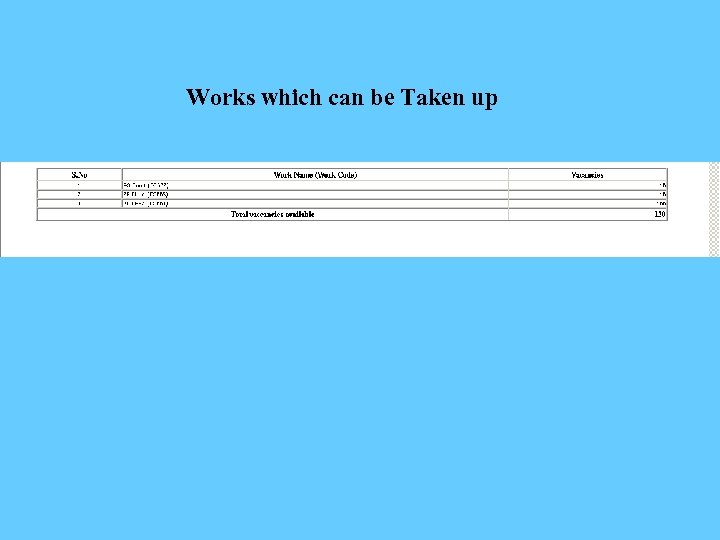 Works which can be Taken up
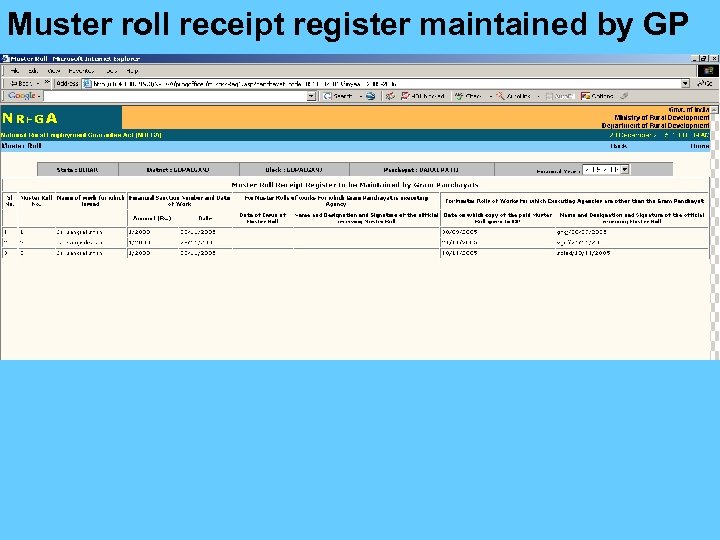 Muster roll receipt register maintained by GP
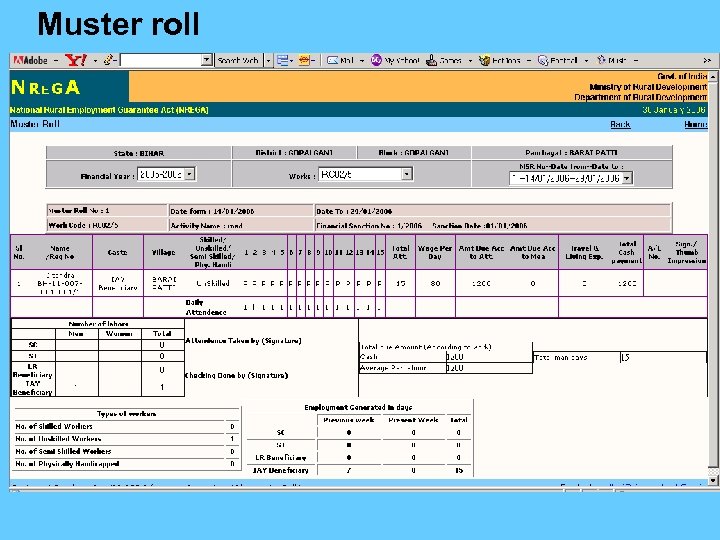 Muster roll
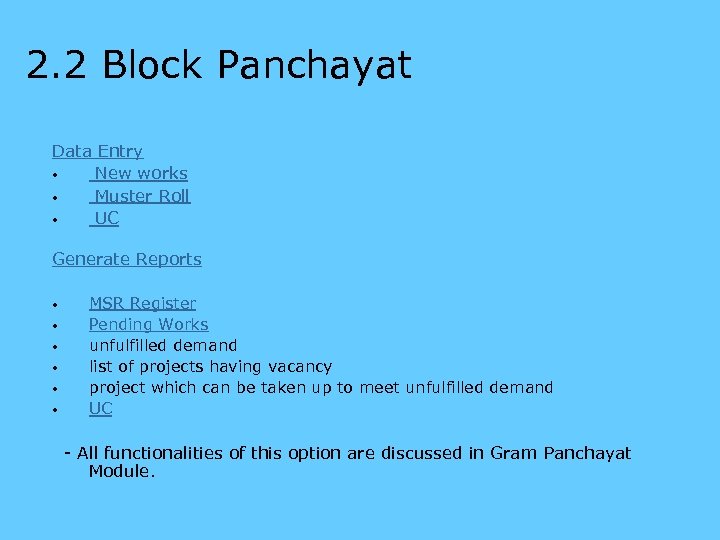 2. 2 Block Panchayat Data Entry • New works • Muster Roll • UC Generate Reports • • • MSR Register Pending Works unfulfilled demand list of projects having vacancy project which can be taken up to meet unfulfilled demand UC - All functionalities of this option are discussed in Gram Panchayat Module.
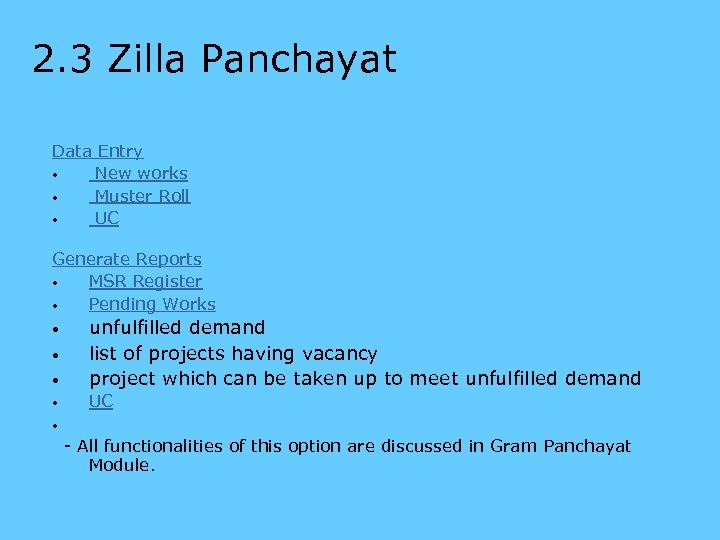 2. 3 Zilla Panchayat Data Entry • New works • Muster Roll • UC Generate Reports • MSR Register • Pending Works • • • unfulfilled demand list of projects having vacancy project which can be taken up to meet unfulfilled demand UC • - All functionalities of this option are discussed in Gram Panchayat Module. •
 4. Other Implementing Agencies Data Entry • New works • Muster Roll • UC Generate Reports • MSR Register • Pending Works • • • unfulfilled demand list of projects having vacancy project which can be taken up to meet unfulfilled demand Utilisation Certificate - All functionalities of this option are discussed in Gram Panchayat Module. • - Implementing agencies can take up work at GP, BP, ZP level.
 5. P. O/D. P. C 5. 1 Programme Officer 5. 2 District Project Coordinator
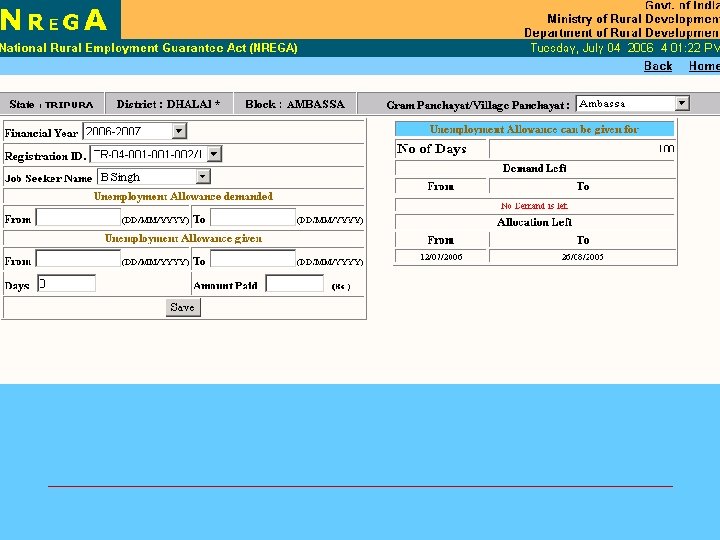
 5. 1 Programme Officer Data Entry • Registration, • Attend complaints, • comment on GP works • issue Muster Roll • Payment of unemployment allowance Generate Reports • list of work for approval • MSR Register • Pending Works • unfulfilled demand • list of projects having vacancy • project which can be taken up to meet unfulfilled demand. • Report on unemployment allowance paid
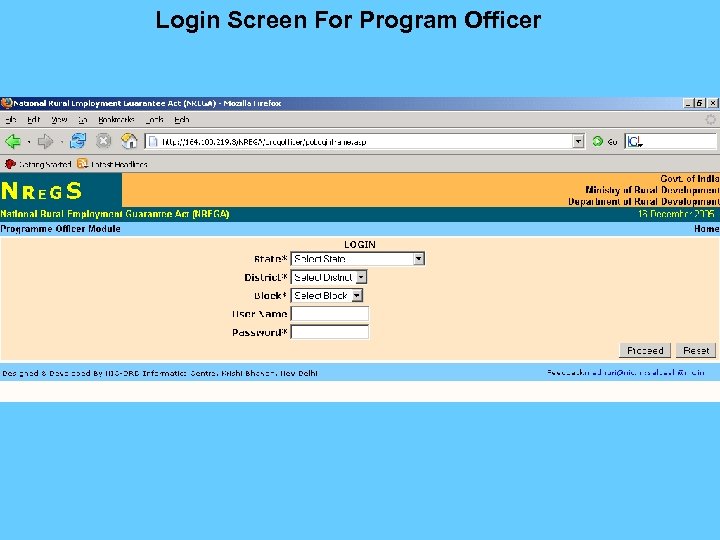 Login Screen For Program Officer
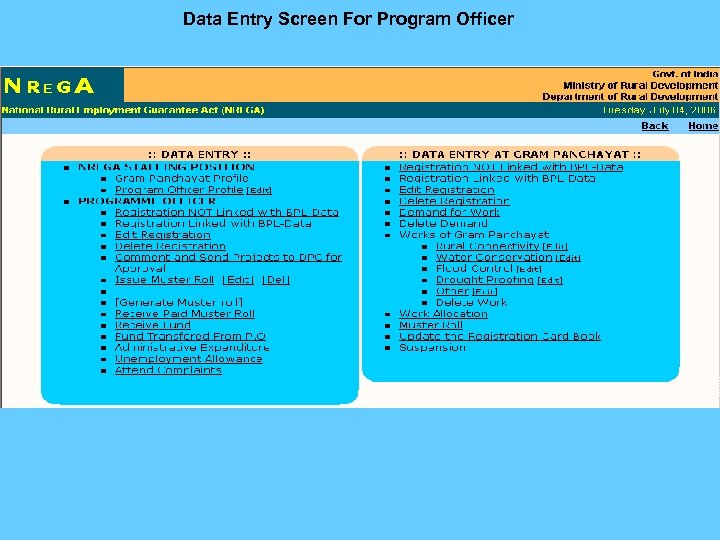 Data Entry Screen For Program Officer
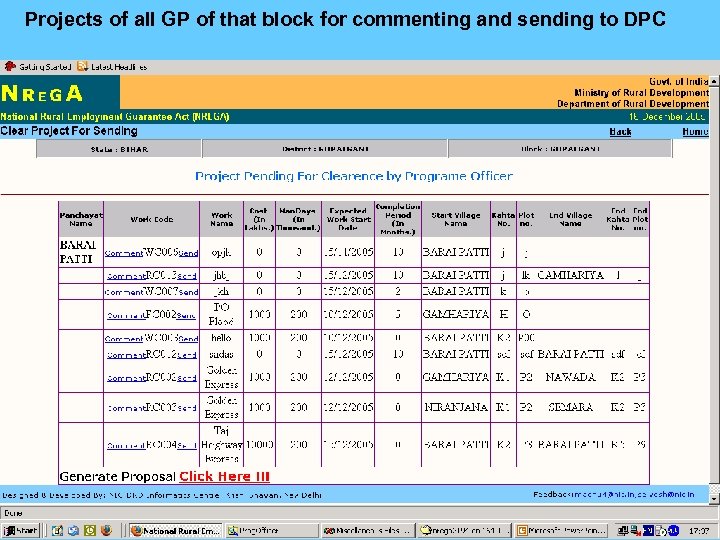 Projects of all GP of that block for commenting and sending to DPC
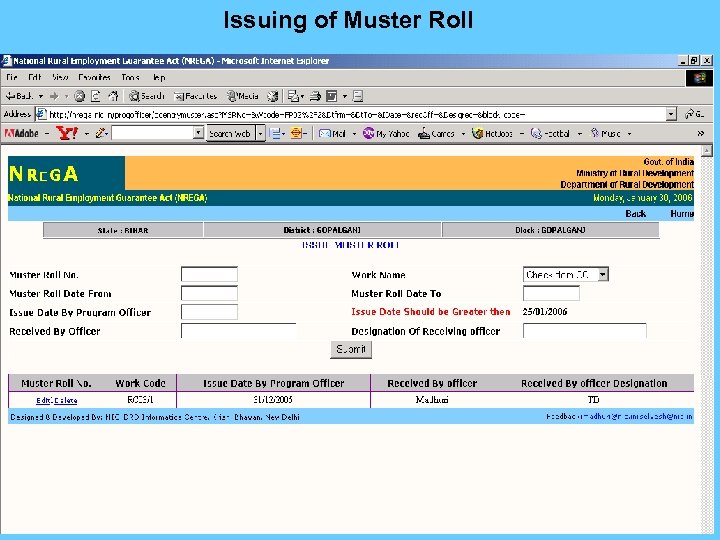 Issuing of Muster Roll
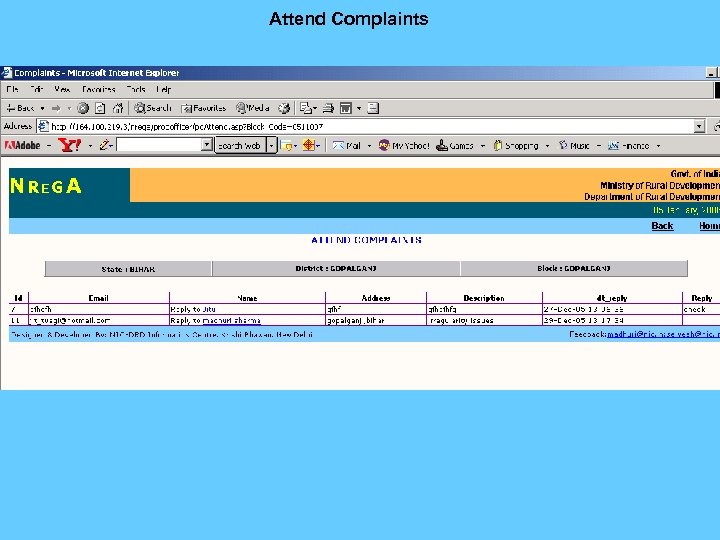 Attend Complaints
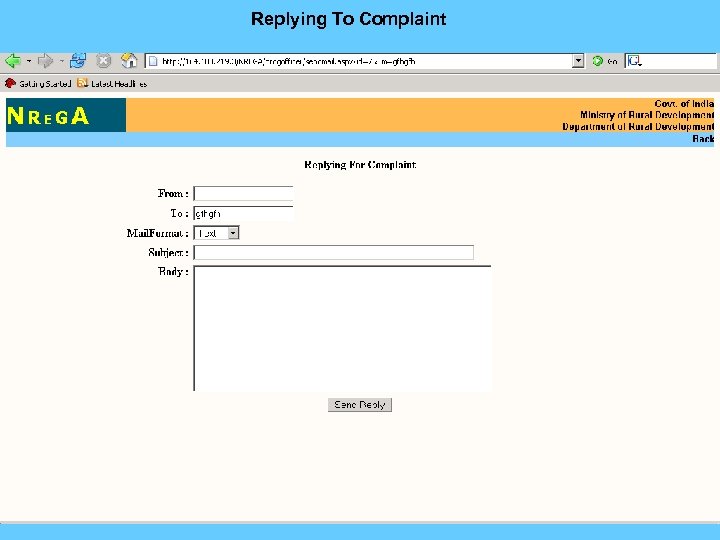 Replying To Complaint
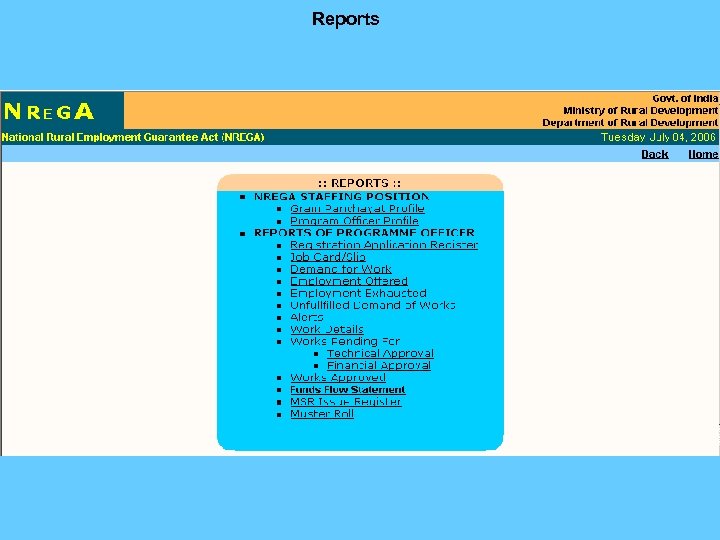 Reports
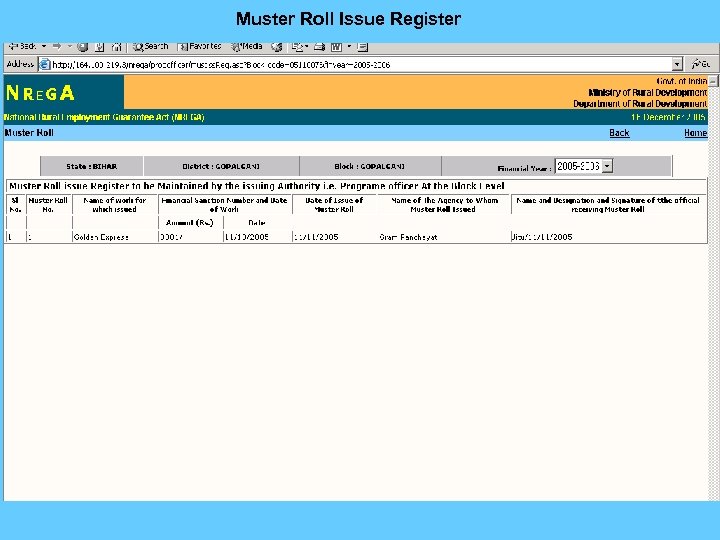 Muster Roll Issue Register
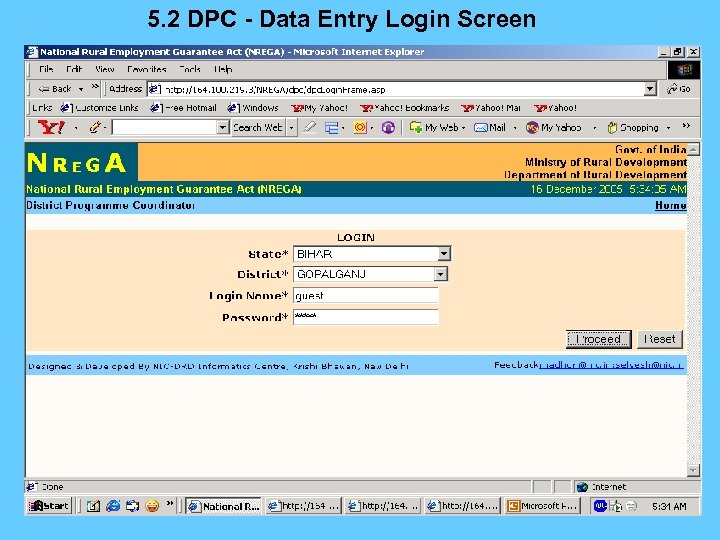 5. 2 DPC - Data Entry Login Screen
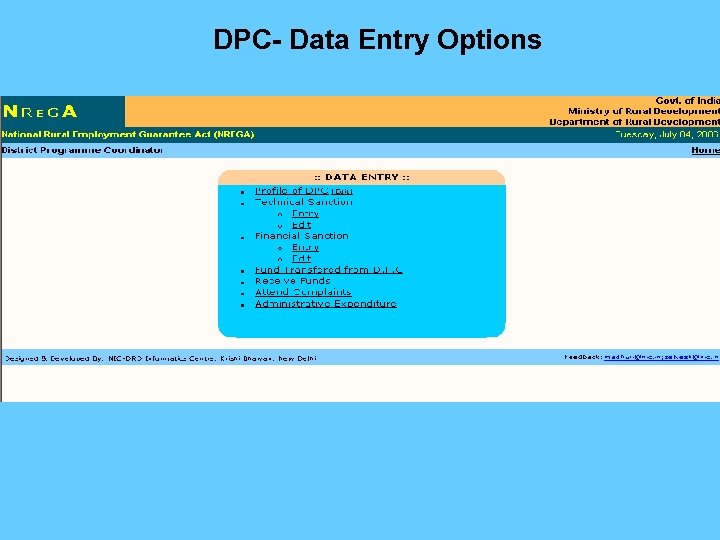 DPC- Data Entry Options
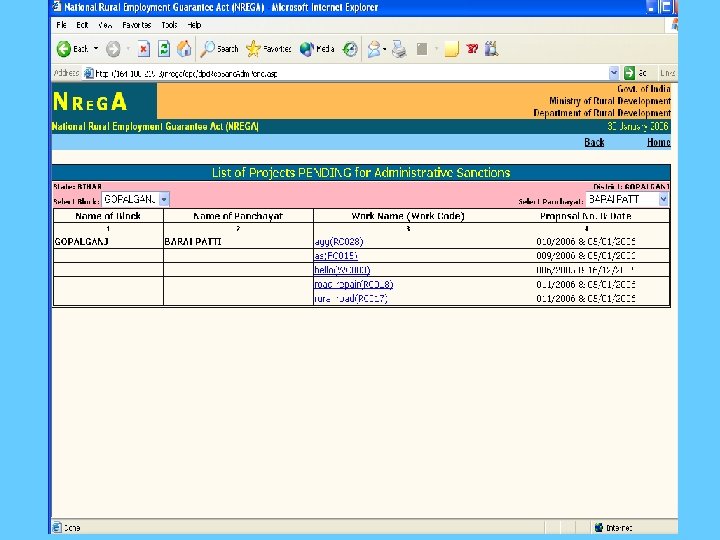
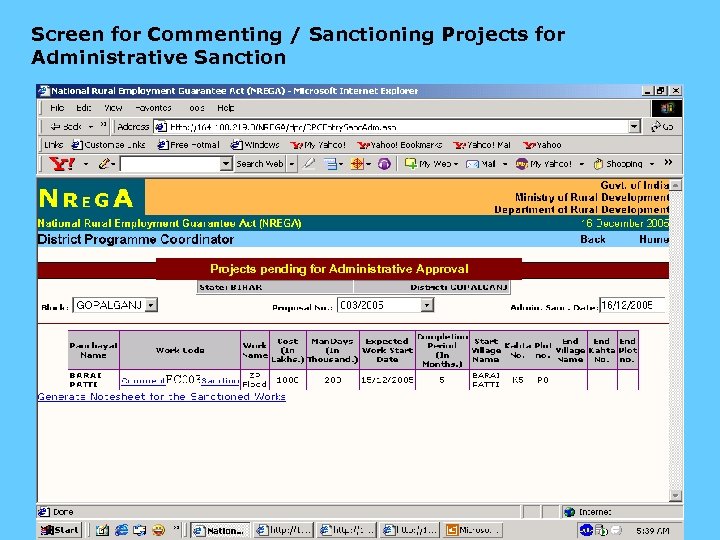 Screen for Commenting / Sanctioning Projects for Administrative Sanction Projects pending for Administrative Approval
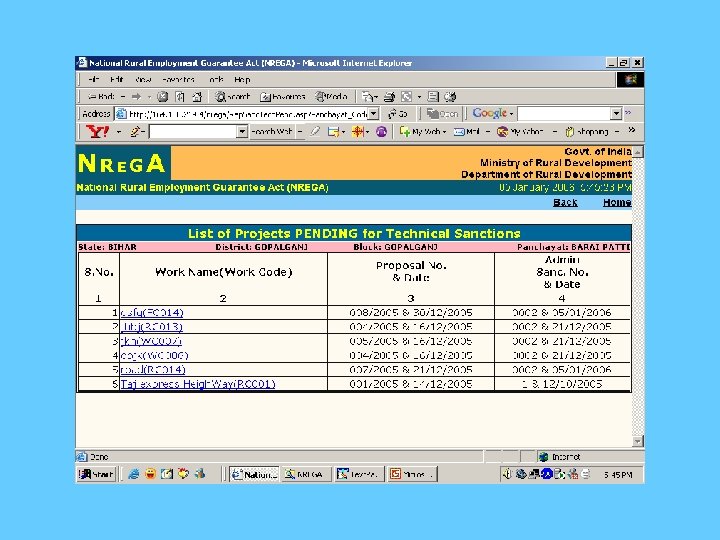
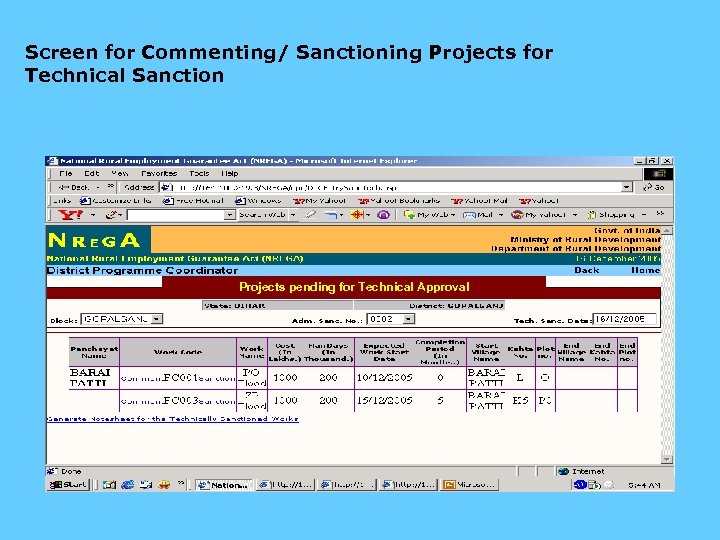 Screen for Commenting/ Sanctioning Projects for Technical Sanction Projects pending for Technical Approval
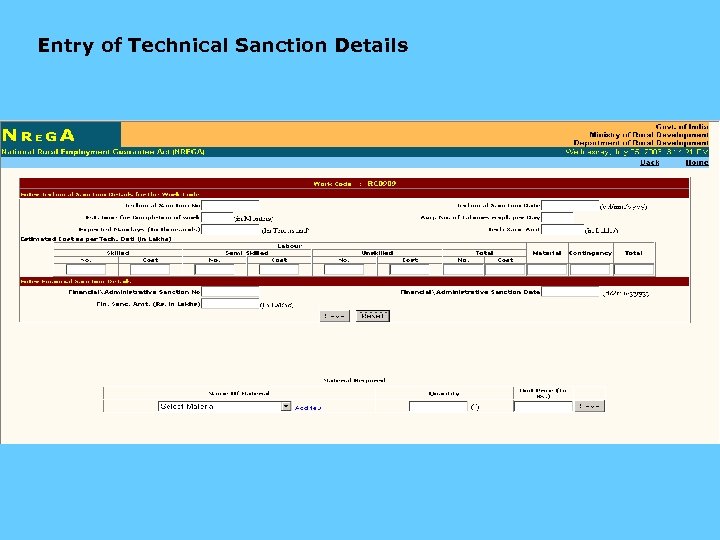 Entry of Technical Sanction Details
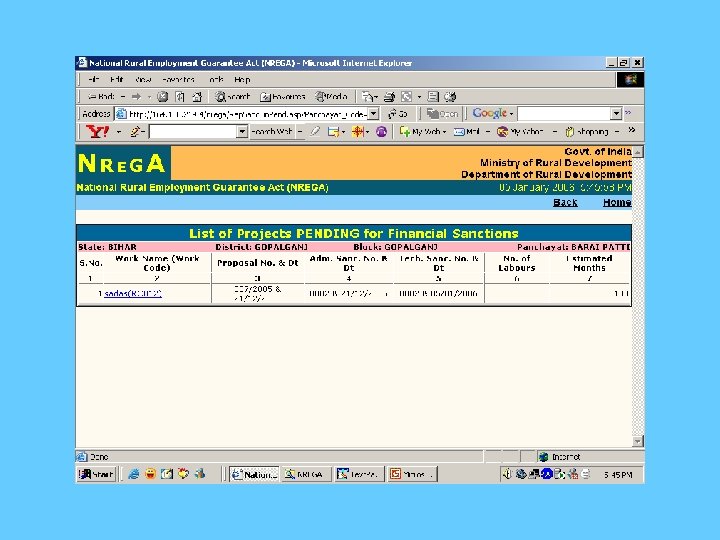
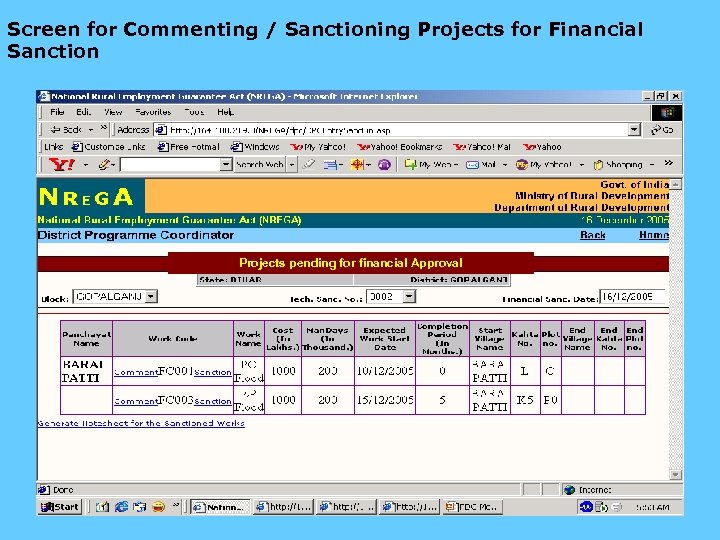 Screen for Commenting / Sanctioning Projects for Financial Sanction Projects pending for financial Approval
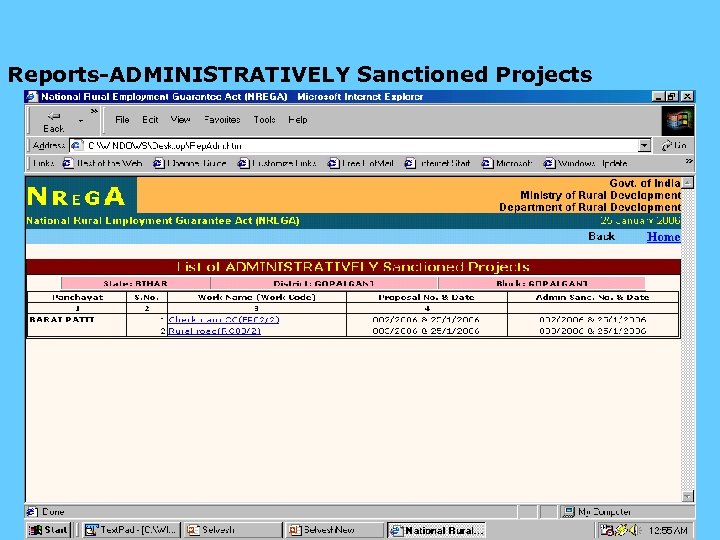 Reports-ADMINISTRATIVELY Sanctioned Projects
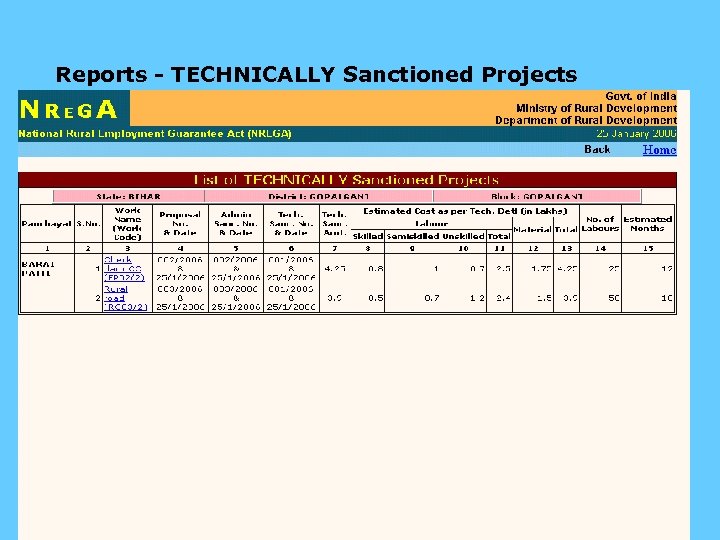 Reports - TECHNICALLY Sanctioned Projects
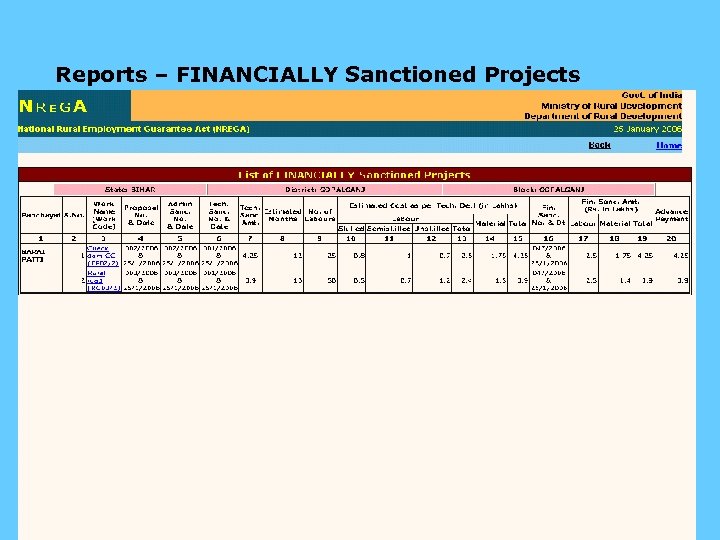 Reports – FINANCIALLY Sanctioned Projects
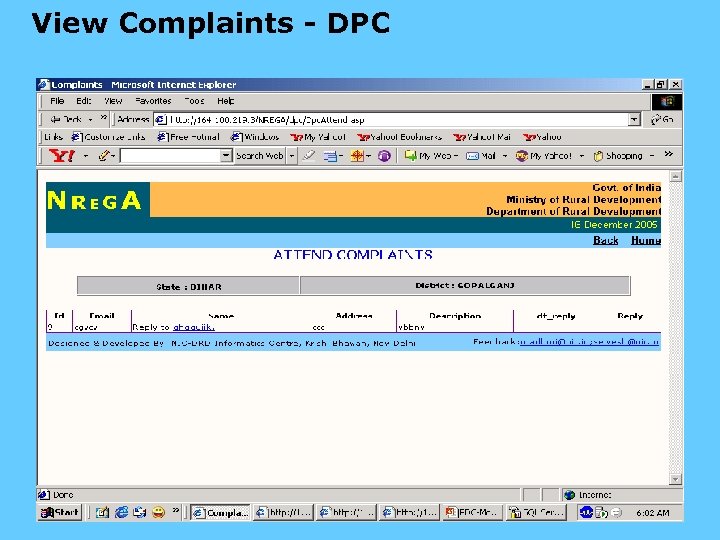 View Complaints - DPC
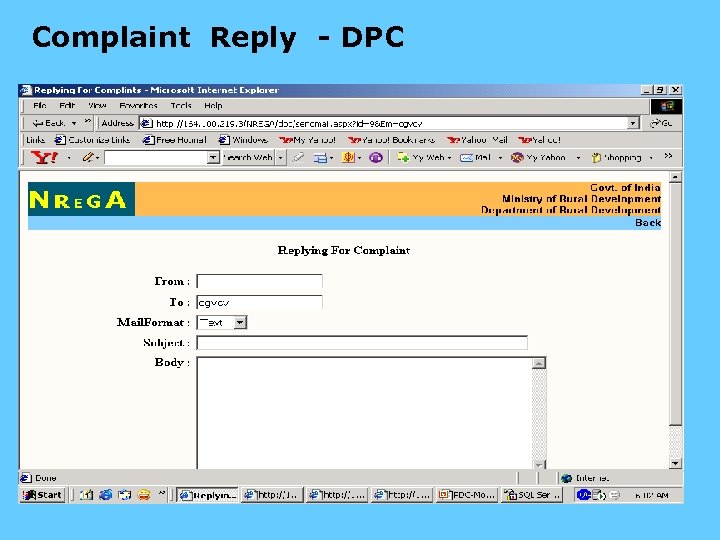 Complaint Reply - DPC
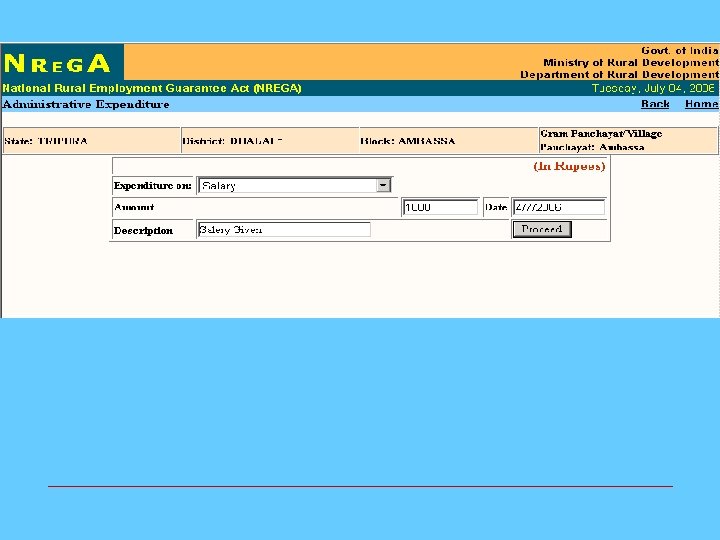
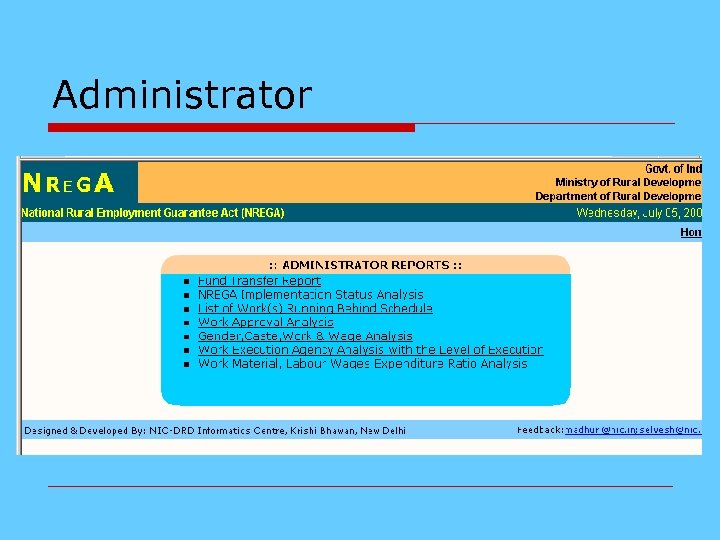 Administrator
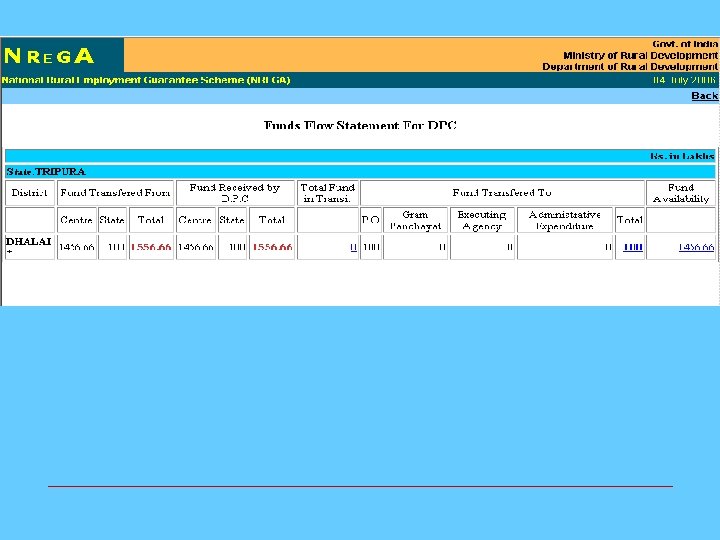
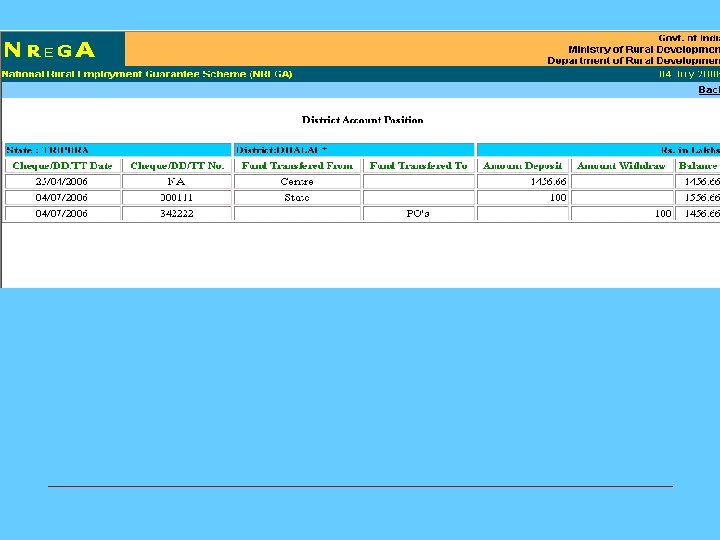
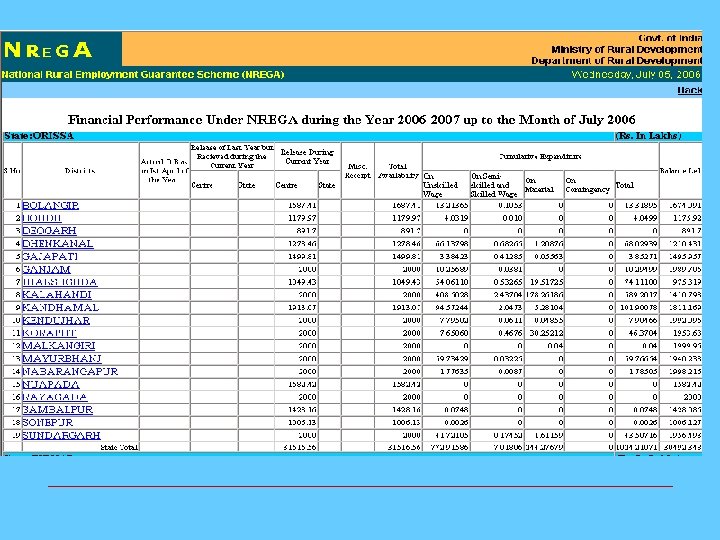
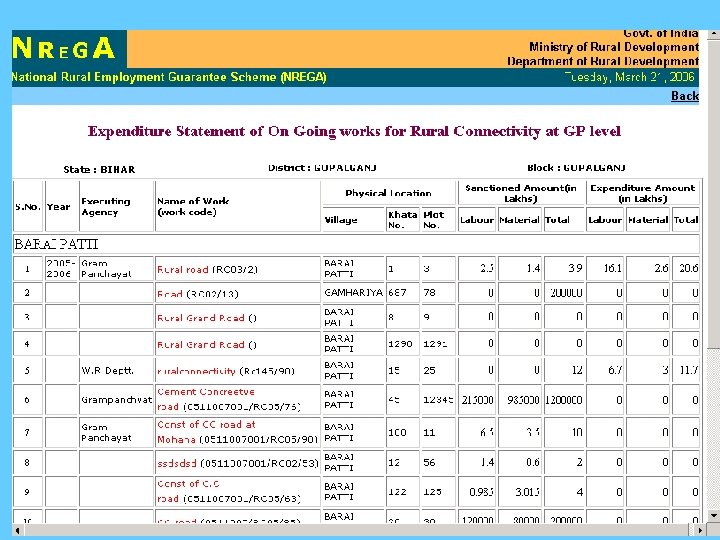
 Fund Management
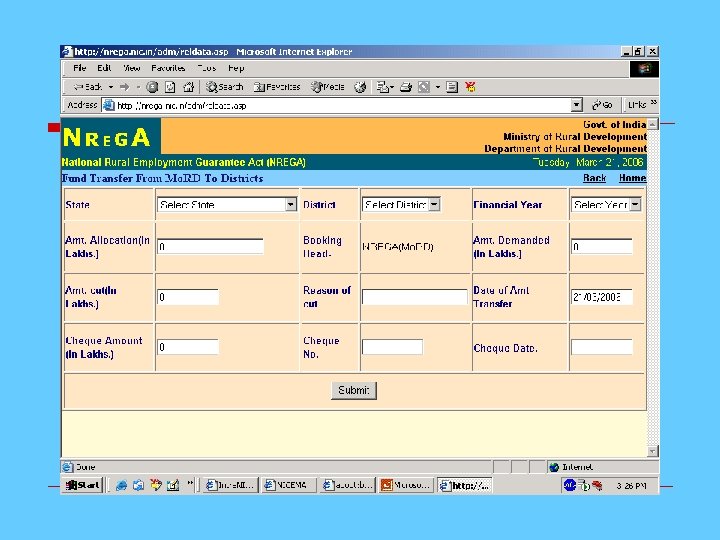
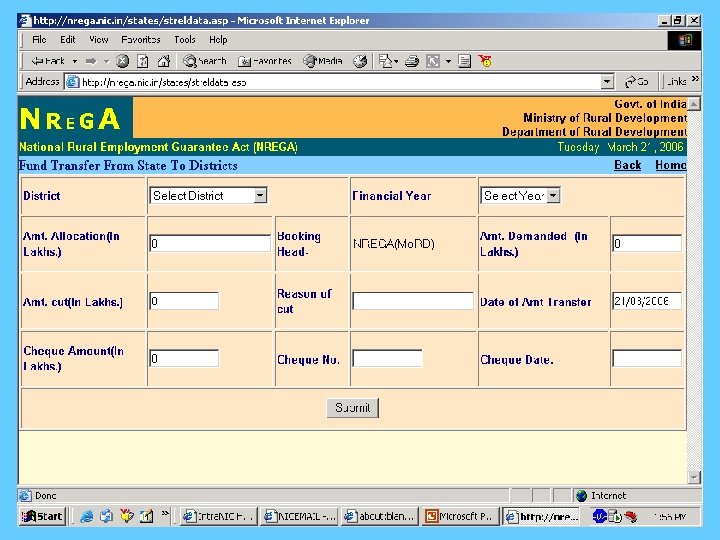
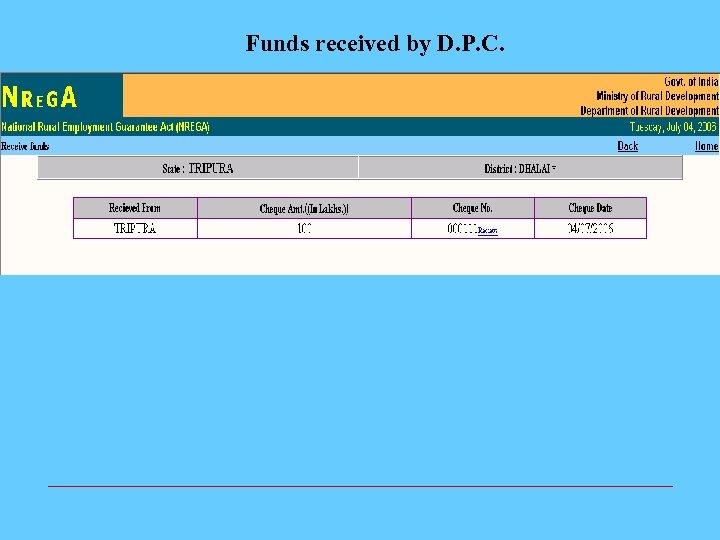 Funds received by D. P. C.
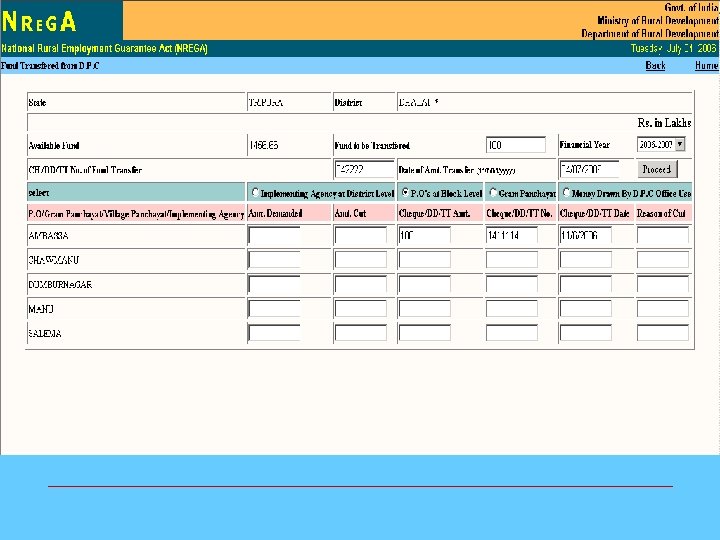
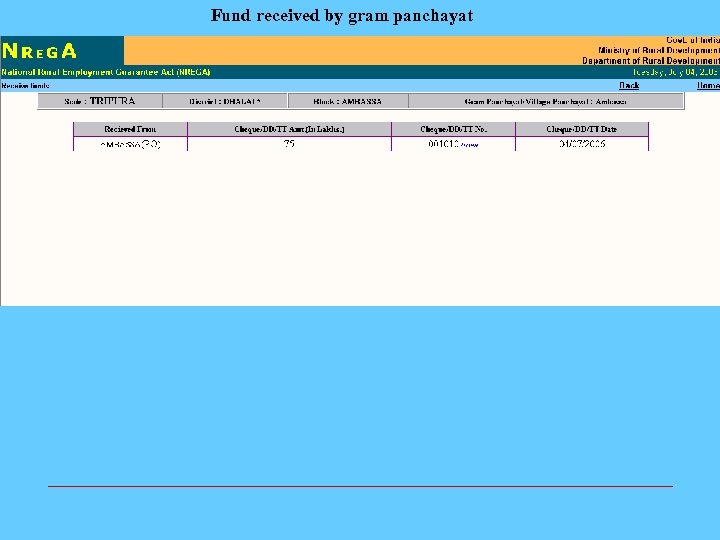 Fund received by gram panchayat
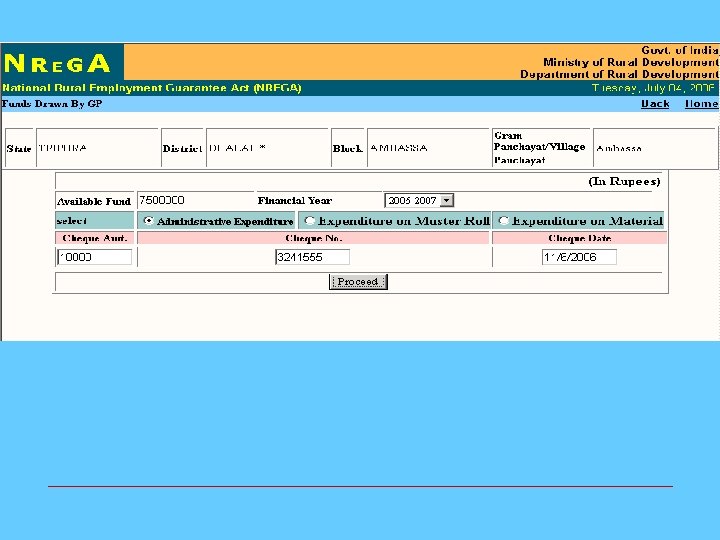
 NREGA Administration
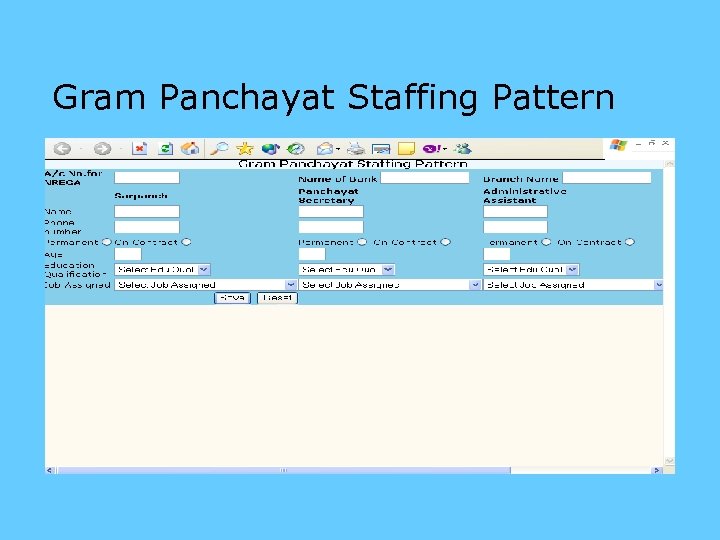 Gram Panchayat Staffing Pattern
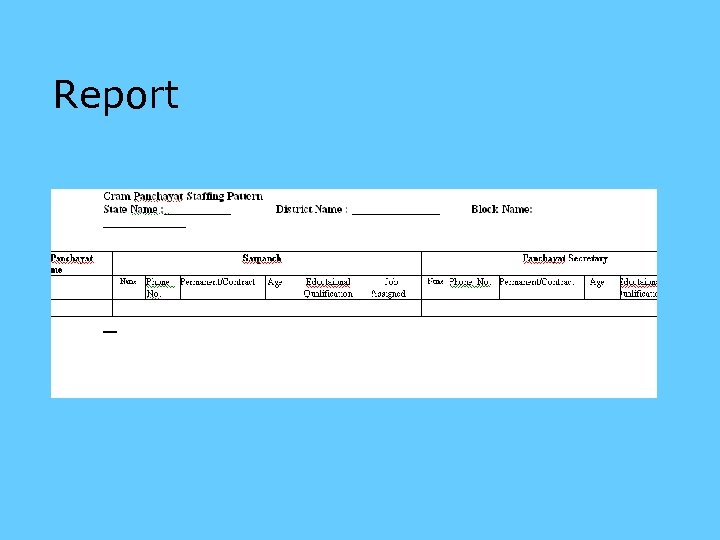 Report
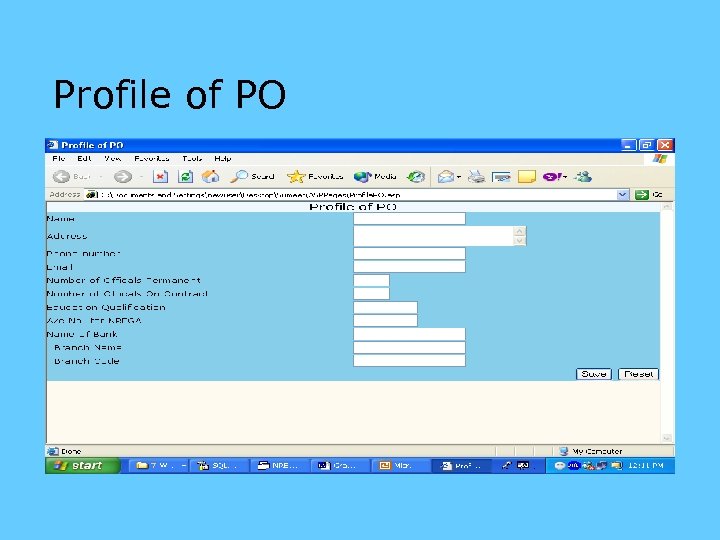 Profile of PO
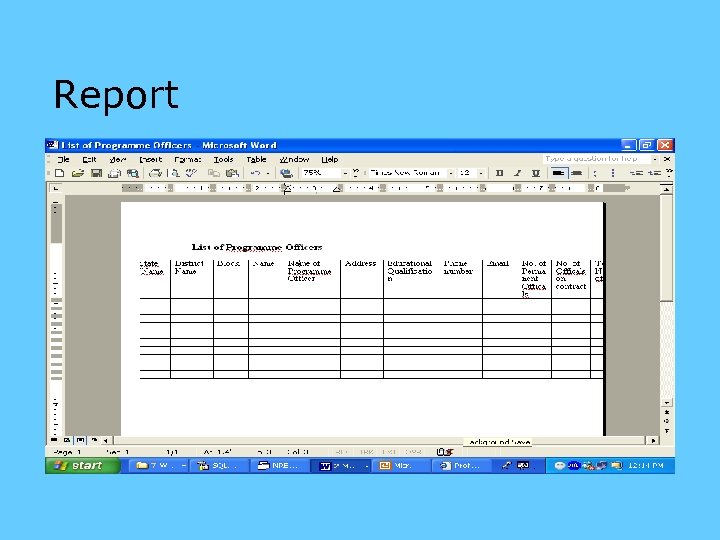 Report
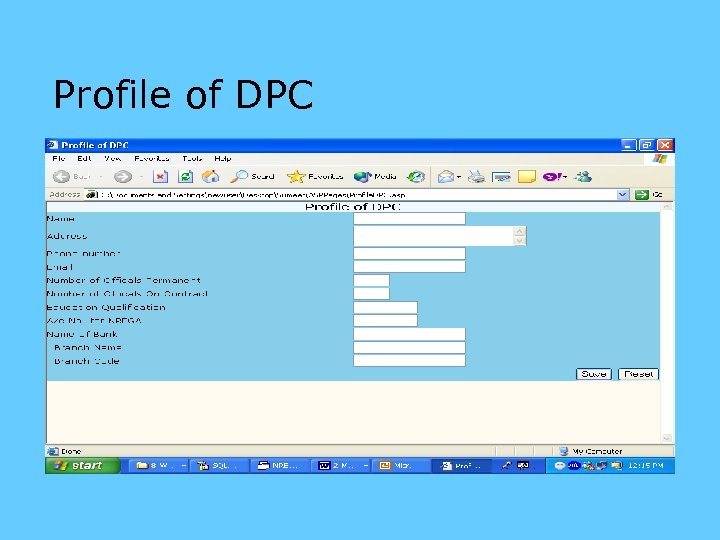 Profile of DPC