


 Скачать презентацию Online Giving Application 7 30 2009 Overview History
6e75911ae6cae8abfcd951022d0a3a65.ppt
- Количество слайдов: 16
 Online Giving Application 7/30/2009
 Overview / History • Online Giving Application – Originally built in 1999 / ITOS – Online Application to process transactions • Gifts (limited accounts) • Pledges / Pledge Payments • Alumni Membership Dues – Interaction with ASCEND (Alumni/Development DB) – Multiple merchants processed via one checkout
 Overview / History • Application has evolved – “other income” – non-gifts – External Events/Campaigns – Special Instructions – In Honor Of / In Memory Of – Recurring Payments – Custom Banners / Branding – Multiple Foundations – Different ways of connecting to site – New Server / New Options
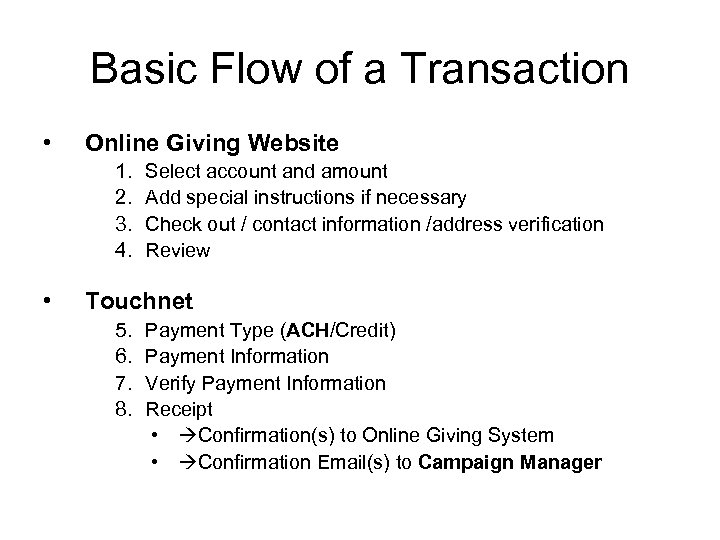 Basic Flow of a Transaction • Online Giving Website 1. 2. 3. 4. • Select account and amount Add special instructions if necessary Check out / contact information /address verification Review Touchnet 5. 6. 7. 8. Payment Type (ACH/Credit) Payment Information Verify Payment Information Receipt • Confirmation(s) to Online Giving System • Confirmation Email(s) to Campaign Manager
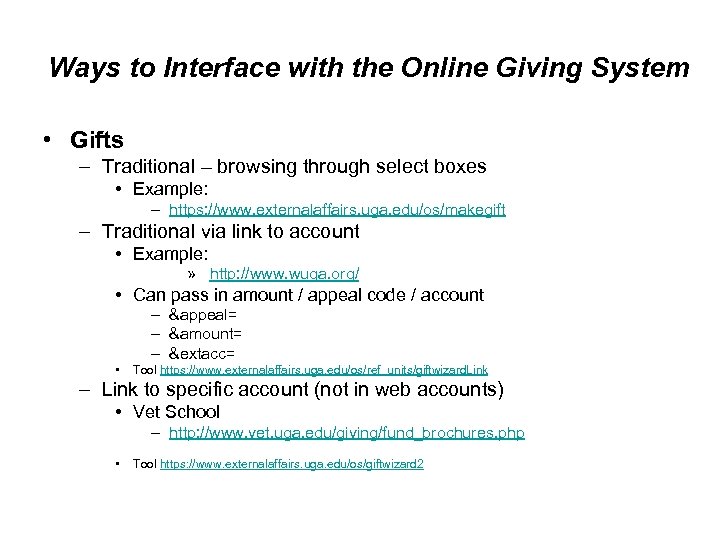 Ways to Interface with the Online Giving System • Gifts – Traditional – browsing through select boxes • Example: – https: //www. externalaffairs. uga. edu/os/makegift – Traditional via link to account • Example: » http: //www. wuga. org/ • Can pass in amount / appeal code / account – &appeal= – &amount= – &extacc= • Tool https: //www. externalaffairs. uga. edu/os/ref_units/giftwizard. Link – Link to specific account (not in web accounts) • Vet School – http: //www. vet. uga. edu/giving/fund_brochures. php • Tool https: //www. externalaffairs. uga. edu/os/giftwizard 2
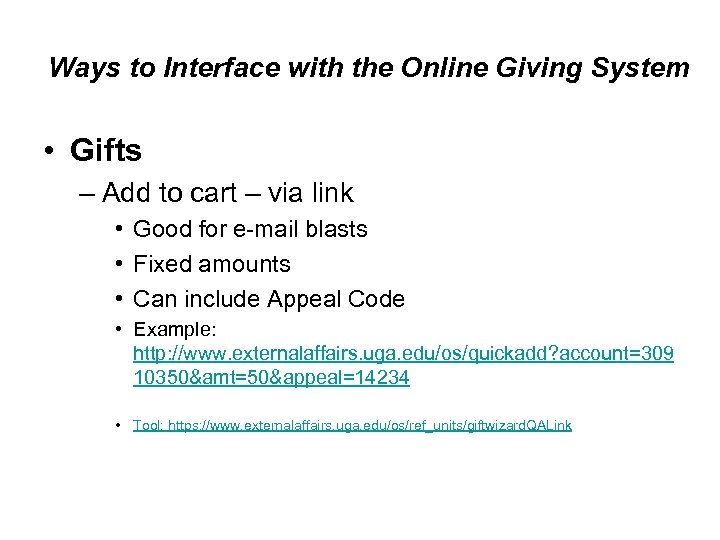 Ways to Interface with the Online Giving System • Gifts – Add to cart – via link • Good for e-mail blasts • Fixed amounts • Can include Appeal Code • Example: http: //www. externalaffairs. uga. edu/os/quickadd? account=309 10350&amt=50&appeal=14234 • Tool: https: //www. externalaffairs. uga. edu/os/ref_units/giftwizard. QALink
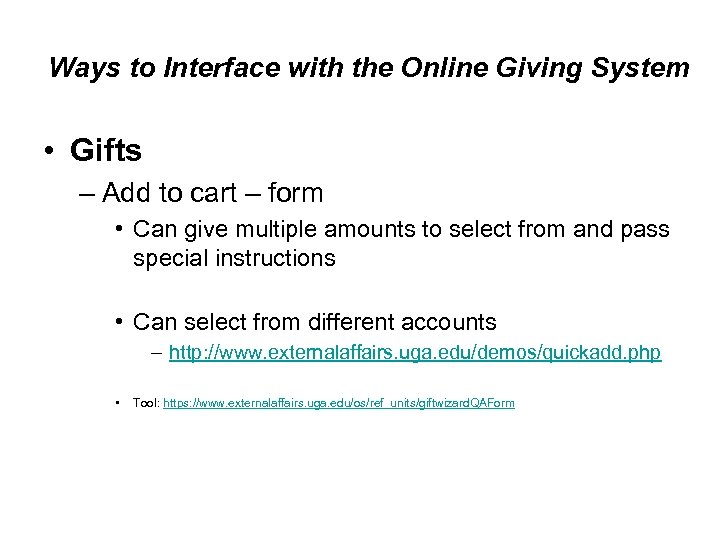 Ways to Interface with the Online Giving System • Gifts – Add to cart – form • Can give multiple amounts to select from and pass special instructions • Can select from different accounts – http: //www. externalaffairs. uga. edu/demos/quickadd. php • Tool: https: //www. externalaffairs. uga. edu/os/ref_units/giftwizard. QAForm
 Ways to Interface with the Online Giving System • Campaign/Events/Other Income – External Events • Requires in-house programming • Example: – http: //www. externalaffairs. uga. edu: 800/demos/bbq. php – Integrated • • Does not require programming Simple, non-conditional Currently best with one or two products CAES Walkway Brick Example: – https: //www. externalaffairs. uga. edu/os/campaign_items/view/76
 Ways to Interface with the Online Giving System • Campaign/Events/Other Income – Pledge / Campaign / Hosted • The Arch Society Legacy Campaign Example – http: //www. uga. edu/cls/programs/arch/giving. html
 Ways to Interface with the Online Giving System • Campaign / Gifts with Supplemental Data • Setup required on our end – Contact us (askit@uga. edu) • • Data Stored on External Affairs Server E-mail confirmation containing data Report Viewer Access Example: http: //www. vet. uga. edu/giving/honor. php
" src="https://present5.com/presentation/6e75911ae6cae8abfcd951022d0a3a65/image-11.jpg" alt="Example of Supplemental Fields