


 Скачать презентацию One-X Deskphone Edition Release 2 0 GA Knowledge
8c78156bc3d9616dd941dd4606fcbf9f.ppt
- Количество слайдов: 20
 One-X Deskphone Edition Release 2. 0 GA Knowledge Transfer Rob Mitchell 96 xx IP Telephone Systems Engineer © 2006 Avaya Inc. All rights reserved. Avaya – Proprietary & Confidential. For Internal Use Only.
 Agenda: No new hardware New S 2. 0 Software – Network-related – Switch-related – UI-related Other Admin/Support Considerations © 2006 Avaya Inc. All rights reserved. 2 Avaya – Proprietary & Confidential. For Internal Use Only.
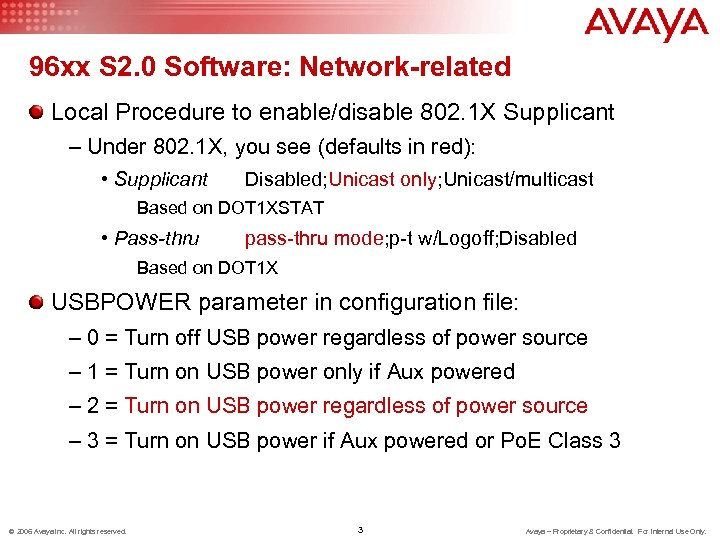 96 xx S 2. 0 Software: Network-related Local Procedure to enable/disable 802. 1 X Supplicant – Under 802. 1 X, you see (defaults in red): • Supplicant Disabled; Unicast only; Unicast/multicast Based on DOT 1 XSTAT • Pass-thru pass-thru mode; p-t w/Logoff; Disabled Based on DOT 1 X USBPOWER parameter in configuration file: – 0 = Turn off USB power regardless of power source – 1 = Turn on USB power only if Aux powered – 2 = Turn on USB power regardless of power source – 3 = Turn on USB power if Aux powered or Po. E Class 3 © 2006 Avaya Inc. All rights reserved. 3 Avaya – Proprietary & Confidential. For Internal Use Only.
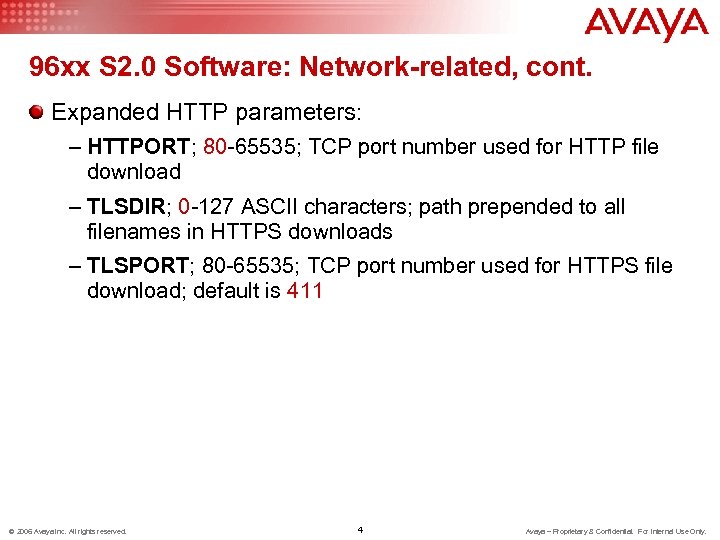 96 xx S 2. 0 Software: Network-related, cont. Expanded HTTP parameters: – HTTPORT; 80 -65535; TCP port number used for HTTP file download – TLSDIR; 0 -127 ASCII characters; path prepended to all filenames in HTTPS downloads – TLSPORT; 80 -65535; TCP port number used for HTTPS file download; default is 411 © 2006 Avaya Inc. All rights reserved. 4 Avaya – Proprietary & Confidential. For Internal Use Only.
 96 xx S 2. 0 Software: Network-related, cont. Download and use third-party trusted certificates – New administrable values in configuration file: • BRAUTH; Include registration credentials in HTTPS backup/restore transactions, 0 (no) or 1 (yes) • TLSSRVRID; Flag to check if TLS server identity is to be verified against its certificate (for non-Avaya certificates); 0 (no) or 1 (yes) • TRUSTCERTS; 0 -255 ASCII characters, 0 or more filenames or URLs, of trusted certificates to be downloaded (not allowed in DHCP) © 2006 Avaya Inc. All rights reserved. 5 Avaya – Proprietary & Confidential. For Internal Use Only.
 96 xx S 2. 0 Software: Network-related, cont. Increased Push control – New administrable values in configuration file: • PUSHPORT; 80 -65535; TCP listening port used for push server • PUSHCAP; 000 -9999; 3 or 4 digits: – If only 3 digits, telephone assumes 1 st digit is 0. – 1 st digit = Audio transmit push – 2 nd digit = Audio receive push – 3 rd digit = Display (web) push – 4 th digit = Top Line push 0 = Push type disabled 1 = Barge-in push mode only 2 = Normal and barge-in mode allowed Examples: default (2222) allows all pushes in all modes. 0000 means all Push is disabled © 2006 Avaya Inc. All rights reserved. 6 Avaya – Proprietary & Confidential. For Internal Use Only.
 96 xx S 2. 0 Software: Switch-related Guest Login – 3 administrable parameters in configuration file: • GUESTLOGINSTAT; Guest Login permission code, 0 (no) or 1 (yes) • GUESTDURATION; Default Guest Login duration 1 -12 hours; default is 2 hours. • GUESTWARNING; Guest Login warning interval; 1 -5 minutes; default is 5 minutes – Normal registration can show "Guest Login" displayed in "A" menu, if invoked, user gets standard Login screen plus administrable Duration. – User has normal registration, gets warning of upcoming forced logout, and is logged out if not on a call when Duration expires. Phone then returns to original registration © 2006 Avaya Inc. All rights reserved. 7 Avaya – Proprietary & Confidential. For Internal Use Only.
 96 xx S 2. 0 Software: Switch-related, cont. QKLOGINSTAT – Same as 46 xx; allow use of "#" to expedite re-logging in? 0 (no) or 1 (yes) © 2006 Avaya Inc. All rights reserved. 8 Avaya – Proprietary & Confidential. For Internal Use Only.
 96 xx S 2. 0 Software: UI-related With impact on admin/servicing Local Procedure for adjusting CONTrast – Listed under Craft menu as CONT – Allows same Contrast adjustment procedure as user option – 9640 (color set) allows adjustment only of SBM 24 s Expanded Audio Customization parameter – AUDIOENV expanded from 0 -107 to 0 -299 (see Admin Guide for details) © 2006 Avaya Inc. All rights reserved. 9 Avaya – Proprietary & Confidential. For Internal Use Only.
 96 xx S 2. 0 Software: UI-related, cont. With impact on admin/servicing Customizable Screen savers – File named in SCREENSAVER in 46 xxsettings file – Displayed after idle timer reaches value of SCREENSAVERON (not new) assuming valid file – Must be *jpeg format (not *jpeg 2000); at most 32 KB, height and width must not exceed display limits (Hx. W) • 9610: 160 x 160 • 9620: 160 x 320 • 9630/9640/9650: 240 x 320 – Can use color on non-9640, or grayscale on 9640 – If smaller than limits, will move around © 2006 Avaya Inc. All rights reserved. 10 Avaya – Proprietary & Confidential. For Internal Use Only.
 96 xx S 2. 0 Software: UI-related, cont. With impact on admin/servicing Switch-based features on softkeys (SKs) – Settings file parameters are lists of feature codes (e. g. SAC = 35) specified in S 2. 0 Admin Guide – Feature labels displayed on SKs from left to right depending on call state – Emergency SK bumps feature button to the right – Redial can also be administered or replaced – Certain SK labels are fixed (depends on call state) – Example: without IDLEFEATURES, user sees SKs: Redial Send All Emerg. {blank} if PHNEMERGNUM non-null IDLEFEATURES = "35, 26, 1000", user sees: Send All Directory Emerg. Redial © 2006 Avaya Inc. All rights reserved. 11 Avaya – Proprietary & Confidential. For Internal Use Only.
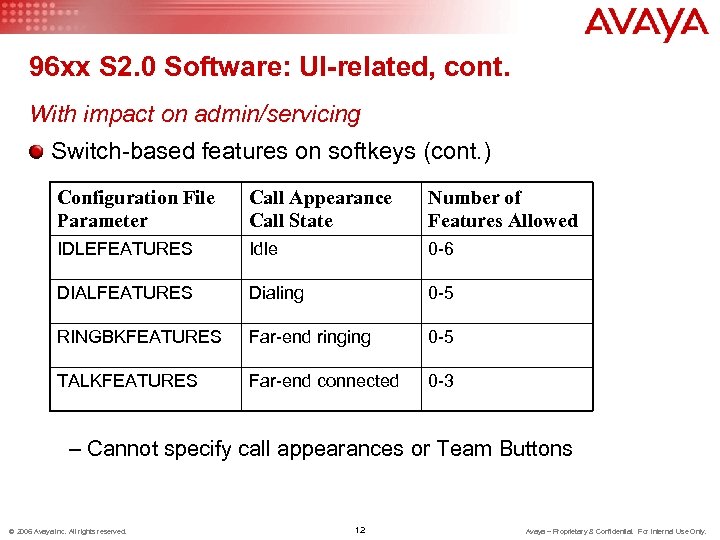 96 xx S 2. 0 Software: UI-related, cont. With impact on admin/servicing Switch-based features on softkeys (cont. ) Configuration File Parameter Call Appearance Call State Number of Features Allowed IDLEFEATURES Idle 0 -6 DIALFEATURES Dialing 0 -5 RINGBKFEATURES Far-end ringing 0 -5 TALKFEATURES Far-end connected 0 -3 – Cannot specify call appearances or Team Buttons © 2006 Avaya Inc. All rights reserved. 12 Avaya – Proprietary & Confidential. For Internal Use Only.
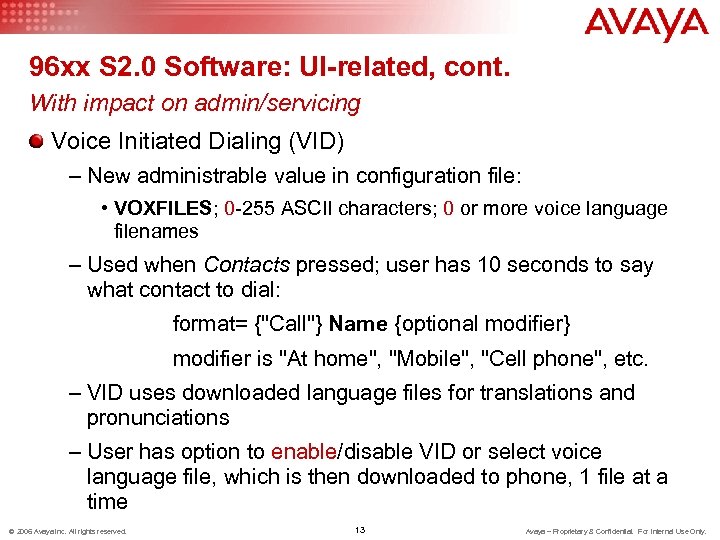 96 xx S 2. 0 Software: UI-related, cont. With impact on admin/servicing Voice Initiated Dialing (VID) – New administrable value in configuration file: • VOXFILES; 0 -255 ASCII characters; 0 or more voice language filenames – Used when Contacts pressed; user has 10 seconds to say what contact to dial: format= {"Call"} Name {optional modifier} modifier is "At home", "Mobile", "Cell phone", etc. – VID uses downloaded language files for translations and pronunciations – User has option to enable/disable VID or select voice language file, which is then downloaded to phone, 1 file at a time © 2006 Avaya Inc. All rights reserved. 13 Avaya – Proprietary & Confidential. For Internal Use Only.
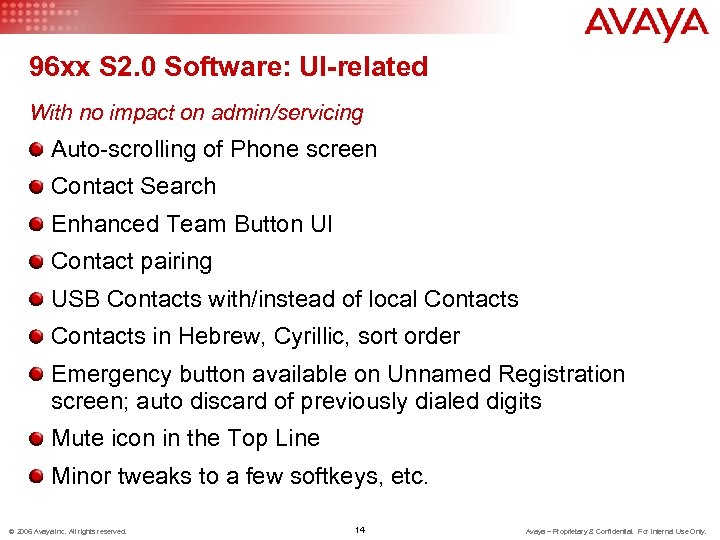 96 xx S 2. 0 Software: UI-related With no impact on admin/servicing Auto-scrolling of Phone screen Contact Search Enhanced Team Button UI Contact pairing USB Contacts with/instead of local Contacts in Hebrew, Cyrillic, sort order Emergency button available on Unnamed Registration screen; auto discard of previously dialed digits Mute icon in the Top Line Minor tweaks to a few softkeys, etc. © 2006 Avaya Inc. All rights reserved. 14 Avaya – Proprietary & Confidential. For Internal Use Only.
 96 xx S 2. 0 Admin/Support Considerations CM Admin: No change File server Admin – New configuration file parameters – Load voice language file(s) from Support site to file server if desired Phone Procedures – Reset phone to obtain new software/settings/etc. © 2006 Avaya Inc. All rights reserved. 15 Avaya – Proprietary & Confidential. For Internal Use Only.
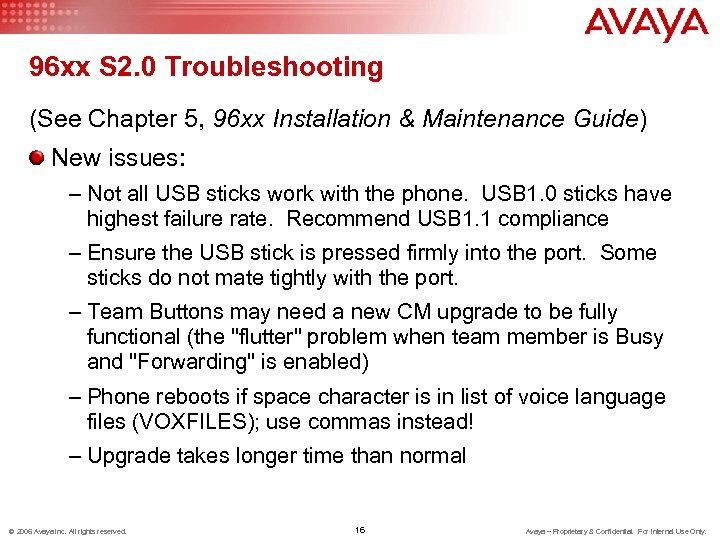 96 xx S 2. 0 Troubleshooting (See Chapter 5, 96 xx Installation & Maintenance Guide) New issues: – Not all USB sticks work with the phone. USB 1. 0 sticks have highest failure rate. Recommend USB 1. 1 compliance – Ensure the USB stick is pressed firmly into the port. Some sticks do not mate tightly with the port. – Team Buttons may need a new CM upgrade to be fully functional (the "flutter" problem when team member is Busy and "Forwarding" is enabled) – Phone reboots if space character is in list of voice language files (VOXFILES); use commas instead! – Upgrade takes longer time than normal © 2006 Avaya Inc. All rights reserved. 16 Avaya – Proprietary & Confidential. For Internal Use Only.
 96 xx S 2. 0 Troubleshooting, cont. (See Chapter 5, 96 xx Installation & Maintenance Guide) VIEW and Network Information screens add: – Supplicant value – Pass-thru value – Bluetooth adapter software version (if applicable) – Voice Language file currently in use MEMHEAPFREE in MIB reports bytes of VM in Heap GKTCPPORT in MIB reports 0 if phone not registered, else TCP port number for signaling connection WMLSMALL in MIB reports 9610 browser home page © 2006 Avaya Inc. All rights reserved. 17 Avaya – Proprietary & Confidential. For Internal Use Only.
 96 xx S 2. 0 Troubleshooting, continued… MIB changes include new objects (endpt…): – Audio environment: AUDIOENV, AUDIOSTHD, AUDIOSTHS – Security: BRAUTH, TLSDIR, TLSPORT, TLSSRVRID, TRUSTCERTS, NVTRUSTLIST – DHCP: DHCPINUSE, DHCPLEASEEXP, DHCPSTD, DHCPT 1 REM, DHCPT 2 REM, SSONCONTENT – 802. 1 X: DOT 1 XSTAT – Applications: GUESTDURATION, GUESTLOGINSTAT, GUESTWARNING, PUSHCAP, PUSHPORT, QKLOGINSTAT, SCREENSAVER, WMLSMALL, VOXFILES, NVVOXFILES – Misc: HTTPPORT, MEMHEAPFREE, GKTCPPORT © 2006 Avaya Inc. All rights reserved. 18 Avaya – Proprietary & Confidential. For Internal Use Only.
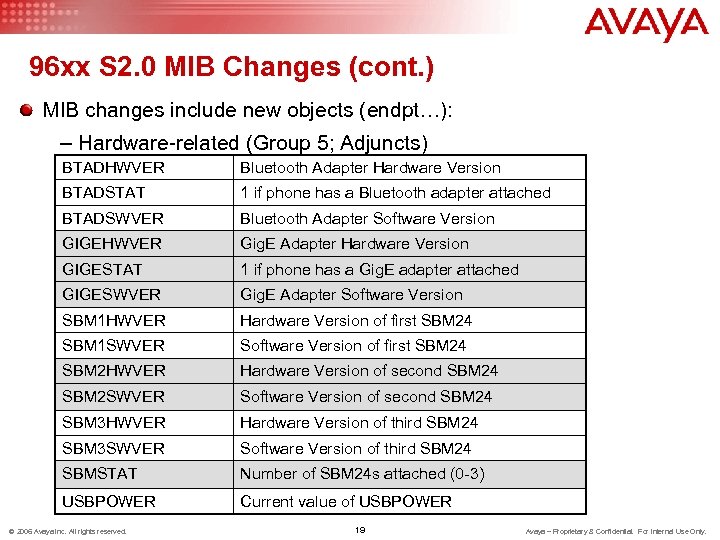 96 xx S 2. 0 MIB Changes (cont. ) MIB changes include new objects (endpt…): – Hardware-related (Group 5; Adjuncts) BTADHWVER Bluetooth Adapter Hardware Version BTADSTAT 1 if phone has a Bluetooth adapter attached BTADSWVER Bluetooth Adapter Software Version GIGEHWVER Gig. E Adapter Hardware Version GIGESTAT 1 if phone has a Gig. E adapter attached GIGESWVER Gig. E Adapter Software Version SBM 1 HWVER Hardware Version of first SBM 24 SBM 1 SWVER Software Version of first SBM 24 SBM 2 HWVER Hardware Version of second SBM 24 SBM 2 SWVER Software Version of second SBM 24 SBM 3 HWVER Hardware Version of third SBM 24 SBM 3 SWVER Software Version of third SBM 24 SBMSTAT Number of SBM 24 s attached (0 -3) USBPOWER Current value of USBPOWER © 2006 Avaya Inc. All rights reserved. 19 Avaya – Proprietary & Confidential. For Internal Use Only.
 References and Resources Administration – S 2. 0 96 xx Series Installation and Maintenance Guide – S 2. 0 96 xx Series Administration Guide S 2. 0 User Guide and Quick Reference Card for each of: • 4 telephones: 9620/30/40/50 (9610 not changed) Wall mount/Stand/Safety Instructions MIB, application software (including language files), language localization tool, boot code All available on avaya. com/support © 2006 Avaya Inc. All rights reserved. 20 Avaya – Proprietary & Confidential. For Internal Use Only.