Скачать презентацию On-Line Service Voucher Log SVL Overview To
1898a5616fc99d2d0972cf35ef398fc2.ppt
- Количество слайдов: 31
 On-Line Service Voucher Log (SVL) Overview
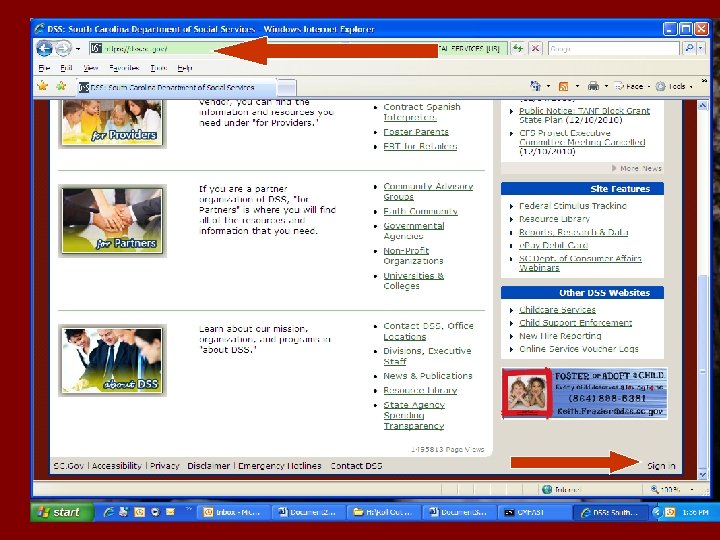
 To Be On-line You Must… • Be an Enrolled ABC Child Care Provider • Have internet access • Have Web Browser Internet Explorer version 6. 0 or above • Call the ABC Child Care Program to be changed from paper to On-line SVL (24 hour wait) • Visit the DSS website (dss. sc. gov)
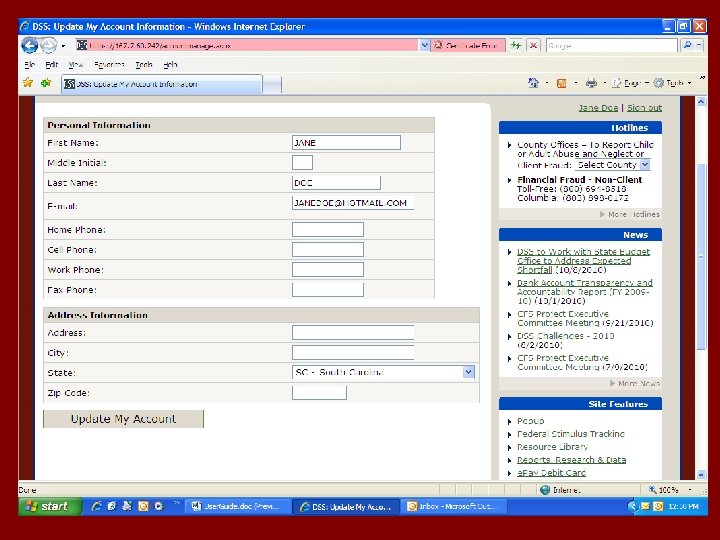
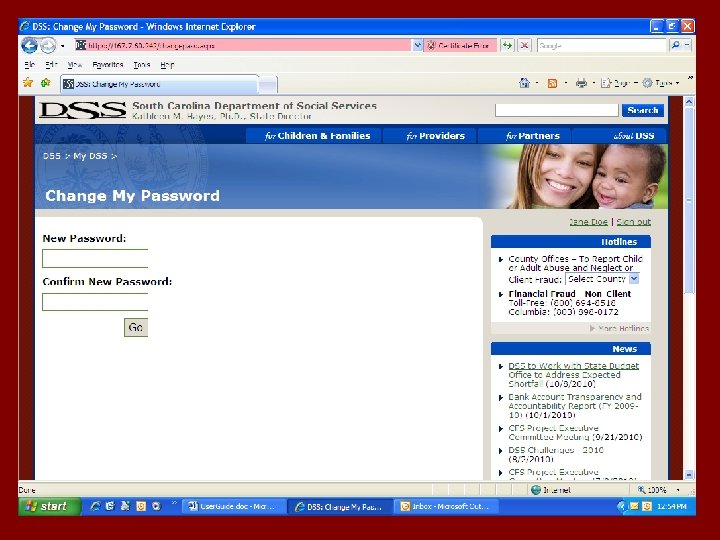
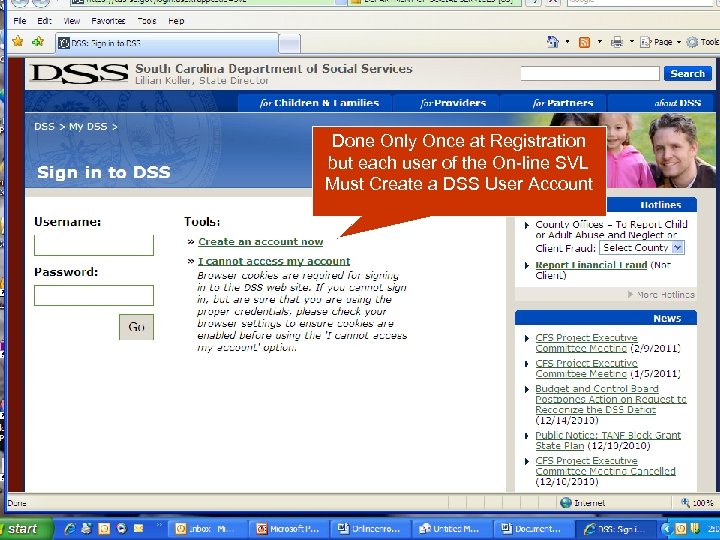 Done Only Once at Registration but each user of the On-line SVL Must Create a DSS User Account
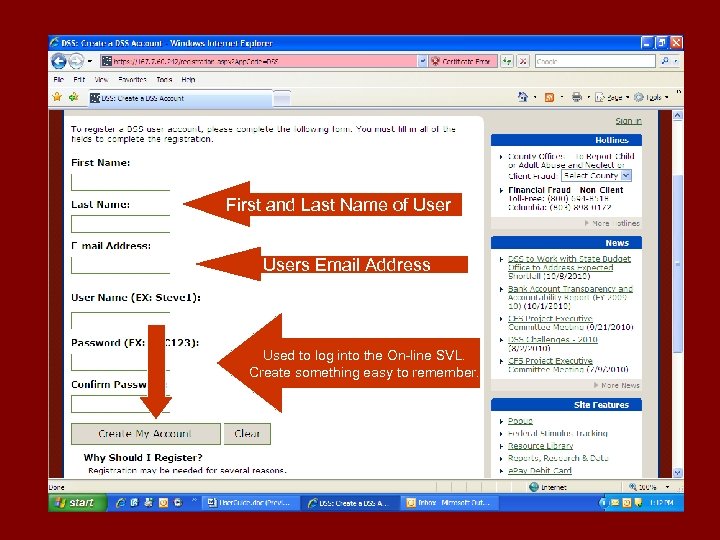 First and Last Name of User y Users Email Address Used to log into the On-line SVL. Create something easy to remember.
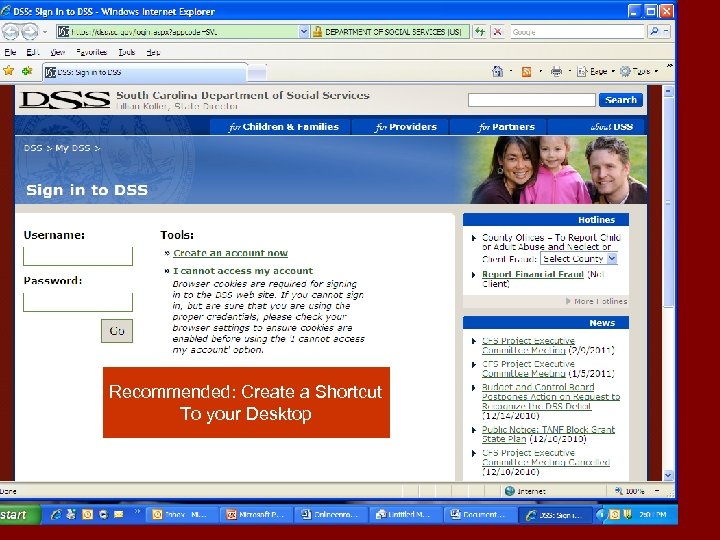 Recommended: Create a Shortcut To your Desktop
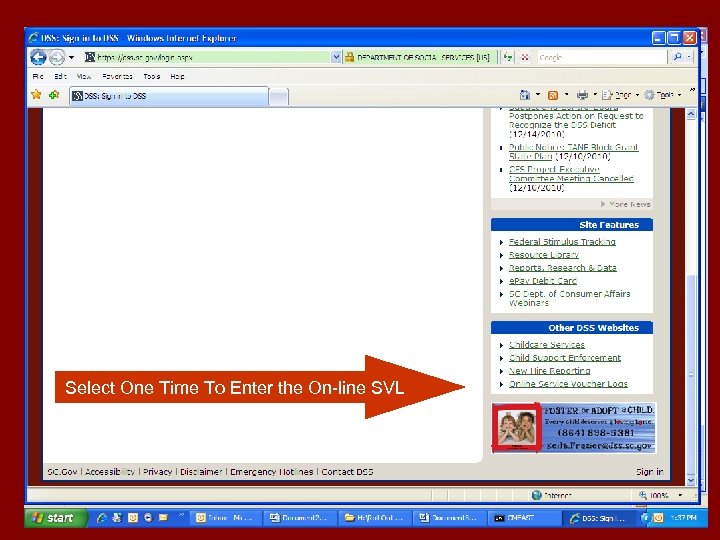 Select One Time To Enter the On-line SVL
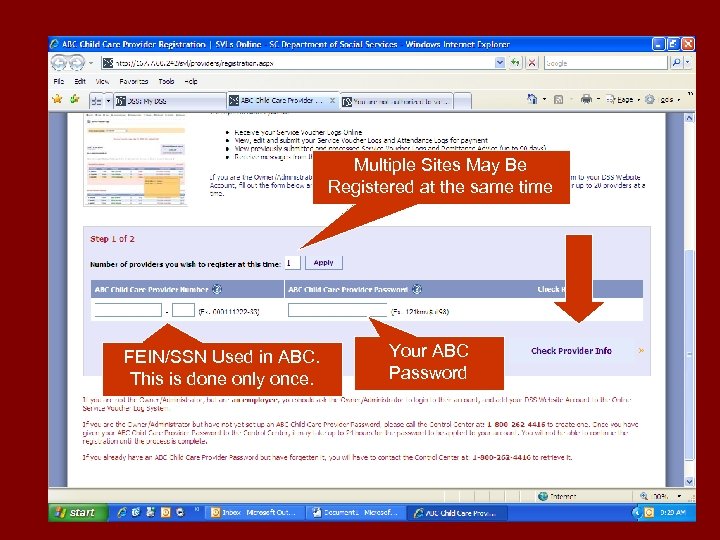 Multiple Sites May Be Registered at the same time FEIN/SSN Used in ABC. This is done only once. Your ABC Password
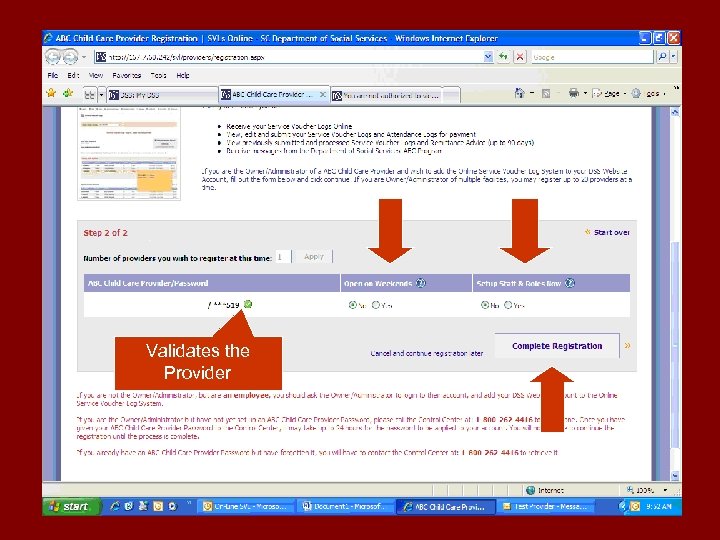 3 Validates the Provider
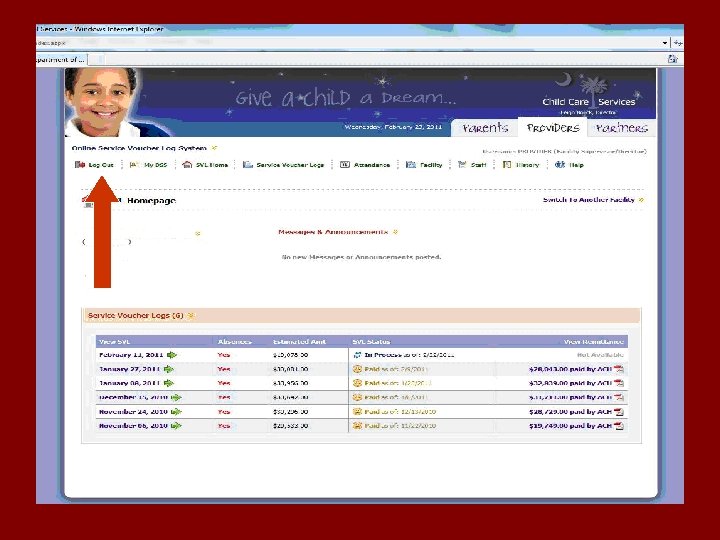
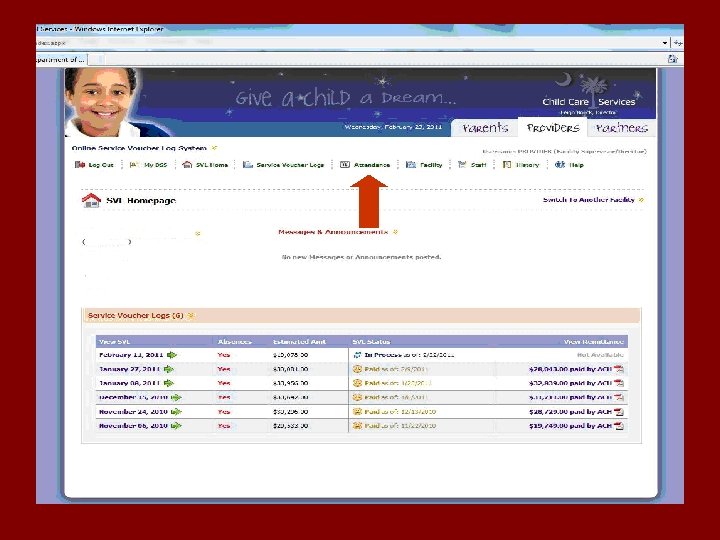
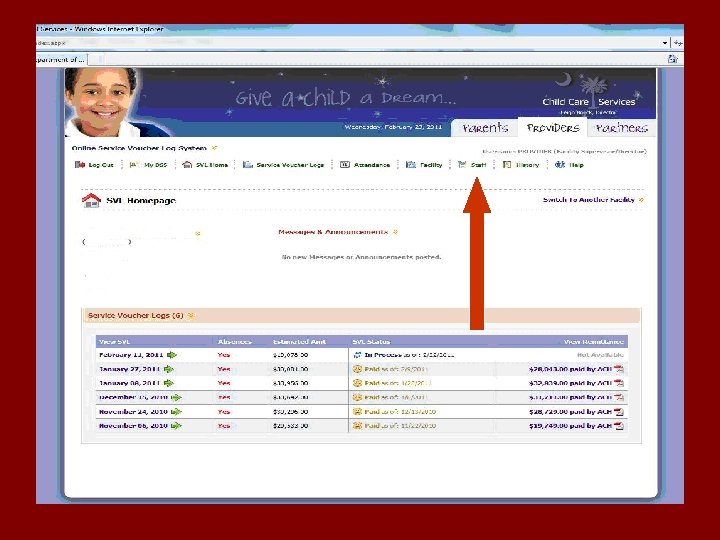
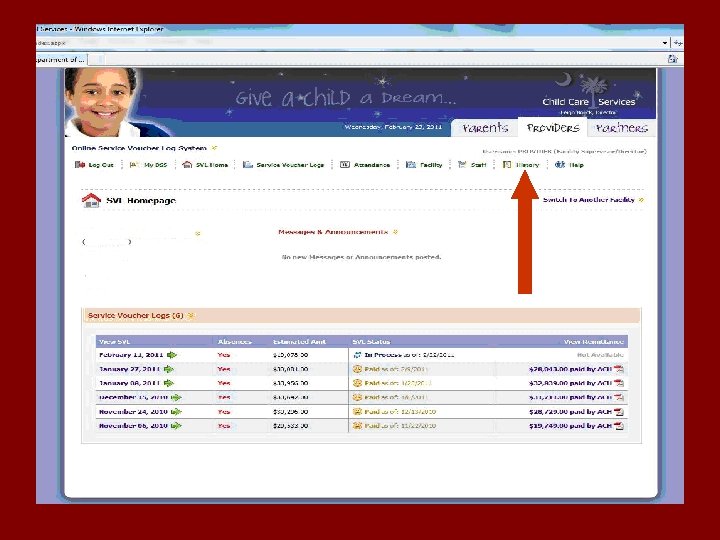
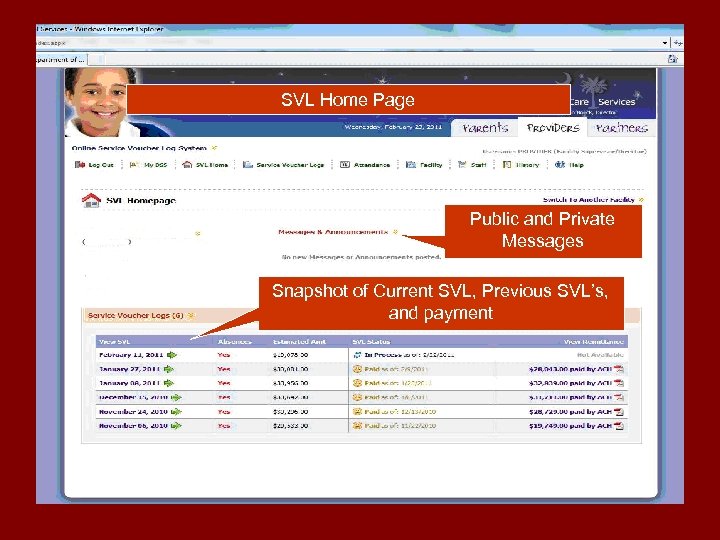 SVL Home Page Public and Private Messages Snapshot of Current SVL, Previous SVL’s, and payment
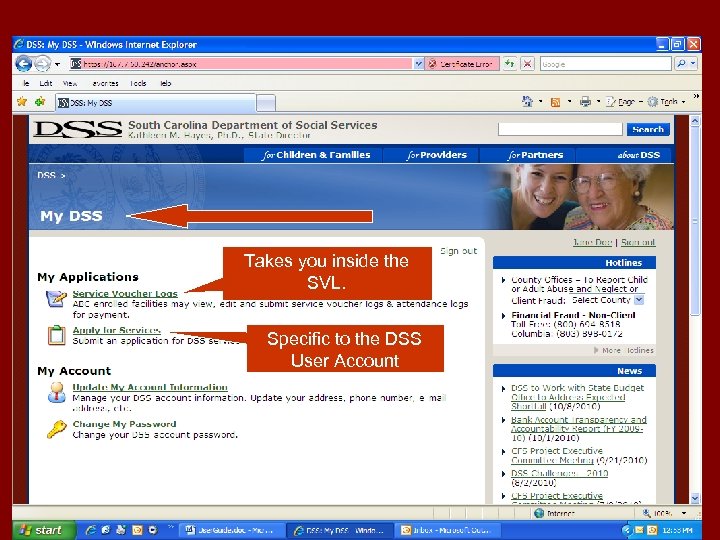 Takes you inside the SVL. Specific to the DSS User Account
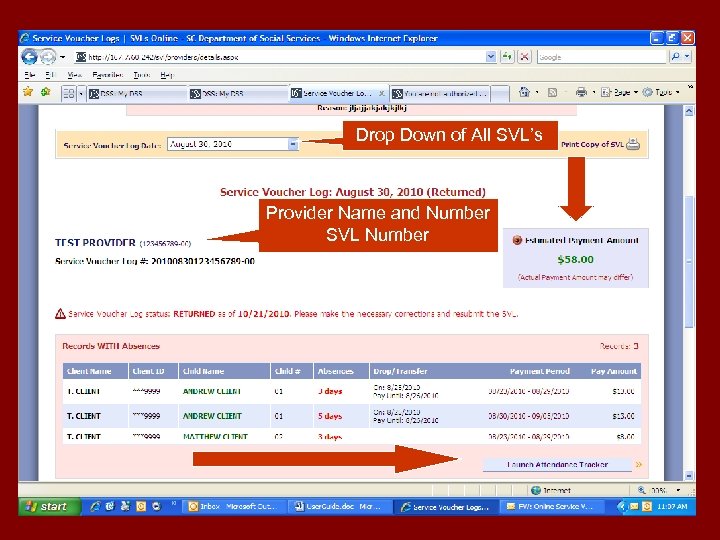 Drop Down of All SVL’s Provider Name and Number SVL Number
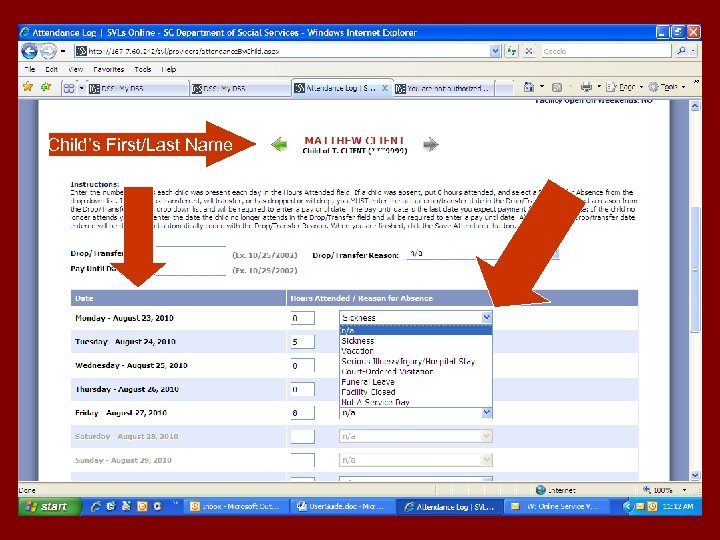 Child’s First/Last Name
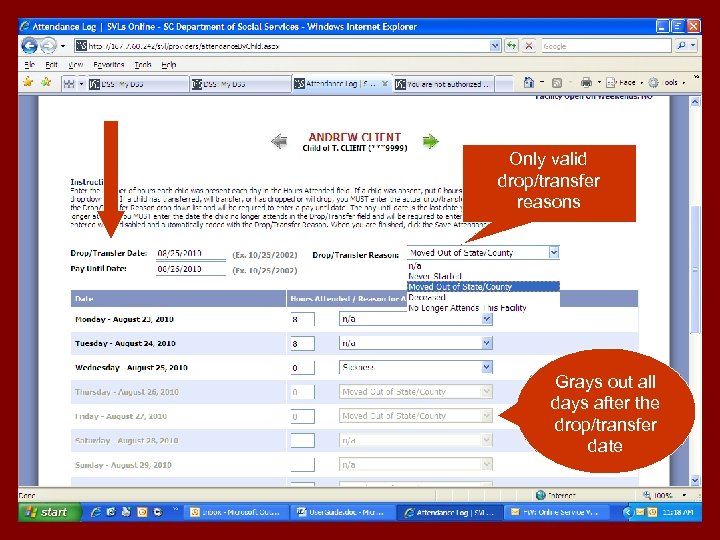 Only valid drop/transfer reasons Grays out all days after the drop/transfer date
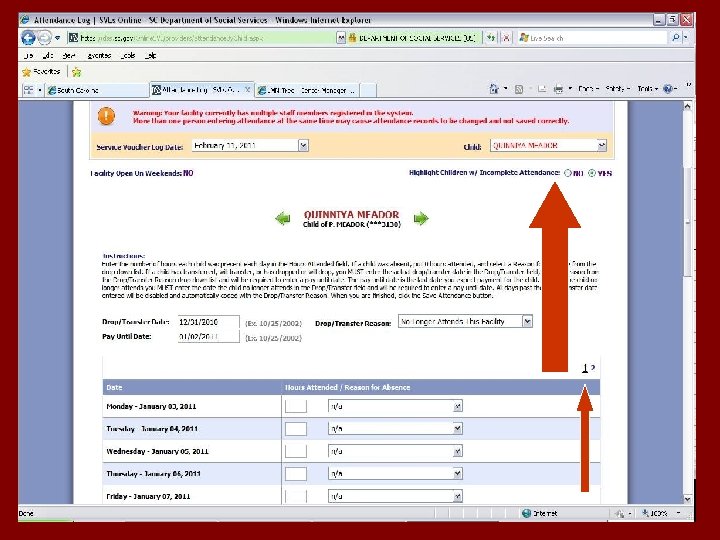
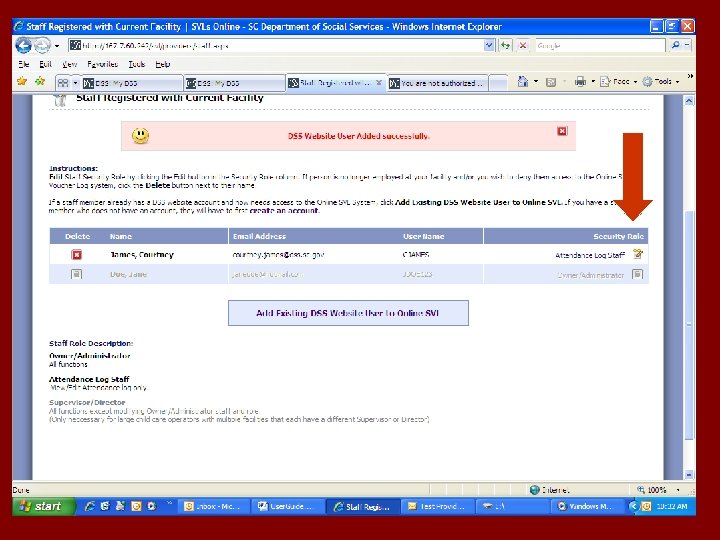
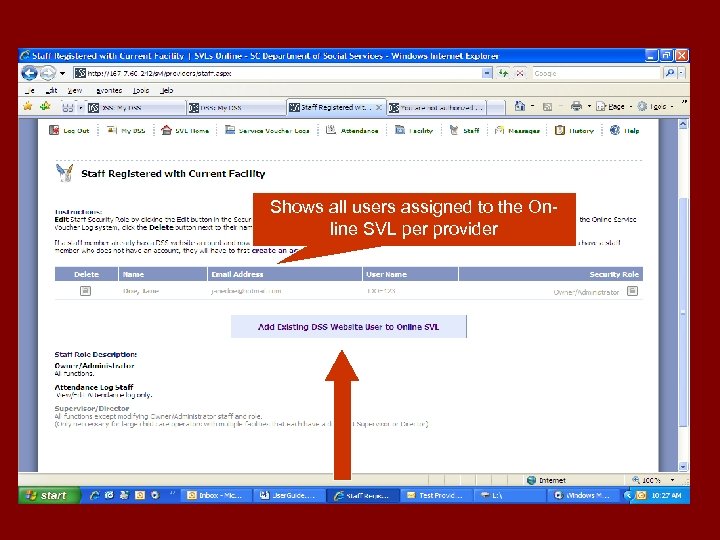 Shows all users assigned to the Online SVL per provider
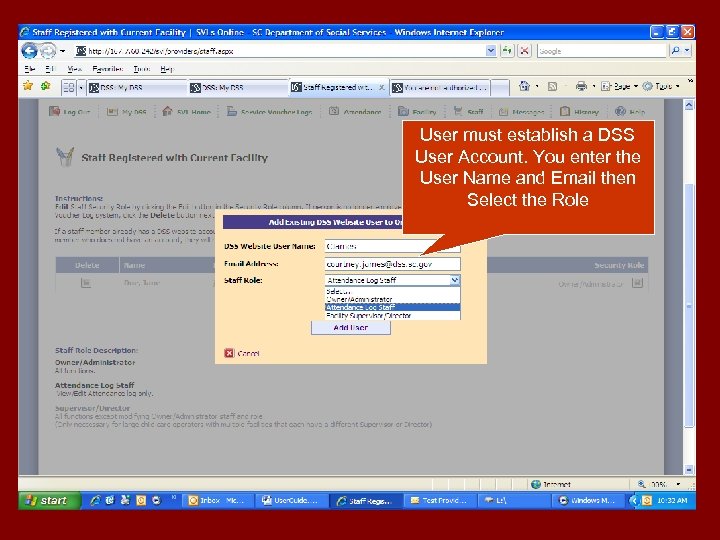 User must establish a DSS User Account. You enter the User Name and Email then Select the Role
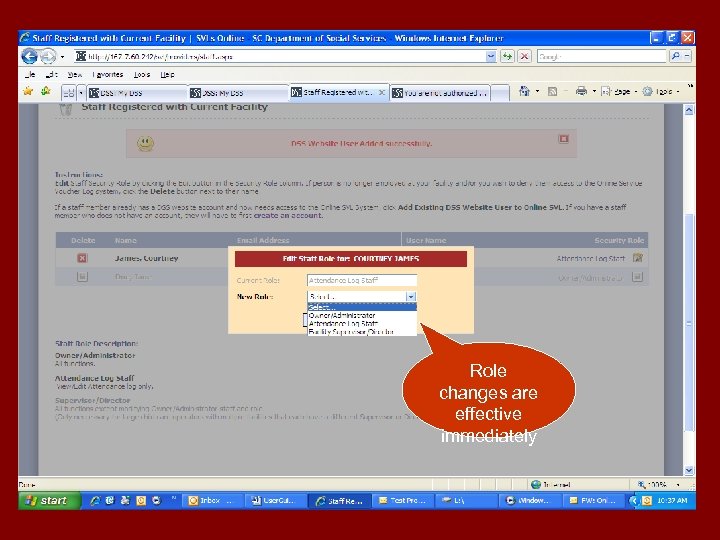 Role changes are effective immediately
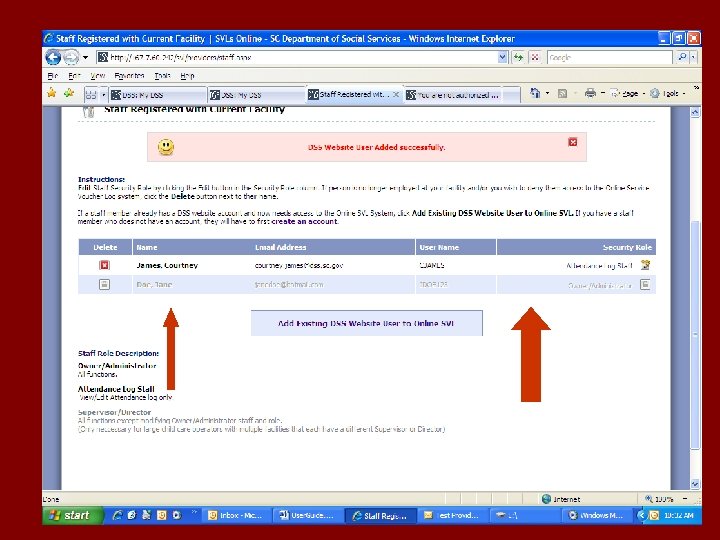
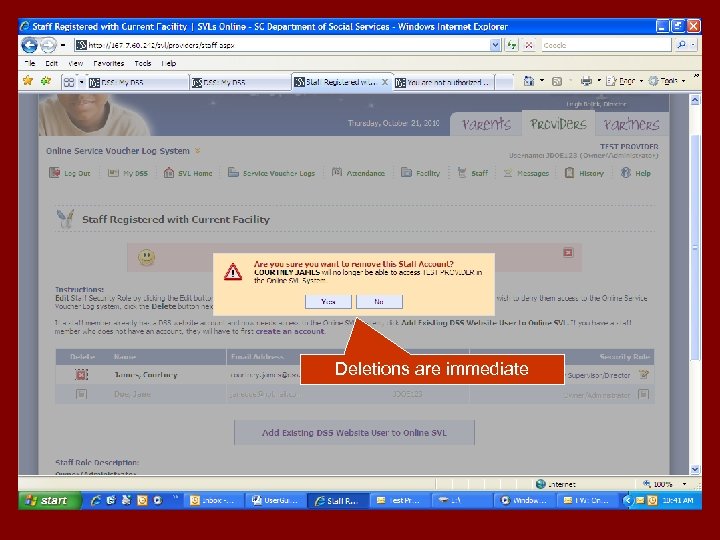 Deletions are immediate
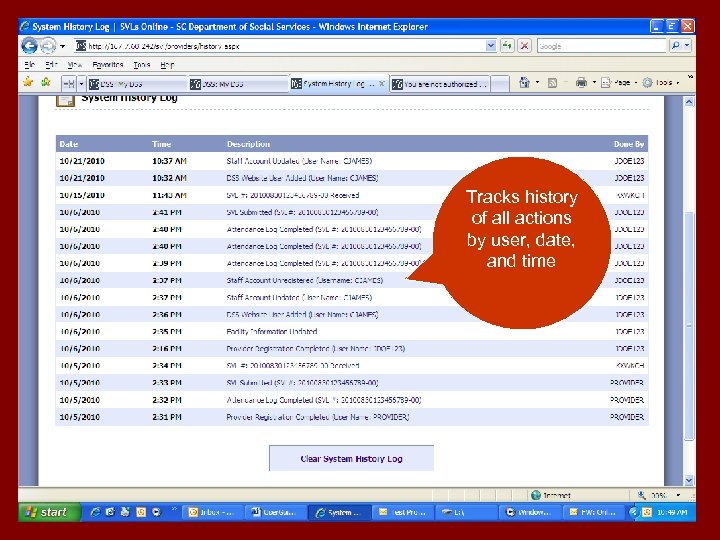 y Tracks history of all actions by user, date, and time