Скачать презентацию Northwood — Kensett Community School District 1
6dc10436be9321bab2cdd1943db051b9.ppt
- Количество слайдов: 39

 Northwood - Kensett Community School District 1: 1 Mac. Book Rollout School Year 2010 -2011
 A quick look at the Mac. Book Specifications and features
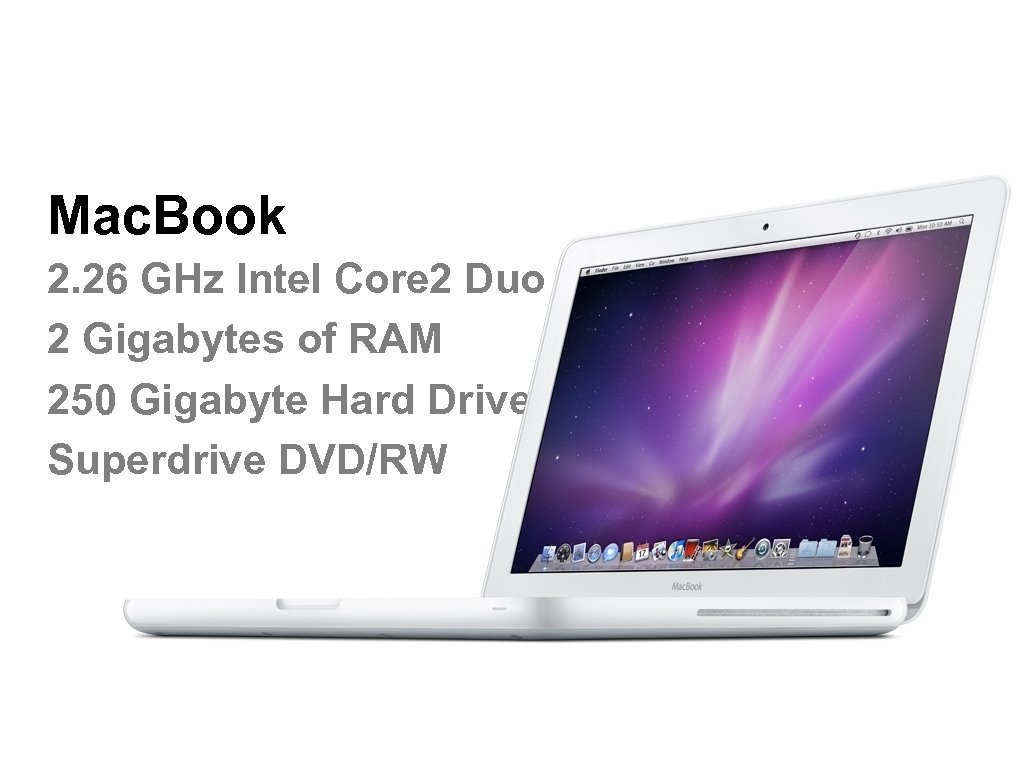 Mac. Book 2. 26 GHz Intel Core 2 Duo 2 Gigabytes of RAM 250 Gigabyte Hard Drive Superdrive DVD/RW
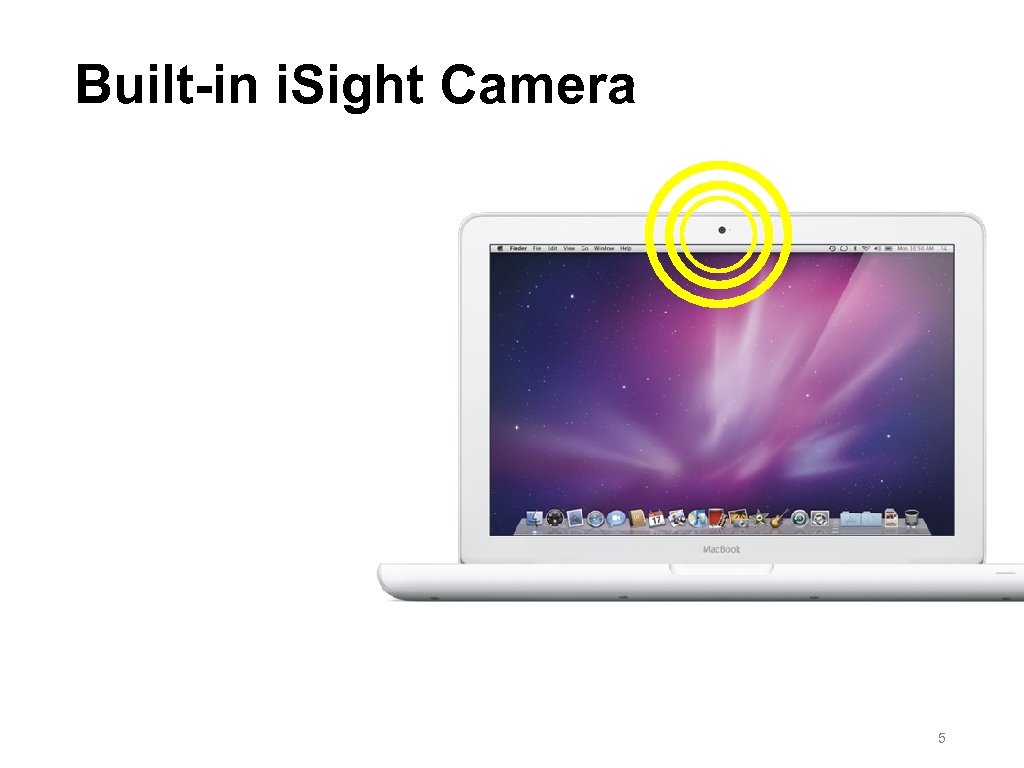 Built-in i. Sight Camera 5
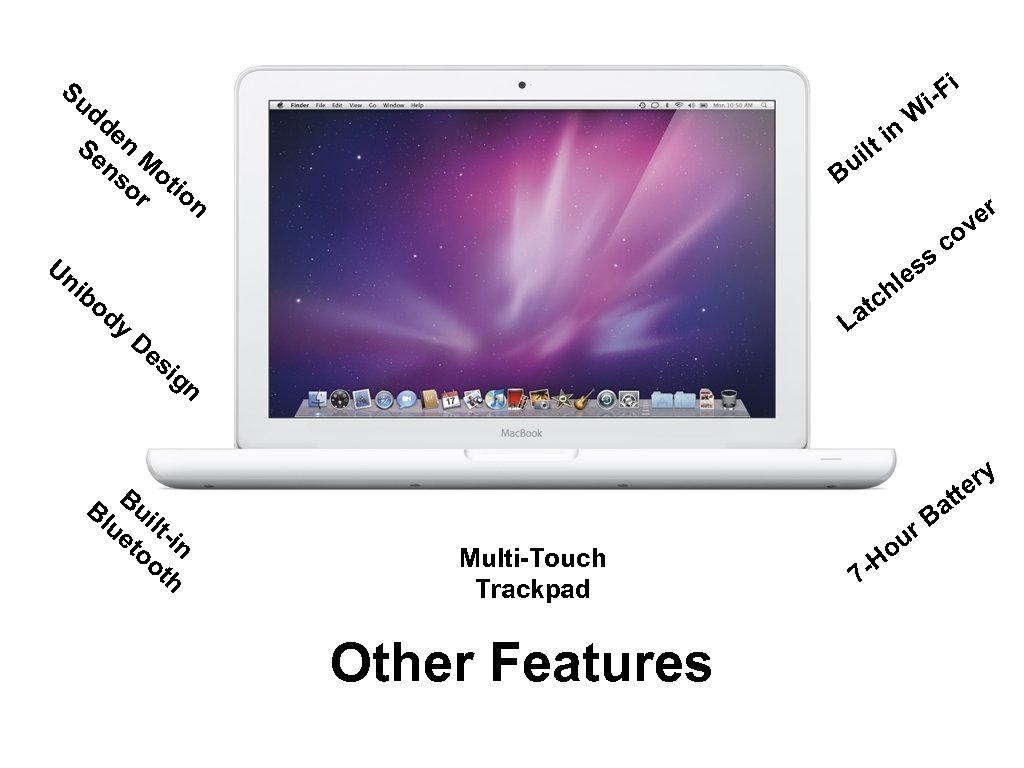 Fi i- Su dd e Se n M ns o or tio n Un il u B ss e er ov c hl c ib od y W in t at L De si gn Bl Bui ue ltto in ot h ry e Multi-Touch Trackpad Other Features 7 - r. B ou H tt a
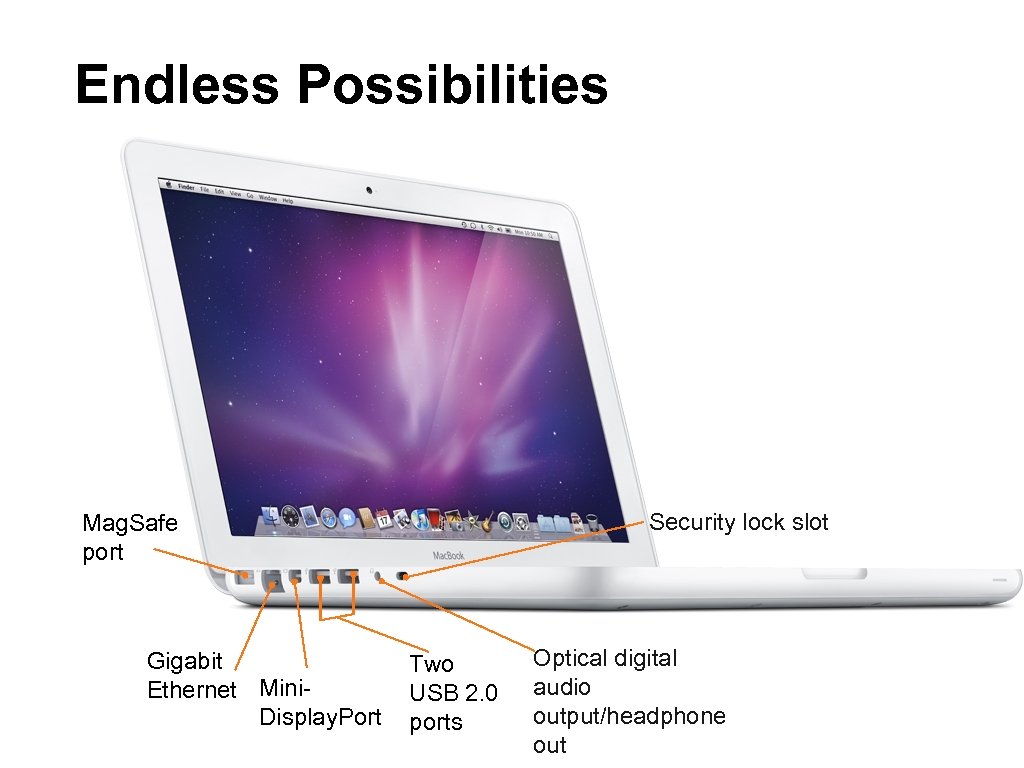 Endless Possibilities Security lock slot Mag. Safe port Gigabit Ethernet Mini. Display. Port Two USB 2. 0 ports Optical digital audio output/headphone out
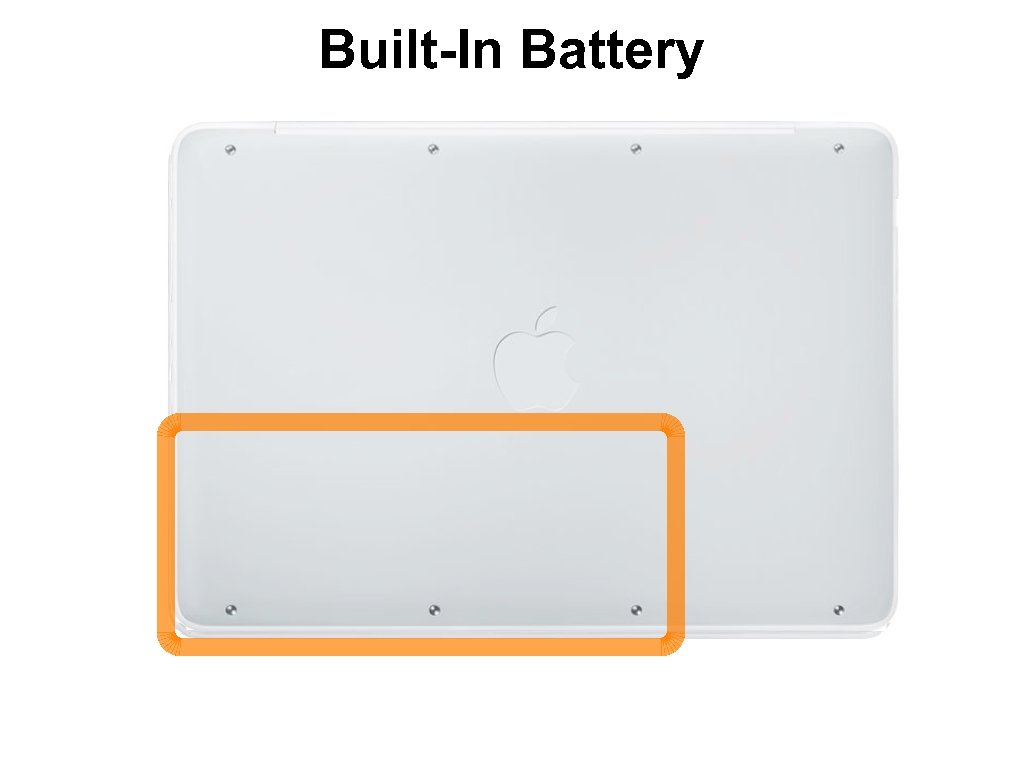 Built-In Battery
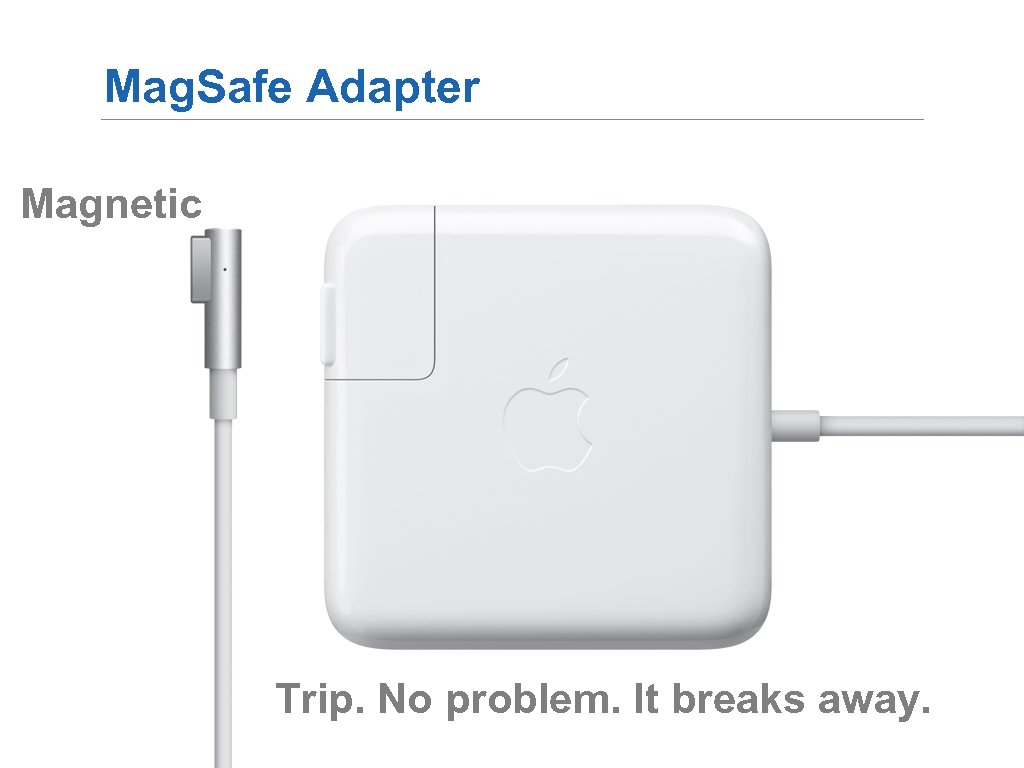 Mag. Safe Adapter Magnetic Trip. No problem. It breaks away.
 Notebook Usage Agreement
 Notebook Usage Agreement ■ The Mac. Book is the property of Northwood - Kensett Schools ■ Usage is a privilege ■ It is intended for educational use ■ Supports the learning environment
 Notebook Policies ■ Bring your charged Macbook to school every day ■ Use for education purposes during the school day ■ Treat the Mac. Book with care and caution ■ Don’t share it ■ Keep it in the bag when not in use
 Notebook Policies ■ Do not deface the Mac. Book or the bag ■ Student code of conduct applies in the digital world ■ Mac. Book is subject to inspection at any time
 Notebook Policies (Parents) ■ Monitor students at home ■ Follow the guidelines in Board Policy 605. 6 (Computer and Internet Appropriate Use)
 Music, Videos & Pictures ■ You may not use district networks or storage to back up personal pictures, music, video or other files ■ It is your data, you are responsible for backing it up ■ If a computer is serviced, you may lose all data
 Back up your data ■ It is YOUR responsibility ■ Save all documents to the Documents folder
 Cleaning your Mac. Book ■ Use ONLY microfiber cloths to clean screens ■ Do not use solvents or any household cleaners anywhere on the computer ■ Take the computer to Mr. Welch to clean your computer ■ For more information, go to: http: //www. apple. com/support/macbook/care/
 Theft Protection ■ Keep your Mac. Book under your control at all times ■ Don’t leave it in a car or on top of your locker ■ If it is in your locker, the locker must be locked ■ You could be liable for loss
 For the parents, grandparents, guardians, siblings and everyone at home. . . a short guide to bringing your Mac. Book into the family
 Cyber Safety ■ Be careful about what you share ■ Once something is posted, it is permanently available to the world ■ Safeguard your passwords ■ Use a strong password ■ Beware of strangers
 Internet safety tips ■ Safeguard your identity ■ Never share your vital numbers ■ Establish “house rules” with your student
 Web Site Resources ■ http: //netsmartz. org ■ http: //www. netsmartz 411. org/ ■ http: //iaicac. org ■ http: //cybersmart. org/ ■ http: //www. getnetwise. org/
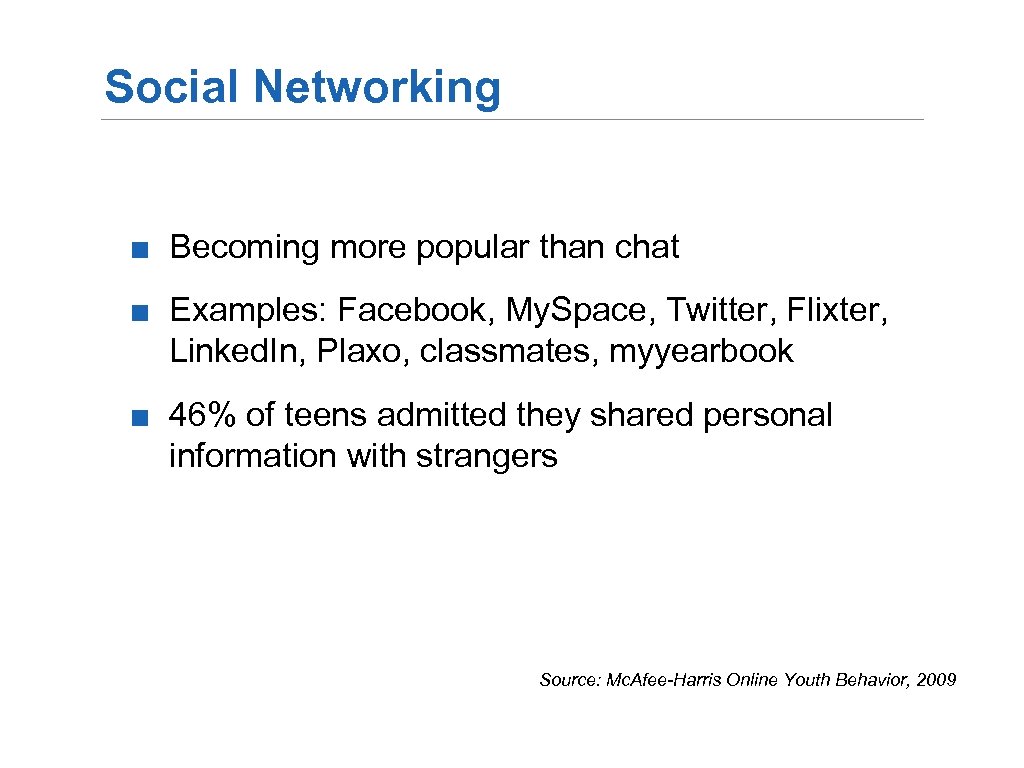 Social Networking ■ Becoming more popular than chat ■ Examples: Facebook, My. Space, Twitter, Flixter, Linked. In, Plaxo, classmates, myyearbook ■ 46% of teens admitted they shared personal information with strangers Source: Mc. Afee-Harris Online Youth Behavior, 2009
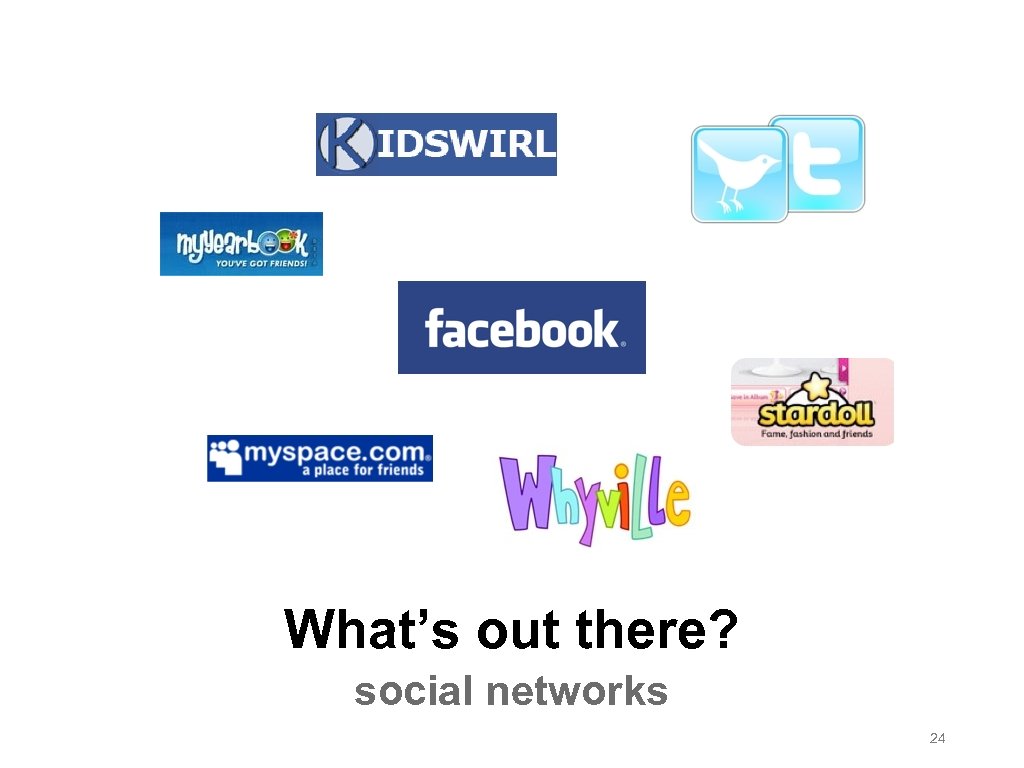 What’s out there? social networks 24
 Social Networking ■ Explosive growth ■ Facebook has over 500 million users ■ Minimum age is 13 ■ Average user has 130 “friends” ■ People spend over 500 billion minutes on Facebook per month
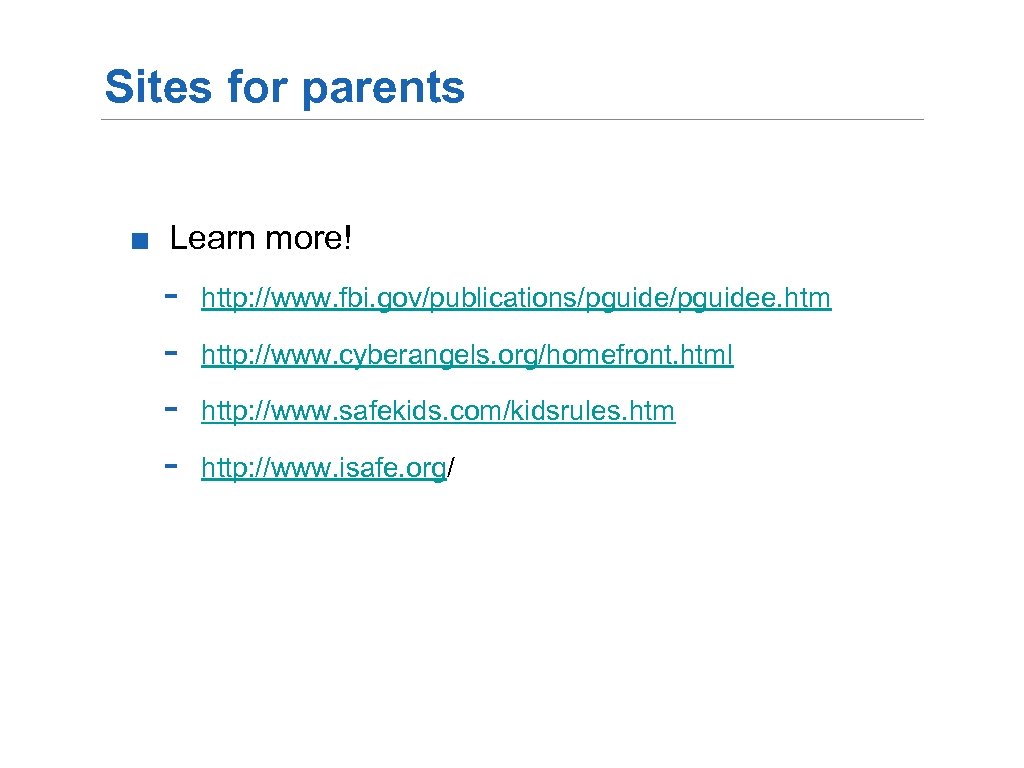 Sites for parents ■ Learn more! - http: //www. fbi. gov/publications/pguidee. htm http: //www. cyberangels. org/homefront. html http: //www. safekids. com/kidsrules. htm http: //www. isafe. org/
 Caring for your Mac. Book
 Caring for your laptop video
 Produced by. . . Katie Hale Starring Alex Breitsprecher 29
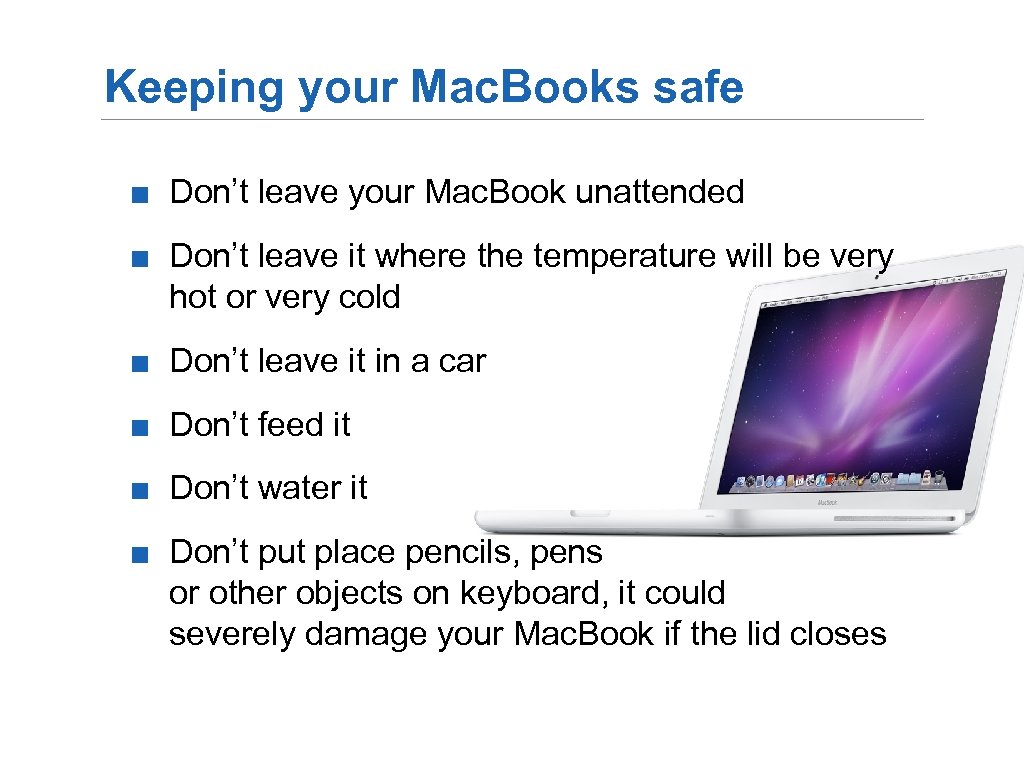 Keeping your Mac. Books safe ■ Don’t leave your Mac. Book unattended ■ Don’t leave it where the temperature will be very hot or very cold ■ Don’t leave it in a car ■ Don’t feed it ■ Don’t water it ■ Don’t put place pencils, pens or other objects on keyboard, it could severely damage your Mac. Book if the lid closes
 Home Usage ■ Mac. Books should be fully charged when students arrive at school ■ Mac. Books should last up to 7 hours ■ Discharge battery at least once a month
 Battery life tips ■ Charge overnight ■ Up to 7 hours of battery life ■ Mobile computing practice - Reduce the number of open applications and features Super. Drive (DVD) uses a lot of energy, use with adapter Dim the screen Use only what you need at a given time Best operates in temperatures between 50° and 95°f
 Home Usage ■ Be safe, the Mac. Book should be used in a “public” place in the home ■ Engage your student, have them show you what was learned ■ Use the Mac. Book for educational purposes
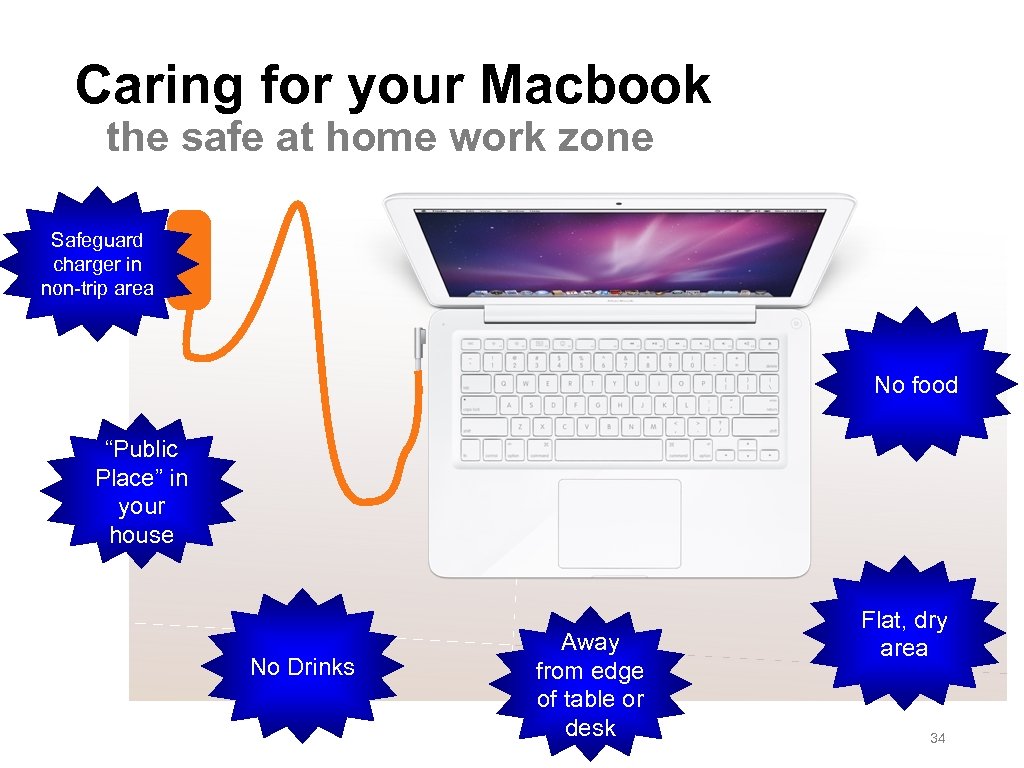 Caring for your Macbook the safe at home work zone Safeguard charger in non-trip area No food “Public Place” in your house No Drinks Away from edge of table or desk Flat, dry area 34
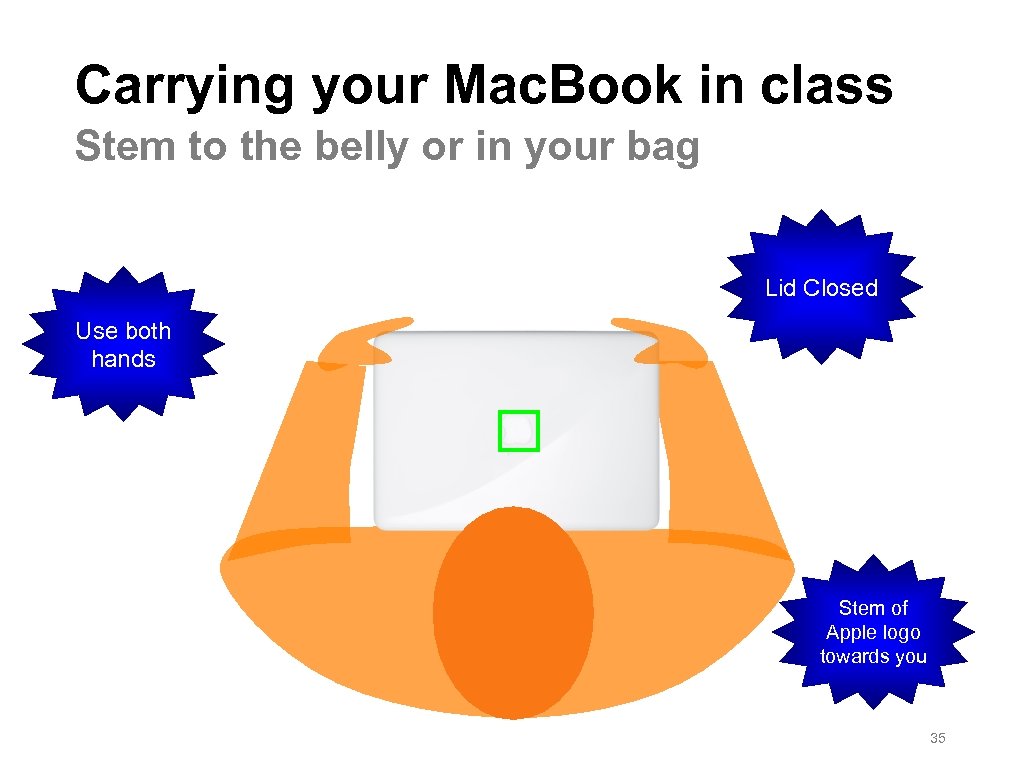 Carrying your Mac. Book in class Stem to the belly or in your bag Lid Closed Use both hands Stem of Apple logo towards you 35
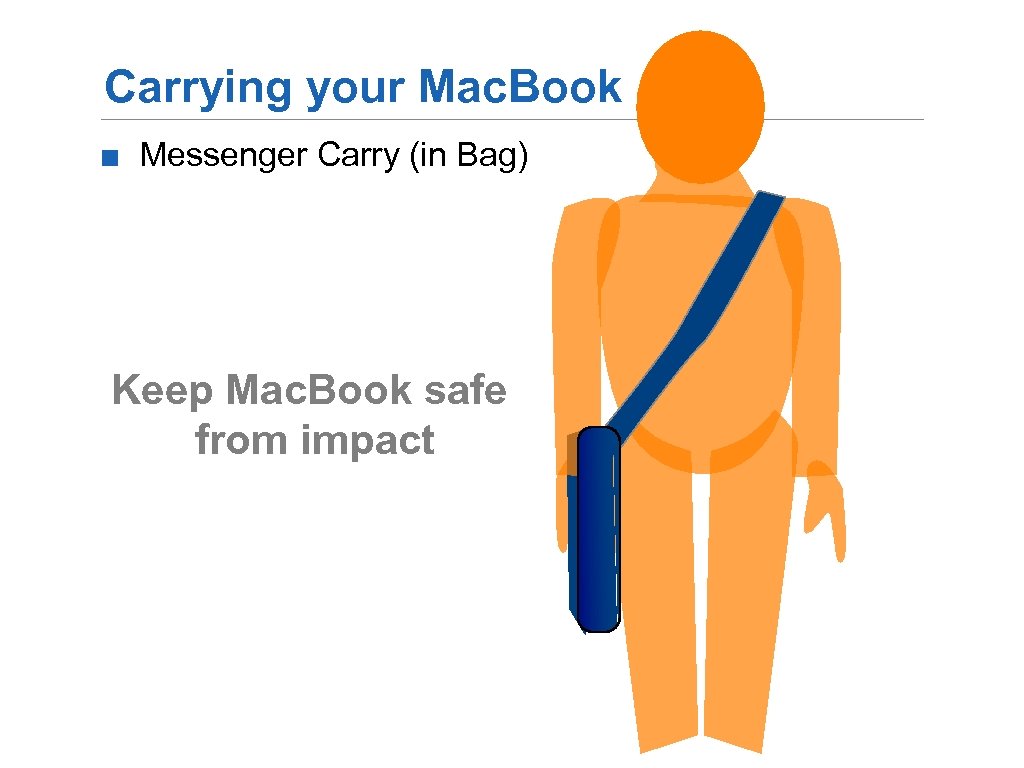 Carrying your Mac. Book ■ Messenger Carry (in Bag) Keep Mac. Book safe from impact
 Laptop Usage Fee and other administrative details. . .
 Thank You!