 Скачать презентацию Non-Patent Literature Searching Part I The Publishing
6dc49d7635e18071d9220a2bd098eece.ppt
- Количество слайдов: 82



Non-Patent Literature Searching: Part I – The Publishing Industry and Known Sources
Overview • • About Non-Patent Literature Copyright: Influences toward free information Digital Availability: Abstracting & Indexing Files Commercial Vendors – Aggregators – Database-platform combos – Publisher web sites • Web Search
About Non-Patent Literature
Why don’t we have access to more non-patent full text?

Copyright
The Publishing Industry • Patents, by their very definition, are laid open to the public • Most sci/tech publications (such as journal articles) are under copyright – and we need to pay for access • Why?
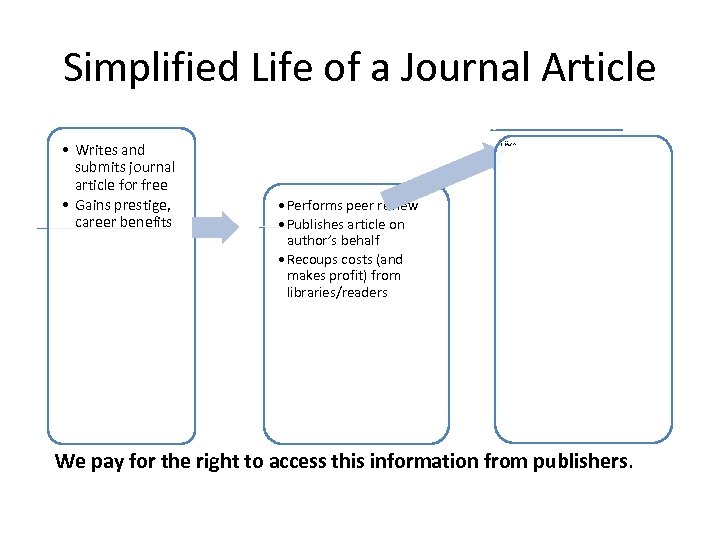
Simplified Life of a Journal Article Libraries/Readers Author • Writes and submits journal article for free • Gains prestige, career benefits • • Journal Publisher Pay for access: Print copies of journals Full text online subscriptions Per-article basis • Performs peer review • Publishes article on author’s behalf • Recoups costs (and makes profit) from libraries/readers We pay for the right to access this information from publishers.
Influences toward Free Information • The internet makes publishing easier: – Open access movement is gaining steam • Open access journals • Institutional repositories – Scholars bypass copyright (by posting PDFs to their own homepages, for example)
Open Access (OA) • Peer-review is a good thing, but it costs $ – Authors pay-to-publish in OA journals (Gold Road) – Authors archive traditionally-published items in Institutional Repositories (Green Road) • You can find existing OA journals in Directory of Open Access Journals (DOAJ): – 4812 journals/1921 are searchable • Find Repositories through Open. DOAR
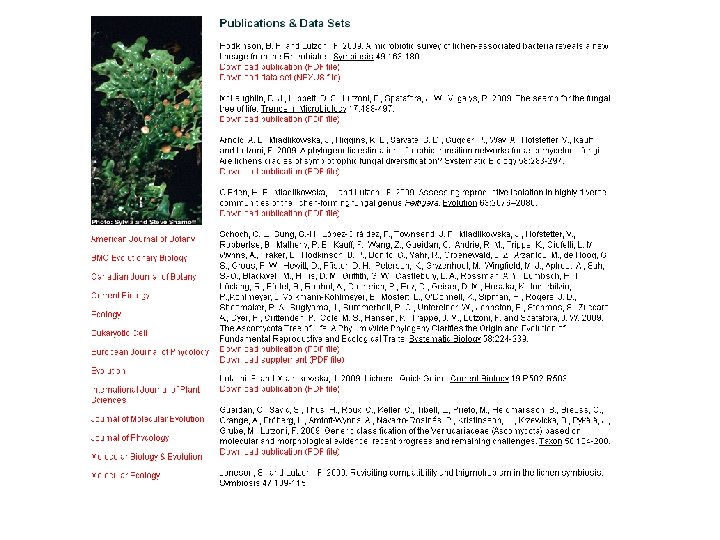
Example Open Access Pilot: Springer Open Choice • 01/2009 - The California Digital Library and Springer signed an agreement • UC-authored articles accepted in most of the 1700 Springer journals will be published using Springer Open Choice • This means full and immediate access for all readers
However - right now, a vast body of very important technical literature is still under copyright
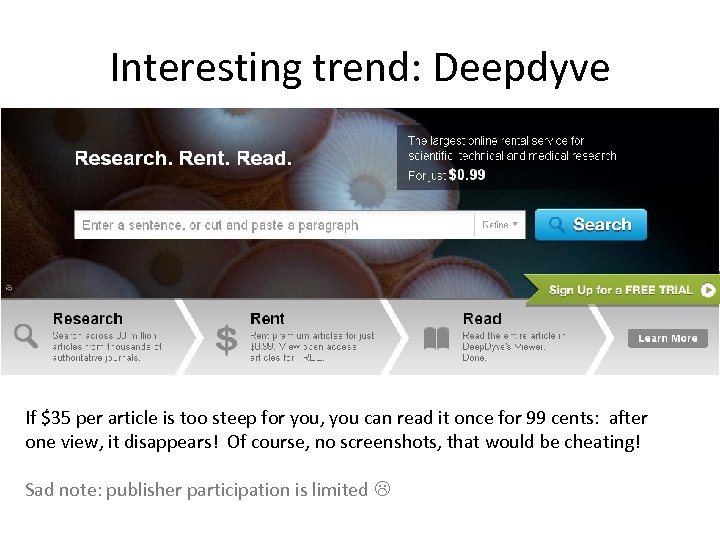
Interesting trend: Deepdyve If $35 per article is too steep for you, you can read it once for 99 cents: after one view, it disappears! Of course, no screenshots, that would be cheating! Sad note: publisher participation is limited
Lack of Digitization Or, “It’s NOT online? ? ? ”
Some scientific and technical information only exists in print. We’re finding this stuff now – how? Answer: Abstracting and Indexing Files
Some History • When computers were first introduced, data storage was expensive. • Online databases were constructed to help users locate print resources in a library. • These contained: – bibliographic information – abstracts – human indexing
Abstracting and Indexing Files • What are some valuable A&I (bibliographic) non-patent files we use today? • If they don’t contain full text, why are they valuable? – Historical – Hand indexed – Hand picked from important sources
Where do these files come from? • Pop quiz: Who produces Inspec? – The Institution of Engineering and Technology (IET) • Who produces Compendex? – Ei, a division of Elsevier • Who produces NTIS? – US Federal Government (Dept of Commerce) • Each of these producers gets to decide what goes in their file (and what does NOT)
Search Platforms vs. Searchable Files • Trick Question: Who produces the Engineering Village file? • Answer: Engineering Village is the name of a software platform, not a data file • Our subscription determines what data files we have access to on Engineering Village.
Problems with A&I files • We can’t search the full text • We can’t read the full text • We can’t know if these items will be valuable to our customers. • Should we still search these files? YES.
Important Data Files You’ve heard of a few of these before…
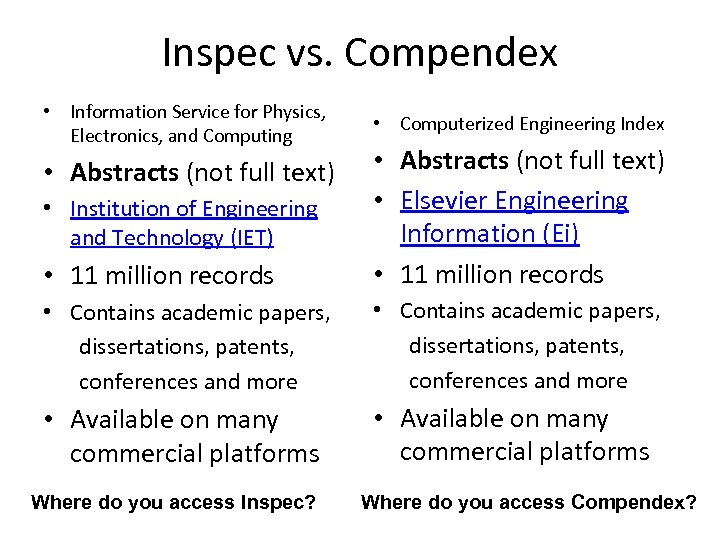
Inspec vs. Compendex • Information Service for Physics, Electronics, and Computing • Computerized Engineering Index • 11 million records • Abstracts (not full text) • Elsevier Engineering Information (Ei) • 11 million records • Contains academic papers, dissertations, patents, conferences and more • Available on many commercial platforms • Abstracts (not full text) • Institution of Engineering and Technology (IET) Where do you access Inspec? Where do you access Compendex?
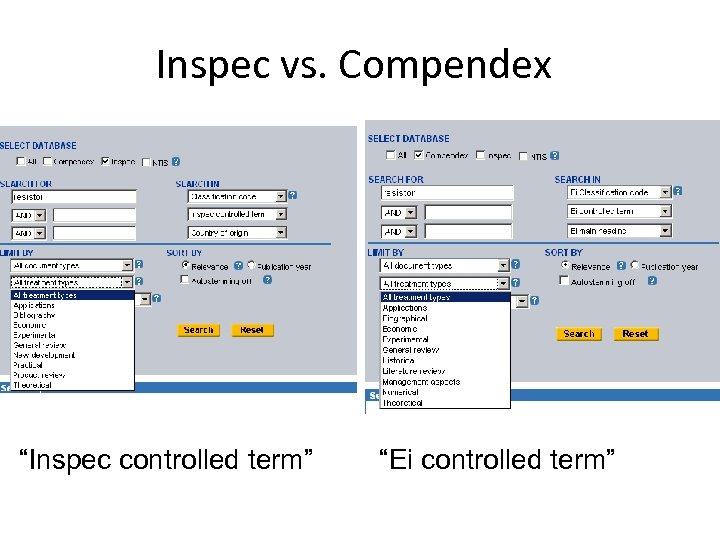
Inspec vs. Compendex “Inspec controlled term” “Ei controlled term”
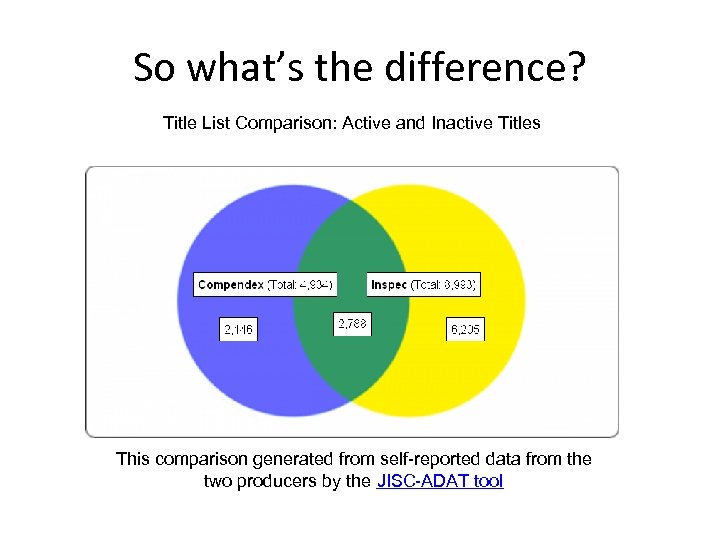
So what’s the difference? Title List Comparison: Active and Inactive Titles This comparison generated from self-reported data from the two producers by the JISC-ADAT tool
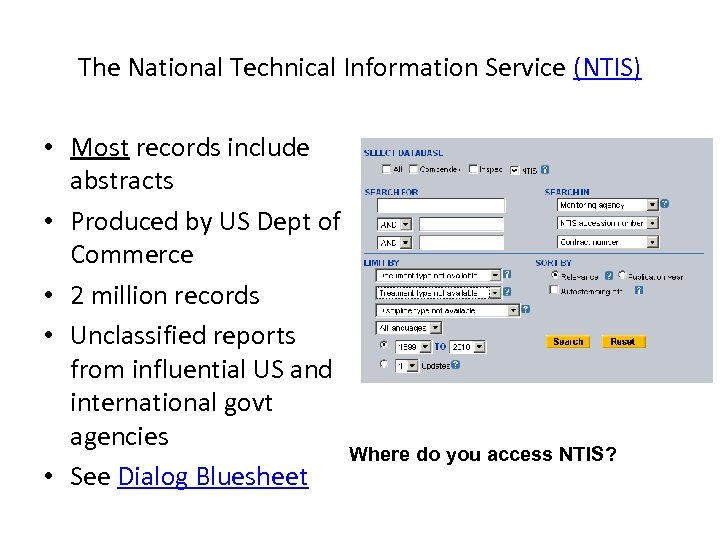
The National Technical Information Service (NTIS) • Most records include abstracts • Produced by US Dept of Commerce • 2 million records • Unclassified reports from influential US and international govt agencies Where do you access NTIS? • See Dialog Bluesheet
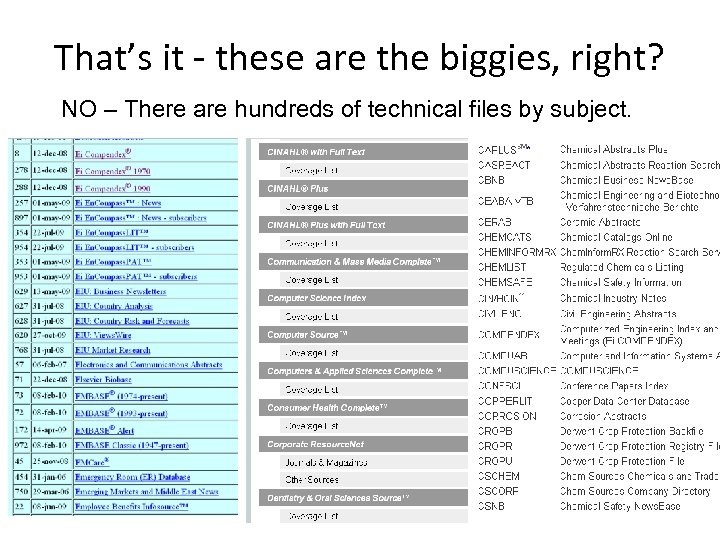
That’s it - these are the biggies, right? NO – There are hundreds of technical files by subject.
We have more to say about these files. Our next session will cover A&I files in-depth
Let’s talk about some available commercial platforms Aggregators vs. Platform-Database Combos
What is an aggregator? • A company builds a platform to give you access to multiple A&I files, built by various producers.
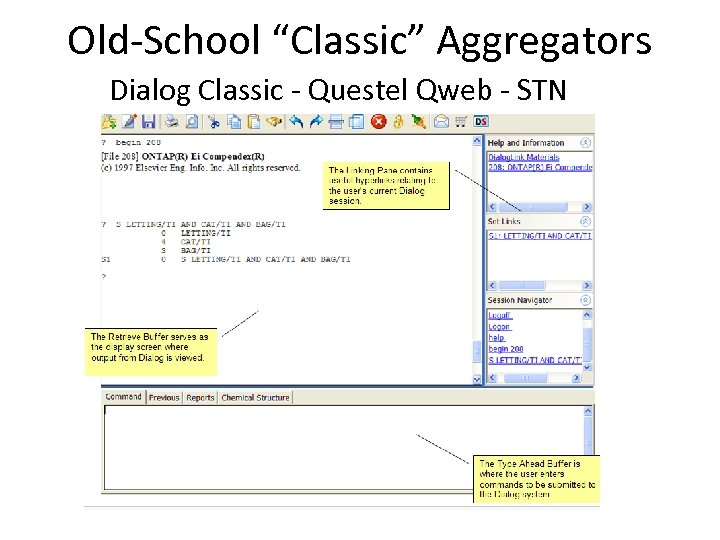
Old-School “Classic” Aggregators Dialog Classic - Questel Qweb - STN
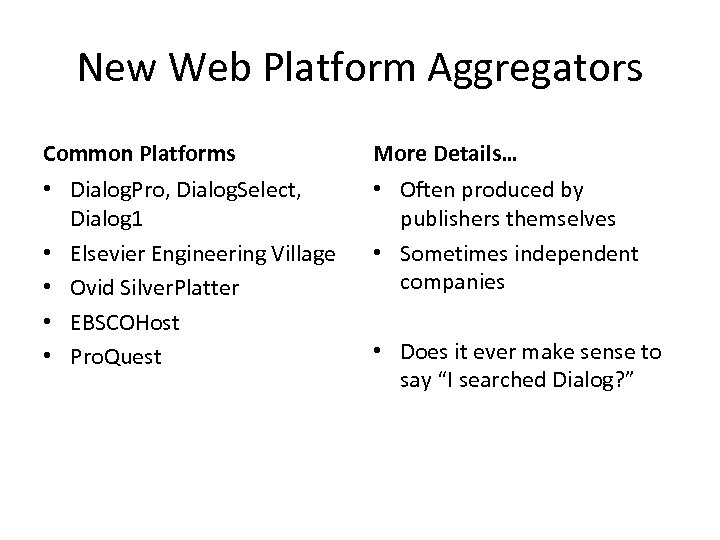
New Web Platform Aggregators Common Platforms More Details… • Dialog. Pro, Dialog. Select, Dialog 1 • Elsevier Engineering Village • Ovid Silver. Platter • EBSCOHost • Pro. Quest • Often produced by publishers themselves • Sometimes independent companies • Does it ever make sense to say “I searched Dialog? ”
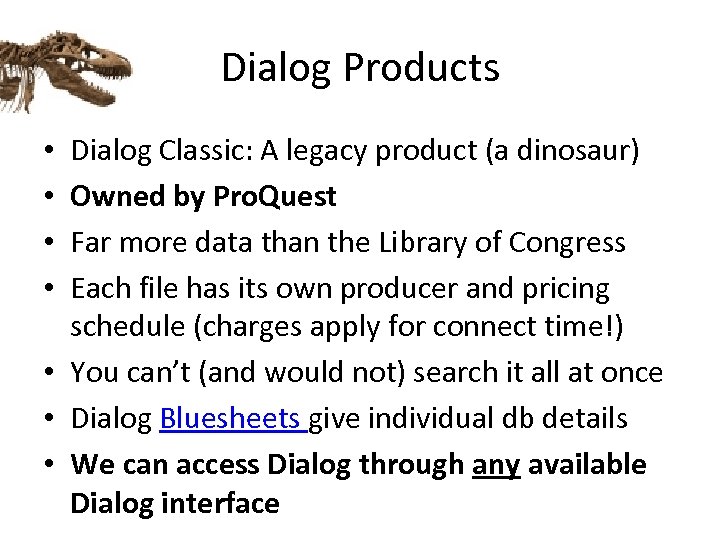
Dialog Products Dialog Classic: A legacy product (a dinosaur) Owned by Pro. Quest Far more data than the Library of Congress Each file has its own producer and pricing schedule (charges apply for connect time!) • You can’t (and would not) search it all at once • Dialog Bluesheets give individual db details • We can access Dialog through any available Dialog interface • •
Dialog Web • We can access any file we already subscribe to via Dialog Web for no additional charge • As long as we access only those files we subscribe to on a flat fee basis, we can search Dialog through any available interface • FYI: Dialog 1, Dialog Select, Dialog Web, Dialog Classic Web …. • See Intellogist article on “Dialog Product Suite”
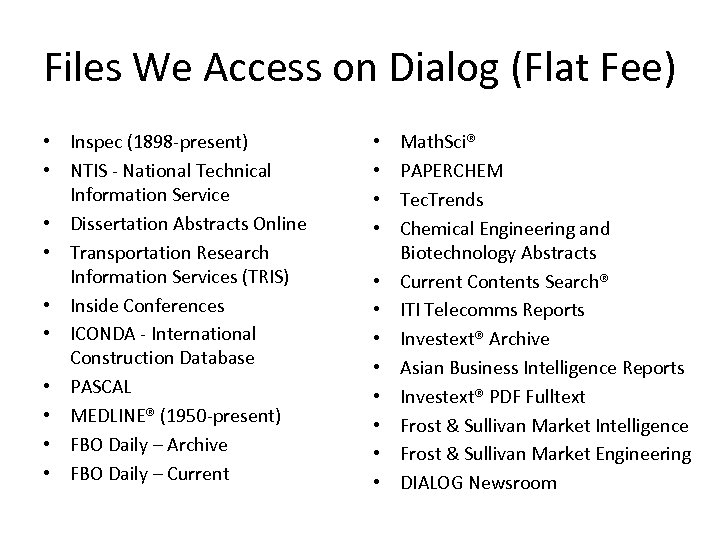
Files We Access on Dialog (Flat Fee) • Inspec (1898 -present) • NTIS - National Technical Information Service • Dissertation Abstracts Online • Transportation Research Information Services (TRIS) • Inside Conferences • ICONDA - International Construction Database • PASCAL • MEDLINE® (1950 -present) • FBO Daily – Archive • FBO Daily – Current • • • Math. Sci® PAPERCHEM Tec. Trends Chemical Engineering and Biotechnology Abstracts Current Contents Search® ITI Telecomms Reports Investext® Archive Asian Business Intelligence Reports Investext® PDF Fulltext Frost & Sullivan Market Intelligence Frost & Sullivan Market Engineering DIALOG Newsroom
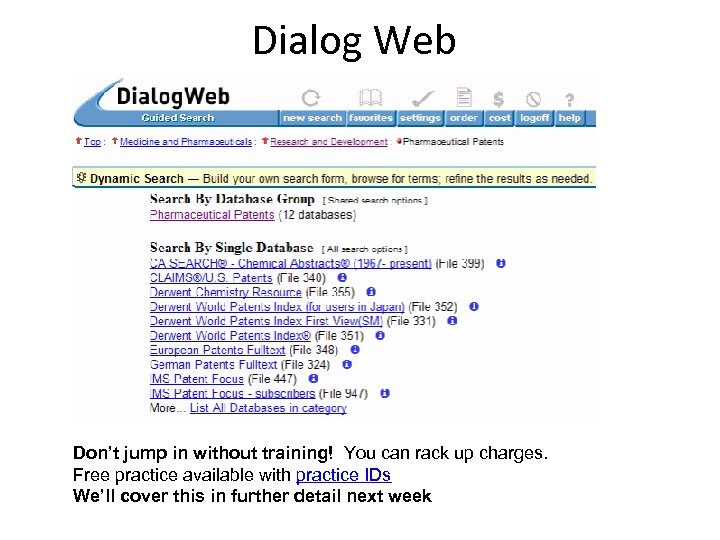
Dialog Web Don’t jump in without training! You can rack up charges. Free practice available with practice IDs We’ll cover this in further detail next week
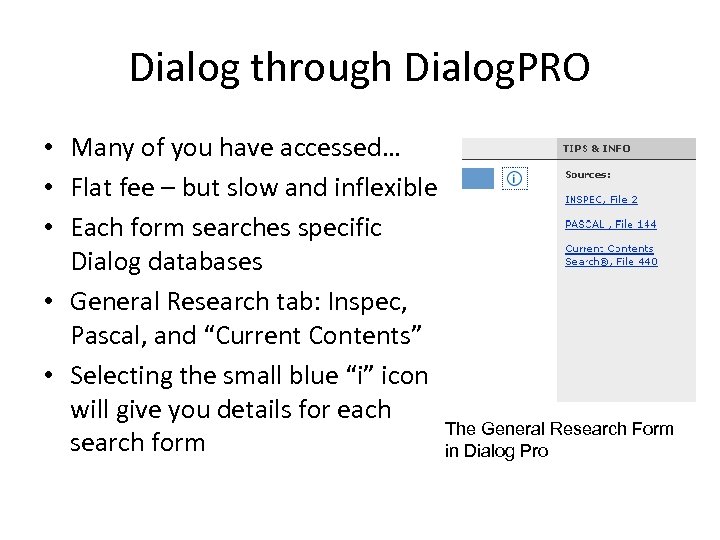
Dialog through Dialog. PRO • Many of you have accessed… • Flat fee – but slow and inflexible • Each form searches specific Dialog databases • General Research tab: Inspec, Pascal, and “Current Contents” • Selecting the small blue “i” icon will give you details for each The General Research Form search form in Dialog Pro
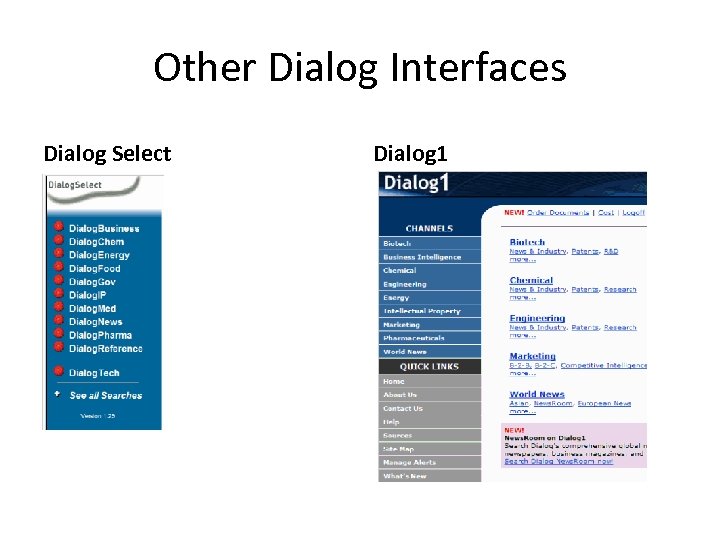
Other Dialog Interfaces Dialog Select Dialog 1
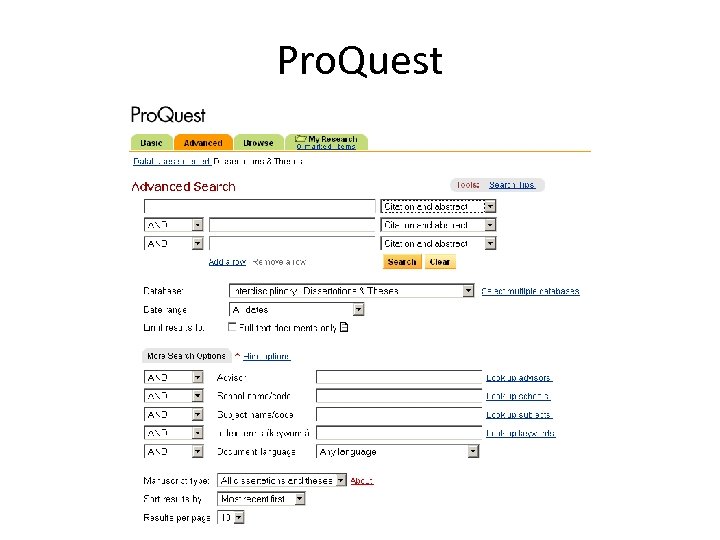
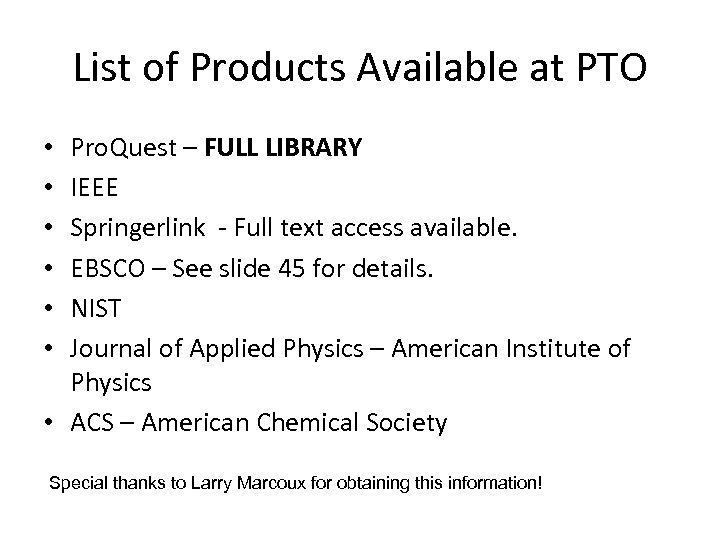
Pro. Quest • Pro. Quest owns a company called CSA, formerly Cambridge Scientific Abstracts -> they produce technical databases • Many of these DBs are also loaded on Dialog • Free at the PTO Search Room if you have your own laptop? !? The entire library? • Explore CSA databases • Explore CSA deep indexing on selected dbs • CSA Illumina is another platform (not shown)
Example: CSA Deep Indexing • AGRICOLA – Free at National Agricultural Library – Available with “Deep indexing” from CSA • “Deep indexing” as used by CSA means records are enhanced with info about, and thumbnails of, tables and figures. • Full explanation available on CSA website
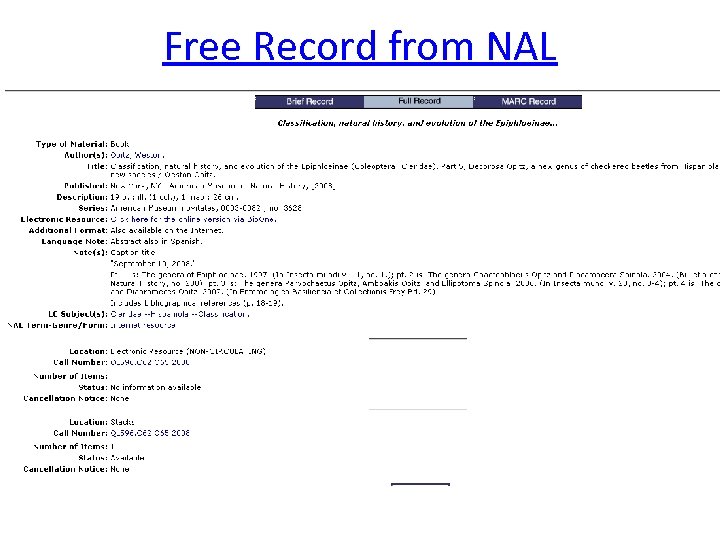
Free Record from NAL
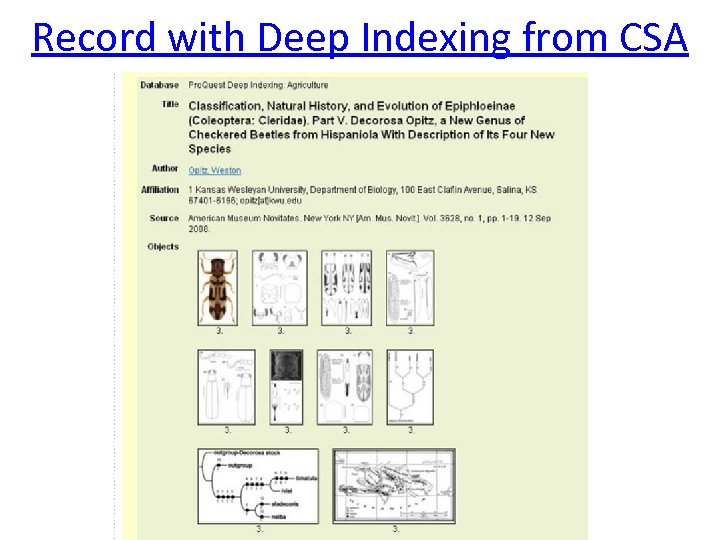
Record with Deep Indexing from CSA
Pro. Quest
List of Products Available at PTO Pro. Quest – FULL LIBRARY IEEE Springerlink - Full text access available. EBSCO – See slide 45 for details. NIST Journal of Applied Physics – American Institute of Physics • ACS – American Chemical Society • • • Special thanks to Larry Marcoux for obtaining this information!
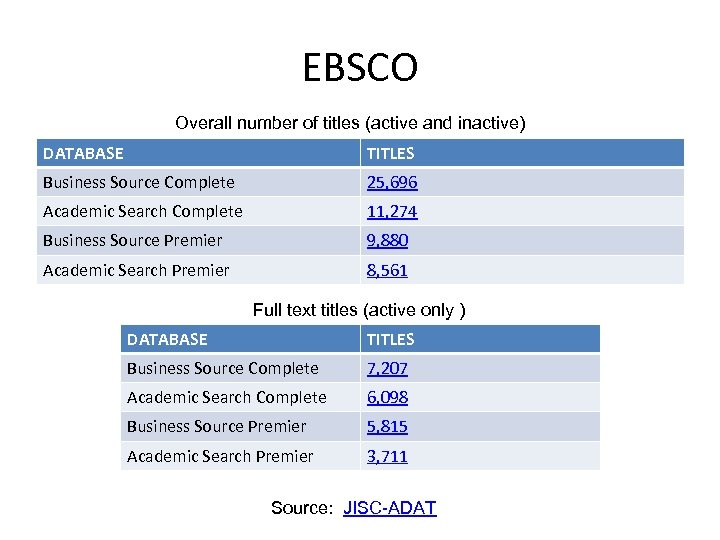
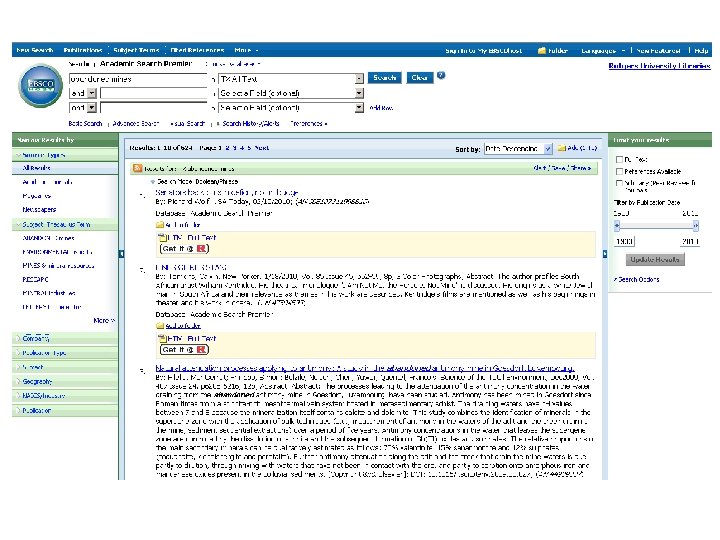
EBSCOhost • EBSCO is a publisher (like Elsevier) • EBSCOhost is their aggregator platform • EBSCO is also a database producer: – “Academic Search” and “Business Source” proprietary databases, which include searchable *FULL TEXT* from EBSCO journals • Unfortunately the full text content is hard to pin down –not focused on science/technology Another product, EBSCO Integrated Search, is a federated search platform, but we’ll get to that later.
EBSCO Overall number of titles (active and inactive) DATABASE TITLES Business Source Complete 25, 696 Academic Search Complete 11, 274 Business Source Premier 9, 880 Academic Search Premier 8, 561 Full text titles (active only ) DATABASE TITLES Business Source Complete 7, 207 Academic Search Complete 6, 098 Business Source Premier 5, 815 Academic Search Premier 3, 711 Source: JISC-ADAT
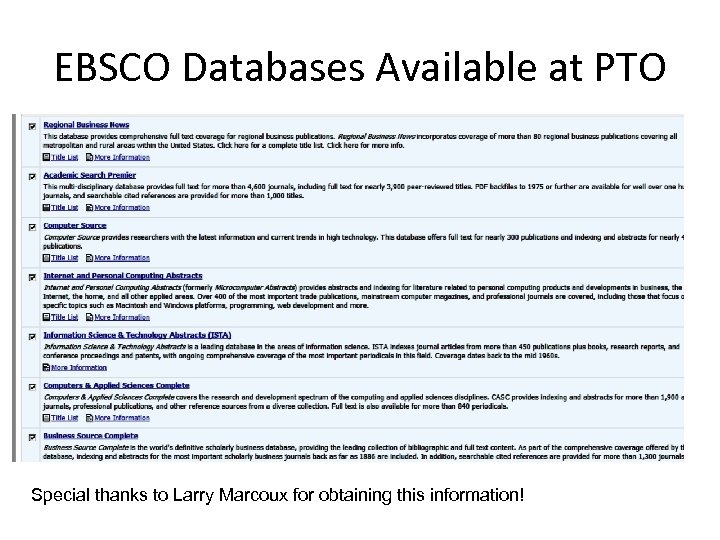
EBSCO Databases Available at PTO Special thanks to Larry Marcoux for obtaining this information!
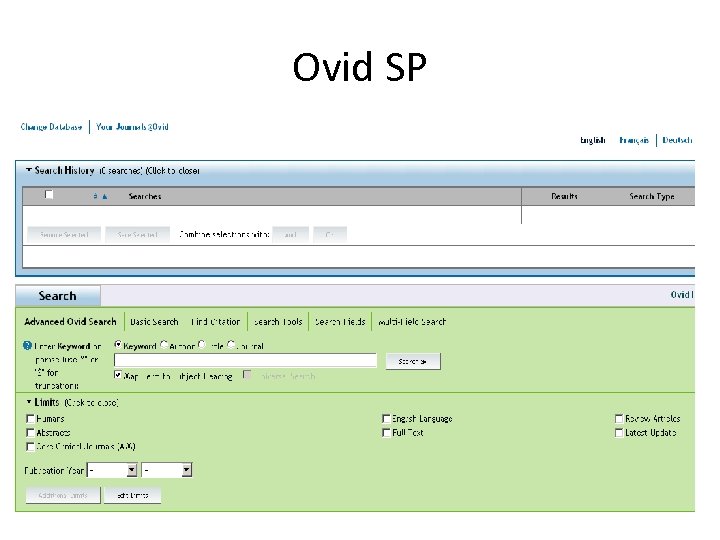
Ovid SP • Offered by Wolters Kluwer Health (publisher) • Does offer Inspec and other STM data files • Does offer a full text database – “Ovid Full Text” – Primarily health-related journals • Libraries can integrate data records with links to their subscription full text holdings
Ovid SP
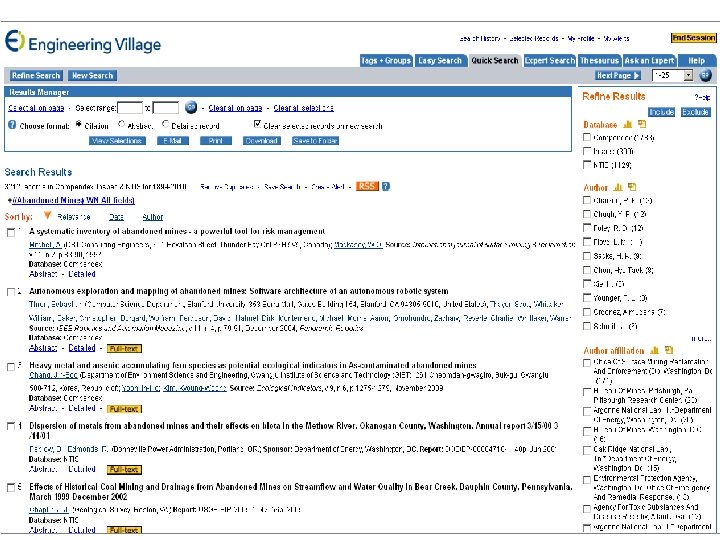
Engineering Village • Elsevier’s aggregator • Only offers 13 databases – many of these are produced by Elsevier itself. • Compendex & Backfile • Inspec & Backfile* • NTIS* • Geo. Base • Geo. Ref* • Ei Patents • Referex • Paper. Chem • Encompass LIT and PAT • Chimica • Chemical Business News Bold = included in our subscription *Database is not produced by Elsevier
Database-Platform Combos The following products are NOT aggregators (as of right now)
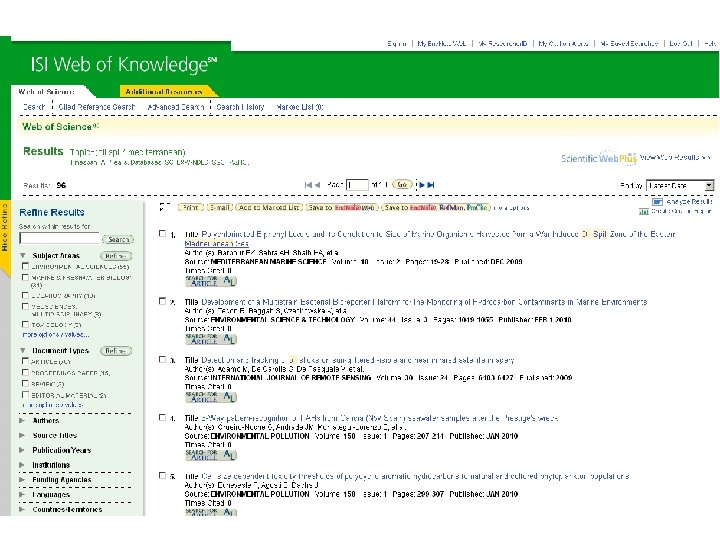
ISI Web of Science • Three Major Databases (no full text): – Science Citation Index – Social Sciences Citation Index – Arts & Humanities Citation Index • All of these databases are produced by Thomson Reuters; publisher-neutral • Part of larger “Web of Knowledge” product • Important feature: – Journal and Author Impact Factors
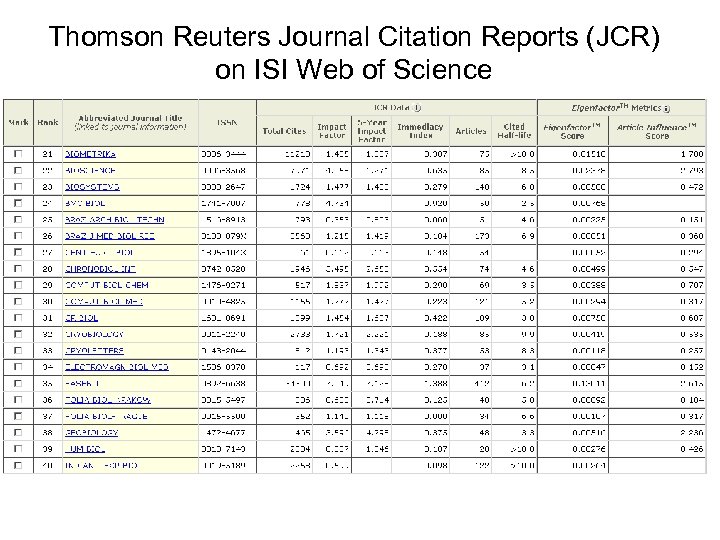
Thomson Reuters Journal Citation Reports (JCR) on ISI Web of Science
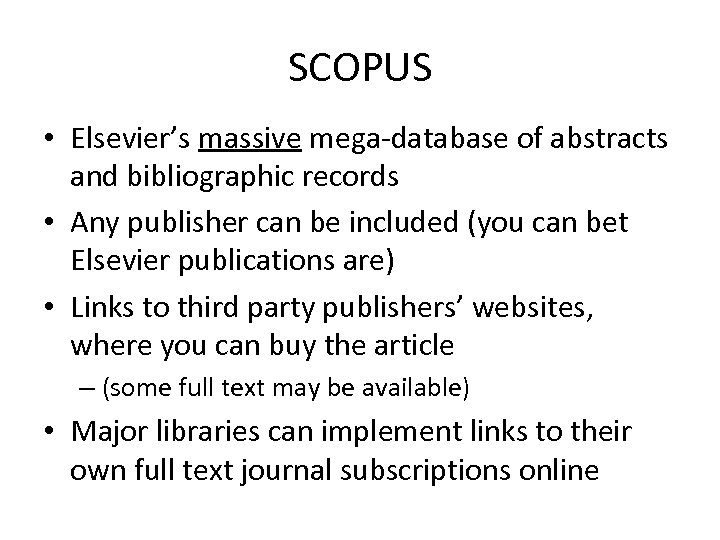
SCOPUS • Elsevier’s massive mega-database of abstracts and bibliographic records • Any publisher can be included (you can bet Elsevier publications are) • Links to third party publishers’ websites, where you can buy the article – (some full text may be available) • Major libraries can implement links to their own full text journal subscriptions online
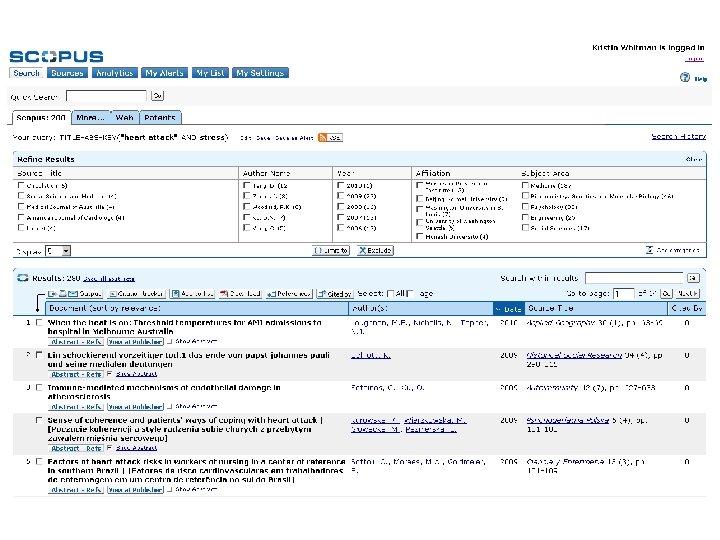
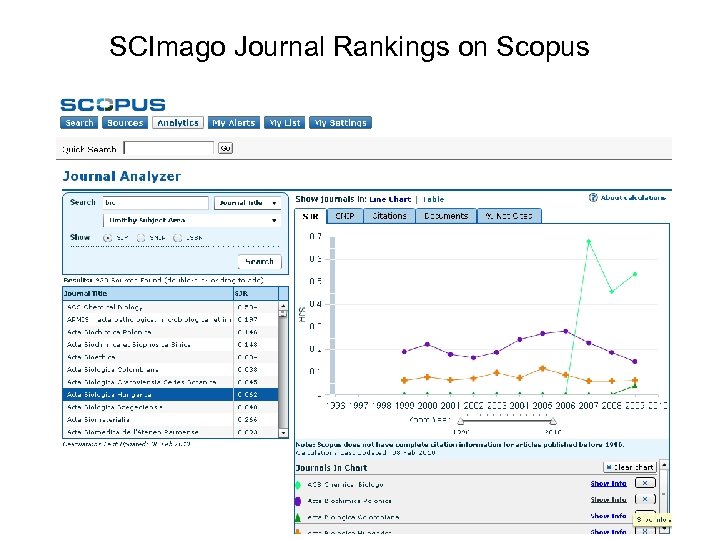
SCImago Journal Rankings on Scopus
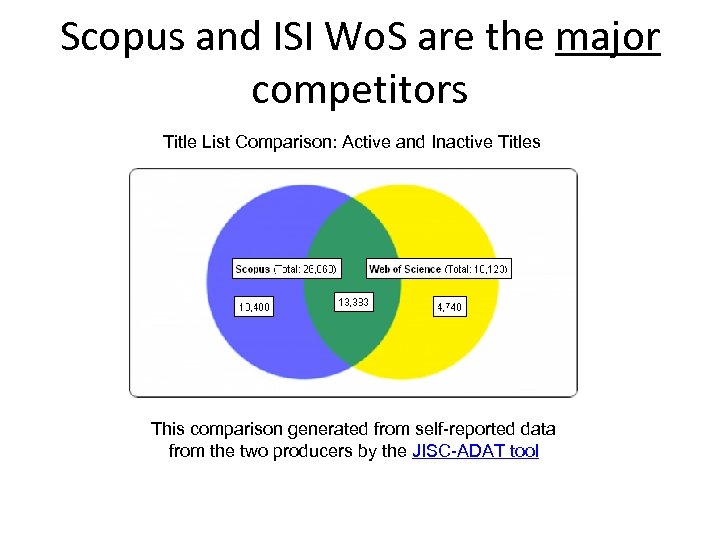
Scopus and ISI Wo. S are the major competitors Title List Comparison: Active and Inactive Titles This comparison generated from self-reported data from the two producers by the JISC-ADAT tool
Publishers and their Web Databases Or, you mean I have to buy a copy? ?
Publisher Search Sites • Publishers have begun selling individual articles directly to consumers – library is no longer the middleman – Free searching is available, often through full text (but you still pay to view FT) • Should have complete runs of journals in most cases: they want you to buy article copies • The downside to using these sources is that you’re only searching one publisher
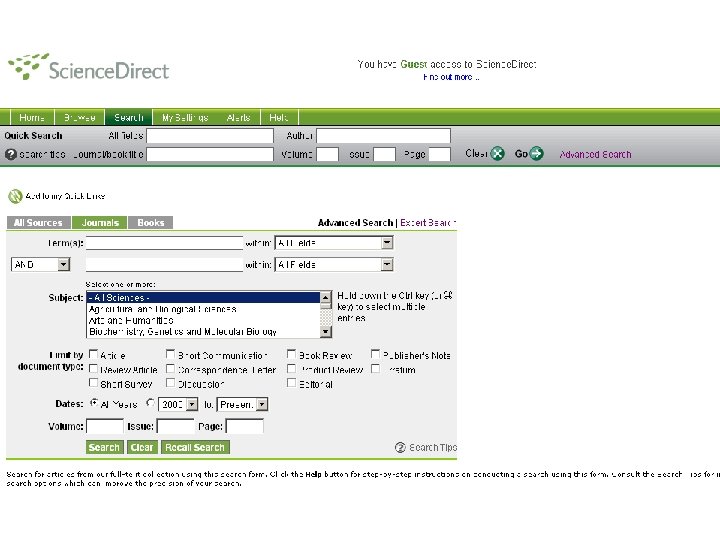
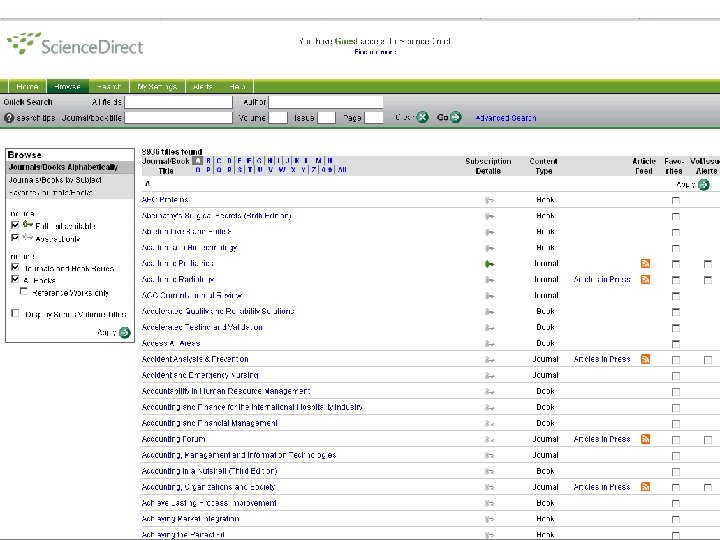
Science. Direct (Elsevier) • A database of Elsevier journals • Full text is available/searchable for at least some of the titles – search form will search the full text • Around 9000 titles • Use for investigating individual articles more closely
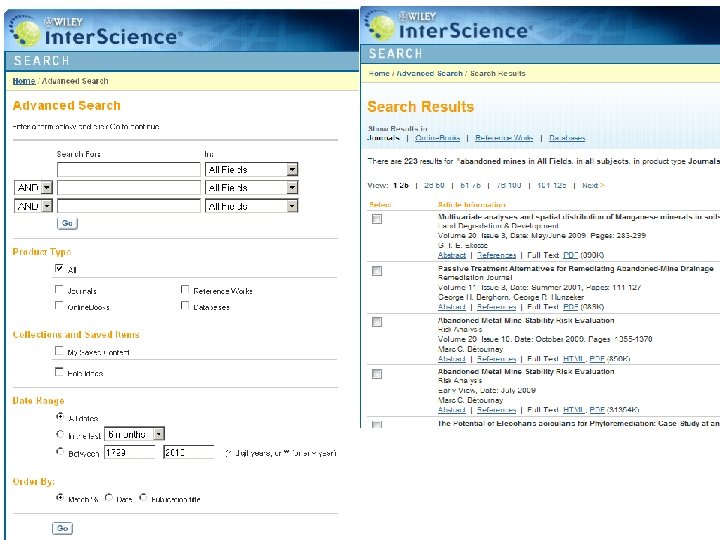
Wiley Interscience (Wiley) • 1500 Journals – 767 are • Journals Science, Technology, or • Online Books Medical (STM) topics • Chemical and Medicinal Databases • Reference Works • Laboratory Protocols
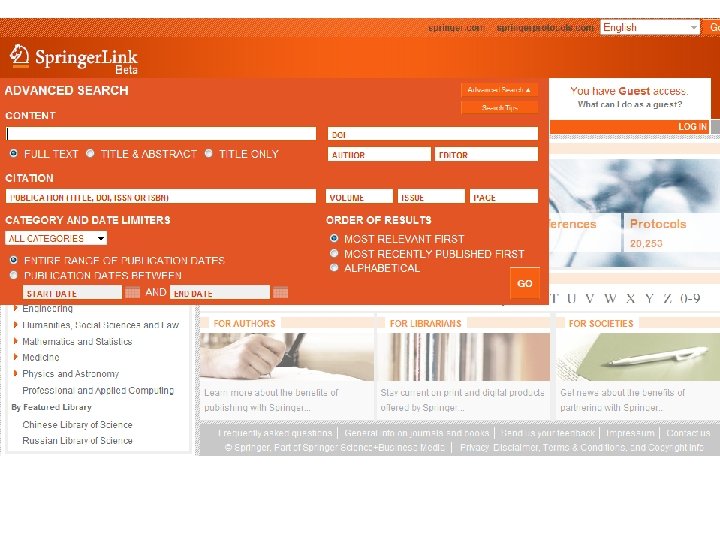
Springer. Link (Springer) • Over 1, 250 journals and more than 10, 000 books • Online Archives (historical scientific research) Journals Books and Book Series Reference Works Protocols Chinese Library of Science • Russian Library of Science • • •
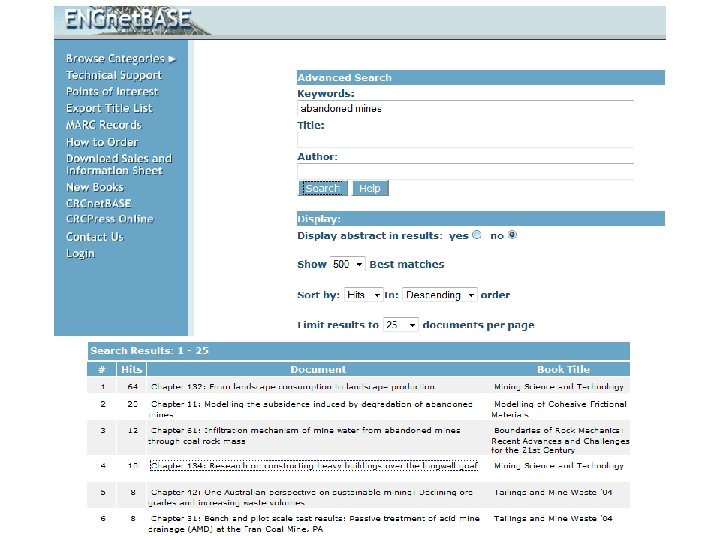
Taylor & Francis • Produce the CRC series • CRCnet. BASE is their directory of textbooks by subject area • Perhaps you’ve heard of CRC ENGnet. BASE – Engineering Handbooks Online • There are “net. BASEs” for lots of subject areas • Search for free, pay to access
IEEE Xplore • IEEE Xplore is a “digital library” – definition? • 2, 590, 153 documents • IEEE produces 1/3 of world’s literature in – Electrical engineering – Computer science – Electronics • Books published in conjunction with Wiley • • Journals & Magazines Conference Proceedings Books Standards Educational Courses Technology Surveys Provides access to content from other publishers through Cross. Ref & Scitopia
There are many more specialized publishers out there. Example: ACS journals We’ll capture more of these in later sessions.
Web Search Engines
A Word about Grey Literature • “Grey literature”: not formally published • Exists in academia, business and government – Academia: theses, dissertations, etc. – Businesses: product brochures, in-house research – Government: memoranda, reports, etc. • • Institutional Repositories – Open. DOAR Web search – Google Scholar, Scirus, etc. Ar. Xiv. org – contains some “pre-prints” Upcoming sessions will have more info
Federated Search • Means a search form that can go out on the web and put data into other search forms • Google can’t interact with other search masks • This hidden world of data is called “Deep Web” • Science. gov - over 40 databases and over 2000 selected websites • World. Wide. Science. org – Global Sources • Science. Research. com – Federated search of both sources • Tech. Xtra – federated search of 33 databases
Specialized Web Search Engines • Attempt to filter unwanted content on the Web by only indexing certain types of information • • Google Scholar Scirus Scitopia Microsoft Academic Search
Semantic Search is Coming (maybe) • “Web 3. 0” • Search engines may someday be able to understand anticipate what you want • Controlled vocabulary searching may someday become less necessary • That day is a long way away • See the resources in the Notes section of this slide to learn more
In Conclusion. .
Consider • We call it “non-patent” literature – what does everybody else call it? • The digital age is still new • The publishing industry is changing rapidly • Search technologies are changing rapidly • Physical libraries offer a world of free full text access unavailable on the web
Vocabulary • • Open Access A&I Files Bluesheets Aggregators Publisher Website Search Grey Literature Federated Search Deep Web
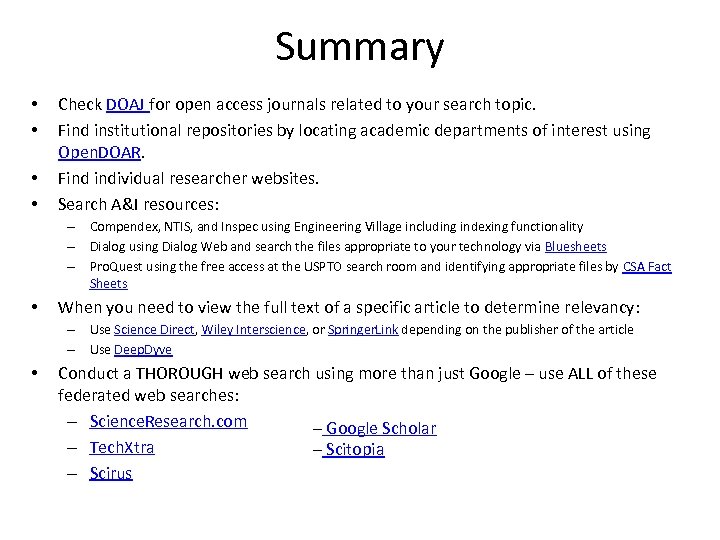
Summary • • Check DOAJ for open access journals related to your search topic. Find institutional repositories by locating academic departments of interest using Open. DOAR. Find individual researcher websites. Search A&I resources: – Compendex, NTIS, and Inspec using Engineering Village including indexing functionality – Dialog using Dialog Web and search the files appropriate to your technology via Bluesheets – Pro. Quest using the free access at the USPTO search room and identifying appropriate files by CSA Fact Sheets • When you need to view the full text of a specific article to determine relevancy: – Use Science Direct, Wiley Interscience, or Springer. Link depending on the publisher of the article – Use Deep. Dyve • Conduct a THOROUGH web search using more than just Google – use ALL of these federated web searches: – Science. Research. com – Google Scholar – Tech. Xtra – Scitopia – Scirus

Thank you!
Скачать презентацию Non-Patent Literature Searching Part I The Publishing
6dc49d7635e18071d9220a2bd098eece.ppt